

Area of Emargen
Admin
Admin is where your organisation decides what the agent works with. Which AI it runs on. Which of your tools and code it may read. Who’s in the organisation, and who may do the few things that reach everyone.
The agent reads what you connect
Section titled “The agent reads what you connect”Ask an agent about your own product with nothing connected, and you get a fluent guess. Connect the support team’s Jira and the code behind the product, and the same question comes back with the ticket and the file it came from. Admin is where you connect them.
Most of it is done once. In a new organisation’s setup, you choose its models, connect its knowledge and code, and invite the first people. Then you launch it for everyone. From then on, you run it from the same pages.
The admin agent
Section titled “The admin agent”Every Admin page has a chat beside it. The admin agent reads your organisation’s setup. Ask it what’s missing, why a check failed, or which models the agents use, and it opens the page with the answer.
Ask for a change, like inviting someone or adding a provider, and it puts the change on a card. Nothing happens until you press the card’s button. A provider’s key never goes through the chat. The agent gives you a card to type it in, the key goes straight to Emargen, and the agent only learns whether it worked.
We run the admin agent on a model we chose, so it works on your first day, before your organisation has a model of its own.
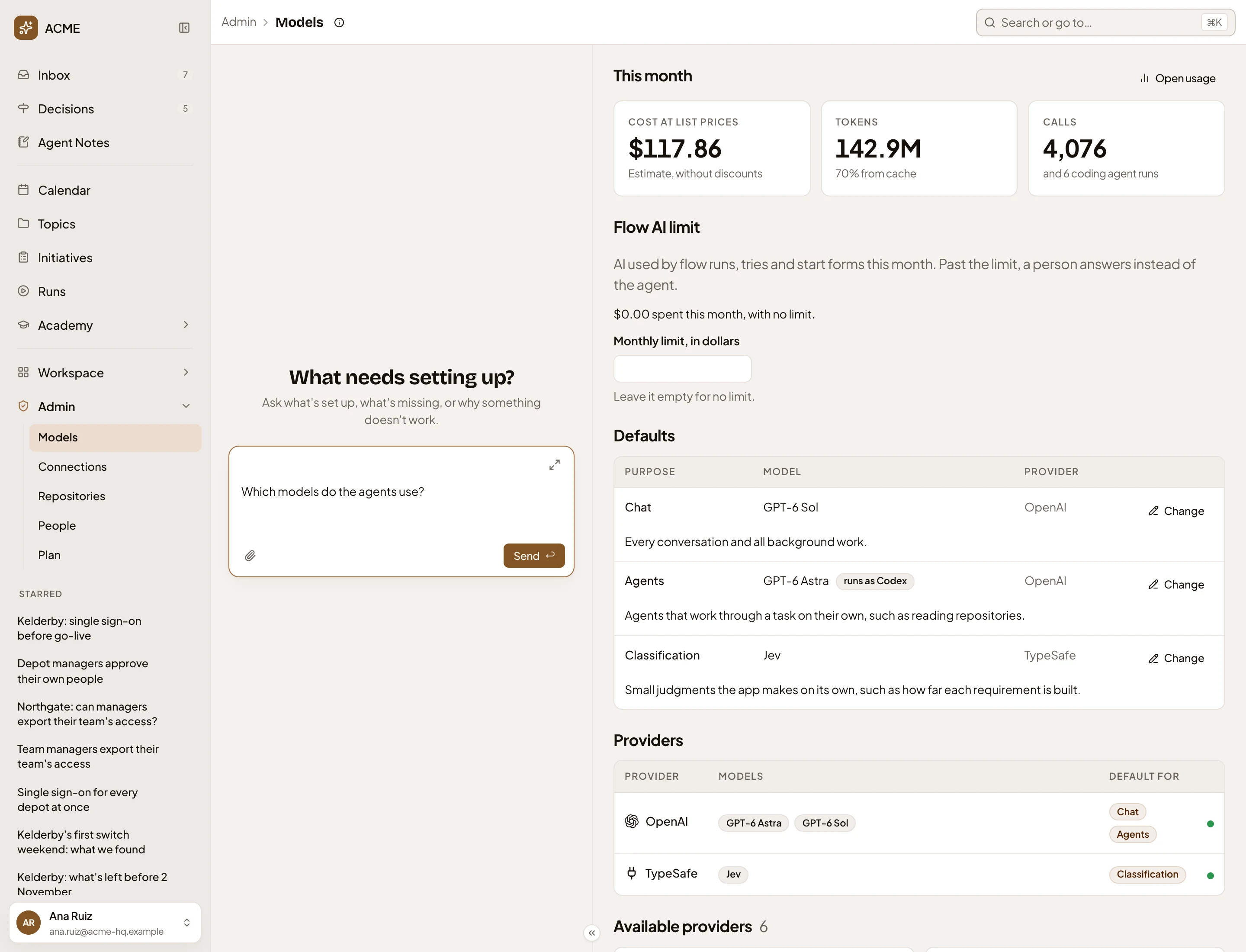
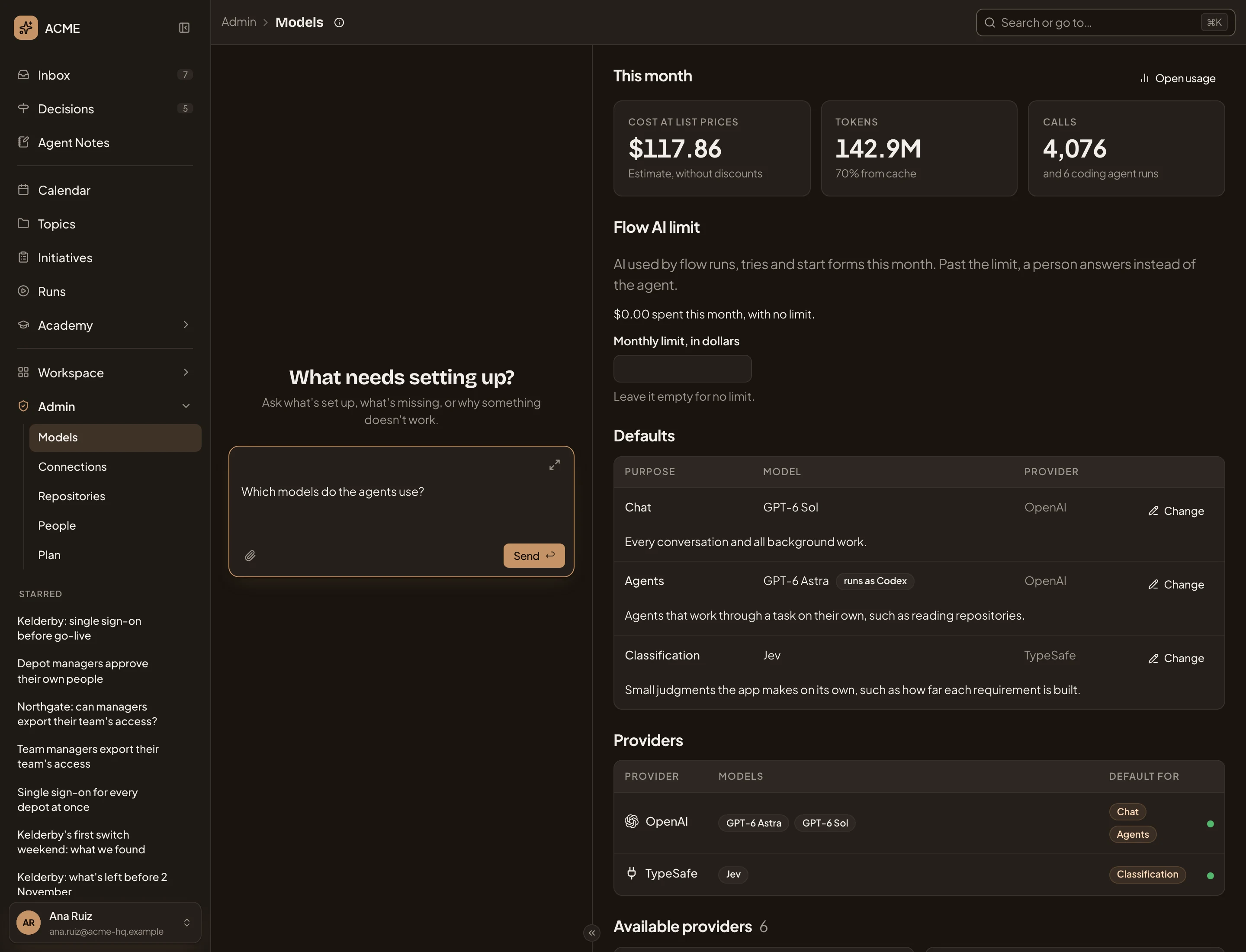
- Admin in the menu: Models, Connections, Repositories, People and Plan.
- The admin agent’s chat, before the first question.
- A question typed in the message box, not sent yet.
- Defaults, the model for each kind of work.
Its ideas
Section titled “Its ideas”- Models. The AI providers your organisation buys from, the models it keeps, and a default for each kind of work. There are three. One for chat, one for agents that work through a job on their own, and an optional one for the app’s small judgments.
- The record of AI use. Every call to your models, what it was for, and what it cost at list prices. It’s Usage, under Models.
- Connections and knowledge. The tools your team keeps its knowledge in, like Jira, Confluence or Notion. The agent searches one only after a check with real searches has passed.
- Repositories and analyses. Your code, and an analysis that says what each part does. The agent answers “Can we already do that?” from the code. Recipes tell an analysis what to look for.
- People and roles. Who’s in, and what each person may do beyond their own work. Agent access, on the same page, says how far people’s own assistants, like Claude or Codex, may come in.
- Plan. Your plan’s limits on how many agents and chat replies run at once, and how much is in use now. Emargen changes the plan when you ask. Plans and limits says what happens at each limit.
Roles, for what reaches everyone
Section titled “Roles, for what reaches everyone”Most of what people do in Emargen needs no permission. You decide who sees a topic or an initiative with sharing, item by item. Only a few things need a permission, like managing the models or the connections, inviting people, or approving an initiative before it’s built.
A role says who may do each of those, and only what their job needs. A product manager can approve initiatives without touching the models. A support lead can invite colleagues without managing anyone’s roles.
The models run on your organisation’s own accounts, so the bill is yours. Emargen records what each call was for, so when the bill comes, you can see where the money went.
Set up once, then checked
Section titled “Set up once, then checked”Say the person who set Emargen up is your customer success lead. They connected the support team’s Jira through an account kept for Emargen, which sees only the support project. Whatever that account can read, anyone in the organisation may get in an answer, so they picked it with care. They added the three repositories behind the product, invited the team, and made a Product role so the product manager could approve initiatives.
Months later, most of that shows in other people’s work. Someone on the support desk asks why a customer’s requests vanished after a role change, and the agent finds the ticket in Jira.
What’s left for the administrator is checking. One week a repository shows Out of date, because the code moved on since its analysis. They have it analysed again. Usage shows what the month came to, and how much of it was outside initiatives.
Two guides say more for whoever runs it: roles and permissions and single sign-on. For engineers is the other side of agent access: what a coding agent does once it’s in.