

AdminHow to
Let support in
Emargen’s own support team can’t come into your organisation until you let them. Let them in when they’re helping you and need to see what your people see, like a connection that keeps failing. They come in for 24 hours at most, and their sessions and every change they make are recorded.
Before you start
Section titled “Before you start”- You need a role that may manage roles. Administrators have it.
- Agree with Emargen support what they’ll look at, and if they need to change anything or only look.
- ACME’s Support access, with Let support in turned off.
-
Click Admin in the menu, then People under it, then Support, the last tab at the top of the page. Support access is at the top, and History under it.
Open Support (opens Emargen in a new tab)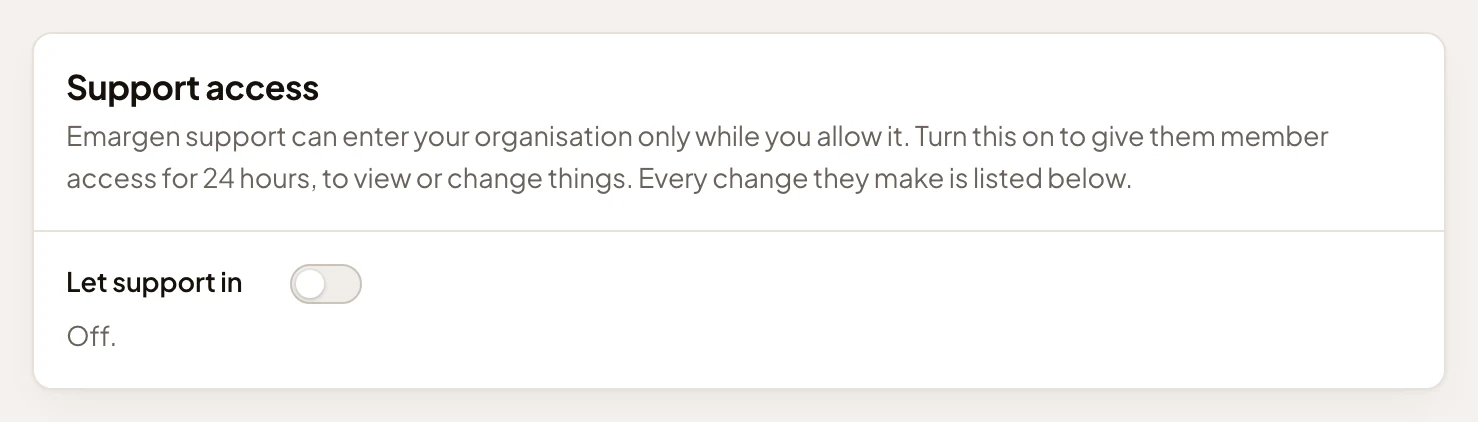
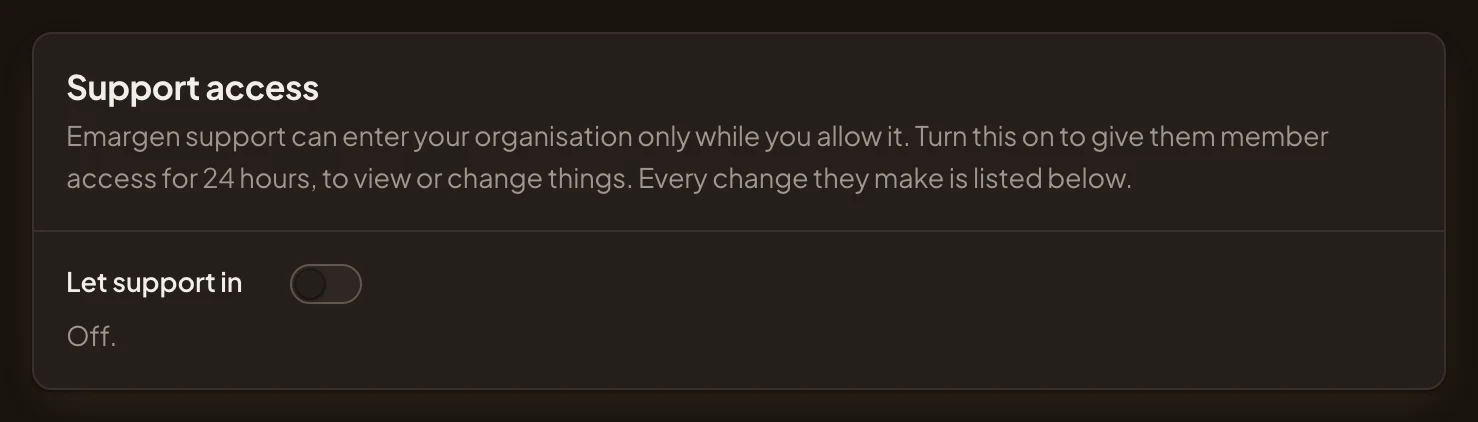
- Let support in.
- Whether support may come in now.
-
Turn on Let support in. It doesn’t ask first. The line under the switch shows when access ends, 24 hours from now, and that you turned it on. History records the change.
-
Tell Emargen support they can come in.
What you get
Section titled “What you get”- For the next 24 hours, someone from Emargen support can come in as one of your people, to look or to change. They can’t touch sign-in details, invitations, roles, support access, agent work or your AI providers.
- While they’re in, you see who has come in and whose account they’re using. End session stops them at once.
- History shows their sessions and changes, by day, with the reason they gave.
- After 24 hours, access goes off by itself.
Stop sooner
Section titled “Stop sooner”Turn Let support in off. When Emargen asks “Stop letting support in?”, click Turn off. Any support session running now ends. The line under the switch says Off again, and History gains “Stopped letting support in”, with the time and your name.