

AdminPage by page
A repository
A repository’s page shows where one repository lives, which commit Emargen’s copy is at, and the analysis that says what the code does. Open it by clicking a repository on Repositories. Repositories and analyses explains the idea.
Open Repositories (opens Emargen in a new tab)Its tabs are Overview, Analysis and History. Until its first analysis, there are no tabs. You see the repository’s facts and its scan, then the profile the scan proposed. Analyse starts the first analysis from it, and the page follows how far it has got.
Overview
Section titled “Overview”ACME’s portal, analysed three times and read in four areas.
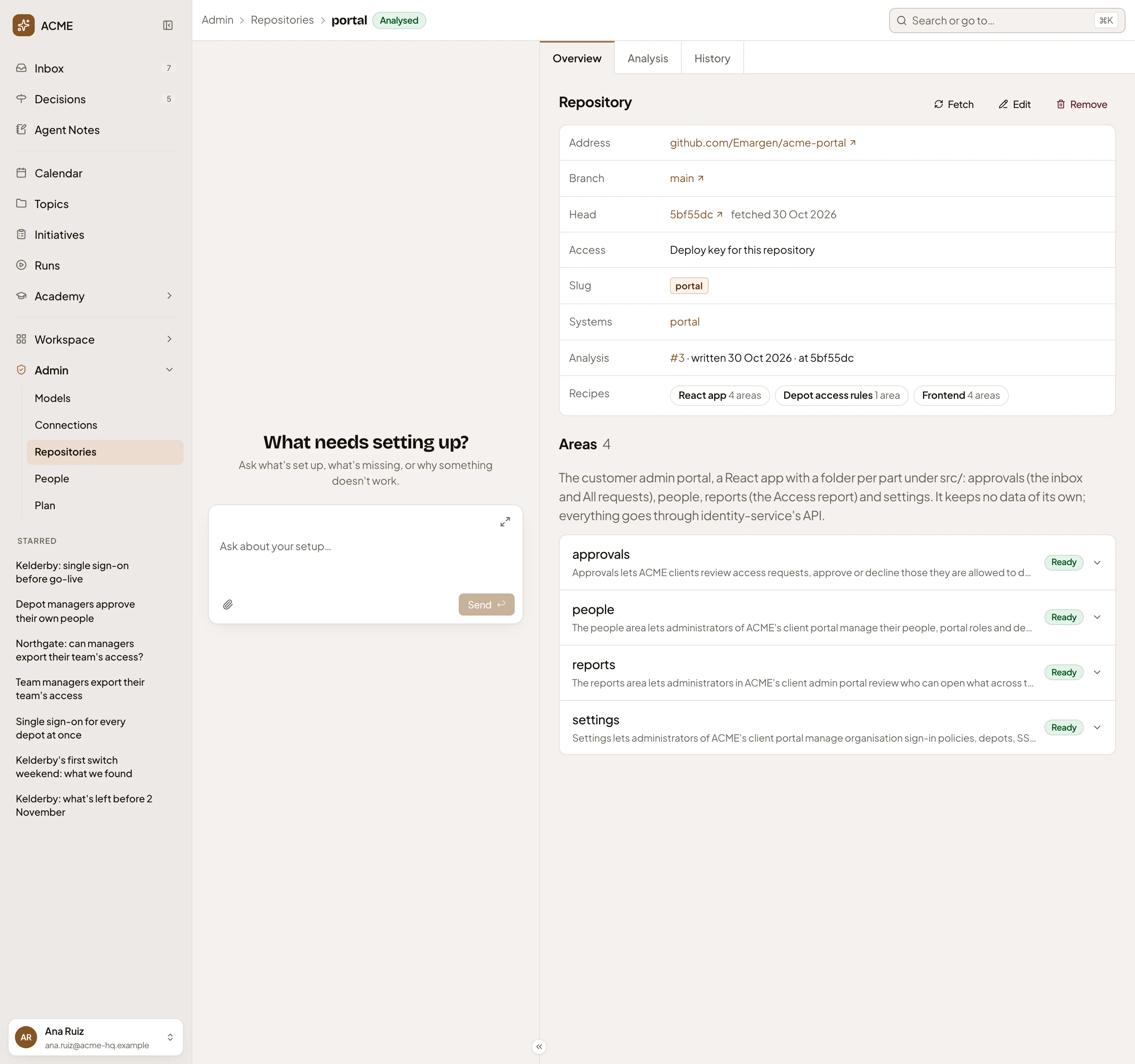
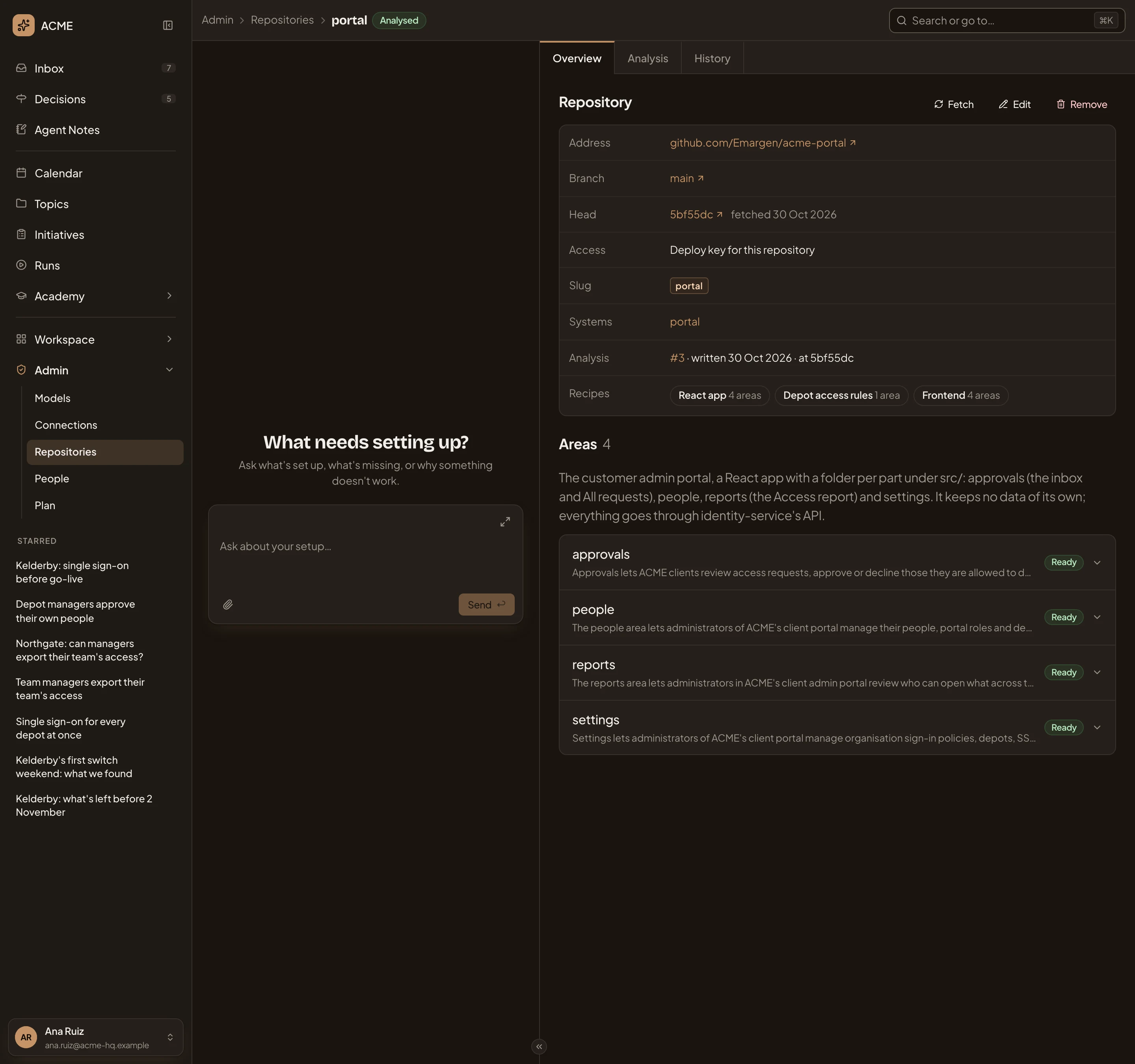
- Where you are: Repositories, then the repository.
- Analysed. Its status, as on the list.
- Overview, Analysis and History.
- Fetch, Edit and Remove. The repository’s buttons (Its buttons).
- Address. Opens the repository on its host. So do the branch and the head.
- Head. The commit the copy is at, and when it was fetched.
- Access. How Emargen reaches it, here with a deploy key. A Git host’s name opens its form.
- Systems. The systems in your Landscape whose code this is.
- Analysis. The current analysis: its number, when it was written, and at which commit. The number opens it under History.
- Recipes. What the analysis looked for, with how many areas each applied to. Click one to read it in a panel on the right.
- Areas. The parts the code divides into, under a sentence on the whole repository.
- An area, with its summary, and Ready once its overview is written.
Slug, the repository’s short name, is set when it’s added and never changes. The agent puts the slug on every citation.
A recipe in the panel is the copy the analysis kept when it started, so a later change to the recipe doesn’t change what this analysis followed.
An area
Section titled “An area”Click an area to open its overview in place.
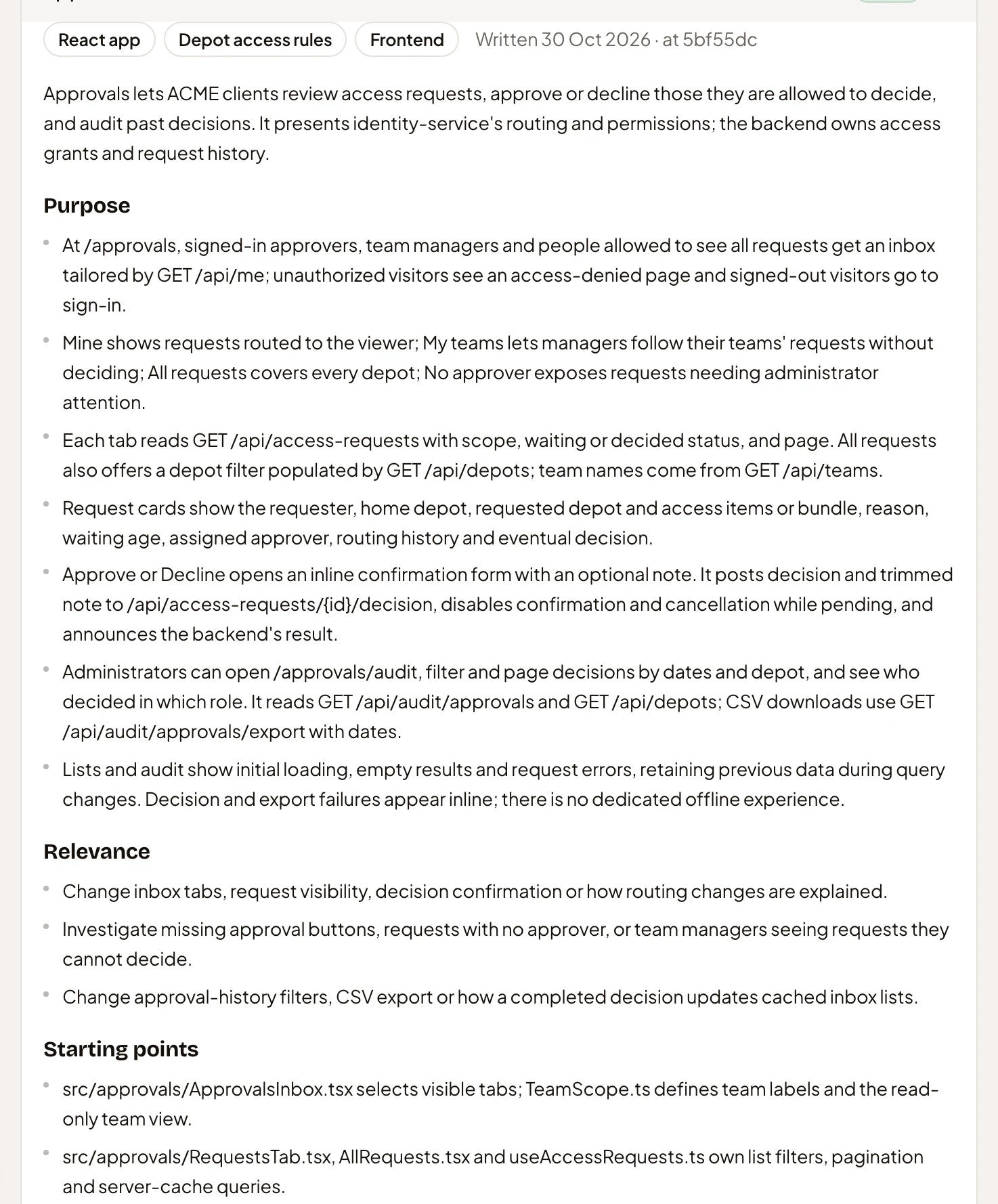
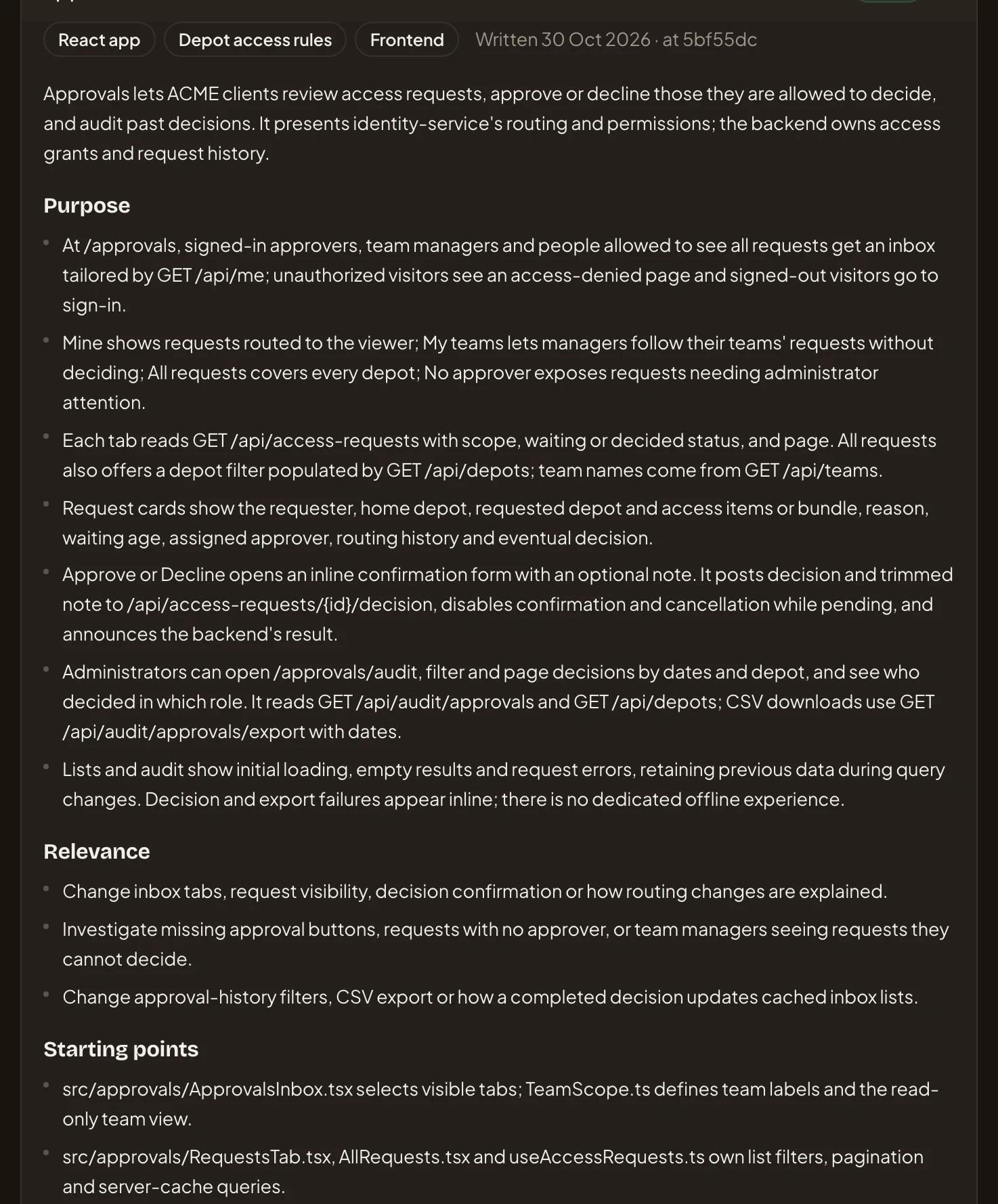
- The recipes this area’s overview followed.
- When the overview was written, and at which commit.
- The overview runs in sections such as Purpose.
Every overview uses the same set of sections. A support lead checking who may approve a depot’s requests reads Business rules. An engineer new to the code starts at Starting points.
For a repository read as one area, such as identity-service, the Overview is that area’s overview.
Out of date
Section titled “Out of date”Once a fetch brings in commits past the one the analysis was written at, the status reads Out of date. Head shows the commit the copy is at now, and Analysis the earlier one. A change to the guidance or the recipes makes it out of date too. You can still read the old overview. To bring it up to date, click Analyse on the Analysis tab. A schedule catches up with new commits on its own, but not with a change to the guidance or the recipes.
Its buttons
Section titled “Its buttons”- Fetch brings the host’s new commits into the copy, and tells you whether the head moved. It waits while a scan or an analysis is reading the copy.
- Edit opens the Edit page.
- Remove removes the repository, once you confirm. Its copy goes and agents stop reading it. Citations into it keep their text and lose their link. You can add it again later.
The copy failed
Section titled “The copy failed”While the copy of a new repository is made, a notice says so. If the host doesn’t let Emargen in, the status turns to Clone failed, the notice gives the host’s reason, and Head reads “Not cloned yet”. Fix the access first. Give the Git host a new token, or change Access on the Edit page. Then click Try again in the notice.
Analysis
Section titled “Analysis”On the Analysis tab, you set the profile the next analysis uses.
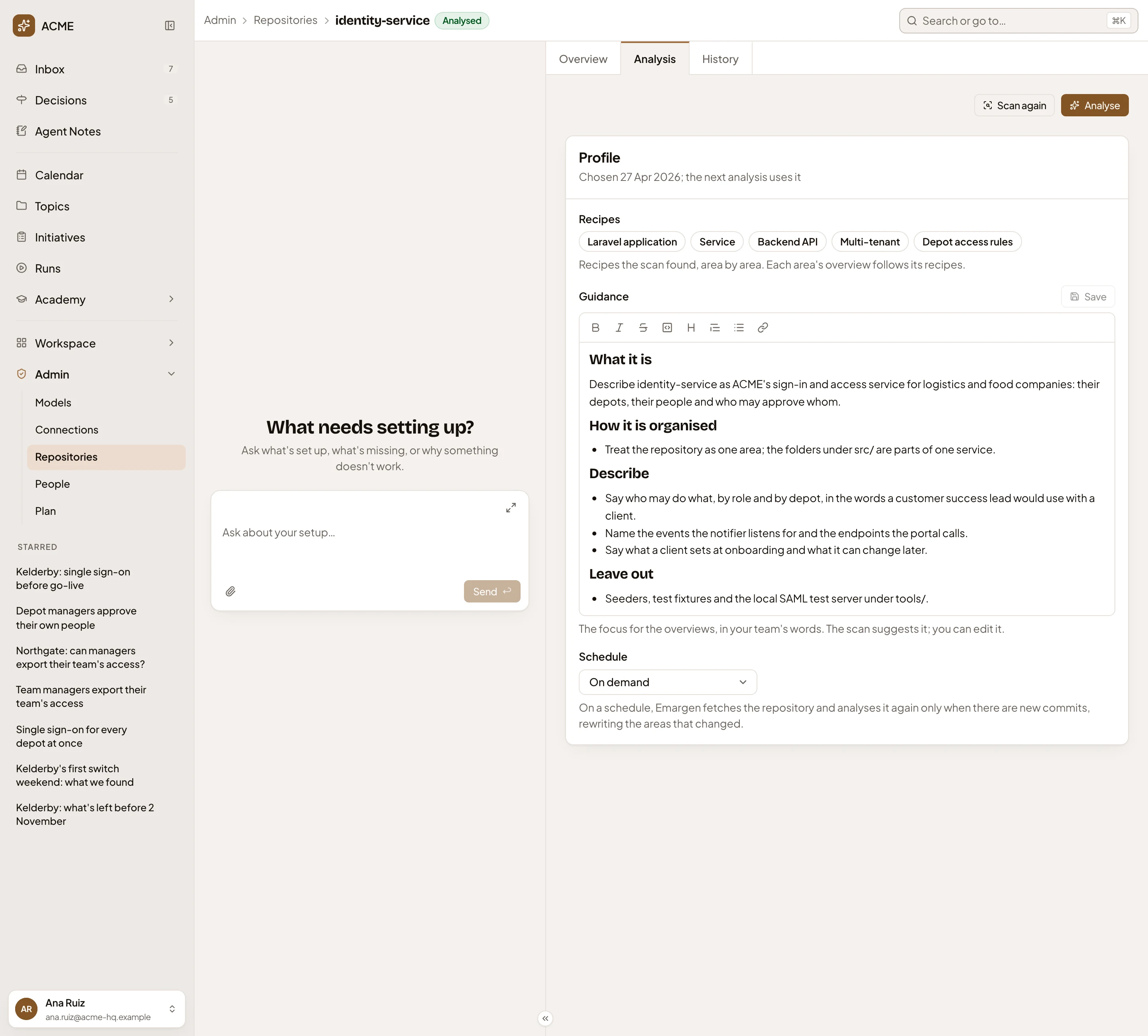
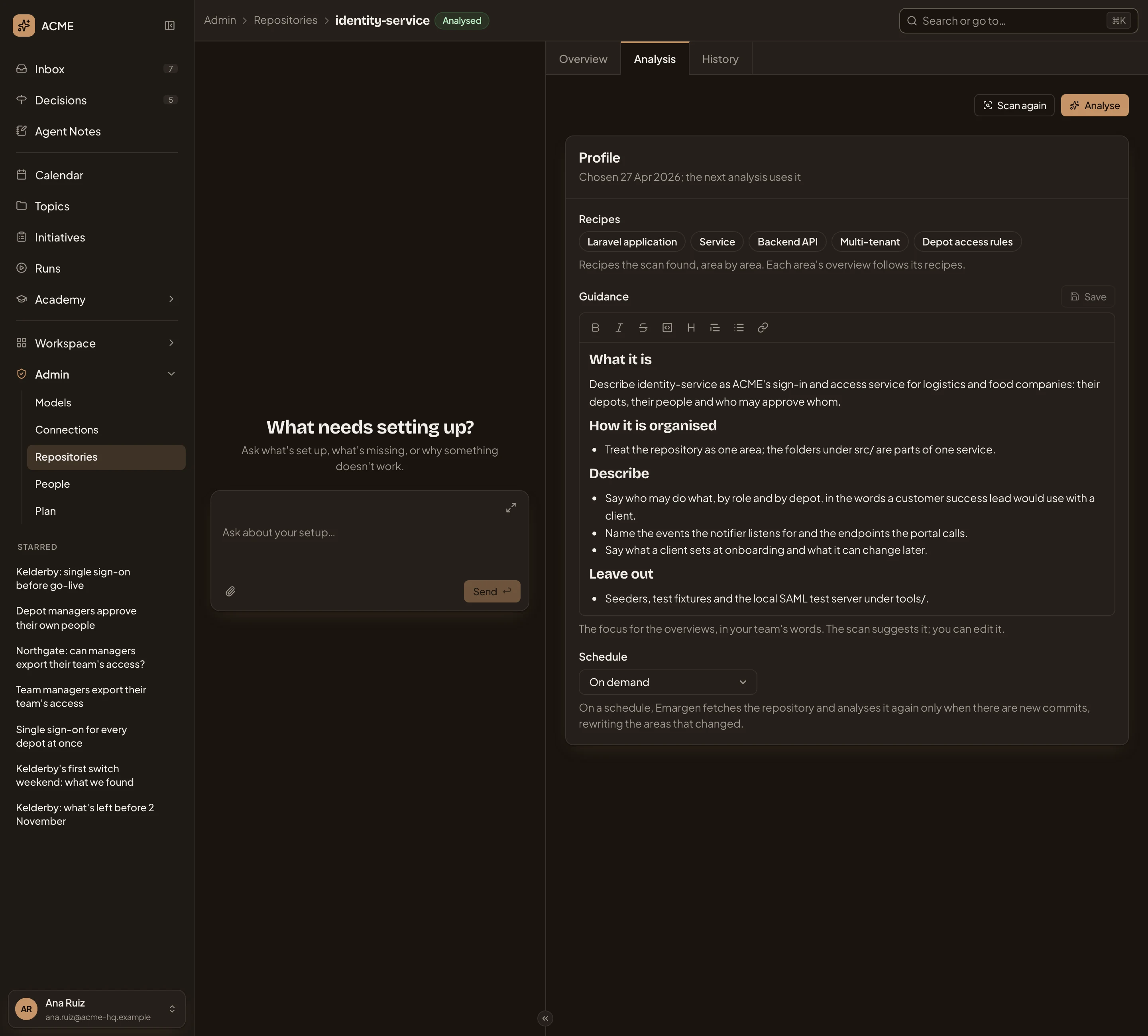
- Scan again. Finds the areas again and proposes recipes and guidance. Before the first scan it says Scan.
- Analyse. Saves the profile, then writes a new analysis of every area.
- When the profile was chosen. Until then, it says which scan proposed it.
- Recipes. What the scan recognised. Click one to read in the panel why it applied, and where.
- Guidance. What the overviews should focus on, in your team’s words. The scan suggests it, and it’s yours to edit.
- Save. Keeps the guidance and the schedule without starting an analysis.
- Schedule. On demand, Daily, Weekly or Monthly. On a schedule, Emargen fetches, and analyses only when the head moved, rewriting the areas that changed.
While a scan or an analysis runs, the tab shows its progress, with a button to cancel it. You can still read the previous analysis on Overview until the new one is ready. If an analysis doesn’t finish, the tab shows why, with Retry, which writes only the areas that didn’t finish. When a recipe the profile uses changes, the tab says the next analysis writes every area again.
With no Agents default set on Models, the tab says “No agent model is set”. Scans still run, but Analyse and Retry are greyed until one is set.
History
Section titled “History”The History tab lists every analysis, newest first.
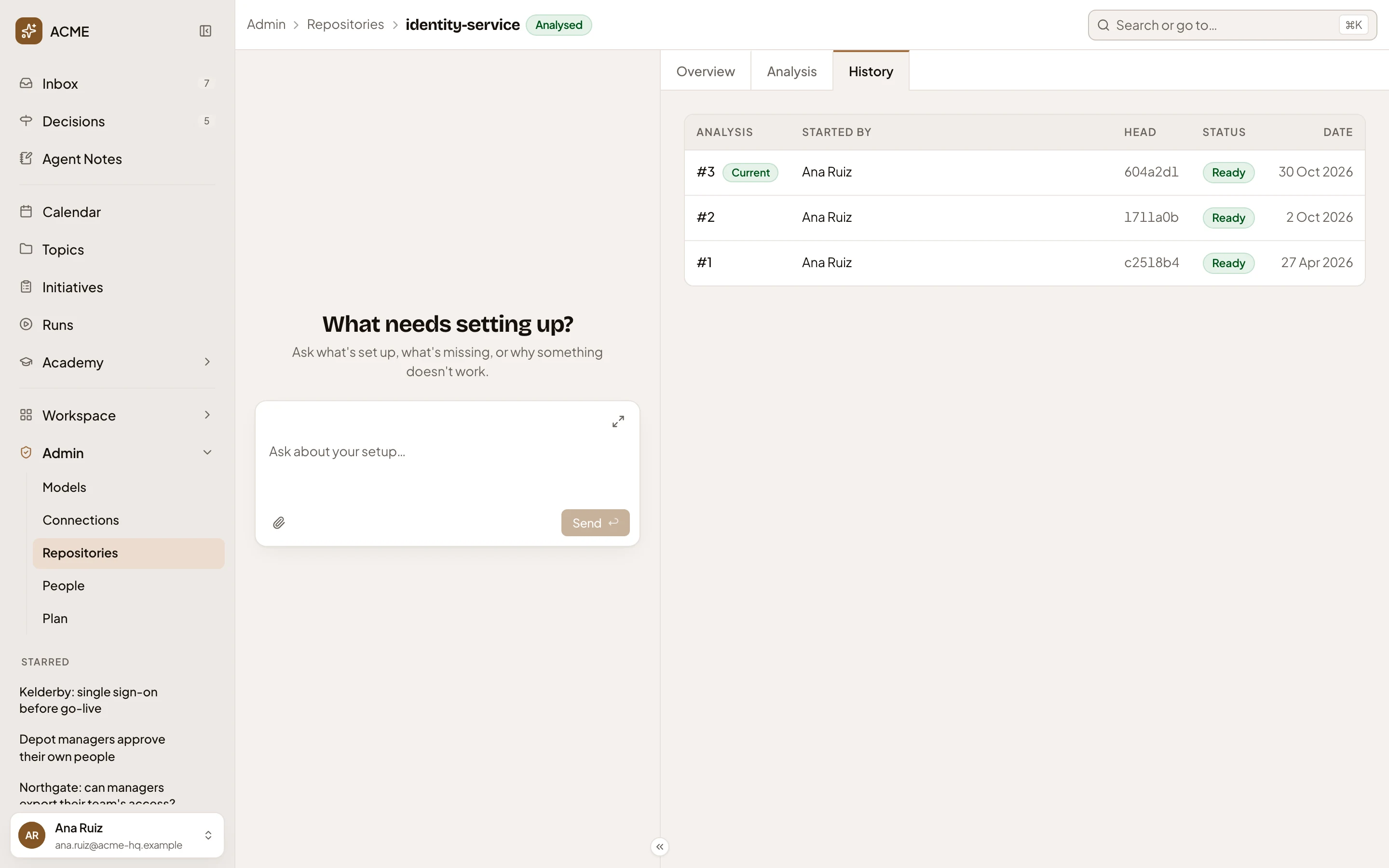
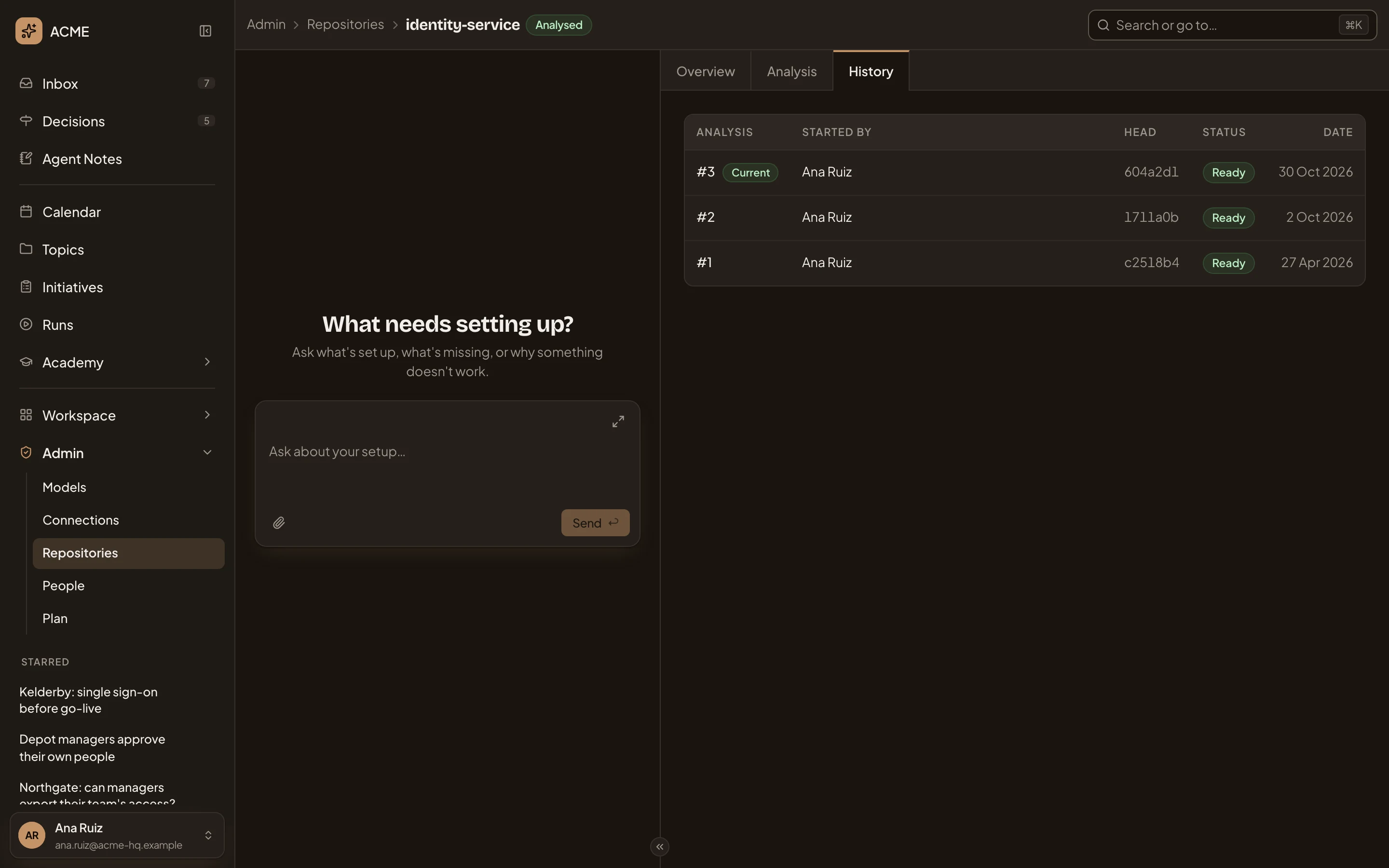
- #3. The analysis’s number, and Current on the one the Overview shows.
- Started by. Who started it, or Schedule.
- Head. The commit it was written at.
- #1. An earlier analysis. Click its number to read it.
An earlier analysis reads like the Overview, with the recipes and the guidance it ran with. Side by side, you see what changed in the code. identity-service’s #1, from April, says only administrators approve access requests. Its #3, the current one, sends a request to the manager of the requester’s home depot.
identity-service’s form.
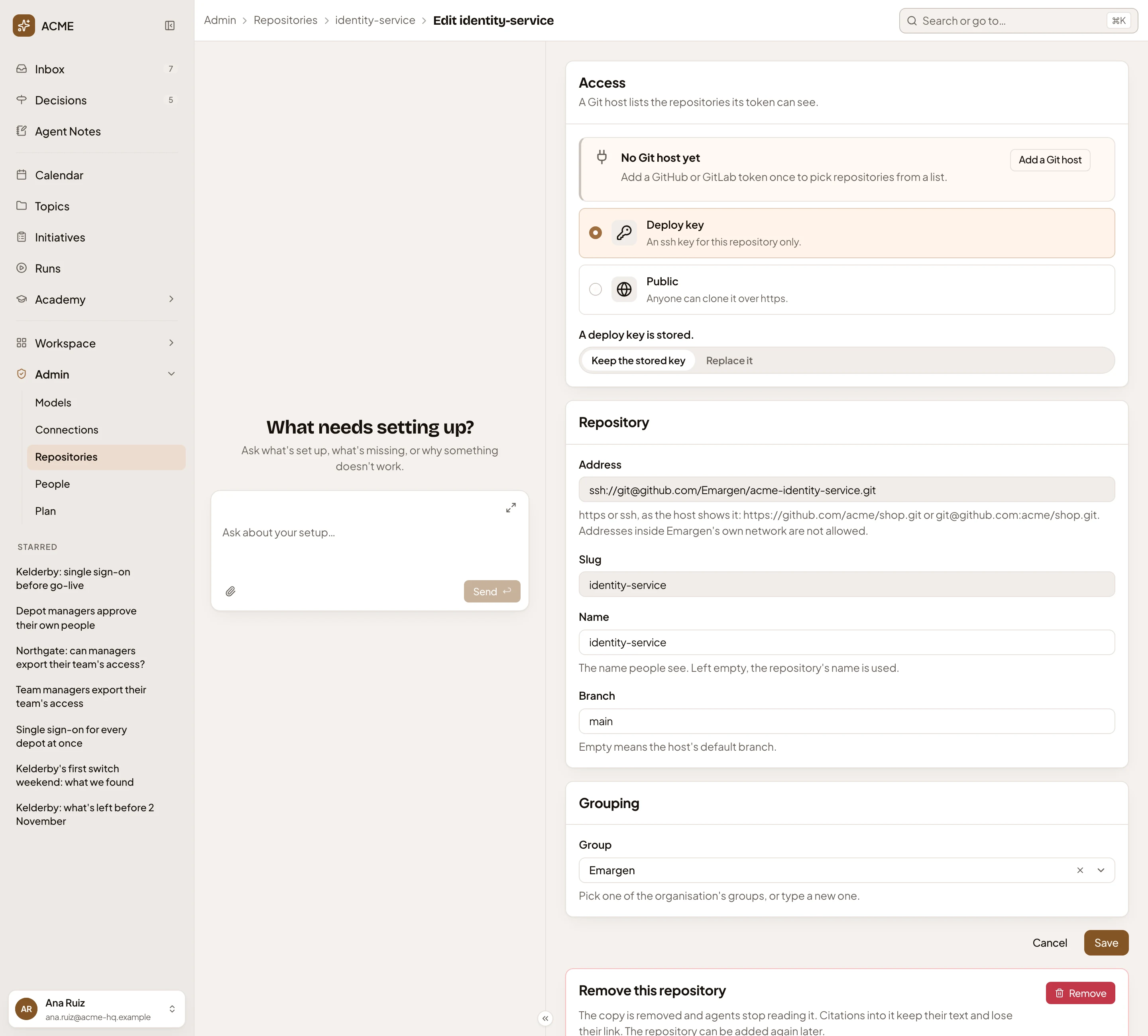
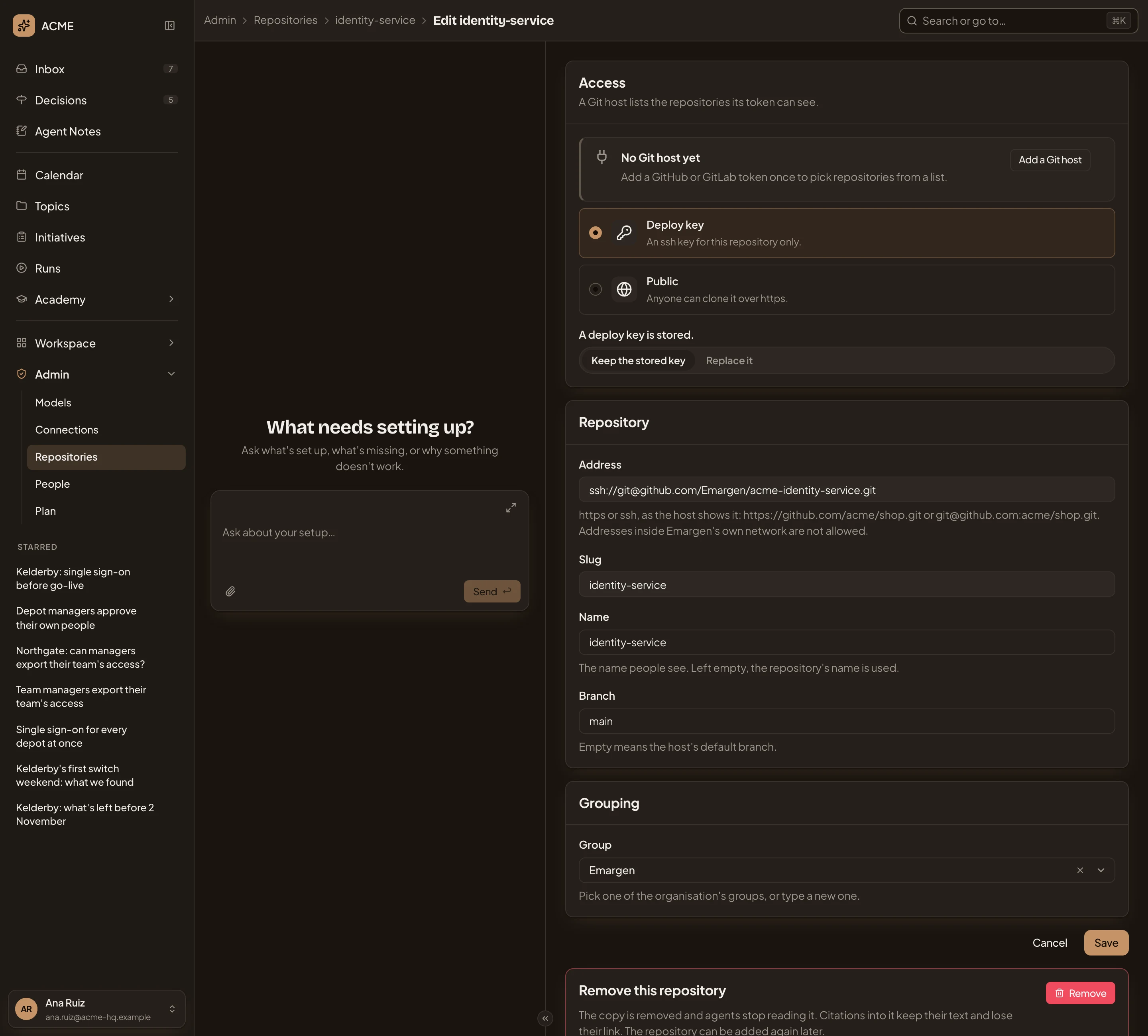
- Access. A Git host, a Deploy key for this repository only, or Public for one anyone can clone. A stored deploy key is never shown. Choose Keep the stored key, or Replace it and paste a new one.
- Add a Git host. Opens New Git host.
- Address. Fixed once the repository is added, as is Slug.
- Branch. The branch Emargen reads. Empty means the host’s default.
- Group. Where the list puts it. Pick a group or type a new one.
- Save. Keeps the change and goes back to the repository.
- Remove. The same as Remove on the Overview.
Access
Section titled “Access”Everyone in the organisation can open a repository’s page and read its analyses. Fetch, Edit and Remove need the permission to manage repositories. Scan again, Analyse, the guidance and the schedule need the permission to analyse repositories. Without it, you see the profile and can’t change it. Administrators have both. See roles and permissions.