AdminPage by page
A provider's page
A provider’s page holds your organisation’s key for one AI provider. It also lists the models you use there, and the ones you could add. Click a provider on Models to open it. An organisation has one provider of each kind, and the page is named after it.
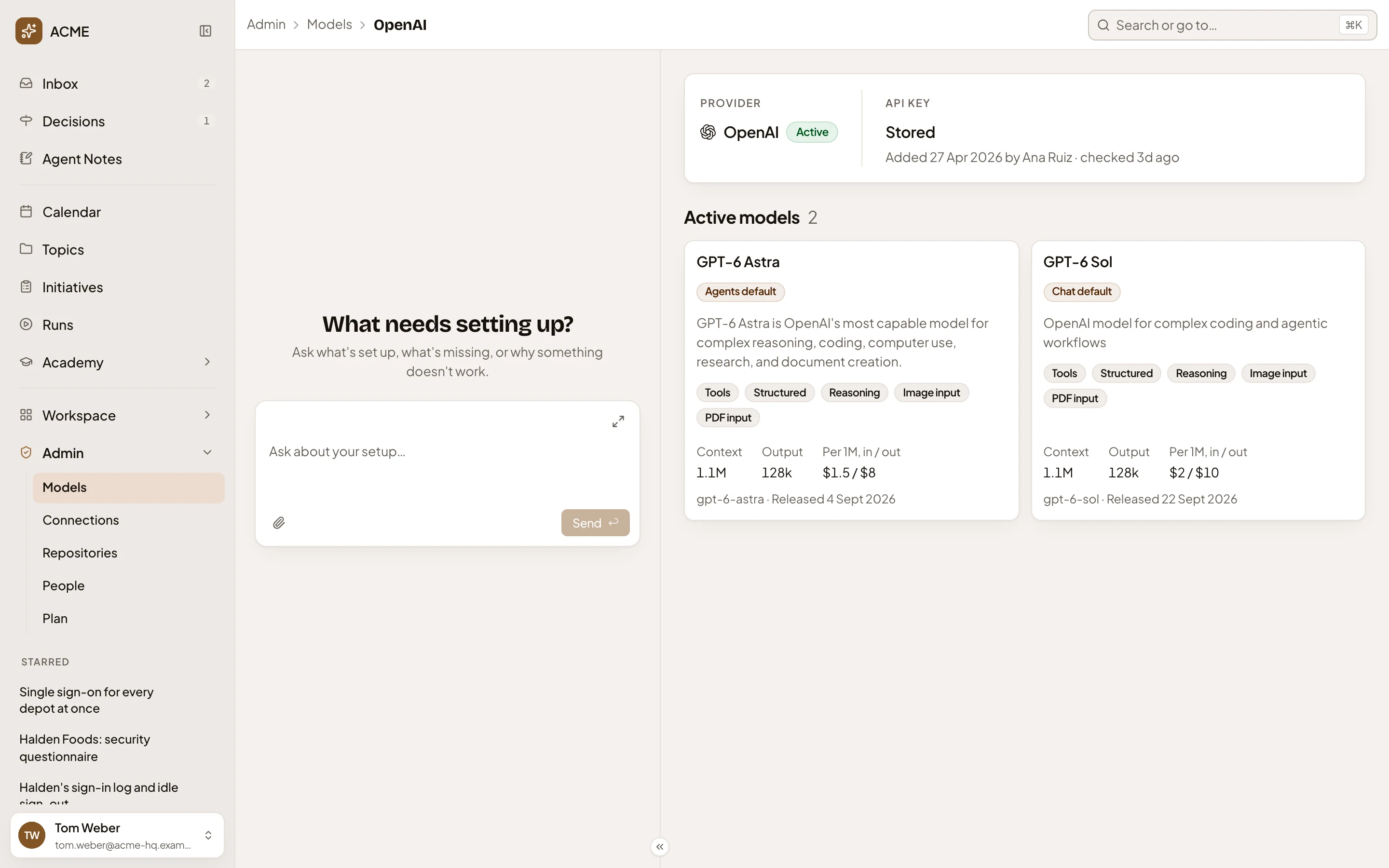
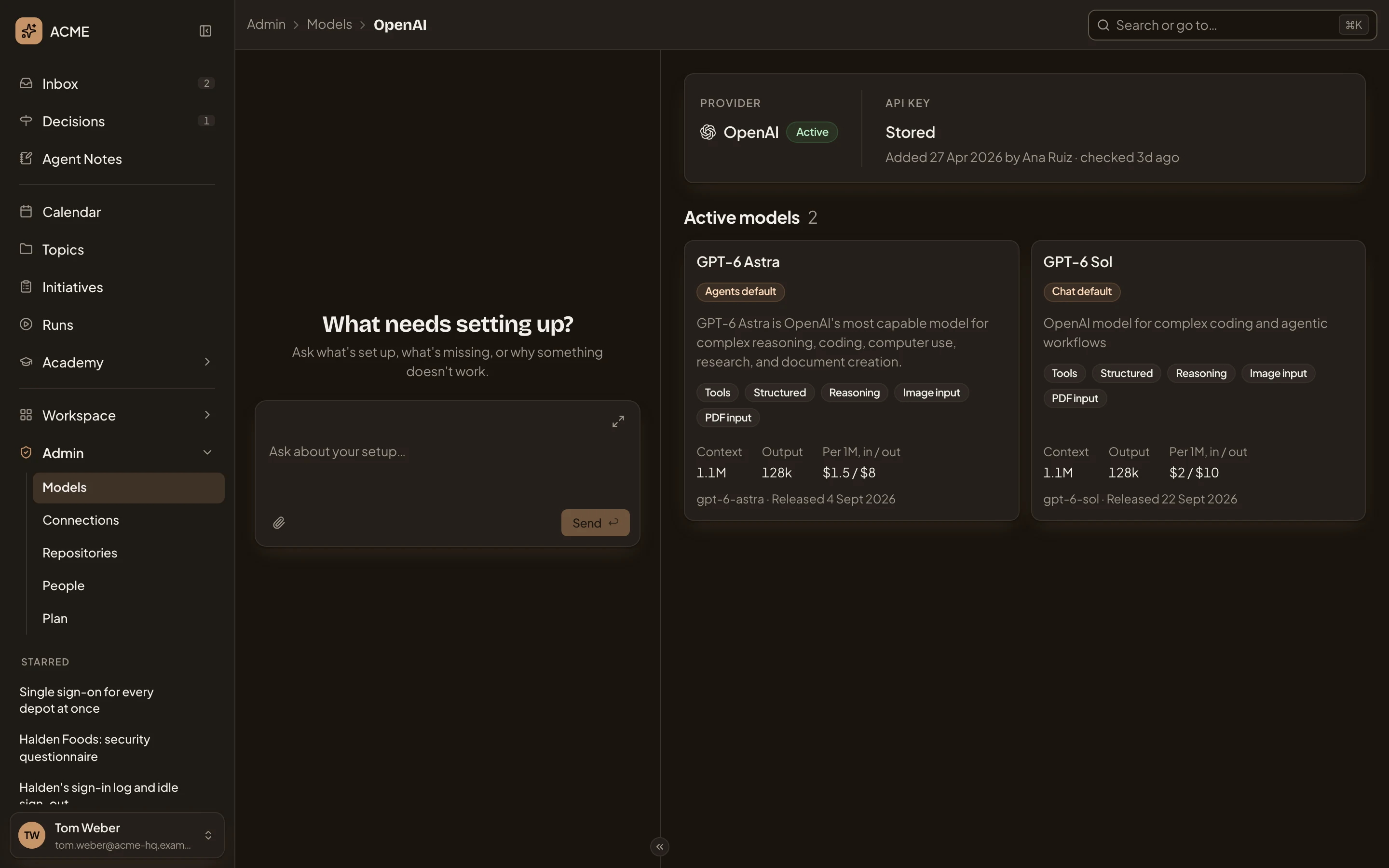
Open OpenAI’s page (opens Emargen in a new tab)In the picture, ACME’s OpenAI page. Two of OpenAI’s models are in use. The agents run on GPT-6 Astra, and everyone’s chat on GPT-6 Sol.
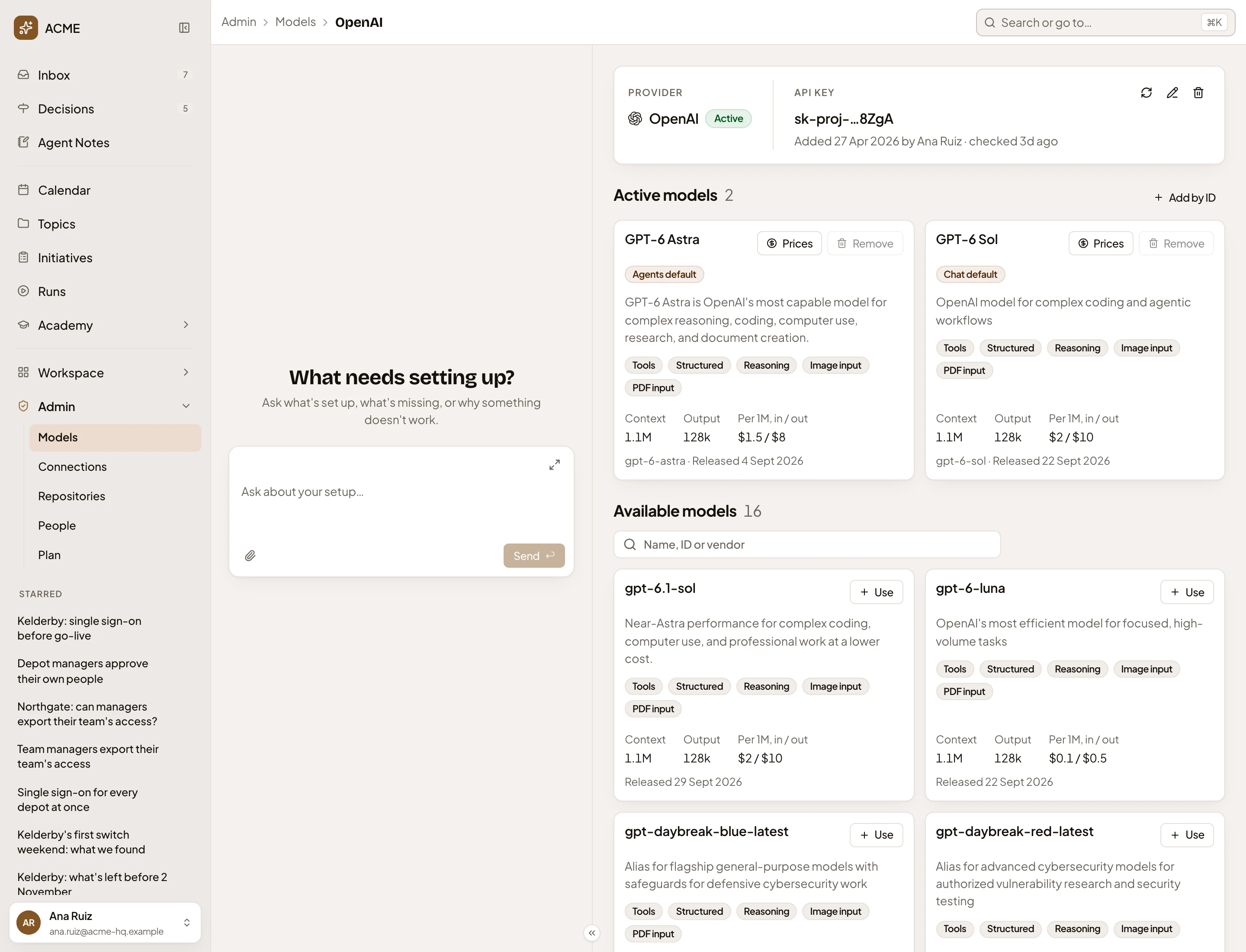
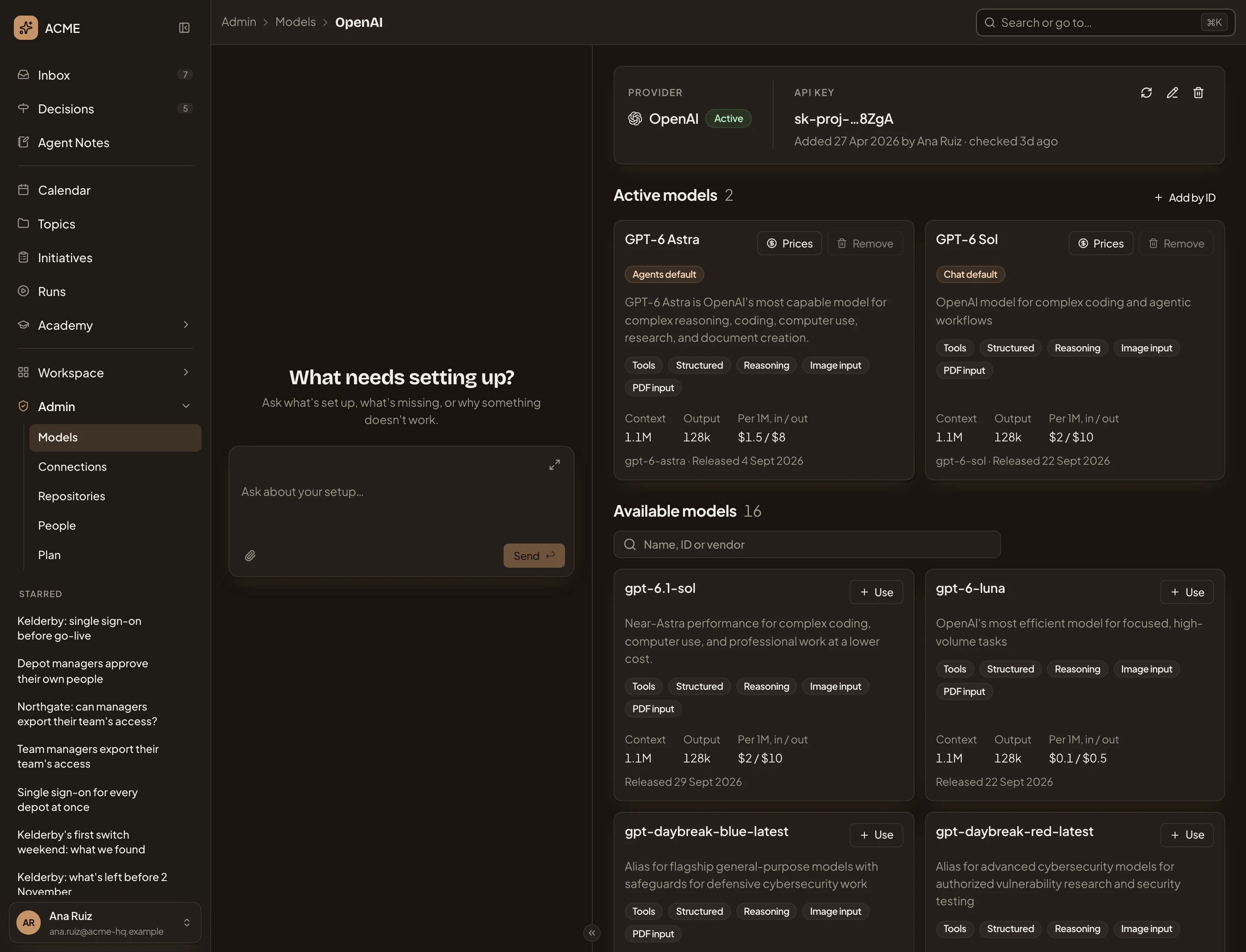
- Admin, Models, then the provider. Click Models to go back.
- The provider and its status: Active, Untested, Inactive, Needs a new key or Out of quota. An Azure OpenAI or OpenAI-compatible provider also shows its endpoint here, with a pencil to change it.
- Check. Asks the provider again with the key as it is.
- Change the key. Asks for a new key, which the provider checks before it’s saved. A refused key isn’t saved, and the old one stays.
- Delete the key. Asks first. A provider that needs a key becomes inactive without one, and nothing runs on it. The app then calls an OpenAI-compatible endpoint without a key. The key still works at the provider until you revoke it there.
- Add by ID. Adds a model the list below doesn’t offer.
- Prices. Opens the model’s list prices, which you can change (below).
- Remove, greyed out. You can’t remove the model of a default. Another model’s Remove asks first, and changes nothing at the provider.
- Chat default. The model chat runs on. You’ll also see if a model was tried, and if its last try failed.
- What the model can do, and its limits and price. Context is how much it reads at once, and Output how much it writes in one answer. Per 1M, in / out is dollars per million tokens read and written.
Most of what a card shows comes from the provider and from an open catalogue of models. A dash means neither source has the figure.
When the provider refuses the key or the account runs out of quota, the top of the page names the failing defaults. Press Replace key, or check again once the account is topped up.
Available models
Section titled “Available models”As the page opens, it asks the provider which models it offers today and lists the ones not in use, newest first. Older models are left out.
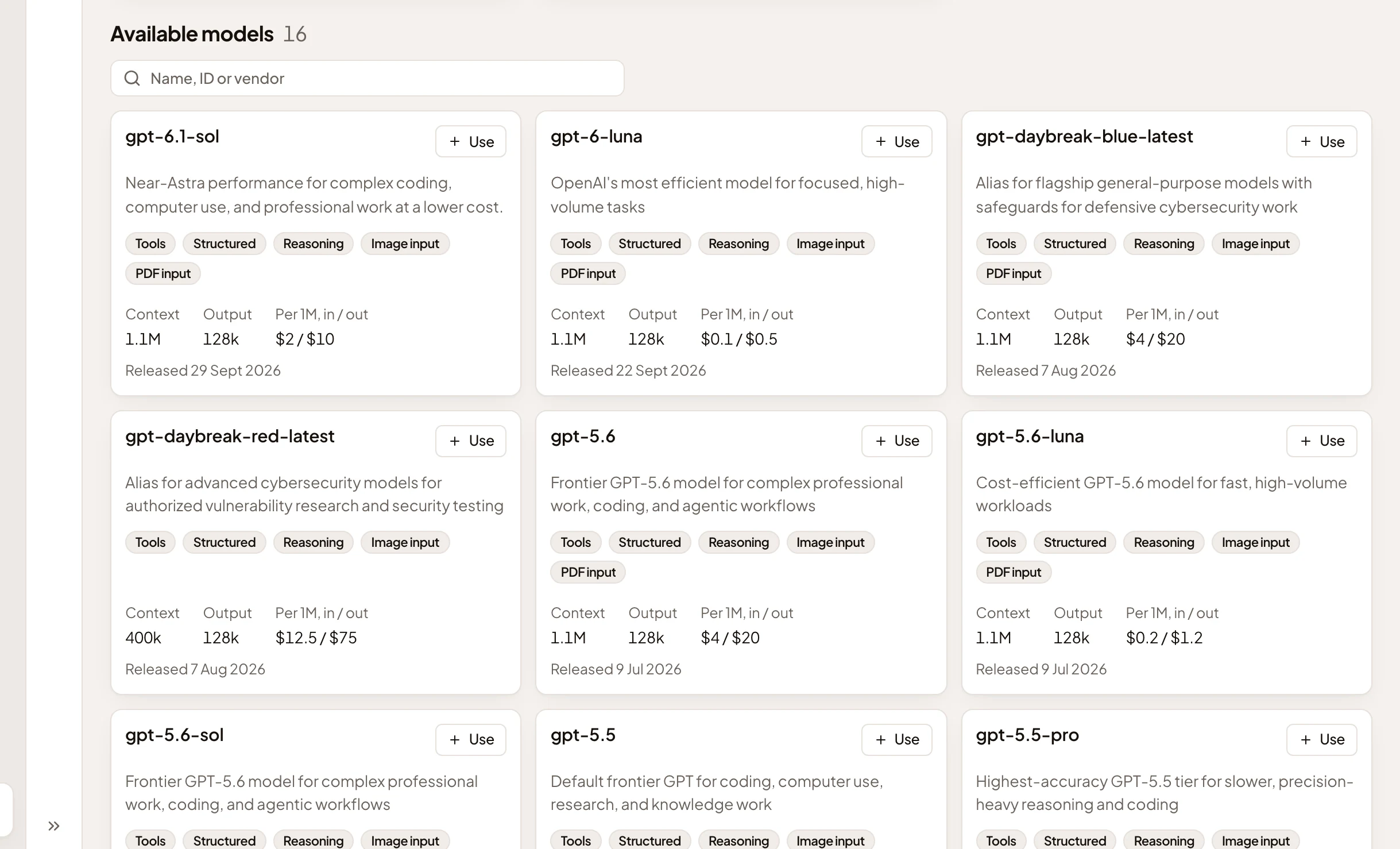
- Available models, and how many. While you search, the count shows how many match.
- Find a model. Narrows the cards by name or ID.
- Use. Adds the model to Active models and tries it.
- When the model came out.
Use asks the model for a one-word answer. When it answers, the model is active. When it doesn’t, the dialog gives the provider’s reason and nothing is kept. You can close the dialog while it tries.
The list also says when every current model is already active, when the provider refused the key, and when the provider’s list couldn’t be read. Azure OpenAI lists no models: add each deployment by its name.
Adding a model by its ID
Section titled “Adding a model by its ID”Add by ID adds a model the list doesn’t offer, such as an older one, or one on a gateway that lists none.
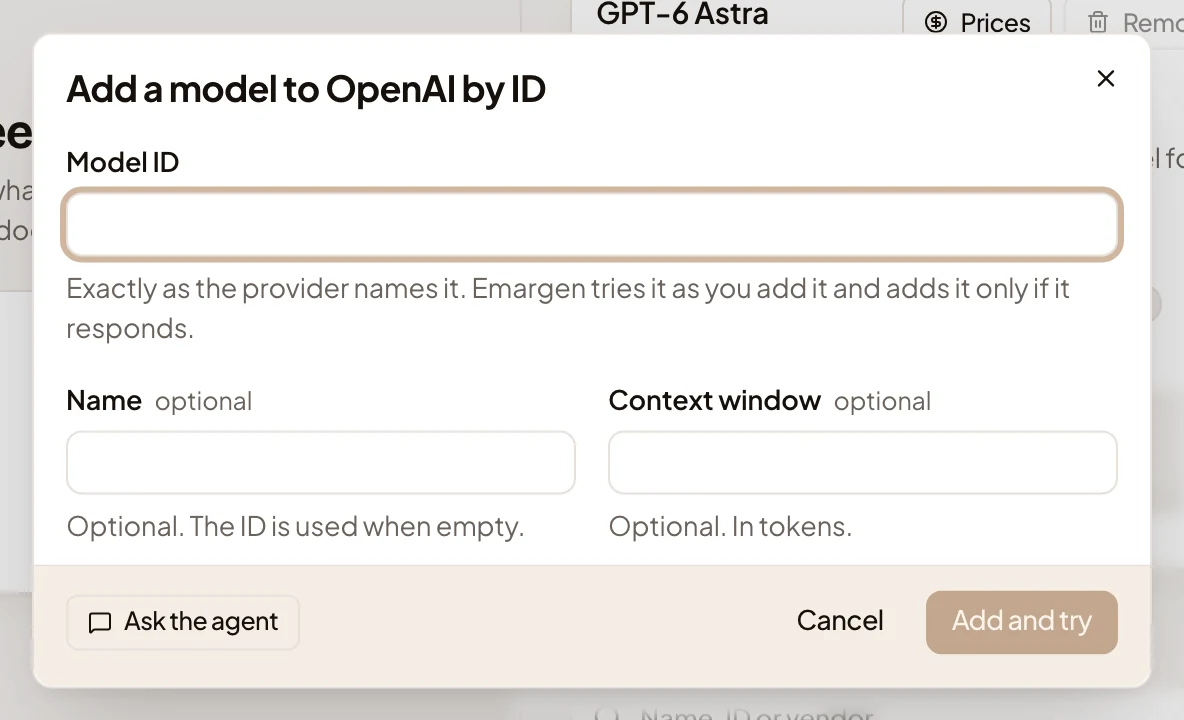
- Model ID. Exactly as the provider calls it.
- Name. What the app calls it. Left empty, it’s the ID.
- Context window. How many tokens it reads at once, if you know.
- Add and try. Keeps the model only if it answers.
List prices
Section titled “List prices”The record of AI use counts each call’s cost at the model’s list prices. Prices shows them. Emargen counts a model’s calls at the catalogue’s prices unless you set your own.
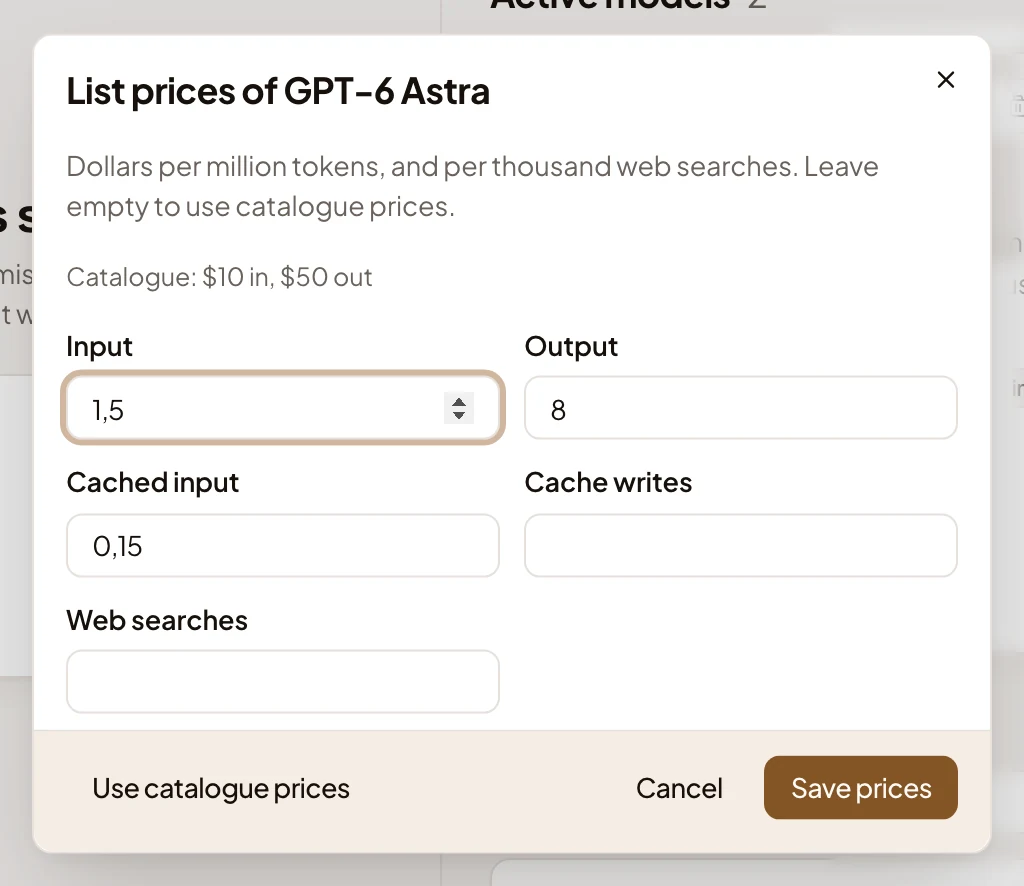
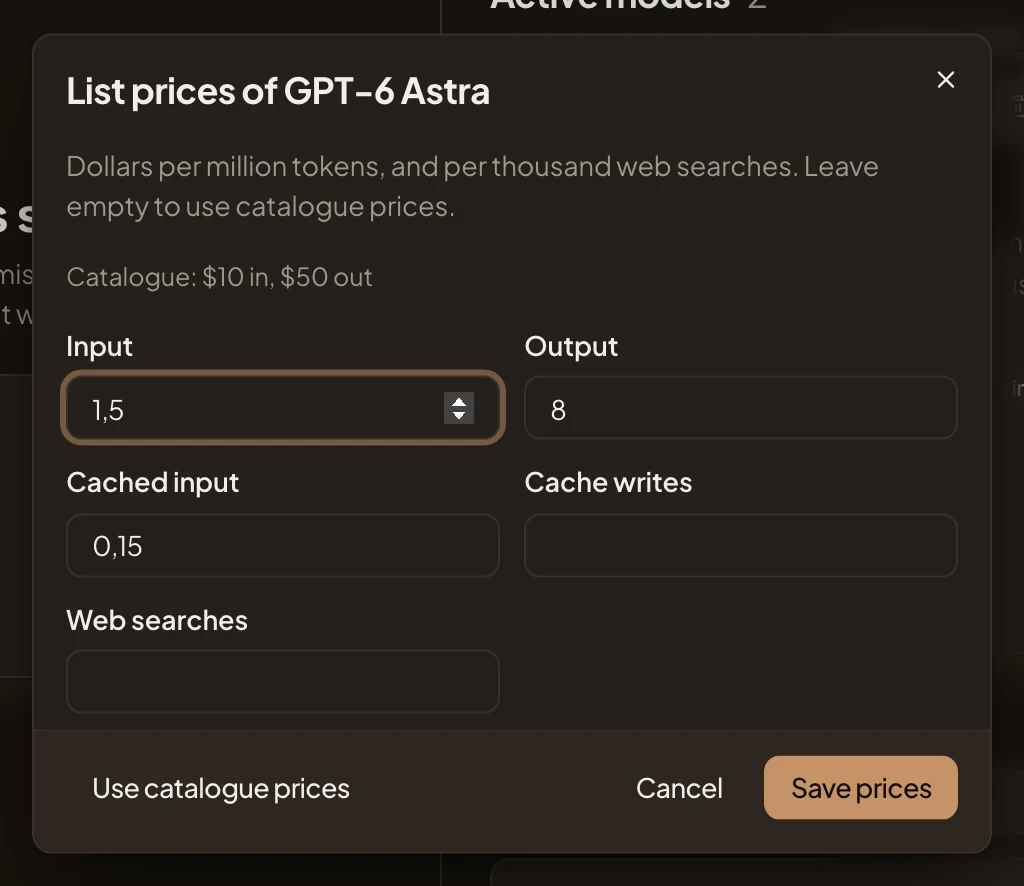
- The catalogue’s price for the model.
- Input. Dollars per million tokens read.
- Output. Dollars per million tokens written.
- Cached input. Dollars per million tokens read again from a cache.
- Cache writes. Dollars per million tokens written to the cache, where the provider charges for that.
- Web searches. Dollars per thousand searches.
- Use catalogue prices. Drops your prices.
- Save prices. Greyed out until Input and Output have a number.
Set prices when your organisation pays something other than the catalogue’s, or when the catalogue has no price for the model. In the picture, ACME has set its own prices for GPT-6 Astra, below the catalogue’s. The prices count from the next call. Calls already recorded keep the prices they were charged at.
Removing the provider
Section titled “Removing the provider”At the bottom of the page, you can remove the provider, its models and its stored key. While a default runs on it, Remove is greyed out until you choose another default on Models.
A classifying provider
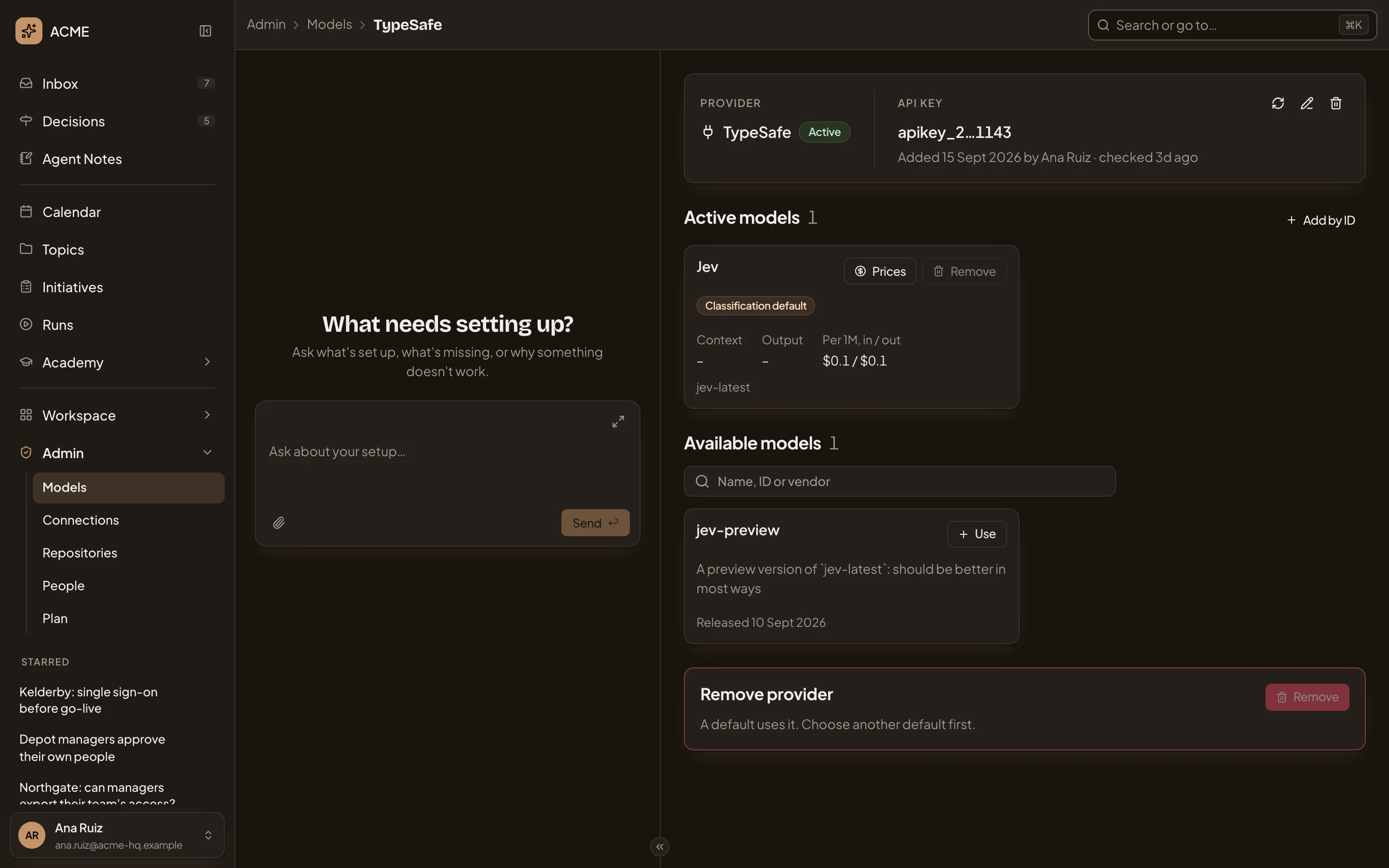
Section titled “A classifying provider”TypeSafe’s models answer typed questions instead of writing, so they serve only the Classification default. In the picture, ACME’s TypeSafe page.
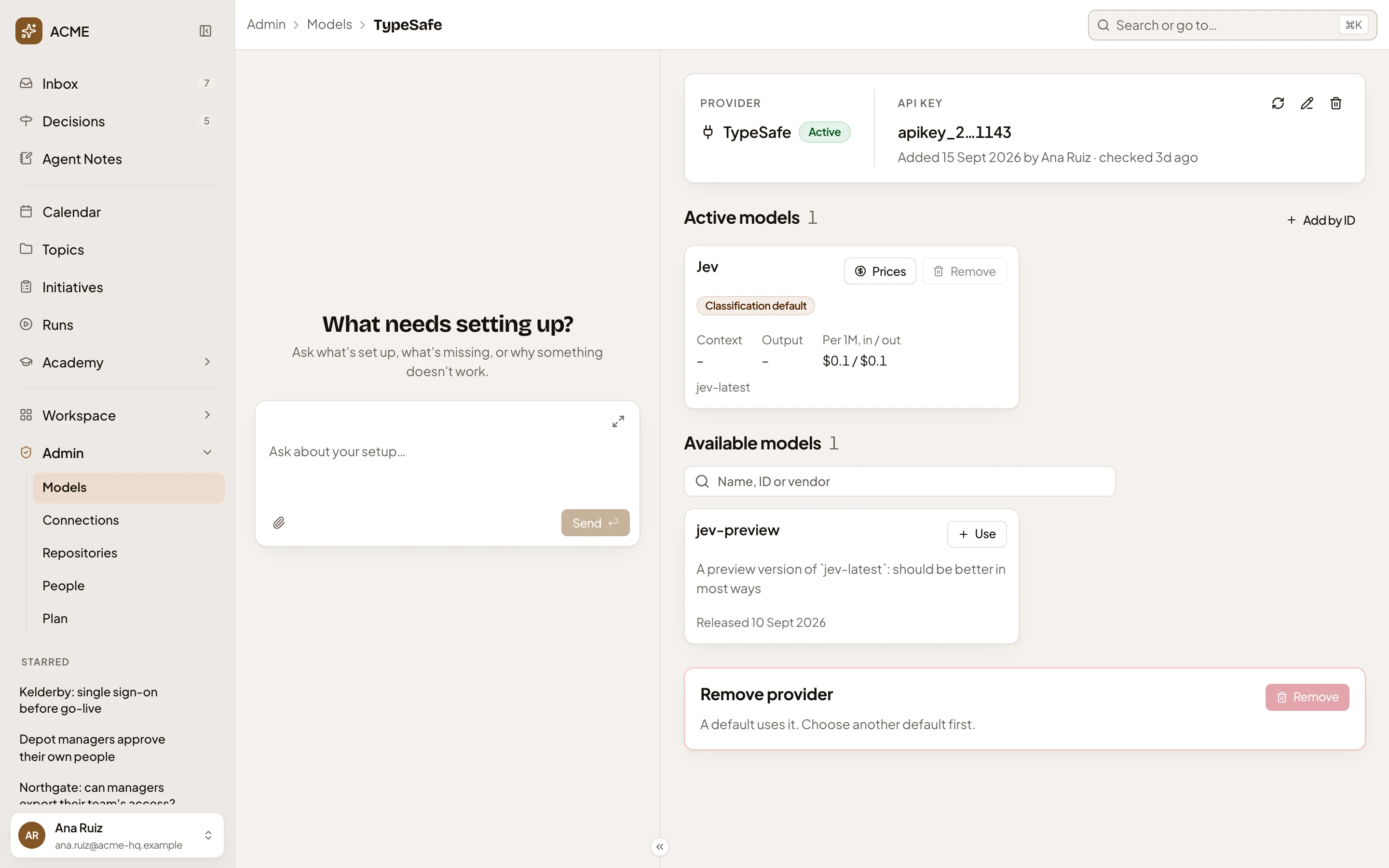
- Classification default. The small judgments the app makes run on Jev.
- A model TypeSafe offers that the organisation doesn’t use yet.
On a phone
Section titled “On a phone”The cards stack in one column, and the page takes turns with the admin agent’s chat. See Admin.
Access
Section titled “Access”Everyone in the organisation can read a provider’s page. Only people whose role lets them manage models see its buttons. They also see the key’s ends, the Prices button, Available models and the removal. A member sees that a key is Stored, and the model cards without buttons. See roles and permissions.