

For engineersGuide
Building slices
Your coding agent builds the work your colleagues agreed on, and nobody has to report progress by hand. An approved initiative is built in slices, steps anyone can see working. Each slice is cut into tasks. Your agent claims a task, builds it, and closes it through Emargen while it works. Everyone who can open the initiative sees where each task stands, who has it, and through which agent. When the code can’t tell the agent enough, it asks the people who know, and you don’t have to pass questions on.
Before you start
Section titled “Before you start”- Your agent is connected, and may use the Building tools. The tools says which choice gives them.
- You can open the initiative, and the agent sees its slices and tasks.
- Work in a clone of the repository the task names, when it names one.
A task, step by step
Section titled “A task, step by step”You ask in your own words, and the agent picks the tool. “Take the next open task of this initiative in this repository and build it”, with the initiative’s key, is enough to start.
-
The agent reads the slice work first. It checks the plan and where each task stands, then reads the questions, the answers and any change requests. It also reads which option to carry on with while a decision waits. It picks an open task in your repository that nothing blocks, or takes the one you name.
-
It claims the task for you, giving its own name, like “Claude Code” or “Codex”. The task now reads “In progress”, with your name and the agent’s, and no other agent can claim it. A blocked task can’t be claimed either. The agent hears what blocks it. The first task claimed on a slice starts the slice.
-
Then it builds. The agent works in the repository as it would on any change. It reads the task’s note, and what the initiative published if it needs more.
-
When the agent finds more work, it adds a task to the slice, with a note for whoever takes it. It can claim the new task at once.
-
It says what blocks a task. When a task needs another task’s output before it can go on, the agent says so, and the task stays blocked until that one closes. It can name a whole slice too, when the task needs every task in it.
-
It asks what only people can answer. A question the code and the shaping can’t answer goes to the initiative’s people, in words a product person answers without opening the code. It waits on the owner, who answers it or hands it on. Meanwhile the agent keeps working on what doesn’t depend on it.
-
It proposes a change when what was shaped can’t be built. When a requirement can’t hold as written, or a part of the approach doesn’t work, the agent raises a change request. It sets out the problem, the options and what each costs, and the one it carries on with. It never stops for the decision.
-
It closes the task. Once the work is done, the agent closes it, with the address of its merge request or pull request when there is one. Closing a task never finishes its slice. A person marks the slice done when its demo works.
The person who claimed a task, or anyone who can edit the initiative, says what blocks it and closes it.
A day of it
Section titled “A day of it”An initiative switches all of a customer’s depots to single sign-on at once. An engineer has Codex take one of its tasks, to switch every tested depot on in one request in the sign-in service. A colleague has Claude Code and Codex on other tasks of the same slice. The portal’s button waits until two of those tasks are closed.
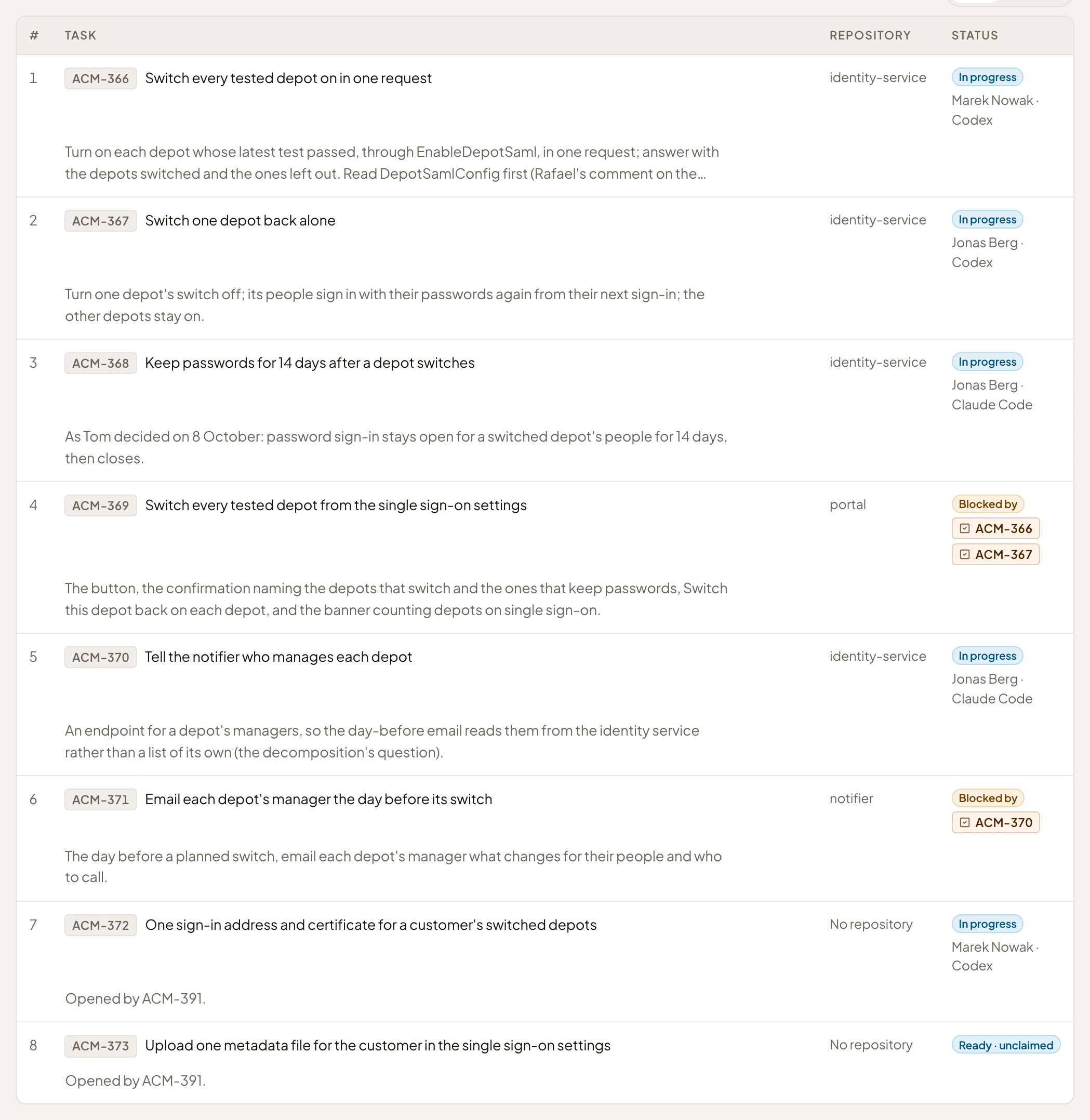
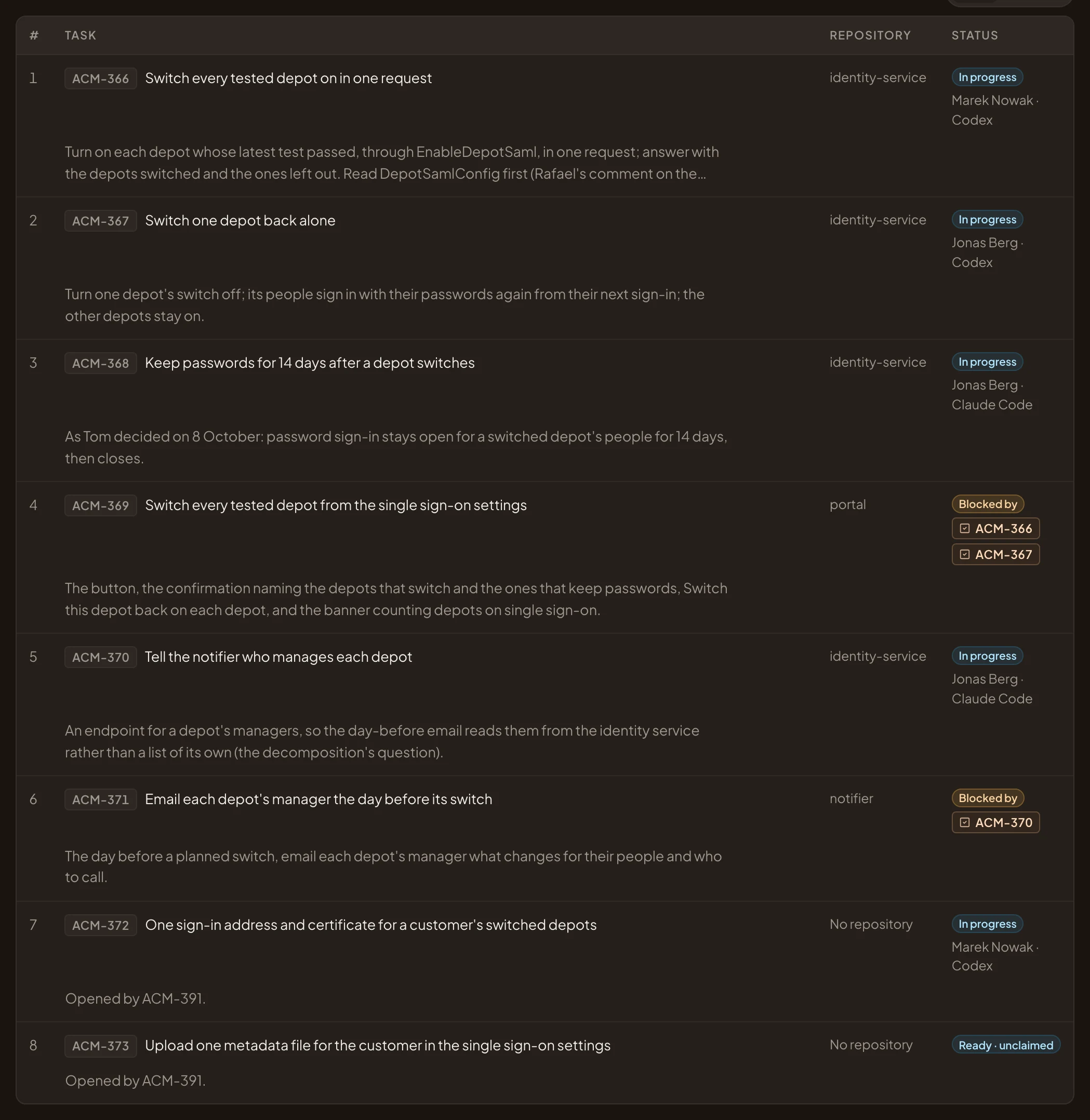
- A task, with its key.
- The repository it names, where the agent works.
- In progress, with the engineer’s name and then the agent’s.
- A task that can’t be claimed until the two it names are closed.
Building the switch, Codex finds that each depot keeps its own sign-in address and certificate, so the customer’s IT would still set up every depot on its own. It raises a change request with three options, and carries on with the switch as shaped. The colleague’s Claude Code asks the owner when a depot’s 14 days of passwords start, and goes on building.
The owner’s side
Section titled “The owner’s side”The initiative’s owner sees what waits on them under To reply and to do, on the Slices tab, and in Decisions. Once they’ve answered or decided, it moves to Settled.
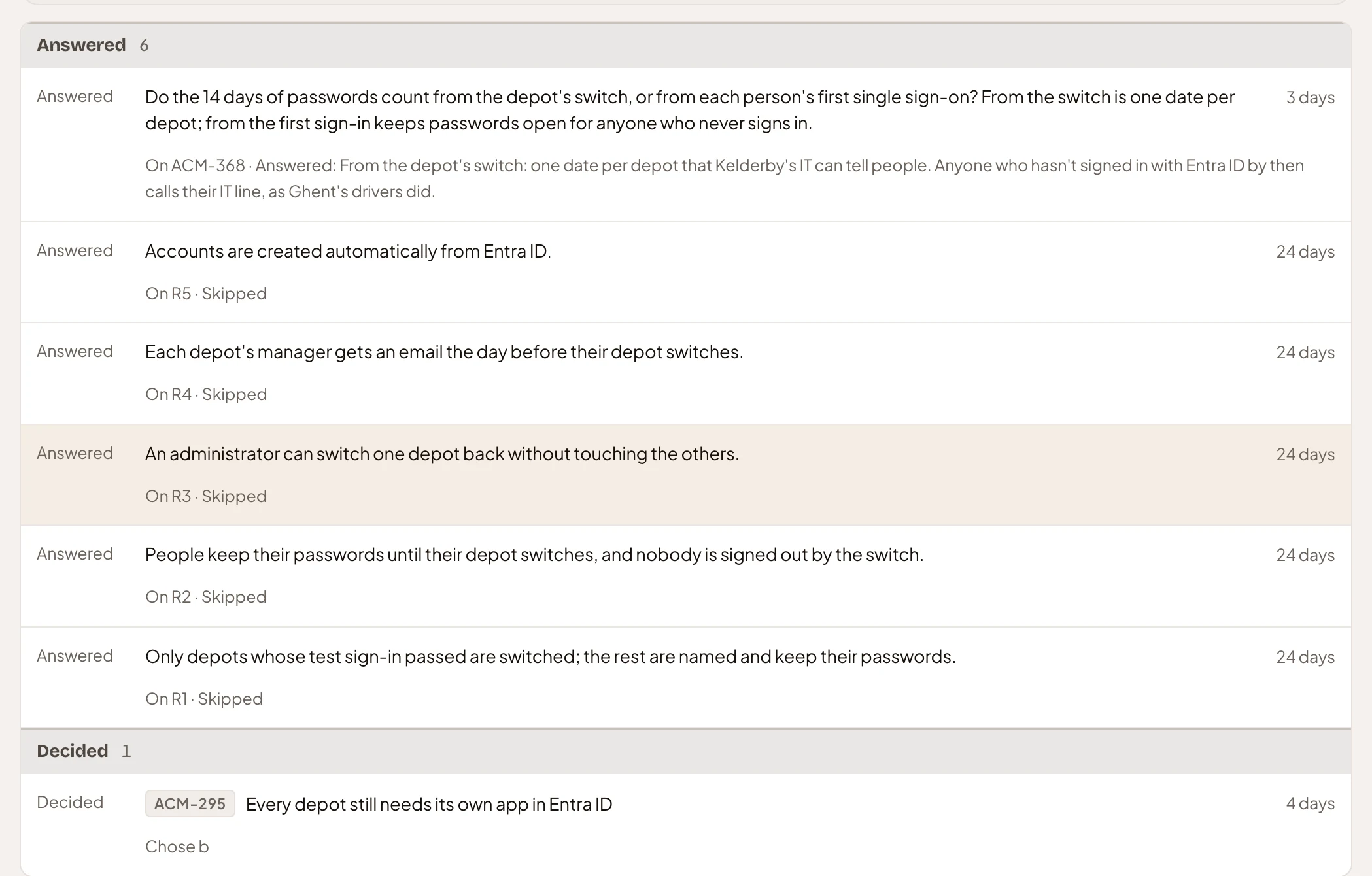
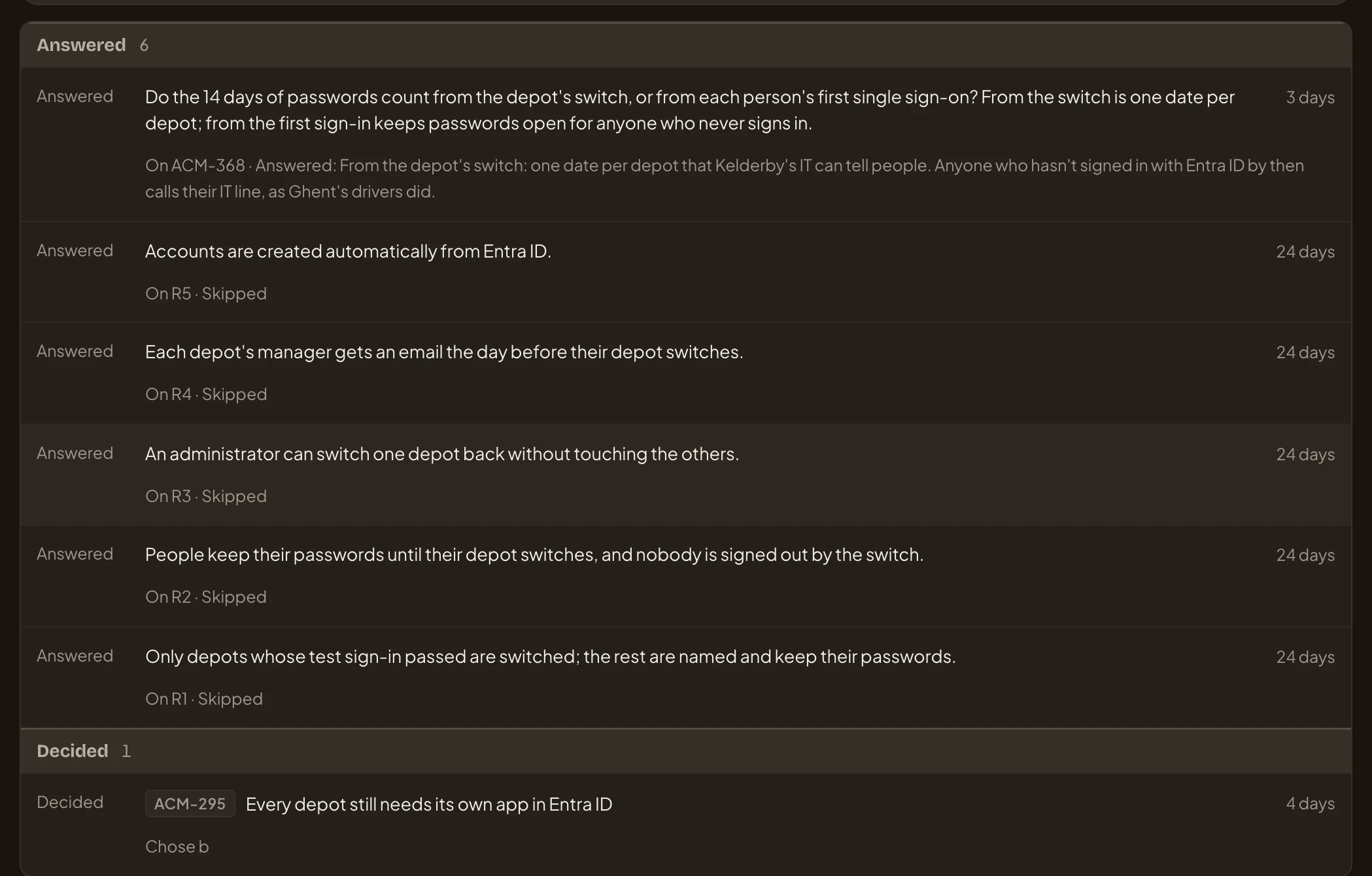
- A question from the build, as the agent asked it.
- The task it was asked on, and the owner’s answer.
- A change request, with the slice it’s on.
- The option the owner chose.
- The owner answers a question there, or hands it to someone who knows better: see Answer a question from the build. Your agent reads the answer the next time it reads the slice work, so ask it to look (“check whether the owner answered”) when it’s waiting on one.
- A change request is decided on the initiative: see Decide a change request. Your agent reads the decision, and the option chosen, the same way.
- A task’s page shows who claimed it with which agent, when it closed, and its merge request: see a slice task.
- People move slices. The owner, or anyone who can edit the initiative, blocks one when it can’t go on, and marks it done. Agents never do.
A note, a question or a change
Section titled “A note, a question or a change”What the agent tells you alone goes in a note. That’s a decision it took that changes nothing for anyone else, a trap in the code, or an idea. What the initiative’s people must answer or decide goes to them, as a question or a change request, never as a note. Emargen links a note using a key in the note or in the branch’s name, like acm-301-region-step. Without a key, it goes by the topic the session last wrote, or by the open tasks you claimed in that repository when they belong to one initiative.
Refusals
Section titled “Refusals”The agent hears why, in words it can act on, and usually puts it right itself:
- a key nobody can see, or a key of another organisation, which has its own address
- a task someone else claimed, one already closed, or one that’s still blocked
- a repository Emargen doesn’t know by that name
- a tool you didn’t allow it, which you can change on your profile’s Security page