

AgentsPage by page
Runs
Runs lists every run of a flow you can read. A run takes one case through a flow, such as one customer’s security questionnaire. Open it from Runs in the menu, below Initiatives.
Open Runs (opens Emargen in a new tab)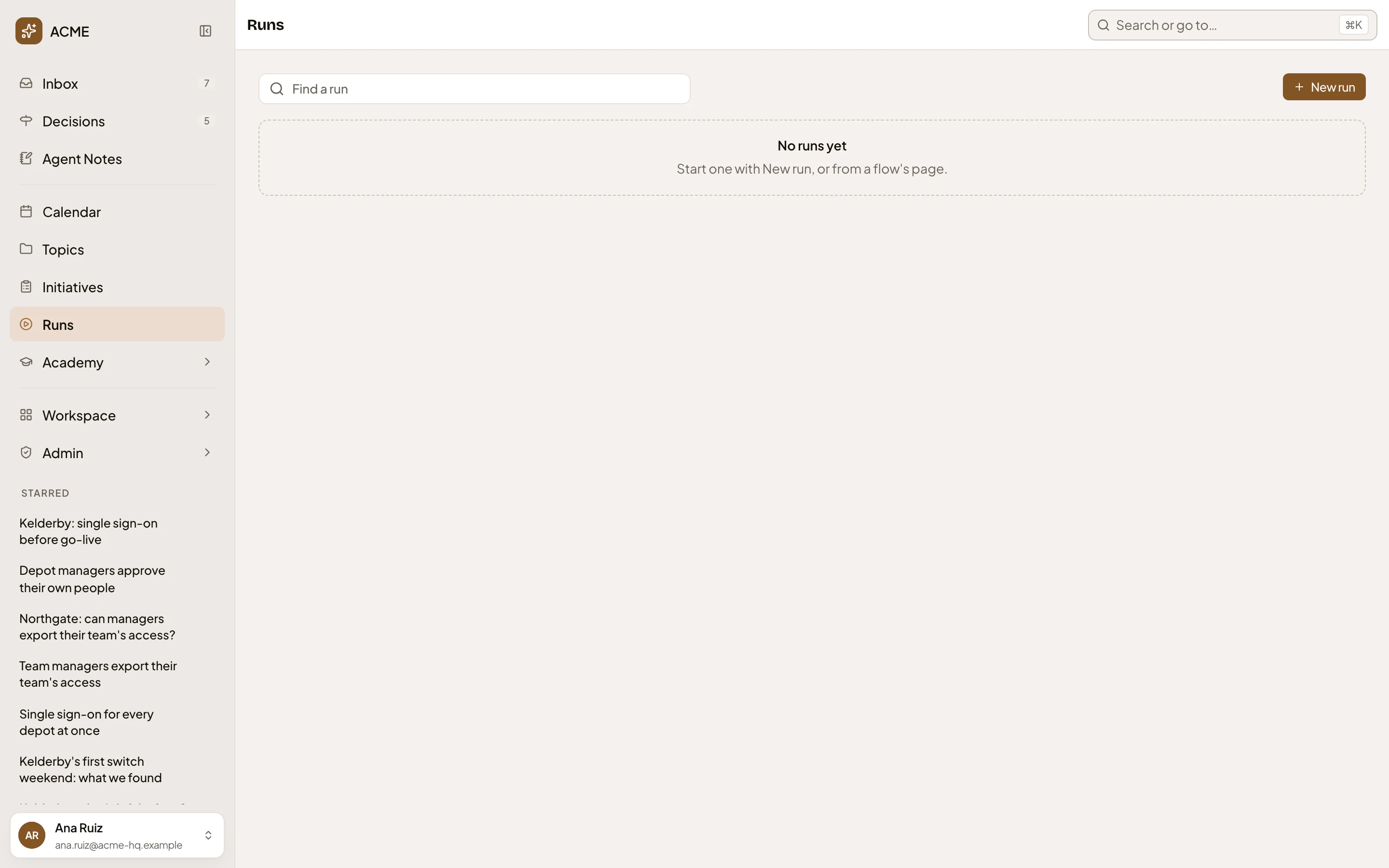
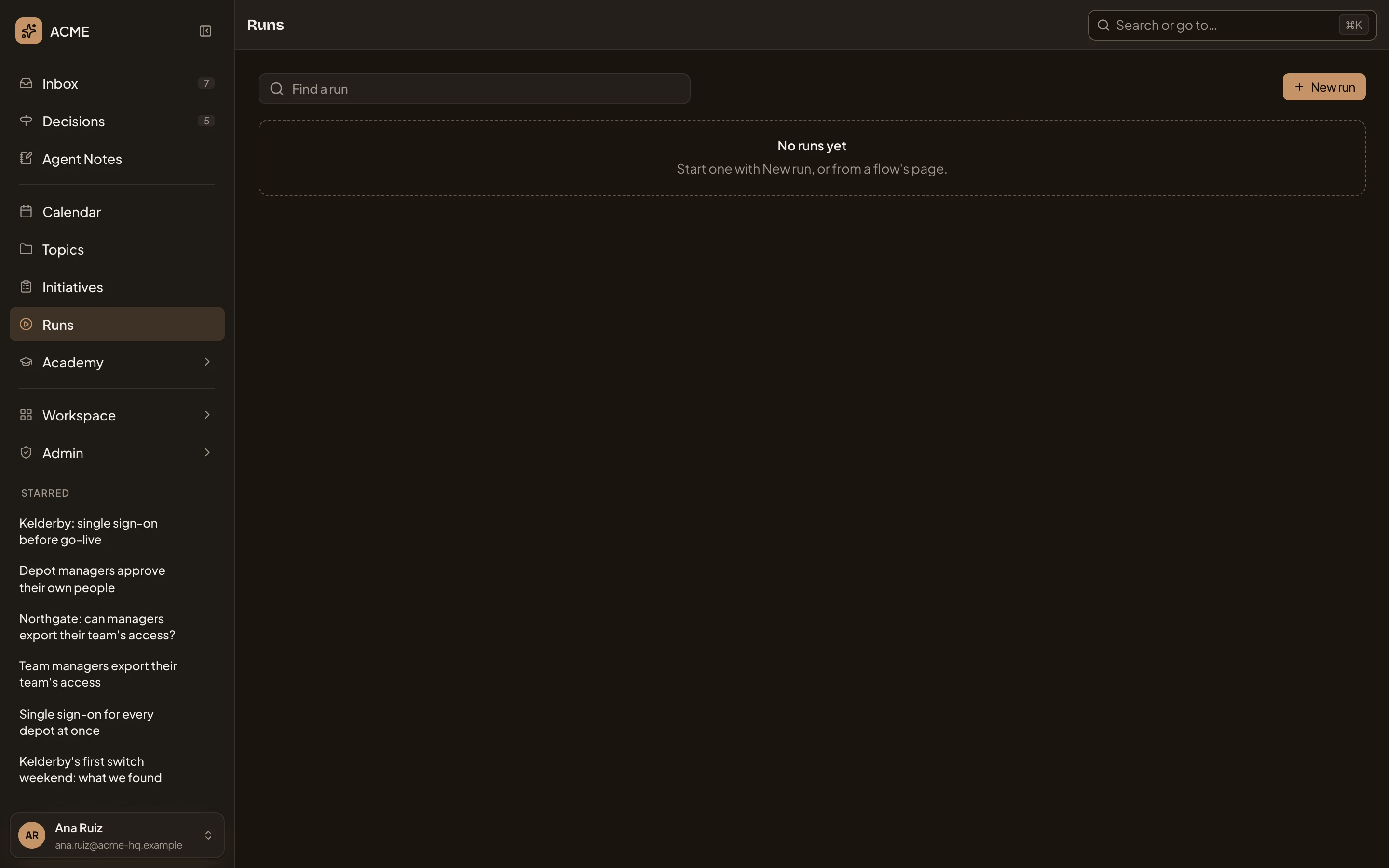
- Runs. The page you’re on.
- Find a run. Searches a run’s title. The filters are below.
- New run. Opens New run to start one.
- “No runs yet.” The runs you can read show here.
The list shows the runs that are going, one row a run. Each row shows the run’s key and title under Run. The row also shows the run’s Flow and version, Stage, who it’s Waiting on, and who Started it and when. The list shows Stuck when nothing open can move a run on, and why. Click a row to open the run’s page. The list holds the newest 200 runs, so filter to find older ones.
Filters
Section titled “Filters”Click Find a run for the filters.
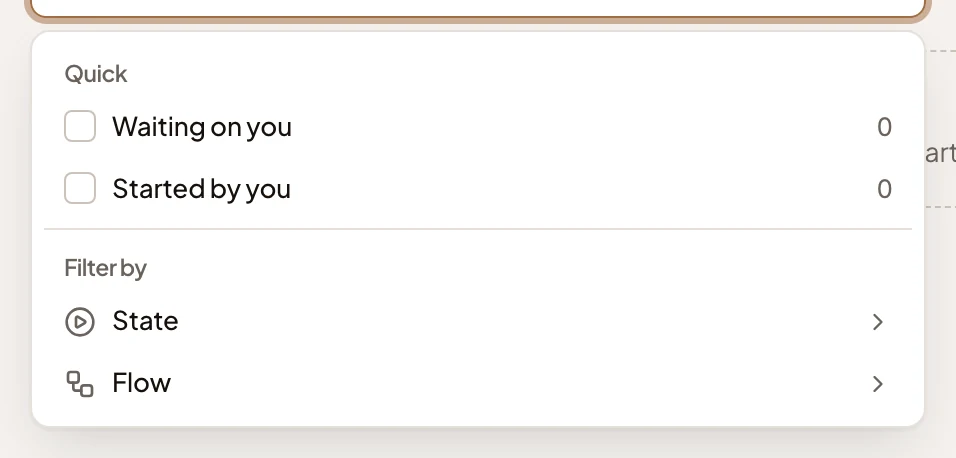
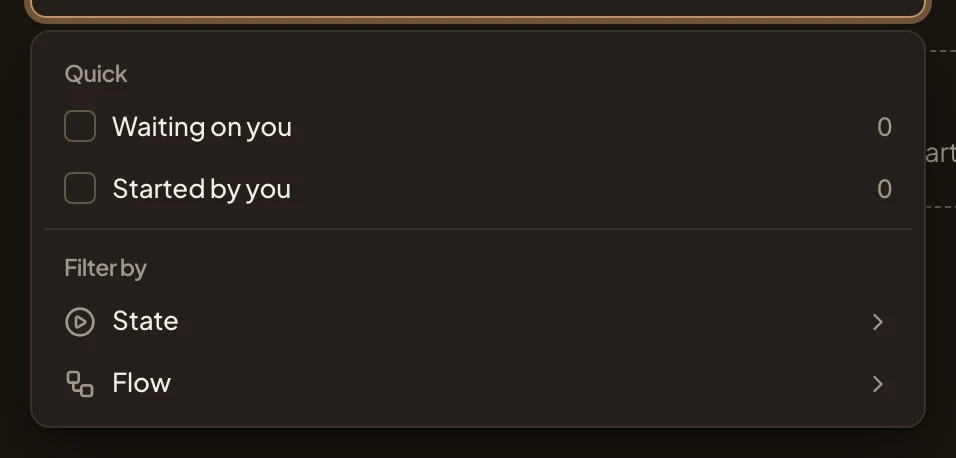
- Waiting on you. Runs with something for you to answer or do, and how many.
- Started by you. How many runs you started.
- State. In progress, Ended, Stuck or All.
- Flow. One flow’s runs. A flow’s page links its runs here.
With no runs, the page says “No runs yet” and “Start one with New run, or from a flow’s page.” With none going, it says “No runs in progress”, with a button to show the ended ones. A filter that matches nothing says “No run matches”.
Access
Section titled “Access”Everyone in the organisation. You see a run when you can read its record, the topic it writes. To start one, you need Runs on its flow.