

Area of Emargen
Workspace
The workspace is your team’s home inside the organisation. The work itself is topics and initiatives. The workspace holds the ways you arrange it. Boards and lists show the work the way your team looks at it. Labels and fields sort it. Checks list what an initiative needs before it’s published. It also holds the Landscape, your organisation’s own words for its systems, roles and terms.
Your organisation has one workspace. Its code is the letters at the start of every key, like ACM in ACM-281. The code is set when the organisation starts and never changes, since every key is made with it.
Keeping track without a spreadsheet
Section titled “Keeping track without a spreadsheet”In most teams, keeping track of the work happens apart from the work. Someone in support copies the questions worth answering out of the ticket queue into a spreadsheet. A manager asks which initiatives wait for approval, and someone goes and counts. When the person who keeps the spreadsheet is away, it goes stale.
An automatic board shows whatever matches its conditions, so nobody updates it. A list that fills itself is current without anyone checking. Each person sees on a board or a list only what they may open.
Your own settings are yours alone, and Admin is for the people who run the organisation. Workspace settings are for the whole team. Whoever makes a board or a list chooses who sees it.
The agent fills in the page with you
Section titled “The agent fills in the page with you”The workspace’s own pages, from Boards to the Landscape, have the workspace agent beside them. On each, it asks what you want there. Beside the boards it asks what you want to see, and beside the Landscape what your organisation has. Tell it what you want, the way you’d tell a colleague. Ask for “a board of every topic labelled Security, for everyone”, or “a list of the customer questions due next week”. When it needs to know more, it asks. Then it fills in the page step by step, the way you would, so you watch the board or the list take shape.
Nothing is made until you say so. The agent drafts, and you press the button that makes it, on the page or on the card it puts in the chat. Your chat with the agent stays between you.
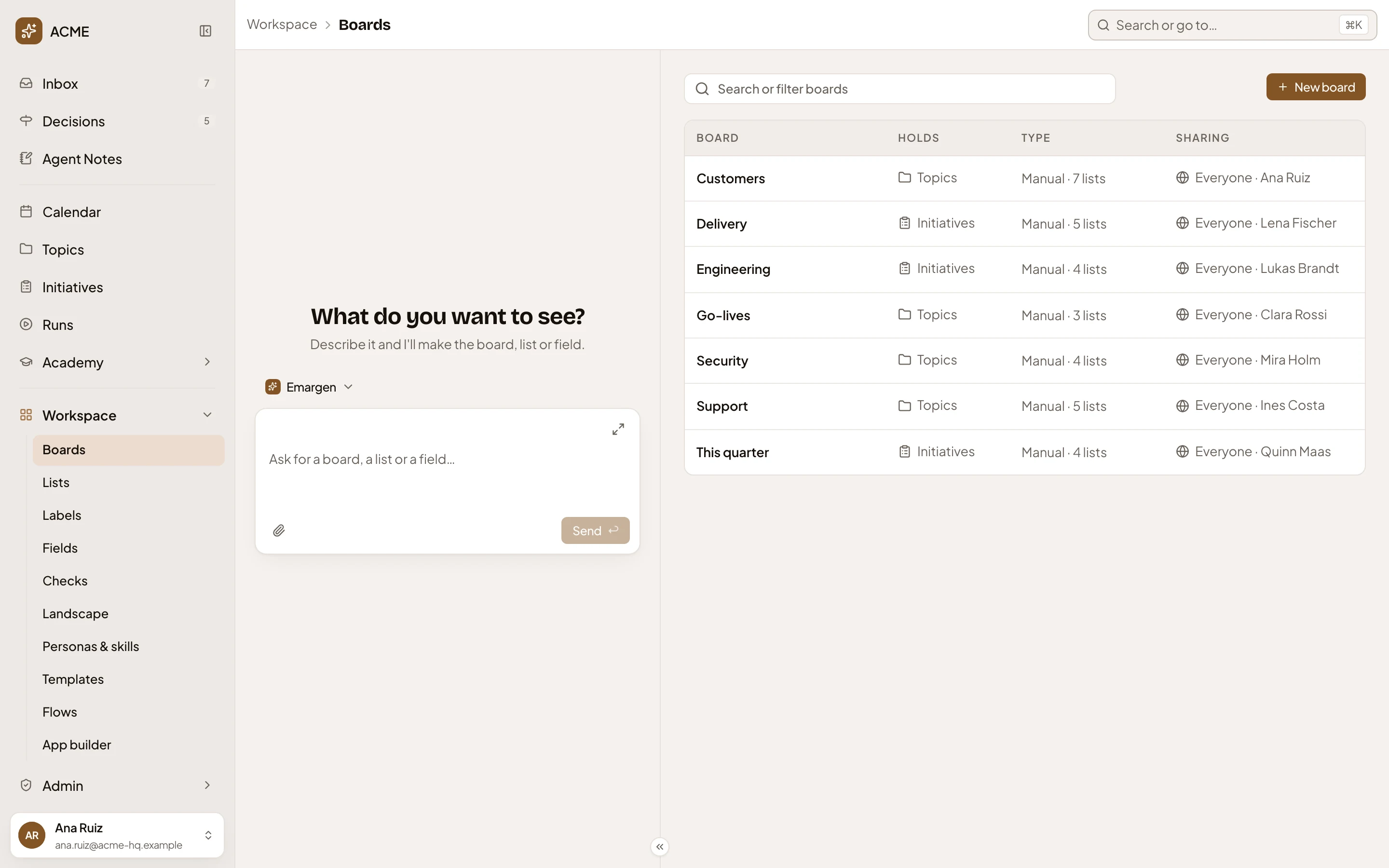
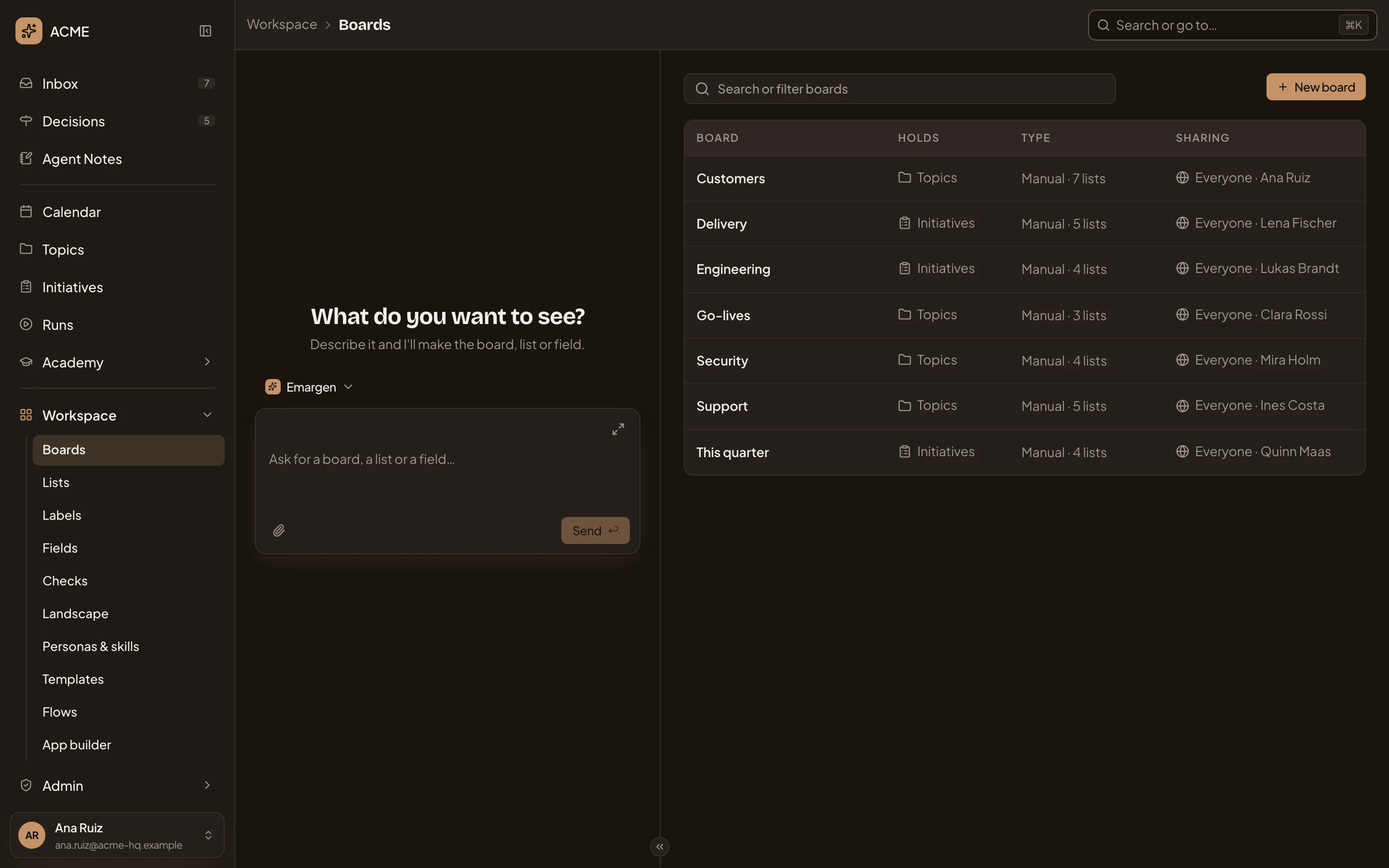
- Workspace and its pages.
- The workspace agent, asking what you want to see.
- Say what you want to see.
- The page it fills in as you watch.
Lists the agent keeps filled
Section titled “Lists the agent keeps filled”Some work arrives faster than anyone can sort it. A list of topics you keep by hand can have an agent task that fills it. You say in your own words what to look for. Under your words, the agent shows how it read them. It names where it will look, in Emargen or in a tool your organisation connected like Jira or Confluence, and how far back. To change that, you change the words.
On its schedule, the agent makes a topic for each new thing it finds, or one topic about all of it, as you choose. Each is written from the template you picked, with the fields filled in. A topic for each thing means up to ten a run, and nothing is made when there’s nothing new. When something it wrote about changes in its tool, a later run brings that topic up to date.
A week of support questions
Section titled “A week of support questions”Say you run support. Customers’ requests arrive as tickets in Jira, and many are questions rather than faults: can a depot manager approve agency drivers for one shift?
You make a list, Support questions, and give it a task. Every Monday and Thursday, it makes a topic for each new support request in which a customer asks if something can be done or how it works. The agent reads that as Jira’s support project, since the last run. Each topic follows your Customer question template, so the agent names the customer, writes the question in their words, and says what exists today.
You read them on your Support board. A colleague’s list sits beside them and fills itself with the customer questions waiting on the customer. When one of the agent’s topics was set to Waiting on the customer, it showed up there too. The board also keeps a list of its own, for cases an engineer should look at.
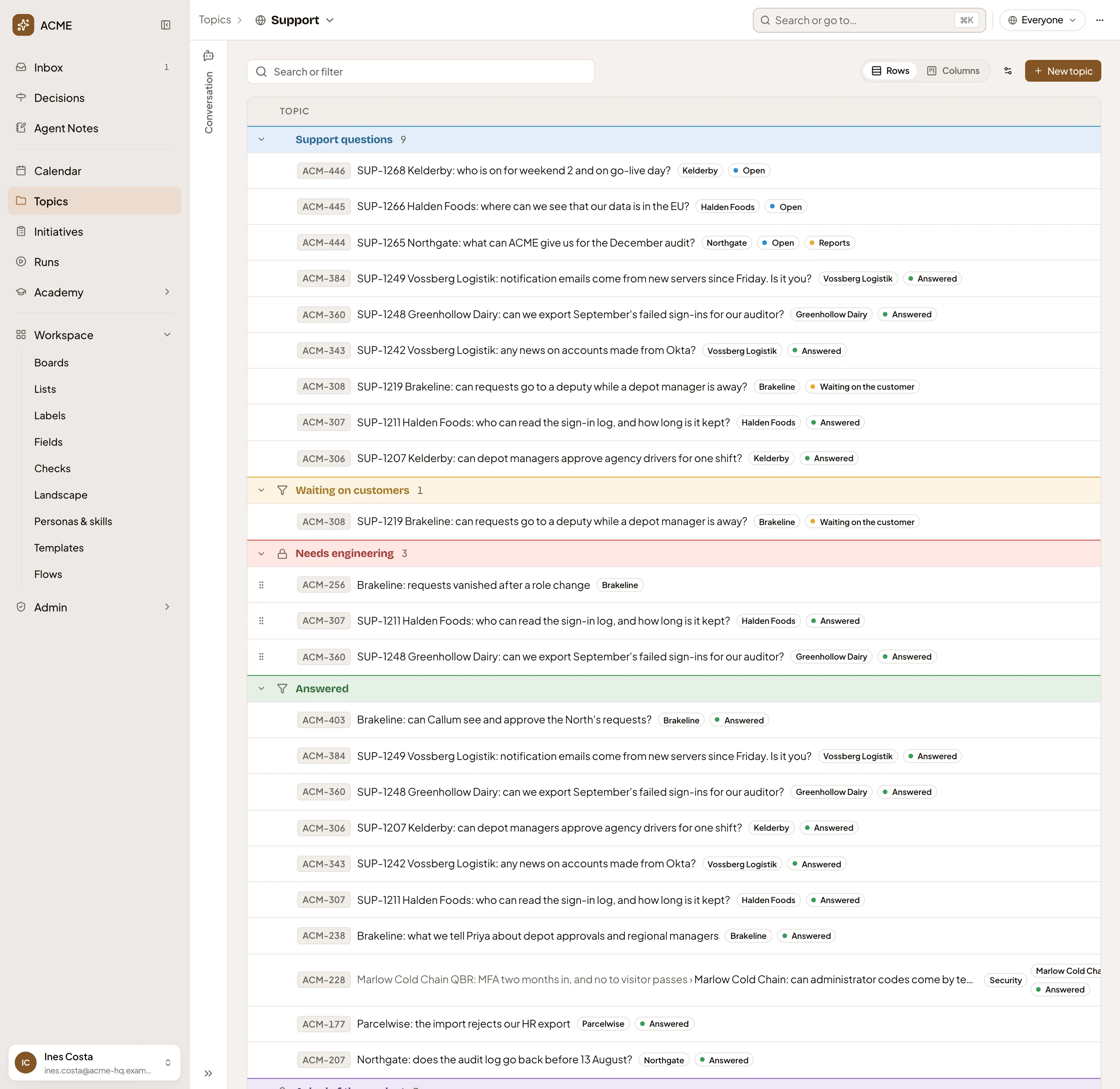
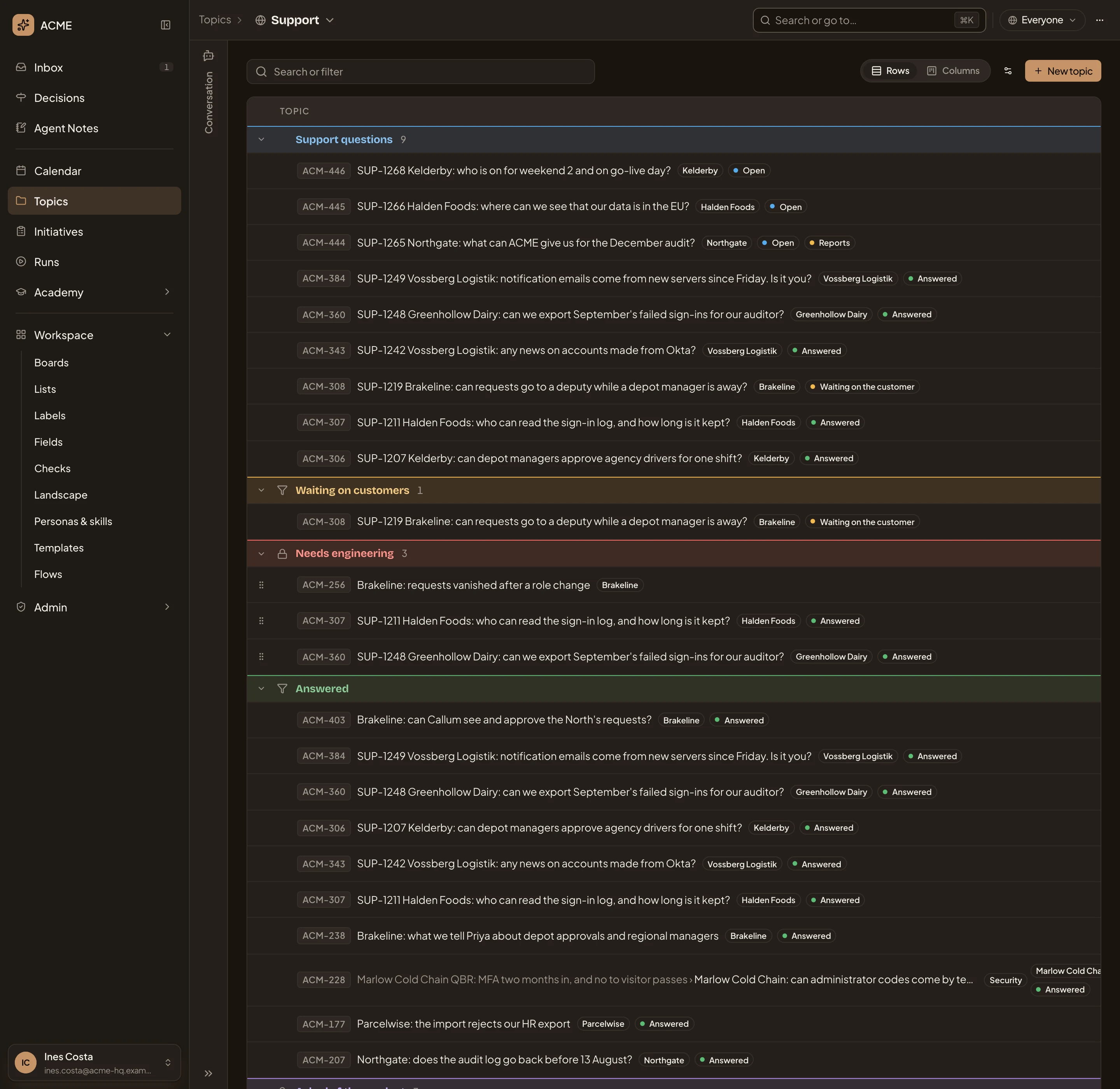
- Support questions. The list the agent task fills.
- Its Status also puts it on the list below.
- Waiting on customers. A colleague’s list that fills itself.
- Needs engineering. The board’s own list.
The task shares each topic the way the list is shared. Nobody copies questions out of the queue, and your time goes on the answers.
Checks before publishing
Section titled “Checks before publishing”Every team decides what must happen before anything gets built: the customer has read the brief, security has looked at what changes in sign-in. You write them once, as the workspace’s checks. Every initiative’s Kickoff goes through them after Emargen’s own checks.
A person ticks a check, or the agent reads the initiative and says if it’s met, and why. A person can overrule the agent. Each check also says if Publish waits for it. A new workspace has none. The people who manage the workspace’s settings, like administrators, add the ones your team wants.
Boards, lists and the rest
Section titled “Boards, lists and the rest”- Boards. A saved way of looking at topics or initiatives, by conditions or as lists side by side.
- Lists. Work collected under one name, kept by hand, filling itself automatically, or filled by an agent task.
- Labels. A word for what work is about, like a customer’s name, so you find related work together.
- Fields. A fact such as a topic’s customer. Boards group by it, and the agent fills it in.
- The Landscape. The names of your systems, people and roles, and terms, which every agent writes by. Each change is a proposal someone approves.
You look at a board on the topics or the initiatives list. A list’s task shows its runs on the Calendar, and a Landscape proposal waits in Decisions for the people who may approve it.