

InitiativesPage by page
Spikes
A spike is a short look into something nobody knows yet. The agent answers its questions from your organisation’s documents, Emargen’s record, your code and the web. Click Spikes on the rail of an initiative’s page. See Approaches and spikes for the idea.
In the picture, ACM-290 has one spike, SP1, answered. It was opened for an unknown approach A rested on.
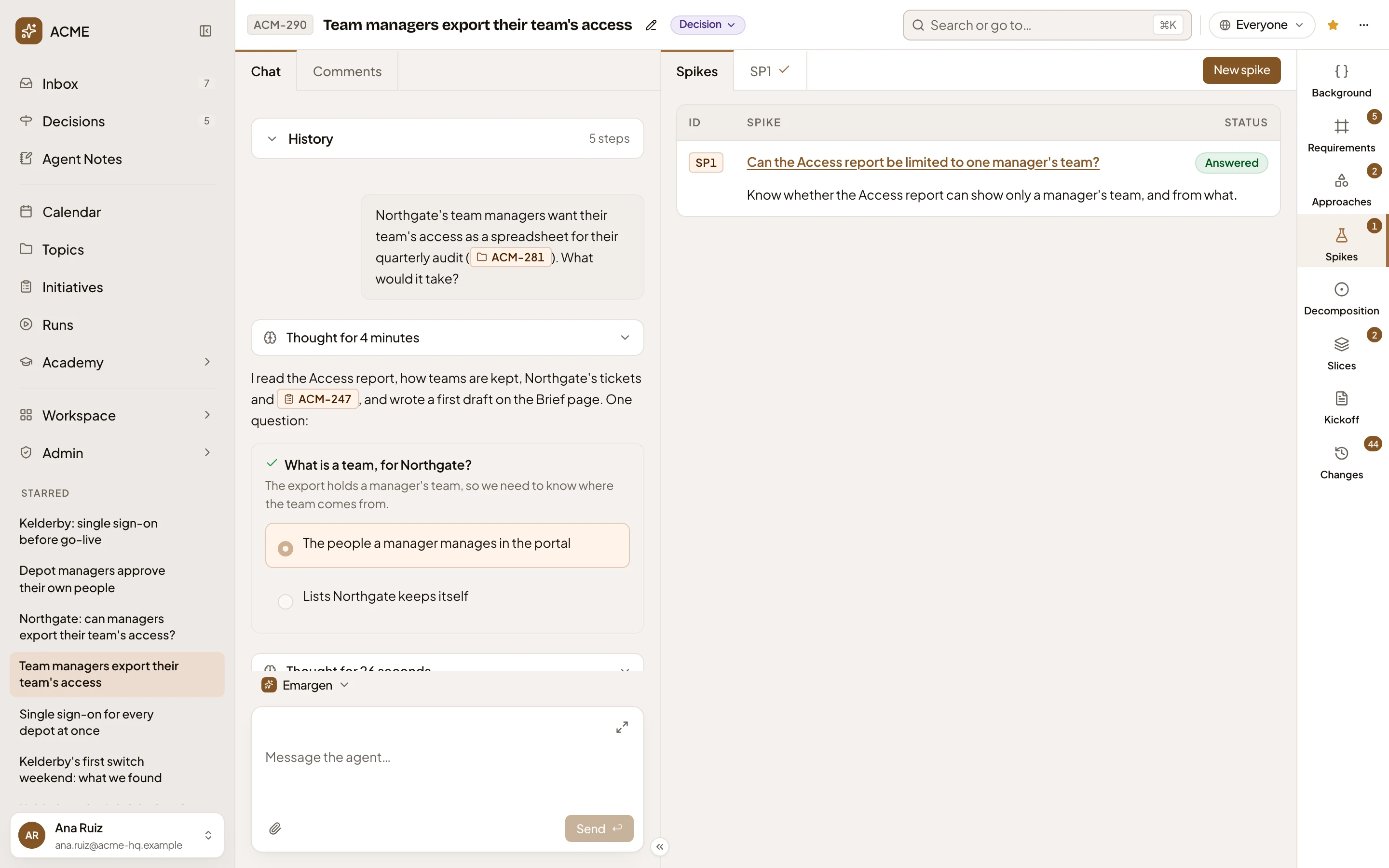
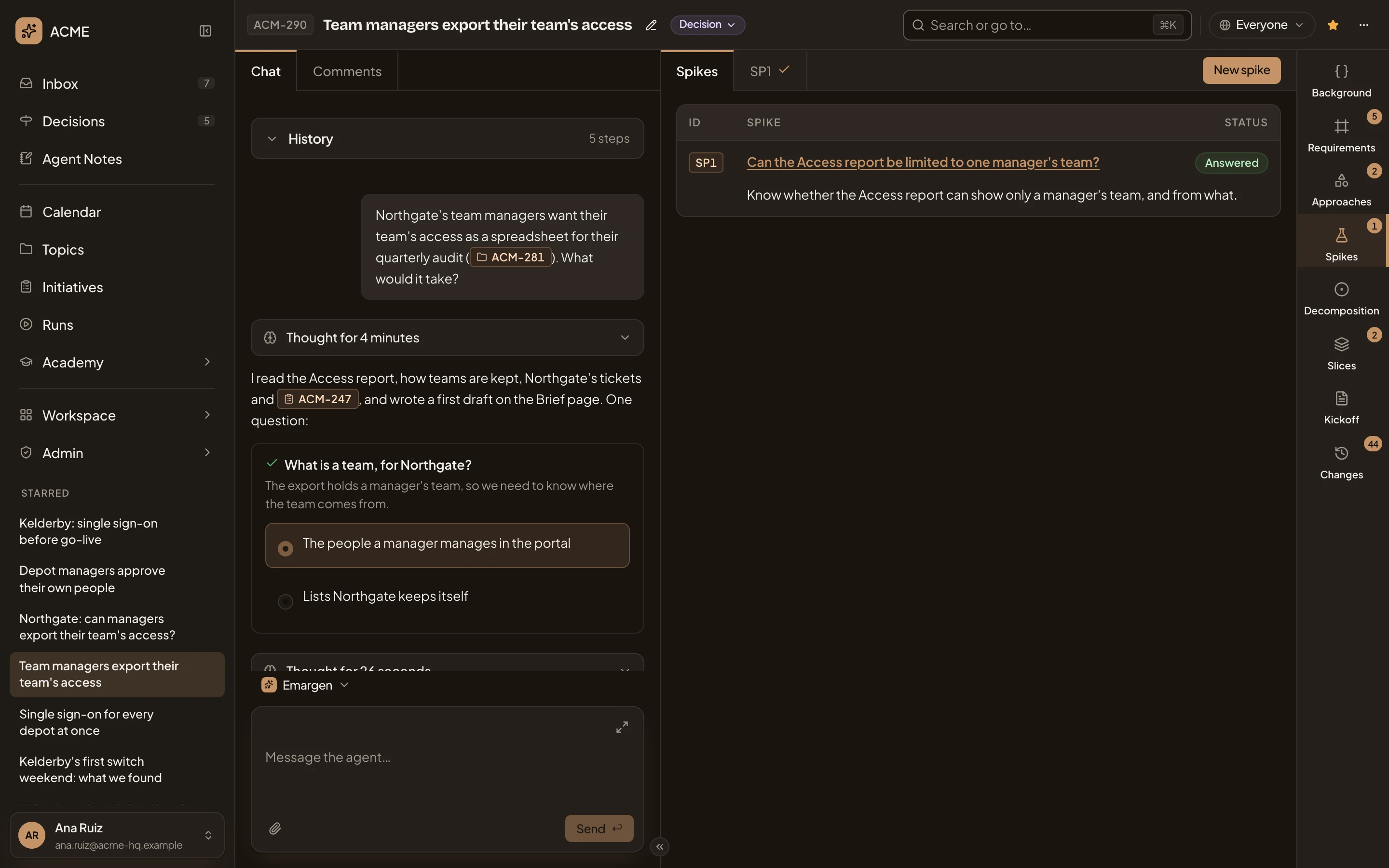
- Spikes and SP1. This list, then a tab for each spike.
- New spike. Say what needs investigating (see below).
- A spike: its key, title and goal. Click the title to open the spike.
- Answered. Its status: Open until every question is answered, then Answered.
New spike
Section titled “New spike”New spike is there from the first day, before there are requirements or approaches. It asks for the Question to investigate. Say it in your words: what you need to know, and what for.
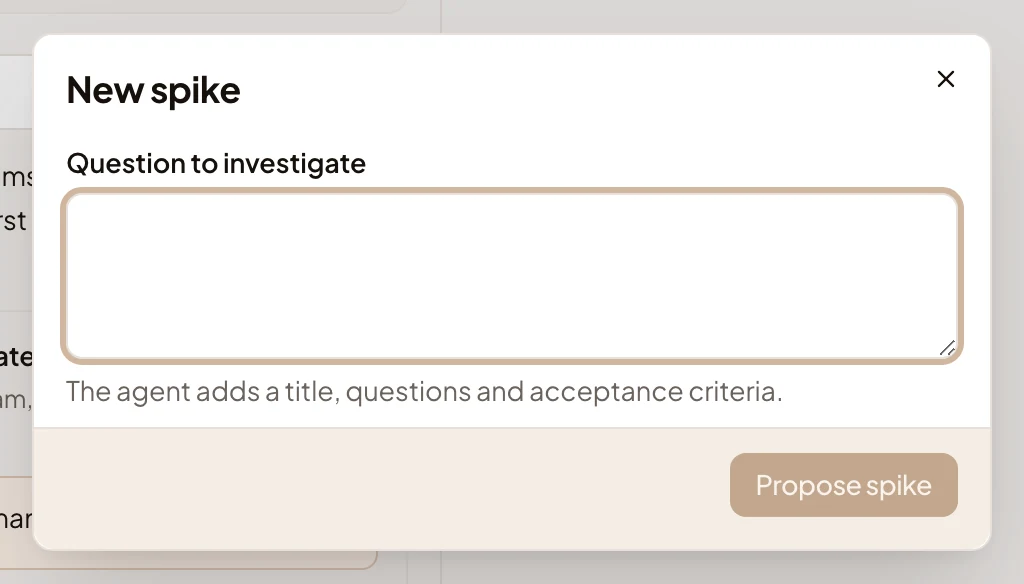
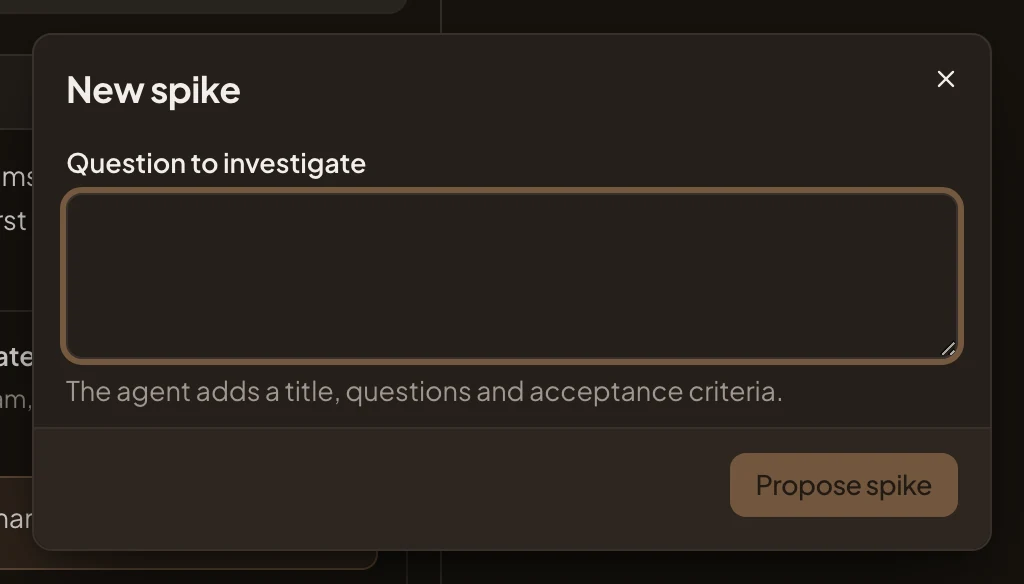
Press Propose spike. The agent writes the spike. It gives it a title, the questions to answer, and what an answer must show for the spike to count as done. It ties the spike to the unknown or risk it addresses, when there is one. The agent also opens spikes itself, when an approach it writes rests on something unknown. Or pick Open a spike… on an unknown of an approach.
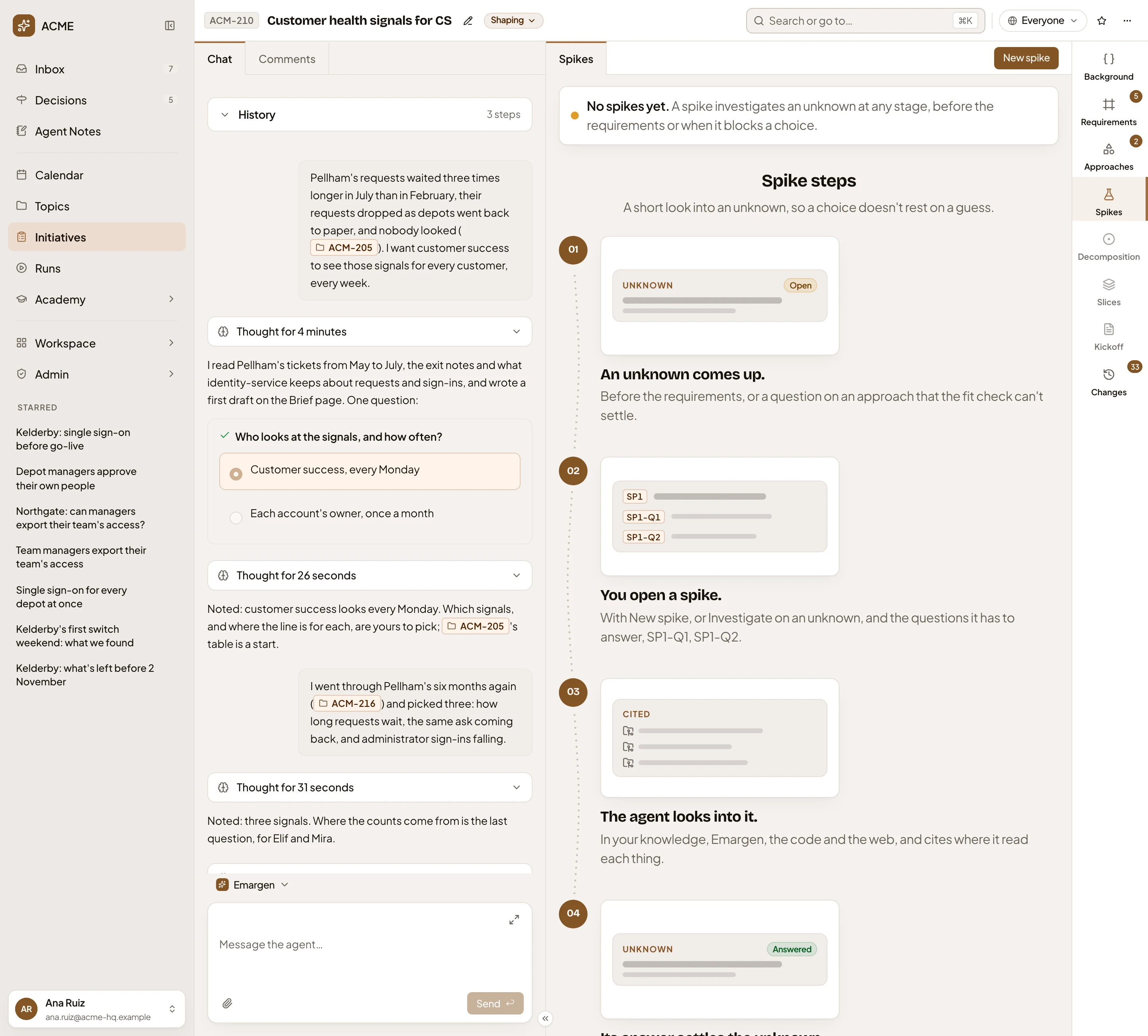
With no spikes, the section says No spikes yet, shows how a spike works in four steps, and keeps New spike to open one. In the picture, ACM-210 has none yet:
Access
Section titled “Access”Everyone who can open the initiative reads its spikes. New spike is for the owner and the people who edit it.