

Getting aroundPage by page
Your usage
Usage shows your own share of the record of AI use. Your chats, your agent tasks and the background work all call your organisation’s models. Usage counts this month’s calls, and what they cost at list prices. Open it from the Usage tab of Your profile.
Everyone sees their own. People whose role may manage models see everyone’s, on Usage under Models.
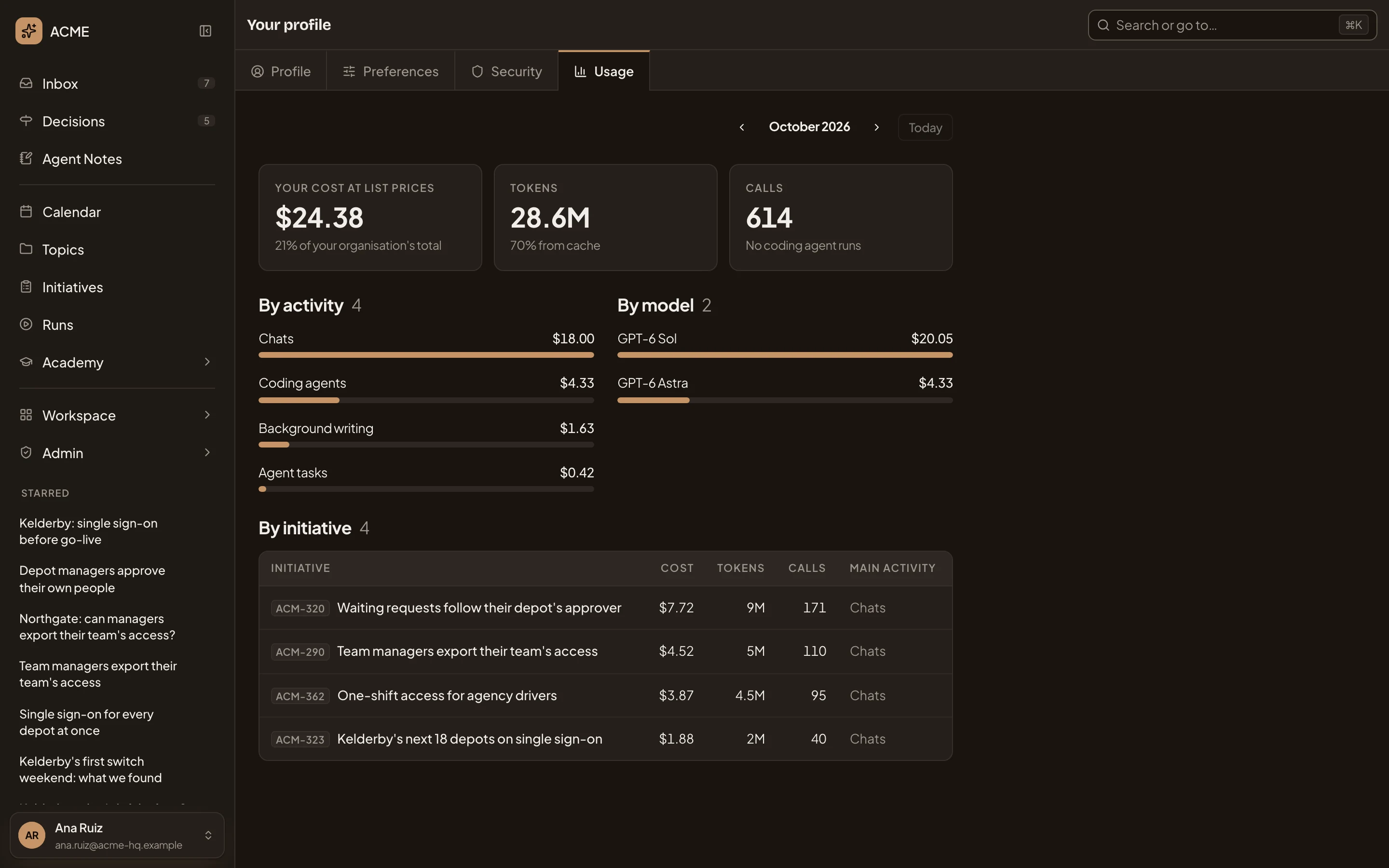
Open Usage (opens Emargen in a new tab)In the picture, one person’s October. Most of the cost came from chats.
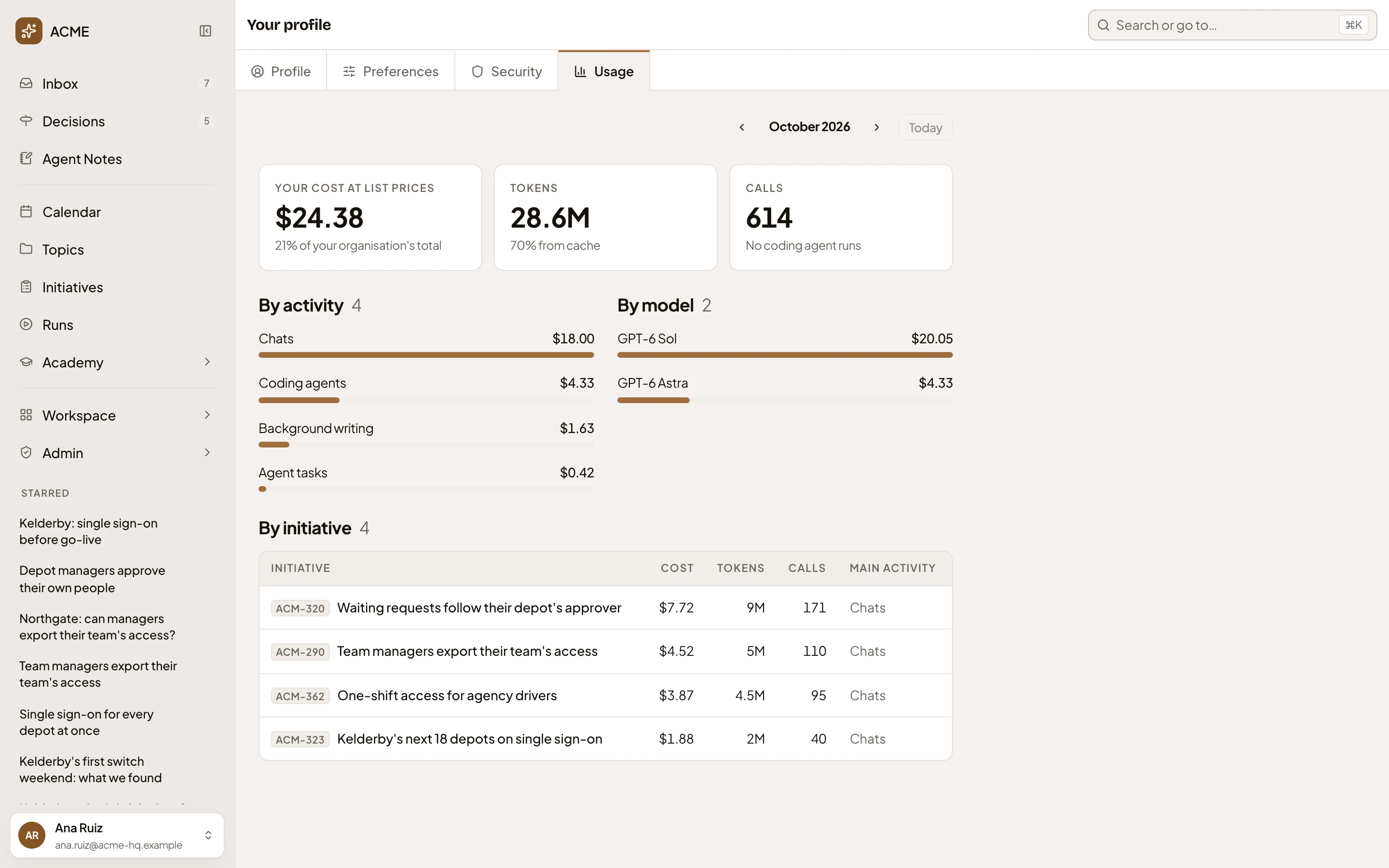
- Previous. The month before.
- Next. The month after.
- Today. Back to this month. It’s greyed out while you’re on it.
- Your cost at list prices. What your calls would cost at the models’ list prices, and your share of your organisation’s total for the month. Discounts aren’t taken off.
- Tokens. How much text went to and from the models, and how much of it came from the cache, which costs less.
- Calls. How many calls your work made, and how many coding agent runs.
- By activity. What the cost went on: Chats with agents, and Coding agents checking your code. Background writing is titles and drafts made for you. Other kinds show when you have some.
- By model. The models your work ran on.
- By initiative. The initiatives the work was about, each with its cost, tokens, calls and Main activity.
Work that wasn’t about an initiative, like topics, the Inbox and settings, counts in your figures but has no row under By initiative.
Click an initiative to open its month on the organisation’s usage, which only people who manage models can read. Anyone else sees “Usage unavailable”.
A month with nothing in it says “Nothing used this month” and “AI use shows here as it happens.”
Access
Section titled “Access”Everyone, for their own use. See See what AI costs for an administrator’s view.