

AdminIdea
People and roles
A role says what someone in your organisation may do beyond their own work. Most people never need one.
Most work needs no permission
Section titled “Most work needs no permission”On their first day, a new colleague on the support desk can work a customer’s question through with the agent in a topic, or start an initiative. They don’t need a role for any of it. They decide who sees their work through sharing, item by item, never through a role.
Some jobs reach the whole organisation. One is choosing the AI models and connecting your tools and repositories. Another is deciding who may join and approving initiatives for building. A role says who you trust with each.
Roles are made of permissions
Section titled “Roles are made of permissions”A permission is one thing a role lets a person do, like approving initiatives or inviting people. You get the permissions of all your roles.
Three roles come with every organisation, and they can’t be edited or deleted. Administrator holds every permission, and whoever sets the organisation up holds it. Member holds none. Members can still work on their own and on what’s shared with them. App builder holds one, the permission to ask Emargen for new apps and build them. Other roles add permissions.
Your organisation makes the rest, named for the jobs in it. Say your product manager approves initiatives and keeps the topic templates everyone starts from. A Product role gives them that, without letting them change the models. A Support role might let a support lead bring in new colleagues, without managing anyone’s roles. Give a role only what the job needs.
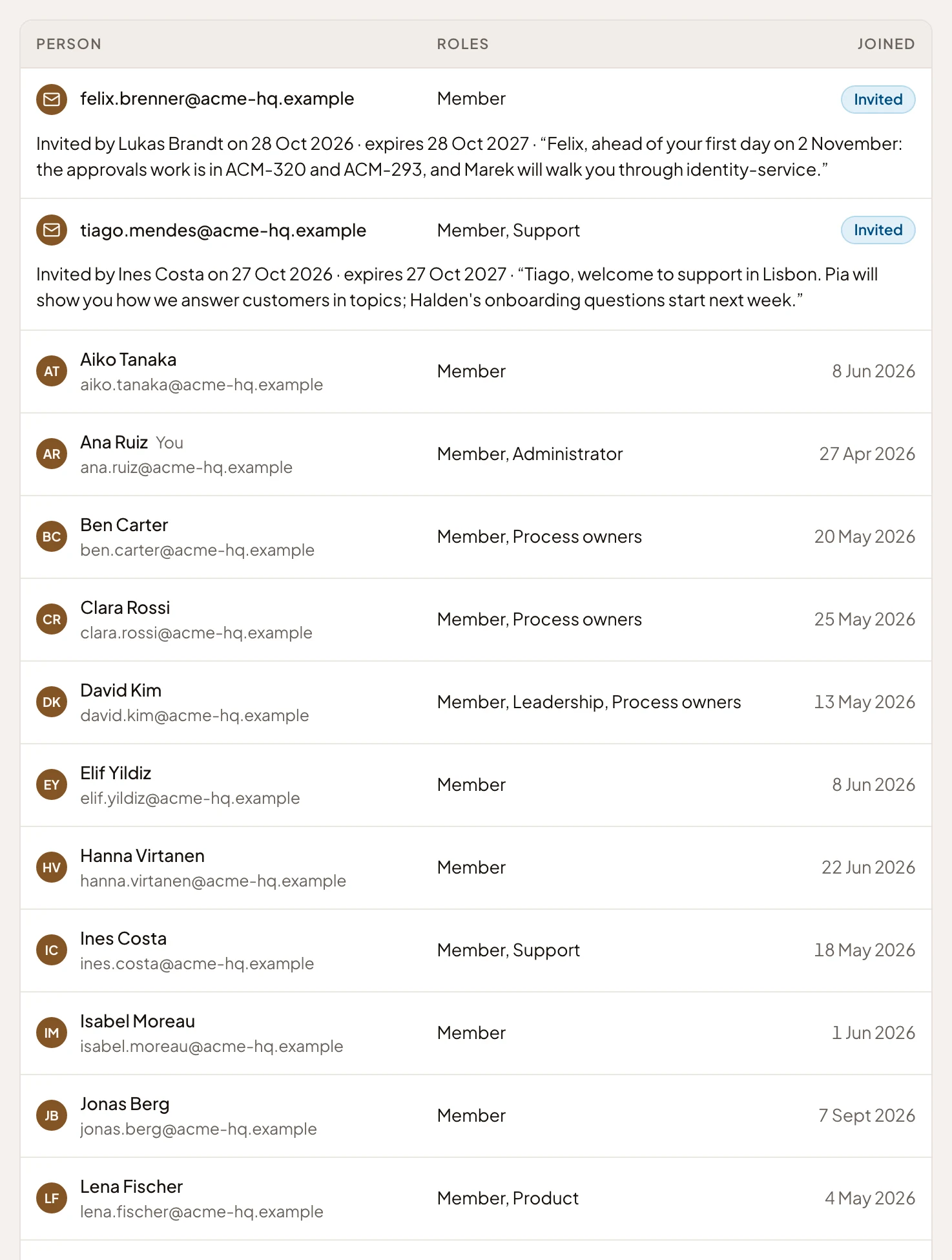
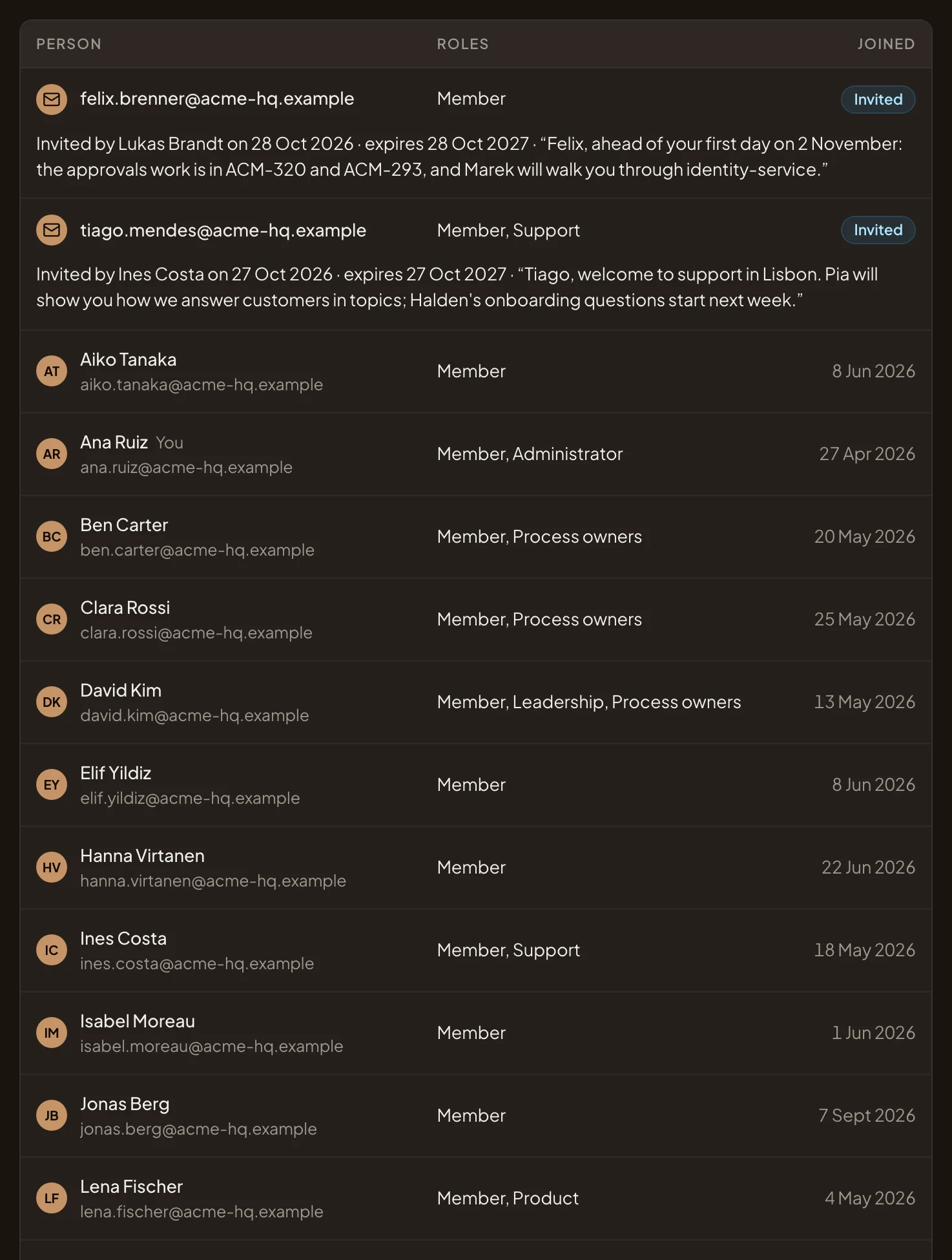
- The new colleague starts with Member and Support.
- Administrator, which holds every permission. Whoever set the organisation up holds it.
- Member and nothing else, which is enough for most work.
- Product, a role the organisation made for its product managers.
Joining
Section titled “Joining”People join by invitation, with the role they start in. Inviters who cannot manage roles may offer any role whose permissions they hold.
If your organisation signs in through your company’s single sign-on, the company’s people join as members when they first sign in. Your IT team keeps roles of its own there, and you say which Emargen roles each one gives, under From single sign-on on Roles & permissions. Everyone with the company role Support, say, gets Emargen’s Support role at every sign-in. Someone loses it at their next sign-in, once the company role is gone. Roles given by hand in Emargen stay as they are, so the Administrator role the organisation started with is never lost to a sign-in.
Your name, photo and email are yours, the same in every organisation you belong to. Your roles aren’t. Each organisation gives its own.
A few rules hold everywhere
Section titled “A few rules hold everywhere”- Someone must always be able to manage roles. Emargen won’t take that from the last person who can.
- You can’t delete a role while someone holds it, or while an open invitation offers it.
- Change a role, and everyone who holds it changes with it at once.
- Emargen checks permissions, never a role’s name. Two people with the same job can hold different roles.