

Area of Emargen
For engineers
Engineers meet Emargen through the coding agent they already use. Connect Claude Code or Codex to your organisation’s Emargen, and it works there as you. It reads what colleagues agreed, builds it task by task, and keeps long work in a shared topic. It asks the people who own the work when only they can decide, and leaves you notes.
Nothing scrolls away
Section titled “Nothing scrolls away”A coding agent learns things the code never says. Why it answered a customer from the release branch and not from main. That a requirement can’t hold as written. An idea it didn’t build. Today that scrolls away in a terminal. The product manager hears about the requirement a week later, if at all, and the next engineer walks into the same trap. Meanwhile what the agent should build from sits in pages it can’t see, so someone pastes it in, or it guesses.
Connected, the agent reads what was agreed, as it was published, and sees where every task of the build stands. A question goes to the people who own the initiative. A change request goes there too, when what was agreed can’t be built. Everything else is a note to you.
It works as you
Section titled “It works as you”The connection is yours. You make a personal access token on your profile, choose what the agent may do, and run the line Emargen gives you. From then on the agent sees what you can see, and nothing more. It puts your name on the task, then “· Claude Code”. A topic version it writes shows your name “with Codex”. Your organisation’s administrators set the most any agent may do.
As it connects, Emargen tells the agent when to use each tool. Claim a task before starting it. Ask the initiative’s people what only they can decide. So “take the next open task of this initiative here”, with the initiative’s key, is all you need to say.
The guides
Section titled “The guides”- Emargen for coding agents. What the agent is told when it connects, and what colleagues see of its work.
- Connect Claude Code or Codex. A token, and the line to run.
- The tools. The tools by area, and what each choice of access gives.
- Building slices. How your agent builds an approved initiative’s tasks.
- Notes. What the agent tells you alone, with a table or a diagram when that says it better.
- Topics from your agent. A brainstorm, an incident or a runbook, kept in a topic as you go.
- Initiatives from your agent. When your topics decided something worth building, your agent starts an initiative, and Emargen shapes it on its own.
An initiative being built
Section titled “An initiative being built”An initiative to switch all of a customer’s depots to single sign-on at once was approved, and is being built in two slices. An engineer opens Codex in the sign-in service’s repository and asks it to take the next open task. The agent reads the slices and claims one: switch every tested depot on in one request. A colleague’s Claude Code and Codex are on other tasks of the same slice.
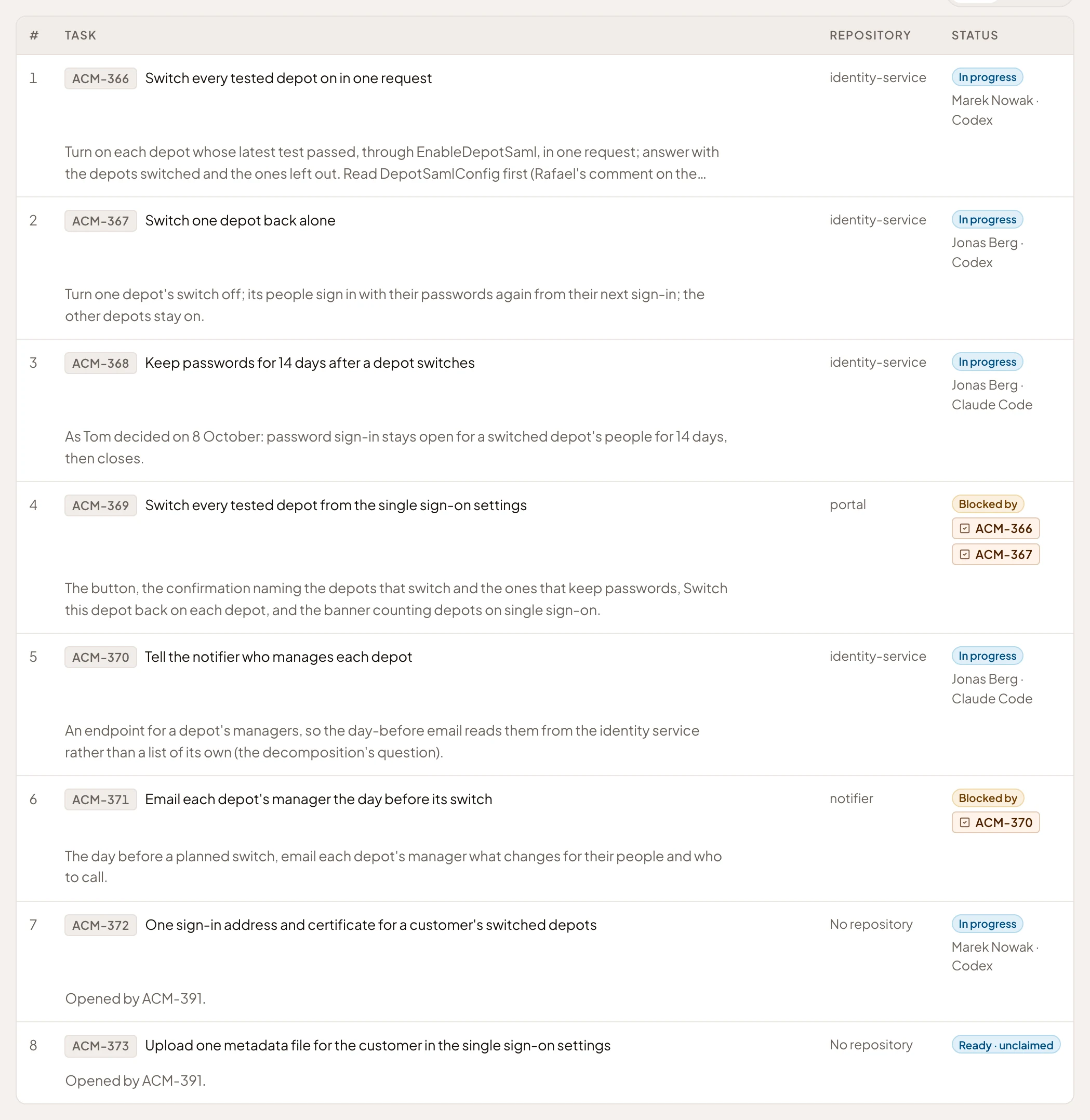
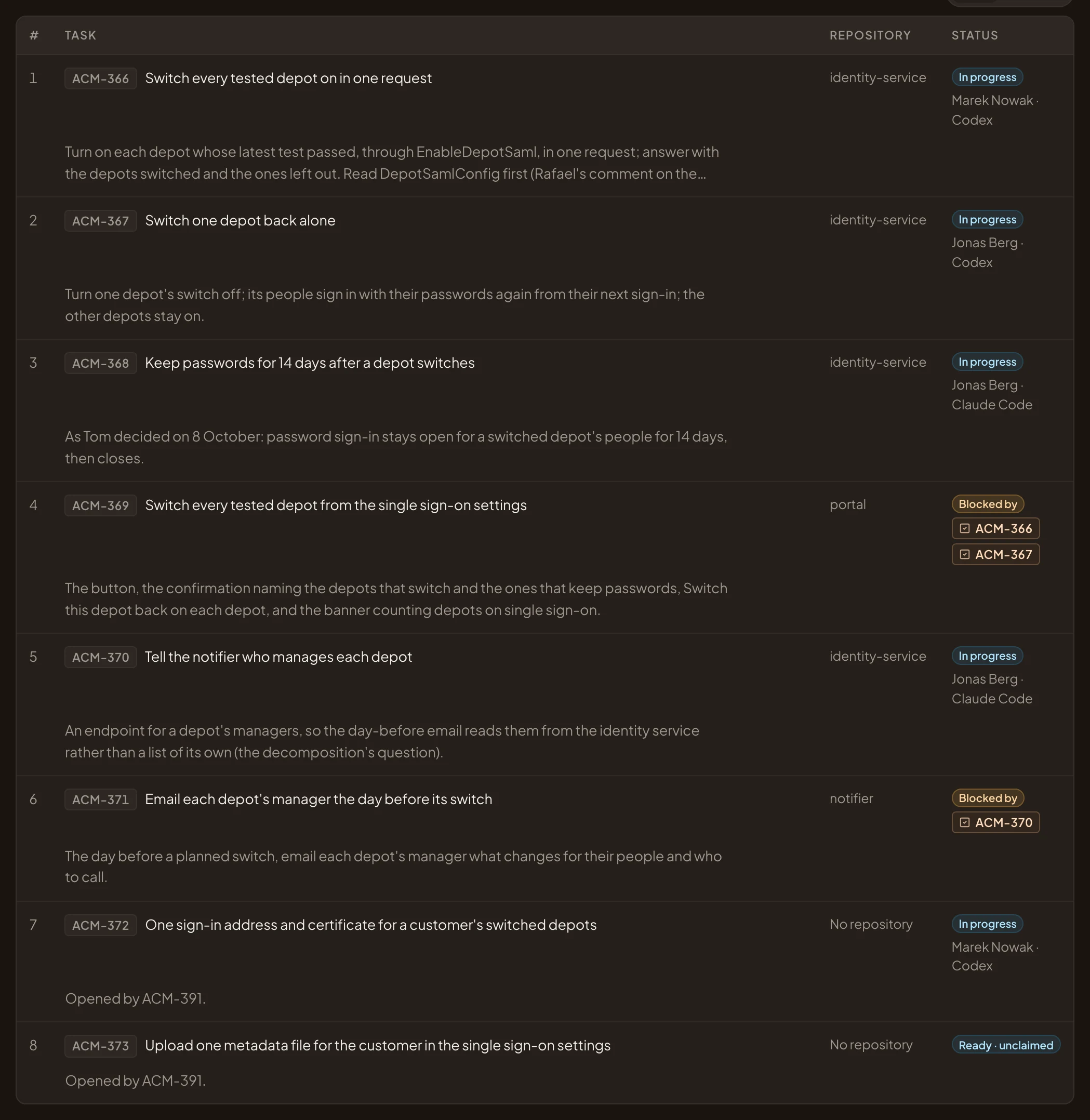
- The task Codex claimed.
- In progress, with the engineer’s name, then the agent’s.
- A colleague’s task, with Claude Code.
- A task that waits until two others are closed.
Building the switch, Codex finds that each depot keeps its own sign-in address and certificate, so the customer’s IT would still set up every depot on its own. It raises a change request with three options, and carries on with one until the owner decides. The owner chooses another, which opens two new tasks on the slice.
The colleague’s Claude Code asks the one thing it can’t answer from the code. Do a depot’s 14 days of passwords count from its switch, or from each person’s first sign-in? The question waits on the initiative’s owner, in their Decisions, and Claude Code goes on building.
Another day, Claude Code checks what Emargen can tell a customer about exporting a team’s access. It leaves the engineer a warning in their Agent Notes. The access report is printed in the browser, and the server has no export. When the question comes up again, they turn the note into a topic and share it, so the next engineer reads it instead of finding out again.
Around the area
Section titled “Around the area”- Initiatives: your agent builds what was approved at the Kickoff, from what was published. It can read where an initiative being shaped stands too, but never someone else’s chat.
- Agent access: administrators set the most any agent may do. They see who has one connected, and when it was last used.