

AgentsPage by page
New run
New run starts a run of a flow. Open it with New run on Runs, or with Run on a flow’s page or its row on Flows. Run picks the flow for you.
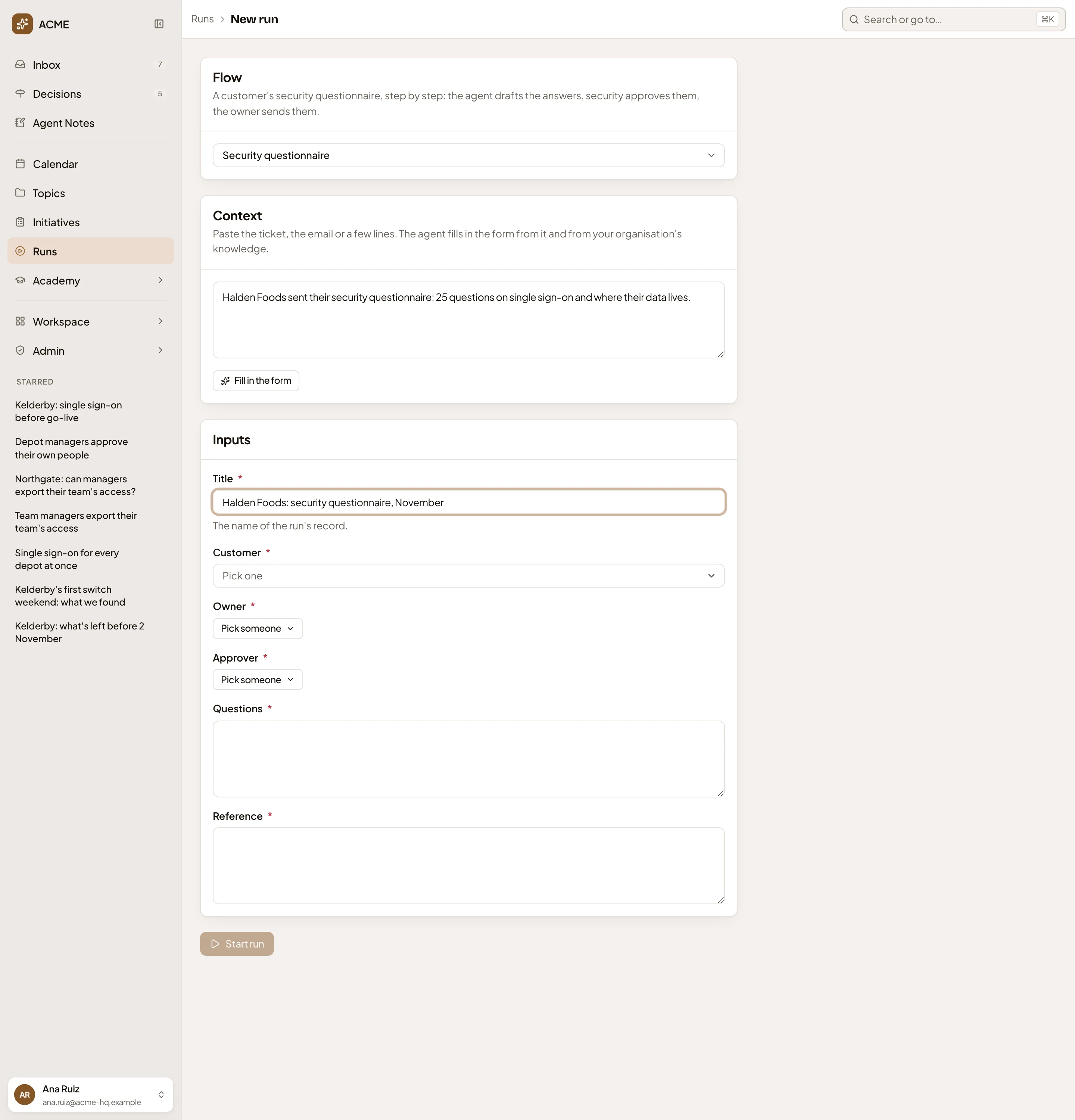
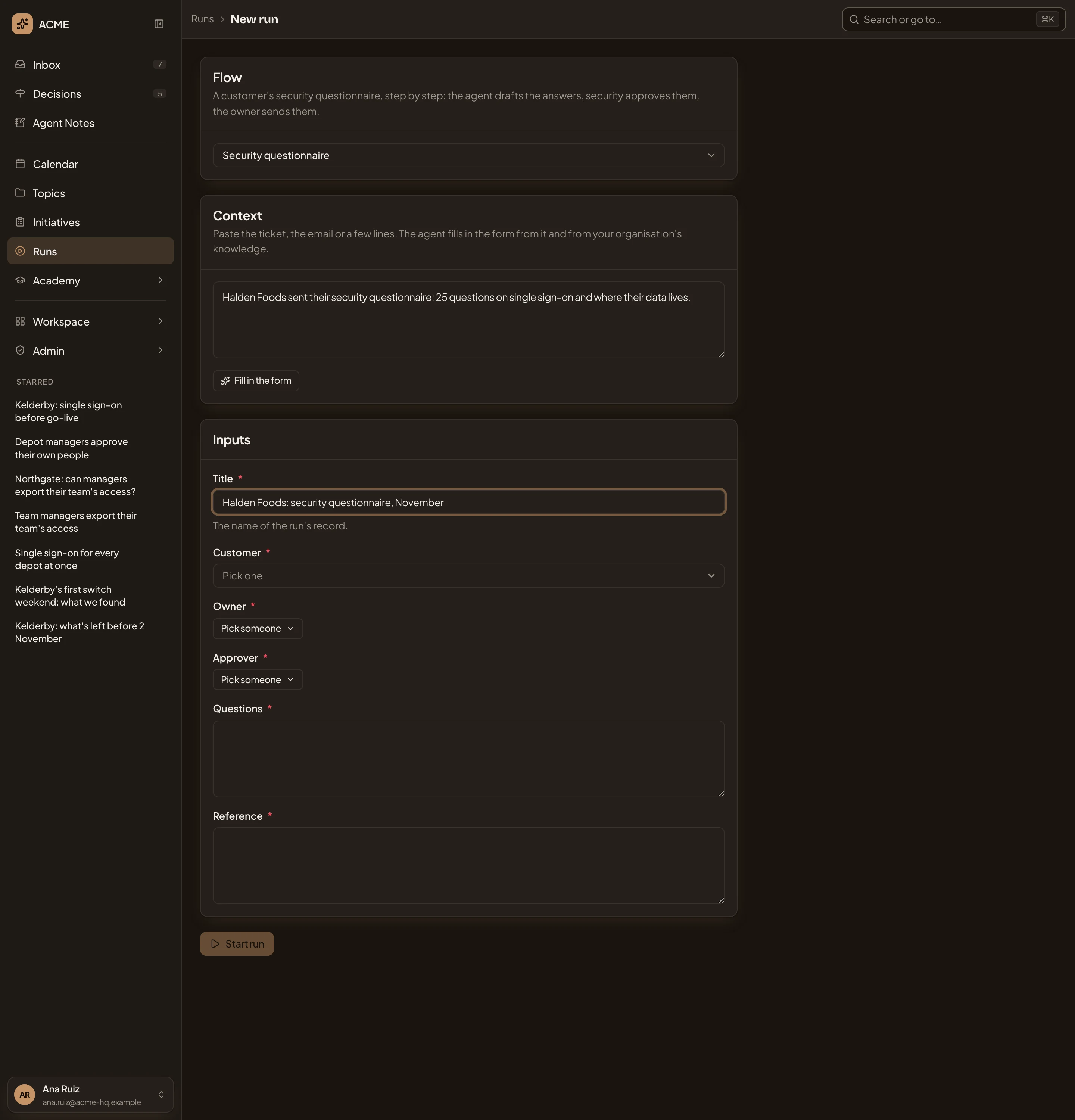
Open New run (opens Emargen in a new tab)In the picture, the Security questionnaire flow is picked for a customer’s questionnaire, with a line about it under Context and a title typed in. The agent hasn’t filled anything in yet.
- Runs, then New run.
- Flow. The flow, with its line on when to use it. Click it to pick another. It lists only the flows you may run. You can’t pick one that can’t run yet.
- Context. Paste the ticket, the email or a few lines about the case.
- Fill in the form. The agent fills in the inputs from your context and from your organisation’s knowledge, then says how many it filled. Each input it drafted shows its source.
- Title. The name of the record the run writes.
- An input you pick from a list, like the customer. Pick one opens the choices.
- Pick someone. An input that is a person, such as the owner or the approver.
- A text input, like the questions.
- Start run. Starts the run once it has a title and every input that isn’t optional.
Some inputs read from a connected tool. Search for it, or paste its link. The run reads it when it starts.
When you click Start run, Emargen first checks the inputs against the flow’s rules (“Checking its rules…”). If one breaks a rule, it says which. Fix the input, or give a reason and click Start anyway. The reason is saved with the run. Then the run’s page opens.
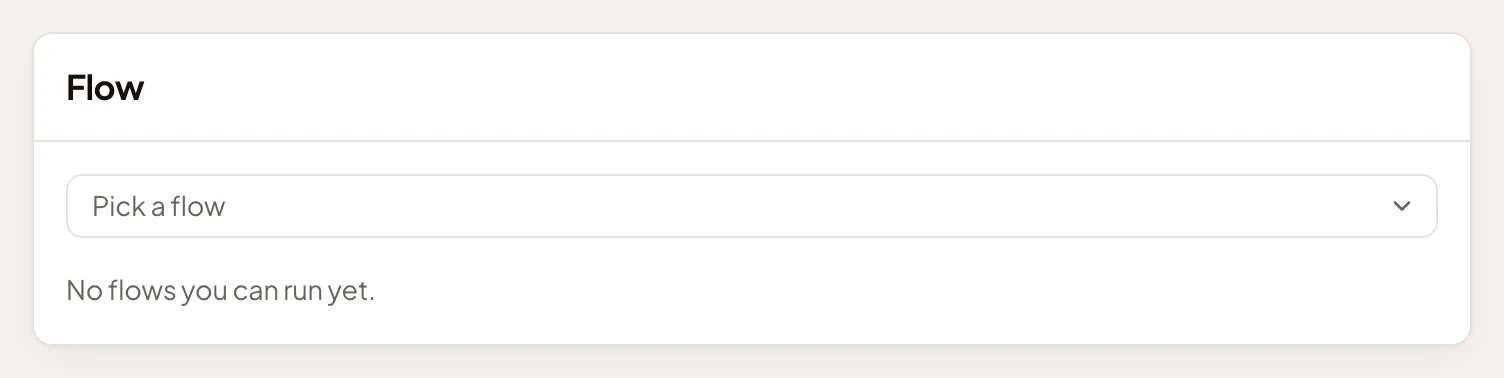
Nothing to run
Section titled “Nothing to run”With no flow you may run, New run says so. The picture shows a colleague who can read the organisation’s flows but can’t run them.
Access
Section titled “Access”Everyone in the organisation can open New run. New run offers the flows you have Runs on. A flow’s owner gives them on the flow’s page.