

AdminIdea
Repositories and analyses
A repository is your organisation’s code, added to Emargen so the agent can read it. An analysis explains what each part of the code does, in words the whole team can read.
The answer is in the code
Section titled “The answer is in the code”“Can we already do that?” comes up all the time at work, and the answer is in the code. Without the code, the agent can only repeat what someone wrote down, which may be out of date. With it, the agent checks the code Emargen has fetched, and names the file.
Say your organisation adds the three repositories behind its product. Someone in customer success asks in a topic whether a customer’s team managers can export their team’s access. The agent checks the admin portal and finds the access report, which only administrators can open. That answer goes back to the customer, and the export becomes an initiative.
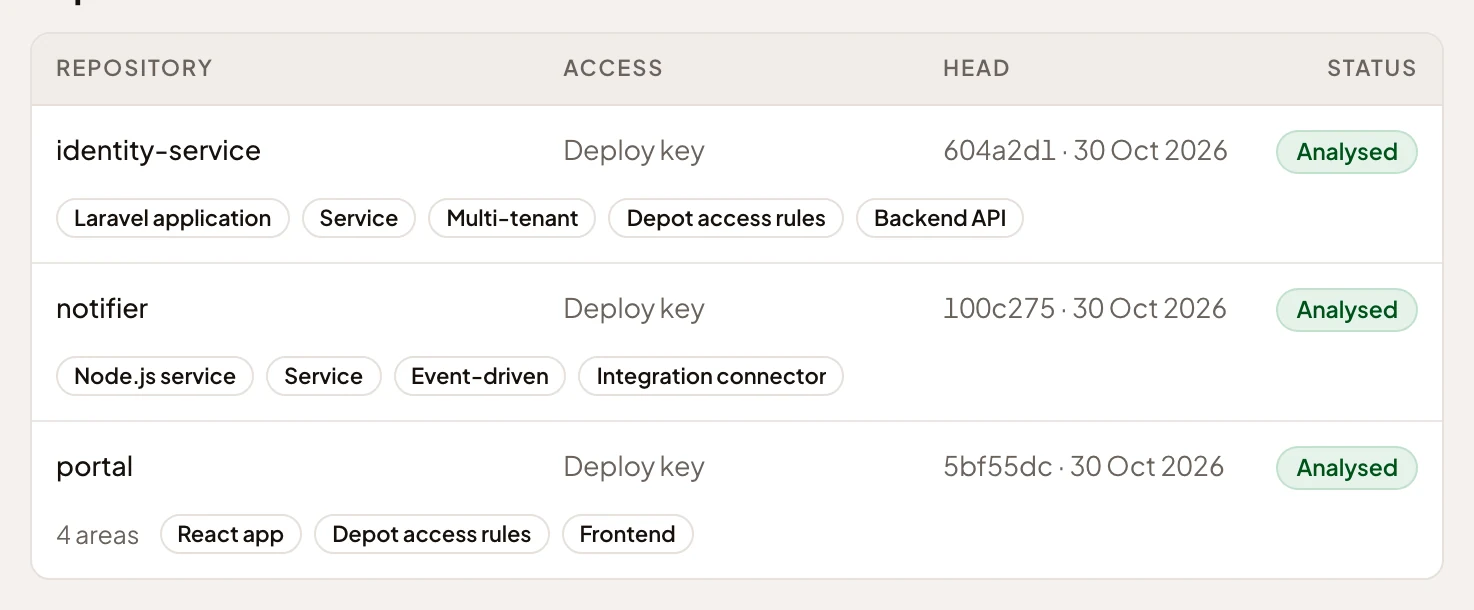
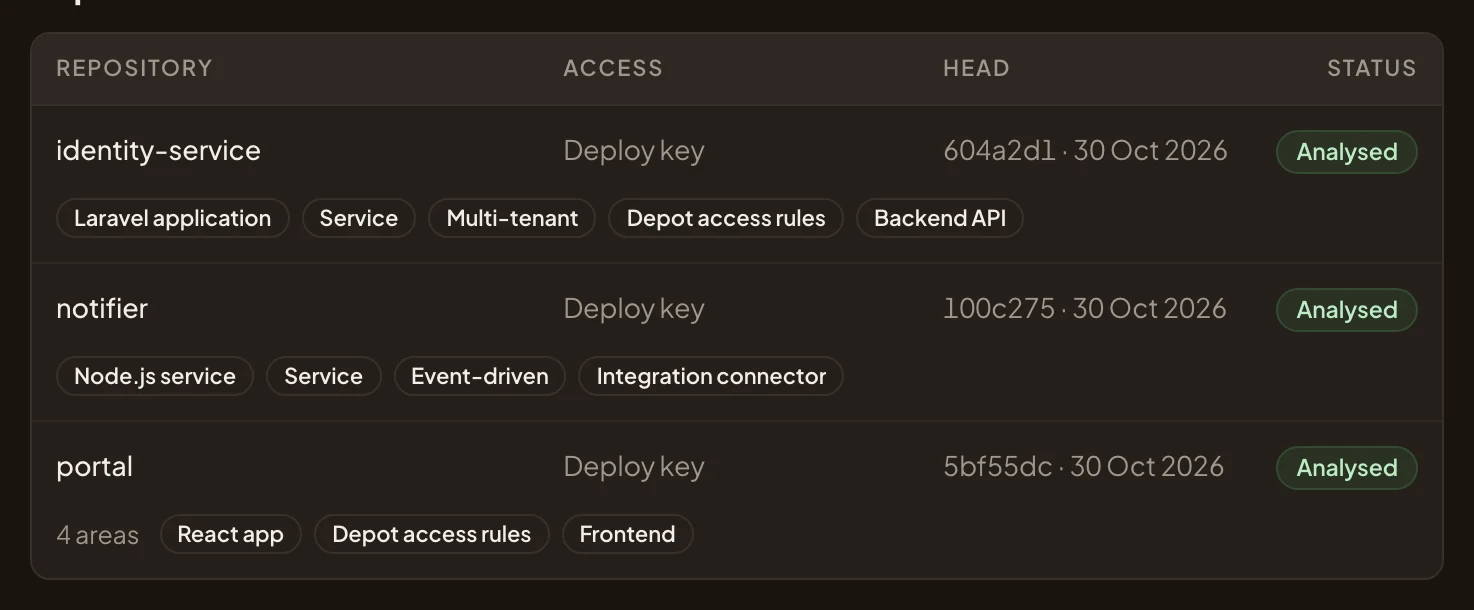
- Analysed: its overviews were written from the code Emargen has.
- The areas the scan found in the portal’s code.
- Depot access rules, one of the recipes the scan applied there.
A scan, then an analysis
Section titled “A scan, then an analysis”Reading a whole repository for every question would be slow. So Emargen reads each one once and writes down what it found, in two runs.
The scan runs by itself when a repository is added. It finds the repository’s areas, the parts its code divides into, like a portal’s approvals, people, reports and settings. For each area it proposes recipes, which say where the facts live in that kind of code. It also proposes guidance on what the overviews should focus on.
After someone has read what the scan proposes, they start the analysis, or it runs on a schedule. It writes an overview of each area. The overview says what the area is for, where to start in its code, its business rules and what it depends on.
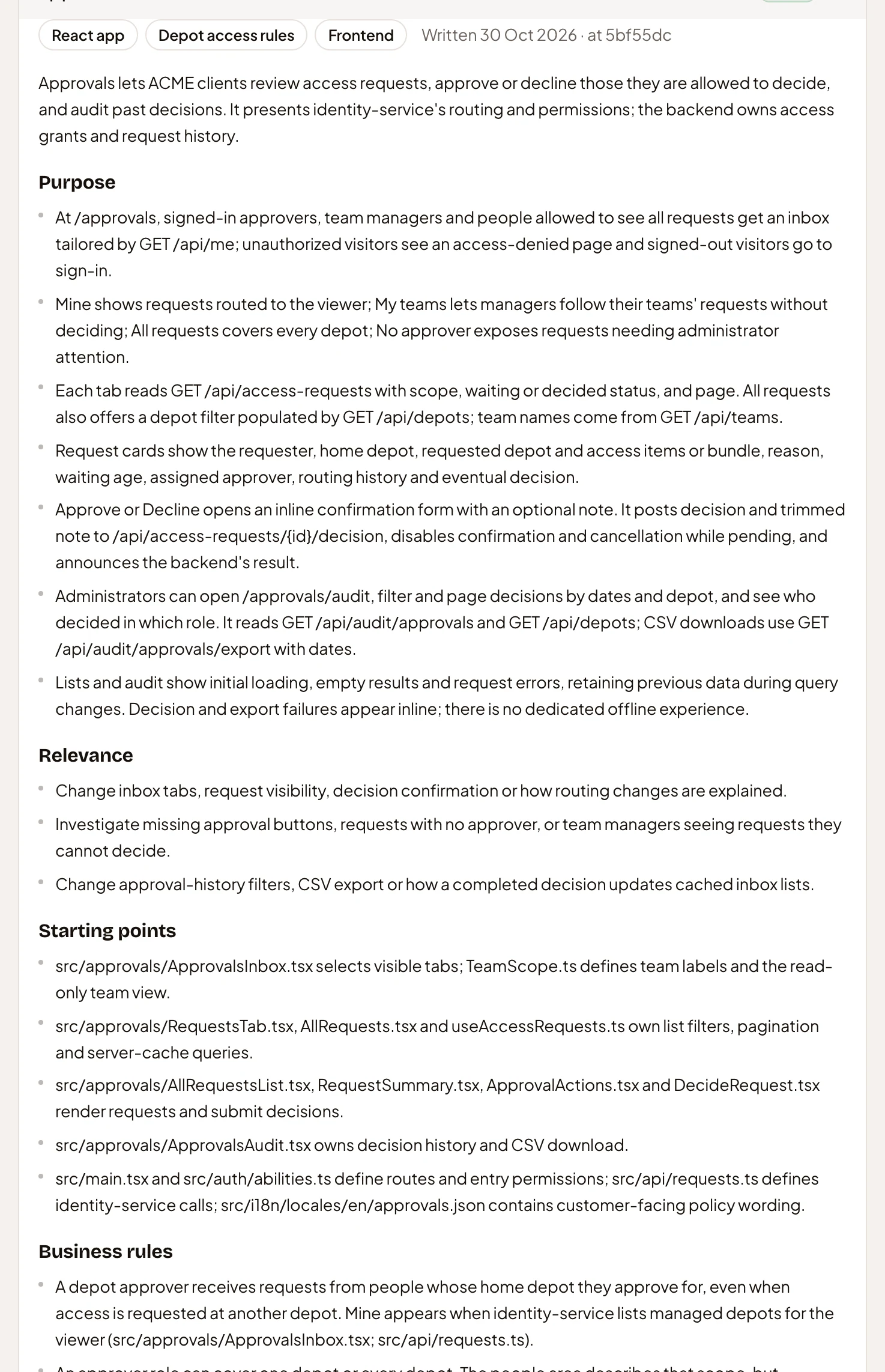
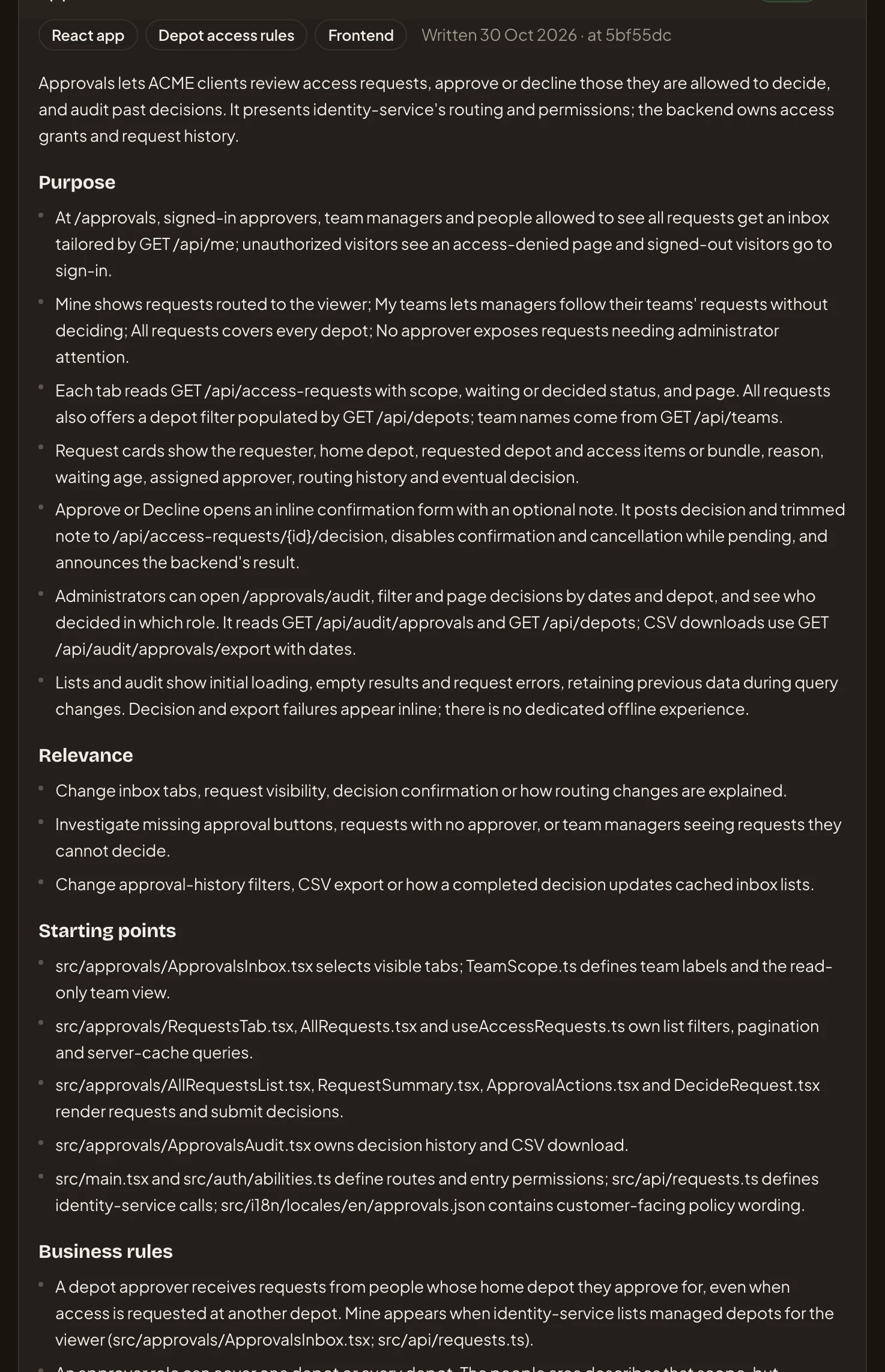
- When the overview was written, and the commit it was written from.
- Purpose: what the area does, in words the whole team can read.
- Starting points: the files an engineer opens first.
- Business rules, the ones a support lead tells a client.
The overviews are for people as much as for the agent. A support lead reads the business rules to answer a client. An engineer reads the starting points. The agent starts from the overviews too, then reads the code where a question needs it.
Up to date with the code
Section titled “Up to date with the code”Emargen keeps its own copy of each repository. Fetching brings the copy up to date, and analysing writes the overviews again. When the copy has moved on since the last analysis, the repository shows Out of date until it’s analysed again. Changing the guidance, or what a recipe asks the analysis to write, does the same, even when the code hasn’t moved.
On a schedule, Emargen fetches the repository and analyses it again when the code changed. If the guidance and recipes haven’t changed, Emargen rewrites only the overviews of areas whose code changed.
Earlier analyses are kept and numbered, so “since when?” has an answer. A sign-in service’s first analysis says only administrators approve access requests. A later one says a site’s manager approves the requests of the site’s own people.
Reaching the code
Section titled “Reaching the code”Emargen reaches the code through a token for your GitHub or GitLab, or a key made for one repository. Analyses run on your organisation’s agents model. Everyone can read the repositories and their analyses. Adding them takes the permission to manage repositories, and analysing them the permission to analyse repositories. Administrators have both.