

Start here
Your first hour
The first thing you do in Emargen is the thing you’ll do most: bring something from your own work and work it through with the agent. There’s nothing to set up. The agent already reads what your organisation has connected to Emargen.
What you make is a topic. Your chat with the agent sits on one side, and nobody else reads it. Beside the chat, the agent builds a document from what you said and what it found. It shows where each part came from. Nobody sees the topic until you share it.
Before you start
Section titled “Before you start”- Someone in your organisation has invited you. You need the email the invitation went to.
- Bring something real from your week. A customer’s question, research you have to get right, an idea you’d like to test before you raise it.
The invitation
Section titled “The invitation”The invitation arrives as an email, “You have been invited”, with a note from whoever invited you, if they wrote one. Review invitation opens Accept invitation, which shows the address the invitation went to.
- New to Emargen, you give your name and a password, then Create account and join.
- With an Emargen account from another organisation, you sign in, then Join organisation.
- If your organisation uses single sign-on, you join through it, signing in on your company’s page.
Emargen then opens your organisation’s Inbox. The invitation’s link works for 7 days. If it has run out, ask whoever invited you to send it again.
Each time after that, you sign in with your email first. Emargen then asks for your password, or sends you to your company’s single sign-on. If you belong to more than one organisation, it asks which one to open.
If your organisation hasn’t been launched yet, you find its setup instead. Topics and initiatives open once it’s launched. If an administrator asked you to help set it up, see Setting up an organisation.
Your first day in the Inbox
Section titled “Your first day in the Inbox”Your Inbox is where everything that waits for you arrives. On your first day it holds a welcome that says what the Inbox is for, two tasks that make a good first hour, and a quick guide to the Inbox. When your organisation has email forwarding on, your own address for emailing topics in arrives soon after. Click any of them to read it in the rail on the right.
Open the Inbox (opens Emargen in a new tab)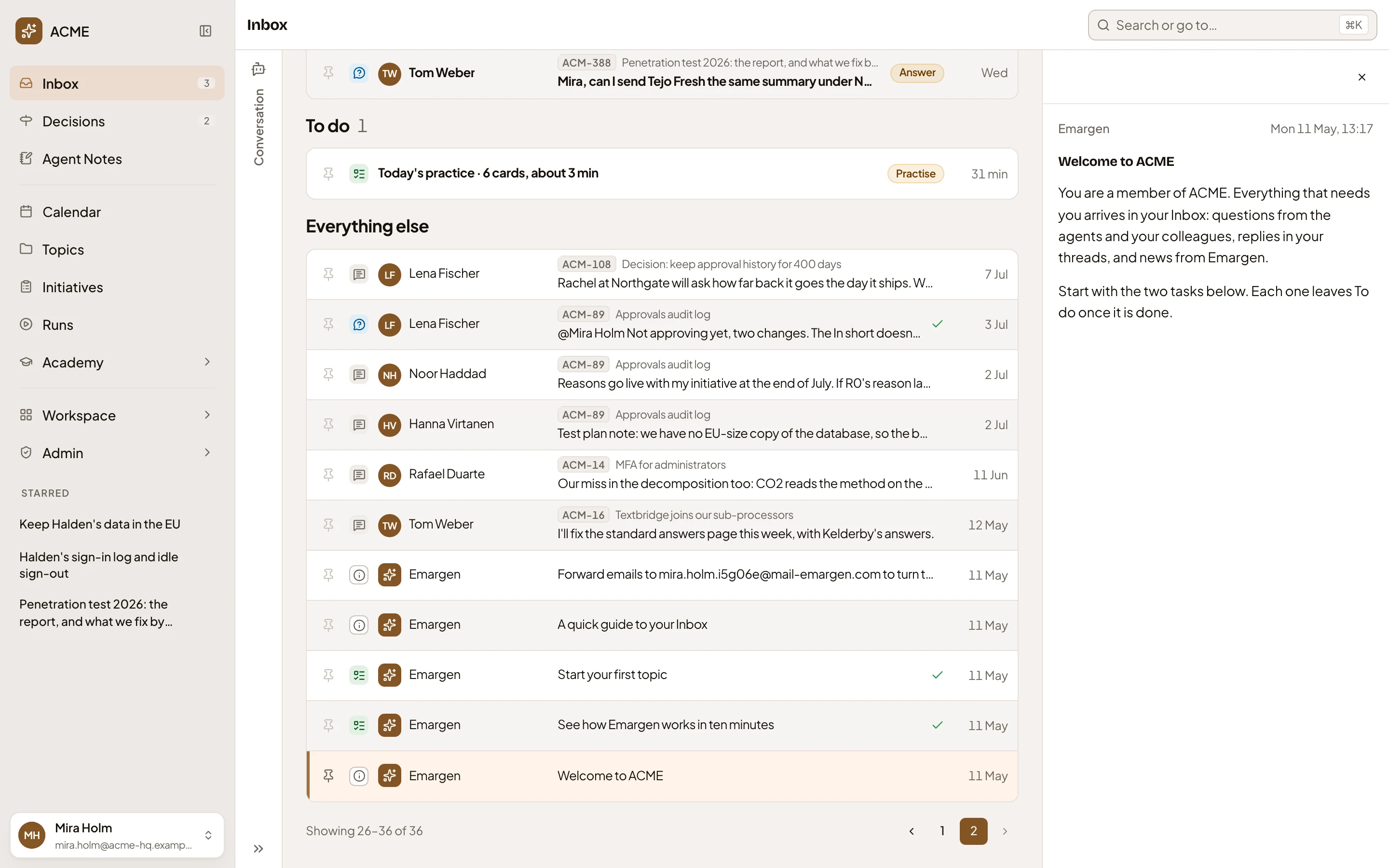
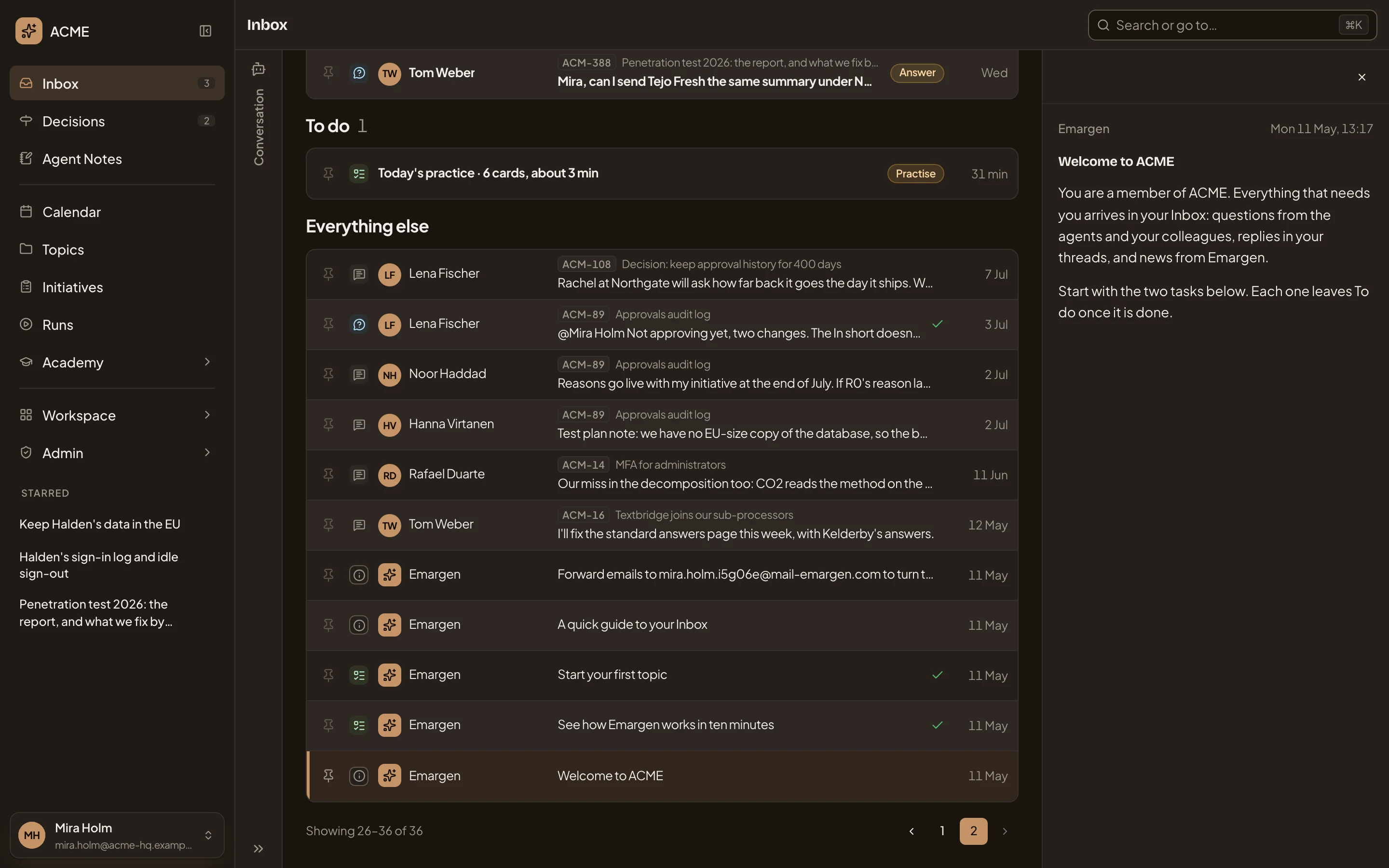
- Welcome to ACME, with your organisation’s name.
- See how Emargen works in ten minutes, the first task, ticked once it’s done.
- Start your first topic, the second task, ticked once you have a topic of your own.
- A quick guide to your Inbox: what To reply, To do and the rest hold.
- Your address for emailing topics in.
- The welcome, open in the rail.
On your first day, the two tasks wait under To do. The first, “See how Emargen works in ten minutes”, is a short read. Its Read opens Start here, on Emargen’s own part of the Academy map. It follows a piece of work from a topic to an initiative, and says who decides what at each step. Opening Start here finishes the task, and a task leaves To do once you’ve done it.
Your first topic
Section titled “Your first topic”Open New topic and write what you want to work through, the way you’d tell a colleague. Say who it’s for and why it matters. Paste notes or an email, or attach a file, if that’s where it starts.
Open New topic (opens Emargen in a new tab)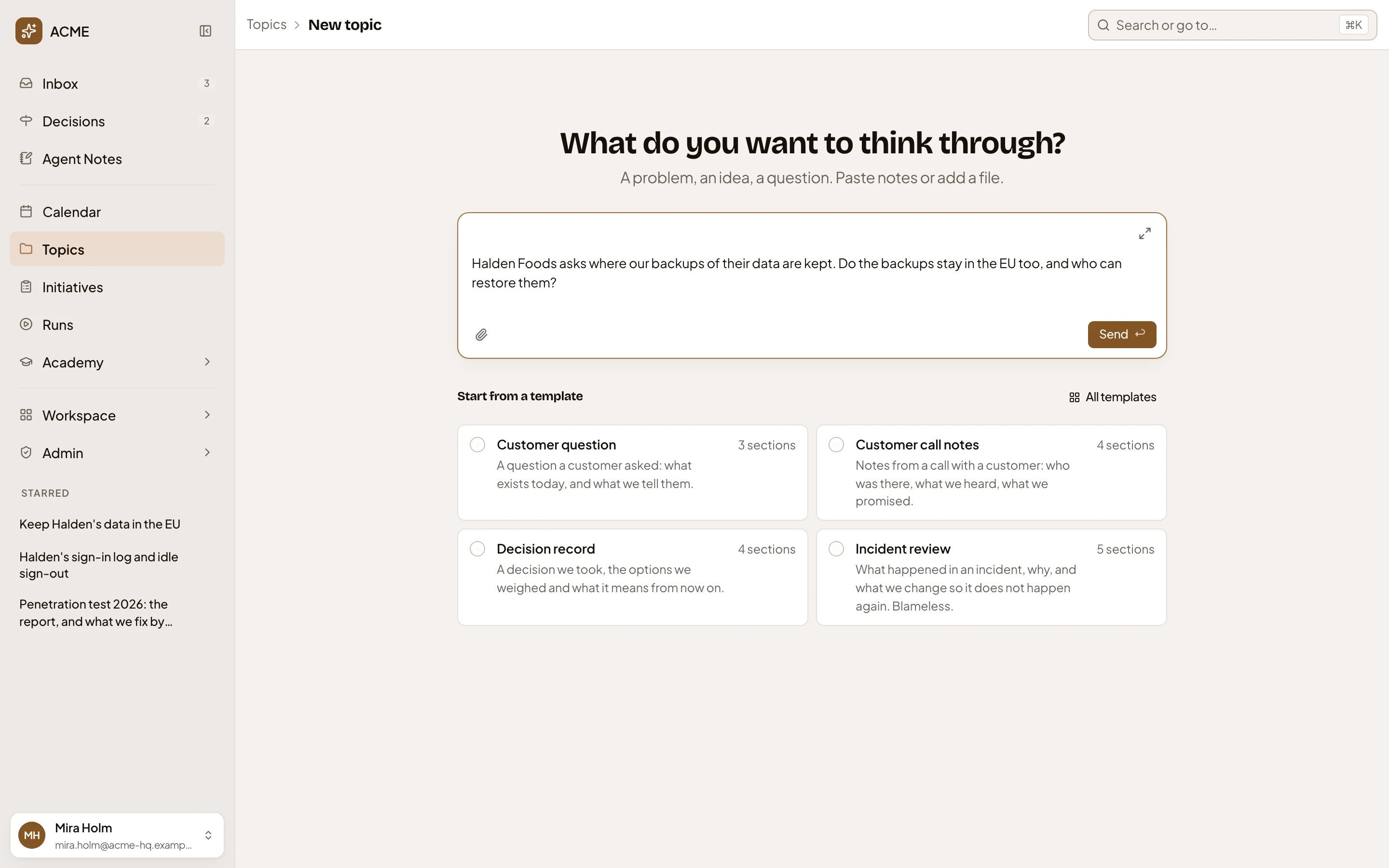
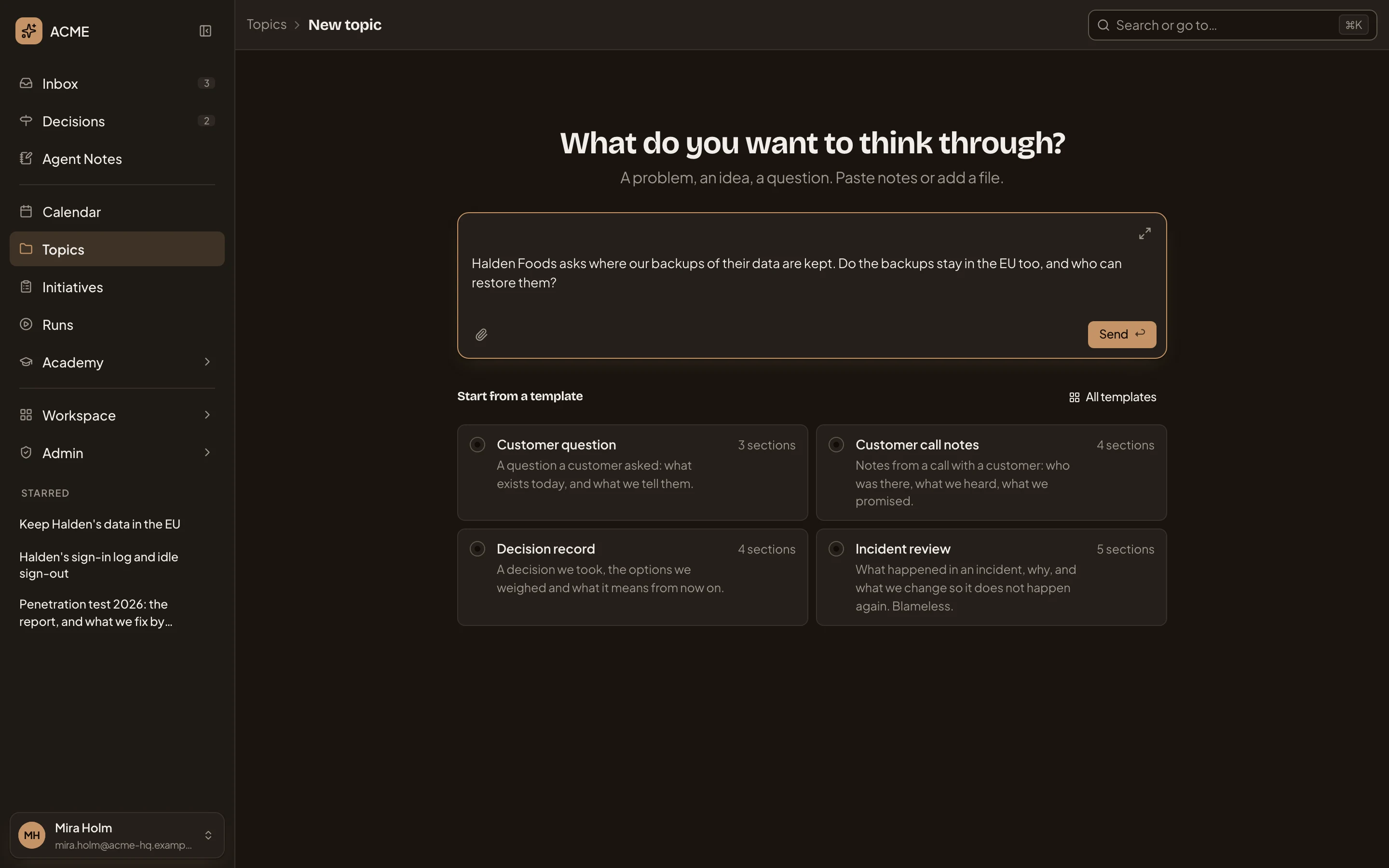
- Your question, in the message box. Paste notes or an email too, or attach a file.
- Send, which starts the topic.
- Templates, for later. A template gives a kind of topic its sections and fields.
Send, and the agent may ask you something first when it isn’t sure what you need. Then it names the topic, reads what your organisation connected, and starts the document beside the chat. You can watch it work in the chat as it goes. Start a topic has the steps, and what to do when an answer stops partway.
Working it through
Section titled “Working it through”Here’s how one first topic went. A colleague in sales needed an answer for a customer’s security questionnaire: can the customer’s data stay in the EU? Someone in security asked the agent. It found in the code and the operations runbook that each client’s data and its backups stay in the client’s region. Nothing covered where support works from, so it asked.
They knew what no document did. Support works from Amsterdam. The agent then set out three ways to answer, side by side, with what each one touches. They chose “yes, if the customer is placed in the EU region at onboarding”, and asked for the line sales could put in the contract.
They shared the topic with their colleague in sales, who took the line for the questionnaire. The risk they’d named, forgetting placement at onboarding, became an initiative. Engineers have since built it. The next time a customer asks the same thing, colleagues find the topic.
So after the agent’s first answer, keep going in the chat:
- Ask for more, or tell it what’s wrong. You know things the documents don’t.
- Open the document beside the chat to read it whole. To change it, ask the agent.
- Where the agent left a choice open, decide it.
- When others should read it, share the topic with the people it concerns, or with everyone.