

InitiativesPage by page
A change request
A change request’s page sets out one problem with what was shaped, the options for it, and what each option would change. The initiative’s owner decides it here. Open it from the Change requests tab, from its key beside anything it touches, or from Decide under To reply and to do. Change requests explains the idea.
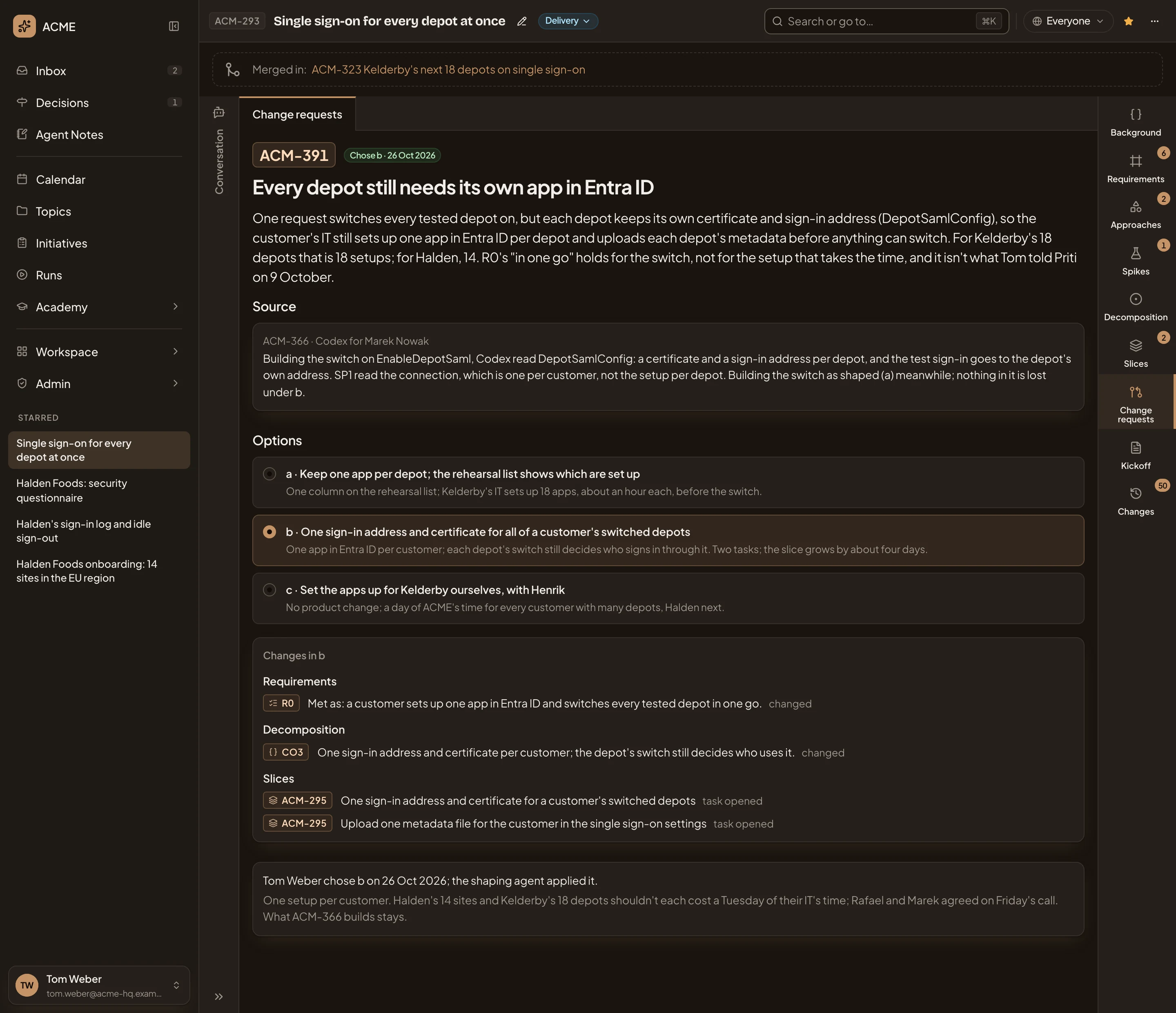
In the pictures, the owner of ACM-293, Single sign-on for every depot at once, opens ACM-391, with the chat hidden. It’s already decided, so it shows what a request looks like once decided. An open one has the buttons to decide it at the bottom (see Deciding).
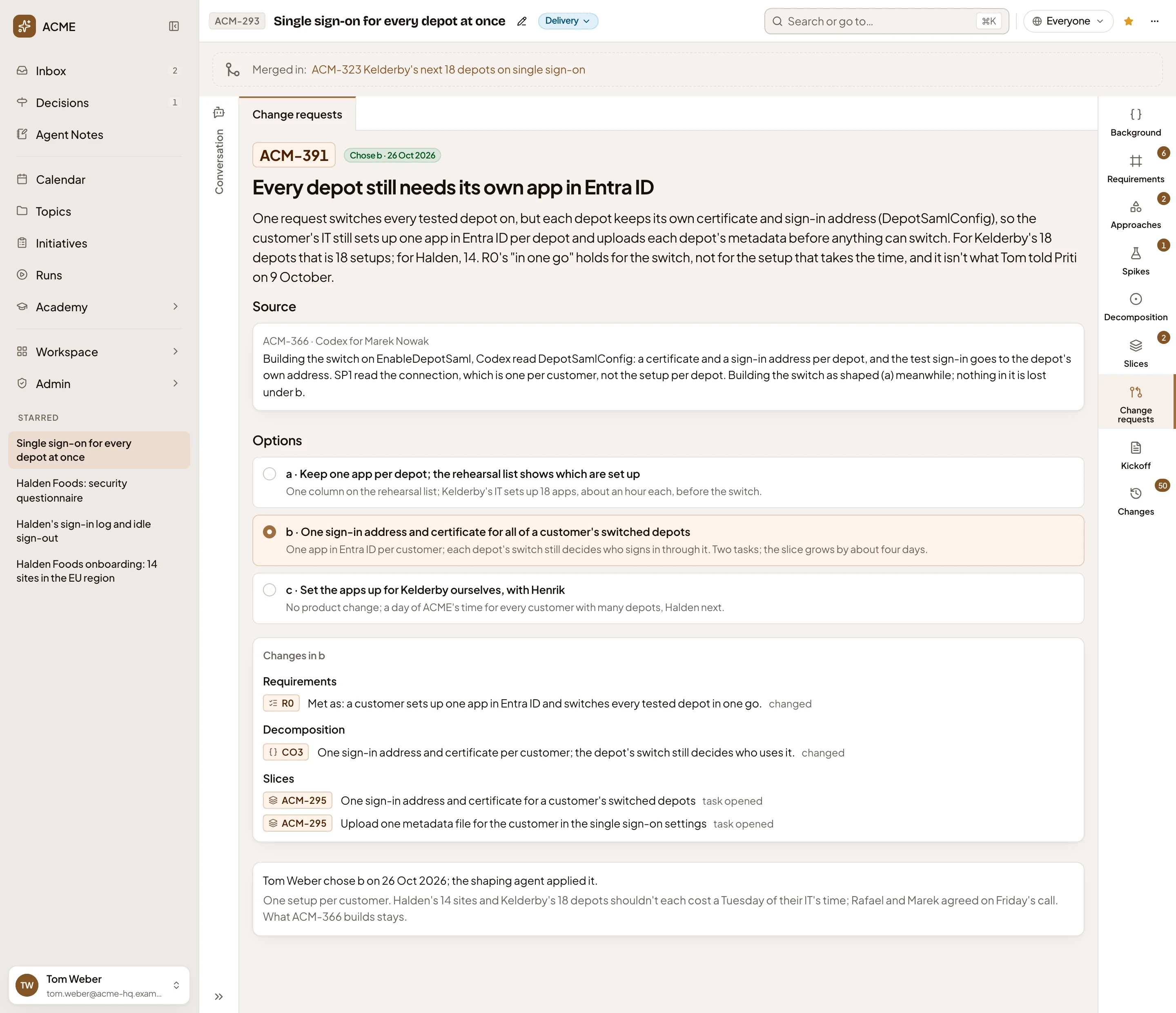
- Chose b · 26 Oct 2026. Its state. An open request says Waiting on you, or Waiting on the owner to someone who doesn’t own the initiative.
- Every depot still needs its own app in Entra ID. What the request is about, and under it the problem in a few sentences.
- Source. Who raised it: here task ACM-366, Codex working for Marek Nowak. Under it, what it found. A request others joined lists each of them.
- Options. The ways to decide it, a, b and c, each with what it costs under its title. Click one to see what it would change. On an open request, the option the work continues with until the owner decides is marked “in use until decided”.
- Changes in b. What the option in view would change, by kind: Requirements, Approach, Decomposition and Slices. Each line shows the row’s key, how it would read, and the change, including any task opened.
- Who chose which option and when, and that the shaping agent applied it.
Each option’s changes
Section titled “Each option’s changes”Click an option to see its changes. Option a changes how R0 is met, and opens one task:


An option that would change nothing in what was shaped says so.
Deciding
Section titled “Deciding”On an open request, three buttons sit under the changes:
- Explore. The agent sums up the request in your chat and asks what matters to you. If the two of you agree on another way, it becomes a new option.
- Reject. leaves the shaping as it is (see Rejecting).
- The Choose button, like Choose b. Decides the request with the option in view. It follows the option in view.
There’s no confirmation. Once you choose:
- The tasks the option opens land on their slices. For b in the pictures, that’s two tasks on ACM-295, the slice the request came from.
- In a turn of its own, the agent applies the option’s changes to the requirements and the approach, then replies in the owner’s chat. Every change it makes names the request.
- The agent analyses the affected parts of the decomposition again, and says in the chat that the decomposition changed. If the option changes a slice beyond opening a task on it, the agent cuts the slices again in one more turn.
- The request moves to Decided. In place of the buttons, its page says who chose which option and when, and that the shaping agent applied it.
The agent works out the open requests that waited on this one again.
Rejecting
Section titled “Rejecting”Reject keeps what was shaped as it is. A box named for the request opens. It says the shaping stays as it is, and names the slice that gets a task to build what was shaped.
Give a Reason if it helps, or leave it empty, then click Reject. When a coding agent raised the request from a slice, that slice gets a task to undo what the build did meanwhile and build what was shaped. A request a person proposed opens no task. The request moves to Decided, and its page says who rejected it and when, with your reason.
Waiting on another request
Section titled “Waiting on another request”A request that depends on another one can’t be decided first. Its Choose button and Reject are greyed, and the page says to decide the other request first. Once that one is decided, the agent works this one out again.
Access
Section titled “Access”Everyone who can open the initiative reads its change requests. Only the owner, and anyone who edits the initiative, see Explore, Reject and the Choose button on an open request. Everyone else sees “Waiting on the owner” beside its key.