

AdminIdea
Agent access
Agent access lets an assistant you already use work in your organisation’s Emargen as you. That might be Claude or ChatGPT in the browser, or Claude Code or Codex beside your code.
Your assistant, in your organisation’s record
Section titled “Your assistant, in your organisation’s record”Without a way in, what you work out with your own assistant stays there, and what colleagues worked out in Emargen is out of its reach. With agent access, your assistant can find the topic a colleague wrote last week, add to it, and leave you a note for later. A coding agent can also pick up an initiative’s build work, and an assistant can start an initiative for Emargen to shape.
A sales engineer answering a security questionnaire in Claude Code gets the answers the team already gave. A product manager asks Claude on their phone what customers asked this week, and gets the topic.
Your own assistant isn’t one of the agents in Emargen, the chat beside each page. It runs on your account with its vendor, so it isn’t in your organisation’s record of AI use.
Two ways in
Section titled “Two ways in”An agent on your computer, like Claude Code, Codex or a script, uses a token. You make it on your profile, choose how long it lasts, up to a year, and keep it like a password.
Claude and ChatGPT sign in instead. You add your organisation’s address to the assistant, and it sends you to Emargen to sign in and say what it may do.
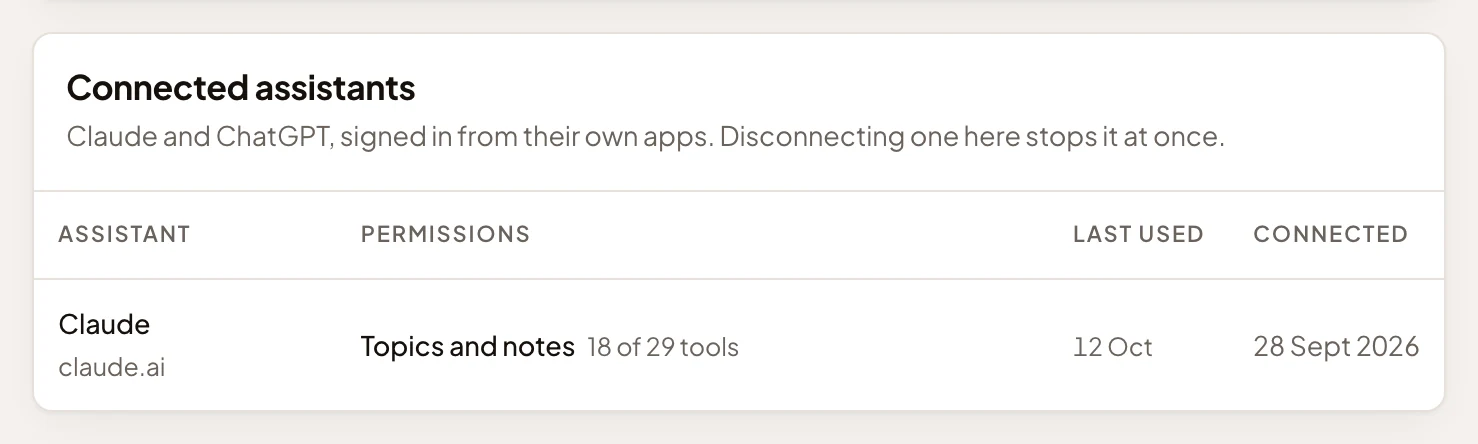
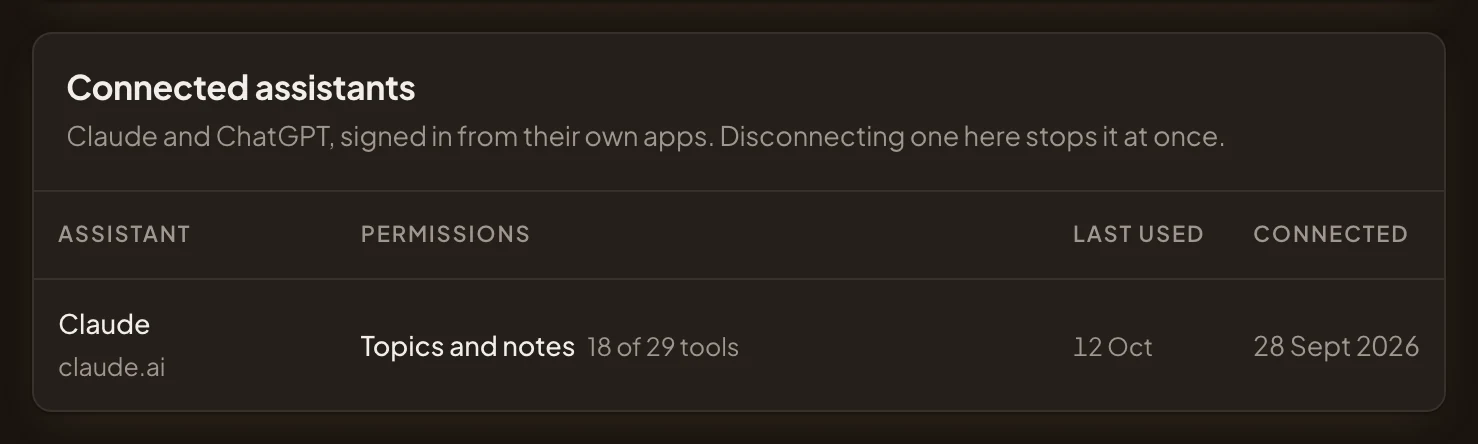
- Claude, an assistant connected by signing in from claude.ai.
- What it may use: Topics and notes, 18 of the 29 tools. A new assistant starts there.
- When it was last used.
Each organisation has its own address, so an agent for one doesn’t work in another. An assistant connected to two organisations asks you which one a new topic or note is for, when that isn’t clear.
Less, never more
Section titled “Less, never more”An agent reaches Emargen only through its tools for agents, never the rest of the app. Each tool either reads or changes something.
Your organisation sets the most any agent may do, whether it holds a token or signs in, and until an administrator changes it that’s every tool. There’s no separate switch for online assistants, because a token can be pasted into any tool. You choose which tools each of your agents may use. A new assistant starts on Topics and notes, a new token on Everything.
An agent works as you. It sees what you see and nothing more, and what it writes carries its name.
Names and dates, for administrators
Section titled “Names and dates, for administrators”Administrators see who has an agent, which kind, and when it was last used. They can revoke any of them. They never see what an agent read or wrote. People who can read a topic see what an agent wrote into it, under the agent’s name.
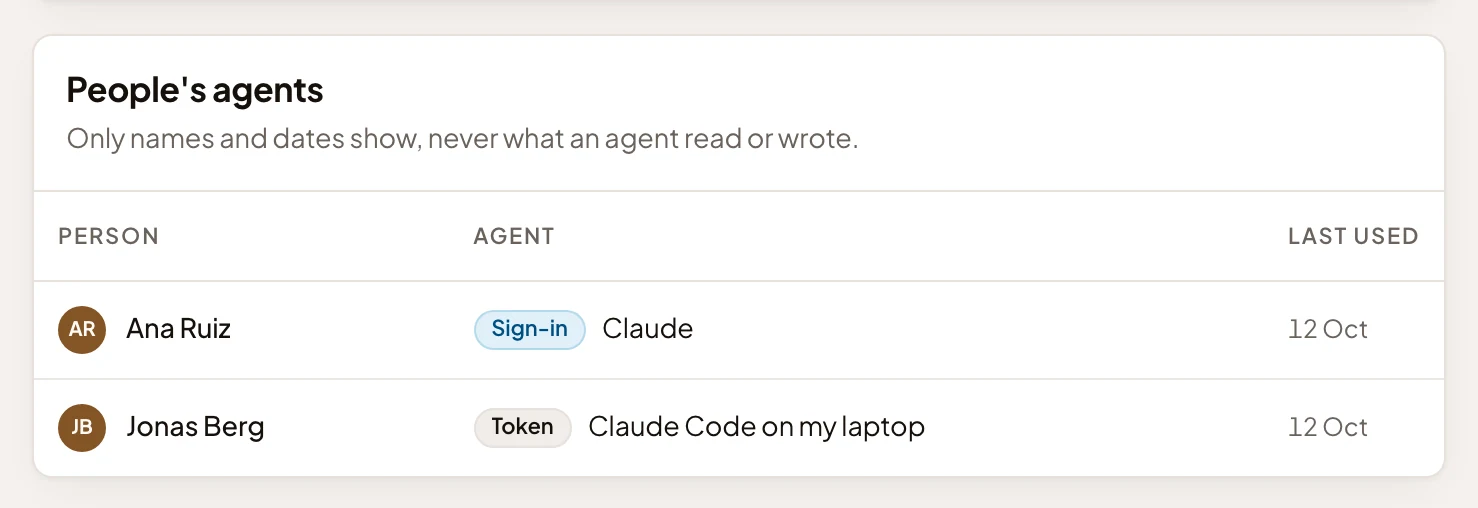
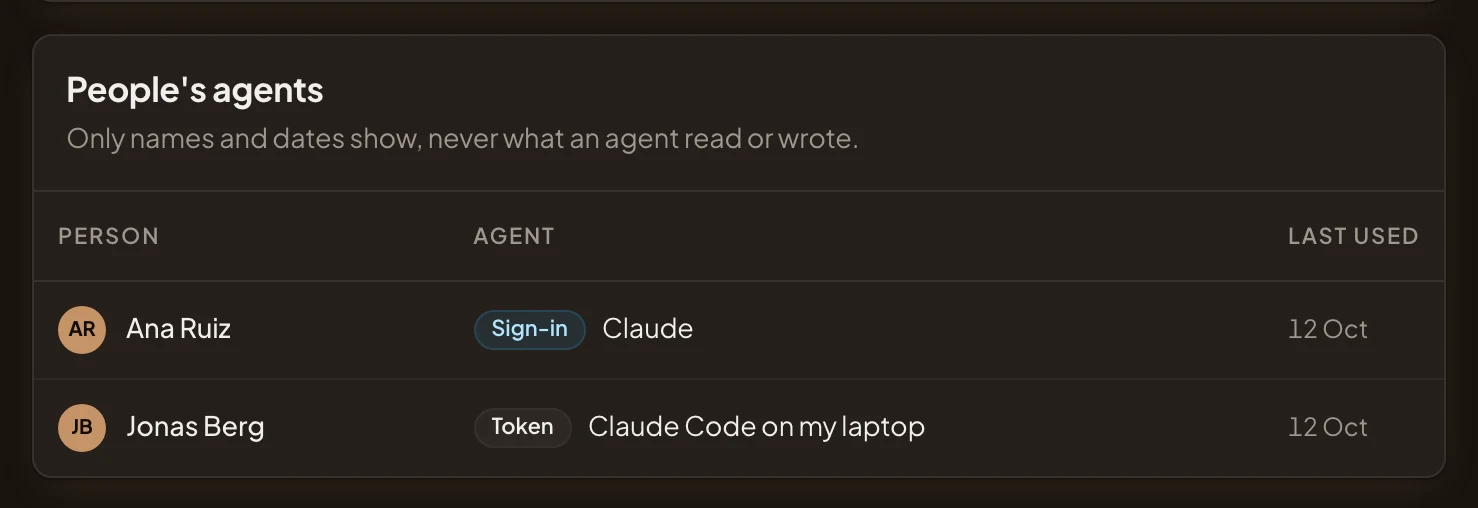
- Names and dates, never what an agent read or wrote.
- Sign-in: an assistant that signed in, here Claude.
- Token: an agent that holds a token, named by whoever made it.
- When each was last used.
On your profile, you can change or stop your own agents, and see each assistant’s tool use over the last 30 days.