

InboxHow to
Answer a question from a colleague
Do this when a colleague tags you in a comment with a question. You answer from your inbox. Your answer goes into the thread where they asked.
Before you start
Section titled “Before you start”- You need
- The question in your Inbox, under To reply, with Answer. It arrives when someone tags you in a comment on a topic or an initiative you can see.
- The pictures
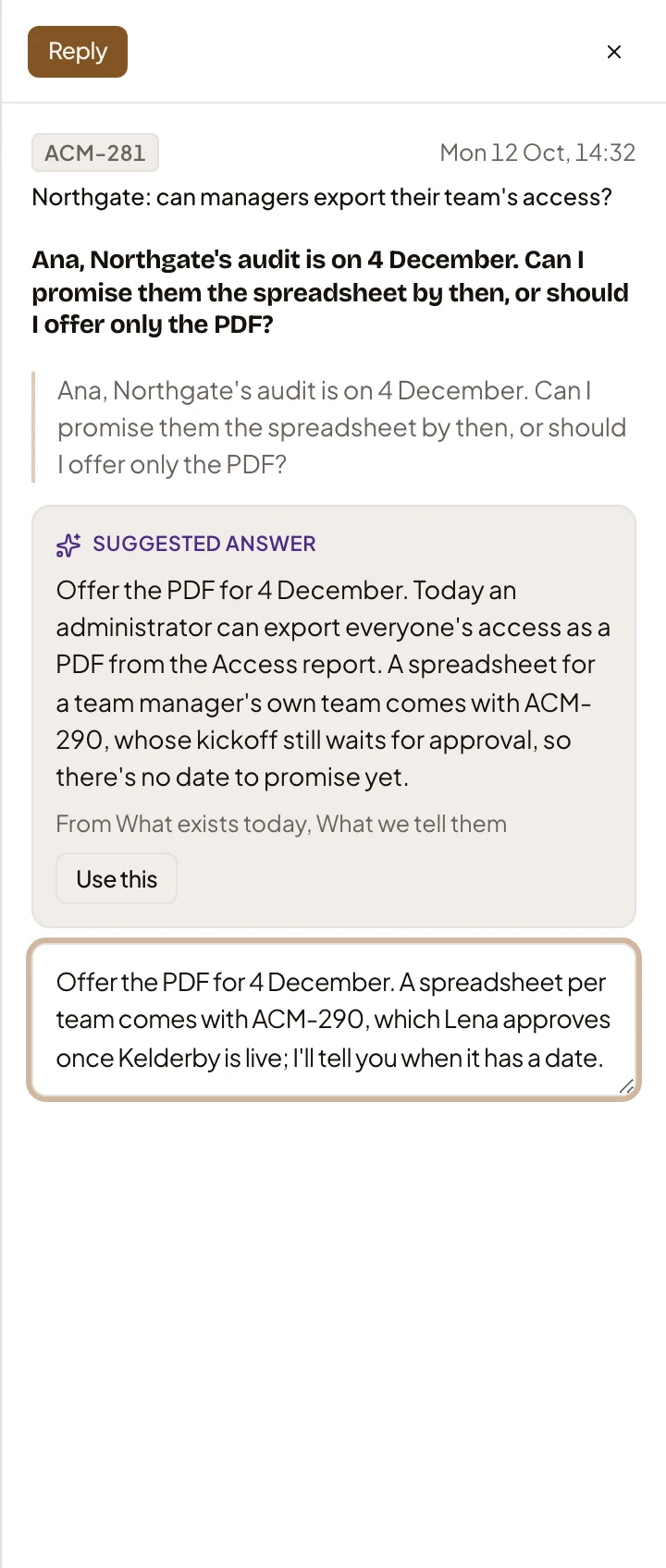
- The pictures show ACME’s customer success lead. ACME’s sales engineer asks whether a customer can have a spreadsheet of their team’s access by their audit on 4 December.
-
Open your Inbox and find the question under To reply. Its row has the topic’s key and title over the question, and Answer.
Open the Inbox (opens Emargen in a new tab)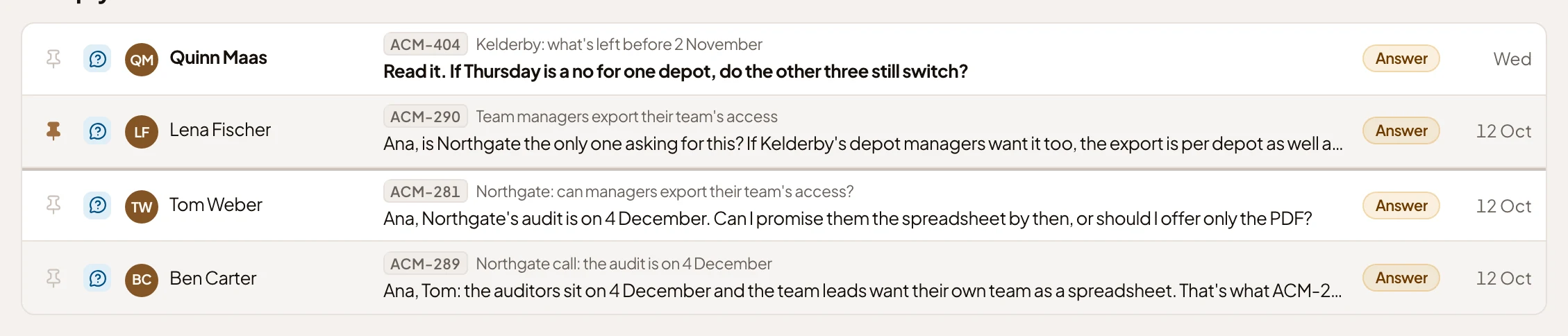
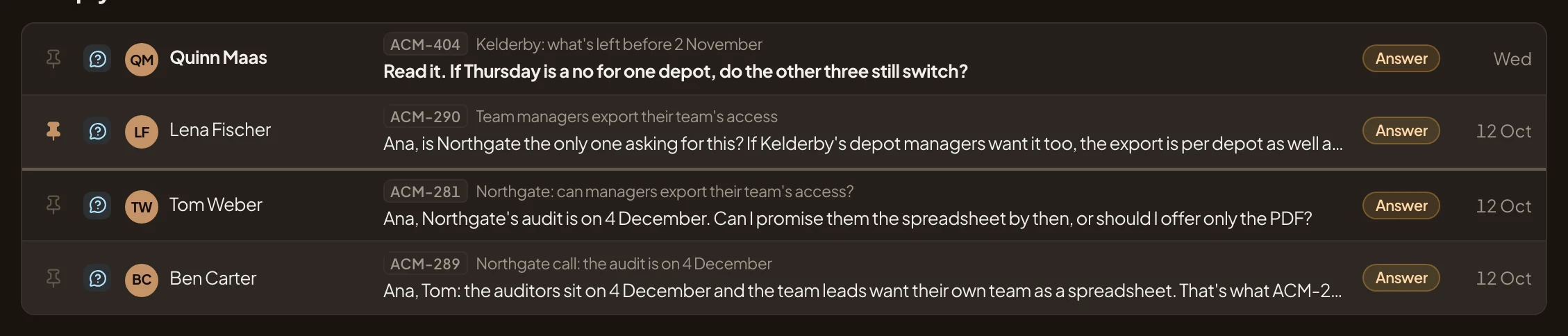
- The colleague’s question, with the topic it’s on.
- Answer.
-
Click the question. It opens beside the list, with the topic it’s on and the whole question. Under it is an answer the agent drafted from the topic.
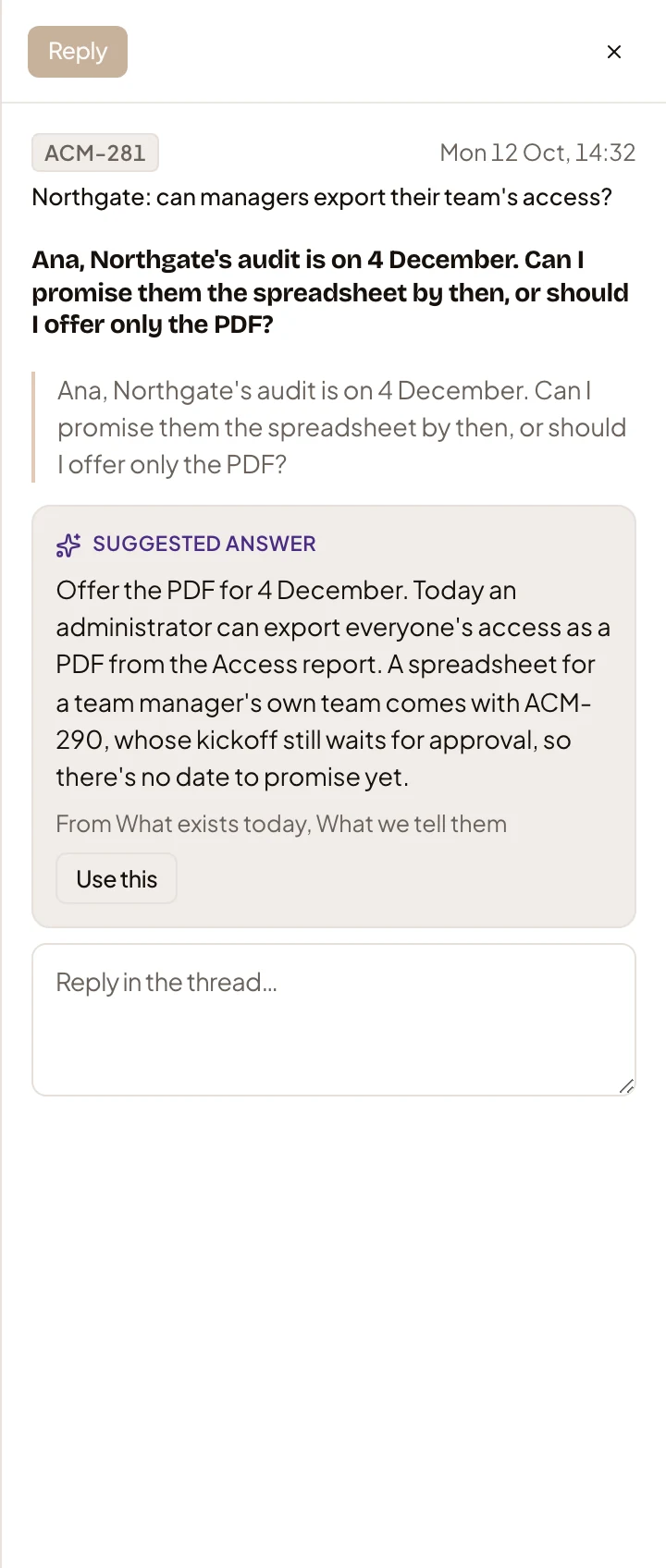
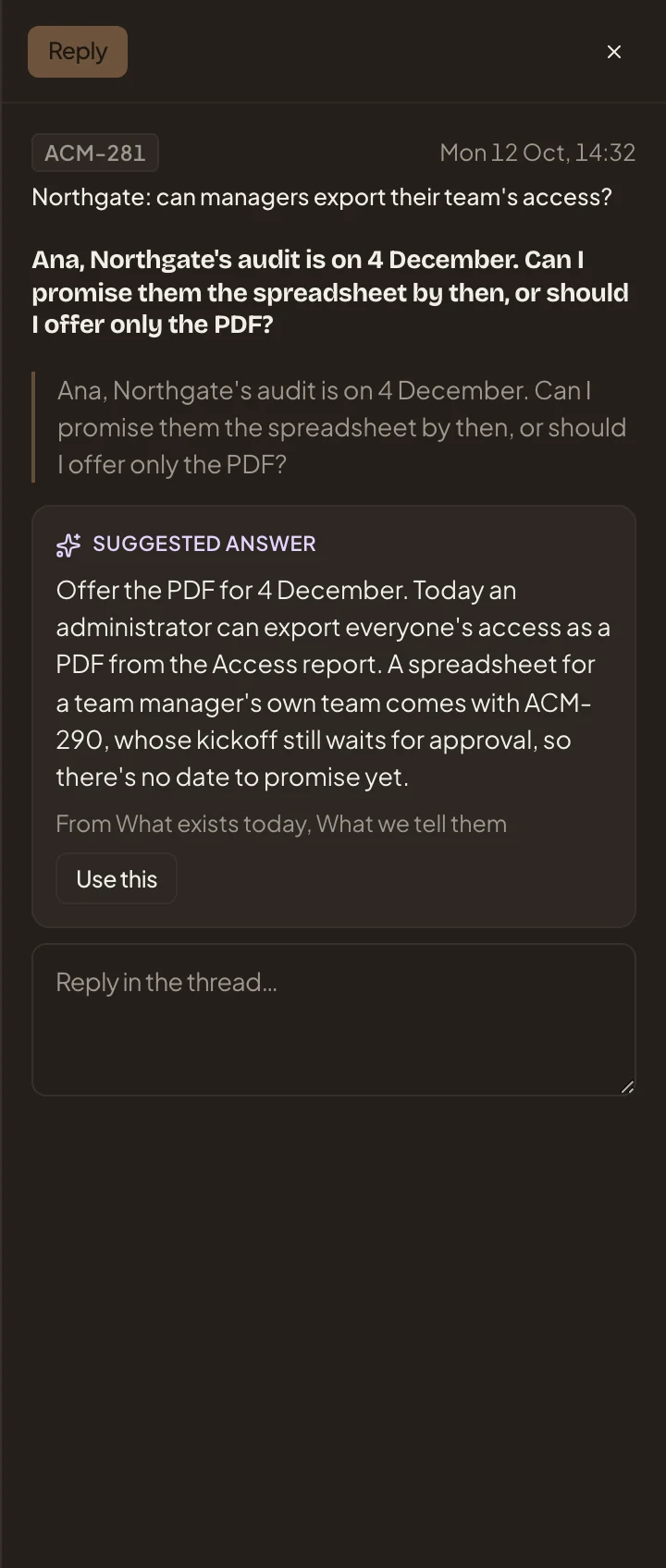
- Reply. Greyed out until you’ve written something.
- The topic. Click it to read the whole thread there first.
- Suggested answer. The agent’s draft. The line under it names the sections of the topic it drew on.
- Use this. Puts the draft in the reply box, for you to change.
- The reply box. What you write goes into the thread.
With no model set up for your organisation, there’s no draft, and you write the answer yourself.
-
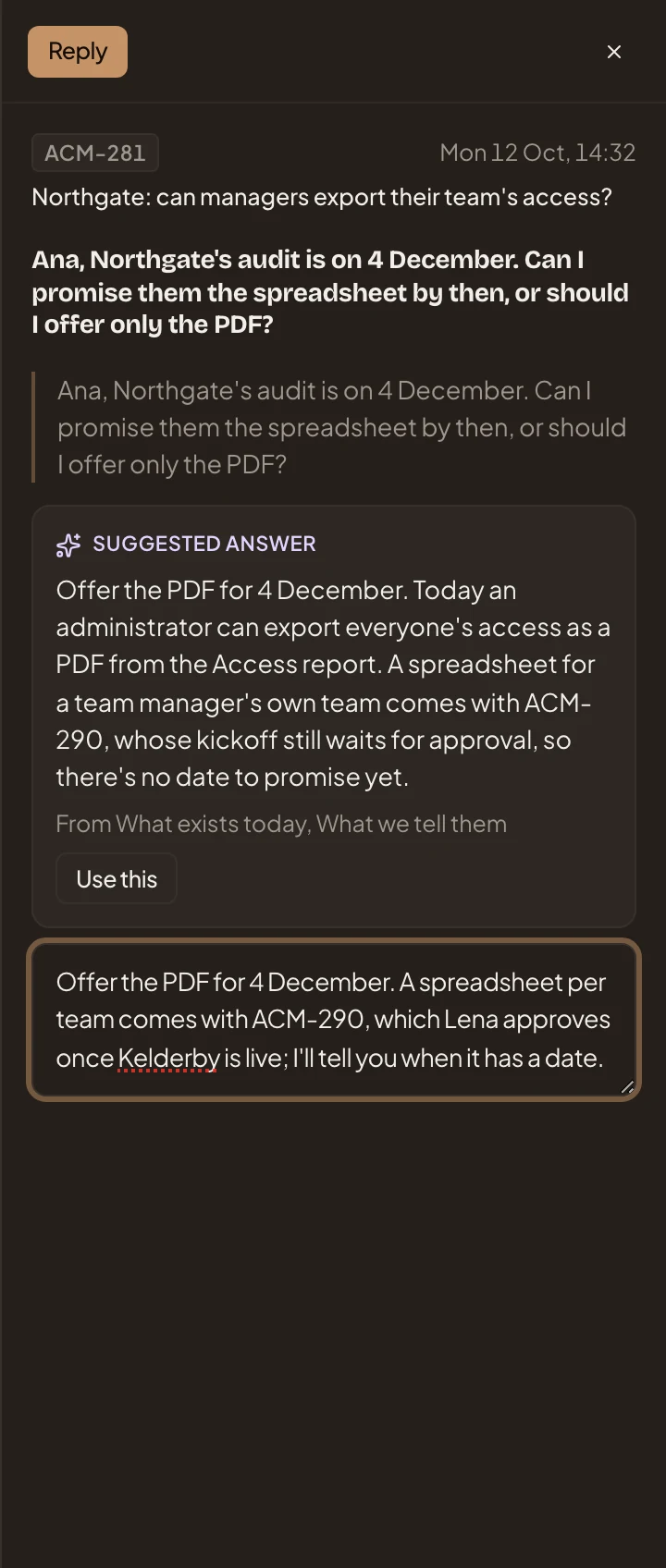
Write your answer in the reply box, or click Use this and change the draft. In the picture, the customer success lead adds what only they know: when a spreadsheet could come.
- Reply.
-
Click Reply. A message at the bottom of the screen says “Replied”, with “Undo”. For a few seconds you can take it back, longer if you rest the pointer on the message. Then your reply is sent, and the question shows a tick.
What you get
Section titled “What you get”- Your reply in the thread under your colleague’s comment, where everyone who sees the topic reads it.
- Your colleague gets it in their Inbox, as a comment in the thread they started.
- The question has a tick and leaves To reply, so the count beside Inbox goes down by one.