

TopicsIdea
Versions
A version is a topic as it read after one sitting of work. It says who worked on it, when, and what changed.
A colleague has the agent rewrite the reply to a customer. An agent task rewrites a runbook overnight. Anyone can read what the topic said before, and who changed it, without reading every small edit.
One version per sitting
Section titled “One version per sitting”Work in the topic’s own chats goes into one version until an hour passes with no change. The next change opens a new one. Everyone who changed the topic during the sitting is in its version. We weighed one version a day and one per chat, and left both. A day mixes a morning run with an afternoon discussion, and a chat can go on for days.
Some work always gets a version of its own. A run of the topic’s agent task is one, and so is a page imported into the topic. So is a session of a coding agent like Claude Code writing to it, or the agent writing into it from another topic’s chat. A change that leaves the topic saying the same thing opens no version.
Emargen writes each version’s line itself. The line says who worked on the topic (“with the topic agent” when the agent wrote for them), and when. It also says what changed, down to each field’s old and new value. It never quotes anyone’s chat.
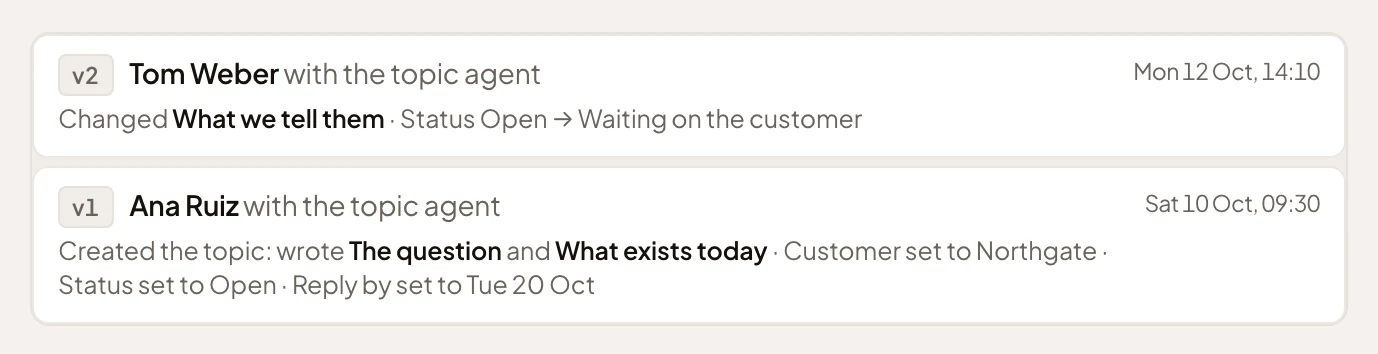
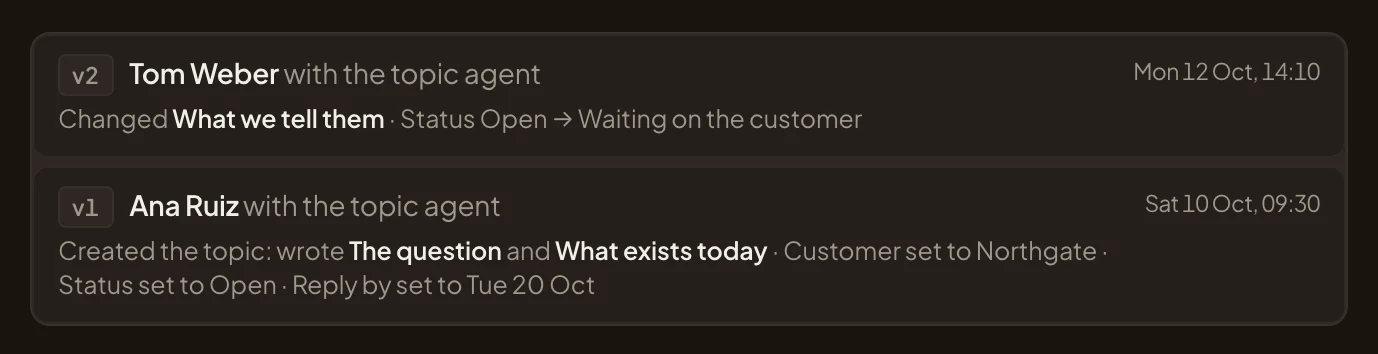
- Who worked on it, here with the topic agent.
- The day and time of the sitting.
- What changed: the section rewritten, and the field’s old and new value.
- The first version, the one that started the topic.
Reading what it said
Section titled “Reading what it said”Open a version, and you read the topic as it was, with its title, sentence, sections and fields. Comments, files, labels and lists aren’t part of a version. Turn on Changes to compare a version with the one before it, and what changed is marked.
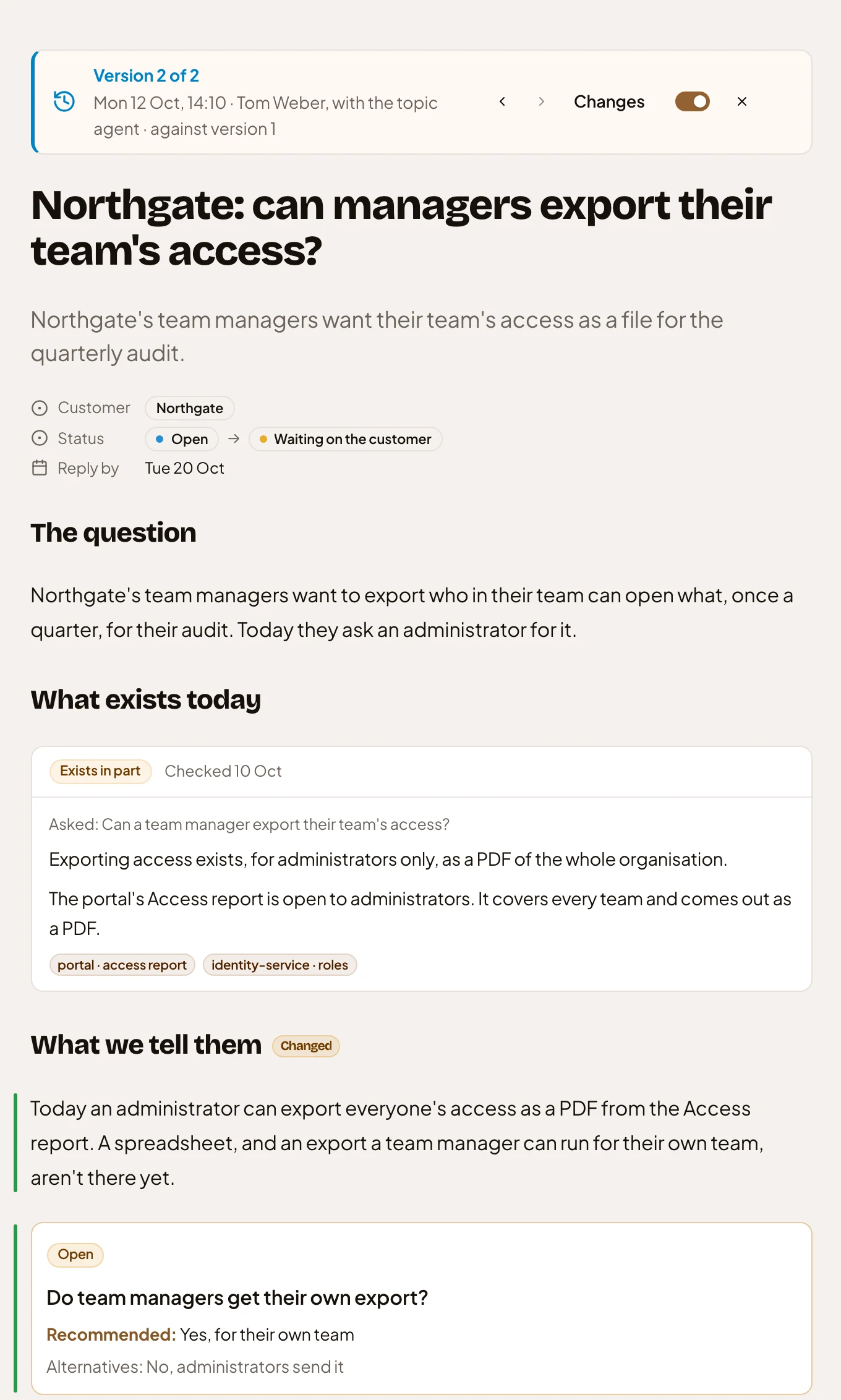
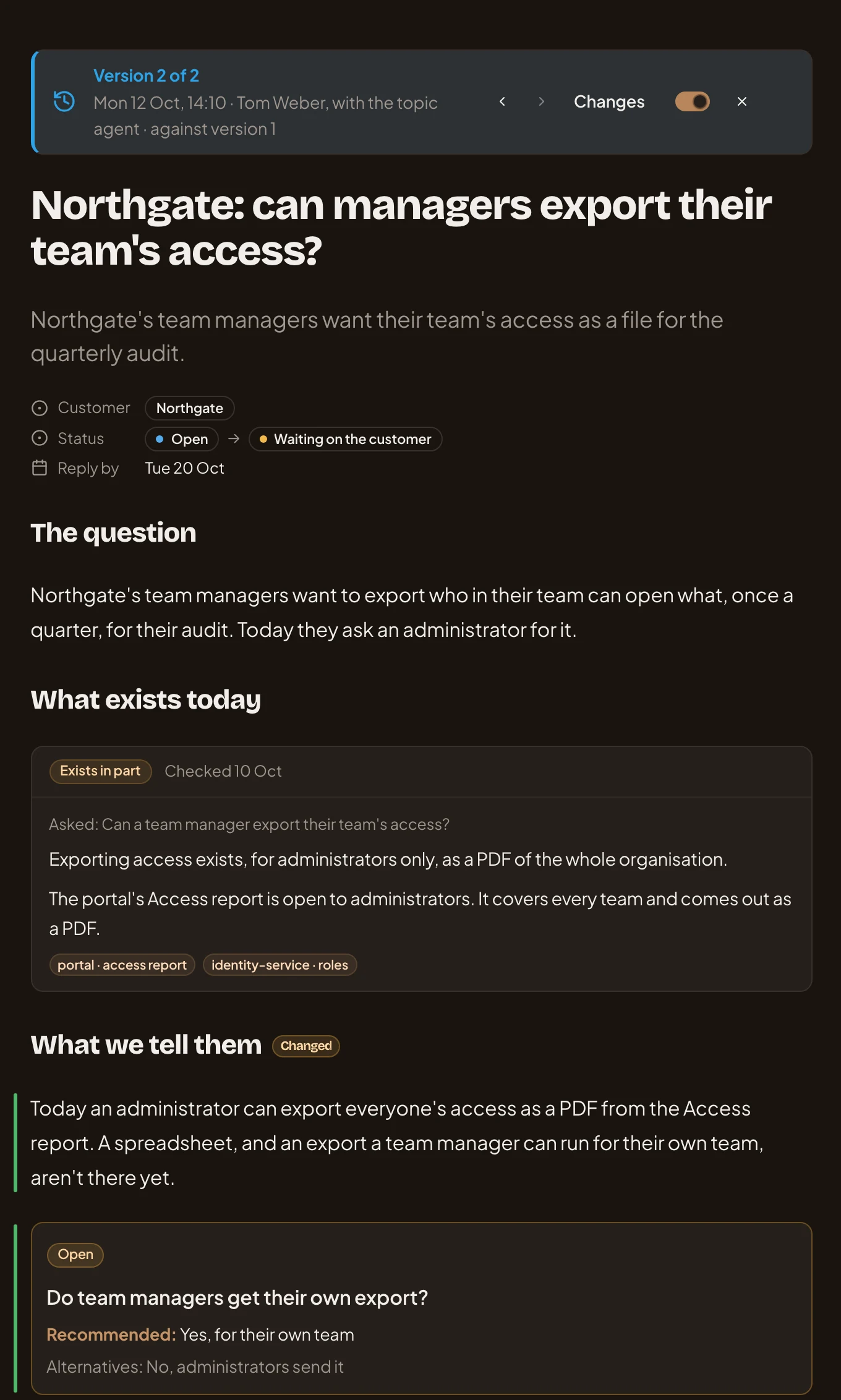
- Version 2 of 2: when, who worked on it, and the version it’s compared with. The arrows step to the older and newer ones.
- Changes, switched on.
- A field that changed, its old value then its new one.
- Changed: a section that changed.
- What was added, with a bar beside it.
Getting something back
Section titled “Getting something back”We left out a button that puts an old version back. If you take part in the topic and want something back, ask the agent. Say which version to take it from: “Put What exists today back as it read in version 1.” It reads that version and writes what you asked for. That change is a version like any other, and every version is kept.
Everyone who can open a topic can read its versions, including people who only read the topic.