

InitiativesIdea
The brief and sources
The brief is where an initiative starts. It says what the problem is, what was decided about it, and what’s true in your systems today, checked against your code. Its sources are everything it was worked out from.
The request, next to what’s there
Section titled “The request, next to what’s there”A request arrives in someone’s words. A ticket, a call, a line in a chat. It’s usually right about the pain and wrong about something else, like what already exists or where the data lives. Build on it as it stands, and you find that out halfway through.
You see the request next to what’s really there, before anyone argues about the fix.
A draft, then questions
Section titled “A draft, then questions”Once you’ve told the agent the problem, it reads around it. It searches your connected tools, earlier initiatives and topics, and your code, then reads what it finds in full. Then it drafts what it understands, each finding with where it came from.
What the draft can’t decide, the agent asks you in the chat, one question at a time, with options to pick. Each answer goes into the brief as something decided.
Say a customer’s team managers want their team’s access as a spreadsheet for an audit. The agent finds that the product already exports access, for administrators only, as a PDF. It asks what a team is for that customer, and what each row should show.
Then checked against the code
Section titled “Then checked against the code”When the draft reads right, you press Write the brief. The agent reads your code to test each claim, then writes the brief in sections, from the problem and what was decided to what it could not verify. The draft stays under it, folded as History, so whoever joins later can see how the request was understood.
Read Unverified before you go on. In the export example, it’s one line. The team page shows who manages whom, but the agent couldn’t find where that comes from. One of the ways to build it depends on exactly that.
The agent also draws Affected systems as a map. It shows the systems the initiative touches, and what it does to each. Once the build starts, it shows how far it has got. It marks what a source confirmed, what you decided and what nobody knows yet. A second map, Business case, puts the numbers before and after side by side, and you can change one to try another case.
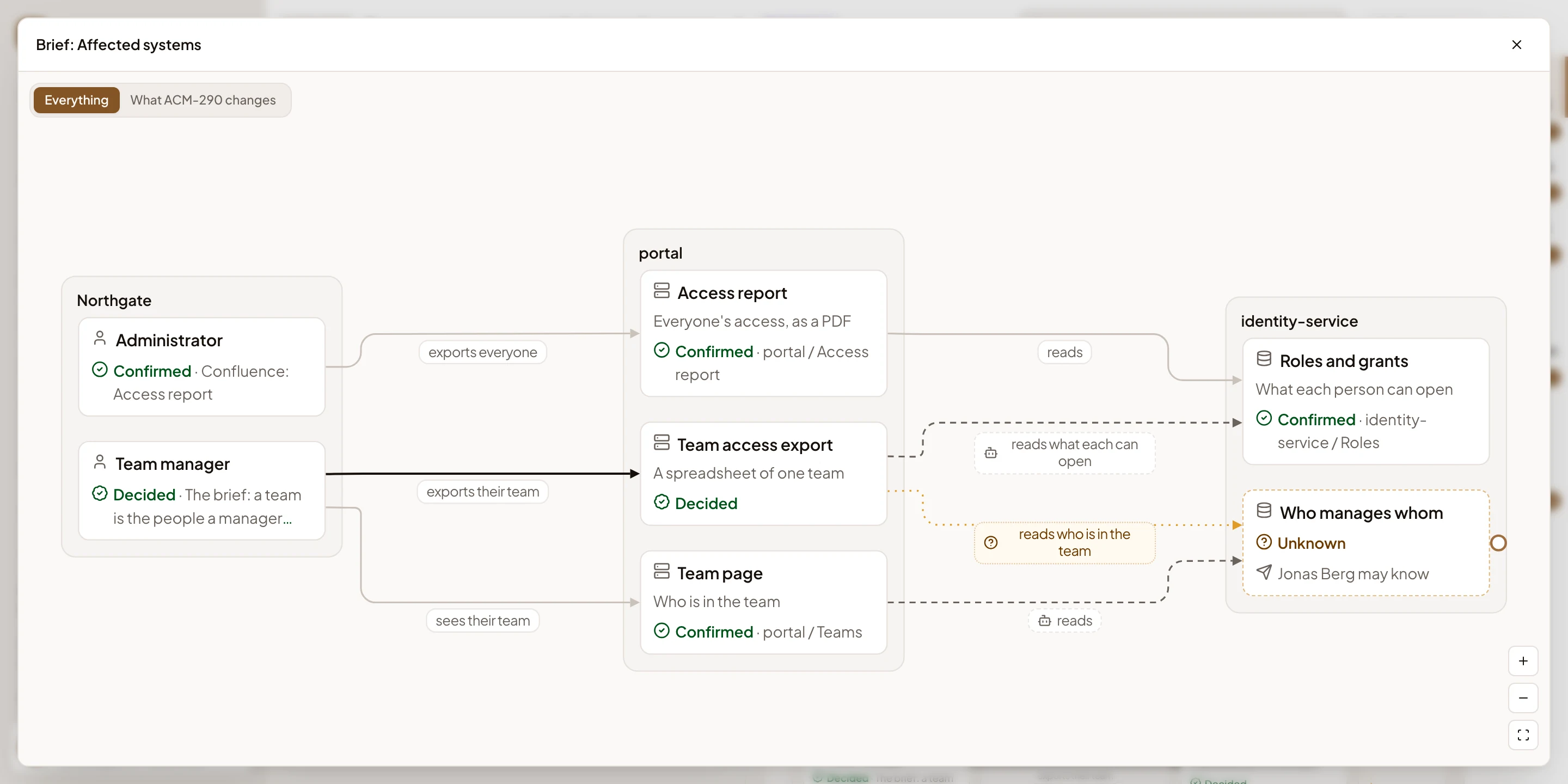
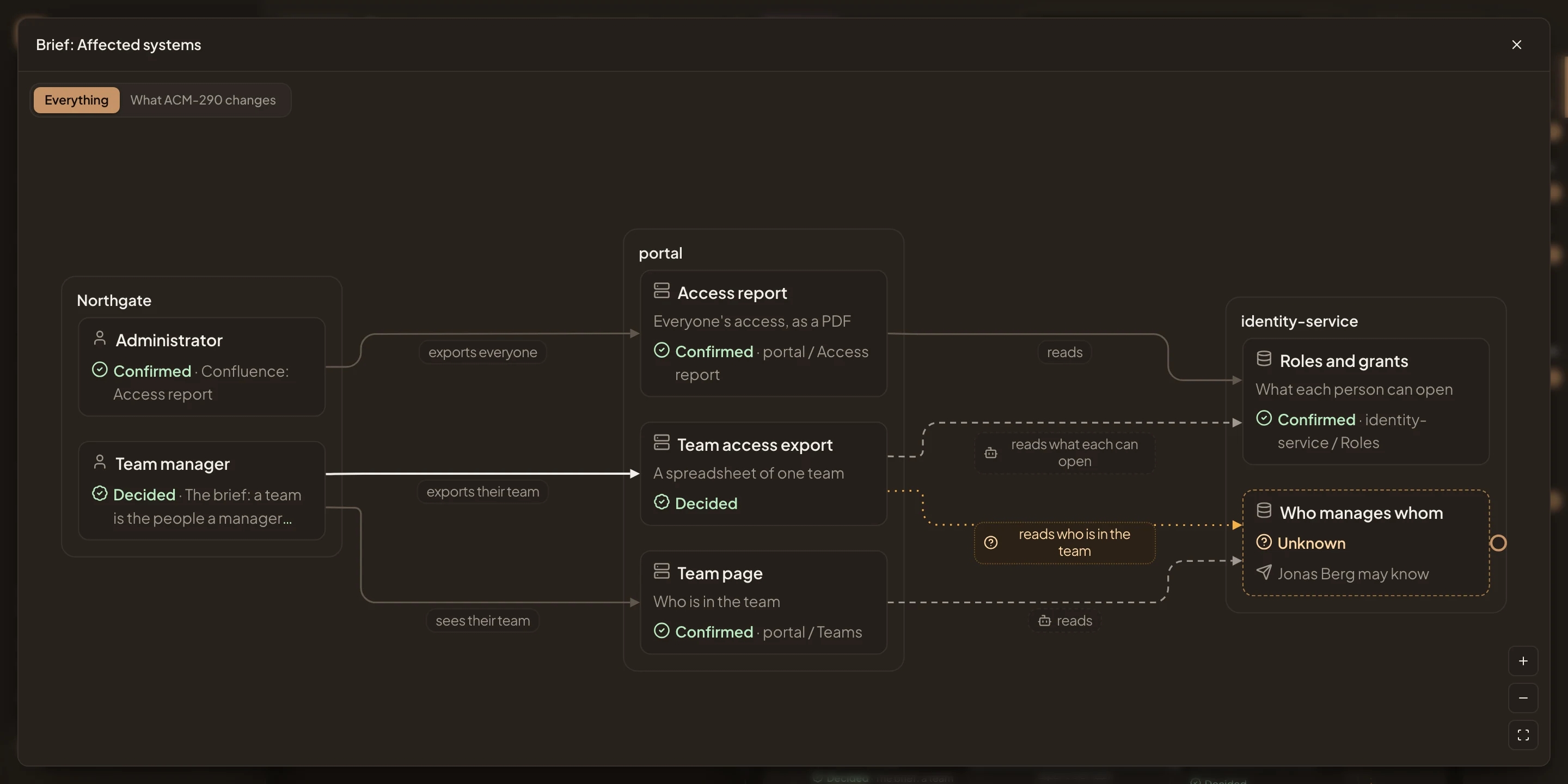
- Everything, or only What ACM-290 changes.
- Confirmed. A source shows it, and the box names the source.
- Decided. Agreed with you in the chat, like the new export.
- Unknown. Nobody has confirmed it yet, and the box names who may know.
Sources
Section titled “Sources”Sources lists what the brief was worked out from. For each source the agent read, you see its points one by one, and what it left open. So you can check a sentence against where it came from. When the agent couldn’t read a source in full, it says so in the chat, and offers to read it again.
Anyone who can open the initiative adds a file or a link to it. The agent reads a file you add. For a link, it searches your connected sources. What it can search depends on what your organisation connected and the repositories it added.
Once the brief is written, you start the requirements, and the agent writes them from it.