

AcademyPage by page
Learning profile
Your learning profile is a page of short lines about how you learn, written once a day from your Explore chats and your practice. Open it with Learning profile under Academy in the menu. See Explore and your learning profile for the idea.
Open your learning profile (opens Emargen in a new tab)In the picture, the profile of someone in customer success at ACME, after a few weeks of chats and practice.
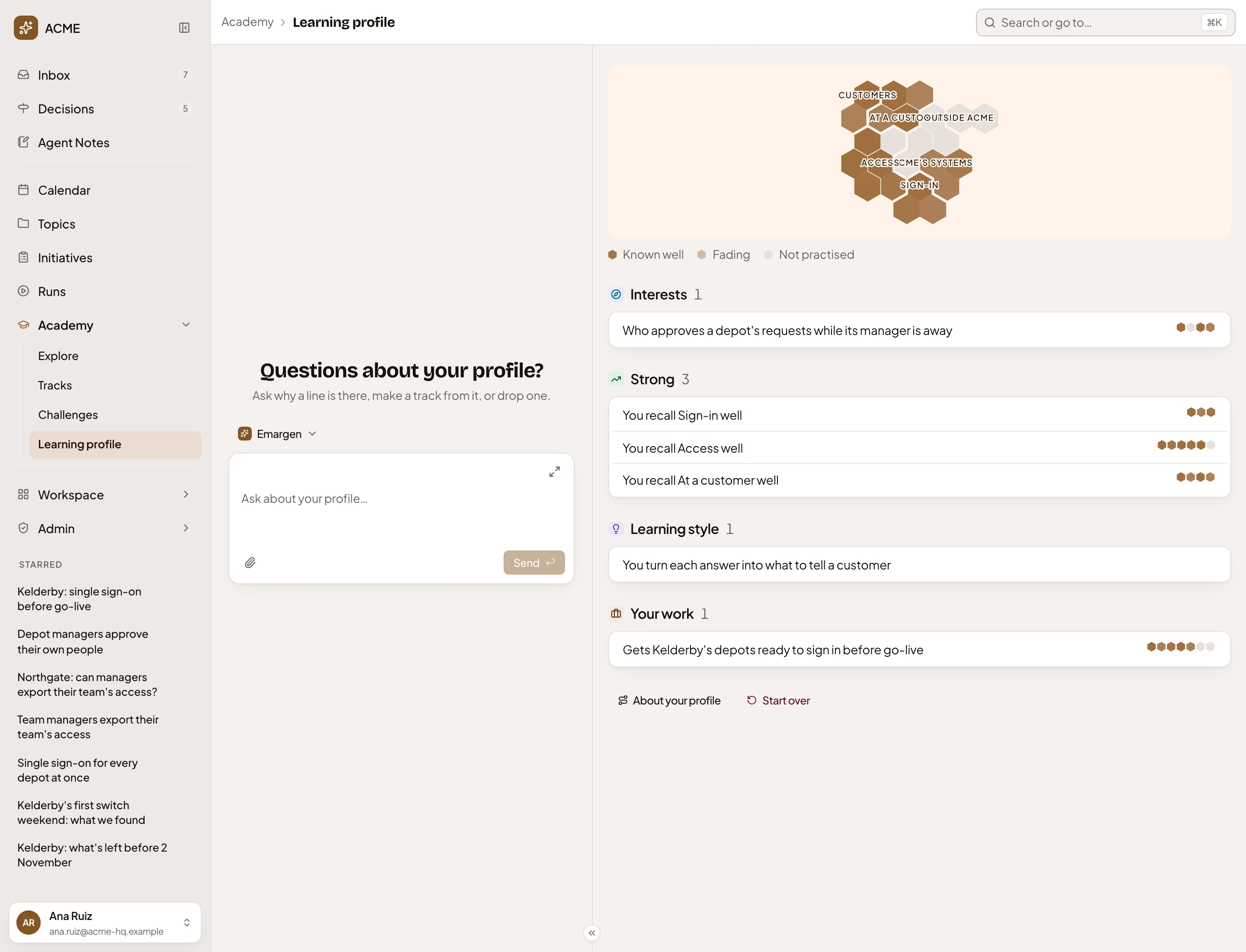
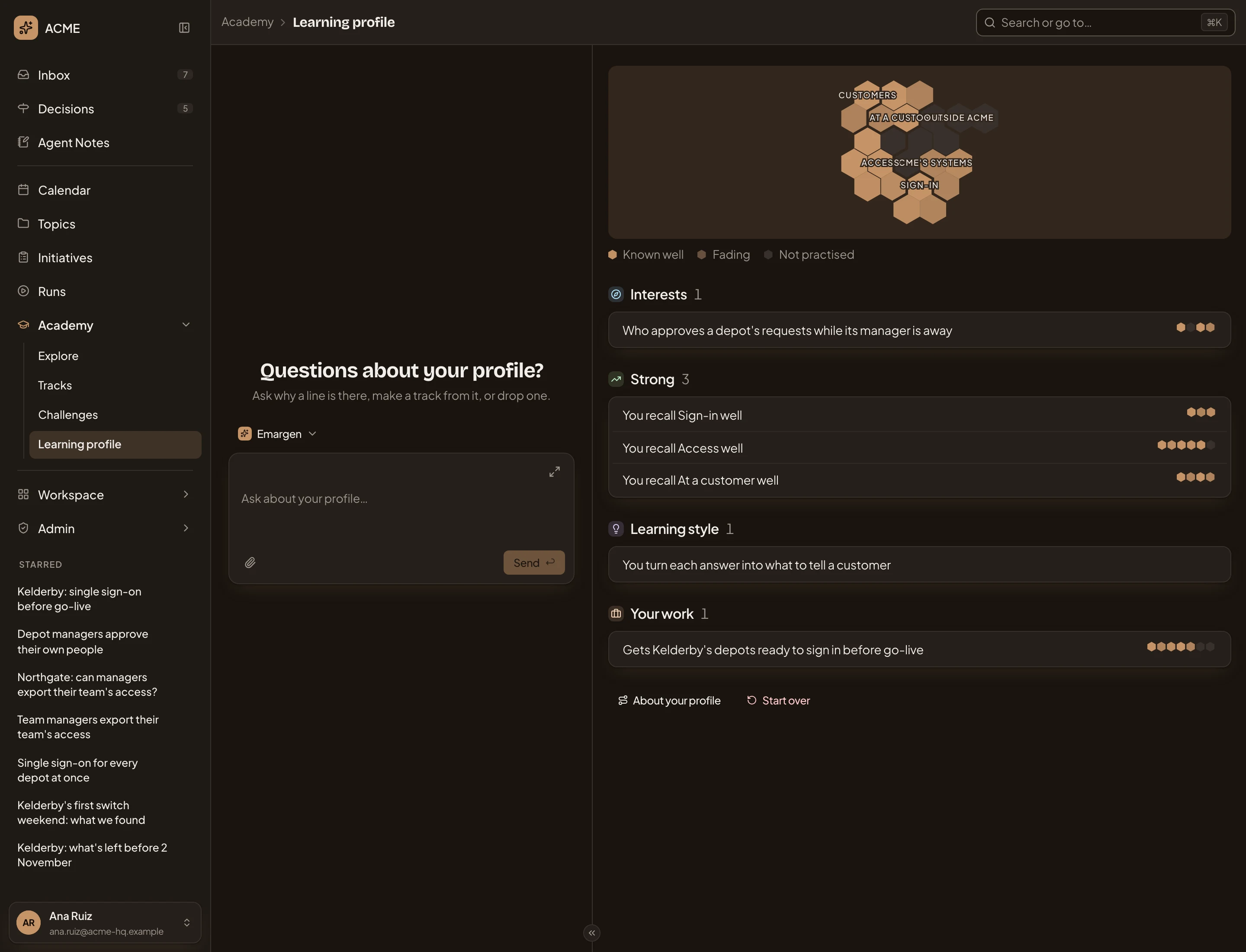
- Your Academy chat. Ask it why a line says something, make a track of a line, or forget one that’s wrong. It forgets a line or starts your profile over only once you confirm on a card.
- Your map, drawn small. Pick a line, and its spots light up here.
- Interests. What you keep asking about in Explore.
- A line, with a block for each fact behind it, coloured by how well you’d recall it today. Click it to see what it rests on (see Behind a line).
- Strong. The spots, or the regions, you’d recall well, from your practice alone.
- Learning style. How you tend to work with what you learn, from your chats.
- Your work. The work your questions come from.
- About your profile. Five steps, from asking in Explore to what the profile changes.
- Start over. Clears every line and suggestion (see Starting over).
A fifth kind, Slipping, shows a spot once one of its facts starts to fade. Each kind shows five lines, with All for the rest.
Explore answers your way, and practice picks the kind of card that suits you. When a subject keeps coming back, a track is suggested on Tracks, and your Inbox says so at most once a week. A suggested track never changes when a card is due.
Behind a line
Section titled “Behind a line”Click a line, and the rail on the right shows what it rests on. A line from your chats lists those chats, and the spots it touches with how well you’d recall each one today. A strong or slipping line lists its spots, and a slipping one its fading facts.
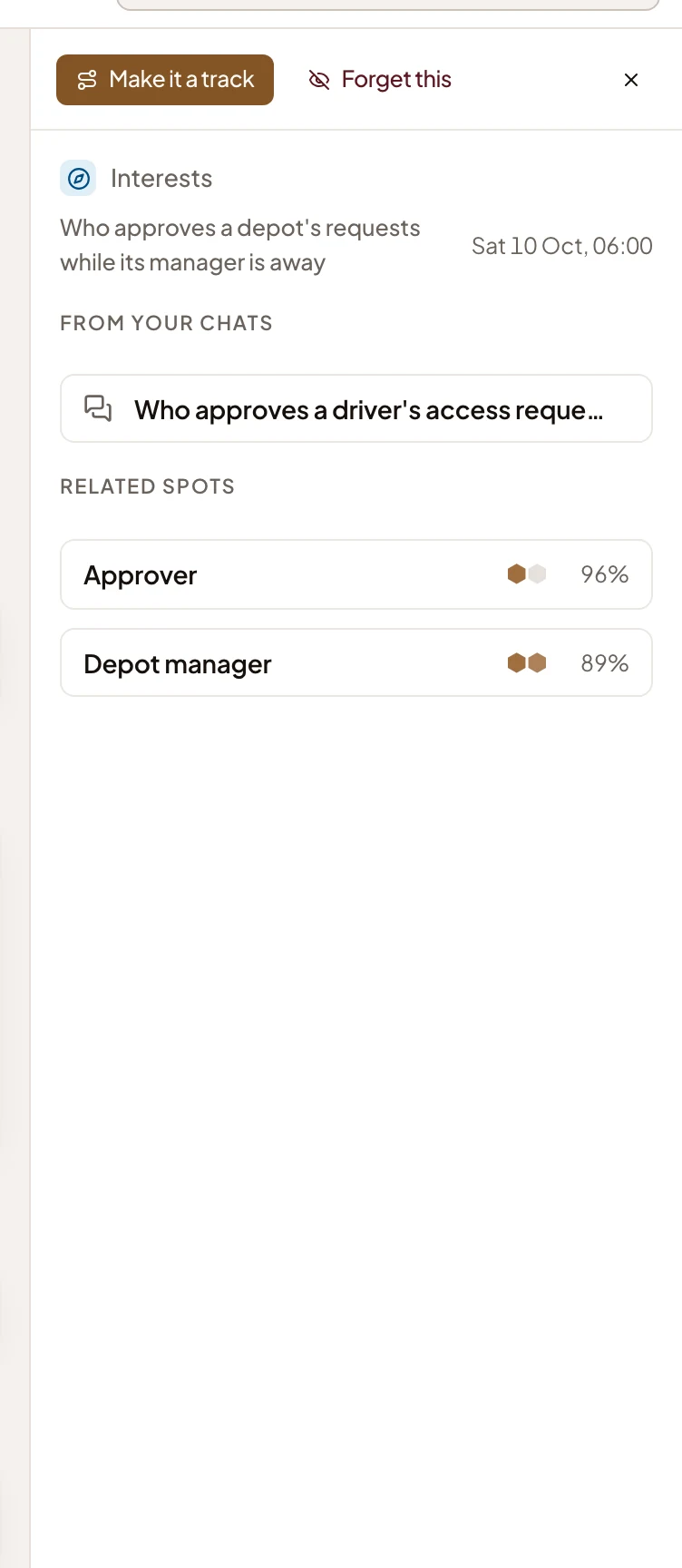
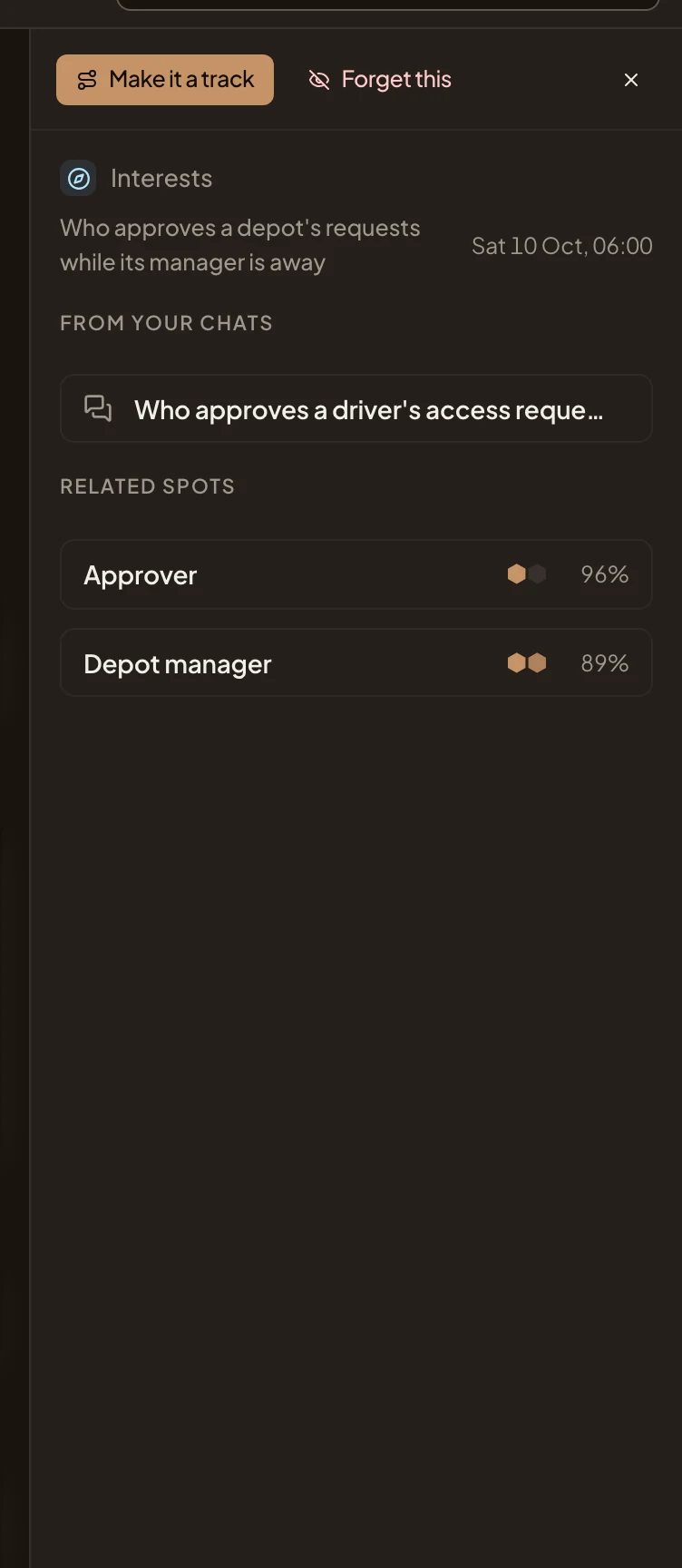
- Make it a track. On a line from your chats, builds a track over its spots at once and opens it.
- Forget this. Takes the line away once you confirm. The Academy won’t write it again.
- From your chats. The chats the line comes from. Click one to open it in Explore.
- Related spots. The line’s spots, each with how well you’d recall it today.
A slipping line has Practise these, for its fading facts. A strong line has Practise the rest, when some of its spots aren’t practised yet.
Starting over
Section titled “Starting over”Start over asks first, and you type “start over” to confirm. Every line and suggested track goes. Your tracks, practice and Explore chats stay, and the profile is written again from what you do after this.
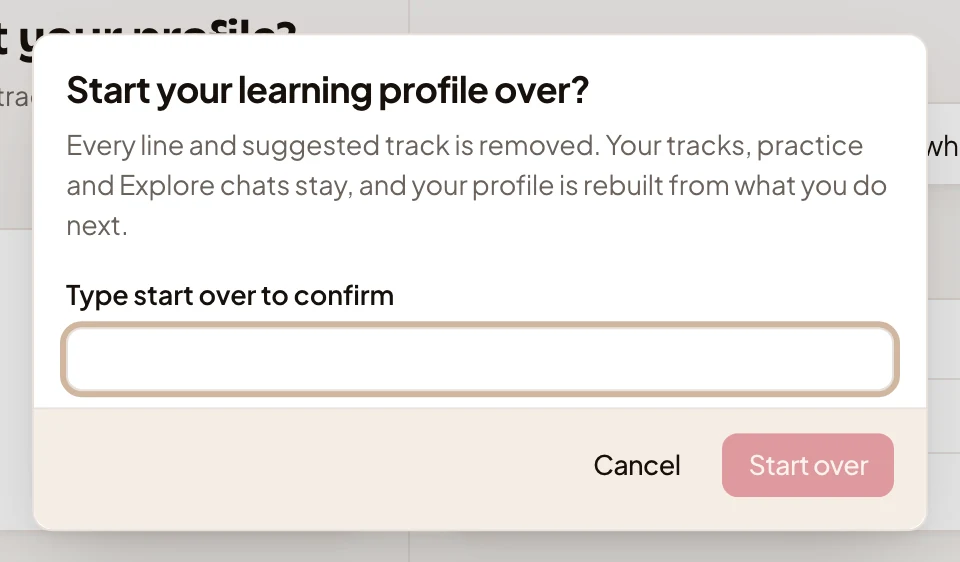
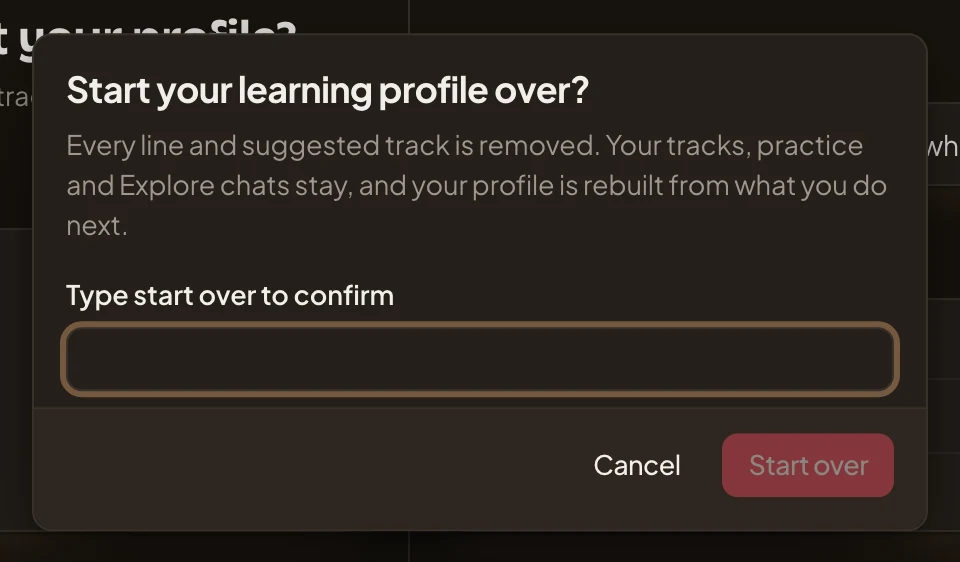
A profile with no lines yet opens on a banner. It says when the profile last read your chats and practice and what’s new since, or that it hasn’t read anything yet. Ask Explore and Practise sit beside it. Under it, About your profile shows the five steps. The chat appears once the profile has lines.
On a phone
Section titled “On a phone”On a phone, the chat and your profile take turns. Switch between Conversation and Learning profile at the top.
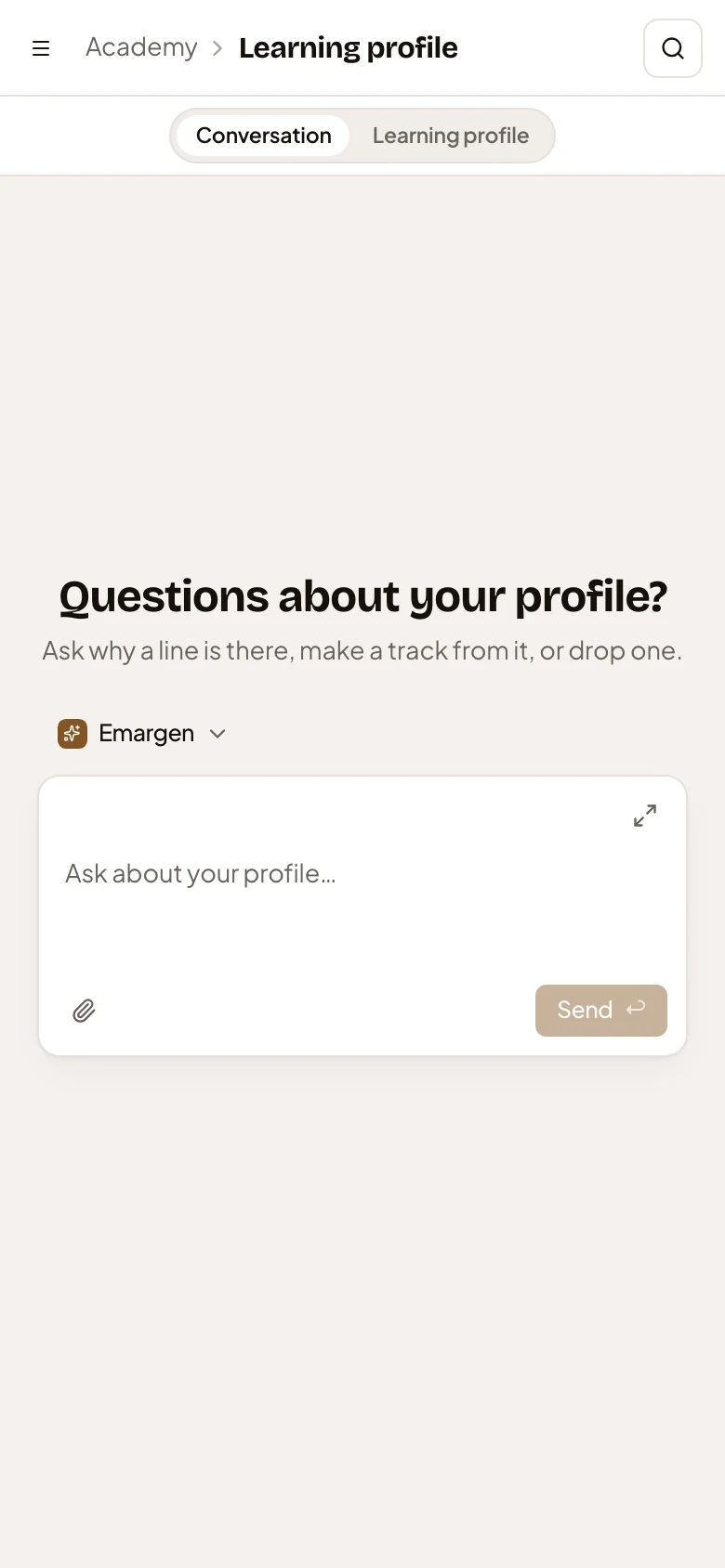
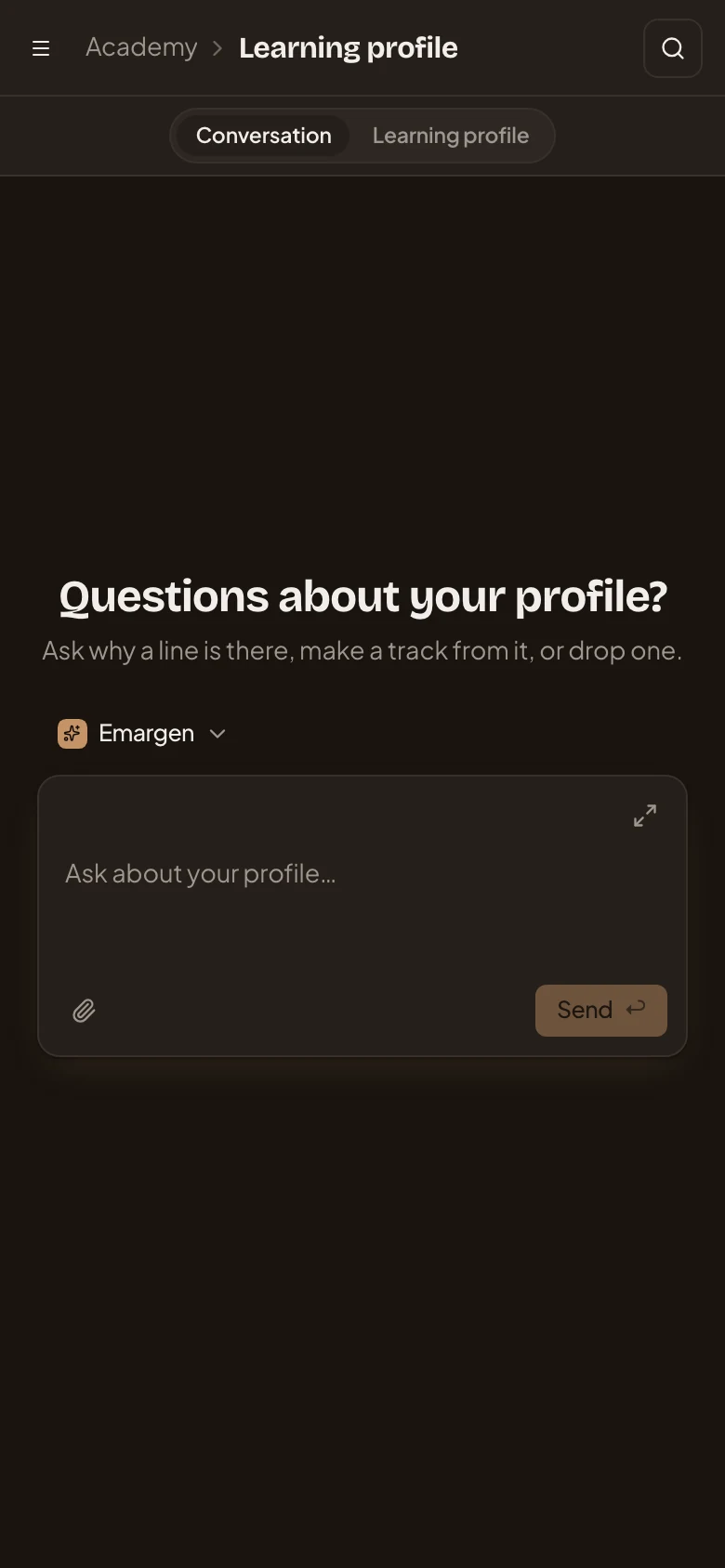
Access
Section titled “Access”Only you. Nobody else sees your profile, administrators included.