

InitiativesPage by page
A slice
A slice’s page shows one slice of an initiative. You see what it will show when done, its tasks, and the history of its build. Click a slice’s title on the Slices tab, or its key anywhere it’s named. The slice opens in a tab of its own beside Slices.
In the pictures, the owner of ACM-293, Single sign-on for every depot at once, opens its second slice, with the chat hidden.
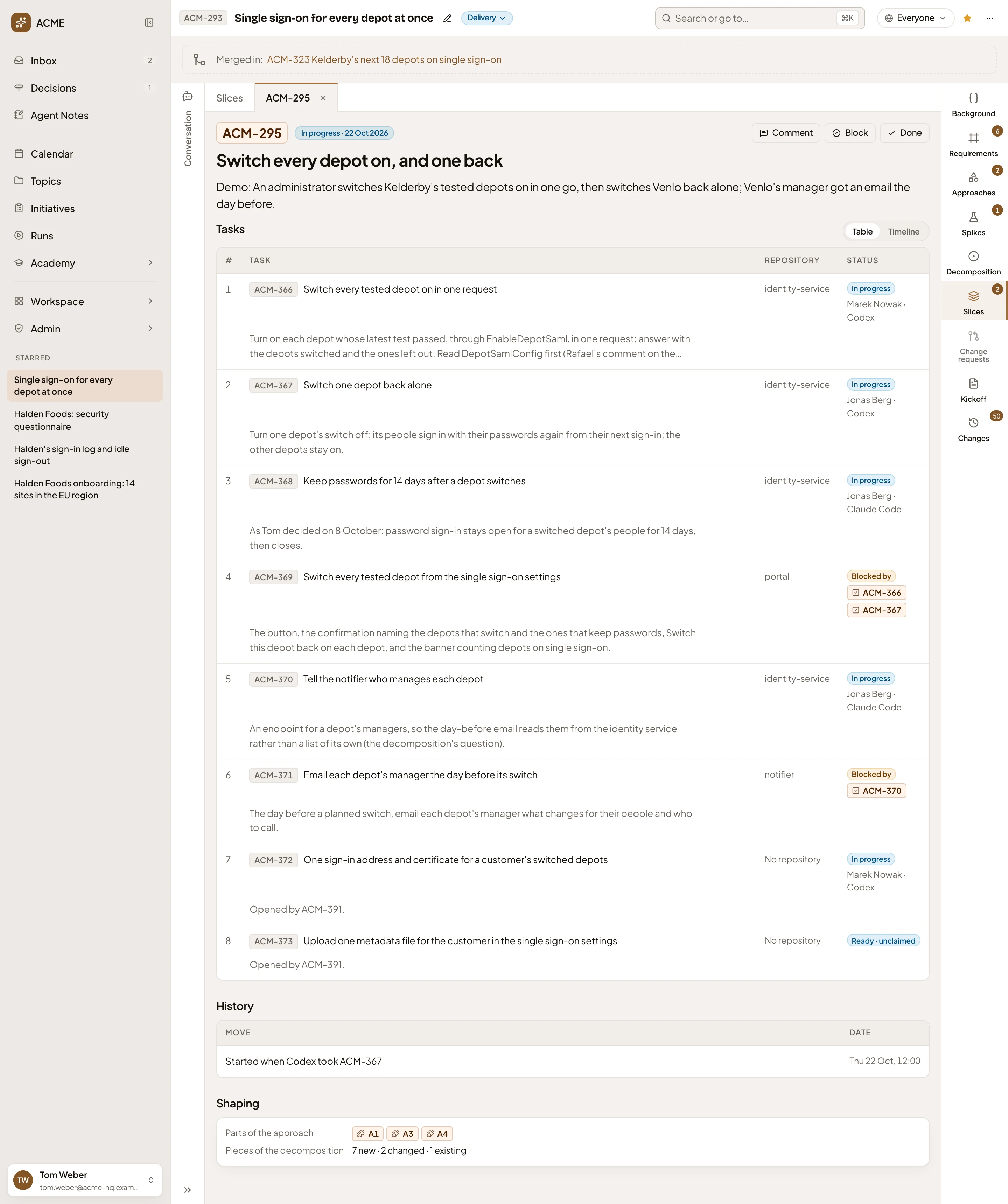
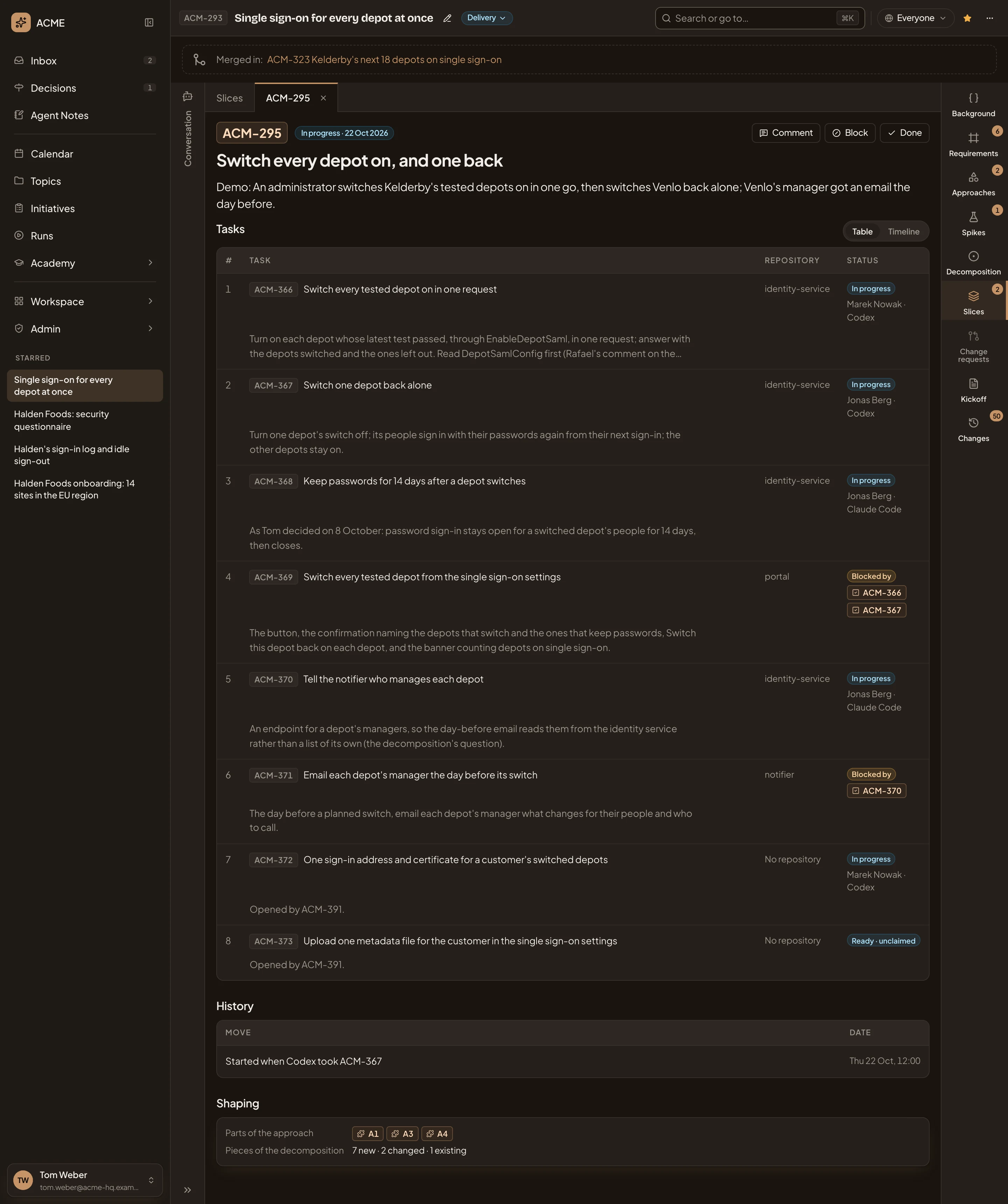
- ACM-295. The slice’s tab. Its × closes the tab, and Slices goes back to the list.
- In progress · 22 Oct 2026. Where the slice’s build stands, and since when. It’s In progress, Blocked or Done. A slice that hasn’t started shows nothing here.
- Comment. Write about this slice in the comments beside the chat.
- Block and Done. Move the slice on (see Moving a slice).
- Switch every depot on, and one back. The title. Under it, after “Demo:”, what the slice shows when it’s done.
- Table and Timeline. Show the tasks as a table, or on a timeline once someone has claimed one.
- Switch every tested depot on in one request. A task, with its key. Click it to open its page. Under it, what the task does.
- identity-service. The repository the task is built in, or No repository when it names none.
- Where the task stands. It’s Closed, with the date. Otherwise In progress, Blocked by the tasks it waits for, or Ready · unclaimed. Under it, who claimed it and with which coding agent: here Marek Nowak, with Codex.
- History. Every move of the slice’s build, with who made it and when. ACM-295 started when a colleague’s Codex claimed one of its tasks.
- Shaping. The parts of the approach this slice builds, and the pieces of the decomposition it adds, changes or uses. When another slice comes after it, it’s linked here too. Click a key to see it.
Tasks on a timeline
Section titled “Tasks on a timeline”Timeline groups the tasks by repository. Each bar runs from when the task was claimed until it closed, or up to now.
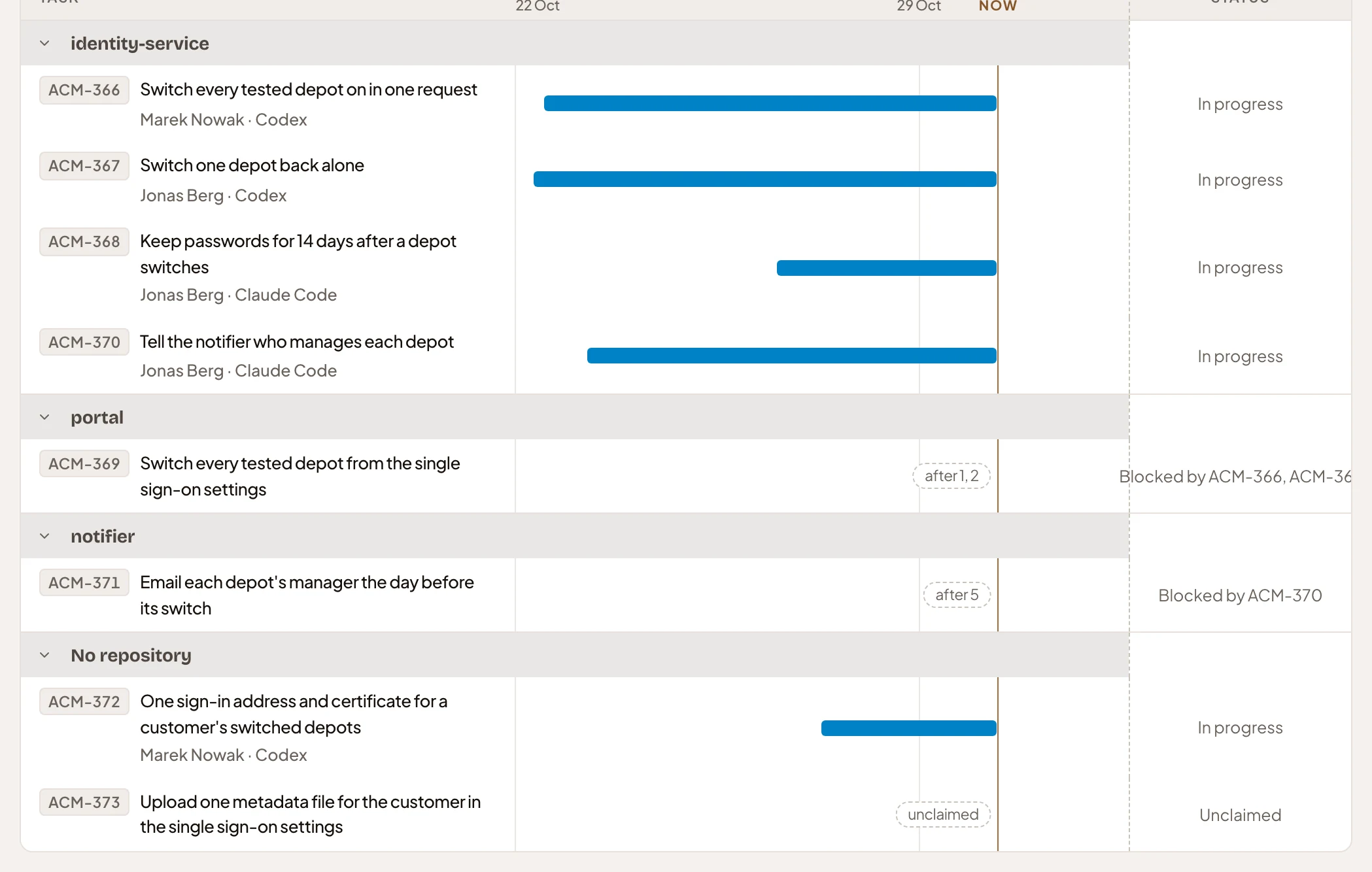
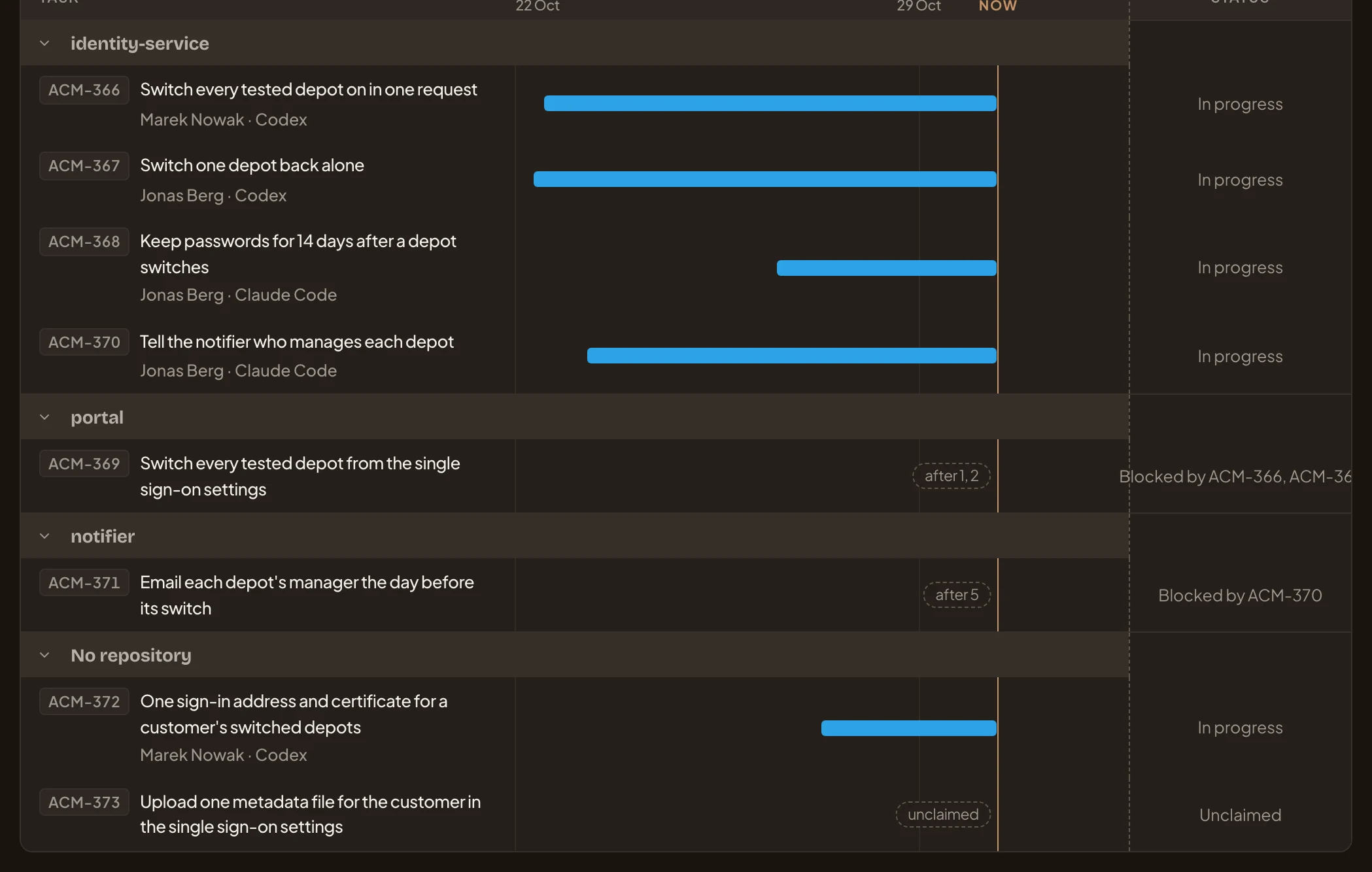
- identity-service. A repository, with its tasks under it. Click its arrow to fold it.
- ACM-366’s bar. In progress since a colleague’s Codex claimed it.
Moving a slice
Section titled “Moving a slice”The buttons beside Comment move the slice’s build. The buttons you get depend on where it stands.
| Where it stands | Buttons |
|---|---|
| Not started | Start |
| In progress | Block, Done |
| Blocked | Unblock, Done |
| Done | Reopen |
A coding agent starts a slice when it claims the slice’s first task. Blocking it, unblocking it and calling it done are a person’s call. You’ll see each move in History.
Block asks why, and what blocks the slice:
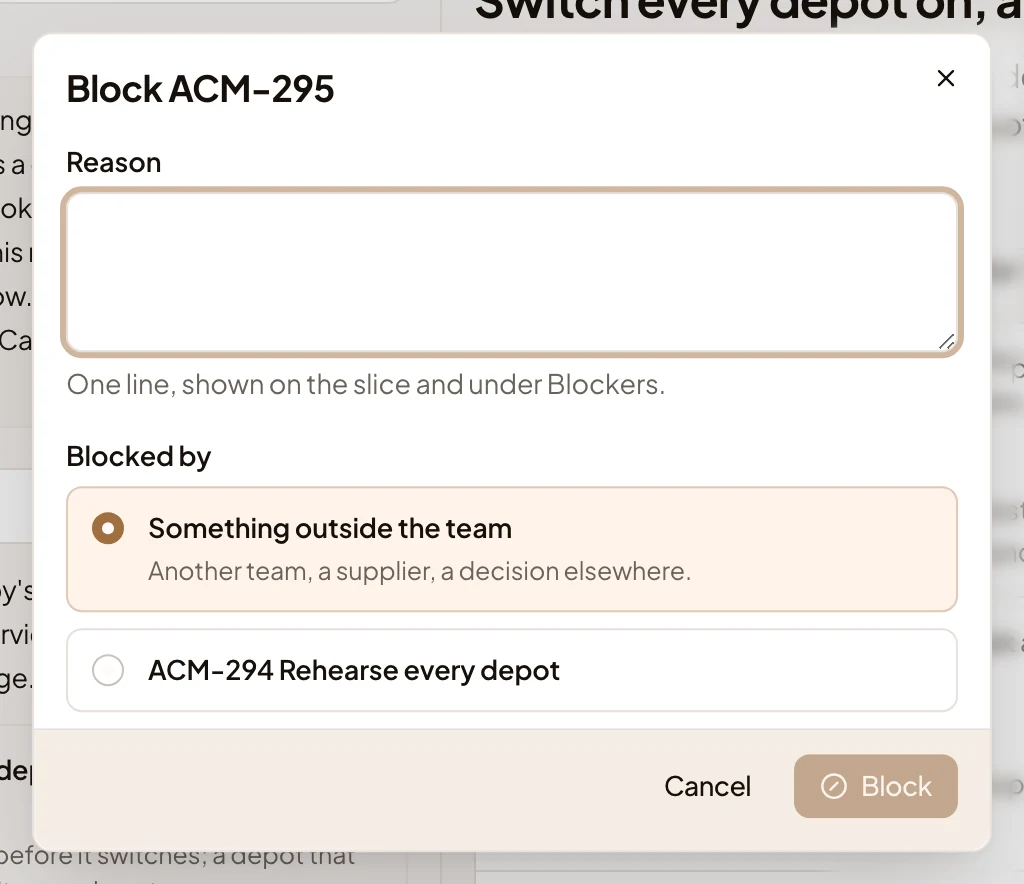
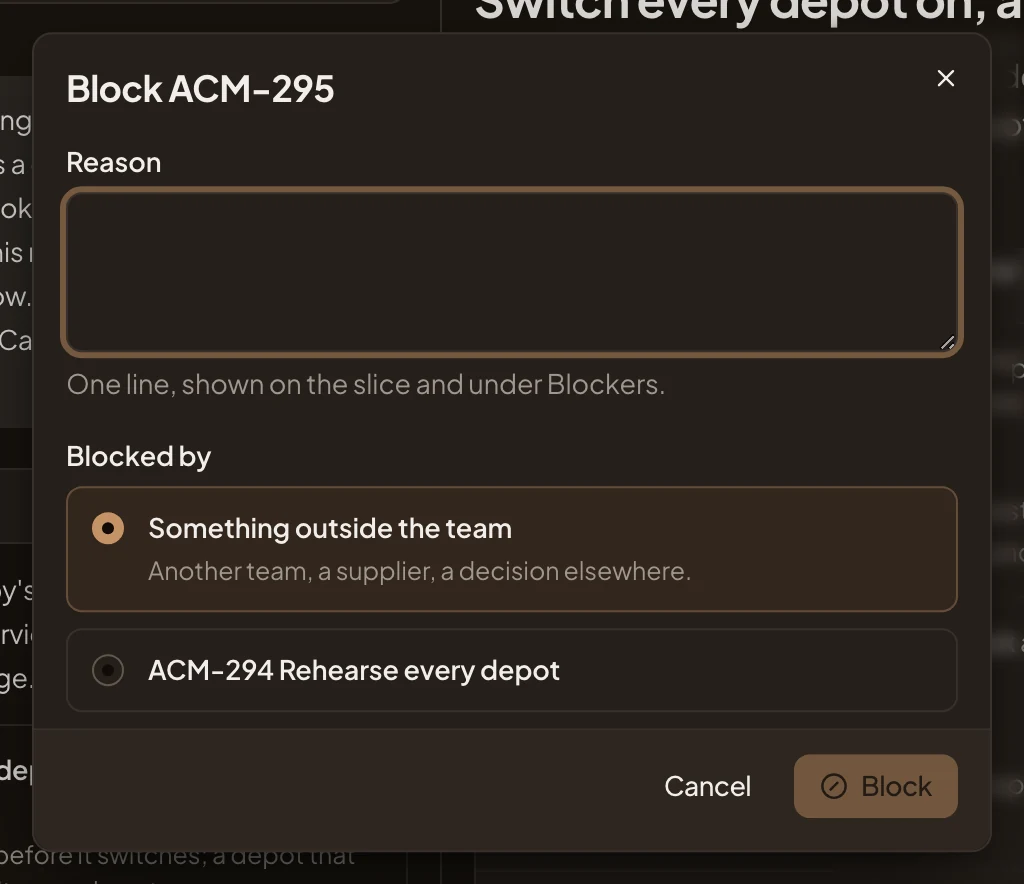
Write a line under Reason, pick Something outside the team or the slice that blocks it, and click Block. The slice’s lane turns hatched on the Slices tab, and the reason shows in its History. The slice joins Blockers until someone unblocks it.
In the picture, the owner has opened ACM-249, in a done initiative. It was blocked for a day while people answered a question from the build.
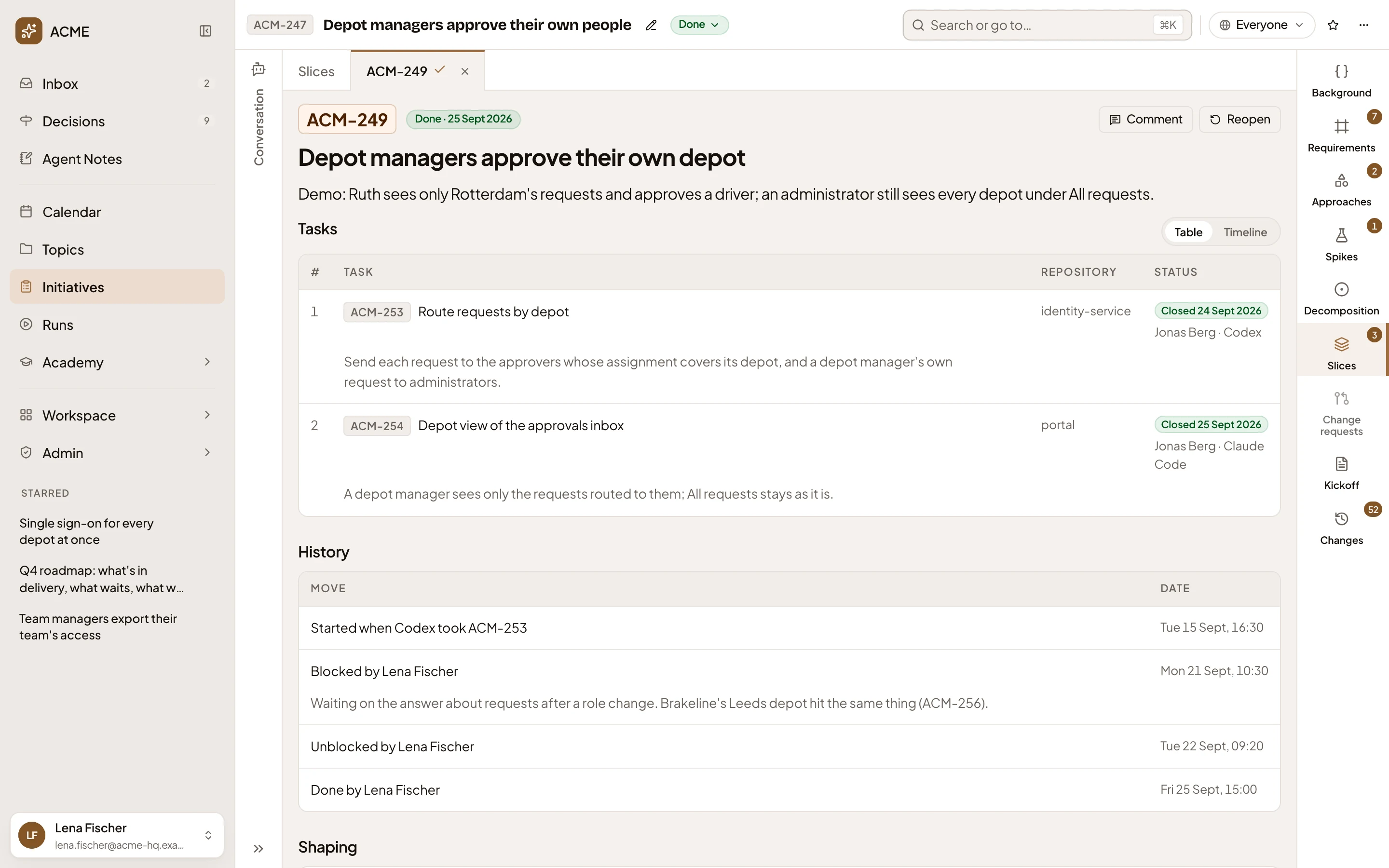
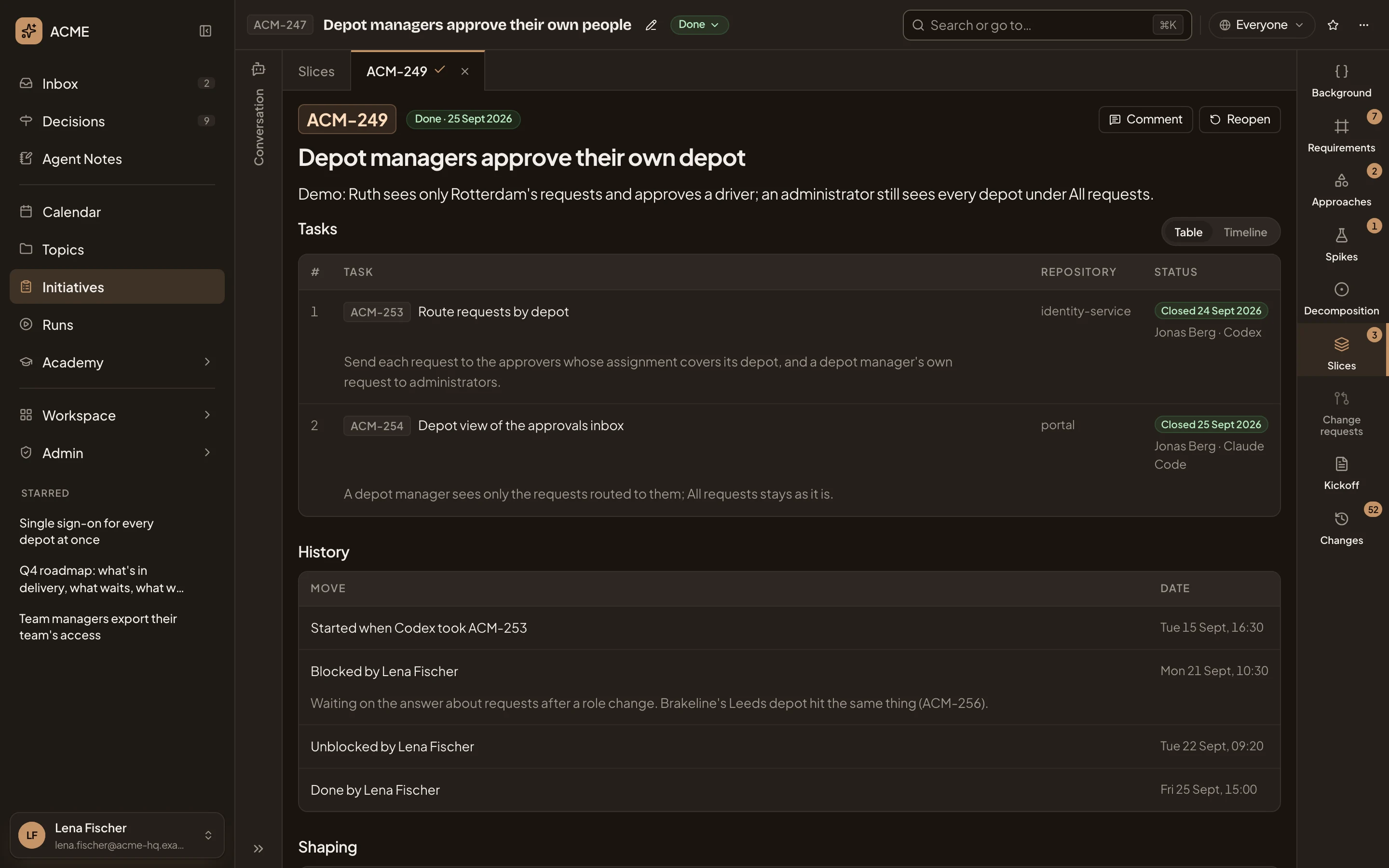
- Done · 25 Sept 2026. The day it was called done.
- Reopen. Moves a done slice back to work.
- Blocked by Lena Fischer. The block, with its reason under it.
- Unblocked by Lena Fischer. The next morning, once the question was answered.
Before approval
Section titled “Before approval”Until the initiative is approved, a slice is part of a plan. In the picture, ACM-442, the first slice of ACM-290, has no tasks yet, as its owner sees it:
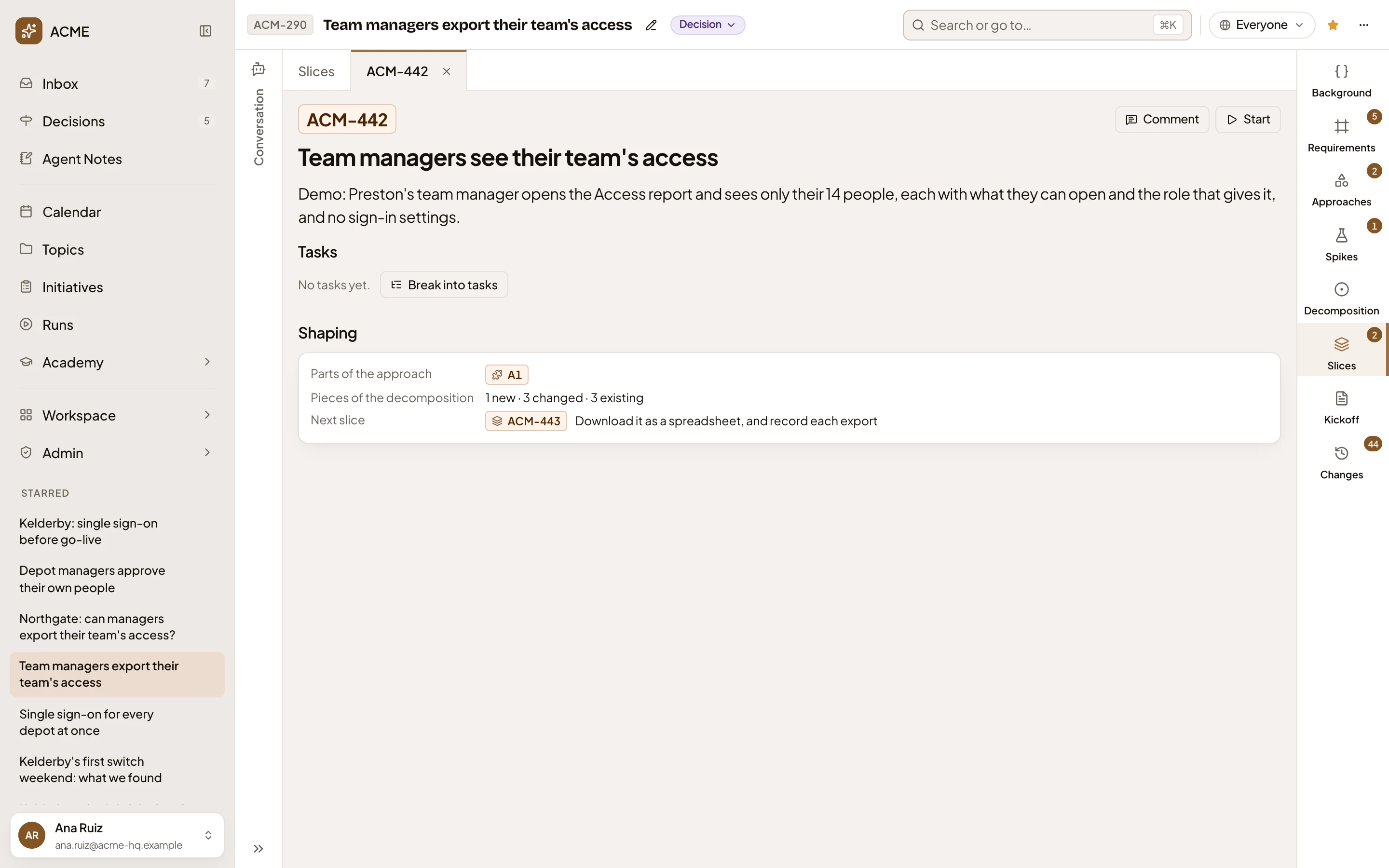
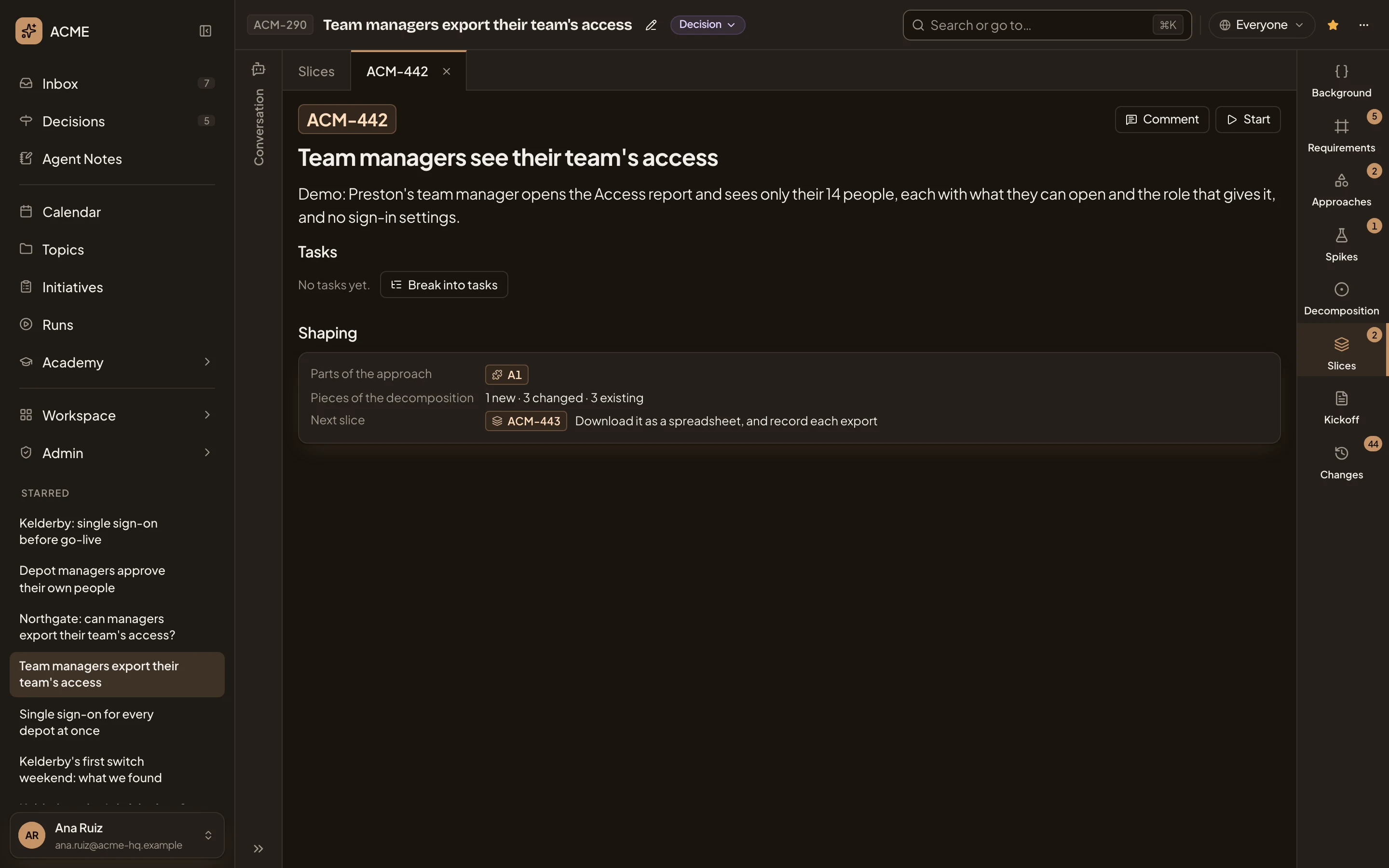
- Start. Starts the slice’s build by hand.
- Break into tasks. Asks the agent, in your chat, for this slice’s tasks.
- 1 new · 3 changed · 3 existing. The pieces of the decomposition the slice adds, changes and uses.
- ACM-443. The next slice. Click it to see it.
A slice with a change request
Section titled “A slice with a change request”When an open change request touches the slice, its key shows beside where the slice stands. Click it to open the request. A slice re-planned by a change request while it was being built says Re-planned beside where it stands.
Access
Section titled “Access”Everyone who can open the initiative reads its slices and comments on them. Only the owner, and anyone who edits the initiative, can block a slice, call it done, reopen it, or use Break into tasks. A slice with no tasks shows its Tasks section only to them.