

AdminPage by page
A recipe
A recipe tells a repository’s scan what to recognise, and the analysis what to write where it applies. Its page shows both. Open it from a card on Recipes, or with Open recipe in a repository’s panel. Recipes explains the idea.
One of Emargen’s
Section titled “One of Emargen’s”Laravel application is built into Emargen. In the picture, ACME’s identity-service applies it.
Open Laravel application (opens Emargen in a new tab)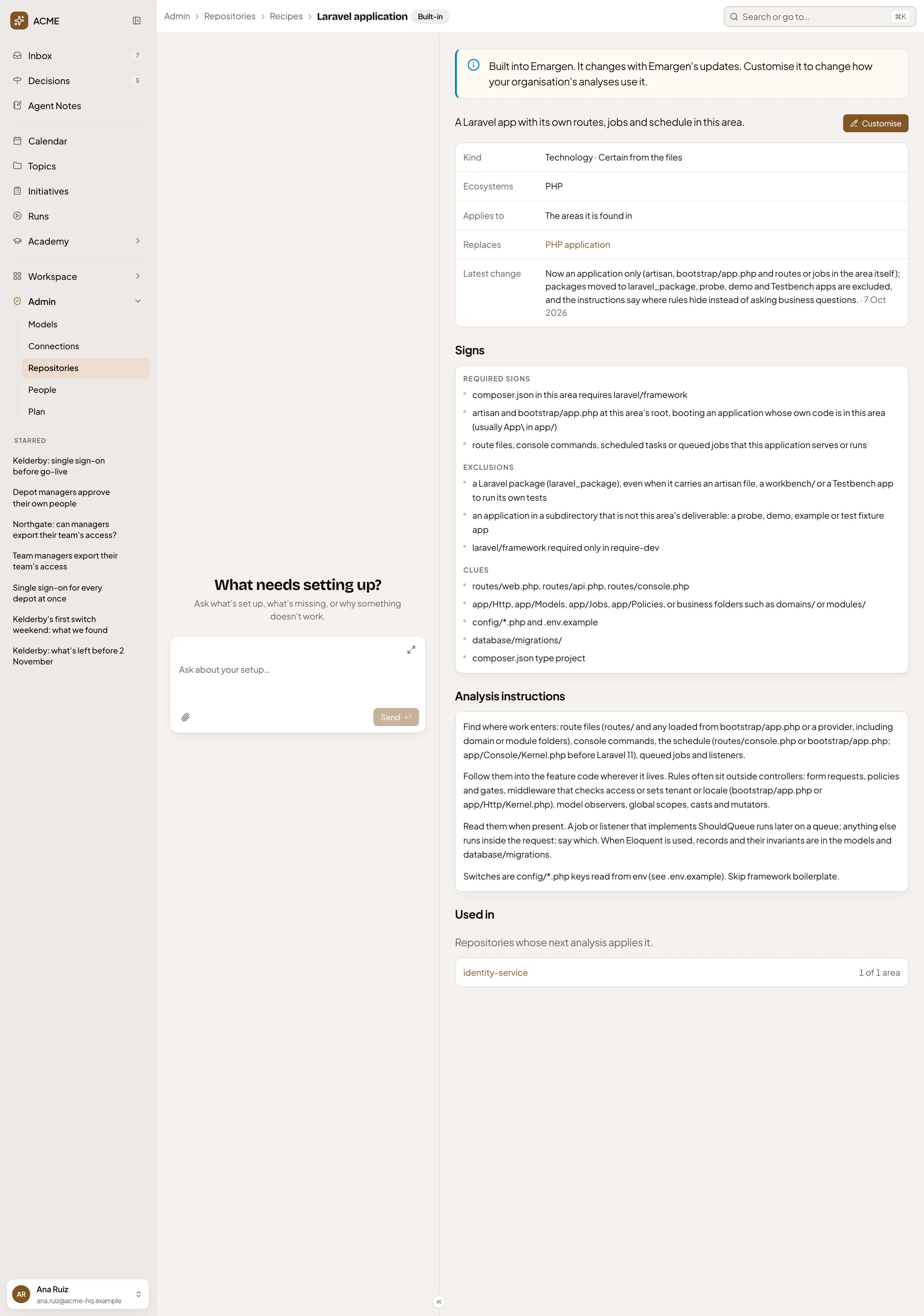
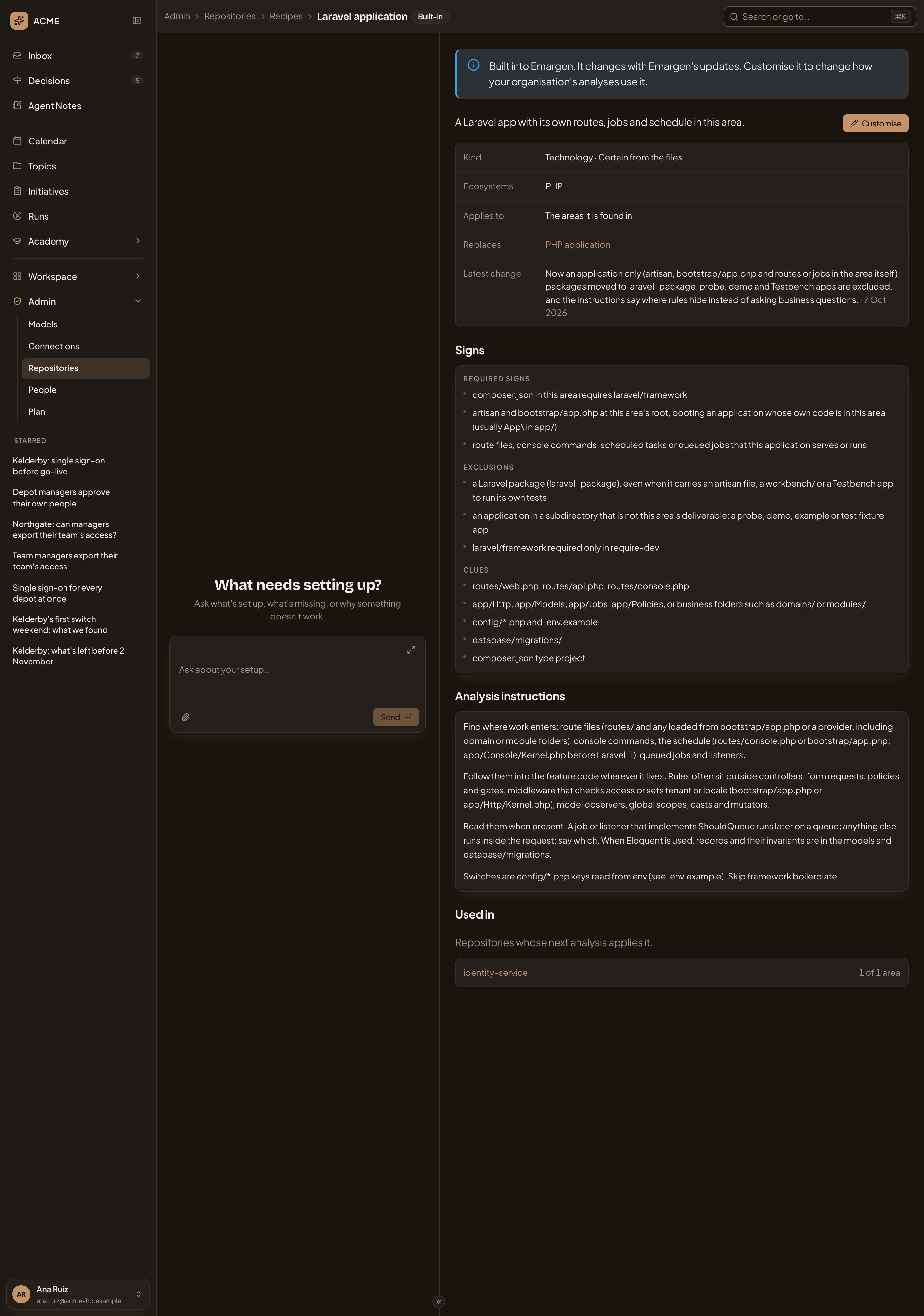
- Built-in. Emargen made it. Organisation and Customised are your organisation’s own.
- A built-in recipe changes when Emargen is updated.
- Customise. Makes your organisation’s own version and opens its form (Customising).
- Its facts. Kind says what sort of recipe it is and how certain the scan can be. The rest say which stacks it’s for and where it applies. They also say what it replaces and when it last changed.
- Signs. Required signs must all hold in an area. Exclusions rule it out. Clues make it likelier.
- Analysis instructions. What the analysis follows when it writes an overview of an area with this recipe.
- Used in. The repositories whose next analysis applies it, with how many of their areas. Click one to open its Analysis tab.
One of your organisation’s
Section titled “One of your organisation’s”ACME’s own recipe, Depot access rules, tells the analysis to write down who may approve whom, depot by depot.
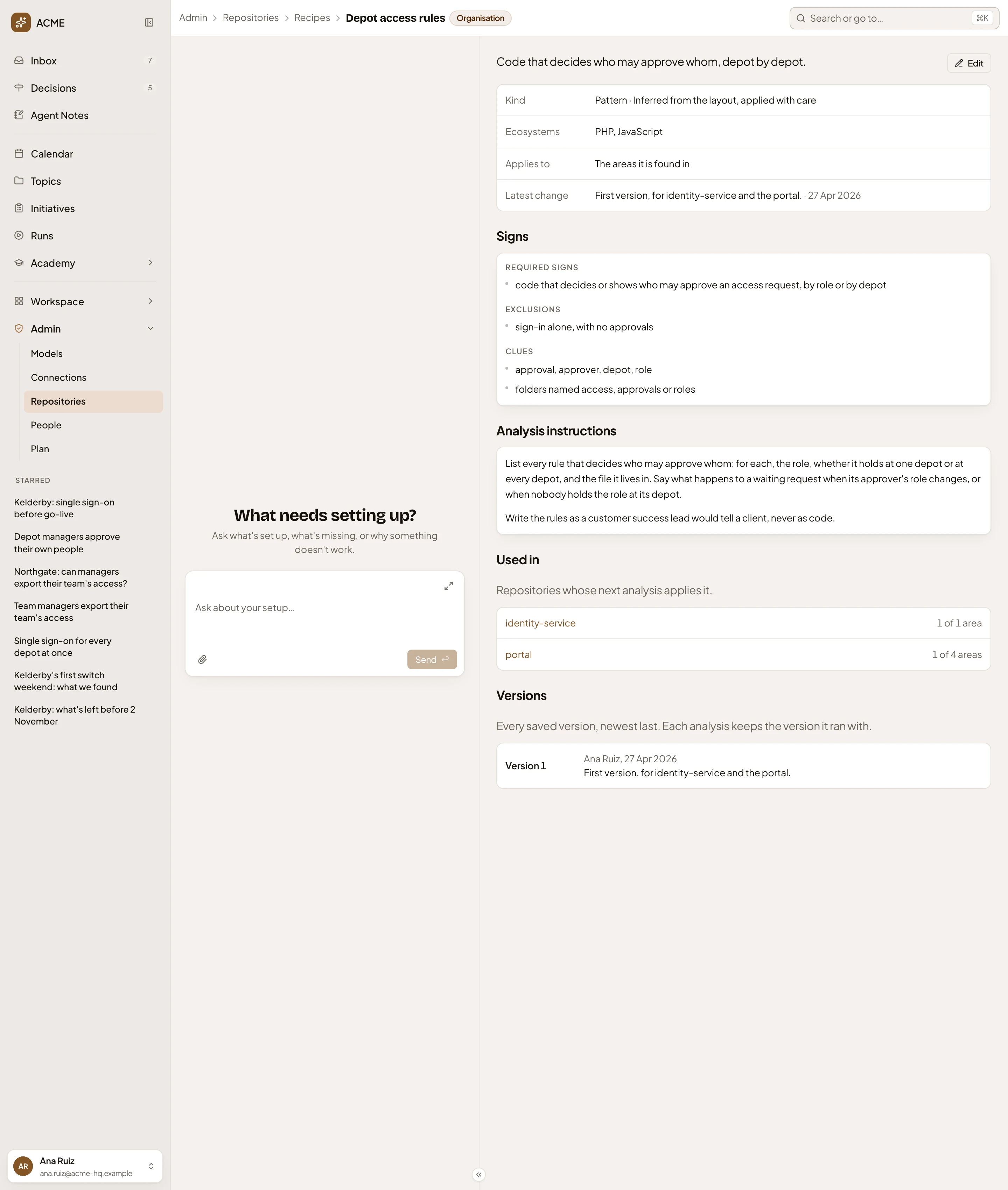
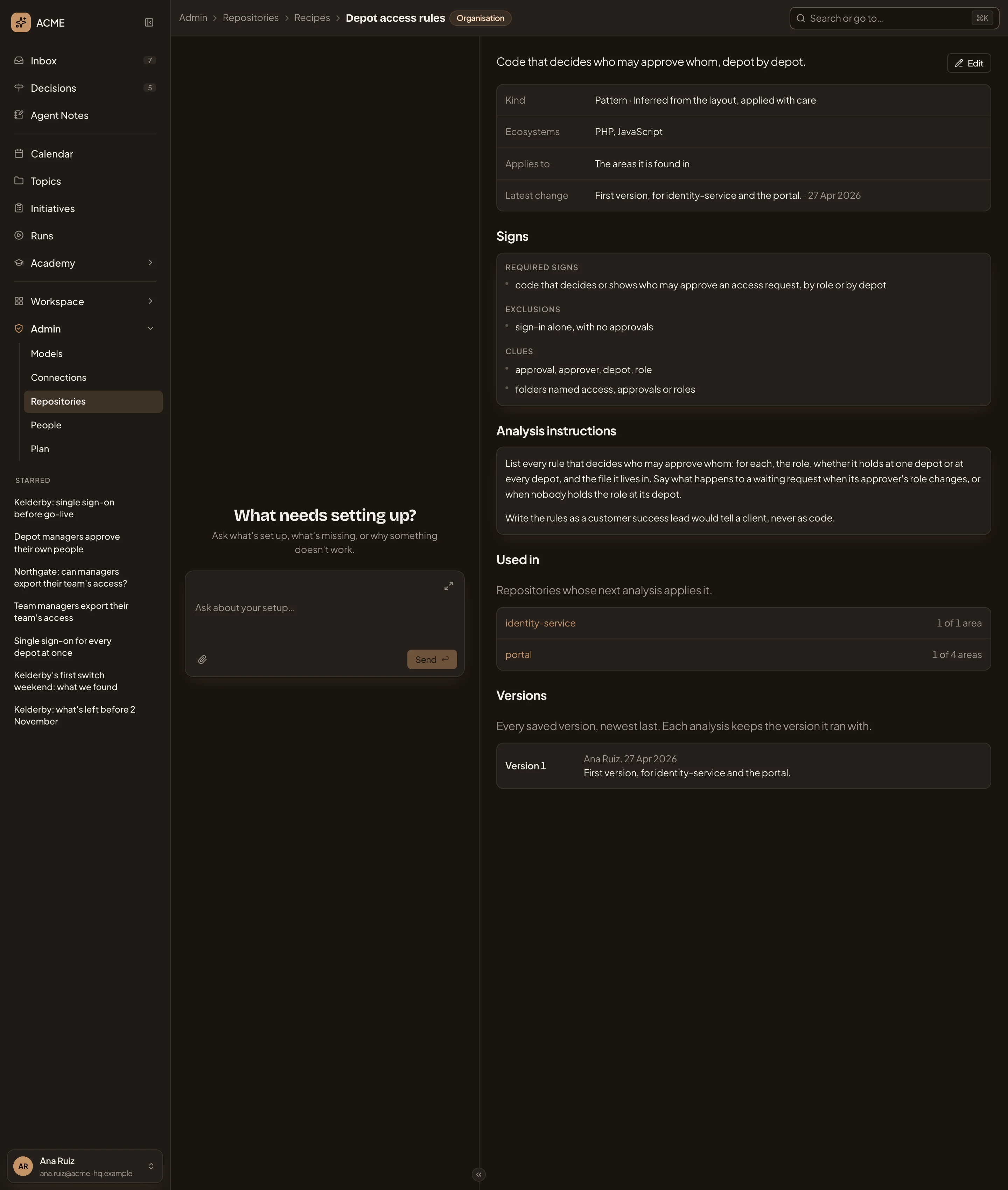
- Organisation. Your organisation wrote it.
- Edit. Opens the recipe’s form (Edit).
- The facts. This one is a Pattern, inferred from the layout, which the analysis applies with care.
- Used in. identity-service applies it to its one area, the portal to one of its four.
- Versions. Every saved version, with who saved it, when, and what it changed. Each analysis keeps the version it ran with.
Edit opens the recipe’s form. The admin agent’s chat sits beside it. Ask it to draft a change, and it fills the fields, then asks you to confirm before it saves.
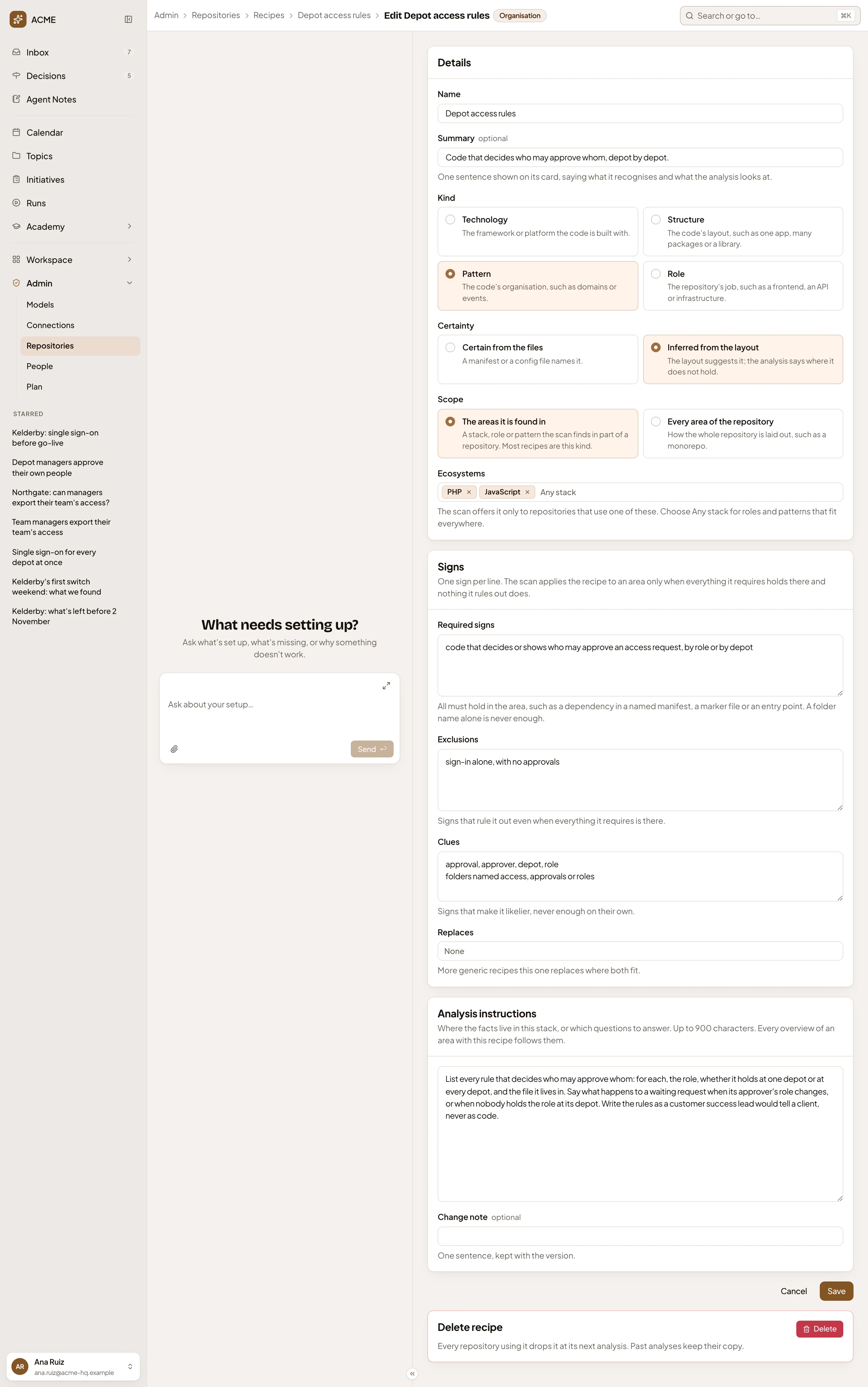
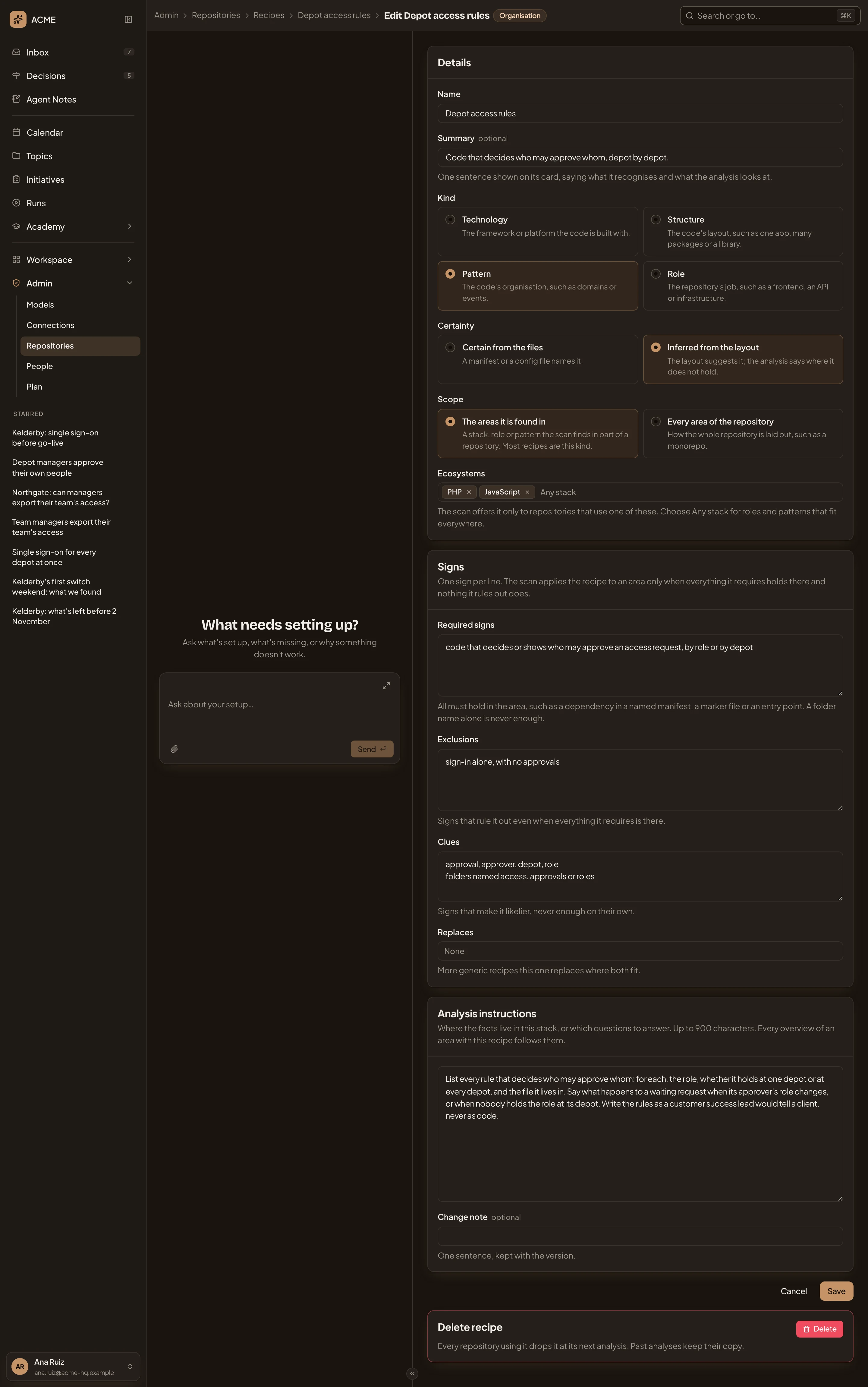
- Summary. The sentence people read on its card. Name is above it.
- Kind. Technology (what the code is built with), Structure (how it’s laid out), Pattern (how it’s organised) or Role (what job the repository does).
- Certainty. Certain from the files when a manifest or config file names it, or Inferred from the layout. The analysis then says where it doesn’t hold.
- Scope. The areas it is found in, as for most recipes, or Every area of the repository, for how a whole repository is laid out.
- Ecosystems. The languages or platforms the scan offers it for, or any stack, for roles and patterns that fit everywhere.
- Required signs. One sign per line, and every one must hold in an area. A folder name alone is never enough.
- Exclusions. Signs that rule it out, even when everything it requires is there.
- Clues. Signs that make it likelier, never enough on their own.
- Replaces. More generic recipes this one replaces where both fit.
- Analysis instructions. Where the facts live, or which questions to answer, in at most 900 characters.
- Change note. One sentence, saved with the version.
- Delete. Deletes the recipe, once you confirm.
Save keeps a new version and opens the recipe’s page. Change its analysis instructions, and the next analysis rewrites every area of each repository it’s on. A change only to its signs doesn’t.
Before you confirm Delete, you see which repositories lose the recipe at their next analysis. Past analyses keep the copy they ran with.
Customising
Section titled “Customising”Customise makes your organisation’s version of one of Emargen’s recipes and opens its form. From then on, your organisation’s analyses use your version. Its page says it’s your version, and its form shows Emargen’s own underneath, to compare. When Emargen changes its own later, your page says so, and when.
Your version’s form ends with Use Emargen’s again in place of Delete. Your version and its history go, and repositories with it on use Emargen’s from their next analysis.
New recipe
Section titled “New recipe”New recipe, on Recipes, opens the same form, empty. It starts as a technology, certain from the files. It applies where it’s found. Create recipe makes it and opens its page.
Open New recipe (opens Emargen in a new tab)A new recipe applies once a repository’s scan recognises it. On the repository’s Analysis tab, click Scan again, then Analyse. Write a recipe walks through it.
Access
Section titled “Access”Everyone in the organisation can read a recipe. Edit, Customise, Delete and New recipe take the permission to analyse repositories, which administrators have. Anyone else reads “You need permission to analyse repositories to change recipes.”