

AdminIdea
Connections and knowledge
A connection lets the agent search a tool where your team keeps its knowledge, like Jira, and read what it finds.
It’s written down somewhere
Section titled “It’s written down somewhere”Most answers at work are already written somewhere. Last month’s support ticket. The rollout plan on the wiki. The issue an engineer closed on Friday. Finding it means searching each tool in turn, or asking the one person who remembers.
With a connection, the agent searches those tools itself. It searches them while you work in a topic, and when it gathers sources for an initiative or a spike. Everything it found says where it came from, so you can open the ticket and check.
Say your organisation connects the support team’s Jira. Someone in customer success asks in a topic whether a customer’s managers can export their team’s access, and the agent finds the ticket where the customer asked.
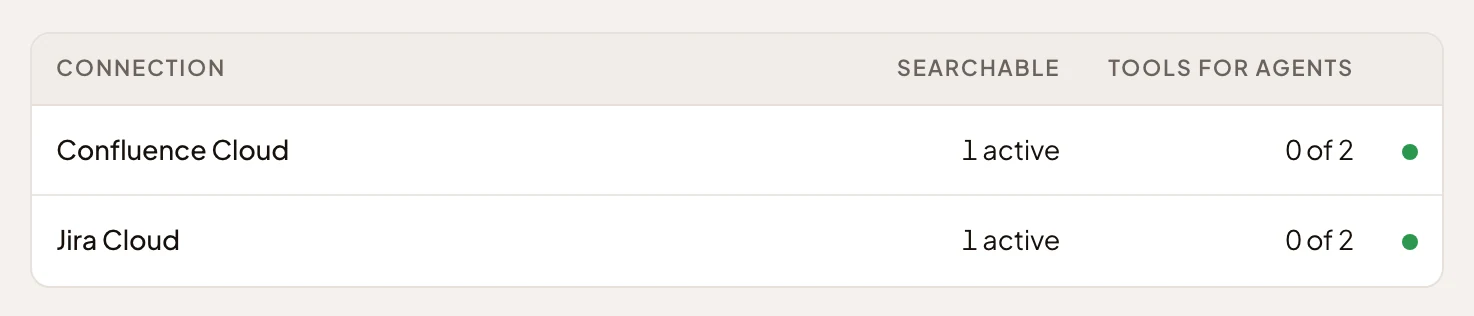
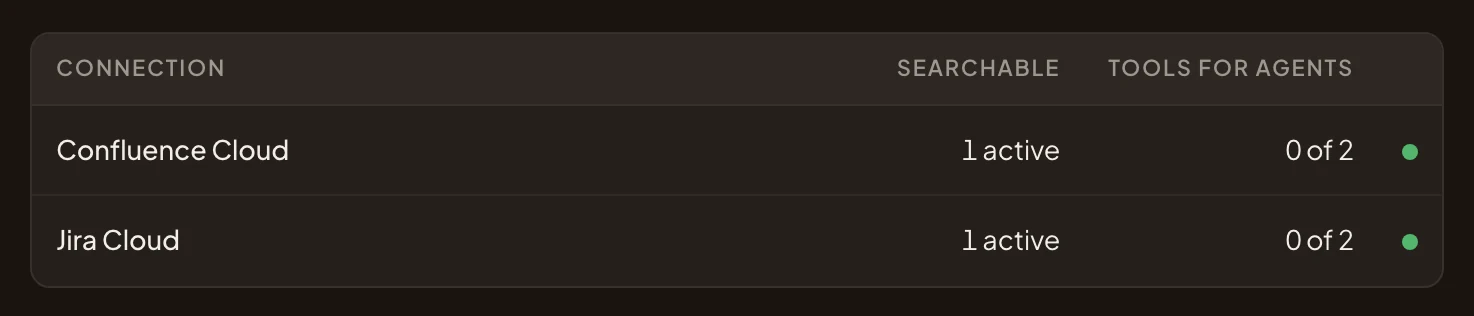
- Jira Cloud, one of the organisation’s connections.
- Its active searchable content: 1 active.
- Its status. Green means it’s active.
One account, for everyone
Section titled “One account, for everyone”Each connection uses one account, and it serves everyone in your organisation. Whatever that account can see can end up in anyone’s answer. So connect with an account that sees only what the whole team may read, like one kept for Emargen.
Tools and searchable content
Section titled “Tools and searchable content”A connection gives you two parts. Its tools are what the agent can do, like searching Jira’s issues or reading one issue. Each tool stays off until someone approves it. Its searchable content is what Emargen searches there, like one Jira project or one Confluence space. Each searchable content has a tool that searches it and a tool that reads it.
Checked with real searches
Section titled “Checked with real searches”The agent searches nothing until the check passes. The check runs a few sample searches, the way a colleague would type them. It checks that Emargen can use the results, then reads an item it found. Until then, the content is a draft. If a later check fails, the agent stops searching it until one passes again.
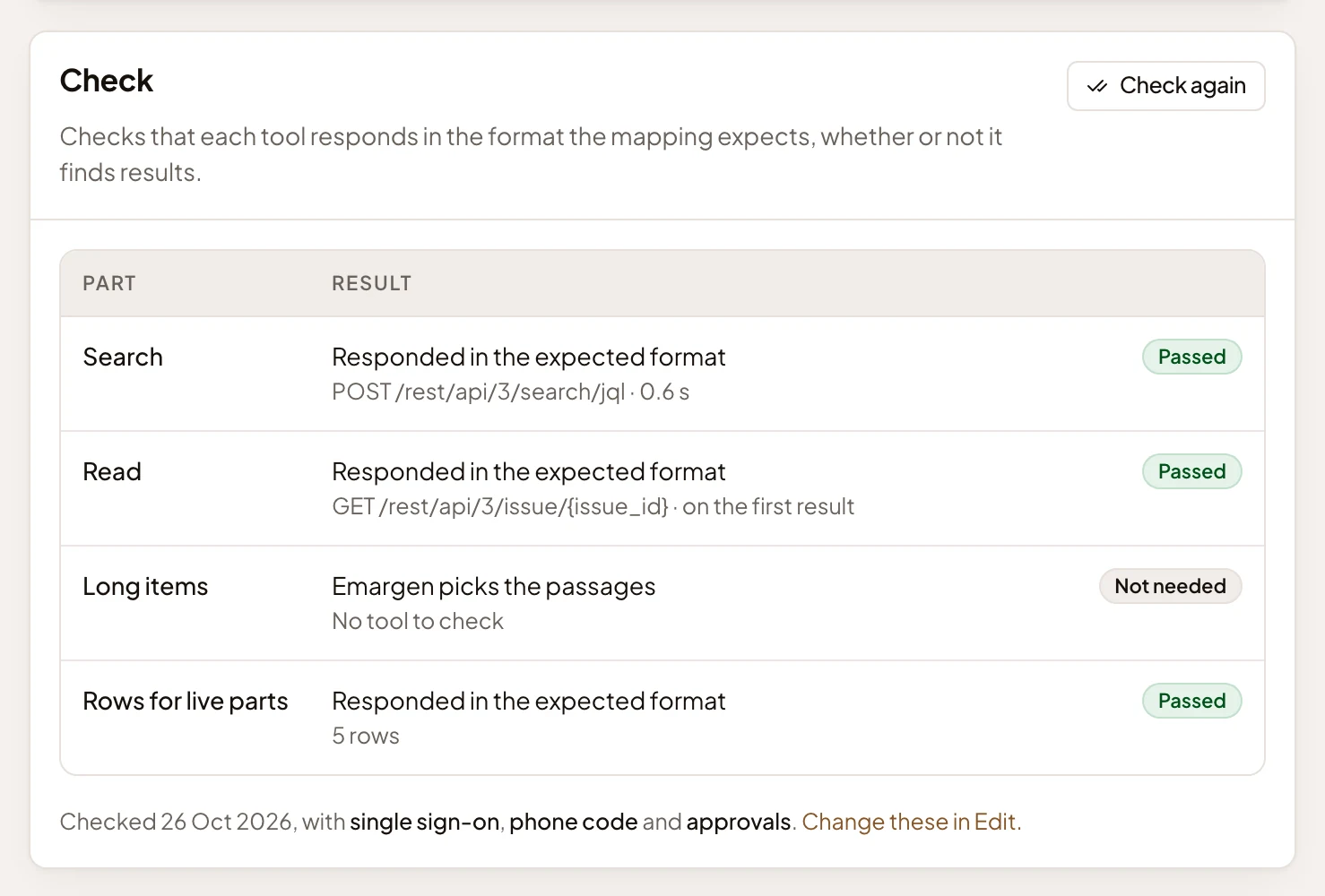
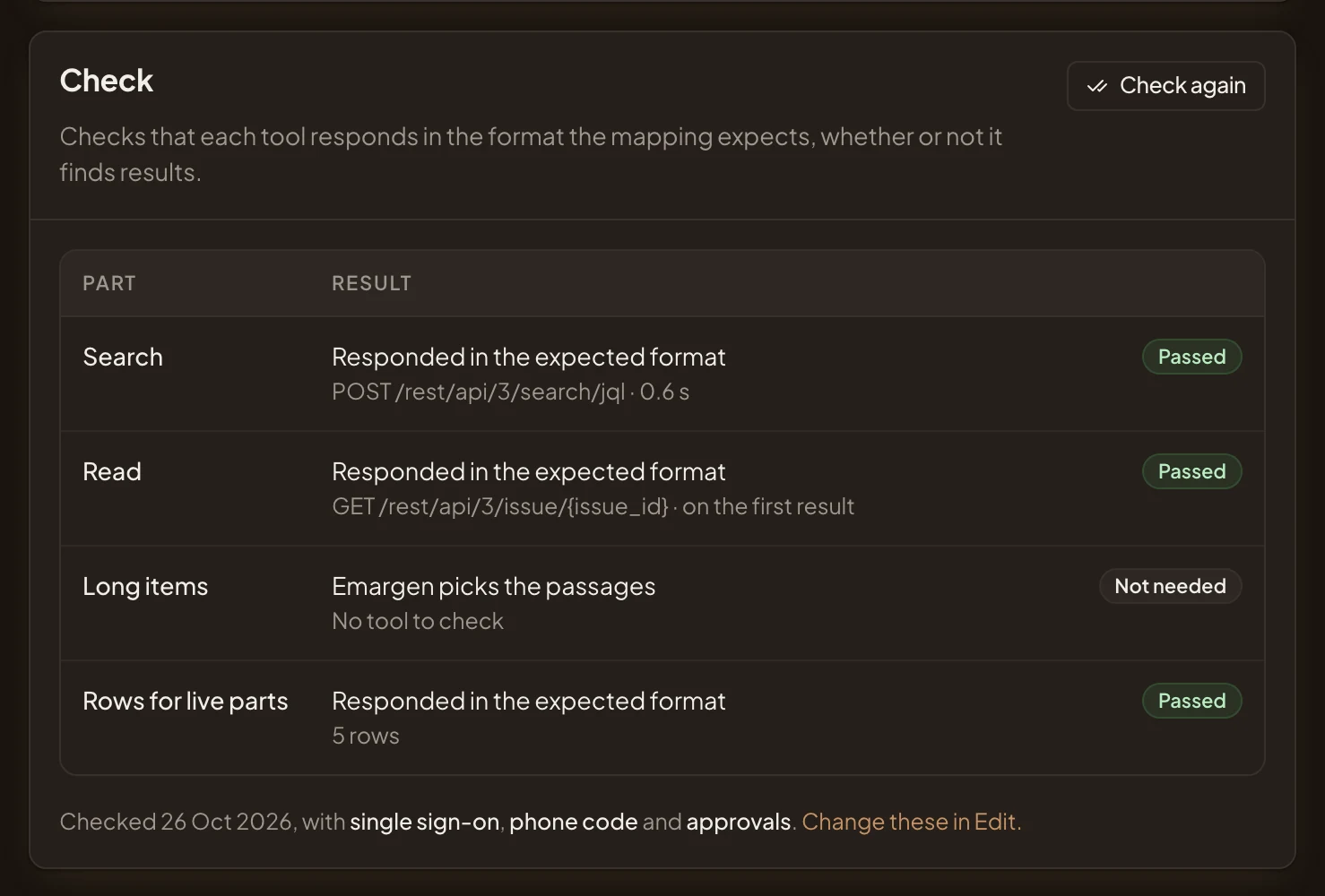
- Search: the sample searches, answered in the format Emargen expects.
- Read: an item a search found.
- Rows for live parts: the rows a live table in a topic would show.
- When it was checked, and the searches it ran.
- Check again runs the sample searches again.
Pick searches your material surely answers. A search that finds nothing still passes, but then nothing gets read. The check also tests the rows a live table shows, so a topic can hold a Jira project’s open issues without anyone copying them in.
Most connections start from a kit, like Jira Cloud or Notion. The kit approves the tools it needs, sets up what to search, and brings its own sample searches. You only give it a sign-in and say which projects or spaces it covers. For a system no kit covers, Any MCP server and Any REST API let you describe it yourself, step by step or with the agent’s help.
There’s no kit for a chat tool like Slack.
Code isn’t a connection. Repositories are added and read on their own.
Anyone in the organisation can connect a tool. Changing a connection needs the permission to manage all connections, or you connected it yourself. Connections is a required step of setup, unless your organisation says its knowledge lives in its repositories or nowhere yet.