

InboxPage by page
Turn into
Turn into makes your notes into something other people can see: a topic, a new initiative, or a change request on an approved initiative. Open it with Turn into… on a note’s page.
As the page opens, the agent reads the note, close initiatives and close topics. Then it suggests what the note should become, with a reason and a title. You can change anything before you create. The agent may suggest something different next time.
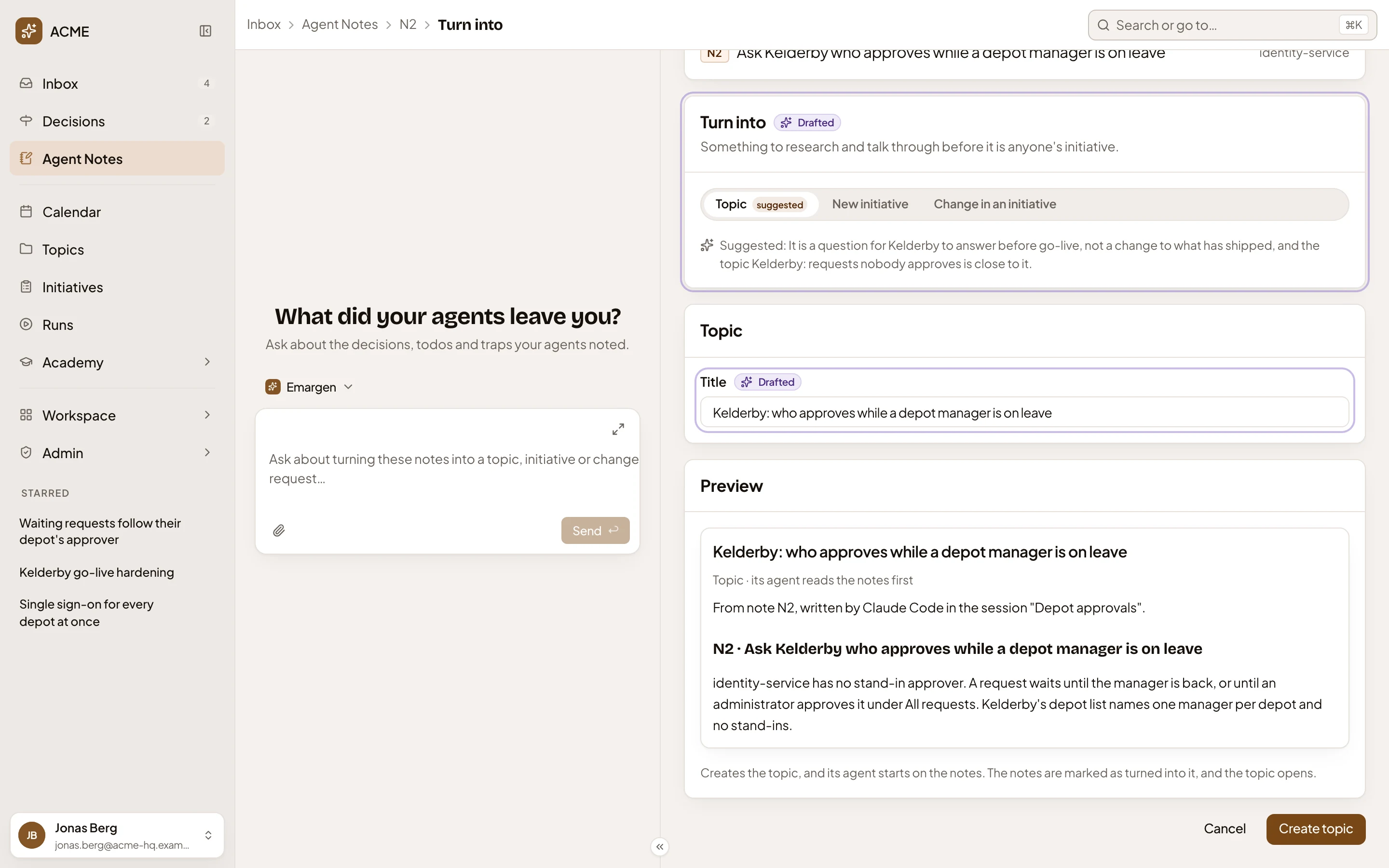
Open Agent Notes (opens Emargen in a new tab)In the picture, ACME’s platform engineer turns the todo N2, “Ask Kelderby who approves while a depot manager is on leave”, into something.
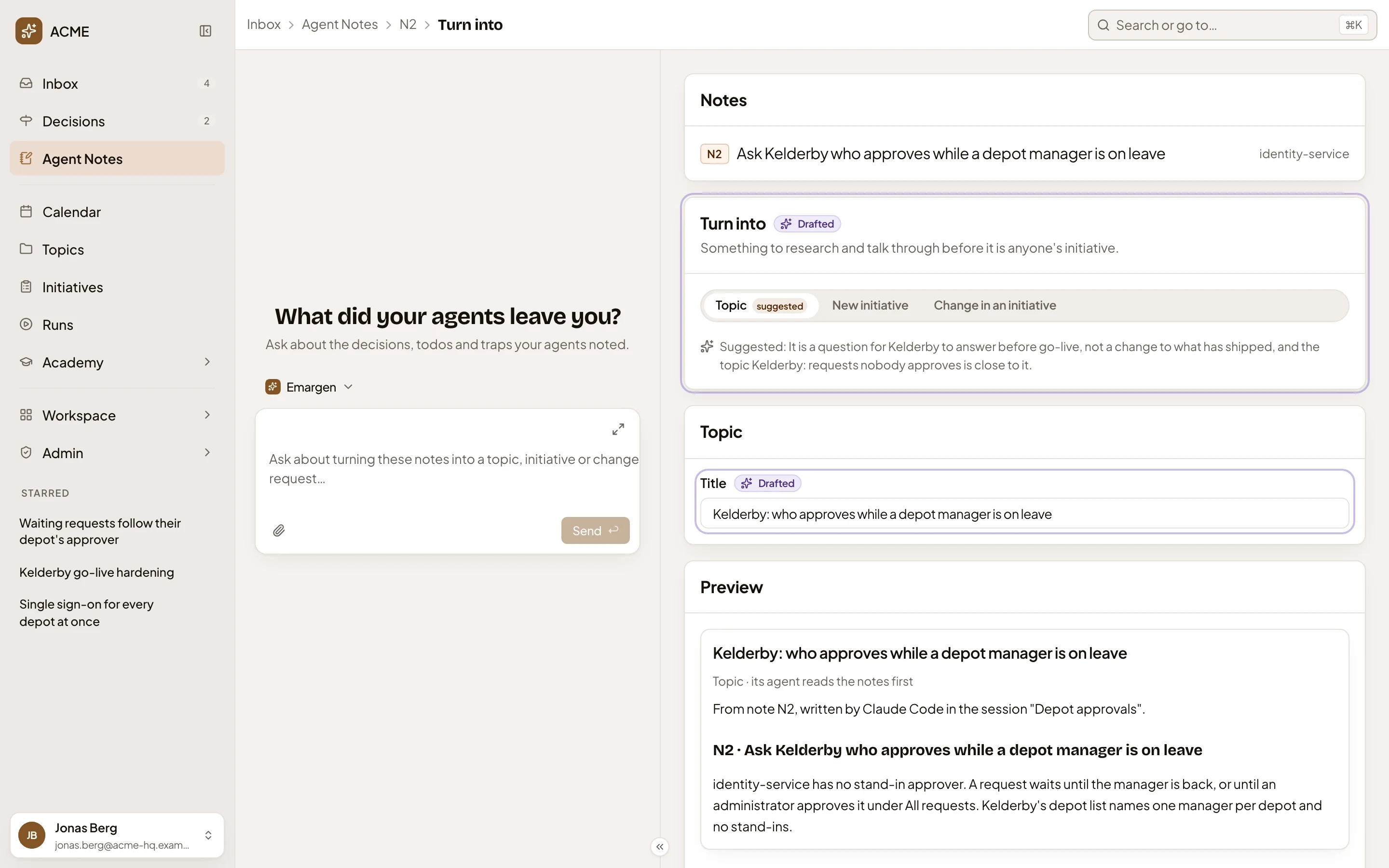
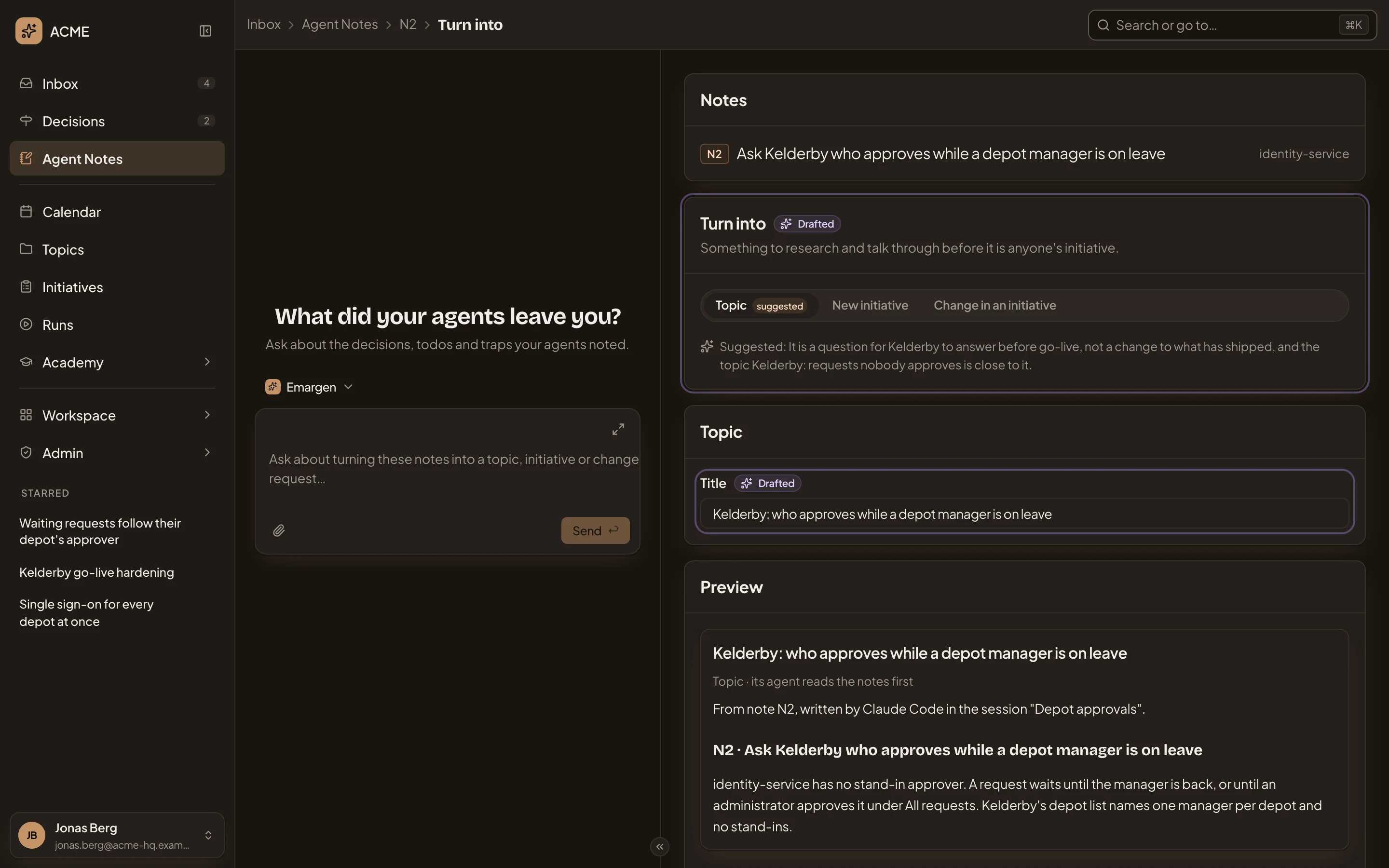
- Inbox, Agent Notes, the note’s key, then Turn into. Click the key to go back to the note.
- The inbox agent. Ask it to change the page in your own words, like “make it a change in the initiative it’s about”.
- Notes. The notes you’re turning, with their repository.
- Turn into. Topic, New initiative or Change in an initiative. The agent’s pick says “suggested”, and the line above says what yours does.
- The agent’s reason. Here it also found a close topic, Kelderby: requests nobody approves.
- Title. The agent drafted it for its suggestion, and it stays when you pick something else, so read it again.
- Preview. What you’ll make (see Create).
“Drafted” marks what the agent filled in, until you change it. With no model set up, or none answering, the page still opens. It picks Change in an initiative when the note is about an approved initiative, and Topic otherwise, with the note’s own title and no reason.
A change in an initiative
Section titled “A change in an initiative”Change in an initiative asks which initiative, and which of its parts the change touches.
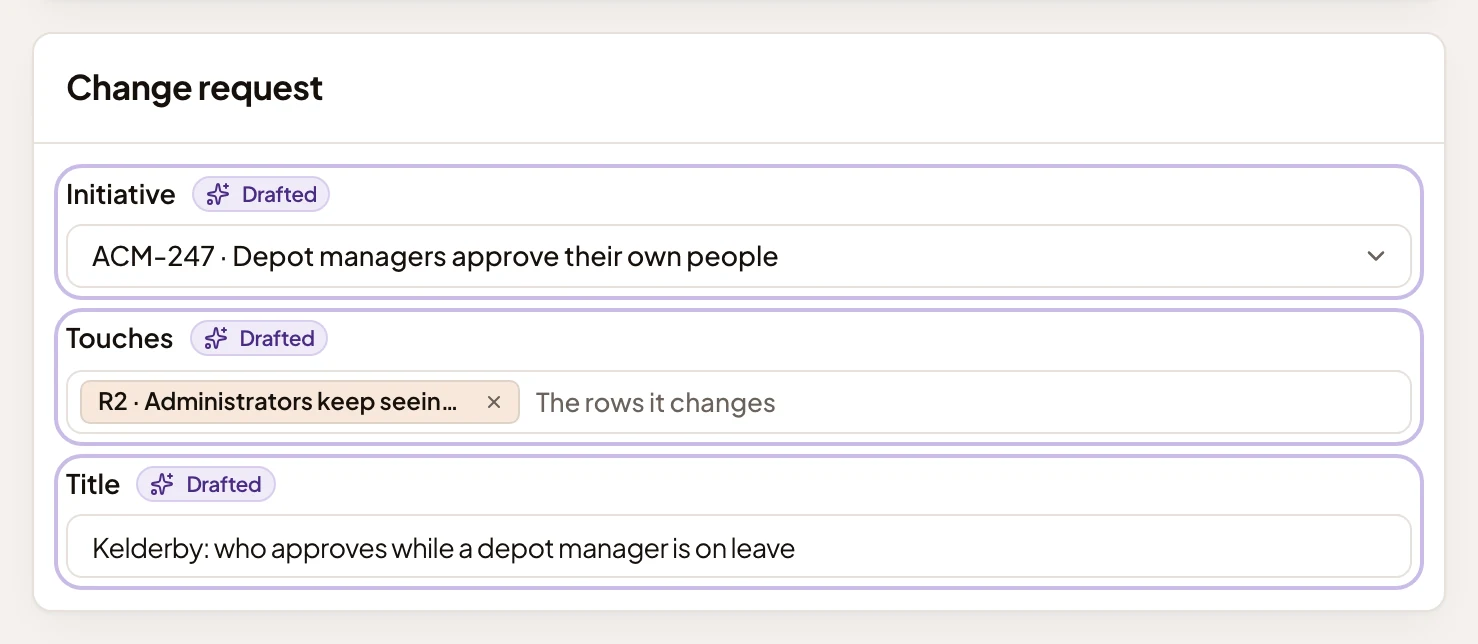
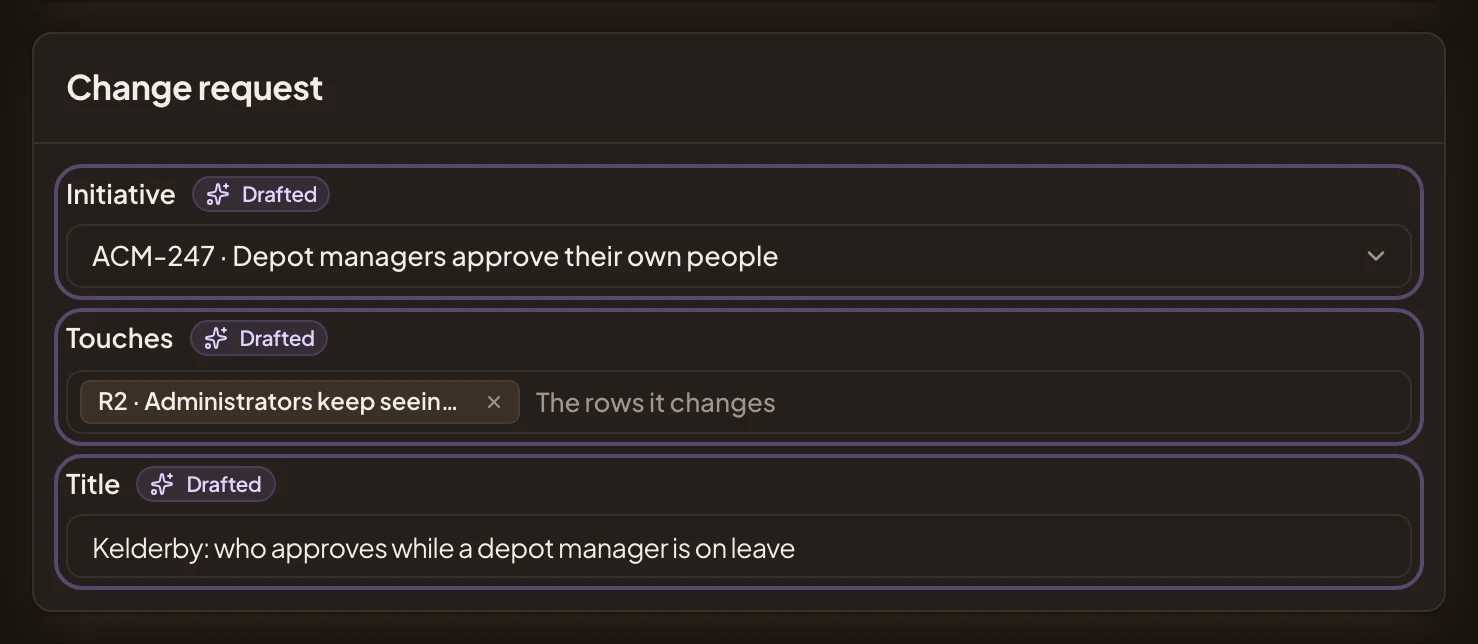
- Initiative. It starts on the one the note is about. Only an approved initiative takes a change request.
- Touches. Its requirements (R1, R2…) and the parts of its approach (B1, B2…) the change touches.
- Title.
Create
Section titled “Create”Preview shows the title and what you’ll make. Below are the notes you’ll pass on, with the agent and session each came from.
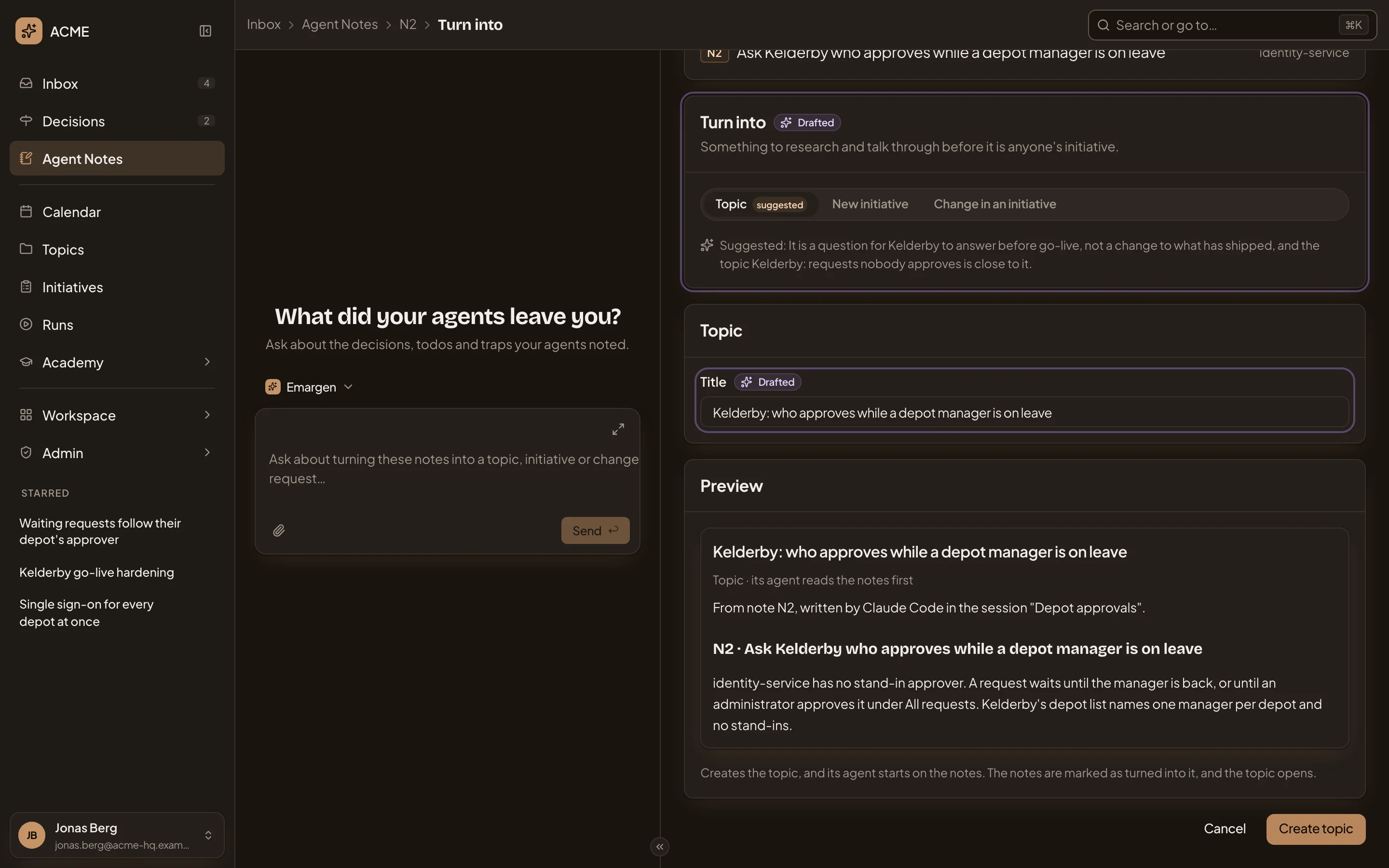
- Preview.
- What each button does.
- Cancel. Goes back to the note, making nothing.
- Create topic. Greyed out until there’s a title, and for a change, an initiative.
- Create topic makes a topic of yours and opens it. Only you see it until you share it. Its chat starts with “Start from this note.”, and the agent writes the topic from the note.
- Create initiative makes an initiative of yours and opens it. The agent answers the notes on its own and drafts the brief. Web links in the notes go into its Sources.
- Create change request opens a change request on the initiative, a new one or an open one about the same problem. The notes describe the problem, and the initiative’s people decide it.
The note then says “Turned into” with the key of what you made, and gets a tick in Agent Notes.
Several notes
Section titled “Several notes”To make one thing from several notes, ask the inbox agent on Agent Notes, like “turn the two portal notes about the export into one initiative”. It opens Turn into with those notes, and the title reads “Turn 2 notes into”.
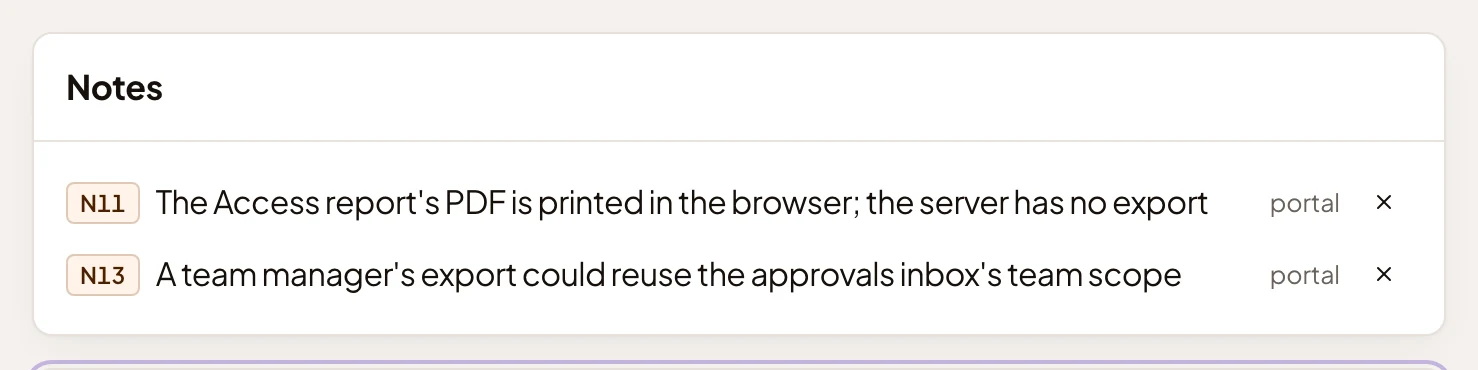
- Leave out N11. Takes that note off the page.
A note that was already done, dropped or turned into something can’t be turned again. The page says “Only open notes can be turned into something. These are already closed.”
Access
Section titled “Access”Only you, for your own notes. What you make is yours, and shared like any other topic, initiative or change request.