

Area of Emargen
Inbox
The Inbox is where everything that arrives for you in Emargen lands. A colleague’s question, a reply in your thread, today’s practice, a todo your coding agent left you.
One list for what arrives
Section titled “One list for what arrives”The things that wait for you at work are usually spread across the tools where they happened. A question waits in a ticket. A reply waits in a chat. Something your coding agent found waits in a terminal you’ve since closed. You check each one in turn, or you miss the question only you could answer, and a colleague waits a day.
In Emargen it all comes to one list, because we didn’t want a message to depend on you looking in the right tool.
It opens on what waits for you
Section titled “It opens on what waits for you”The Inbox opens on To reply first, for questions and comments waiting for your answer. What Emargen asks you to do, like today’s practice in the Academy or an open todo from Agent Notes, comes next, under To do. The number beside Inbox in the menu counts both.
Everything else follows, newest first, like replies in your threads and news of a track that’s ready to practise. Once you’ve dealt with a question or a task, it joins them with a tick.
The questions the agent asked in your chats come once a day, in one item, and only the ones nobody has answered. We’d rather the Inbox didn’t nag you about them.
What isn’t for you stays out. Only a run that fails reaches you, as a task in To do with Run again. When an agent task runs and works, its topics are on the Calendar and on the task’s list, and nothing comes to your Inbox. A proposal for the Landscape waits in Decisions.
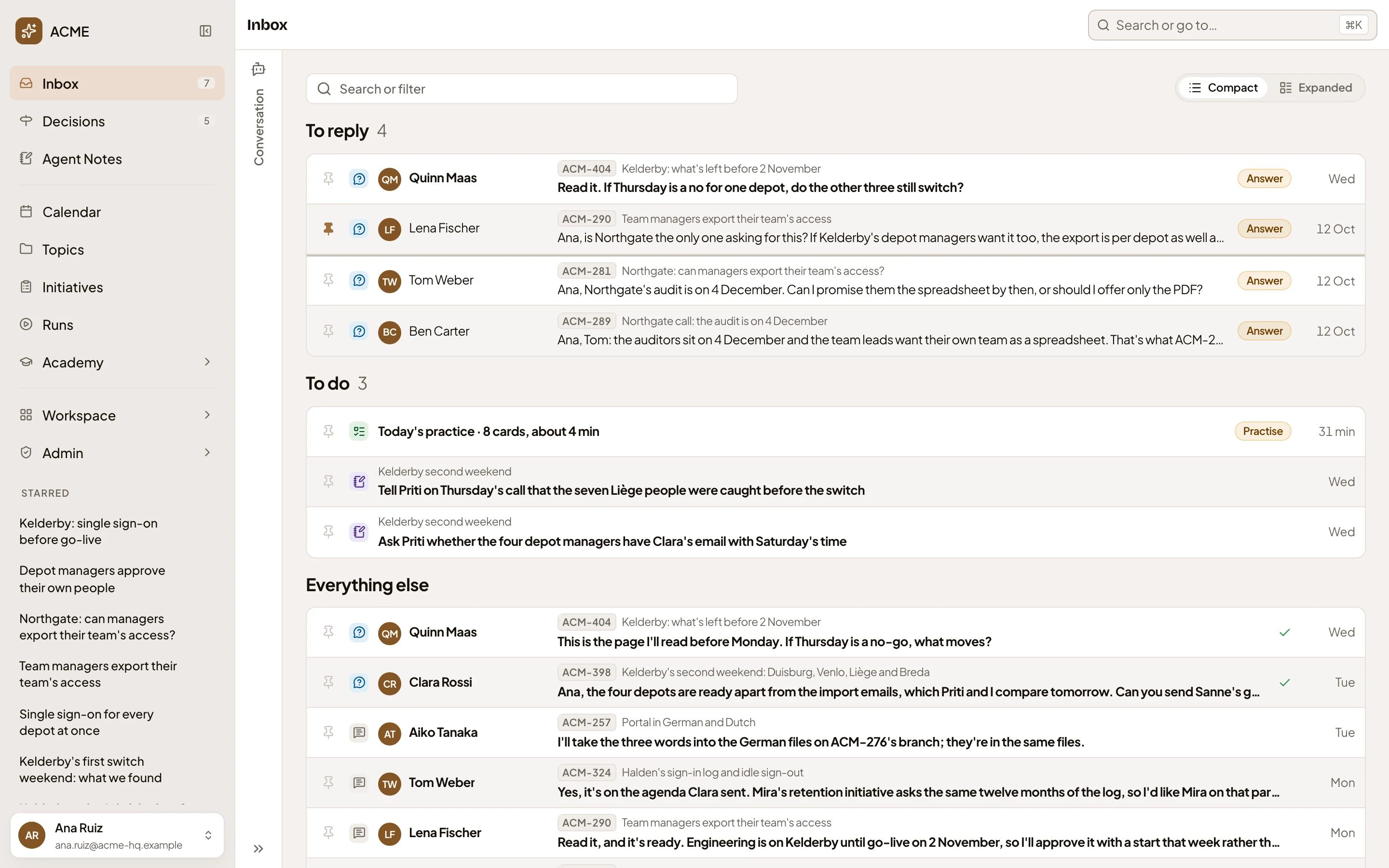
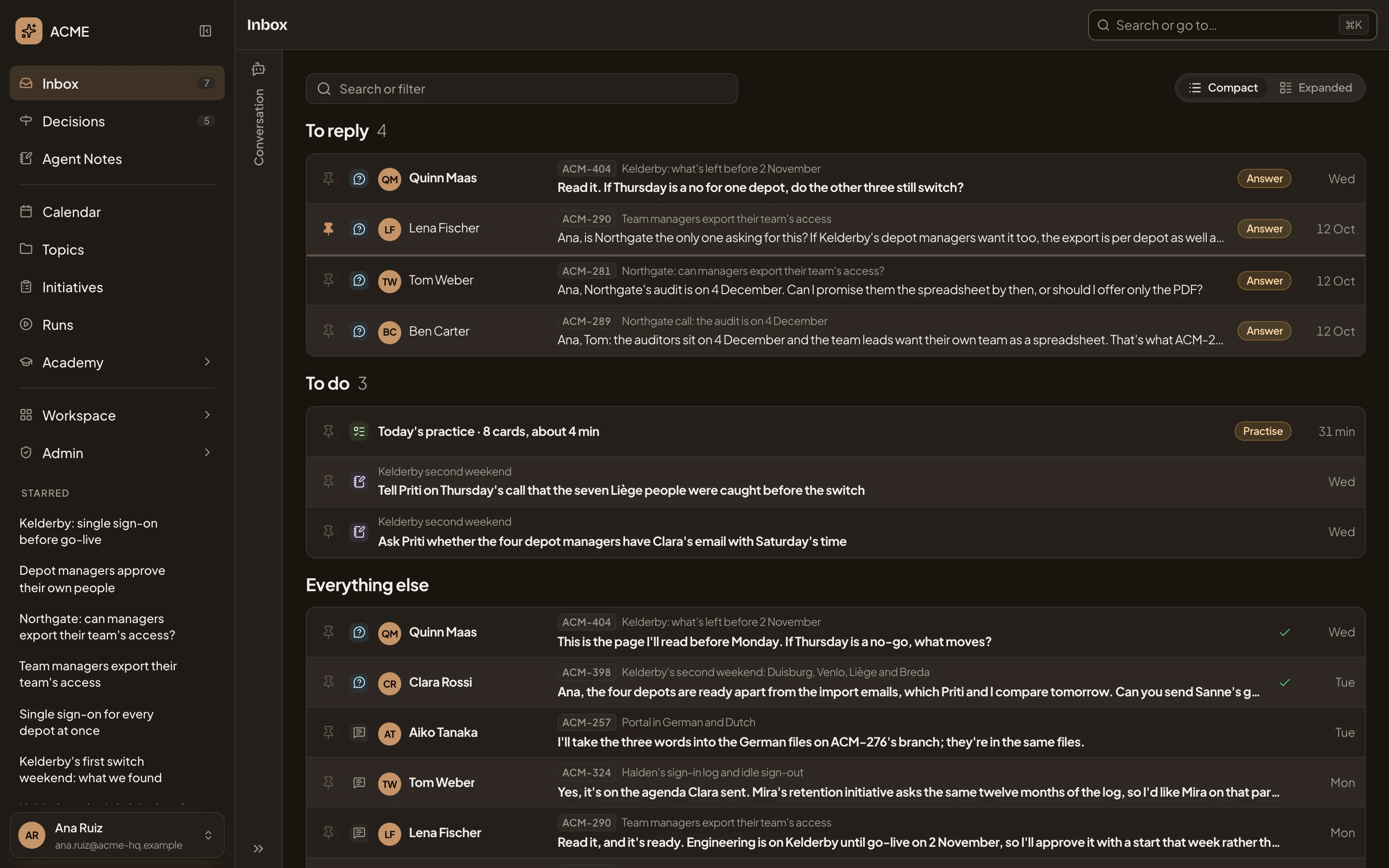
- Inbox, with how many items wait in To reply and To do.
- To reply. Questions and comments waiting for your answer.
- Answer. Opens the question beside the list.
- To do. What Emargen asks you to do, like today’s practice.
- Everything else. The rest, newest first.
- A tick. Something you’ve dealt with.
You act where you read it
Section titled “You act where you read it”Click an item and it opens beside the list. Most items are short, so you read and act right there. You reply to a comment or answer a question without leaving the list. The arrow keys take you to the next one. Your reply goes where the question was asked, into the thread on the topic, where your colleague and everyone else on it read it.
Every item also has a page of its own, so a link to it works from anywhere. A message that only tells you something leads somewhere, with buttons like Practise this track. A note opens its own page.
When a colleague asks you something on a topic, the agent drafts an answer from what the topic says, and names the sections it drew on. You take it as a start and change it, or write your own. Nothing is sent until you press Reply. When the agent shaping an initiative asks you to choose, its question comes with the options. You pick one, say it in your own words, or hand it to someone who knows better.
Beside the list sits a chat with the inbox agent. Ask what’s waiting on you, or what came in about one customer this week, and it finds the items and narrows the list to them. It changes nothing in your Inbox.
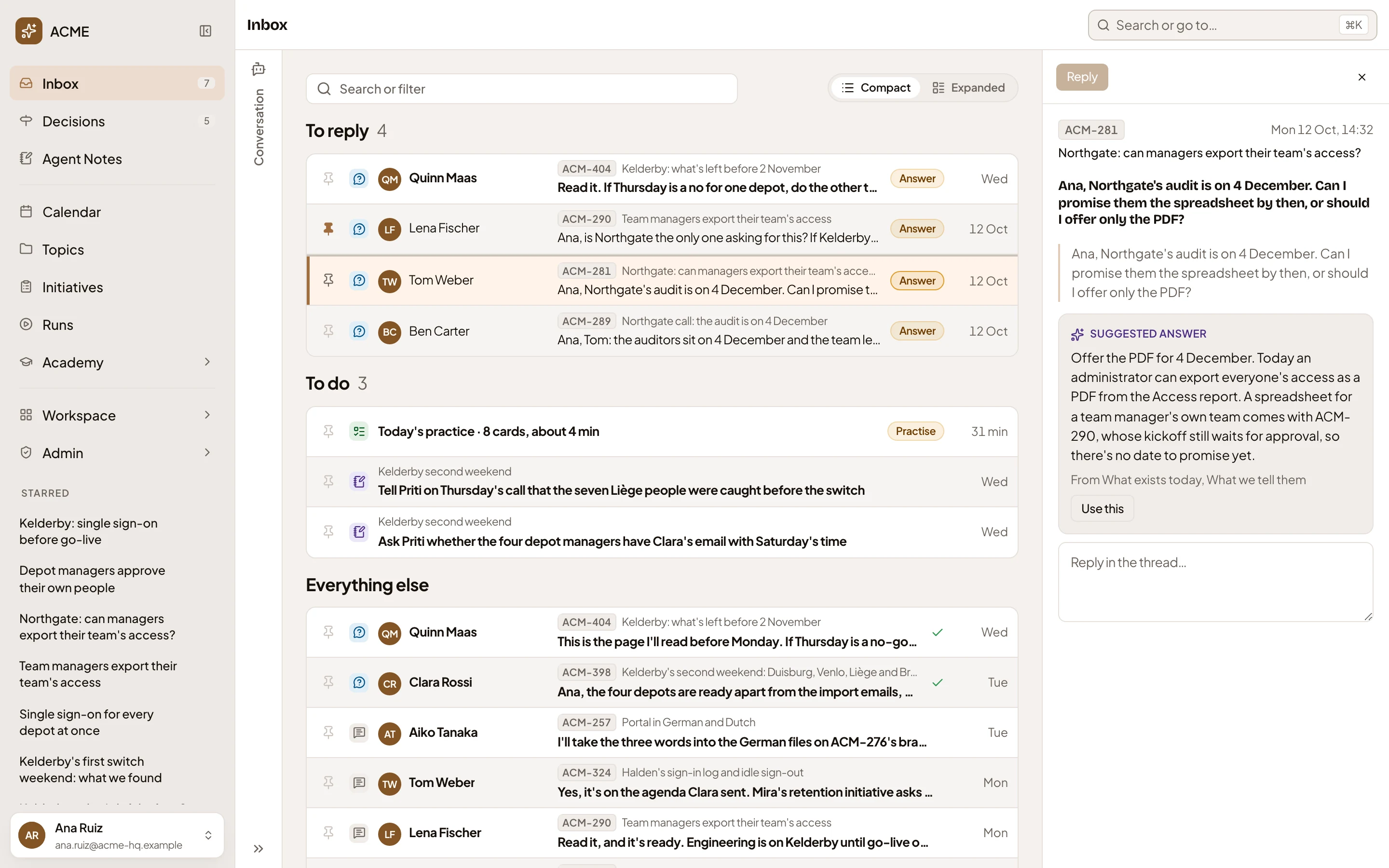
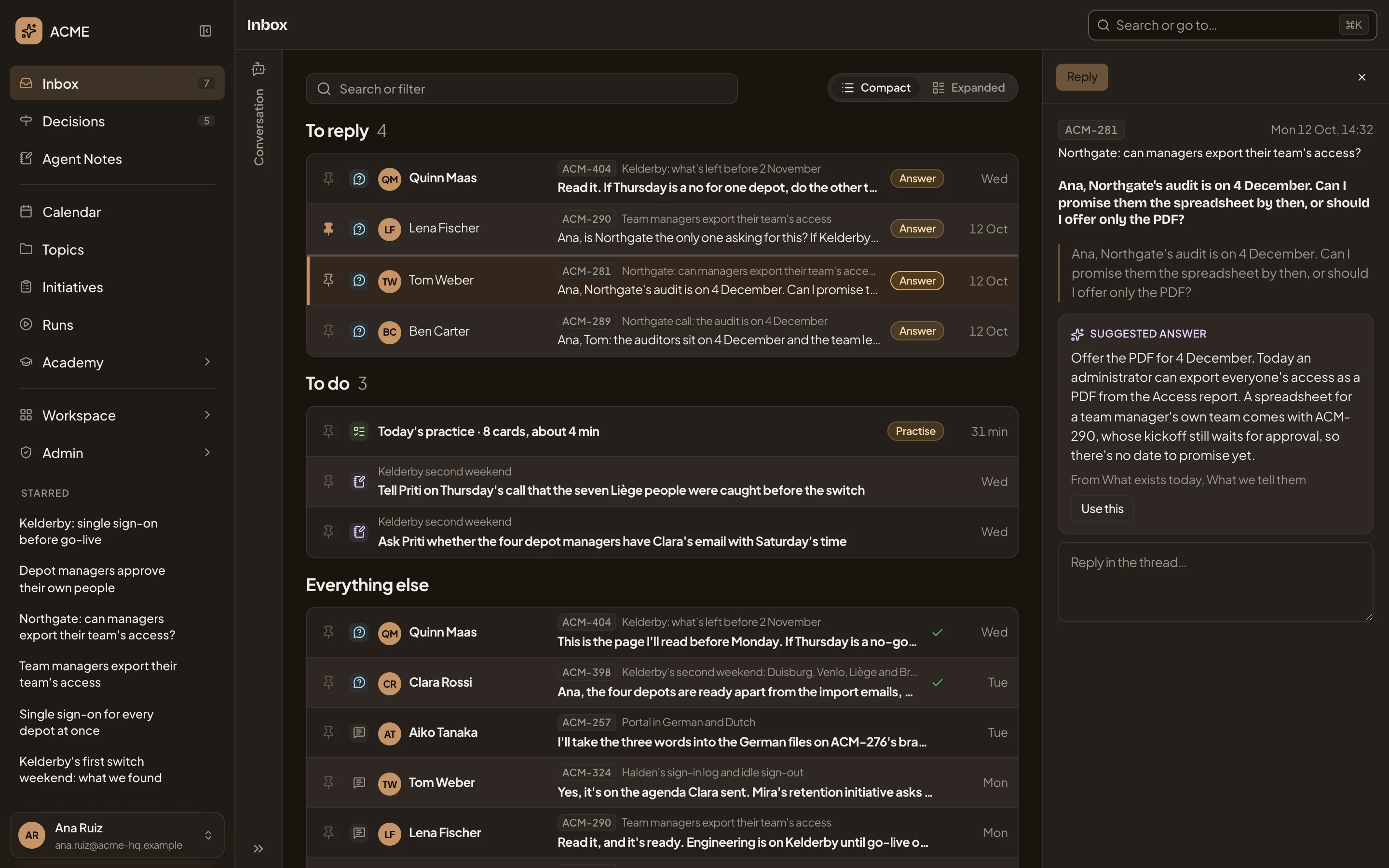
- Conversation. The inbox agent, folded. Ask it what’s waiting on you.
- Reply. Nothing is sent until you press it.
- The topic it was asked on. Your reply goes into its thread.
- Suggested answer. The agent’s draft from the topic, with the sections it drew on.
- Use this. Puts the draft in your reply, to change.
- Your reply, in your words or the agent’s.
A morning, start to finish
Section titled “A morning, start to finish”Someone in customer success opens their Inbox on Friday. A sales engineer asked, on a customer’s topic, whether they can promise a spreadsheet before the customer’s audit. The agent’s draft says what the export does today. They add what only they know, when a spreadsheet could come, and send it. It lands in the thread on the topic, and the sales engineer finds it in their own Inbox.
Next is a colleague’s question on the go-live plan for Monday, which they answer the same way. Then two todos their agent noted while they prepared that go-live, both things to tell the customer’s IT before the weekend. They do the first and mark it done. By coffee, both groups are shorter.
Beside the Inbox
Section titled “Beside the Inbox”- Agent Notes. What your agents tell you from a session, for you alone. Notes stay out of the Inbox, except a todo that’s still open.
- Stars. Your own shortcut to the topics and initiatives you’re working on, in the menu on every page.
- Decisions gathers the choices waiting on you across Emargen, and keeps the record of what was decided.
Your Inbox holds only what reached you. You can’t file things in it, and what you do yourself doesn’t come back to you as an item. Questions and comments come from topics and initiatives, and your answers go back there.