

AdminHow to
Read a repository's analysis
Read a repository’s analysis when you need to know what the code does without reading it. Who may approve a request, say, or where a new engineer should start. The analysis tells you area by area, in words anyone on the team can follow. Repositories and analyses explains the idea behind it.
Before you start
Section titled “Before you start”- Who can
- Everyone in the organisation can read the repositories and their analyses.
- You need
- The repository must be Analysed. One that’s still being read shows how far it got. To see what changed since an earlier analysis, it needs two.
- The pictures
- The pictures follow a question a customer’s depot managers ask ACME. Who may approve their people’s access requests, and since when? The answers are in the analyses of ACME’s portal and identity-service.
-
Open Admin in the menu (it opens on Models), click Repositories, then the repository’s name. In the pictures, the portal.
Open Repositories (opens Emargen in a new tab) -
Read the Overview tab. Under the Repository facts at the top, Areas opens with a short introduction to the whole repository, then lists its areas, each with one line on what it does.
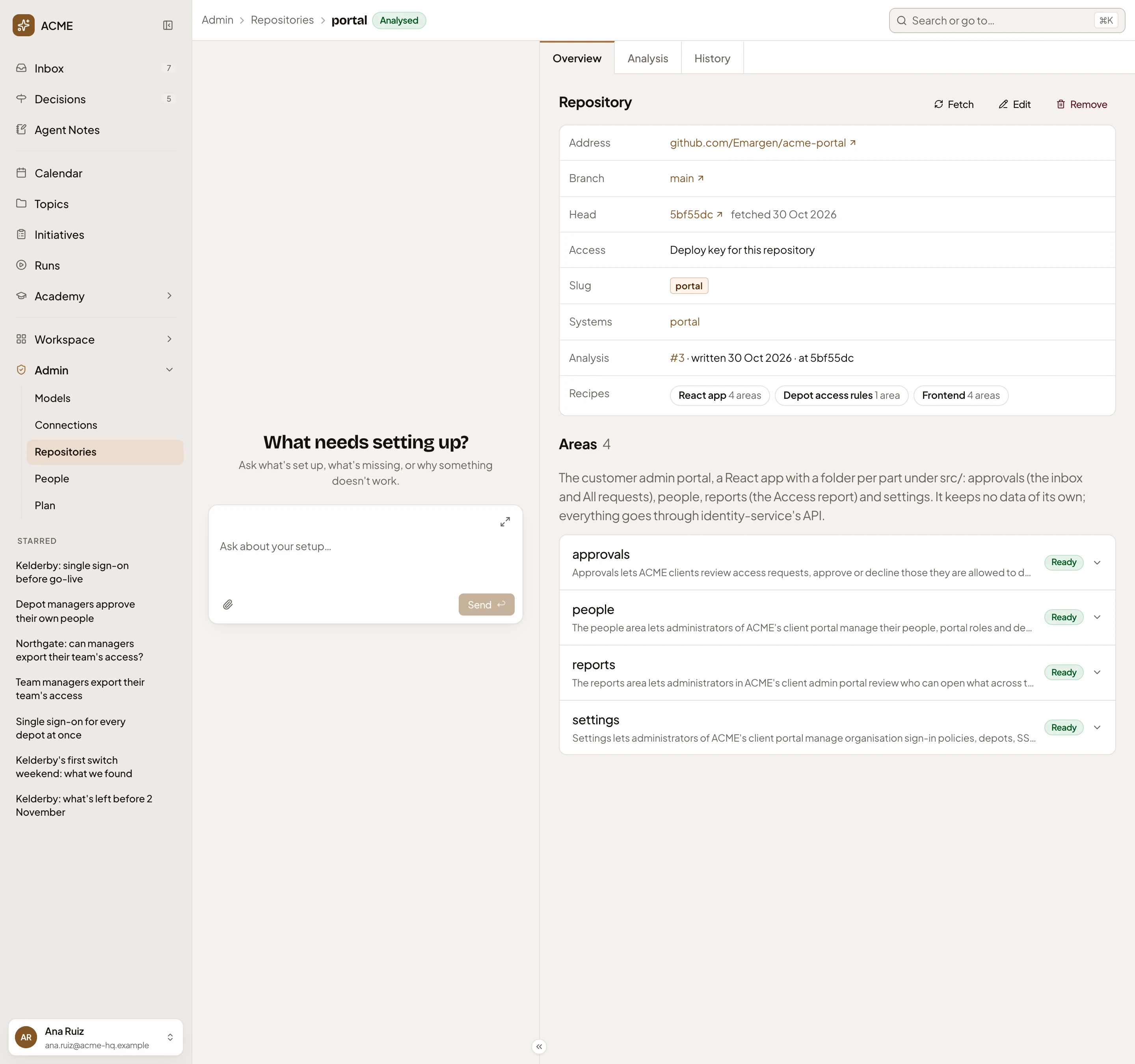
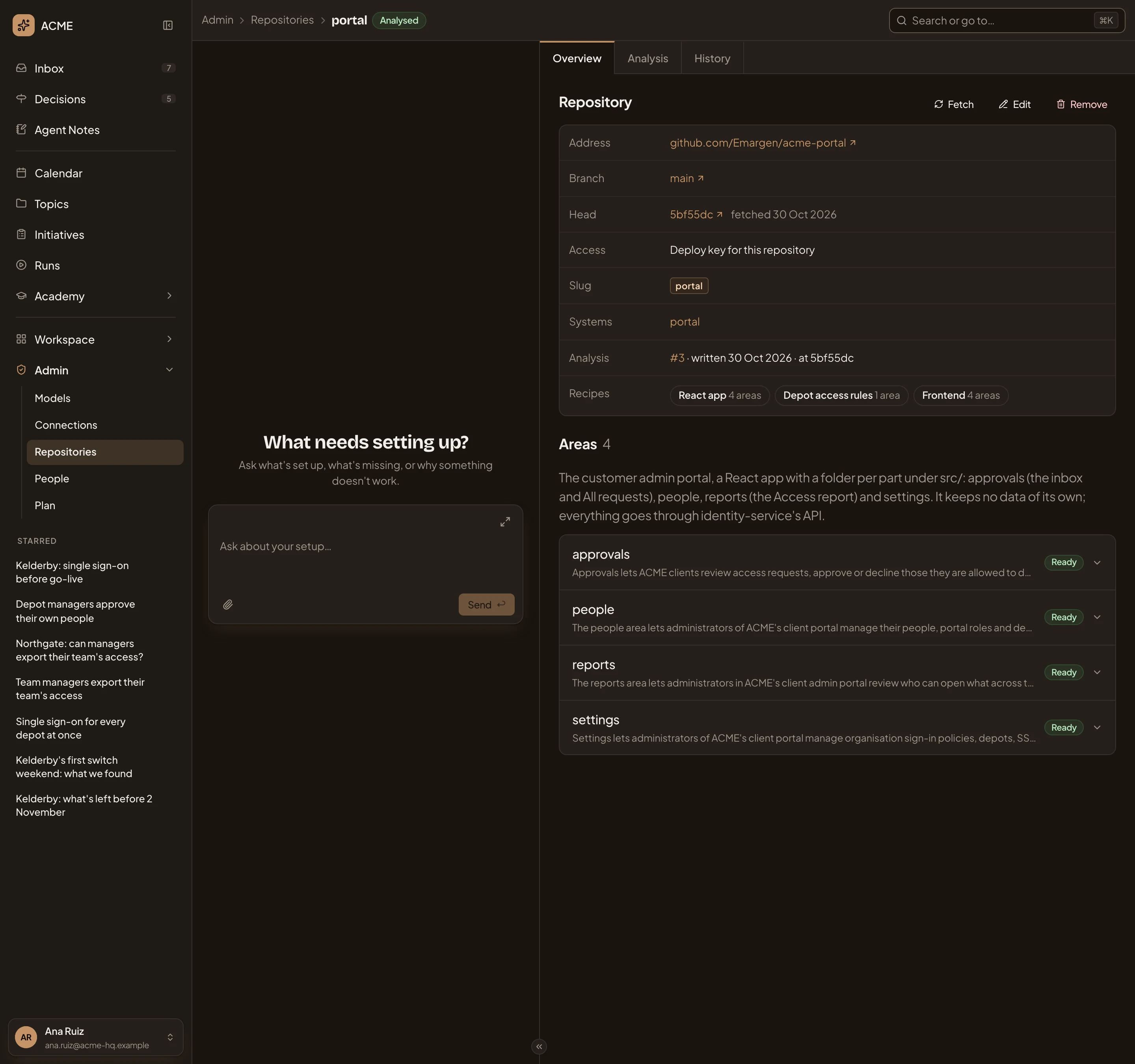
- #3: the analysis you are reading, when it was written, and at which commit.
- A recipe the analysis followed, with how many areas it applied to. Click it to read what it asked the analysis to write.
- The area that answers the question: approvals.
-
Click the area to open its overview.
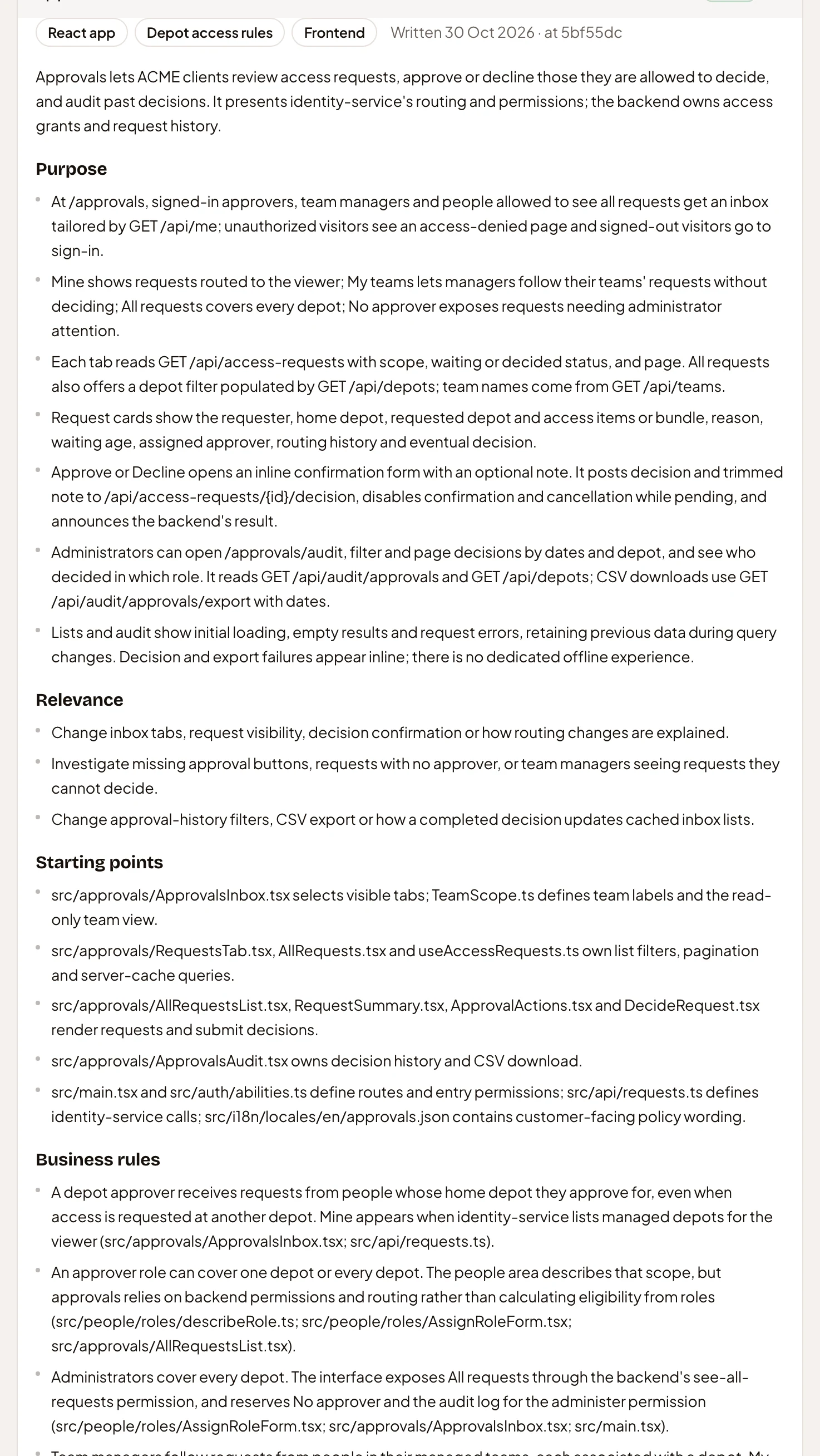
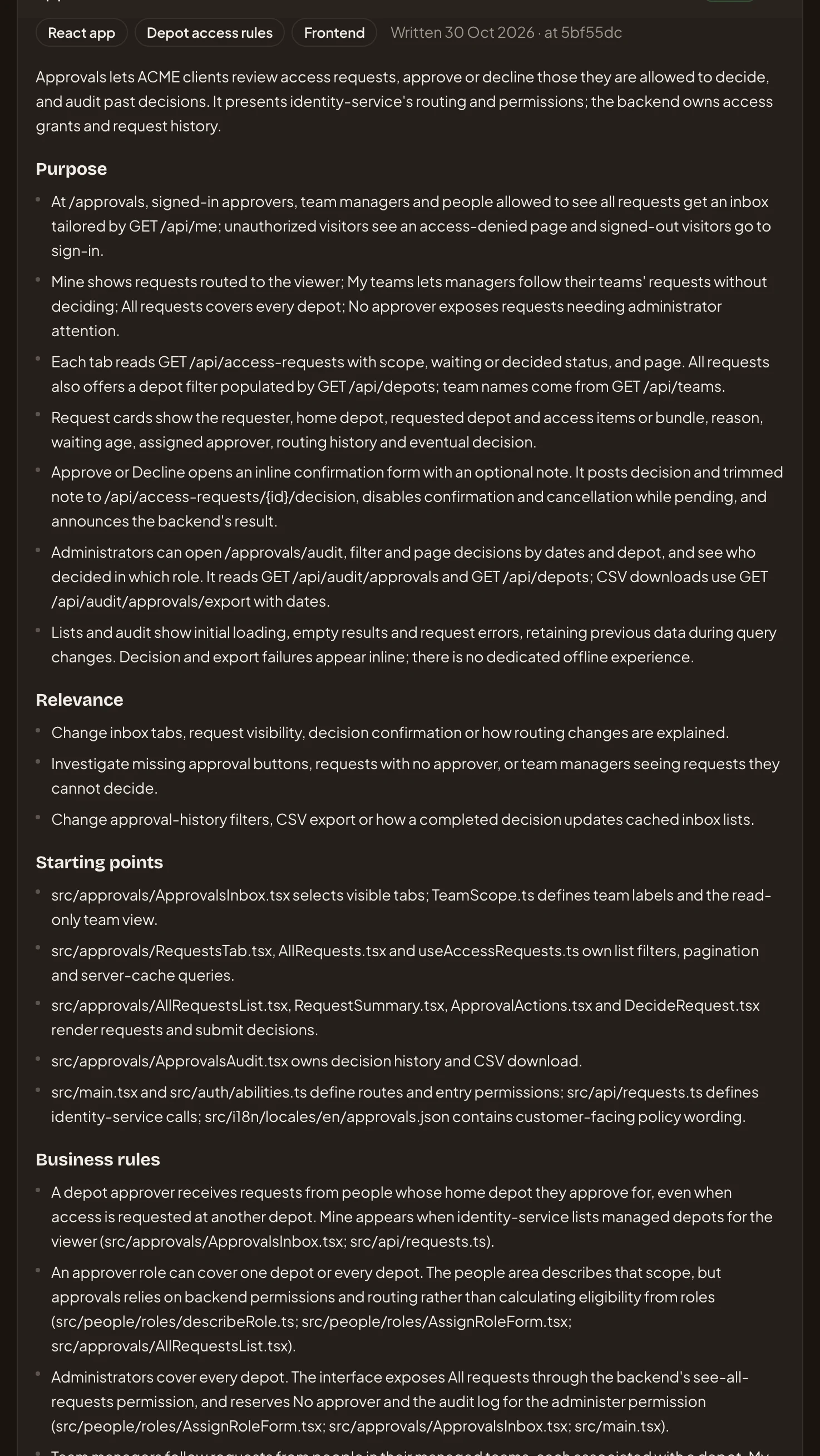
- Business rules: what the code allows and refuses. Here, who decides which requests.
Starting points names the files an engineer should open first. The portal’s approvals area says a depot approver sees requests from people whose home depot they approve for. Administrators cover every depot.
-
Check the analysis is up to date. In the Repository facts, Head is the commit Emargen’s copy is at. Analysis names the commit the analysis was written at. When the copy has moved on, the repository shows Out of date, beside its name and in the Status column of Repositories. In the portal’s facts in step 2, both name the same commit. Every repository in the pictures is analysed at its head.
An out-of-date analysis still describes the code as it was when it was written. Ask someone who may analyse repositories to click Analyse on its Analysis tab. Or ask them to set its Schedule there, so it’s analysed again as the code moves.
-
To see what changed, open your repository from Repositories, then its History tab. It lists every analysis of it, newest first. The pictures show identity-service’s, where the rules themselves live.
Open Repositories (opens Emargen in a new tab)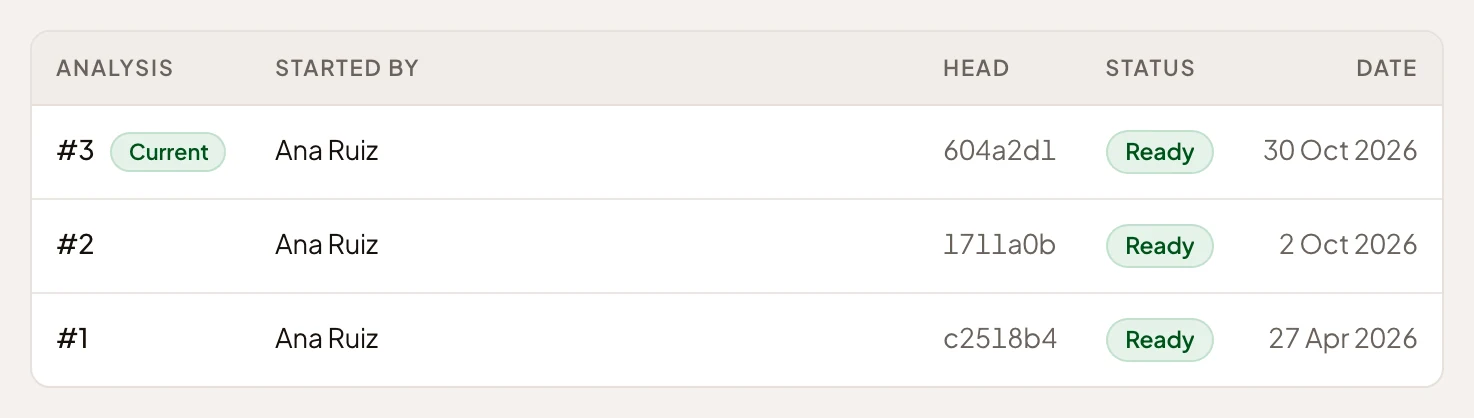
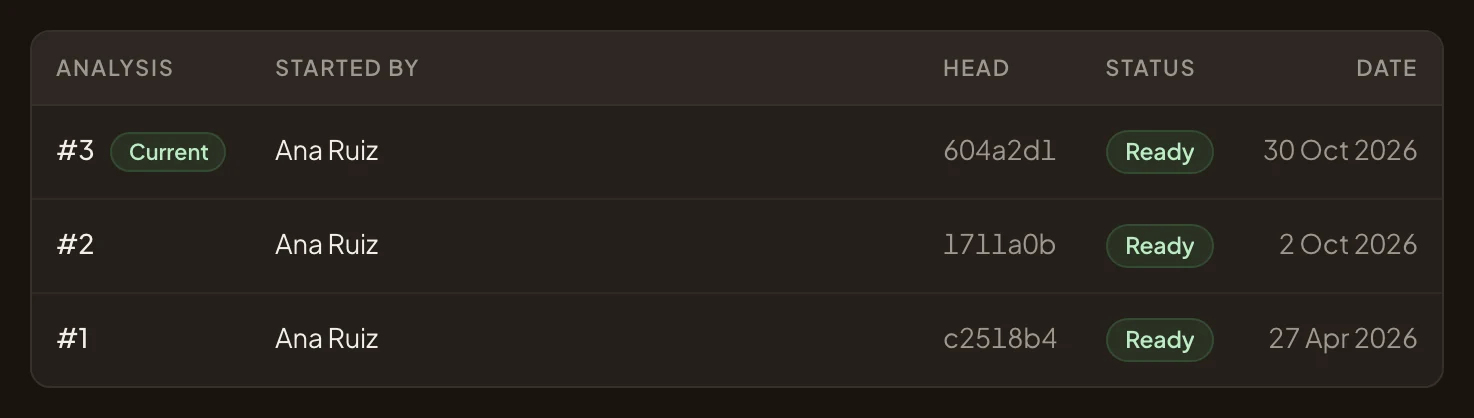
- #1: the earliest analysis. Click it.
-
Read the earlier analysis, and compare it with the current one on Overview. Read the same section in both, like Business rules. Each analysis describes the code as it was at its commit, following the guidance and recipes it had then. No analysis records the day a rule changed. For “since when”, read the rule itself, which may say so, or the code’s history.
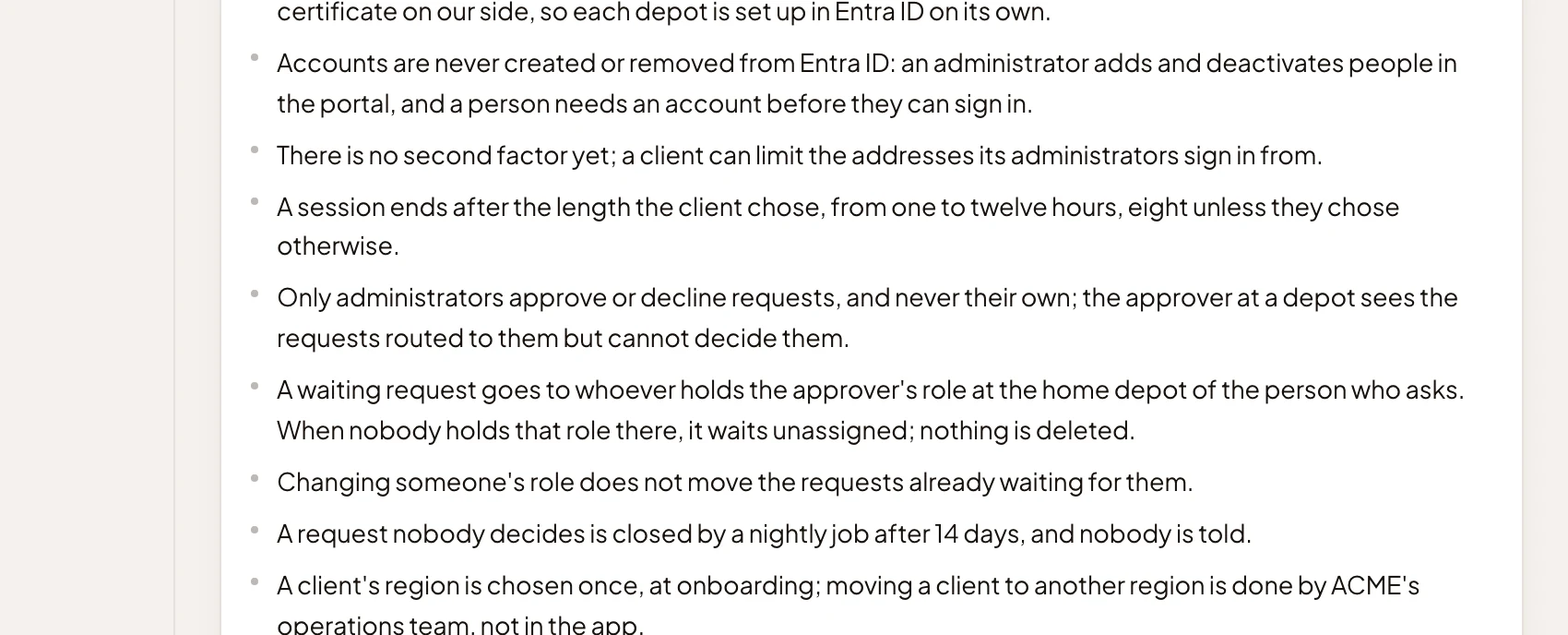
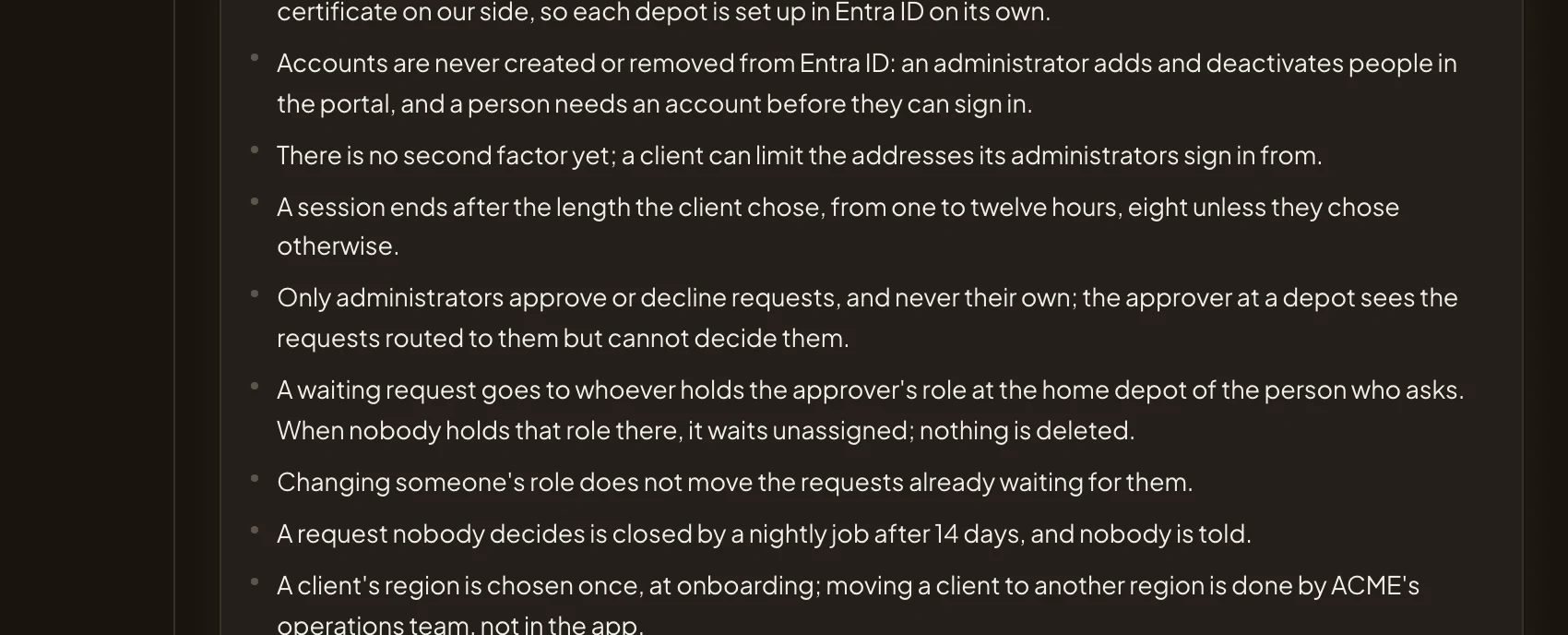
- In April’s #1, only administrators could approve requests. The current #3 says requests go to the manager of the requester’s home depot, if they hold the Approver role there. Administrators still decide at every depot.
All analyses goes back to the list.
What you get
Section titled “What you get”An answer based on the code at the analysed commit. To pass it on, work it into a topic. The agent reads the same analyses there, and the code where it needs more.