

InitiativesHow to
Follow delivery
Follow an initiative’s delivery when you need to know where its build stands, say because a customer is asking when. Delivery explains the idea.
Before you start
Section titled “Before you start”- Who can
- Anyone who can open the initiative follows its build.
- You need
- An approved initiative being built. Before approval, its Slices tab shows the plan instead.
- The pictures
- ACM-293, Single sign-on for every depot at once, at ACME, the company in the docs’ pictures. It’s shown being built, as the product manager who approved it sees it, with their chat hidden.
-
Open an initiative being built from the initiatives list, where it’s under Delivery. It opens on its Slices tab. To give the build the whole width, click Hide the chat at the chat’s edge.
Open the initiatives list (opens Emargen in a new tab)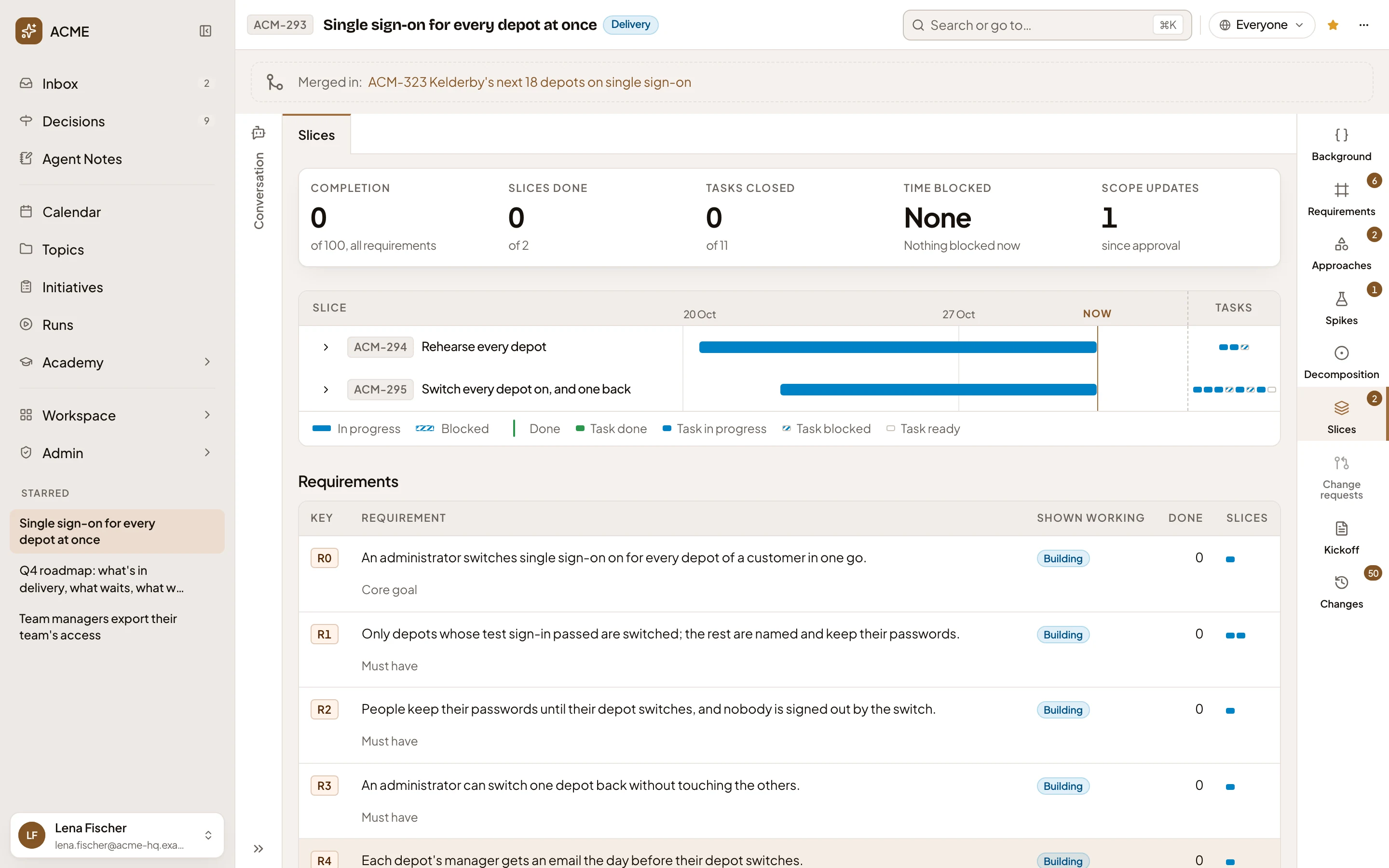
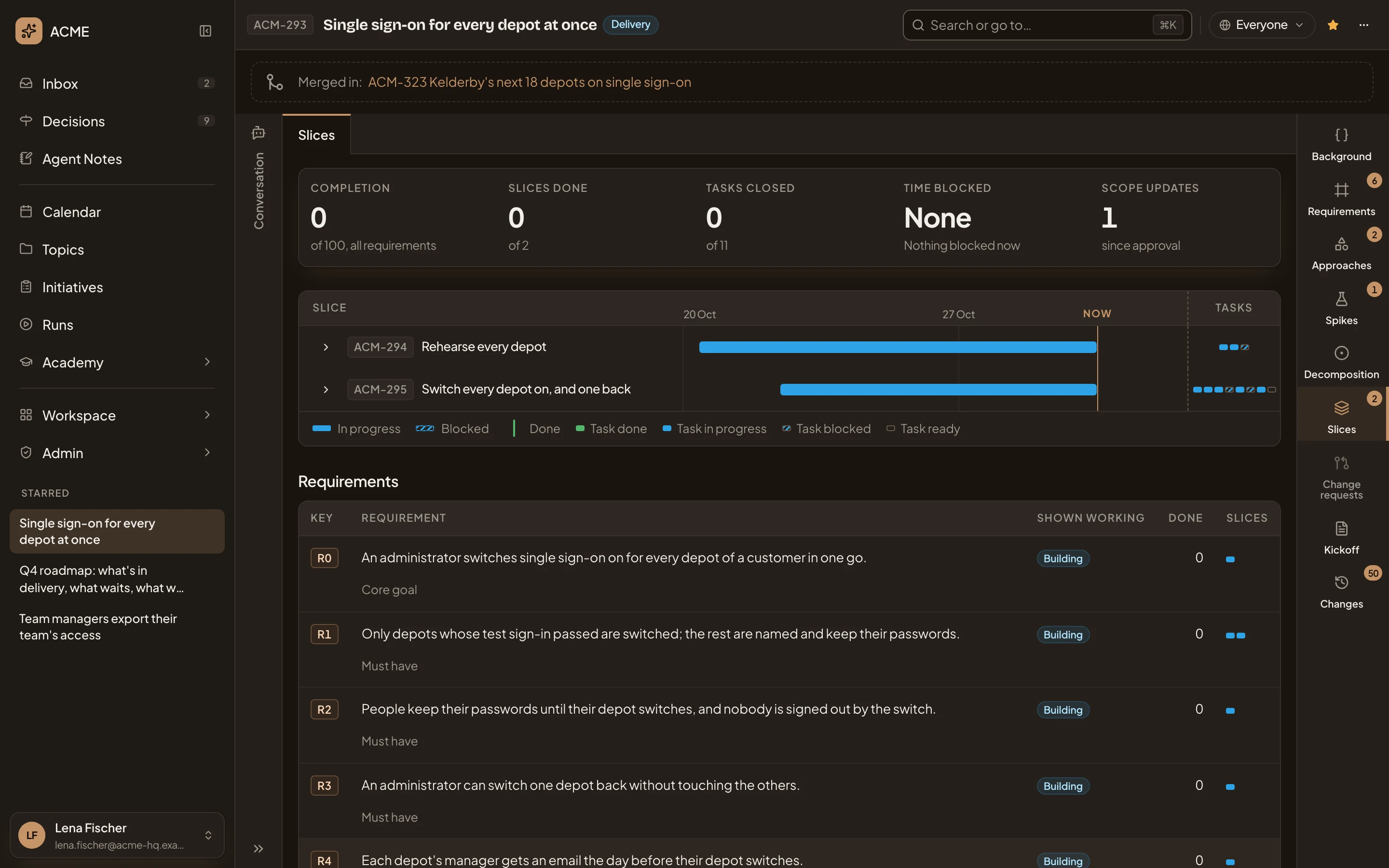
- Slices, in the initiative’s bar. Click it to come back here from anywhere in the initiative.
- The build in numbers.
- The slices, each a lane on one timeline, with its tasks as small cells at the end.
-
Read the numbers across the top. Completion says how far the requirements are built, out of 100. Slices done and Tasks closed count out of all of them. Time blocked says how long slices have been blocked in all, and which are blocked now. Scope updates counts the change requests decided with an option since approval. New tasks counts the tasks added while the build went on. In the pictures, none of eleven tasks is closed yet.
-
Then the lanes. Each slice runs from when its build started to Now. A lane is solid while the slice is in progress, hatched while it’s blocked, and carries a mark where it was done. The key under the lanes says what each colour means.
-
Click the arrow before a slice to see its tasks. Each shows who has it, with which coding agent, and where it stands. Click the arrow again to fold them.
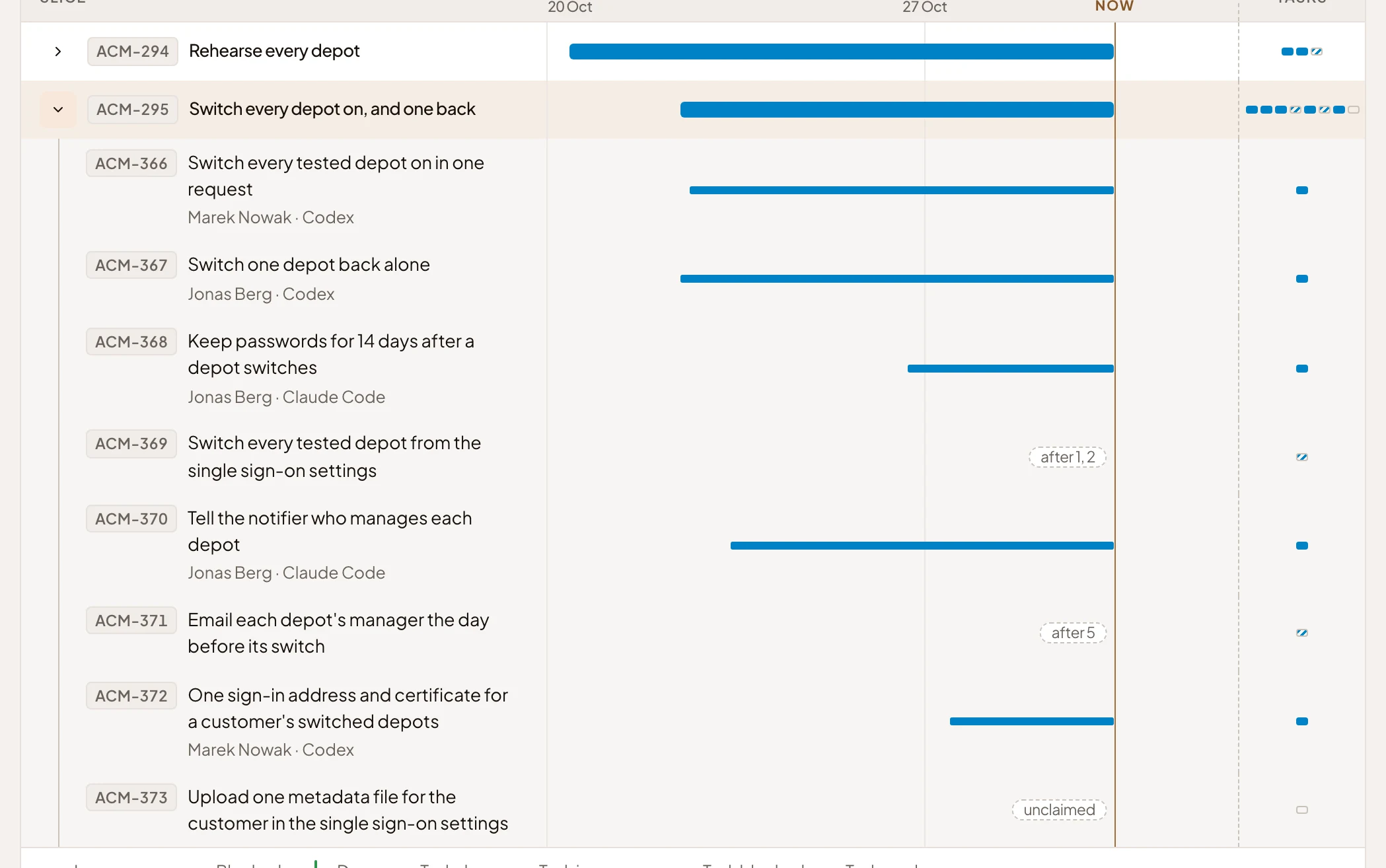
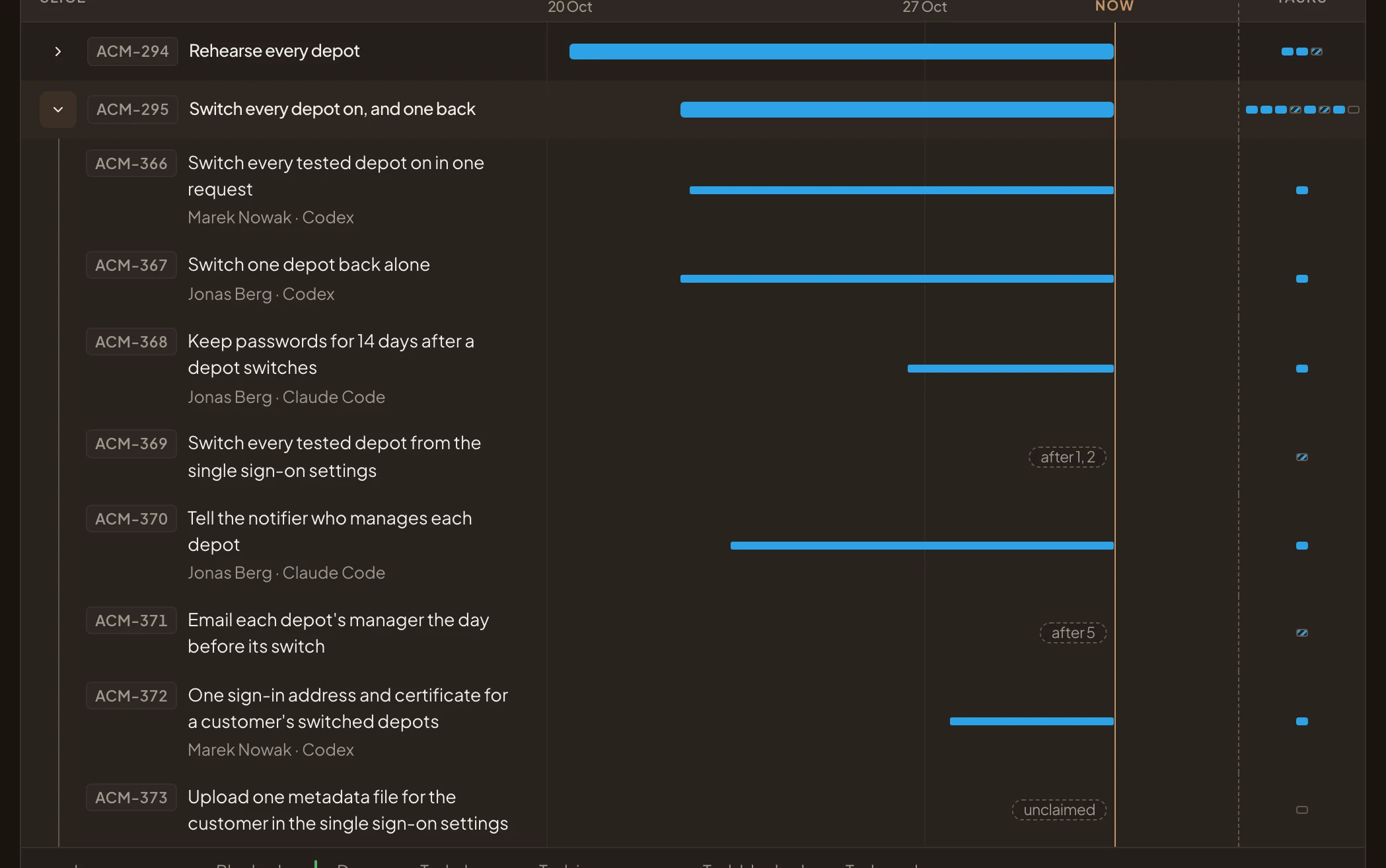
- The arrow, now folding the tasks away.
- A task in progress, with who has it and their coding agent.
- A task that’s blocked. It can’t start until the tasks it names are closed.
-
Click a slice’s title to open its page. It shows the slice’s demo, its tasks with their repositories, the history of its build, and what was shaped for it.
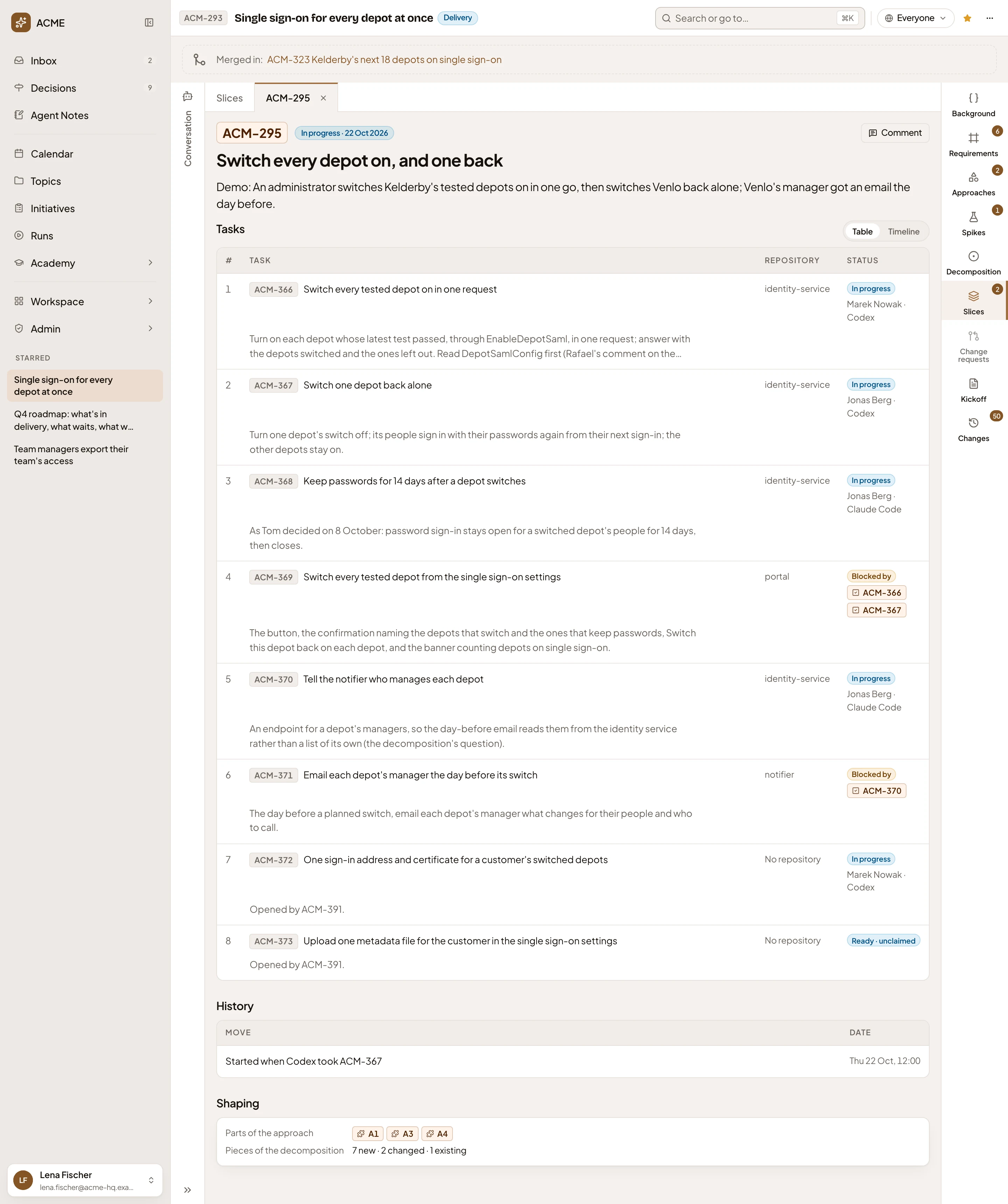
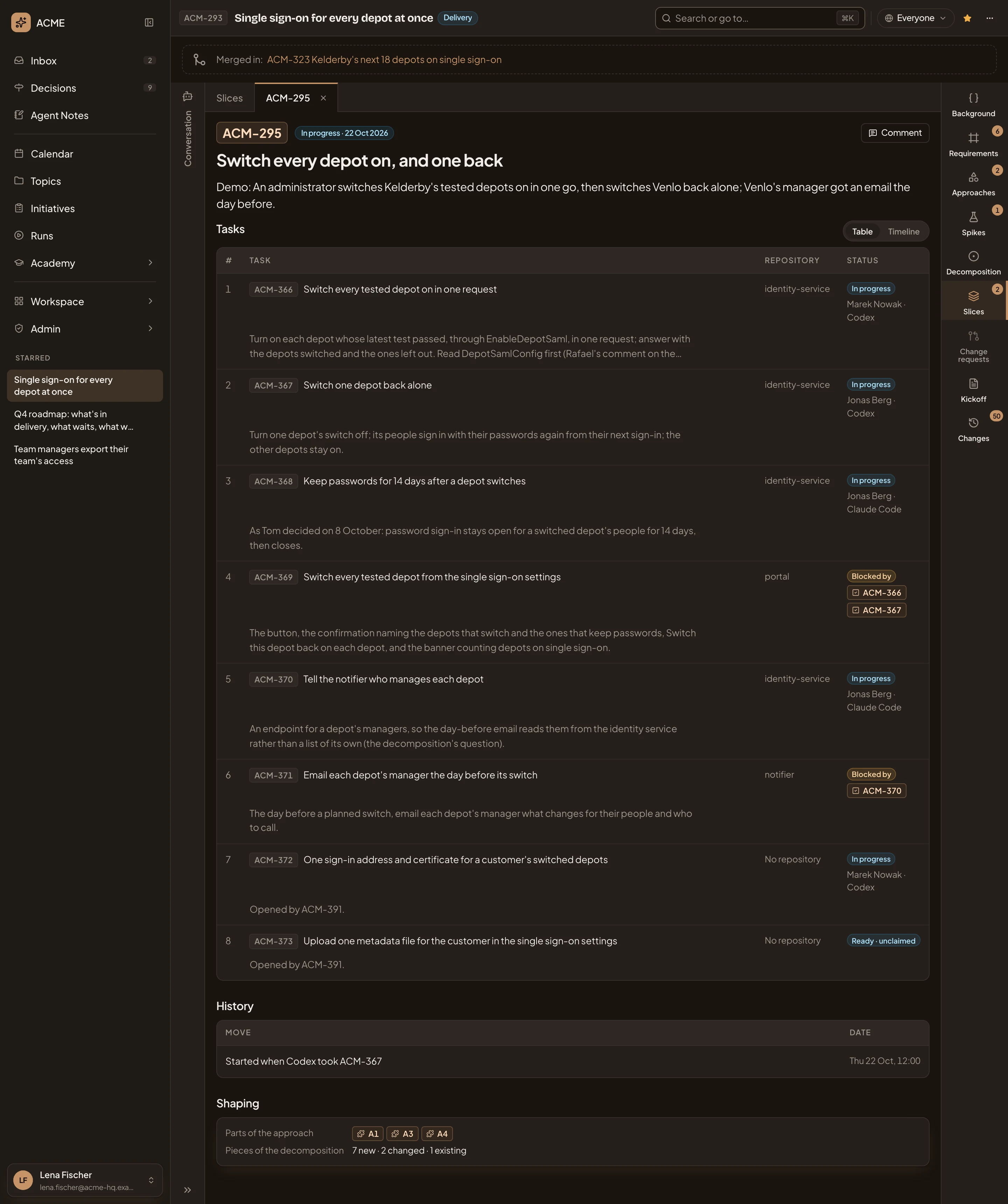
- The slice’s tab. Click Slices beside it to go back.
- Table and Timeline. Show the tasks as a table, or each on a timeline from when the task was claimed.
- A task. Click it to open its page.
- History. When the slice started, and any block, unblock or done since.
-
Click a task to open its page. It says what to do, its repository, who claimed it and when, and the tasks it’s blocked by or blocks. Once it’s closed, the page says when, and links its merge request when the agent gave one.
-
Click Slices to go back, and scroll down. Requirements takes each requirement in turn. Shown working tells you whether someone has seen it work, and marked every slice that serves it done. Done says how far it’s built, out of 100. In the pictures, every requirement is at 0 and Building.
-
Read Blockers. Blocked by is the tasks that wait on other work, and what each waits on. Blocks is the tasks here that hold work up. Click Map to see who blocks whom.
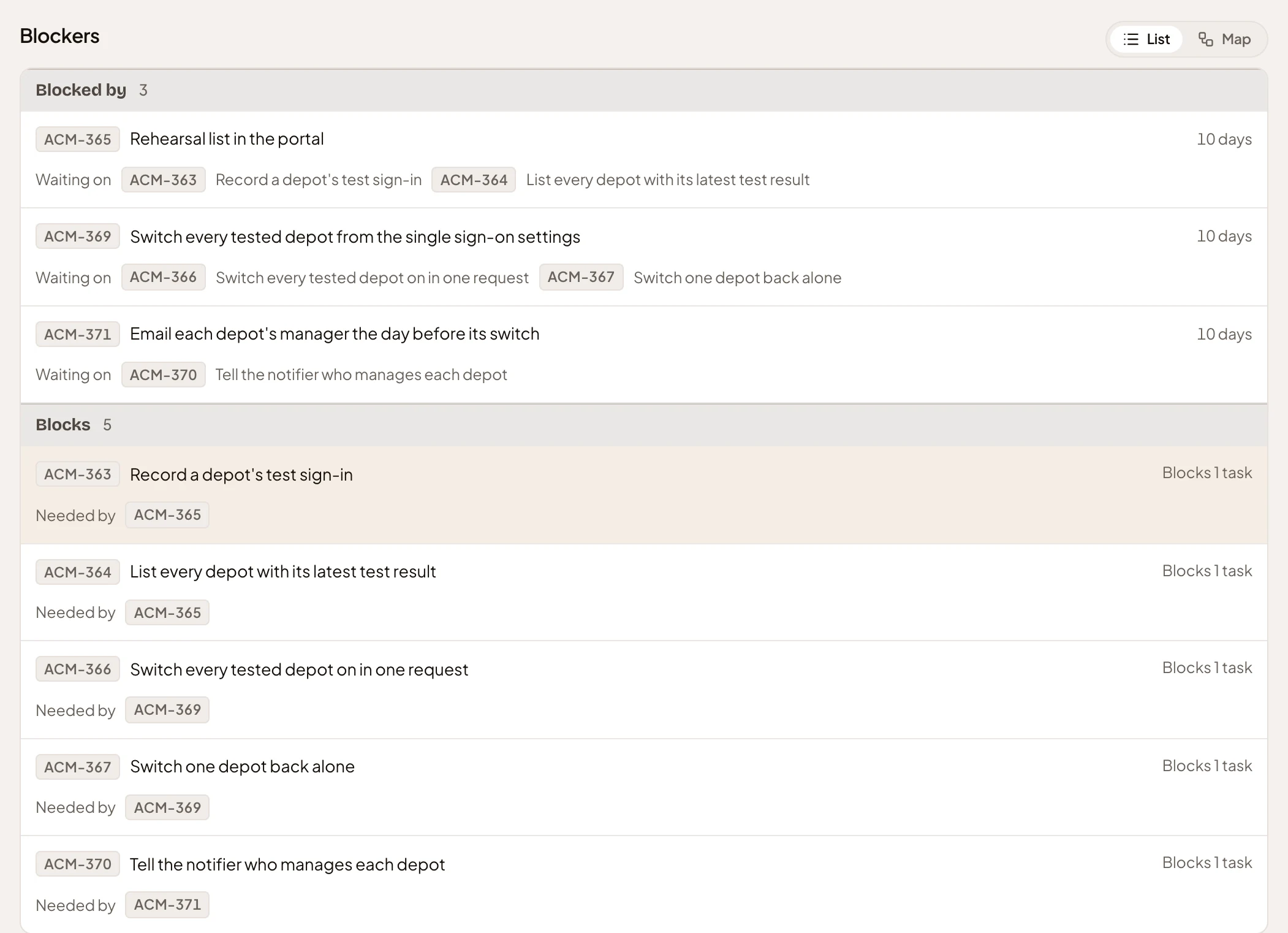
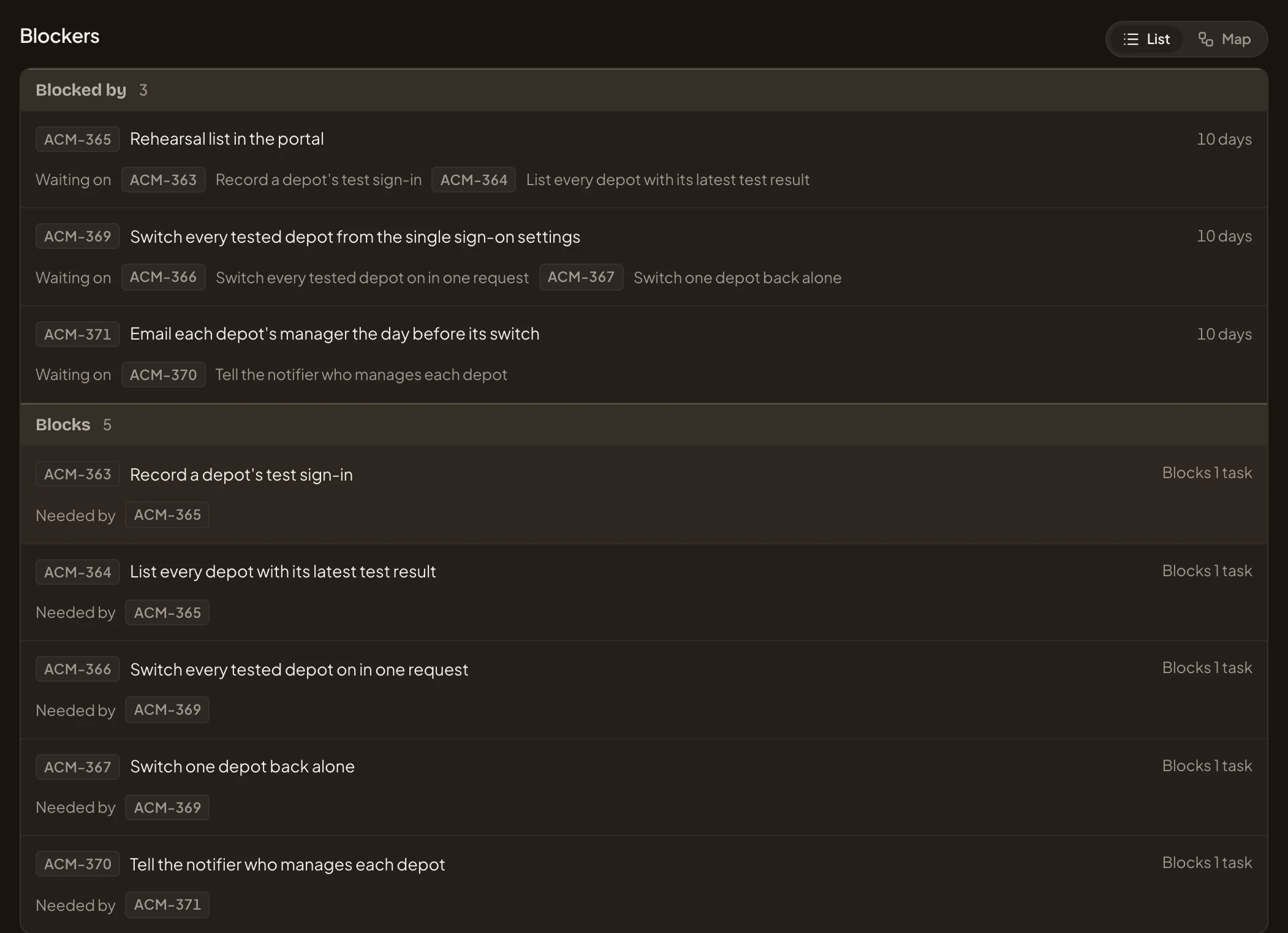
- A task that can’t start, and how long it has waited.
- What it’s waiting on.
- A task that holds work up.
-
Read To reply and to do. It shows what waits on a person, how long each has waited, and what is held up meanwhile. Click By requirement to group the rows under the requirement each touches, or Settled to see what was answered or decided before. In the picture, a colleague’s question waits on the initiative’s owner.
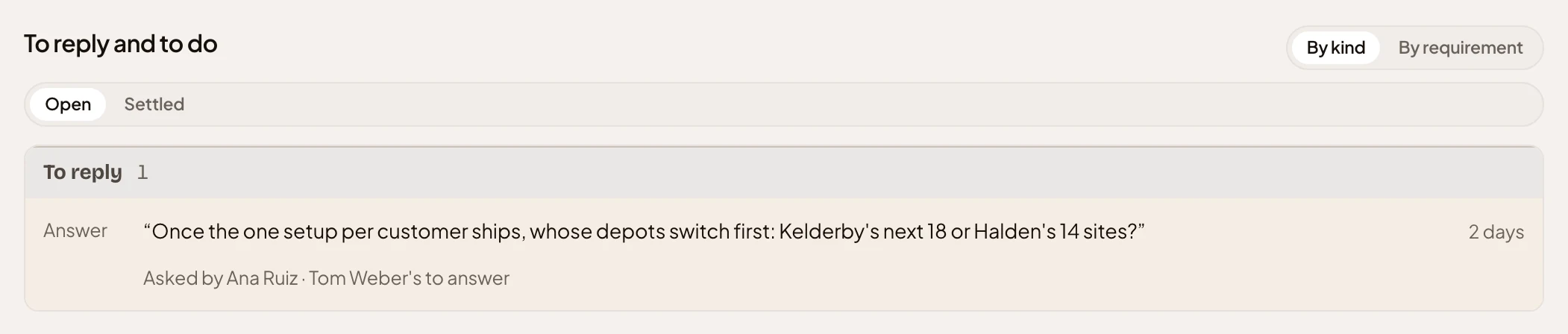
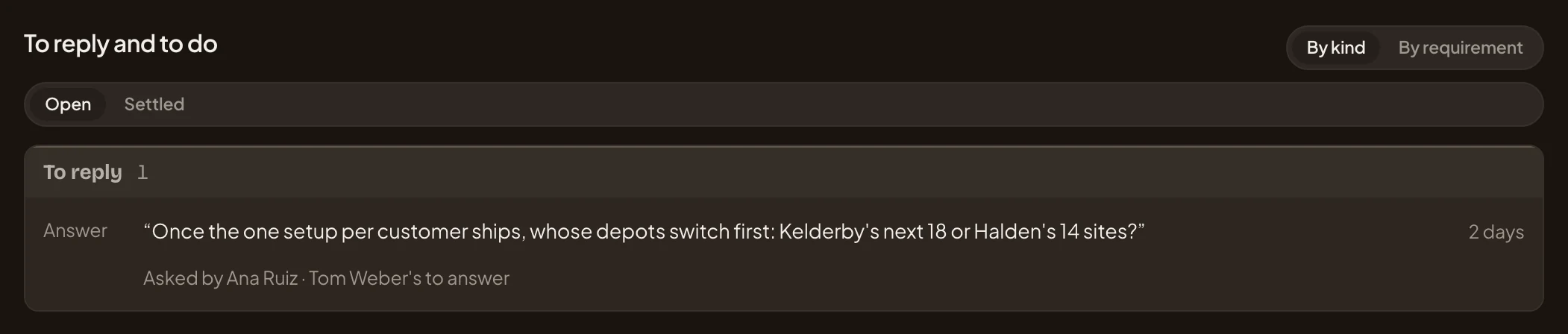
- By kind and By requirement. How the rows are grouped.
- Open and Settled. What’s still open, or what was decided.
- A question waiting for an answer, and how long it has waited.
- Who asked, and whose it is to answer.
What you get
Section titled “What you get”- You can see what’s done, and what’s holding up the build.
- Nothing you did changed anything. The numbers follow from the work.
- To find the initiative again quickly, star it at the top. It then appears under Starred in the menu.