

InboxIdea
Stars
A star keeps a topic or an initiative you’re working on in the menu, under Starred, so you can get back to it from any page.
The few things you keep coming back to
Section titled “The few things you keep coming back to”Most weeks you return to the same handful of things, like a security questionnaire that’s due on Friday. Finding them through lists and search several times a day gets in the way.
So you star them while they matter. When the questionnaire is sent, you take its star off and the menu is short again.
Starring and unstarring
Section titled “Starring and unstarring”You star a topic or initiative from its own page, with Star, and take the star off there or from the menu. Starred, at the end of the menu, appears with your first star.
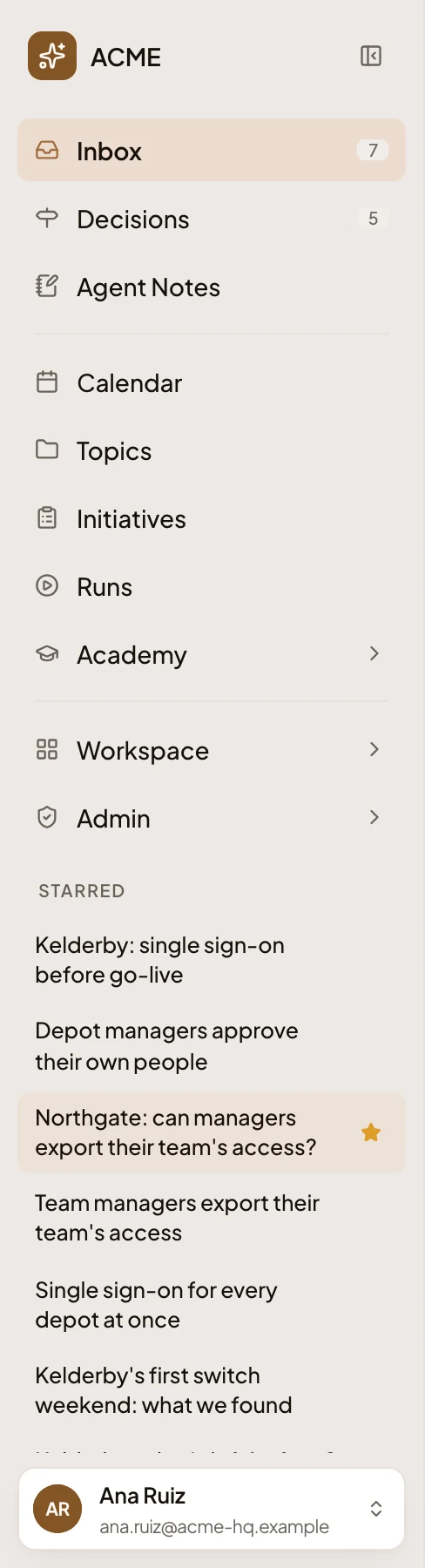
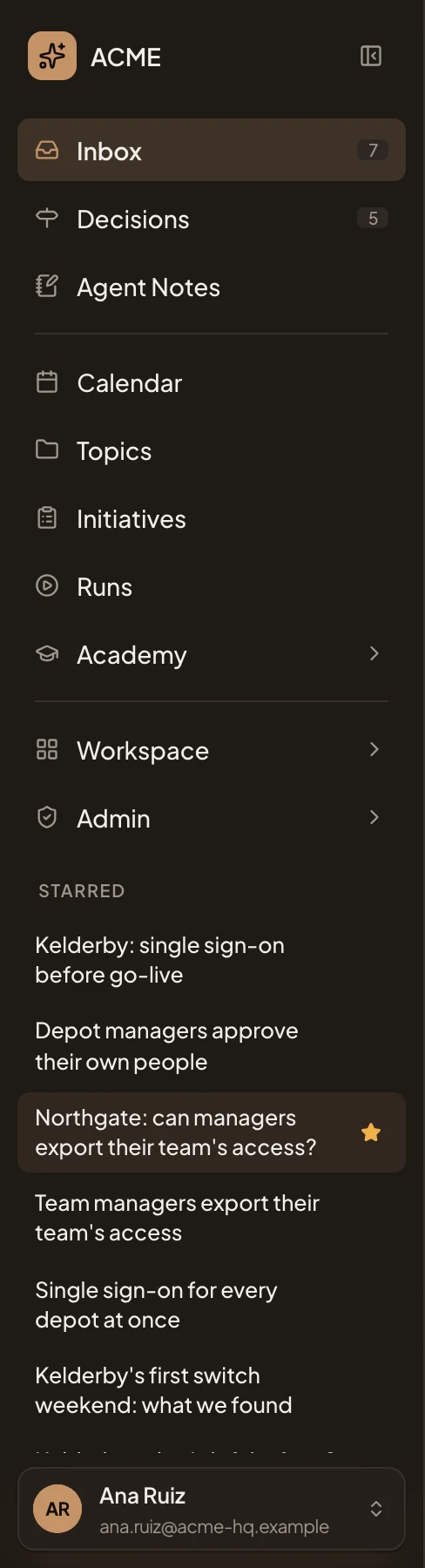
- Starred. At the end of the menu, from your first star.
- A topic you starred.
- An initiative you starred.
- Its star, which shows when you point at it. Click it to take the star off.
Only yours
Section titled “Only yours”Only you see your stars. Starring doesn’t tell anyone, or change the topic or initiative. Anyone who can open a topic or an initiative can star it. Only topics and initiatives take a star.
Stars aren’t the Inbox. The Inbox brings you what arrived. Stars keep topics and initiatives in your menu. A pin in the Inbox keeps one item at the top of a list.
lists collect topics for a purpose, have a page of their own and can be shared. Your stars are a shortcut only you see.