

AgentsPage by page
New app
An app begins here. You say what your team needs, and Emargen checks it can be an app before the agent writes the brief with you. Open it with New app on App builder.
Open New app (opens Emargen in a new tab)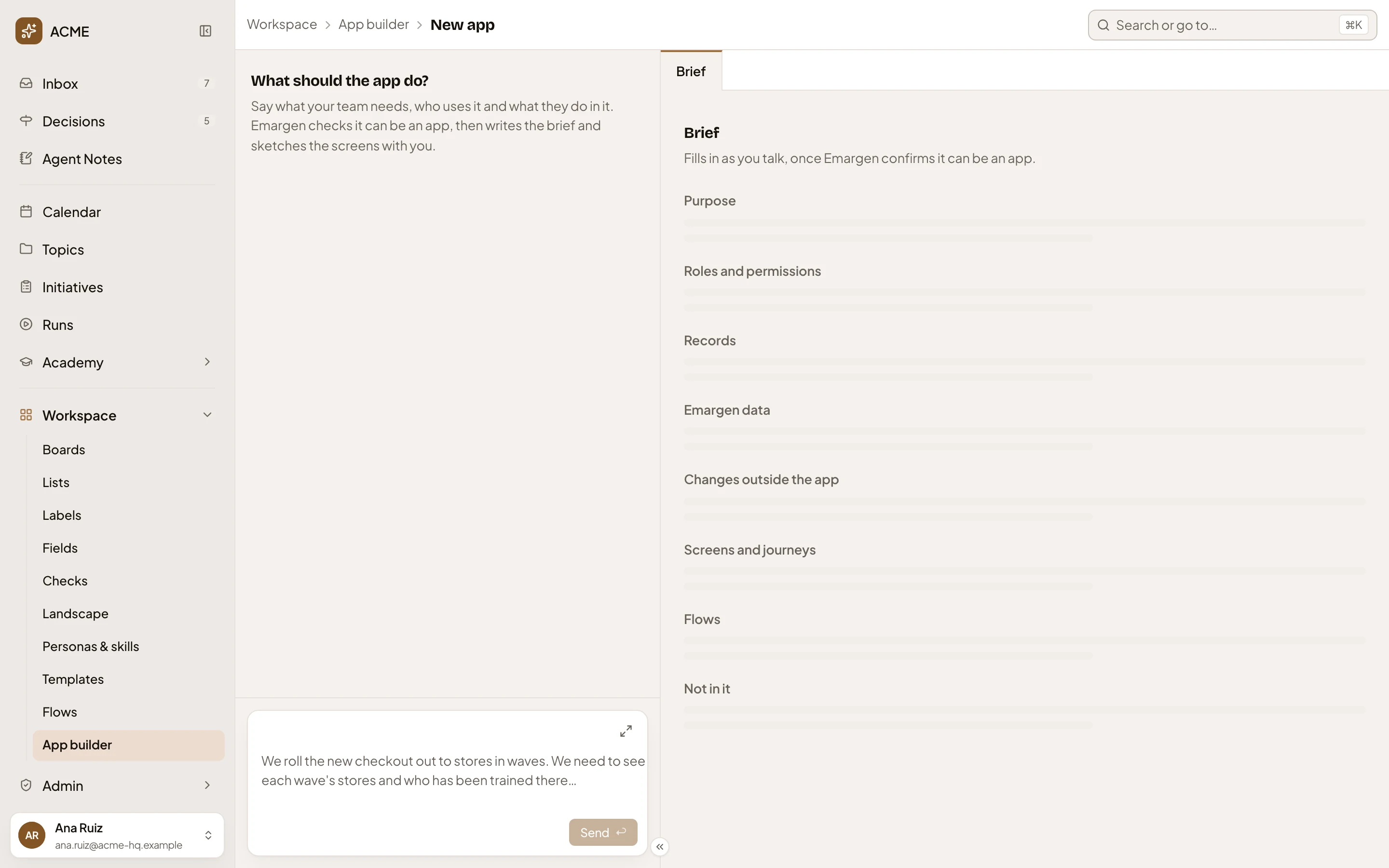
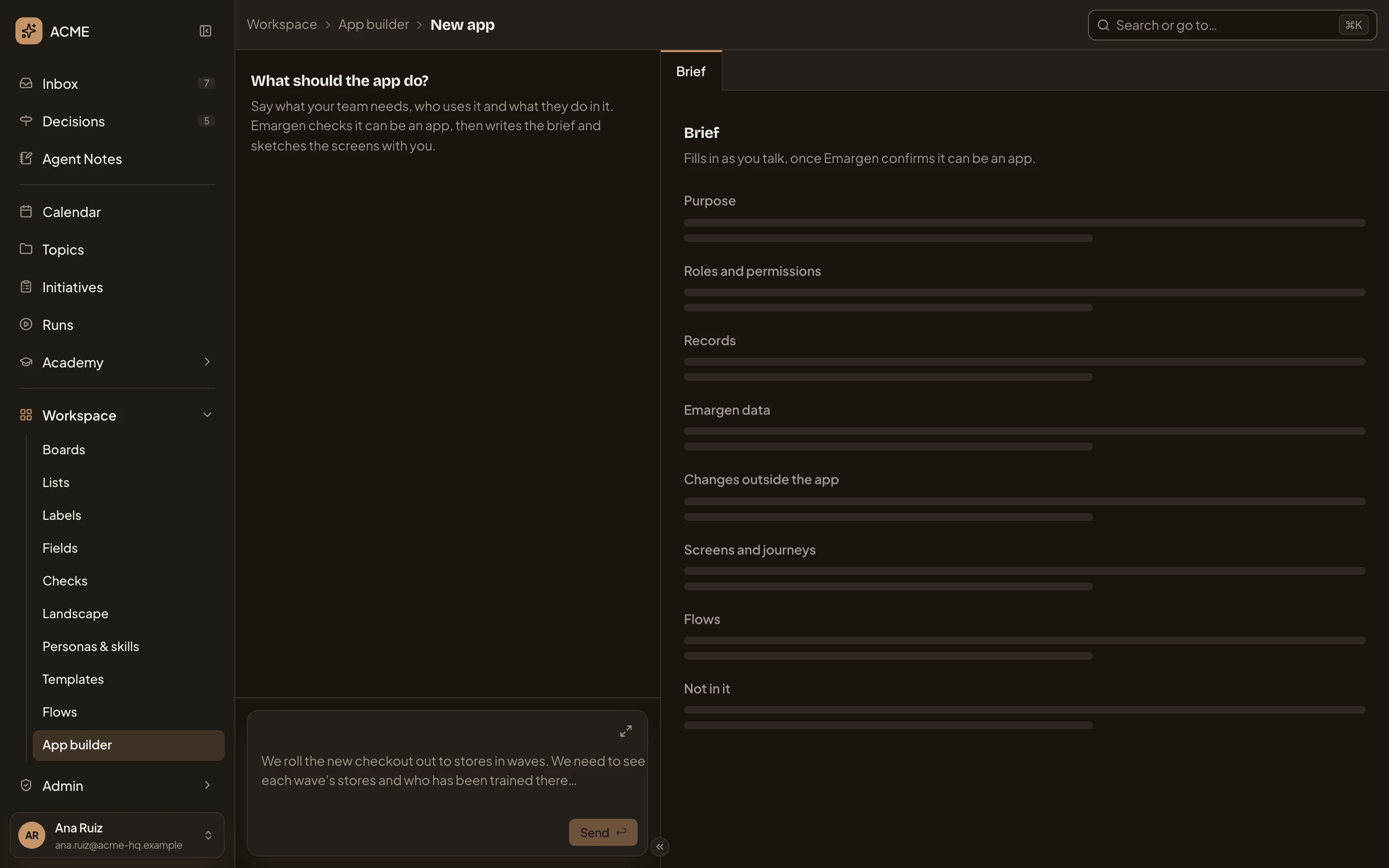
- Workspace, App builder, then New app. Where you are.
- Describe the app. Who uses it and what they do in it, in your own words.
- Brief. The only tab until the app has a version.
- The brief’s sections, still empty. They fill in as you talk.
When you send, Emargen checks your request. If it fits as an app, the page becomes the app’s build page, on its Brief tab, and your request is the first message of the brief’s chat.
If it doesn’t fit, Emargen says why. It may be “Too big for one build”, “Not an app”, or “Emargen does this already”. When it offers a suggestion, choose Start with this to use the suggestion, or Ask for something else to start again. When Emargen already does the job, it points you to a list, a board, the flows or the calendar.
Access
Section titled “Access”Only people with the App builder role can ask for a new app. Anyone else sees a note saying so. An administrator gives the role in People.
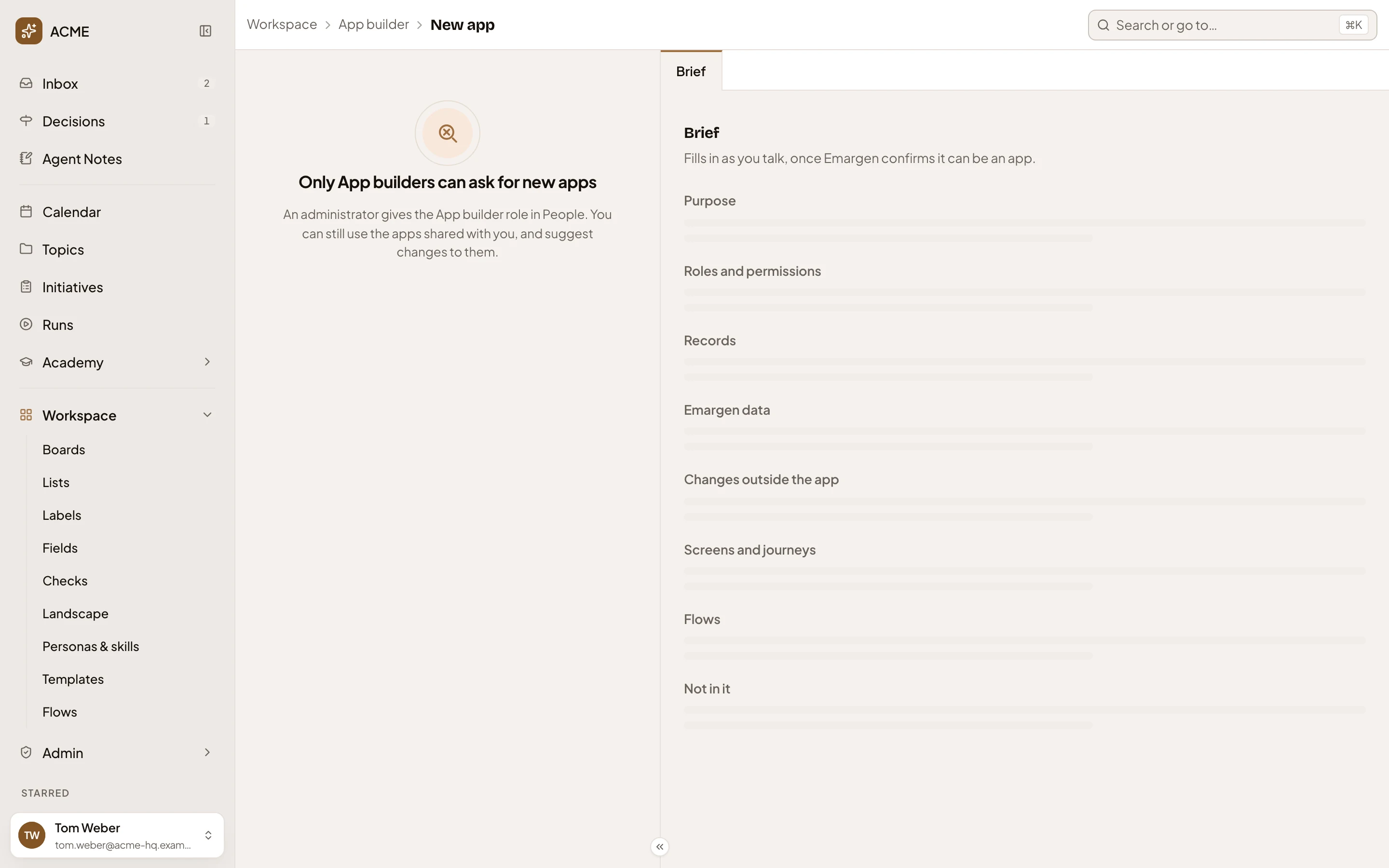
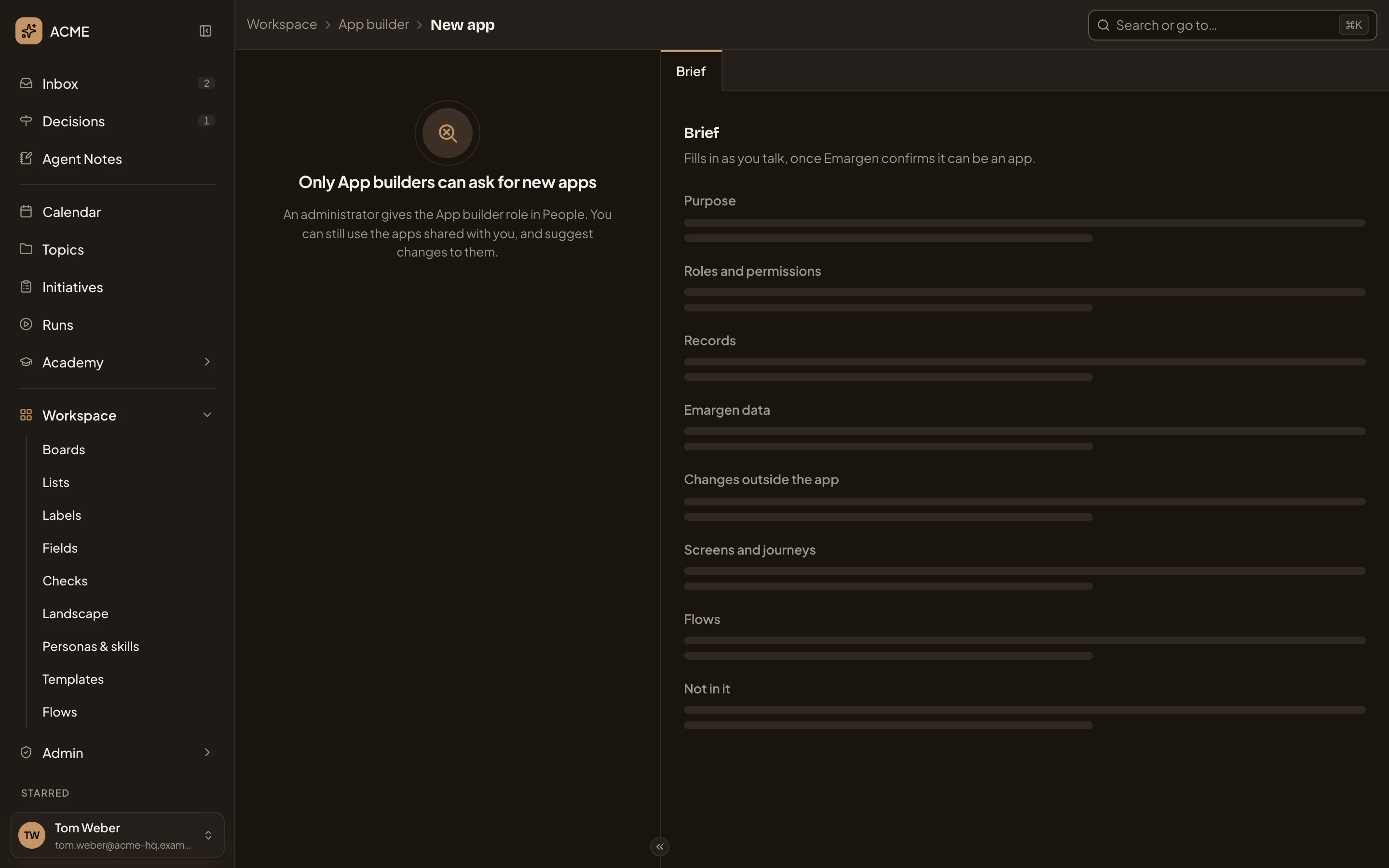
- “Only App builders can ask for new apps.”