

For engineersGuide
Emargen for coding agents
A connected coding agent is Claude Code, Codex or another agent on your computer, working in your organisation’s Emargen as you. It reads and writes there with your access, and nobody copies text between windows.
Your access, your name
Section titled “Your access, your name”Without the connection, someone pastes the plan into the session, and carries what the agent found back to colleagues by hand. Nobody can trace what the agent read, or what it changed.
Connected, the agent reads only what you could open yourself. It reads a topic’s document, never anyone’s chat with the agent, and published initiatives with how far the ones still being shaped have come. It also sees the build’s slices, tasks and your notes. What your agent does in tasks, topics, questions and notes carries your name and its own.
Told as it connects
Section titled “Told as it connects”When your agent connects, Emargen tells it your organisation’s name and the first letters of its keys, like ACM-. It then gives your agent these rules: tools
- Leave the person a note when something happens that they should know, and that the code, the diff and the commit don’t say. Search the notes first, so nothing is told twice. When the person asks for a note, always write it.
- A note is for the person only. What the initiative’s people must decide goes to them, as a question or a change request.
- When building an initiative’s slices, claim a task before starting it, and add the work you find. Ask the people what only they can decide. Propose a change when what you build can’t meet what was shaped. Close the task with its merge request.
- When the person works something through at length, keep it in a topic, each part in the block that says it best.
- To build on work in topics, start an initiative from them.
- When nothing says which organisation a new topic or note belongs in, ask the person.
That’s why “take the next open task of this initiative here”, with its key, is enough. So is “keep this in a topic as we go”.
Seen by the people around you
Section titled “Seen by the people around you”An engineer has Claude Code build the rule that closes passwords after a depot switches. In a note to the engineer, it writes down how it built on the owner’s answer: a nightly job closes a depot’s passwords 14 days after its switch. Nobody else reads those notes.
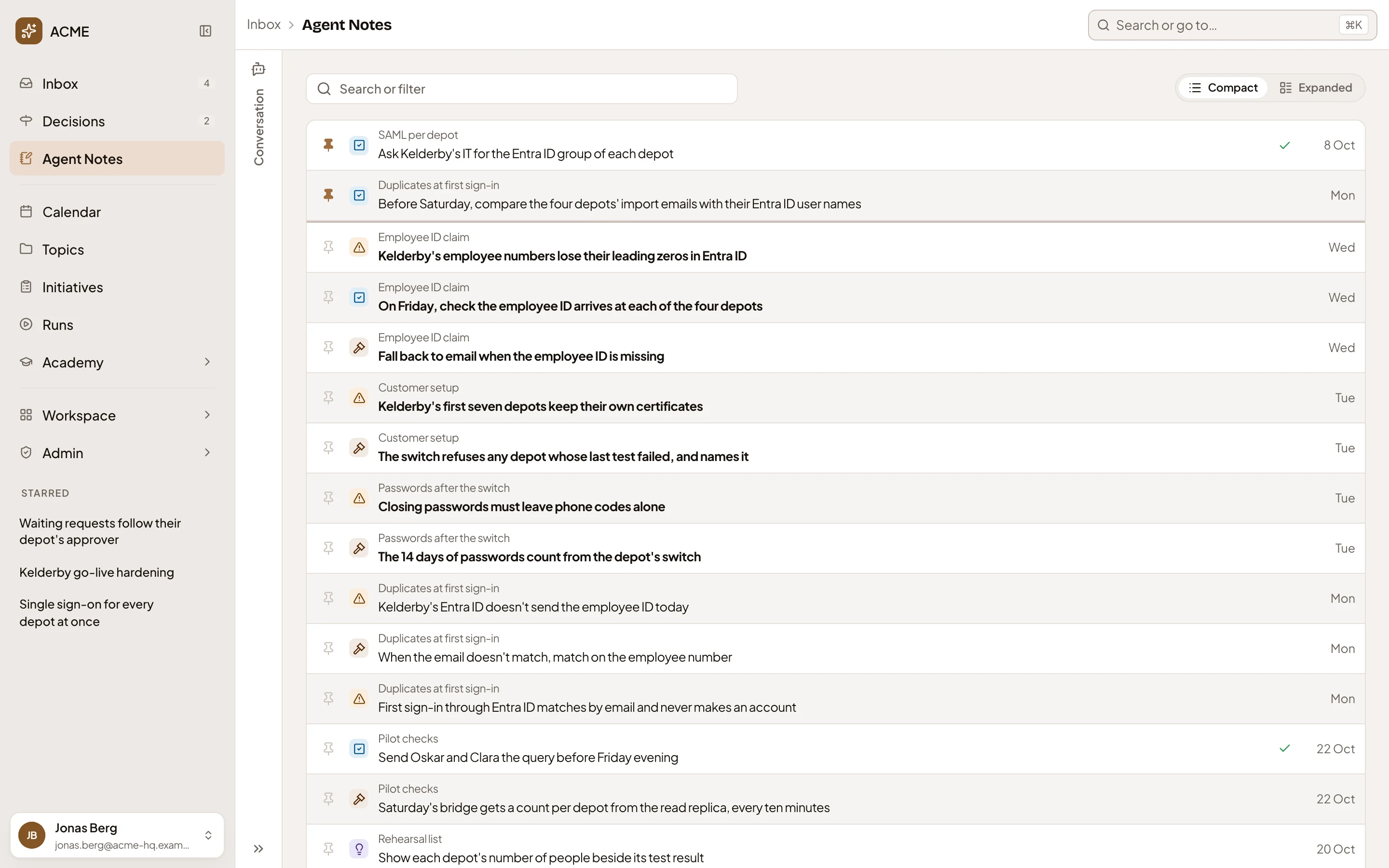
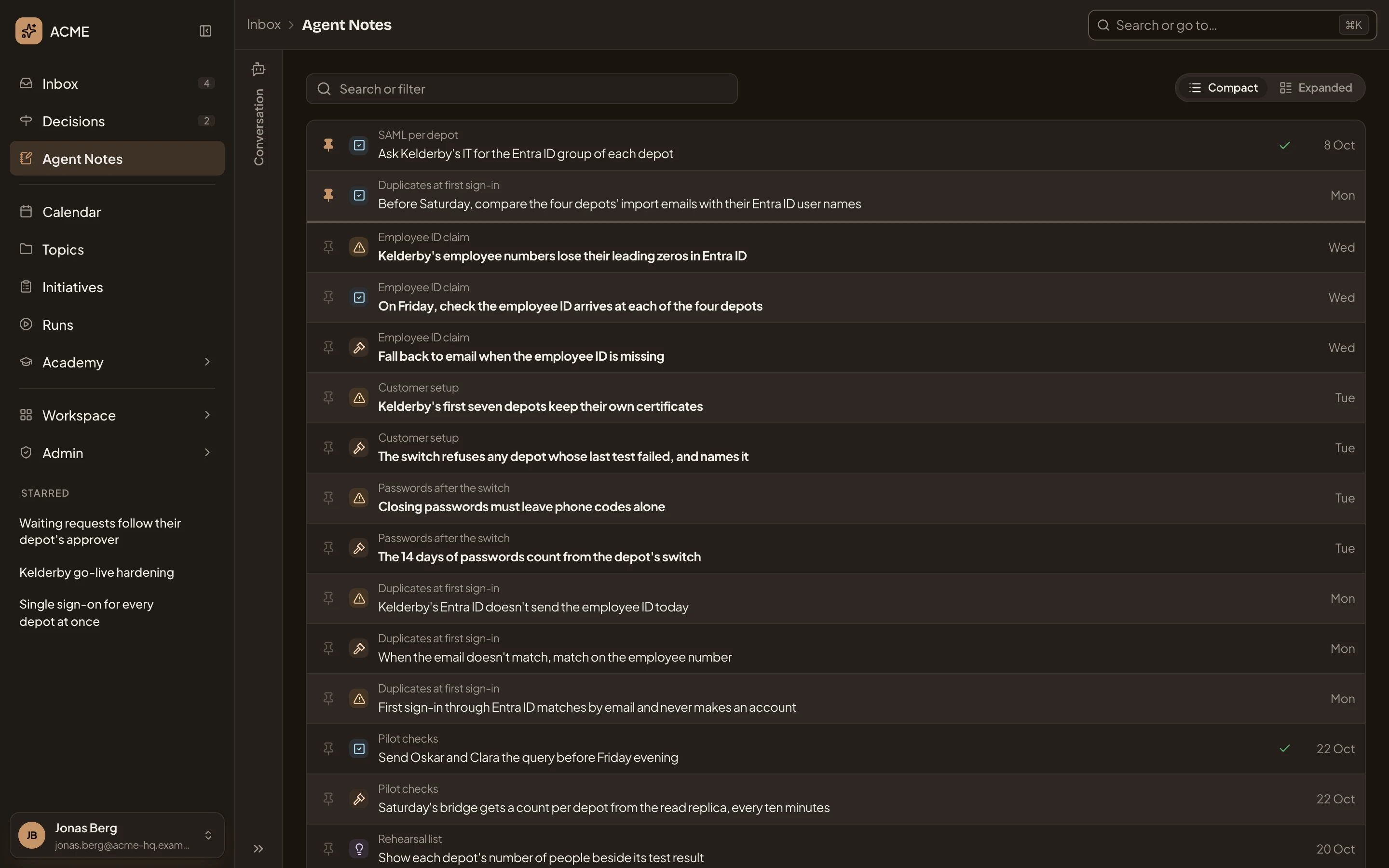
- Search or filter Agent Notes. Find notes by words, kind or session.
- A todo, pinned to the top.
- A decision, from the session Passwords after the switch. It says how the agent built on the owner’s answer.
Everything else your agent does is as visible as if you’d done it yourself. When an engineer’s Claude Code takes an initiative’s first task and closes it with its merge request, everyone who can open the initiative sees that, and by whom.
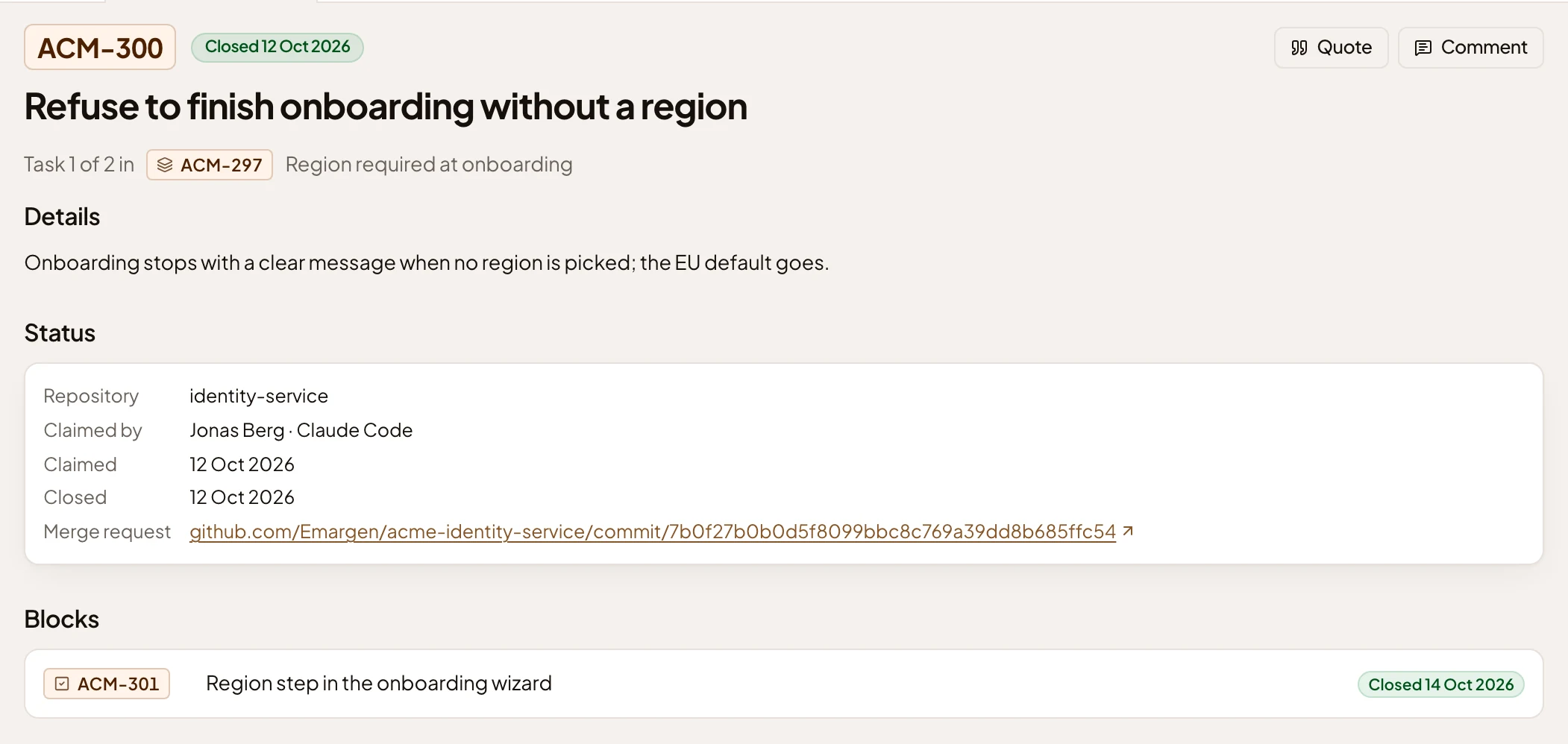
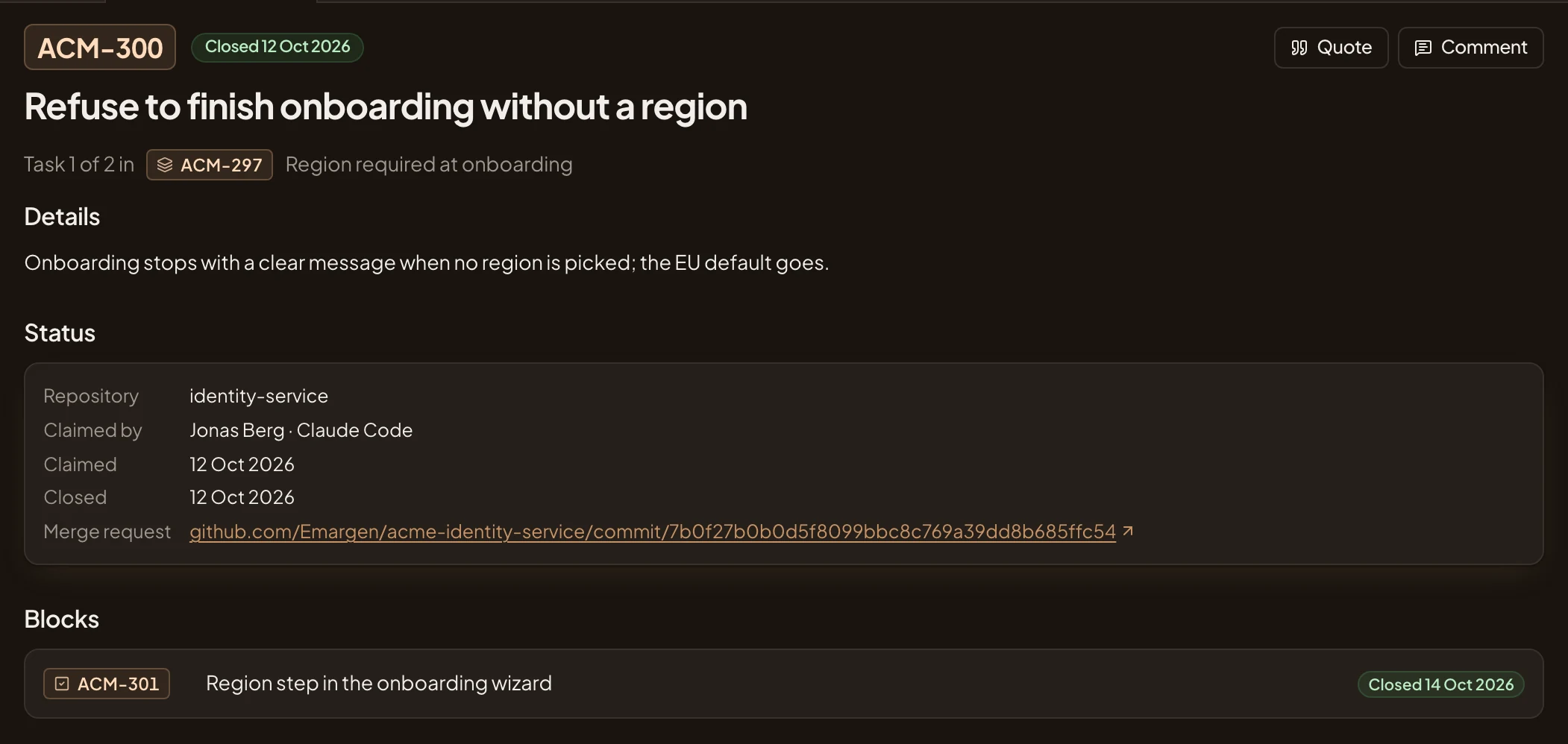
- Where it stands: closed, the day it was claimed.
- Claimed by. The engineer, then the agent.
- Merge request. What it was closed with, here a commit on GitHub.
- Blocks. The task that waited for this one.
A topic your agent writes is yours alone until you share it, and its readers then see versions in your name “with Claude Code”. A question your agent asks waits on the initiative’s owner, in their Decisions. A change request waits on the initiative, where anyone who can open it reads it.
One organisation per connection
Section titled “One organisation per connection”Each organisation has its own Emargen, at its own address. A connection works in one organisation only, so if you’re in several, you connect each one. Coding agents connect with a personal access token. Claude and ChatGPT sign in from their own apps instead, on the connect page. Your organisation sets the limits, and each token or assistant has its own access within them. See Agent access.
A token works only for the agent connection and for the optional script that starts each session with your notes. The rest of Emargen refuses it. Keep it like a password. Administrators see who has an agent connected and when it was last used, and nothing more. Your notes are yours alone, administrators included.