

AdminIdea
Recipes
A recipe tells Emargen what to look for in a kind of code. Emargen reads each repository in two runs. A scan finds its areas, the parts its code divides into. An analysis then writes an overview of each area.
Recipes tell Emargen where to look
Section titled “Recipes tell Emargen where to look”In one kind of code, the rules about who may do what sit in one sort of file. The screens a customer sees live in another. An analysis built on a recipe that says where to look writes overviews that answer a colleague’s question. One that doesn’t writes a tour of the folders.
Recipes also carry what your organisation cares about. Say customers keep asking who may approve whom. You write a recipe for your access rules. Wherever the code decides who may approve an access request, the analysis lists each rule, the role it needs, and the file it lives in. It writes it the way someone in customer success would tell a client. Every analysis answers the questions your people ask most.
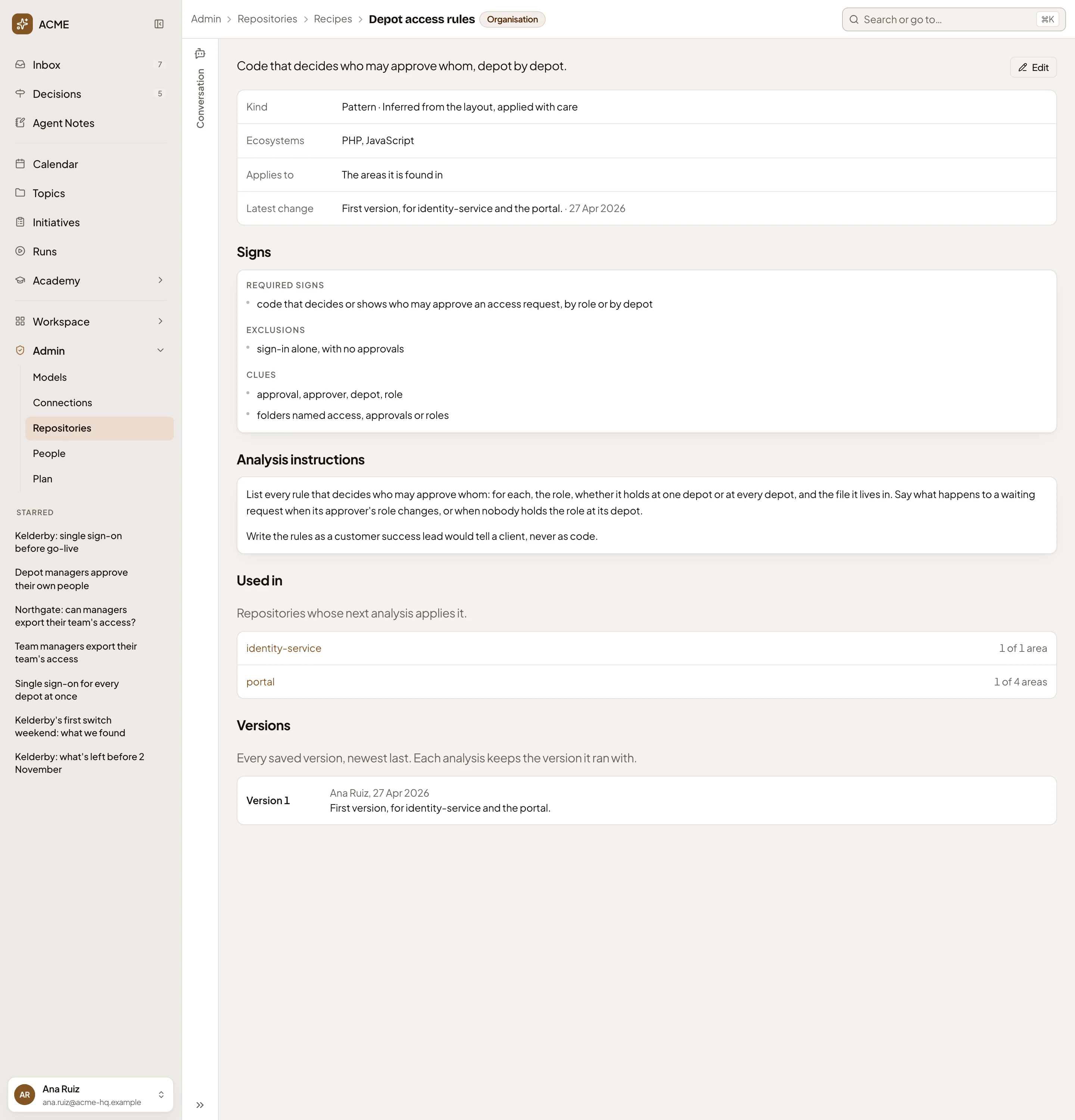
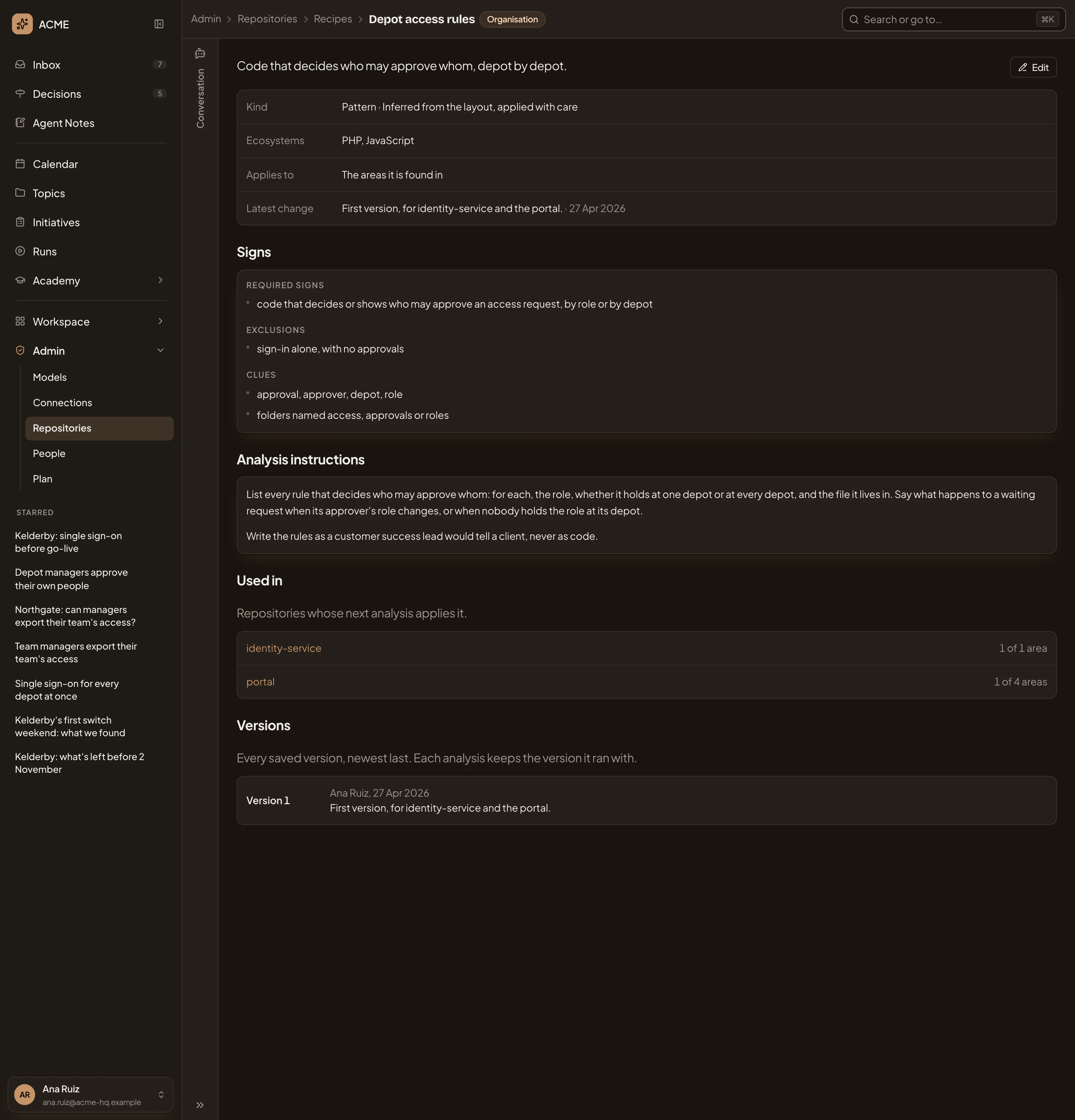
- Organisation: a recipe the organisation wrote itself, beside the ones Emargen ships.
- Kind: a pattern, only inferred from the layout, so the scan applies it with care.
- Signs: what an area must have, what rules it out, and clues.
- Analysis instructions: what every overview of such an area must say, in the organisation’s words.
- Used in: the repositories whose next analysis applies it, and in how many of their areas.
- Versions: every saved change. Each analysis keeps the version it ran with.
Three parts
Section titled “Three parts”A recipe names a kind of code, like Laravel or a frontend. It gives the scan rules and clues for spotting it in an area. And it tells the analysis what to write about it, in the words your colleagues use.
The scan can confirm some recipes from the files, like a framework named in a manifest. It applies those as fact. Others are only inferred from the layout. The scan applies those with care, and the analysis says where one doesn’t hold.
The scan applies recipes area by area. A recipe about access rules might apply only to a portal’s approvals, while the one for its framework applies to every area. On a repository, you can read which recipes the scan applied and why.
Emargen’s and your own
Section titled “Emargen’s and your own”Emargen ships recipes for most languages and frameworks, and keeps them up to date. You don’t need your own to get started, since the scan picks from Emargen’s by itself. Your organisation can customise one, and its version takes the place of Emargen’s in your analyses. Or it can write its own.
When you save a recipe, no analysis changes. A new recipe applies at the repository’s next scan, which checks if it applies to its areas. Where it applies, the analysis after that uses it. A change to a recipe that’s already applied reaches the next analysis. Each saved change is a new version, and each analysis keeps the versions it ran with.
You don’t have to write one alone. Tell the admin agent the question your colleagues keep asking, and it drafts the recipe with you, marking what it drafted. It asks before it saves. Administrators can write and change recipes, and so can anyone allowed to analyse repositories.