

CalendarPage by page
An agent task
An agent task’s page says when the task runs, what the agent does, and what each run made. Open it from a run still to come on the Calendar, or with Open task beside a run. A list the task fills links here too. Agent tasks says what a task is for.
Open the Calendar (opens Emargen in a new tab)In the picture, ACME’s customer success lead’s weekly task, Security news for Halden, after six Mondays.
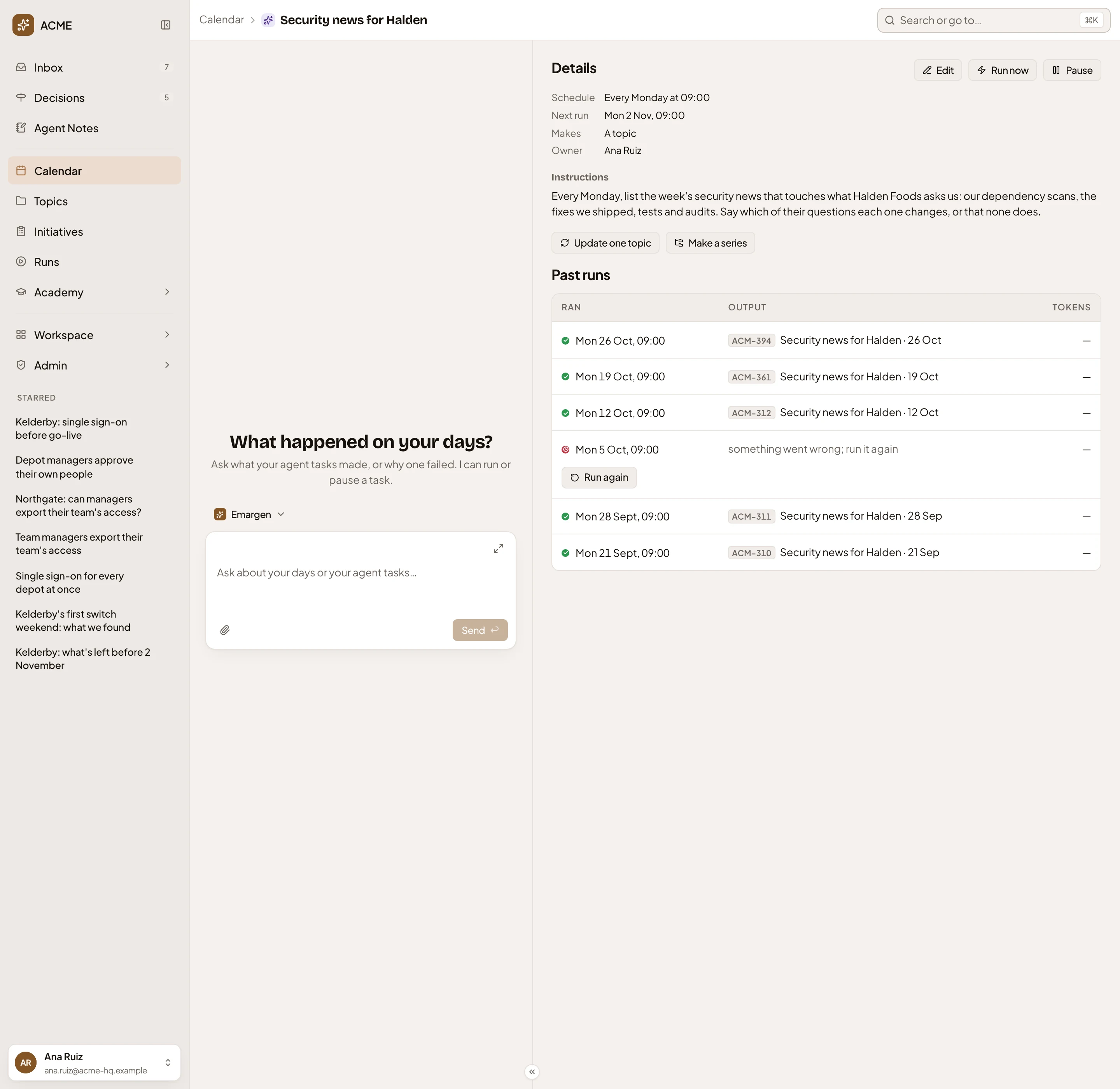
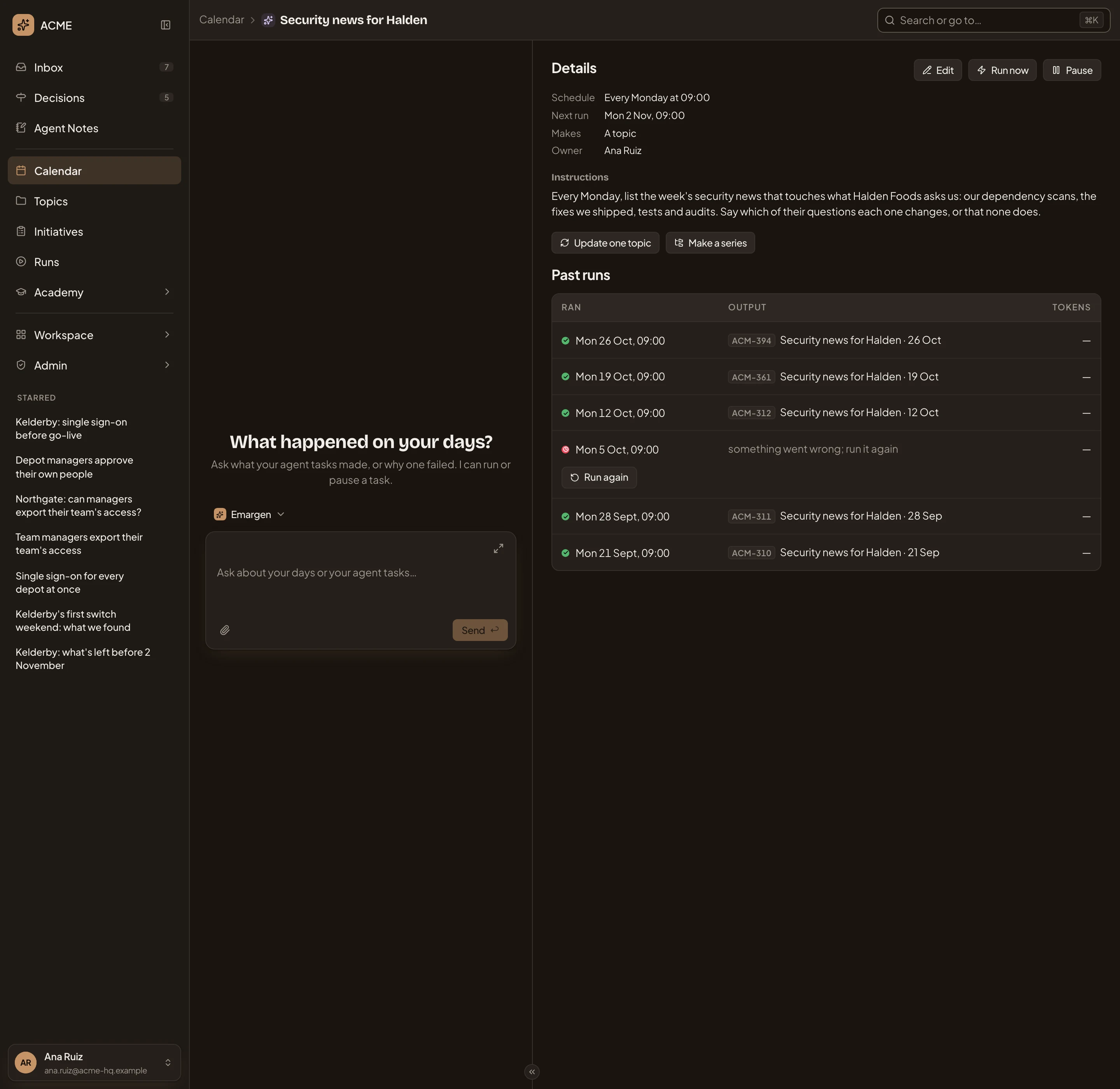
- Calendar, then the task’s name. Click Calendar to go back to your days.
- The workspace agent. Ask what the task’s runs made, or why one failed. It can run or pause the task for you.
- Details. Schedule, Next run, what each run Makes, and the task’s Owner.
- Edit. Opens the task’s form.
- Run now. One run, to try it. The schedule goes on as it was.
- Pause. Starts no more runs until you click Resume. Its past runs stay.
- Instructions. What the agent does, in the owner’s words.
- Update one topic and Make a series (see Into a topic).
- Past runs, newest first: when each Ran, its Output, and the Tokens it used.
- A run that failed, with why, and Run again.
Only the people who can change the task see the Tokens column. A run that found nothing new since the last one says “Nothing new. No topic made.”.
A task that fills a list
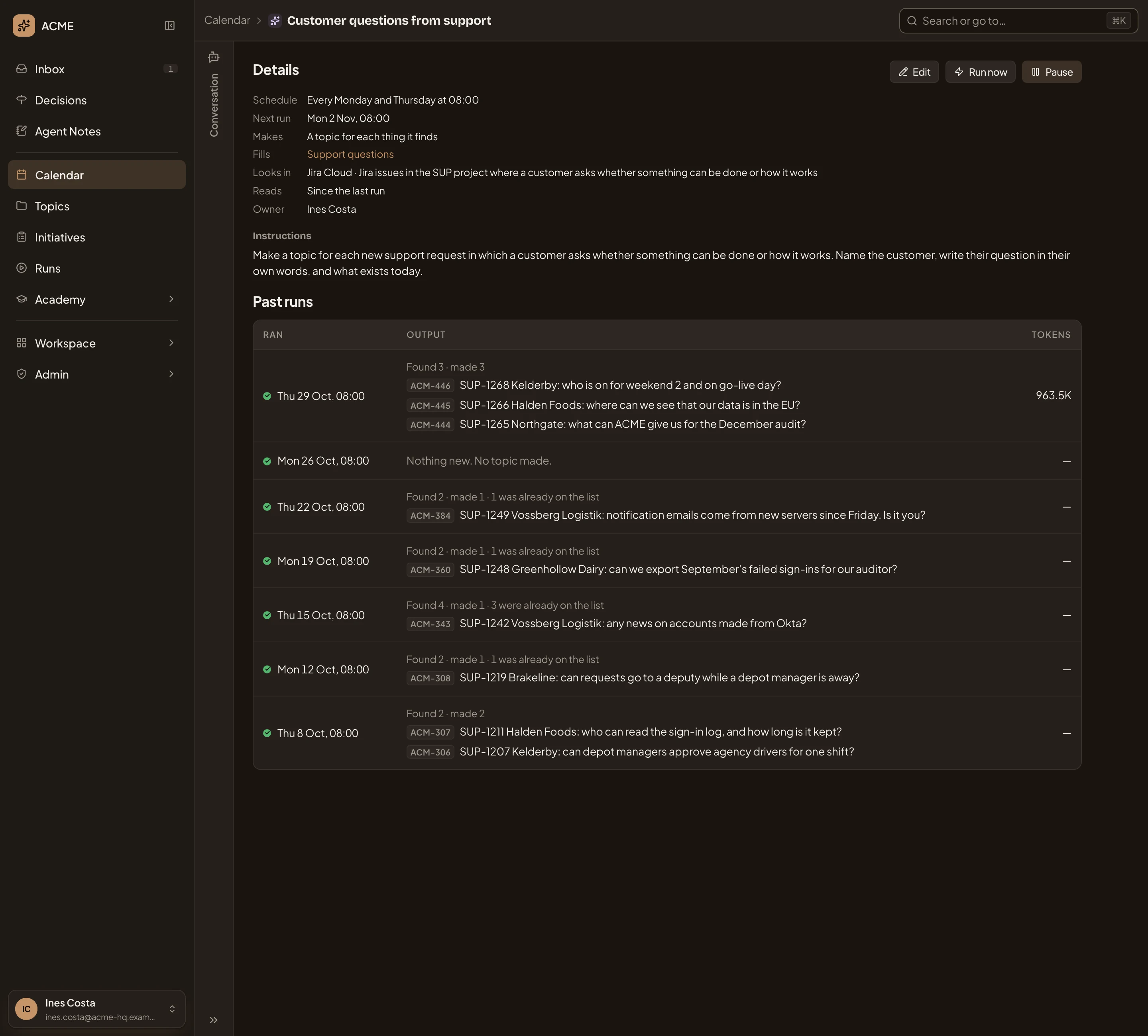
Section titled “A task that fills a list”A task that makes a topic for each thing it finds also says which list it Fills, where it Looks in and what it Reads. Each run says what it found and made. In the picture, the support team’s task, which reads support tickets twice a week.
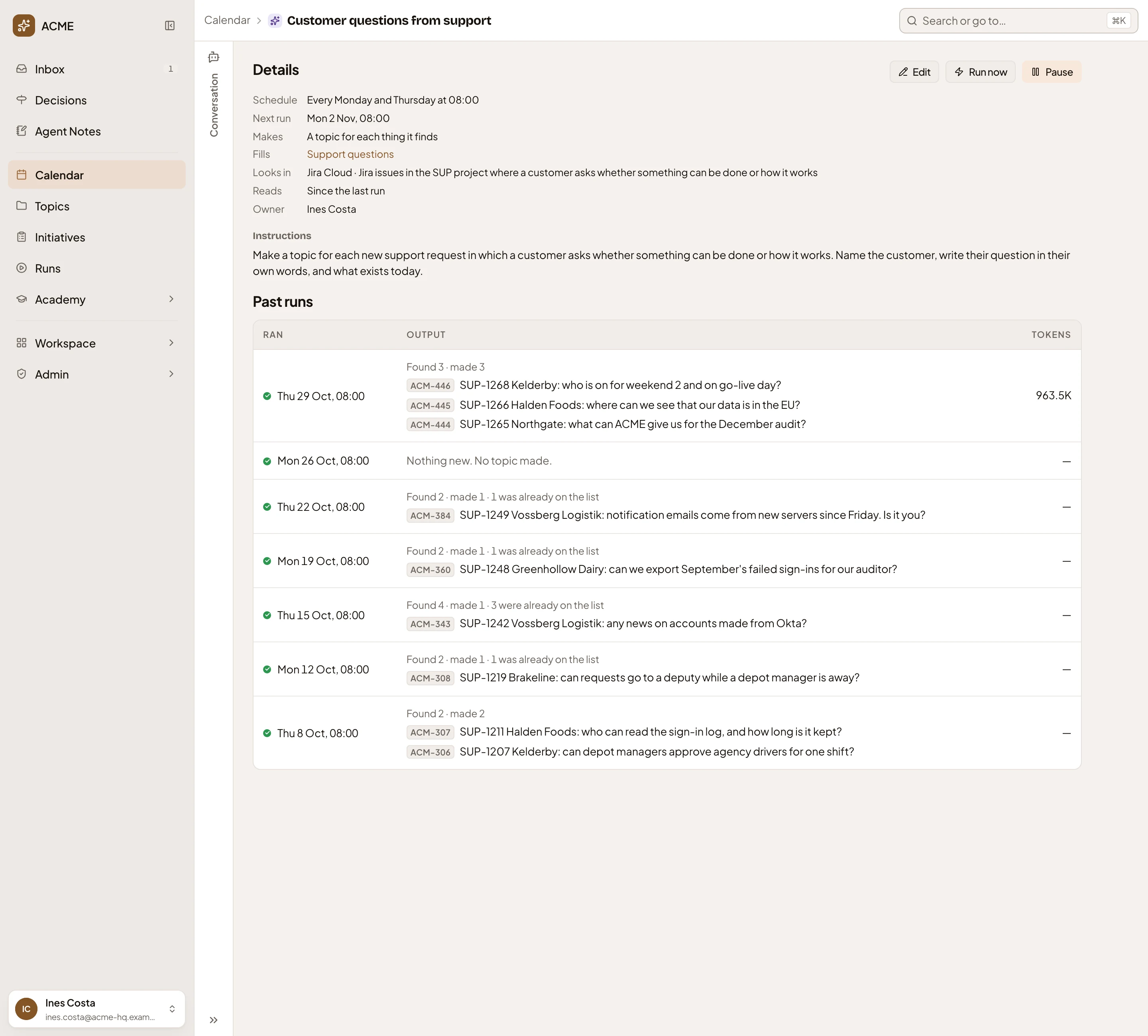
- Fills. The list its topics go on. Click it to open the list.
- Looks in. The places the agent searches, from the instructions.
- Reads. How far back each run reads.
- What a run found and made, and the topics it made.
- A run that found nothing new.
“1 was already on the list” means the task had made a topic for that thing before. It doesn’t make a second one.
Into a topic
Section titled “Into a topic”A task that writes a new topic each run can move into a topic. Update one topic makes its latest topic the one it updates from then on. Make a series puts its topics under a new topic named after the task, and adds each run’s topic there. Each asks first, and says what changes.
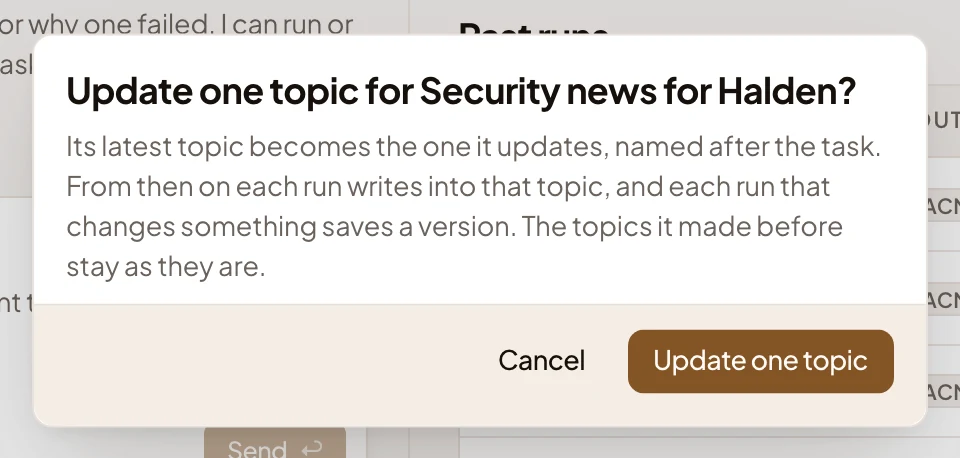
Either way, the task then lives in a topic, like a topic the agent keeps.
A task that hasn’t run yet says “It has not run yet.” under Past runs. A task that was deleted, or that isn’t shared with you, says so.
Access
Section titled “Access”- The owner chooses who sees a task. One that fills a list is seen by whoever sees the list, and one that lives in a topic by whoever sees the topic.
- People who can edit the task change it, run it now, pause it, and run a failed run again.
- Only the owner changes a task that fills a list or lives in a topic. Anyone who can change that list or topic can pause it.
- Only the owner shares a task and deletes it. Being an administrator gives no more say over someone else’s task.