

AgentsPage by page
App builder
App builder lists the apps you build or edit, and starts new ones. Open it from App builder under Workspace in the menu. The menu shows it to people with the App builder role, and to anyone who edits an app.
Open App builder (opens Emargen in a new tab)An organisation with no apps yet.
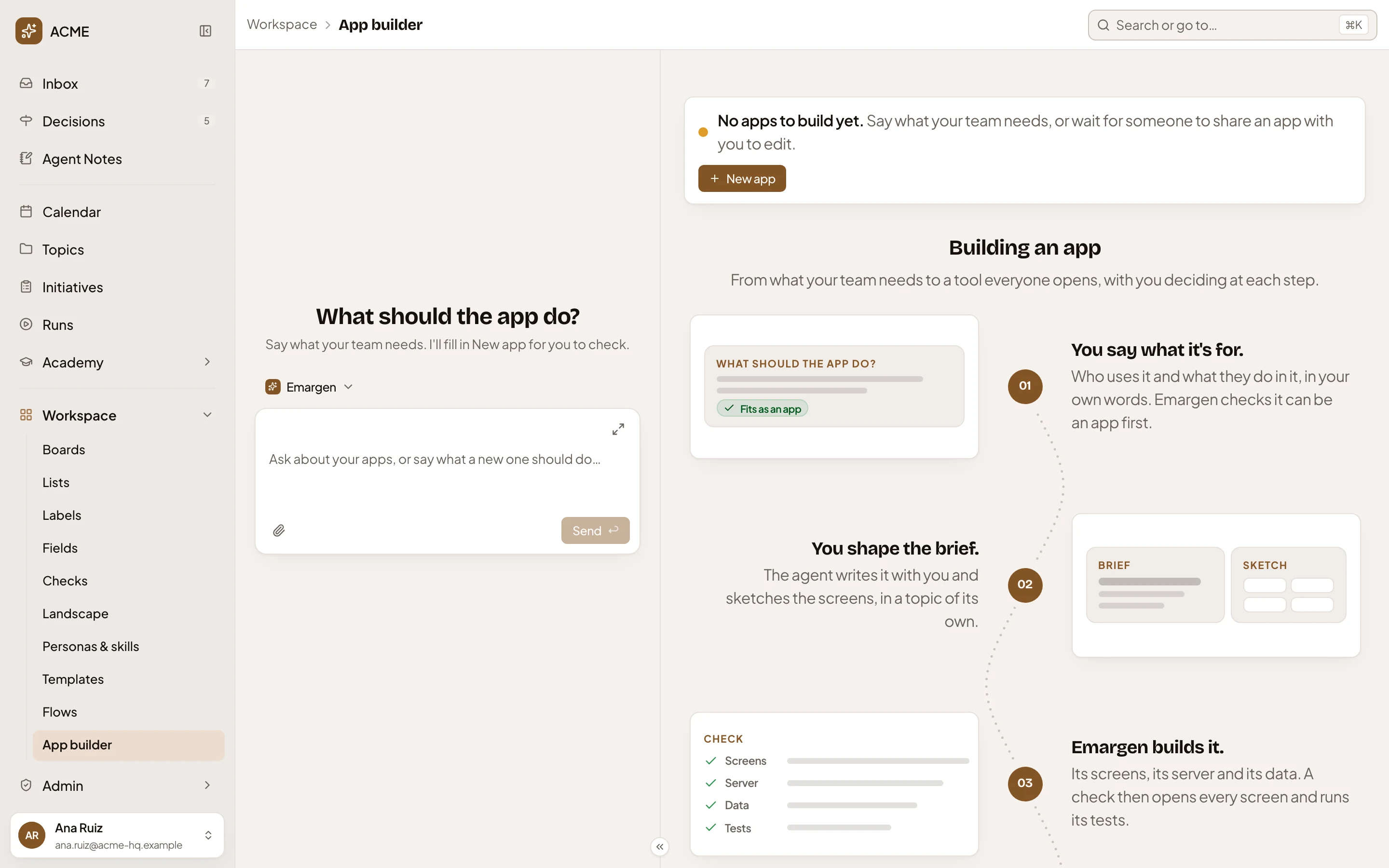
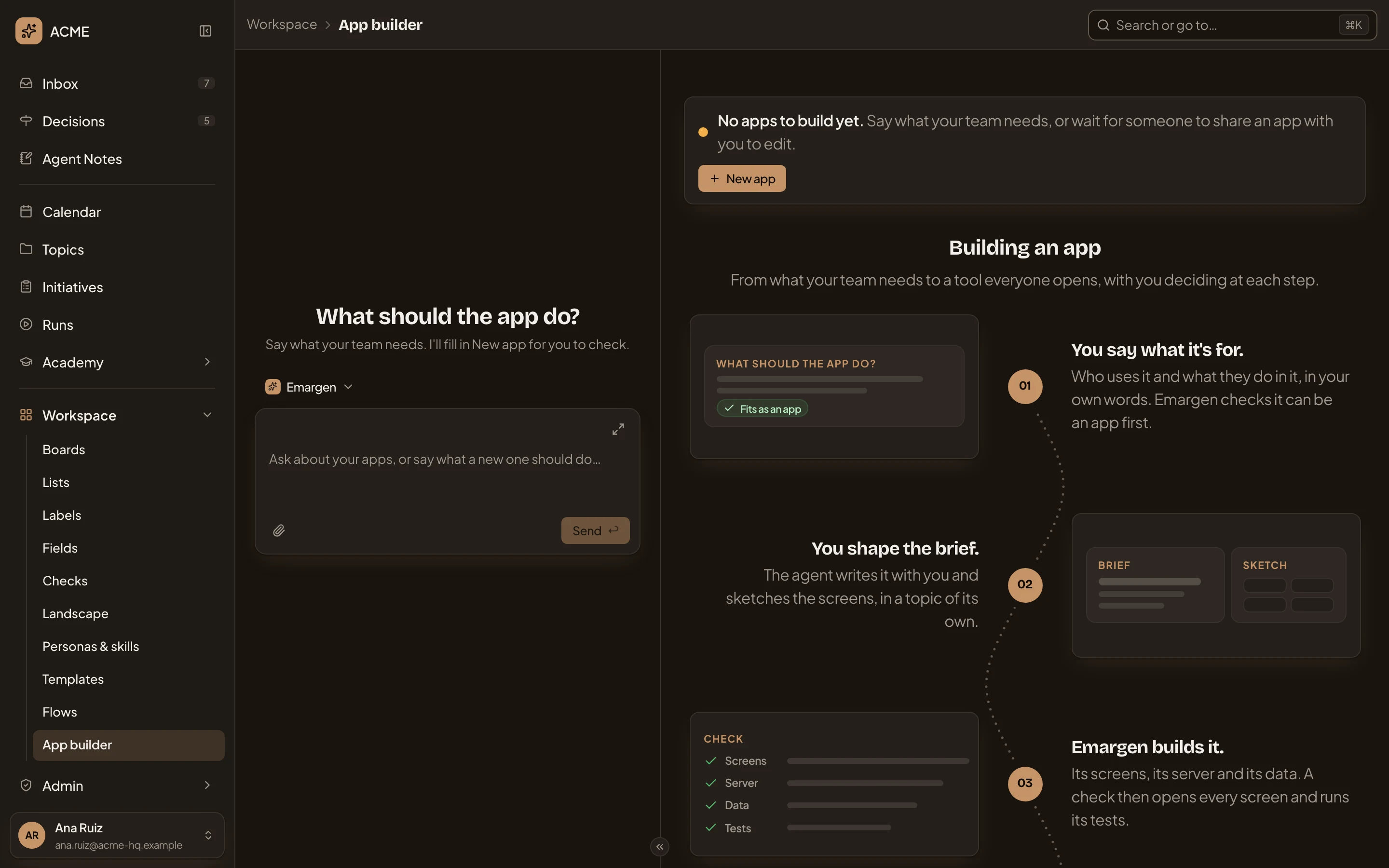
- Workspace, then App builder. You’re here.
- The chat. Say what your team needs, and the workspace agent writes it into New app for you to check and send. It never sends it for you.
- “No apps to build yet.”
- New app. Where you describe a new app (New app).
- Building an app. The five steps an app goes through. With apps, a button beside New app shows them.
With apps, you see each app you edit and where it stands, such as building, ready to try or open now. An app whose newest version was discarded shows the one still open, and one with no version yet says “Not built yet”. Click one to open its build page.
Access
Section titled “Access”People with the App builder role, and anyone an app is shared with to edit. An administrator gives the role in People. Only App builders can ask for new apps.