

AdminPage by page
Repositories
Repositories lists the code your organisation has added for the agent to read, and the Git hosts that code is reached through. Open it from Repositories under Admin in the menu. Repositories and analyses explains the idea.
Open Repositories (opens Emargen in a new tab)ACME has three repositories: identity-service, notifier and portal. Emargen reaches each with its own deploy key, so ACME has no Git host.
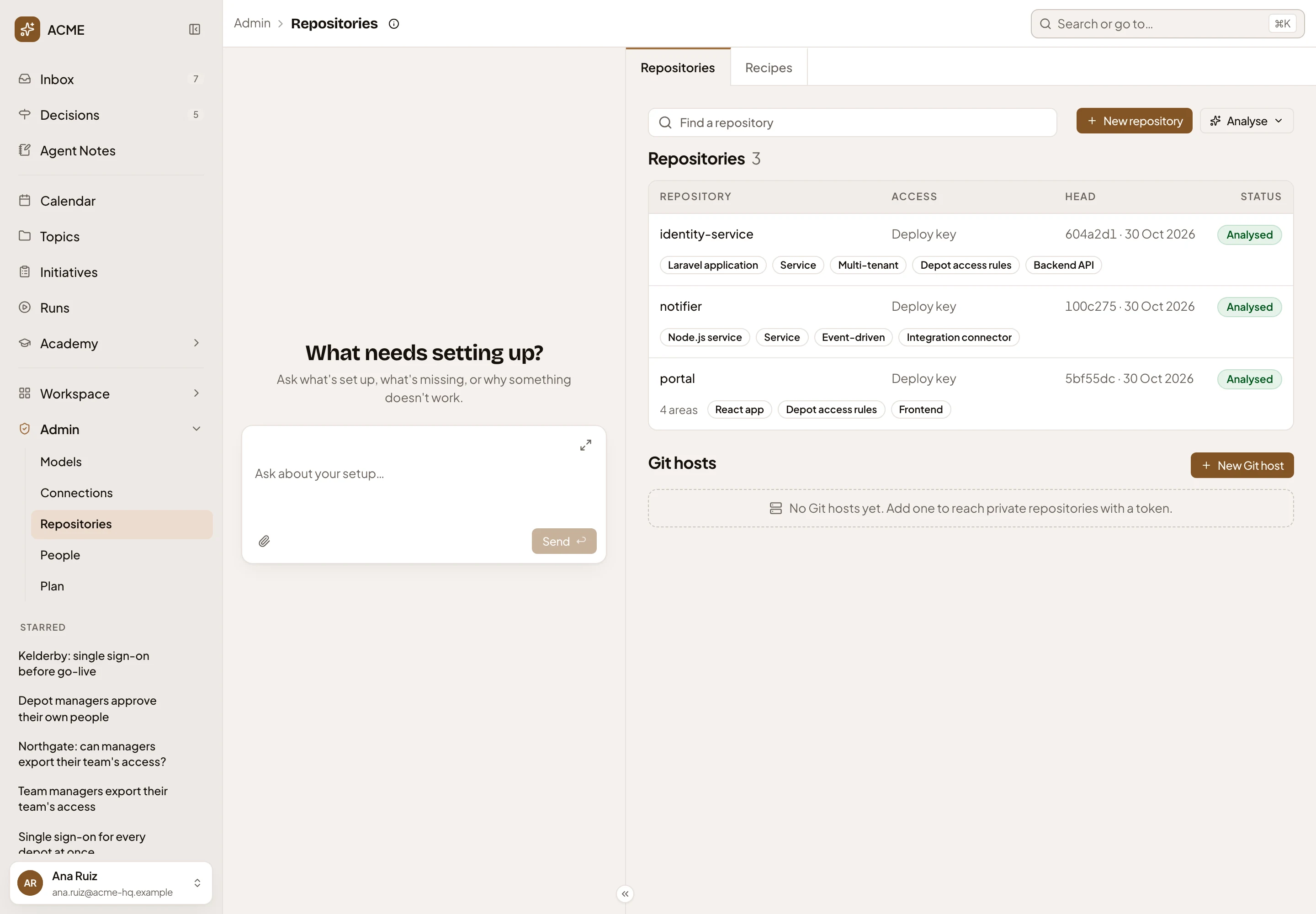
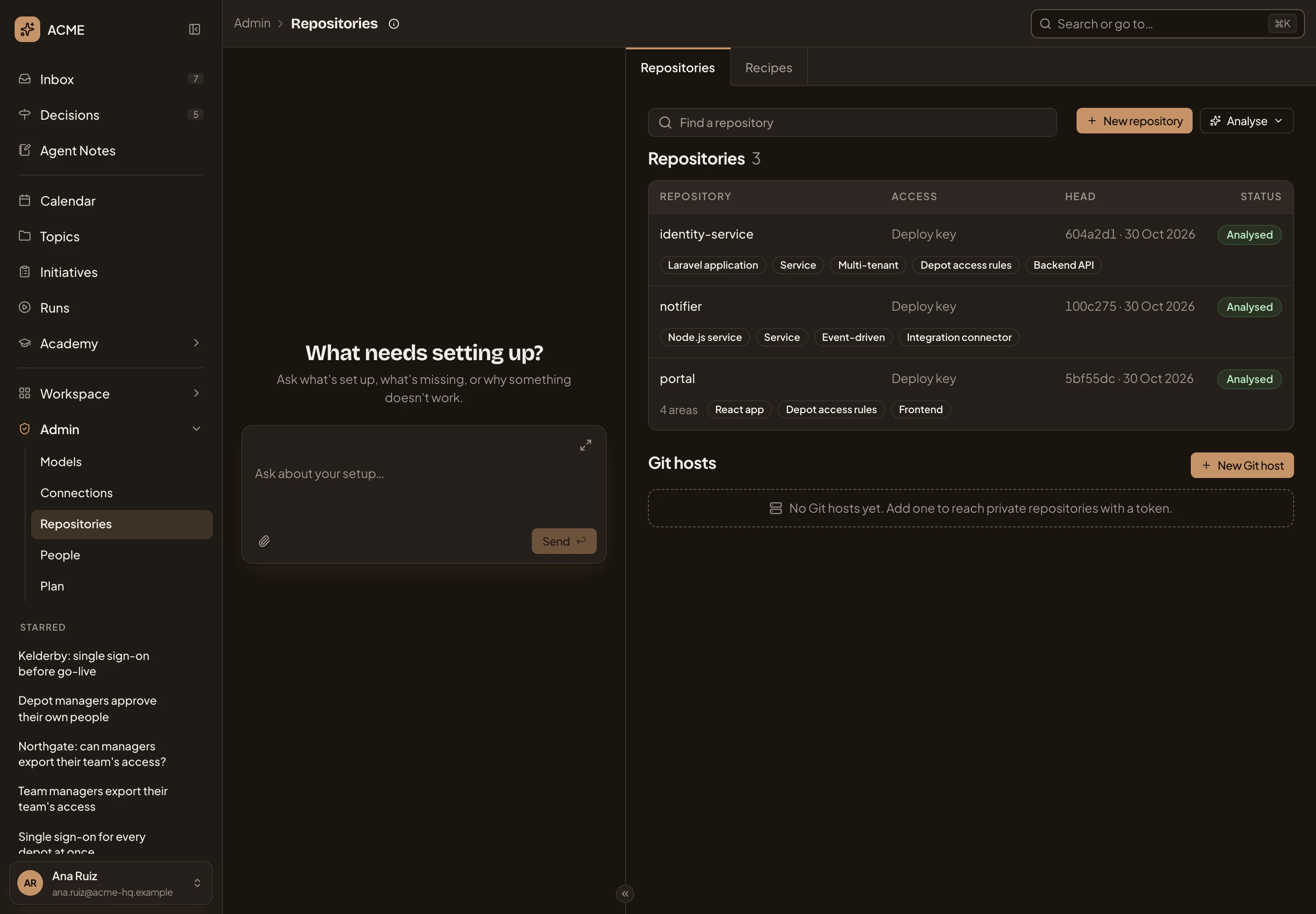
- Repositories and Recipes. The page’s two tabs. Recipes lists what the analyses look for.
- Repositories guide.
- Find a repository. Narrows the list by name, group, recipe or status. Type Laravel, or Out of date.
- New repository. Adds one or more repositories (New repository).
- Analyse. Analyses several repositories at once (Analysing several).
- A repository. Click its row to open its page. Access says how Emargen reaches it: a Git host’s name, Deploy key or Public.
- Status. Where it stands (Statuses).
- The recipes its analysis applied. A repository read in several areas lists the area count first.
- Git hosts. Each host with its provider, how many repositories use it, when its token was last checked, and its status. With none, it says how to add one.
- New Git host. Adds a Git host (A Git host).
Head is the commit Emargen’s copy is at, and when it was fetched. When repositories sit in several groups, each group gets its own heading. Headings fold. A repository’s group is its group on the host, unless someone changes it on its Edit page.
The admin agent’s chat sits on the left, as on every Admin page. Ask it why an analysis failed, or to add a repository.
Statuses
Section titled “Statuses”A new repository goes from Cloning to Scanning, and stops at Scanned. Once someone clicks Analyse, Queued and Analysing follow, with how many areas are done (“Analysing · 1 of 4”), until it’s Analysed. Out of date means the code, the guidance or the recipes changed since the last analysis.
When something fails or stops, the status says Clone failed, Fetch failed, Scan failed, Analysis failed, Scan stopped or Analysis stopped. While Emargen reads a repository, its status updates every few seconds.
Each failed clone, fetch, scan or analysis adds one to a red count beside Repositories in the menu. So does each Git host whose token no longer works.
Analysing several
Section titled “Analysing several”Analyse opens a menu.
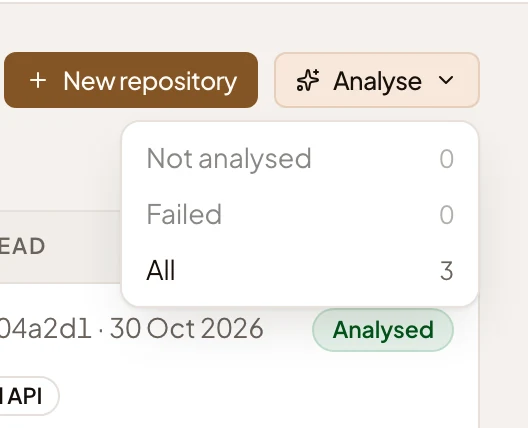
Not analysed takes the repositories with no analysis yet. Failed takes those whose fetch, scan or analysis failed, and All takes every one. Each shows a count, and is greyed when the count is zero. Emargen asks before it starts.
If a repository was analysed before, Emargen fetches it and analyses again where something changed. If it never was, Emargen fetches it, scans it again and analyses it with what the scan proposes. Repositories still being read are left as they are. Emargen runs the rest in turn on your organisation’s agents, and you can leave the page.
A Git host’s row
Section titled “A Git host’s row”Click a Git host’s row for its buttons.
- Edit opens the host’s form, to rename it or give it a new token.
- Check tries the token again. The row then says Active, or Needs a new token.
- Remove deletes the host and its token. It’s greyed while a repository still uses the host.
Until a host that needs a new token gets one, none of its repositories can fetch.
Warnings
Section titled “Warnings”Two warnings can sit above the list. “No agent model is set” means the organisation has no Agents default on Models. Repositories are still scanned when they’re added, but analyses wait, and Analyse is greyed until one is set. When the Agents default’s provider refuses its key or is out of quota, the warning names the provider, and scans and analyses wait until it answers again. Nothing is lost. The warning’s button opens the provider’s page.
With no repositories, the list says “No repositories yet.” and Analyse isn’t there. With no Git host, its section says to add one to reach private repositories with a token.
On a phone
Section titled “On a phone”The page and the admin agent’s chat take turns. Switch between them at the top.
Access
Section titled “Access”Everyone in the organisation can open Repositories and read it. New repository and a Git host’s buttons need the permission to manage repositories. Analyse needs the permission to analyse repositories. Administrators have both. Tokens and deploy keys never show, to anyone. See roles and permissions.