

AdminPage by page
New repository
Add one repository here, or several at once, for the agent to read. Open it with New repository on Repositories. Emargen copies the repository and scans it on its own, and you choose how it’s analysed afterwards. Add a repository walks through it.
Open New repository (opens Emargen in a new tab)Reaching the repository
Section titled “Reaching the repository”The page opens on Access, how Emargen reaches the repository. The picture shows ACME’s form. ACME reaches its code with deploy keys and has no Git host.
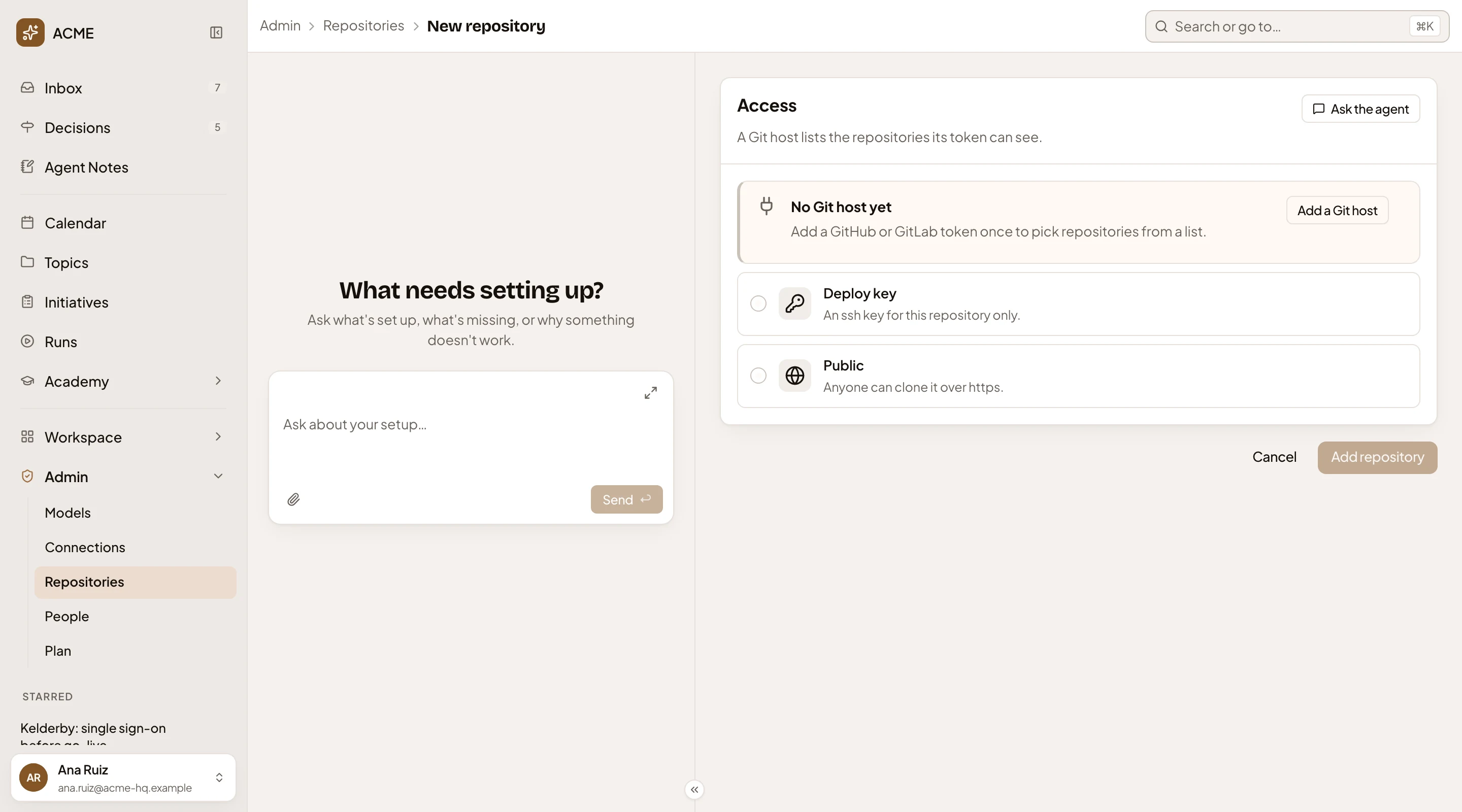
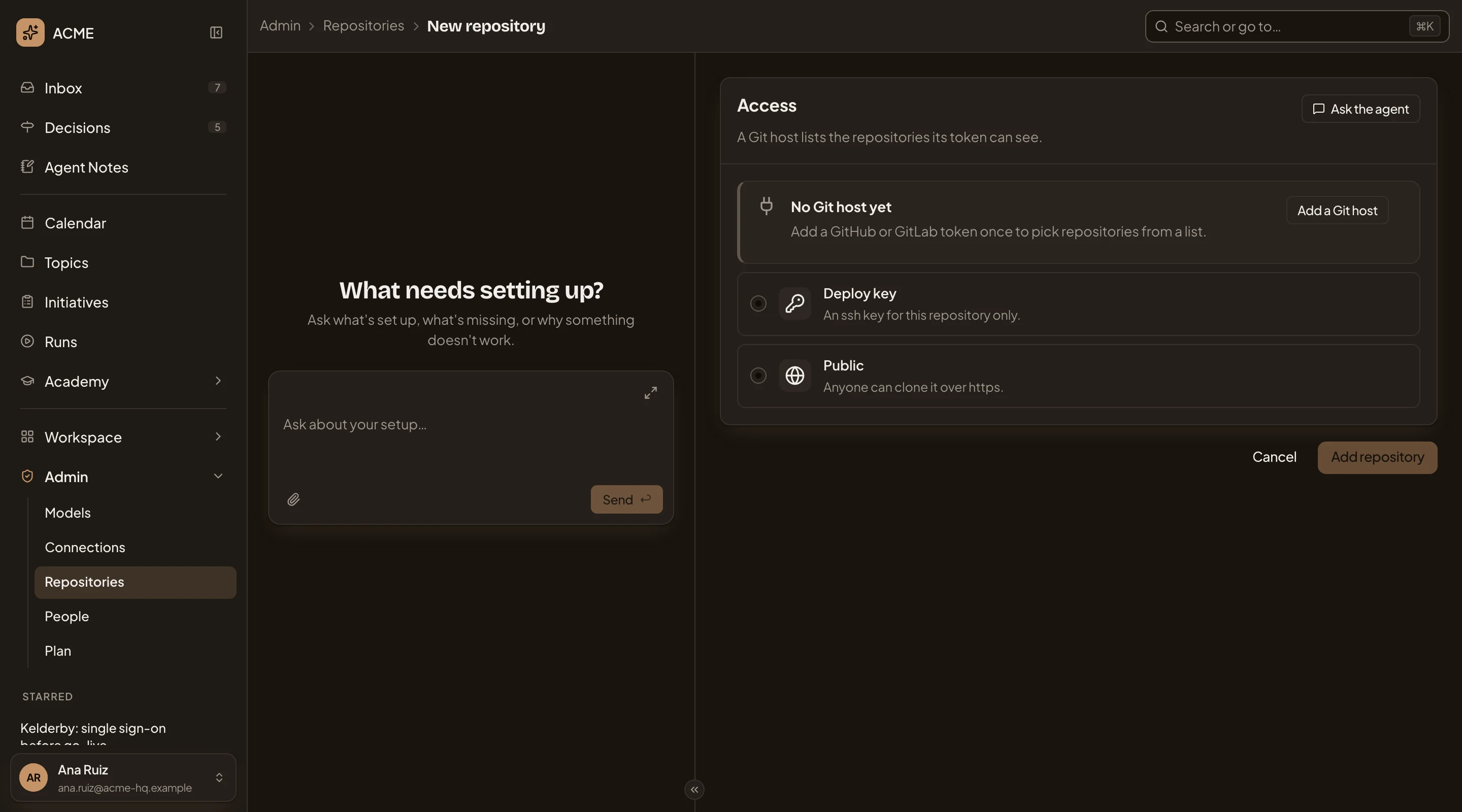
- Ask the agent. Hands the job to the admin agent in the chat on the left. Nothing you typed goes with it.
- Access. A Git host, a Deploy key for one repository, or Public for one anyone can clone.
- No Git host yet. Shows while the organisation has no Git host.
- Add a Git host. Opens New Git host. You come back with the new host picked.
- Deploy key. An ssh key for this repository only (A deploy key).
- Public. For a repository anyone can clone over https. No key is needed.
- Add repository. Greyed until you’ve picked a repository or typed its address. With a deploy key, it waits for the key too.
Picking from a Git host
Section titled “Picking from a Git host”With a Git host, it’s listed first under Access, with its address and how many repositories use it. With one host, the page picks it. Below it are the repositories its token can see, most recently active first. Archived ones aren’t listed. Find a repository searches the host once you type three letters, and an owner filter shows the token’s own account or an organisation it belongs to. Picking another owner clears what you picked.
A repository the organisation has already is greyed and marked Added. Tick any other, or click its row. Its details then appear under the list, filled in from the host. You can change its slug, name and branch before you add it. Tick several, and the button becomes Add 2 repositories, or however many you picked. Each is added under its own name, on the host’s default branch.
Not in the list? Type its address swaps the list for the address fields, and the repository is still reached through the host’s token. The button below returns to the list.
When the host doesn’t send its list, a line says why and the address fields open in its place. If the host refused its token, give the host a new token on its form first. Typing the address won’t get past it, since the copy is made with the same token. If the token can clone but not list, the line names the permissions it needs, and you can type the address.
A deploy key
Section titled “A deploy key”Choose Deploy key for one private repository, with an ssh key of its own. The fields for the repository follow.
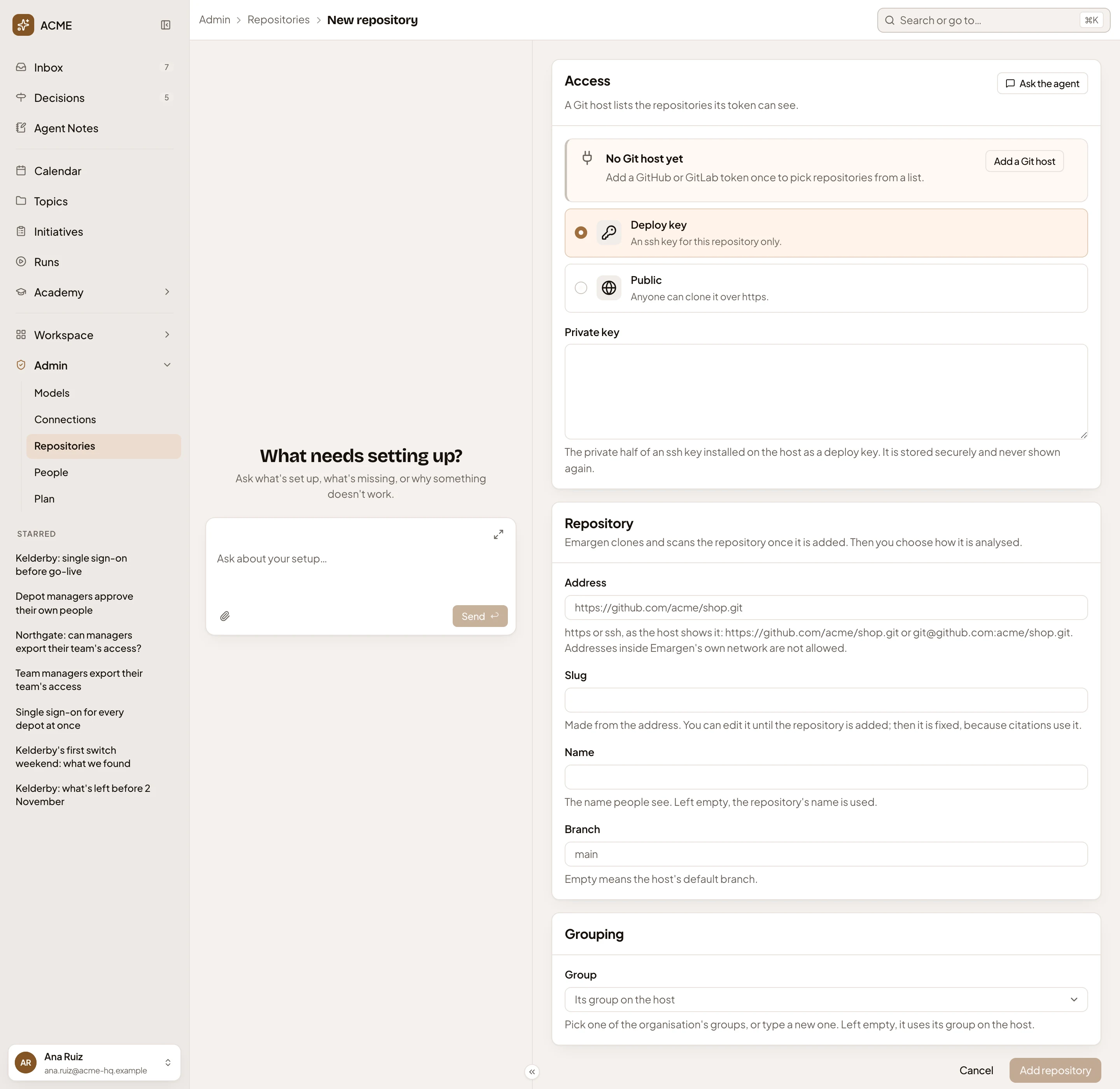
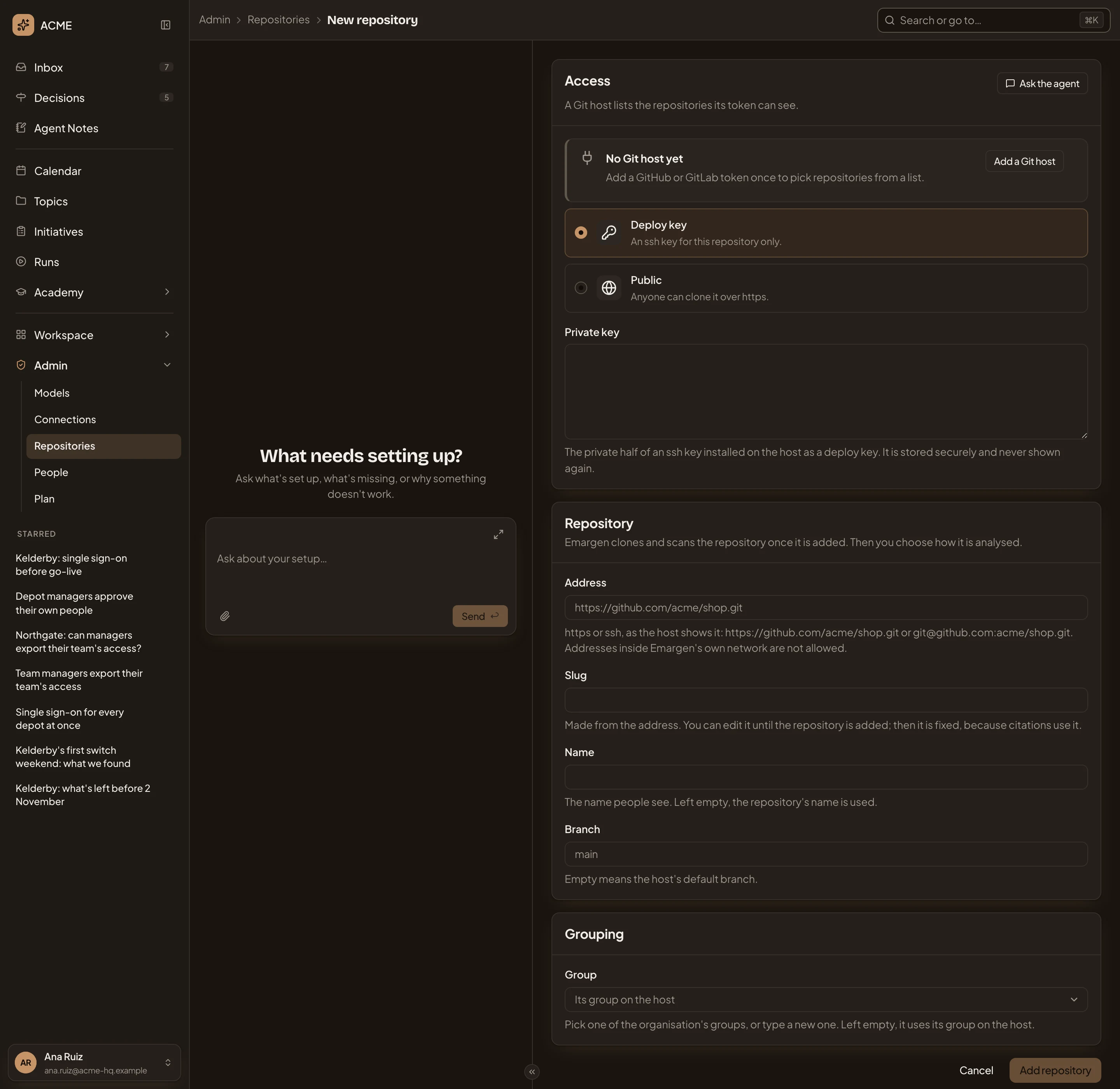
- Private key. The private half of the ssh key you installed on the host. It’s stored and never shown again.
- Address. As the host shows it, https or ssh. Nothing inside Emargen’s own network.
- Slug. The short name, made from the address. You can change it until the repository is added. Then it’s fixed, since citations carry it.
- Name. What people call it. Left empty, the repository’s own name.
- Branch. Empty means the host’s default branch.
- Group. Where the list puts it. Pick one of the organisation’s groups or type a new one. Left empty, it goes in its group on the host.
Public shows the same fields, without the key.
After adding
Section titled “After adding”Add one repository, and its page opens. Add several, and the list opens. Each shows Cloning, then Scanning, then Scanned. While it scans, Emargen finds its areas and proposes recipes and guidance. Check what the scan proposed on the repository’s page, and click Analyse. If Emargen can’t copy it, the repository’s page shows Clone failed, with the host’s reason and Try again.
If some of the repositories you picked can’t be added, such as an address the organisation already has, the page says how many were added and why the others weren’t.
Access
Section titled “Access”You need the permission to manage repositories, which administrators have. Anyone else who opens the address reads “You need permission to manage repositories to change them.”