

InitiativesHow to
Start an initiative from a topic
Start an initiative from a topic when what you worked out there turns into something to build. A customer’s request that needs a feature, or a support case that needs a fix in the product. You say what should change on New initiative, and pick the topic under the message box. The agent reads the topic in full, so you don’t explain it twice.
Before you start
Section titled “Before you start”- Anyone in the organisation can start an initiative, and owns the ones they start. You need to be able to open the topic, since the agent reads it with your access.
- A topic that says what the problem is. The agent reads its document, never anyone’s chat on it.
- Your organisation launched, with its setup finished and opened to everyone. Before that, the app says so instead of making the initiative.
- The pictures show ACME, the docs’ example company. Someone in customer success starts ACM-290 from ACM-281, a customer’s question about exporting their team’s access. Do the steps with a topic of your own.
-
Open the initiatives list and click New initiative, at the top right. A page of its own opens, asking What should change?
Open New initiative (opens Emargen in a new tab) -
In the message box, say what should change: the problem, or the outcome you want. For instance: “Northgate’s team managers want their team’s access as a spreadsheet for their quarterly audit. What would it take?” You can attach a file too.
-
Click From topics and tools, under the message box, and pick the topic. The list shows your latest topics. Type to search every topic you can see, and the content of your connected tools, such as a ticket. Each pick shows as a chip, up to ten.
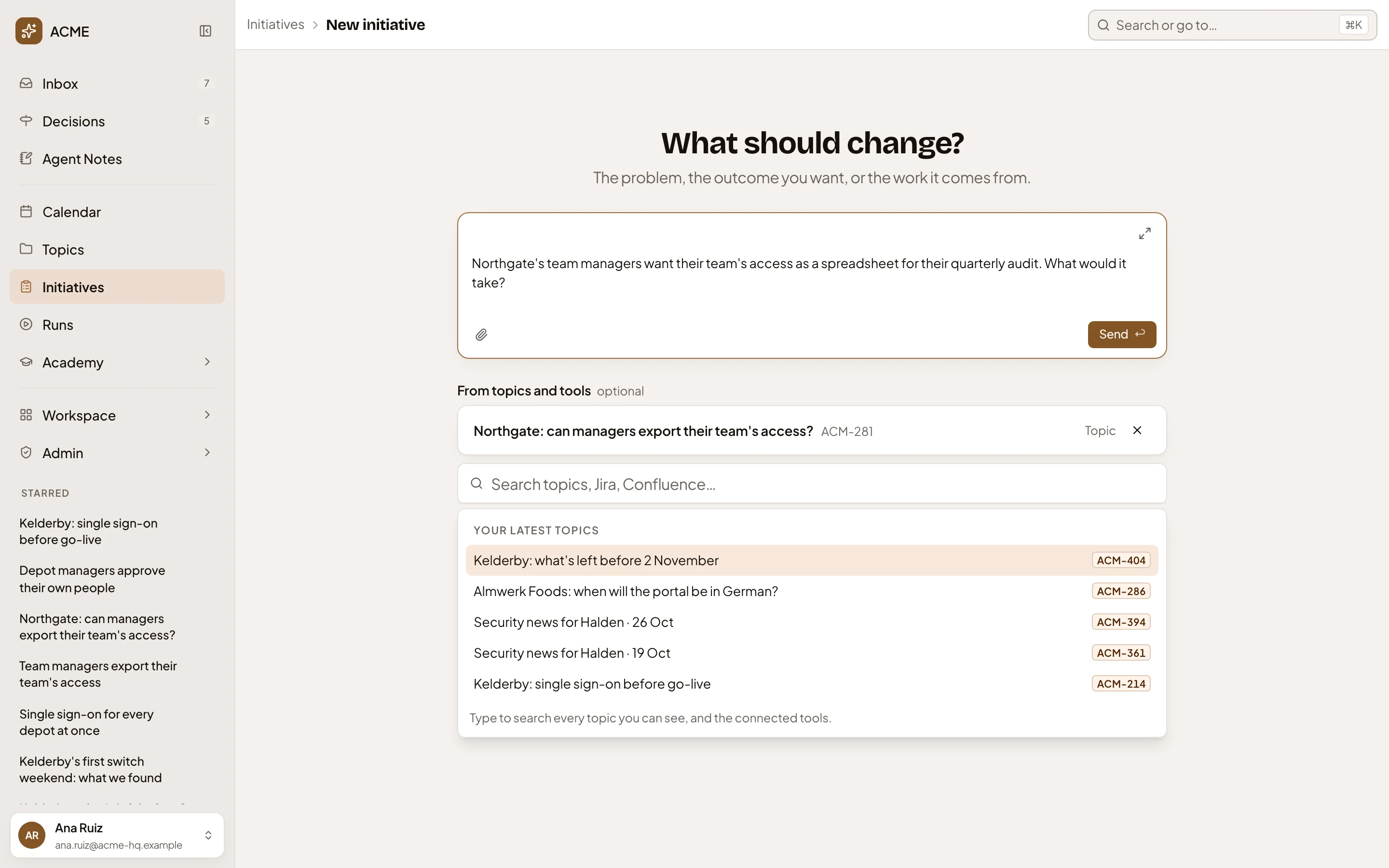
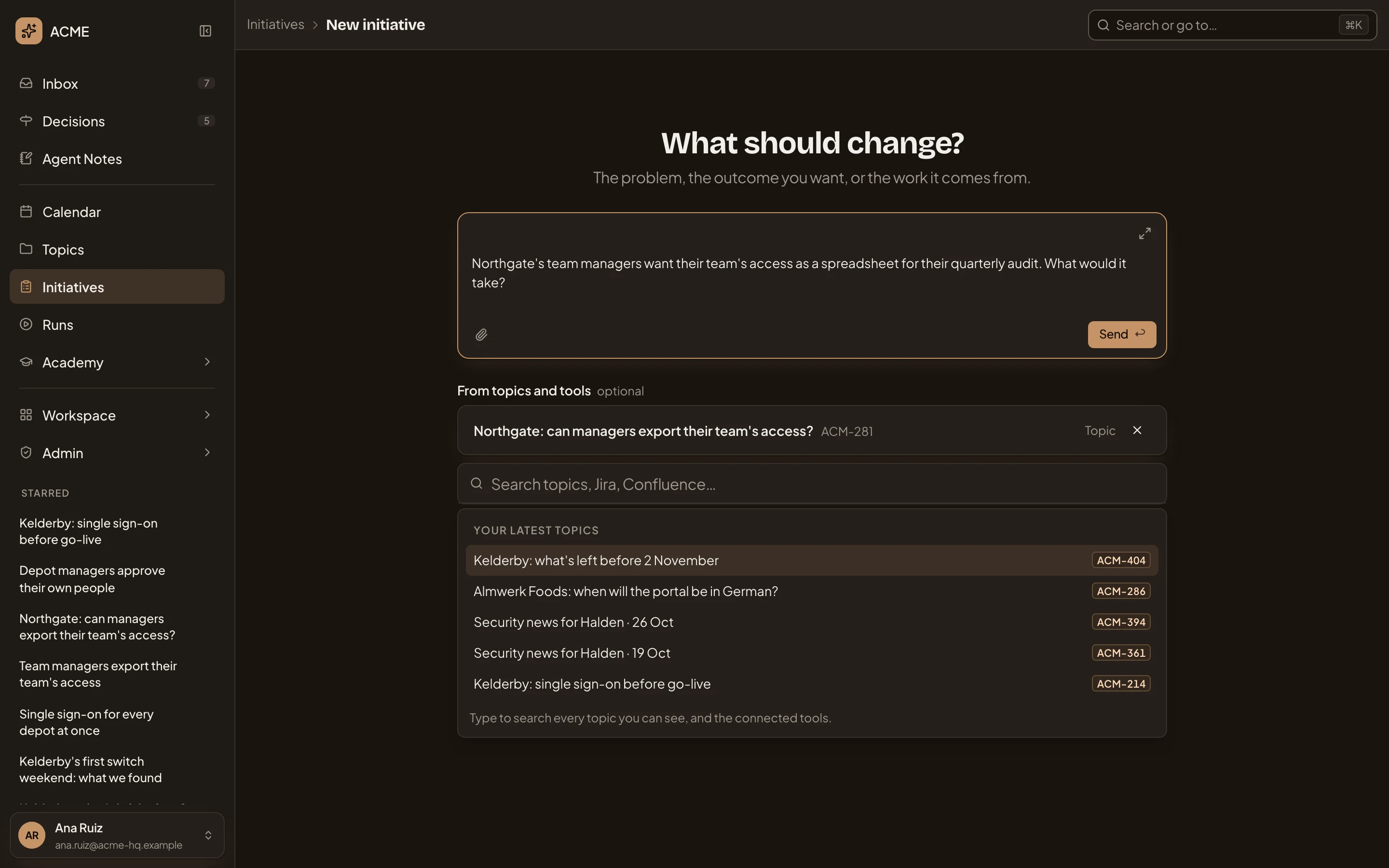
- The message box, with what should change.
- The topic you picked, as a chip you can remove.
- Your latest topics. Type to search the rest.
- Send. Starts an initiative from your message.
Naming the topic’s key in your message works too, such as ACM-281. The agent reads it either way.
-
Press Send. Emargen first looks for an open initiative with the same aim. When it finds one, your message stays on the page under A similar initiative is already open, with the reason. Click its title to open it. Or say in Reason it’s different why yours is separate work, and press Start anyway. Your reason stays on the new initiative.
-
The initiative opens on its chat, named from your message. The agent reads the topic, and what else your organisation has on it. That means earlier initiatives and topics, tickets and documents from your connected tools, and the code. It may ask a question first, or write a first draft on Background and then ask what it needs to know. If an earlier initiative already covers the work, its first question is whether this one is the same.
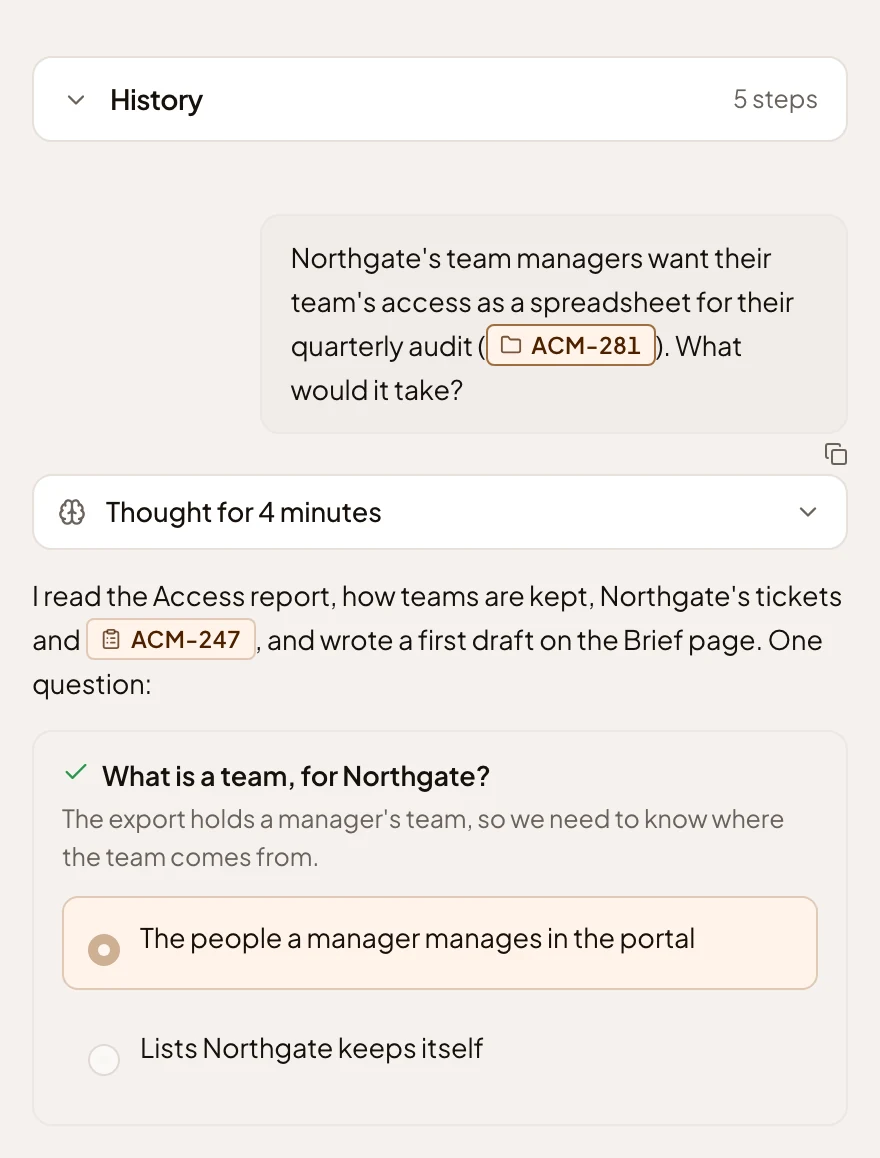
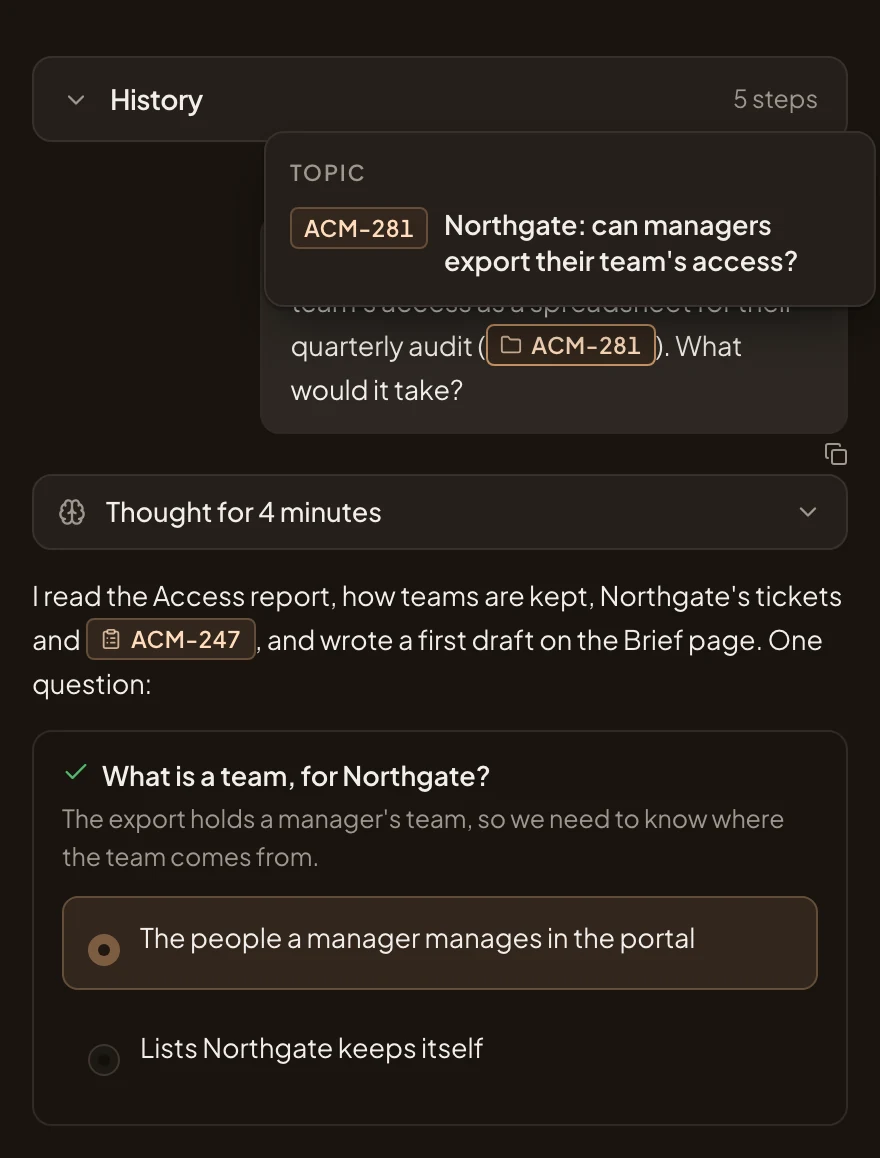
- The topic’s key in your message. The agent read the topic from it.
- The agent’s first question, with its options.
-
Answer its questions in the chat, one at a time. Pick an option and press Answer, or answer in your own words.
What you get
Section titled “What you get”- A new initiative of yours, and only yours until you share it from Sharing at the top of its page. Its agent has read the topic. On the initiatives list it’s under Idea until it has its first requirement or approach, then under Shaping.
- The topic doesn’t change. To find the initiative from the topic later, name the initiative’s key in a comment on the topic. A key in a comment shows as a link.
- The agent read the topic as it was when you started. When the topic moves on, name its key again in the chat, and the agent reads it again.