

AdminHow to
Write a recipe
Write a recipe when the same question about your code keeps coming back, and the analyses don’t answer it plainly. Where each client’s data is stored, say, or what happens when a payment fails. A recipe tells the scan where that kind of code is, and the analysis what to write about it. Recipes explains the idea behind it.
Before you start
Section titled “Before you start”- Who can
- You need permission to analyse repositories. Administrators have it.
- You need
- Know the question in your colleagues’ words. Have some idea of the code that answers it, like the words in its folder and file names.
- The pictures
- The pictures show ACME’s administrator writing Where client data lives, for a customer’s security questionnaire that asks if its data stays in the EU.
-
Open Admin in the menu (it opens on Models), click Repositories under it, then the Recipes tab, then New recipe.
Open New recipe (opens Emargen in a new tab)
-
Under Details, say what the recipe recognises.
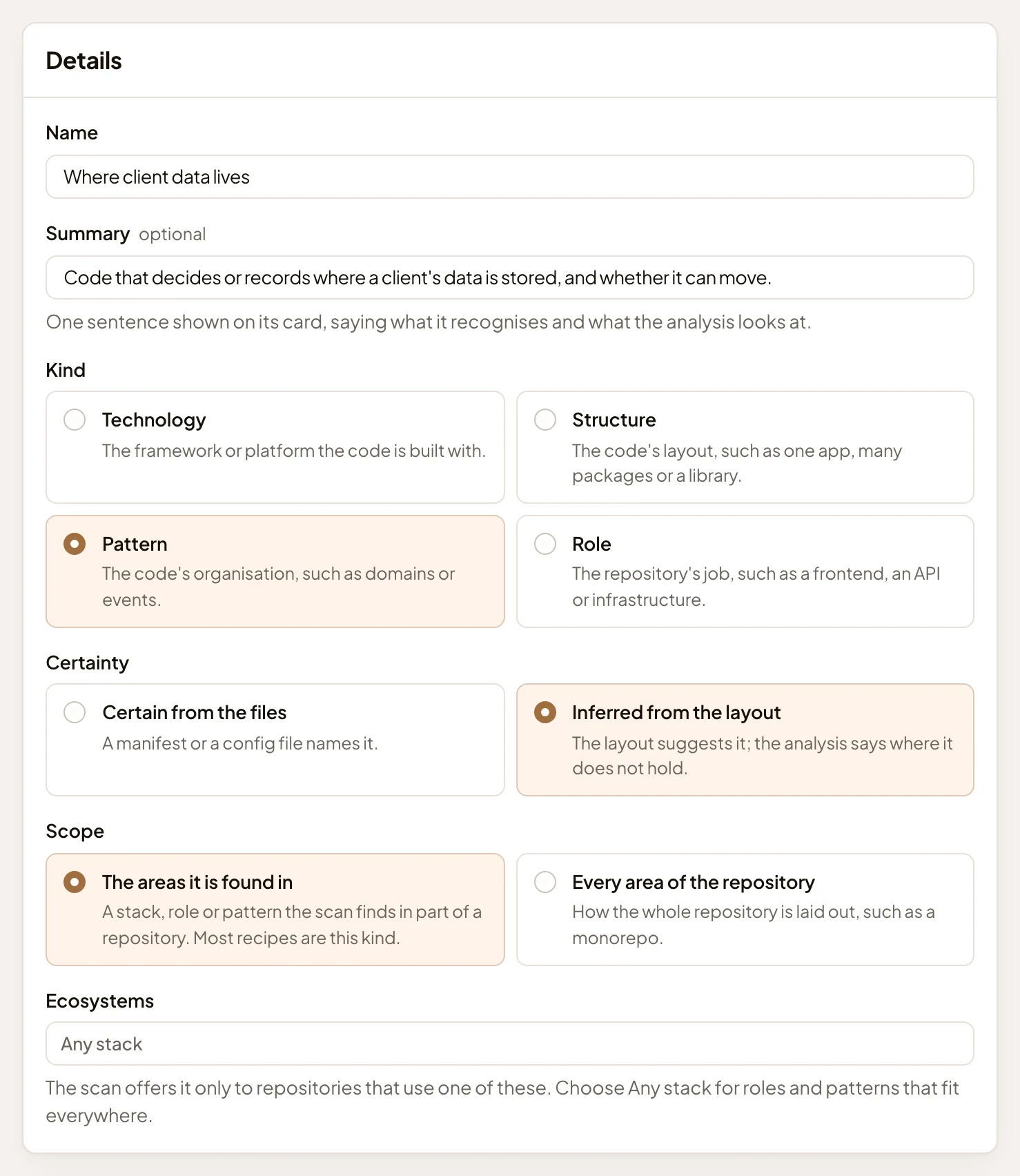
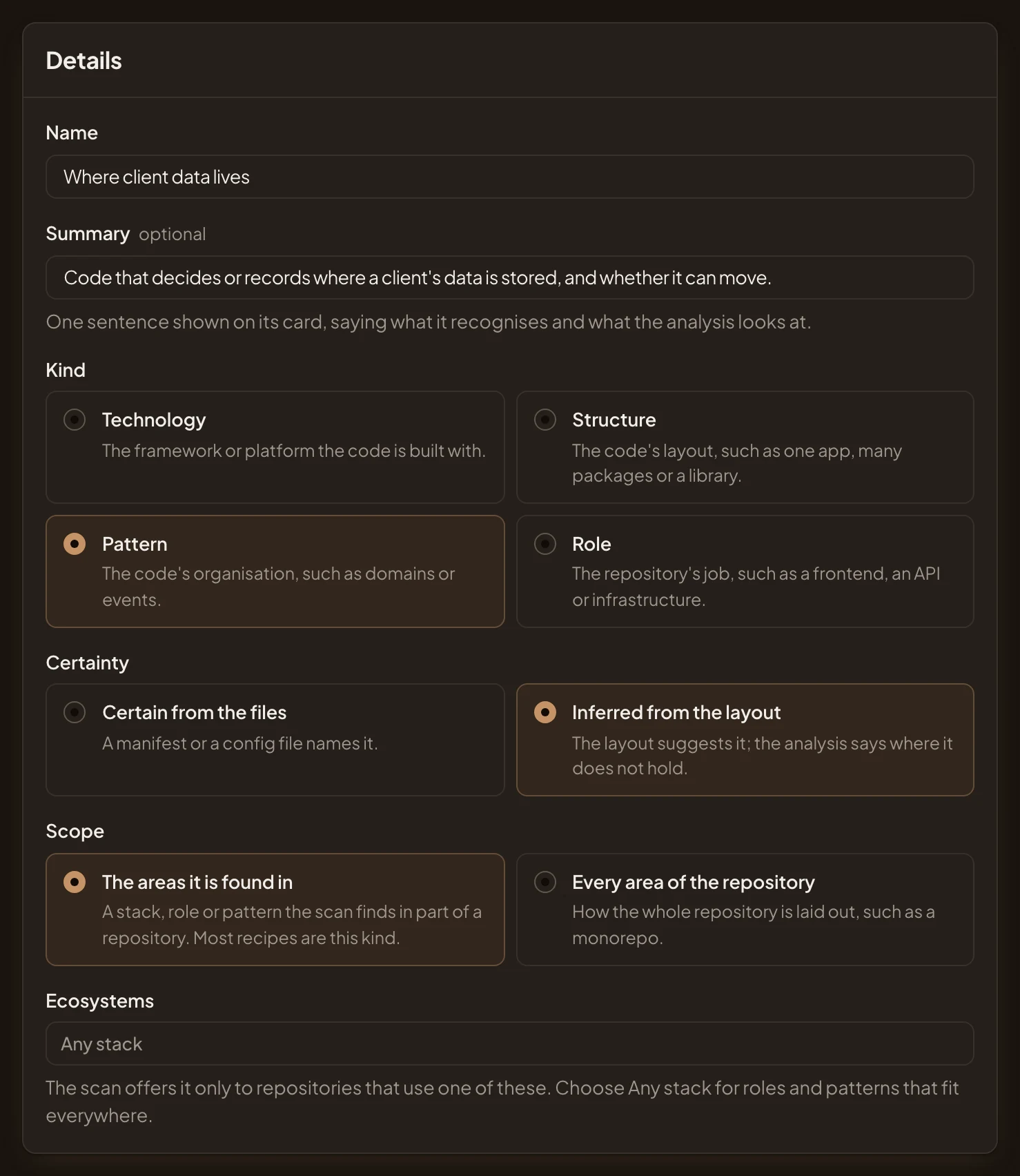
- Name: Where client data lives.
- Summary: one sentence shown on its card.
- Kind: Pattern, since it’s about how the code is organised. A framework is a Technology. How a whole repository is laid out, like a monorepo or a library, is a Structure. A job like a frontend is a Role.
- Certainty: Inferred from the layout, since no file names it for certain. The analysis then says where it doesn’t hold.
- Ecosystems: leave it on Any stack to offer it to every repository. Pick some, like PHP, to offer it only to repositories that use them.
Leave Scope on The areas it is found in. The recipe then applies only to the parts of a repository where the scan finds it.
-
Under Signs, write one sign per line.
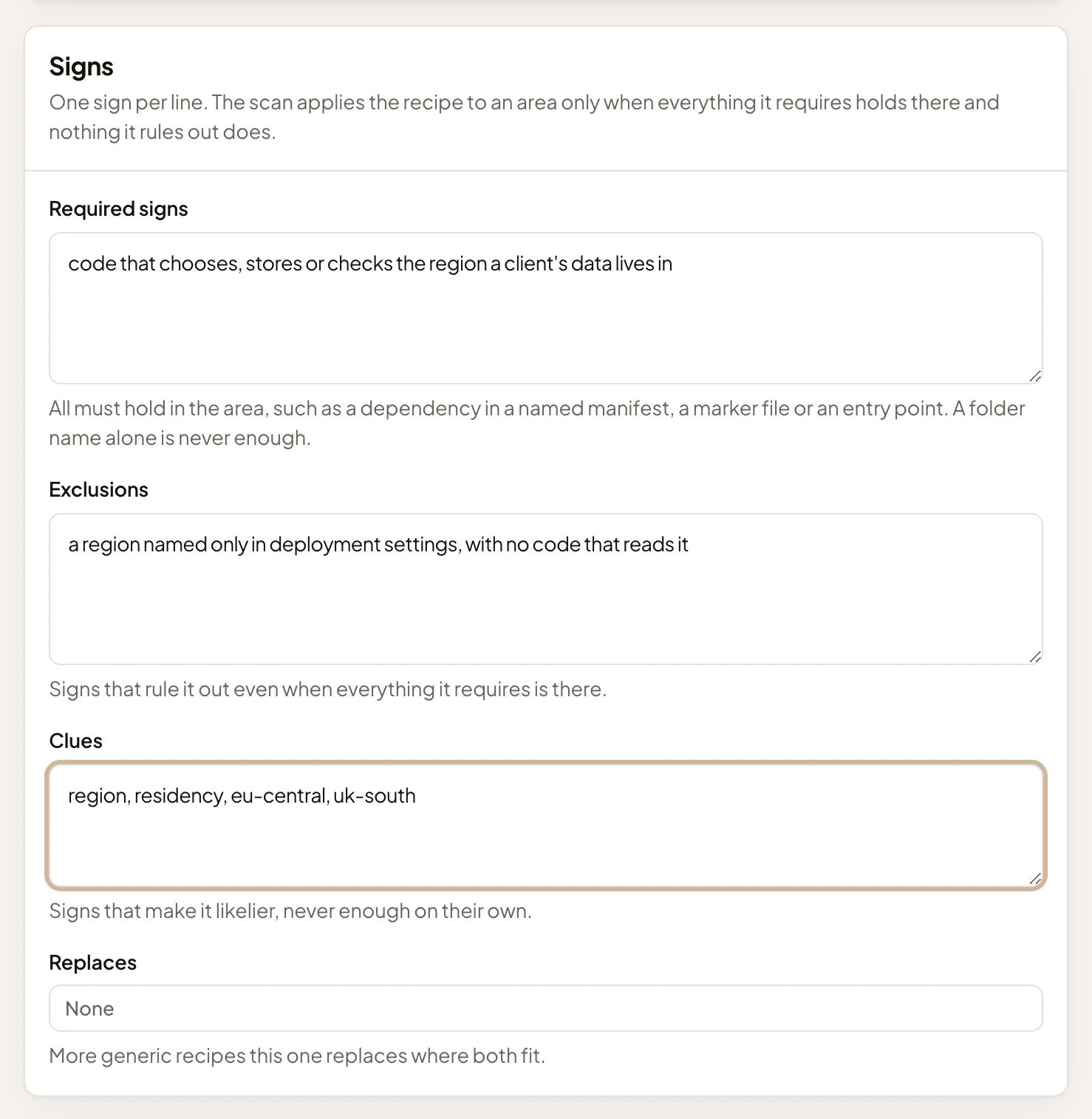
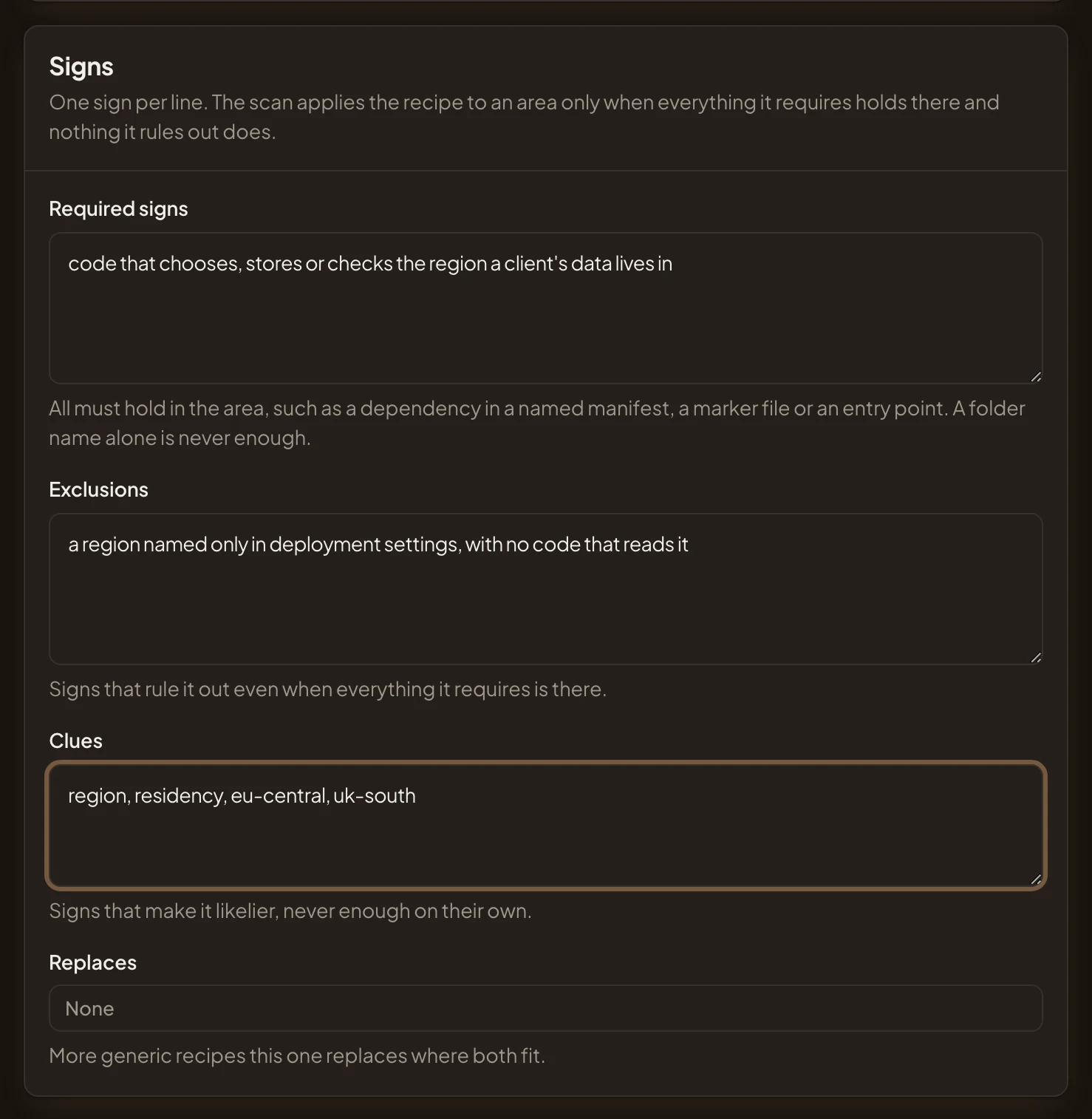
- Required signs: what must hold in an area for the recipe to apply. Every line must hold, and a folder’s name alone is never enough.
- Exclusions: a reason to leave out an area that meets every requirement.
- Clues: what makes it likelier, like words in names. Never enough on their own.
Leave Replaces empty. You’d name broader recipes there if the scan should skip them wherever this one also fits.
-
Under Analysis instructions, write what every overview of such an area must say, in at most 900 characters. Write the questions to answer, in your colleagues’ words.
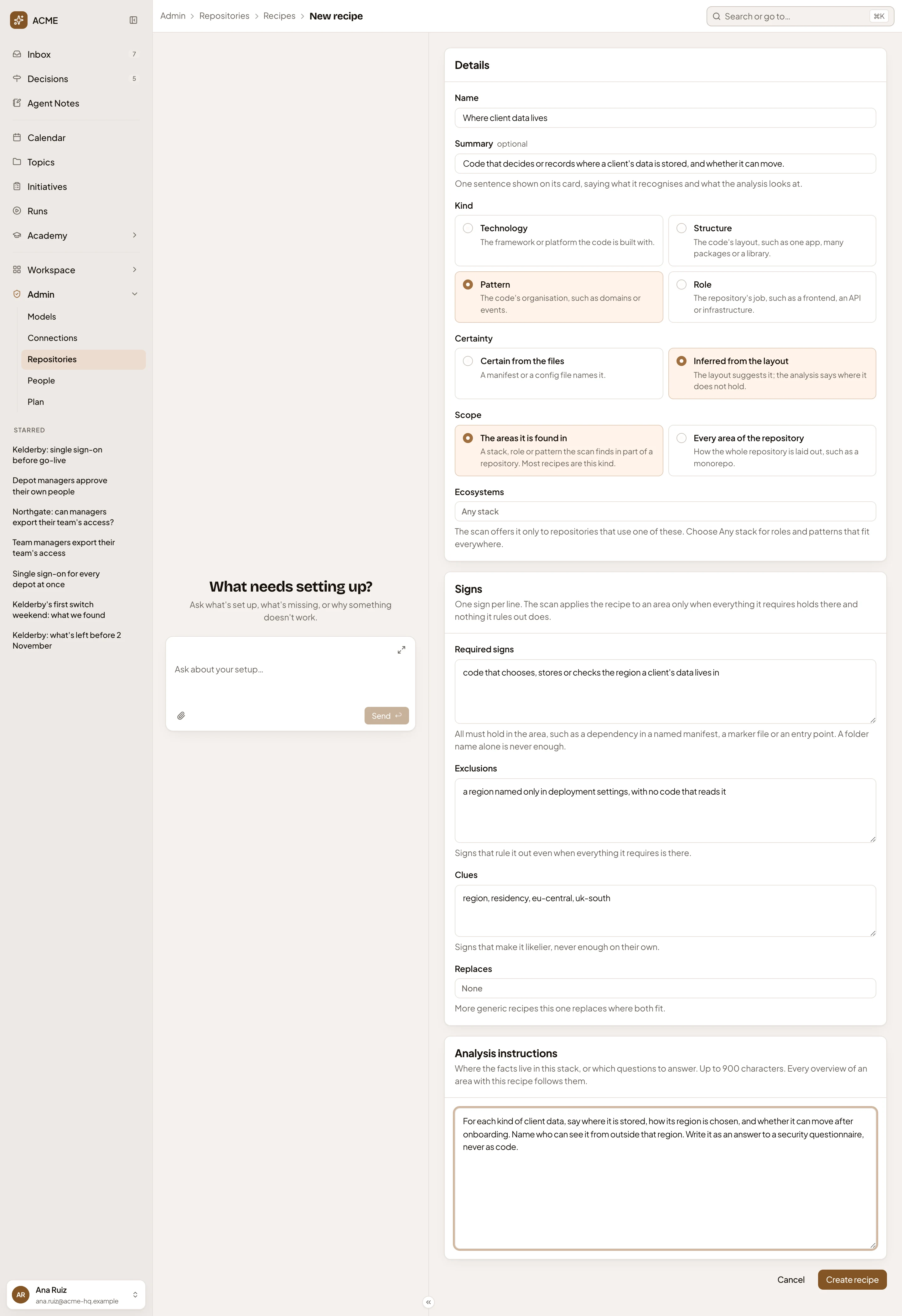
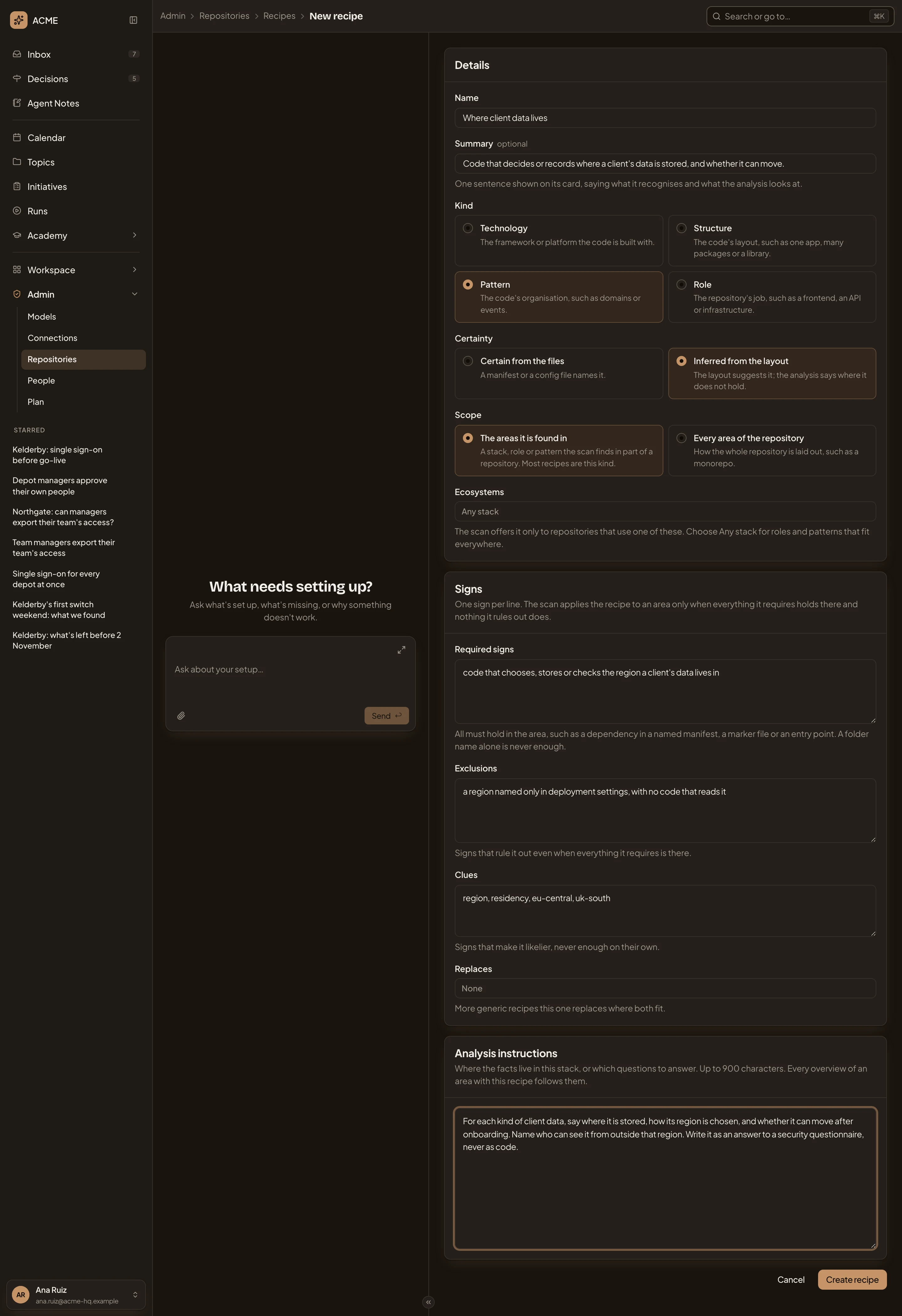
- Analysis instructions.
- Create recipe.
-
Click Create recipe. The recipe’s page opens, marked Organisation. Used in lists no repositories yet.
-
Let the scans find it. On a repository that may hold such code, open its Analysis tab and click Scan again. While the scan runs, the tab shows only its progress, with Cancel scan. “Waiting for an agent” shows until an agent is free. It may take a few minutes, and you can leave the page.
When the scan is done, the profile’s Recipes list what it recognised. If your recipe is among them, click it to read why the scan applied it, and where. Then click Analyse.
If it isn’t there, the scan applied it to no area. Open the recipe and read its signs and Ecosystems again before you change anything, then scan again.
If the scan fails, a notice, “The scan failed”, gives the reason above the profile. The profile stays as it was, without your recipe. Scan again tries once more.
What you get
Section titled “What you get”- Used in, on the recipe’s page, lists the repositories that will apply it in their next analysis, and in how many areas. In the picture, Depot access rules, ACME’s first recipe, is used in identity-service and the portal:


- Each overview of an area with the recipe answers its questions. Your security lead can read where a client’s data lives in the area’s overview, and the agent reads it there when someone asks.
- When you edit the recipe, Emargen saves a version. If you change its Analysis instructions, the next analysis rewrites every area of the repositories that use it.
Another way
Section titled “Another way”- Ask the admin agent, in the chat beside the recipe pages, to write the recipe with you. It fills in the form, marks what it drafted, and asks before it saves.
- To change one of Emargen’s own recipes instead, open it and click Customise. Your organisation’s version takes its place in your analyses. See A recipe.