

WorkspacePage by page
Boards
Find a board of topics or initiatives here, or make one. Open it from Boards under Workspace in the menu, or from Manage boards in the board switcher on the topics or initiatives list.
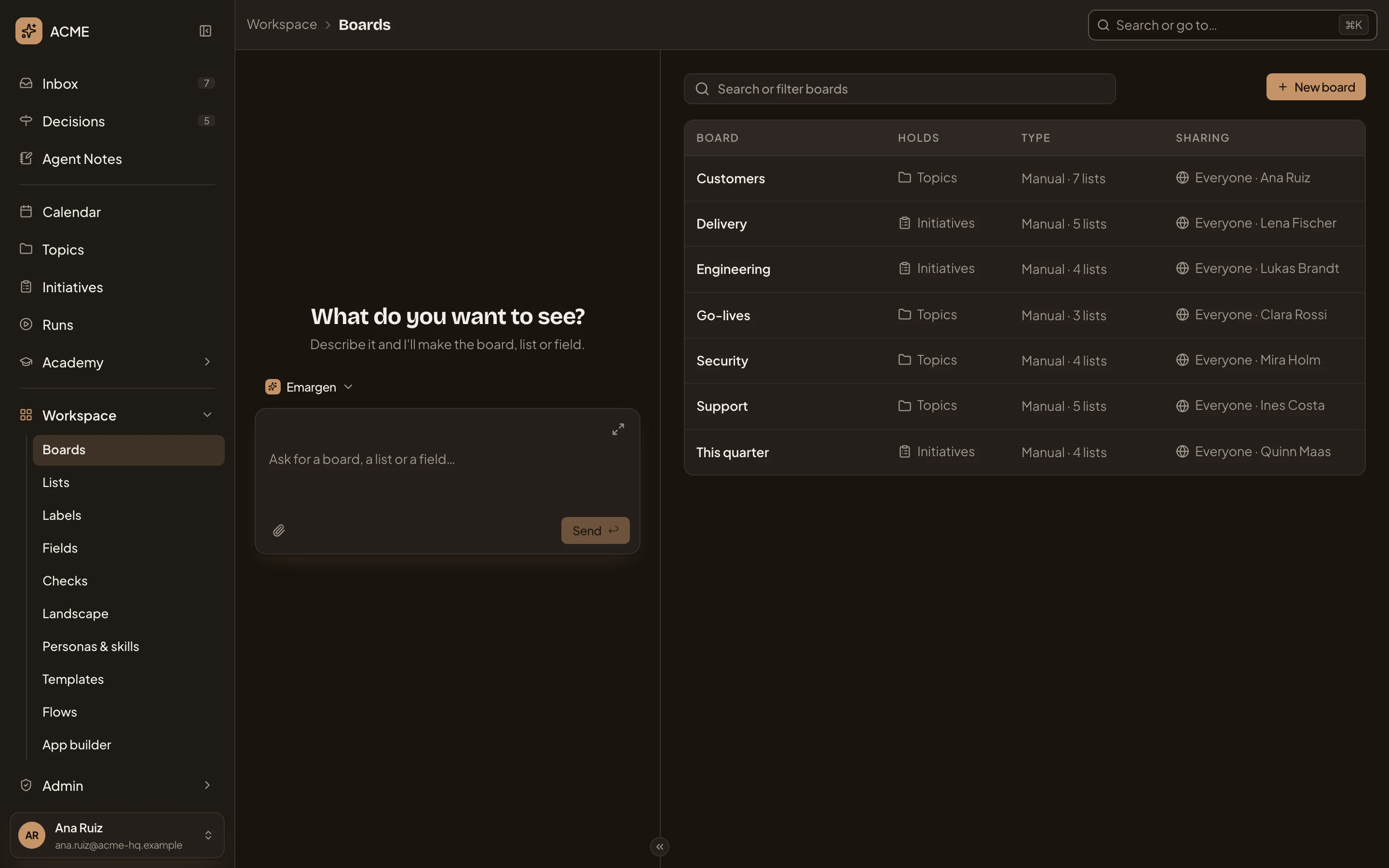
Open Boards (opens Emargen in a new tab)In the picture, ACME’s boards, each kept by a different person and shared with everyone.
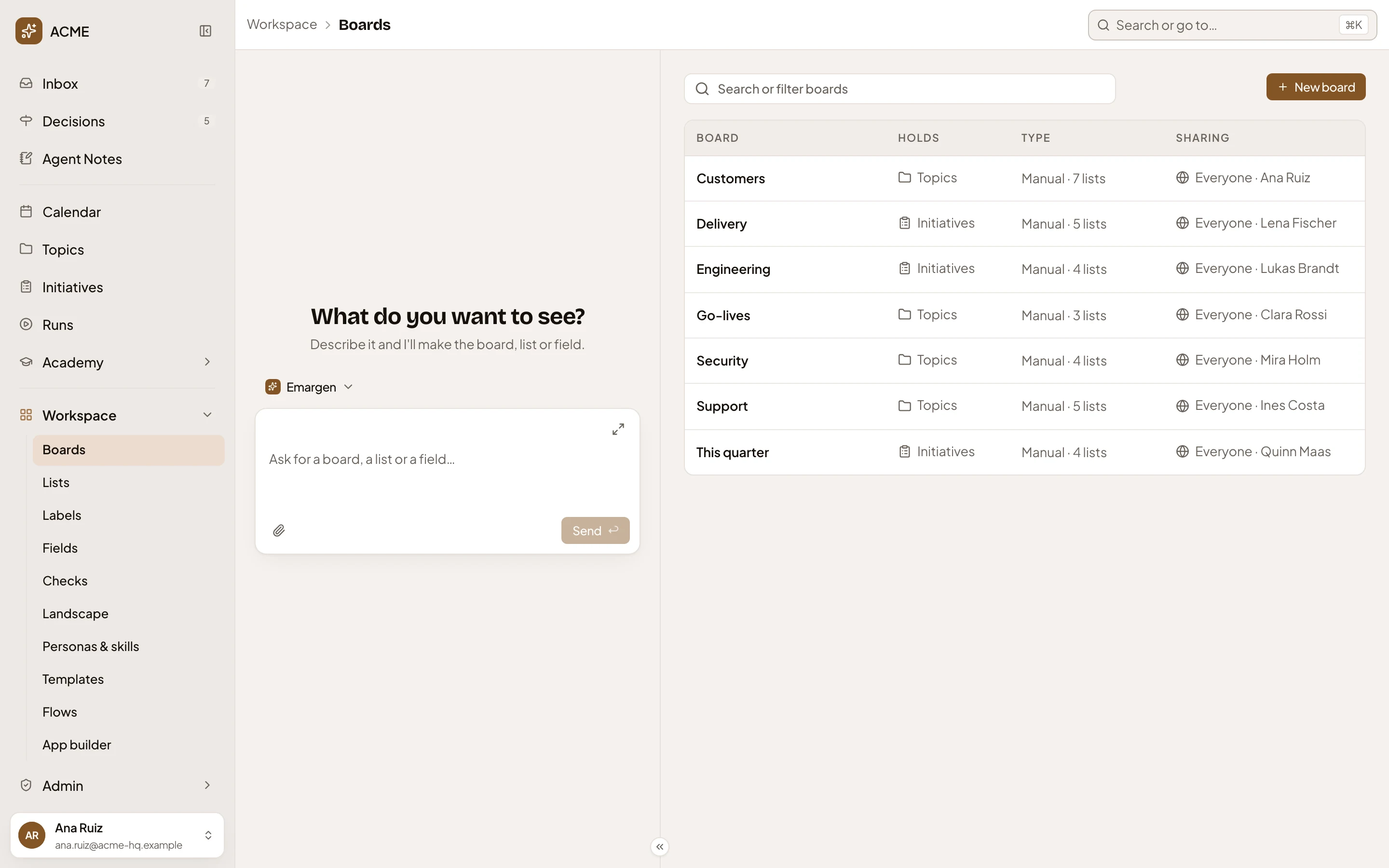
- Search or filter boards. Type part of a board’s name to narrow the table, or pick a filter (see Filters).
- New board. Opens a new board’s page (see A board).
- Customers. A board’s name. Click it, or anywhere on its row, to open the board’s own page.
- Holds. Whether the board shows topics or initiatives.
- Type. Automatic shows what matches the rules you set. Manual shows lists, one column each, and says how many, like Manual · 5 lists.
- Sharing. Only me, some people, or everyone in the organisation. It also says whose board it is. Everyone · Ines Costa is Ines’s, shared with everyone.
Everything comes first in each area’s board switcher. It isn’t in this table. It shows every topic or initiative you can see, and you can’t change it.
The workspace agent is on the left. Ask it for a board in your own words, and it fills in a new board’s page for you.
Filters
Section titled “Filters”Click the search box to see its filters.
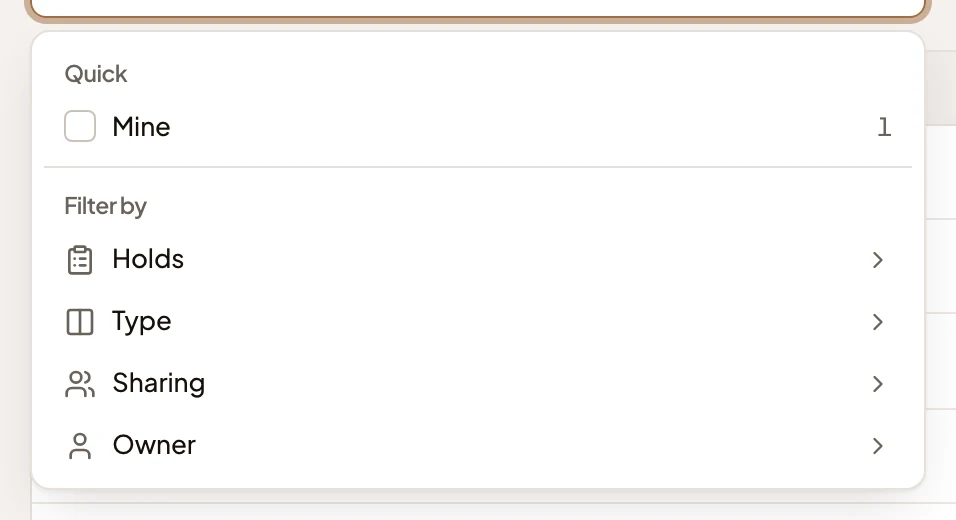
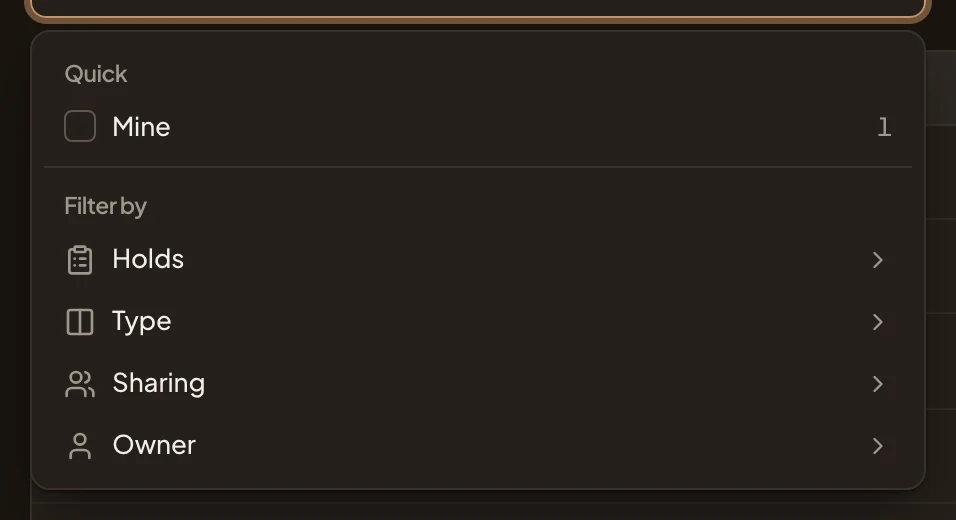
- Mine. Only the boards you made, and how many there are.
- Holds, then Type, Sharing and Owner.
Your filters show as chips in the box. Click × to take one off. When nothing matches, the page says “No board matches.”
With no boards yet, the page says “No boards yet” and “Each area’s board switcher always has Everything. Boards you create appear here.”.
On a phone
Section titled “On a phone”On a phone, you switch between the page and the workspace agent. Each board is a card.
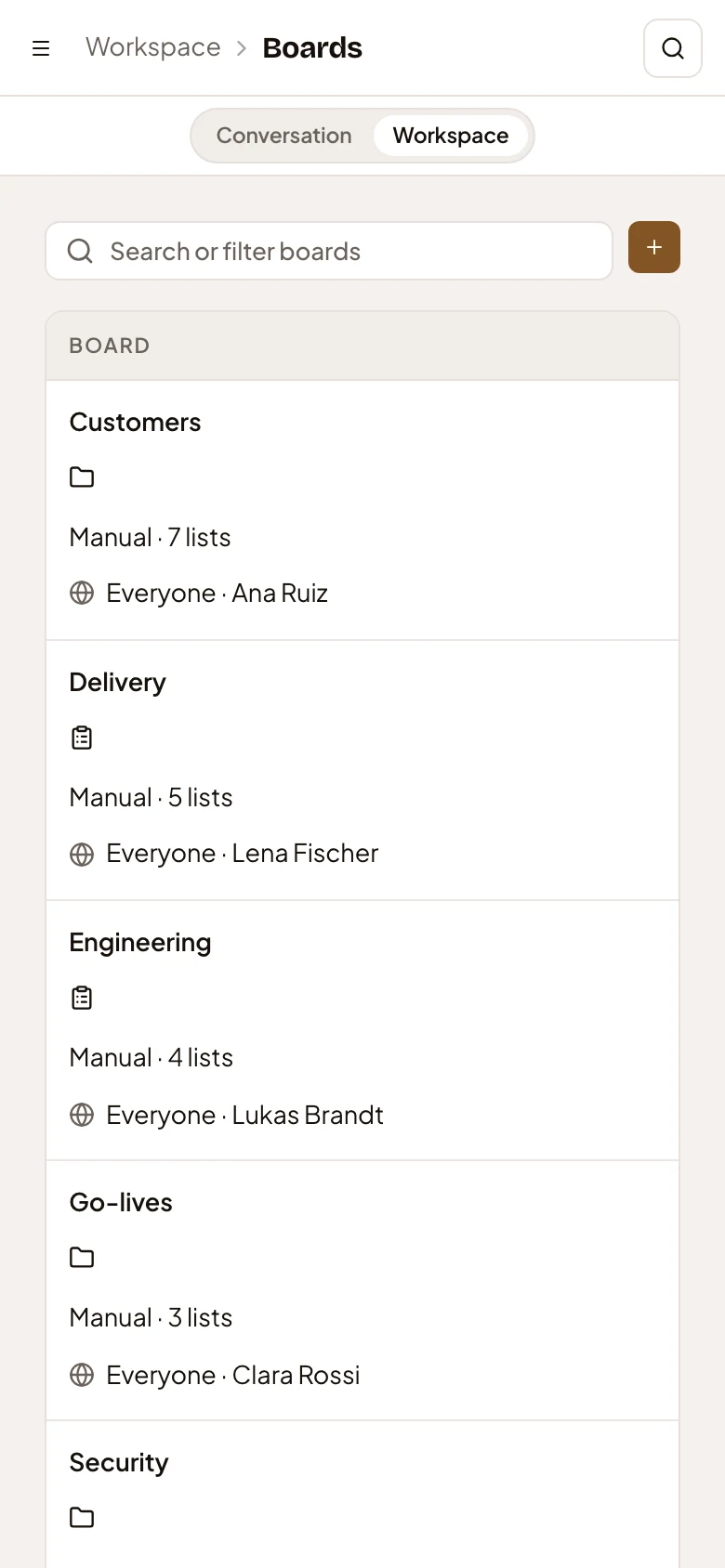
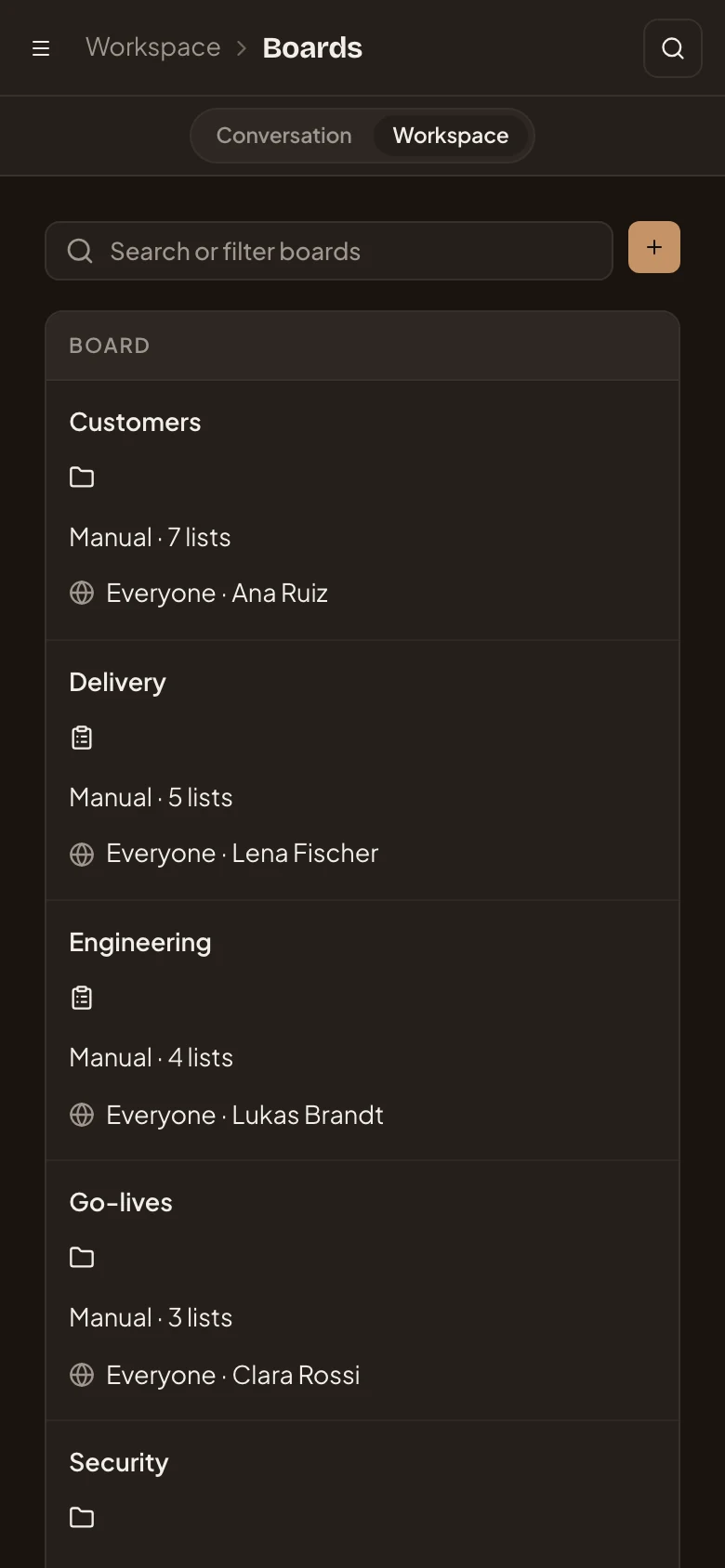
- Open the menu.
- Conversation and Workspace. Switch between the workspace agent and the page.
- New board. On a phone it is the + button.
Access
Section titled “Access”Everyone in the organisation can open Boards. Each person sees their own boards, those shared with them, and those shared with everyone. Anyone can make a board.