

WorkspacePage by page
The Landscape
The Landscape holds the names your organisation uses for its systems, its people and roles, and its terms, with what each one means. Open it from Landscape under Workspace in the menu. The workspace agent sits on the left. Here it asks what your organisation has. Name a system, a role or a term, and it proposes it for the Landscape.
Open the Landscape (opens Emargen in a new tab)It opens on Systems, with ACME’s listed.
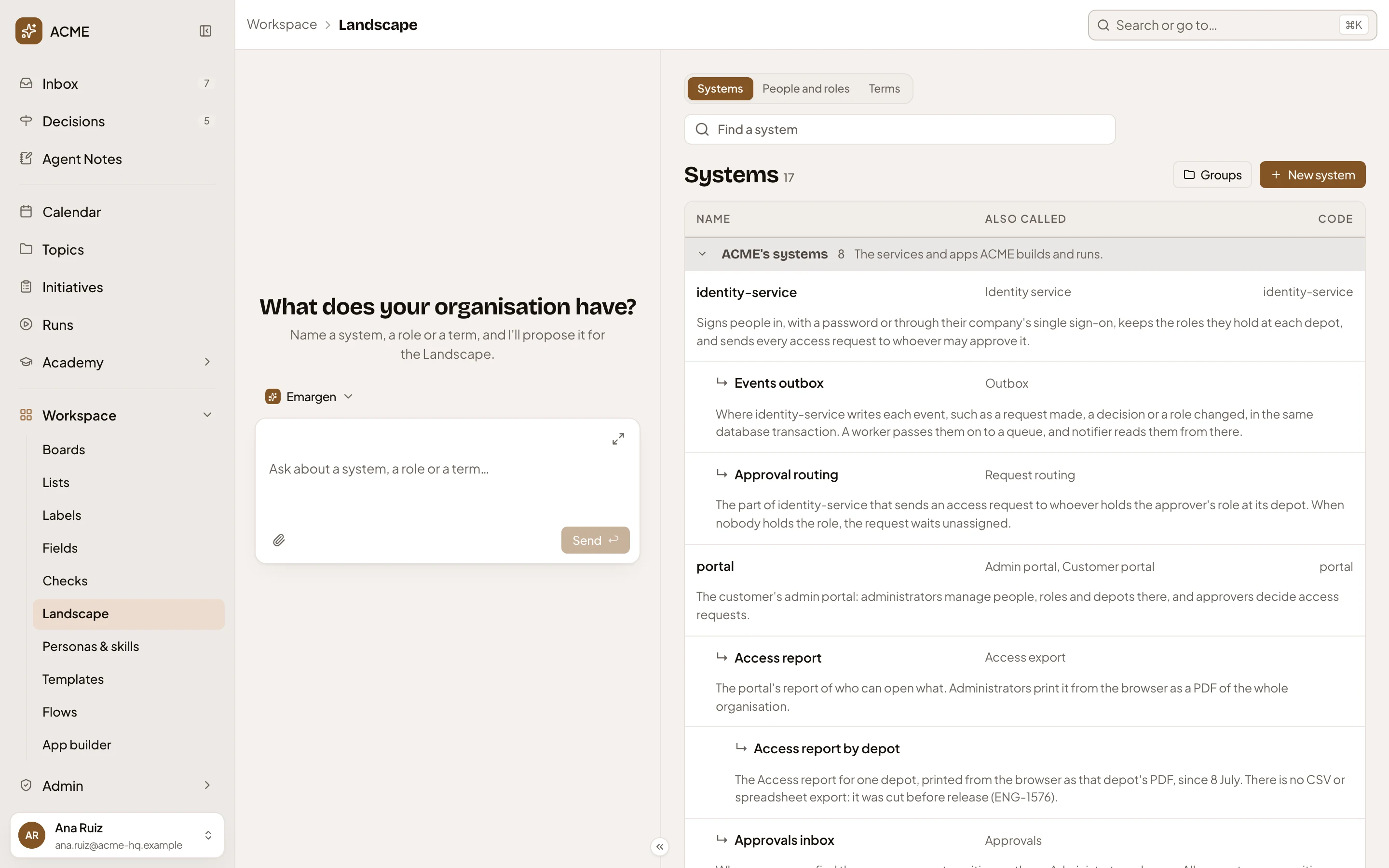
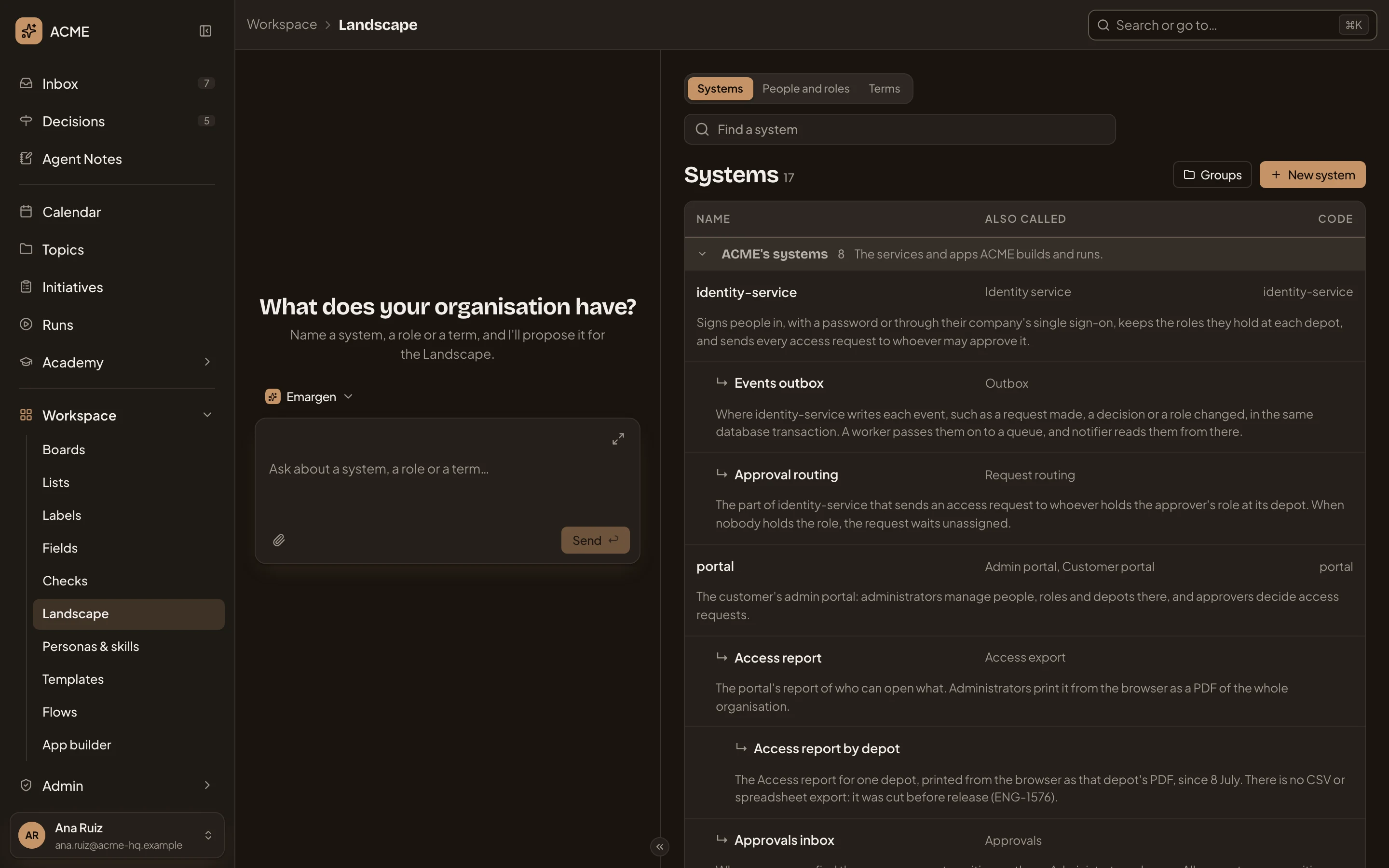
- Systems, People and roles and Terms. Click one to see it.
- Find a system. Type to find an entry, or pick a filter (see Filters). On People and roles it reads Find a person or role.
- Systems 17. The kind, and how many entries it has.
- Groups. Opens the kind’s groups.
- New system. Adds an entry of this kind on its own page. On the other kinds it reads New person or role and New term.
- A group, with how many entries it holds and what belongs in it. The arrow folds it. Entries with no group are under Other.
- An entry: the name the agents write, with its definition under it. Click its row for more (see An entry).
- Also called. Other names people or the code use. The agents recognise them and write the entry’s name instead.
- Code. For a system, the repositories its code lives in.
- An entry that’s part of another: Approval routing is part of identity-service.
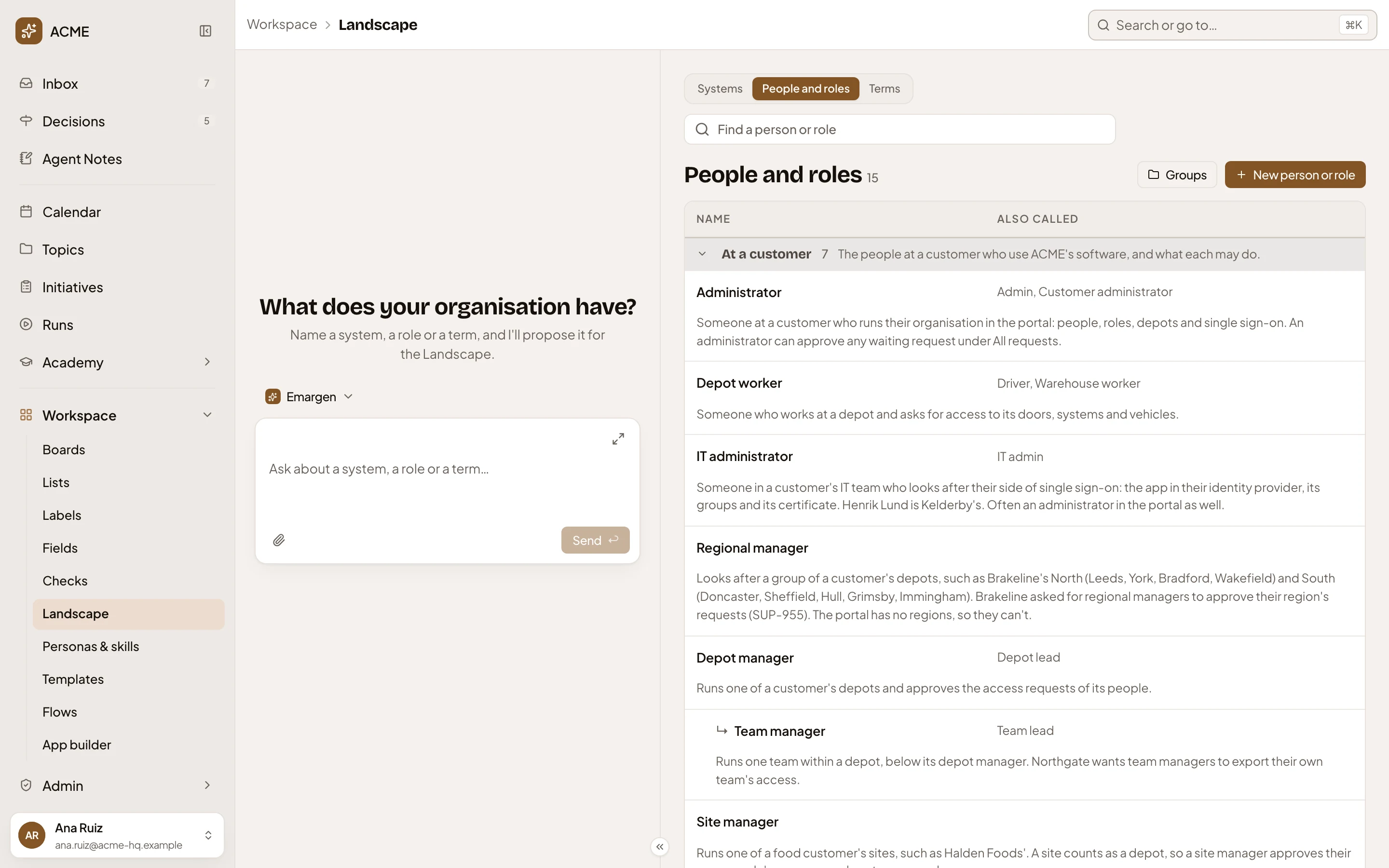
People and roles and Terms work the same way. ACME’s roles are grouped At a customer and At ACME, its terms under Access, Customers, Data and security, Rollouts and Sign-in.
An entry
Section titled “An entry”Click an entry’s row. Edit and Remove show under it, and its details open on the right.
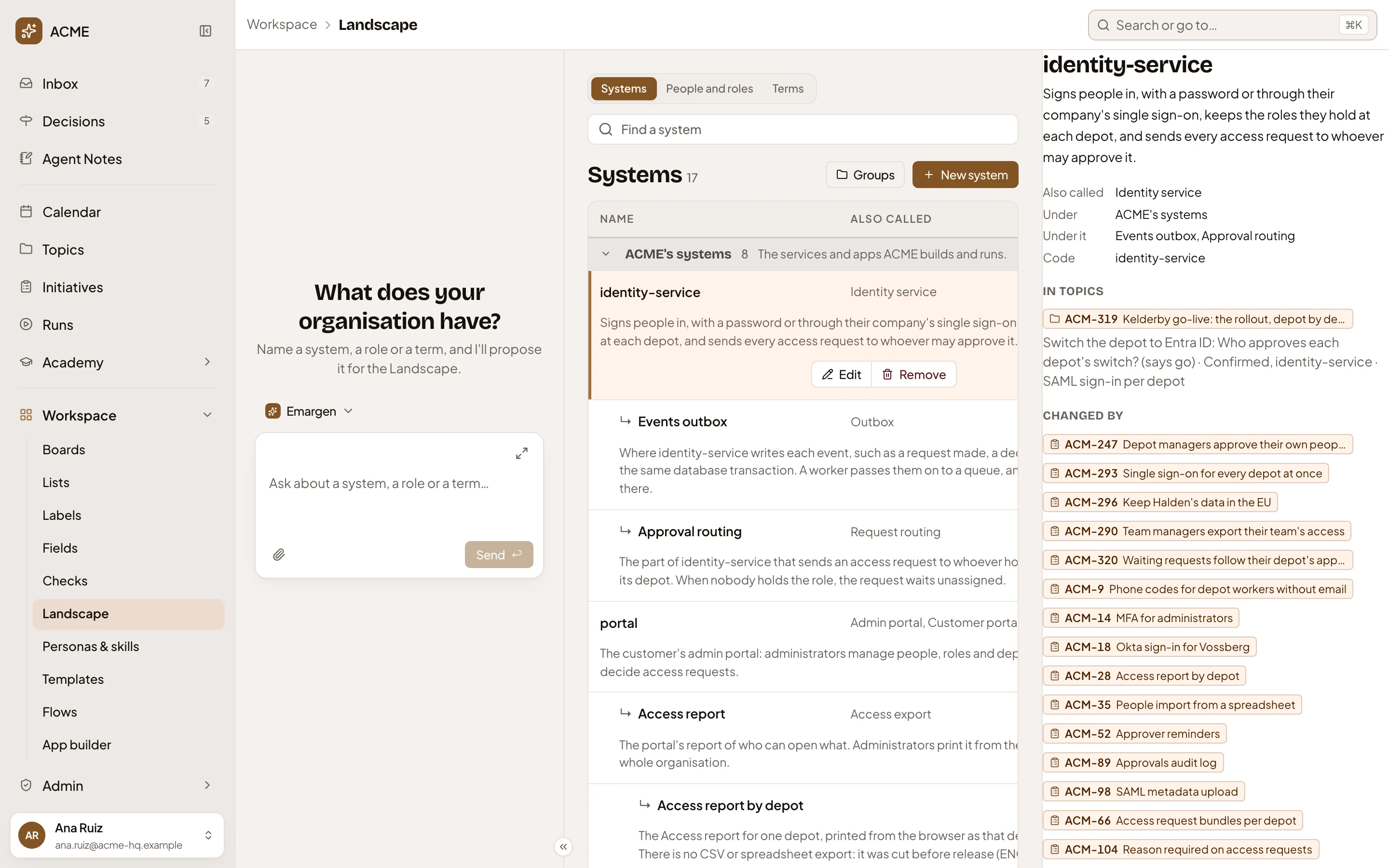
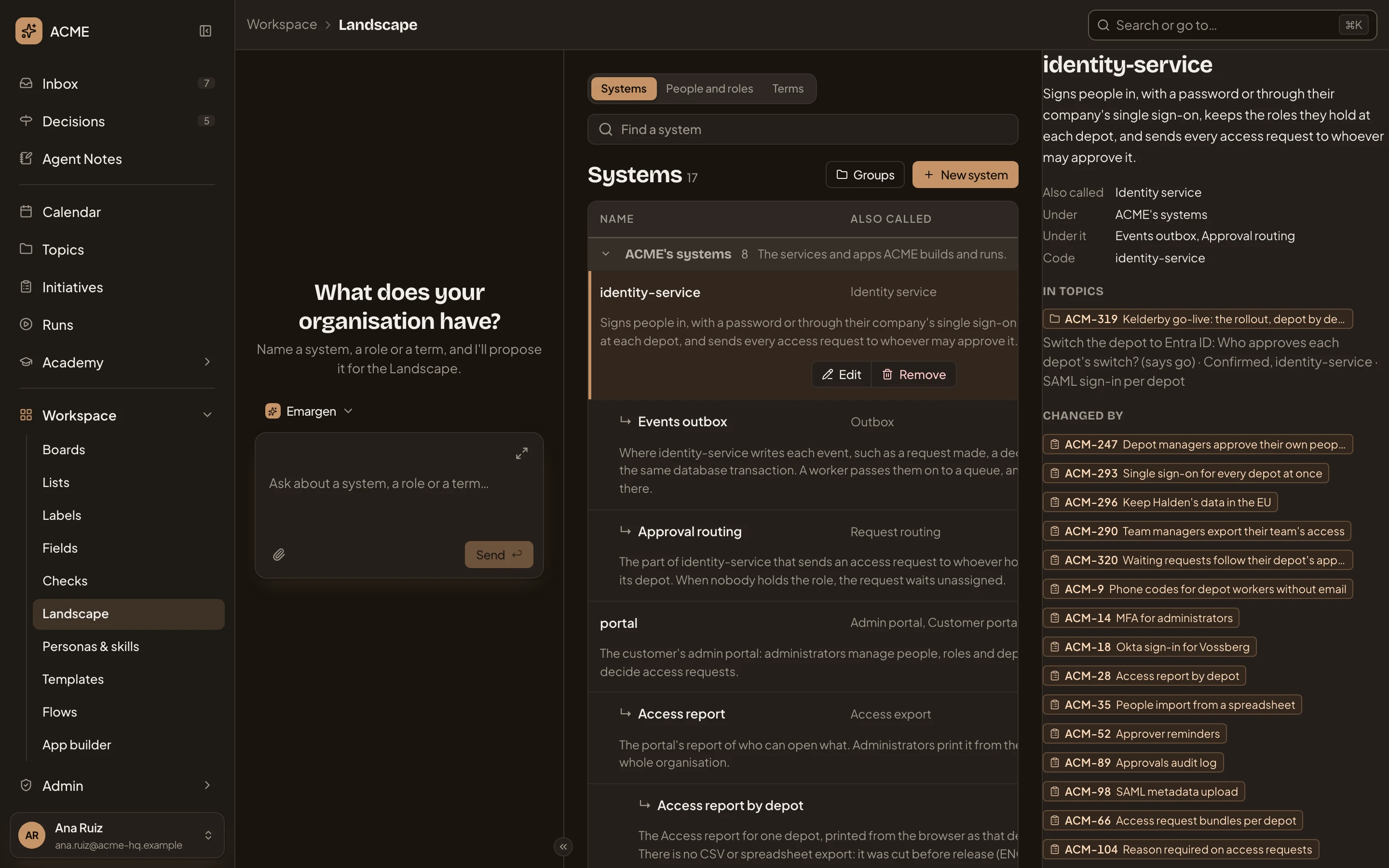
- Edit and Remove. Change the entry on its page, or take it out (see below).
- Its details hold the definition, Also called, Under (its group, or the entry it’s part of), Under it (the entries that are part of it) and Code.
- In topics. Topics whose maps name the entry, each with the map’s line about it.
- Changed by. Initiatives that add or change it.
- History. The last 20 changes, newest first: who made each one, or turned it down, and when.
In topics and Changed by show only what you can open, and don’t show when nothing names the entry.
Remove asks first. For someone who may approve Landscape changes:
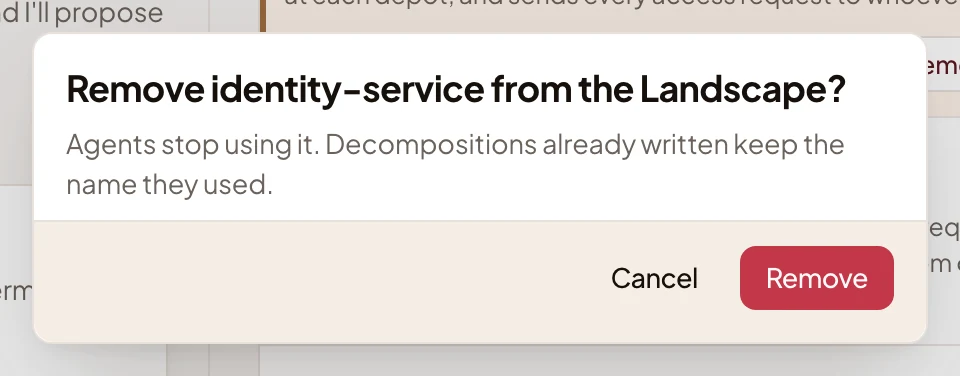
For everyone else it asks “Propose removing identity-service?”. Someone who may approve decides, and until then the agents keep using it.
Filters
Section titled “Filters”Click the search box for its filters. Group narrows the kind to one of its groups, and shows as a token in the box. While proposals wait, approvers also have Waiting for approval, with how many wait. Click × on a token to take it off.
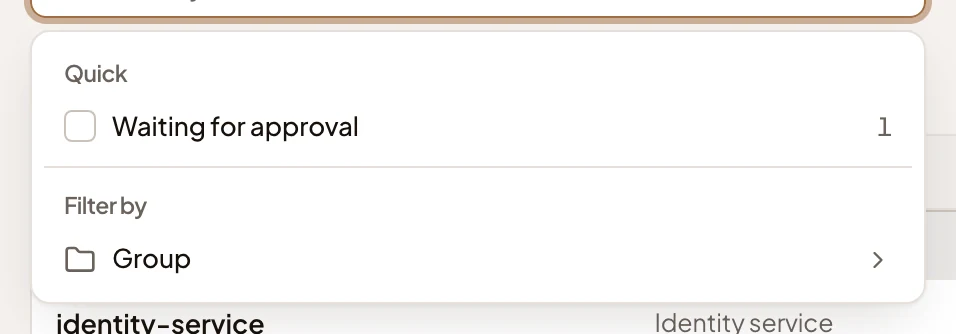
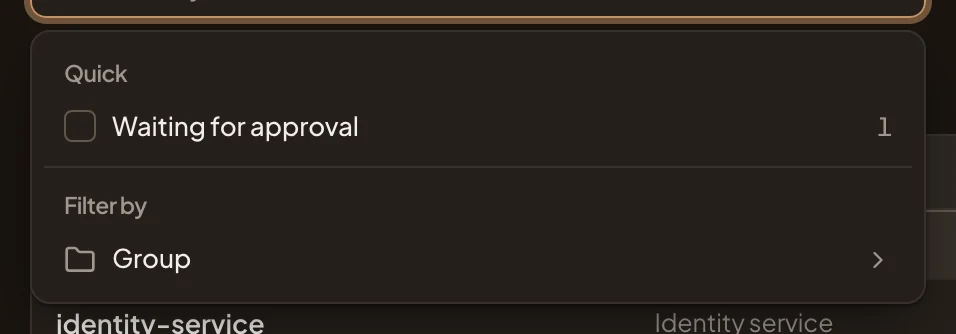
Waiting for approval
Section titled “Waiting for approval”Every change to the Landscape, from a person or an agent, is a proposal. It reaches the agents only once someone approves it. Pick Waiting for approval to see the proposals of all three kinds. Click one to decide it.
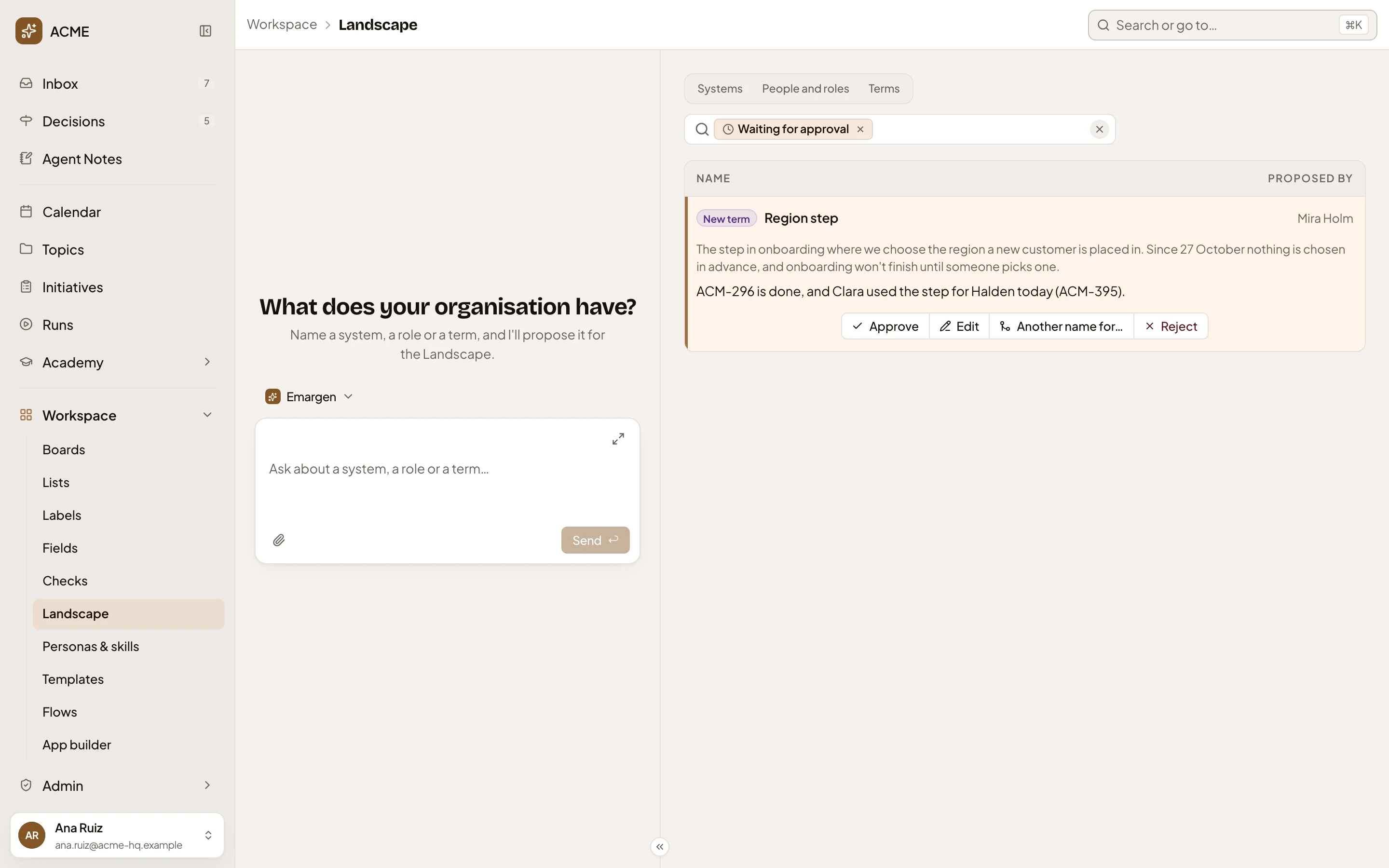
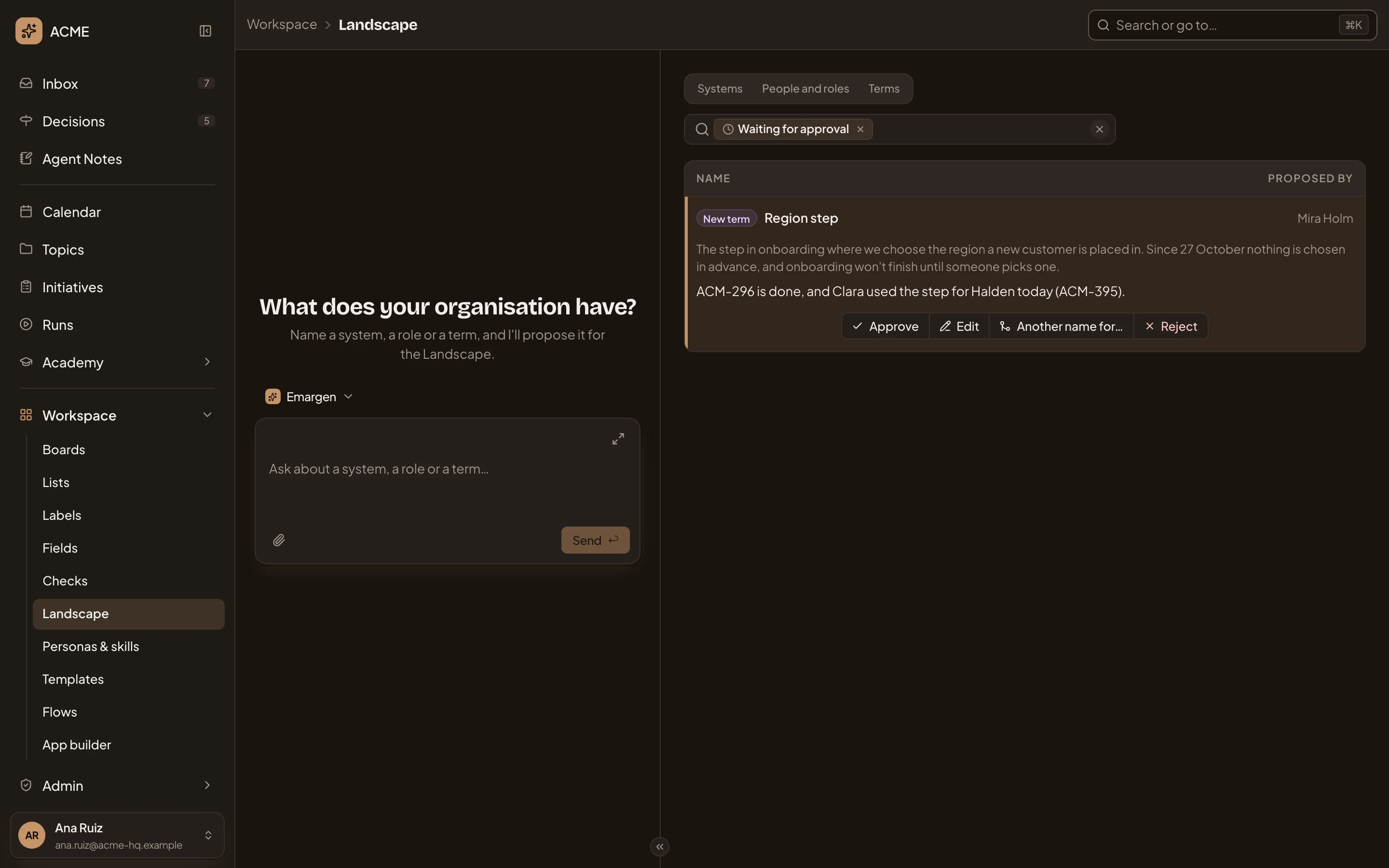
- Remove Waiting for approval. Takes the filter off.
- The proposal would add an entry of a kind (here New term), change one, or remove one.
- Proposed by. A person, an agent (and how many of its runs found the name), or a repository analysis.
- Its definition, and where the name came from. Click an initiative or a topic to open it.
- Approve. Adds it as proposed. The agents use it from then on.
- Edit. Opens the proposal’s page, to change it before you approve it.
- Another name for…. Keeps the proposed names as other names of an entry you already have. Only a proposal to add has it.
- Reject. Turns it down, with a note.
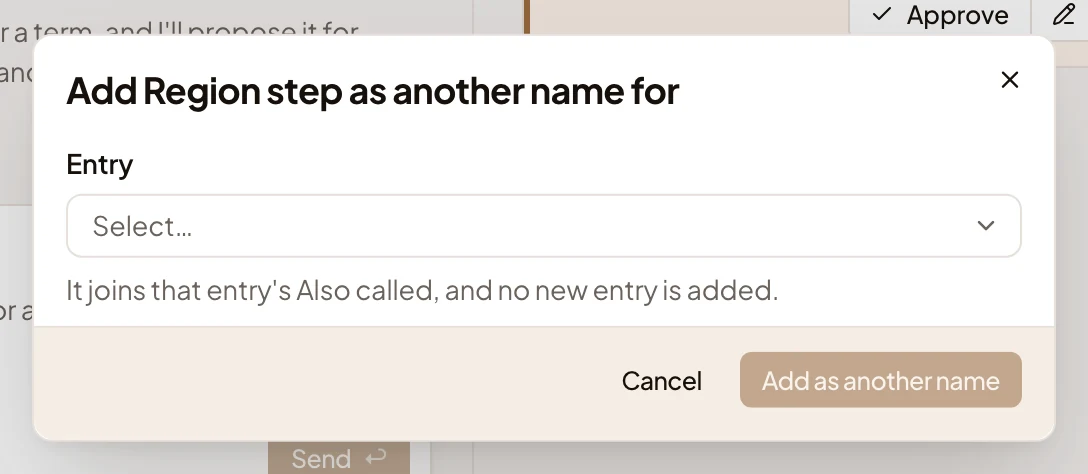
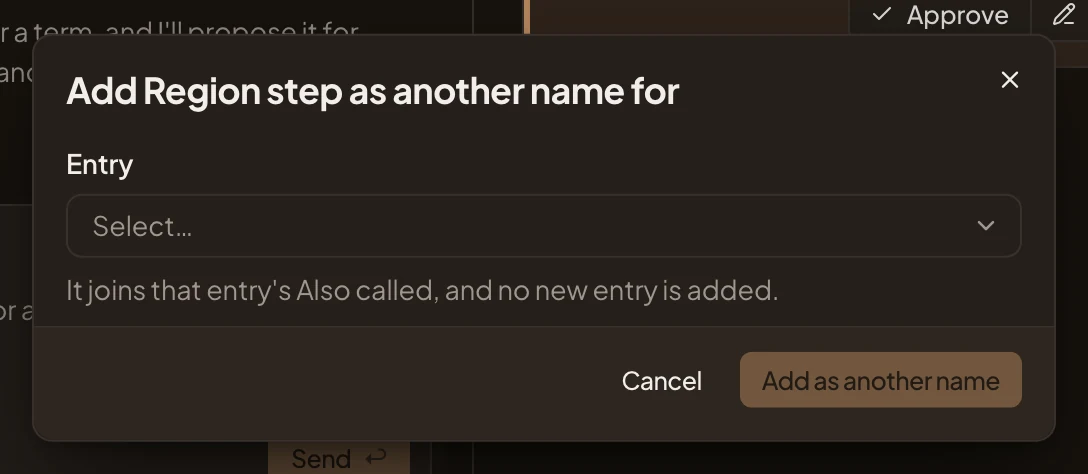
Another name for… asks which entry, and Add as another name stays greyed until you pick one:
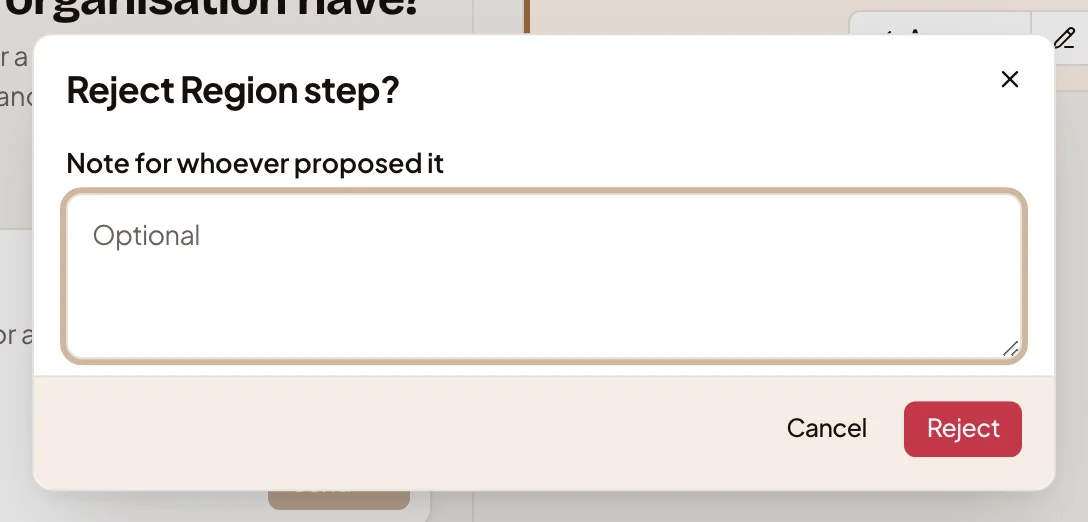
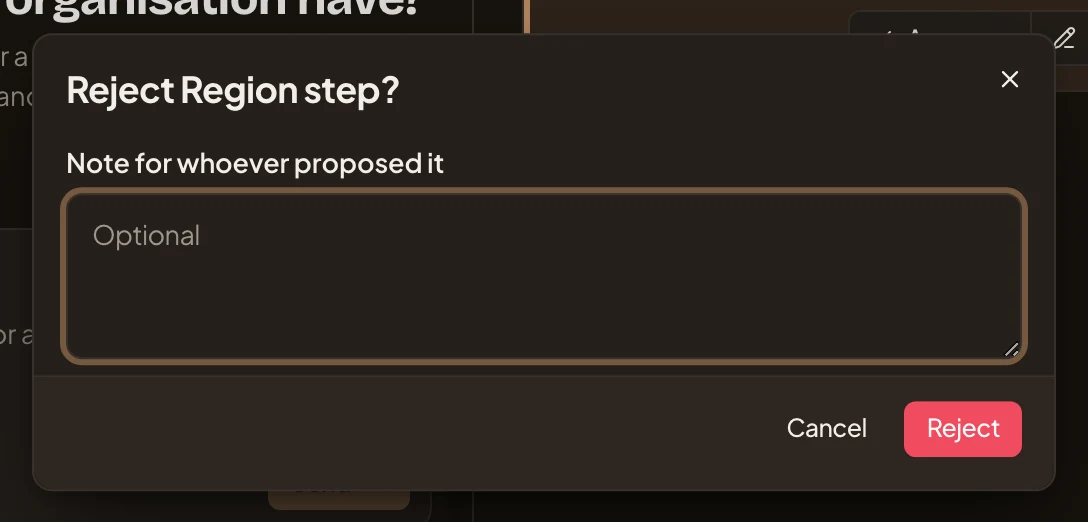
Reject asks for a note, which you may leave empty:
Each approver also has the proposal in Decisions, under Landscape, and whoever decides first decides for everyone. Whoever proposed it isn’t told. An approved entry shows on the Landscape, with the approver in its History. A rejected change or removal shows in the entry’s History as Rejected by. Every decided proposal, with its note, is on the Decision Map, where everyone reads it. See Approve a Landscape proposal.
With no systems yet, the page says “No systems yet” and “Agents propose entries they find in your organisation’s work. Add one with New system.” When the search finds nothing: “Nothing matches these words.” When the last proposal is decided, Waiting for approval says “Nothing is waiting for approval.”
On a phone
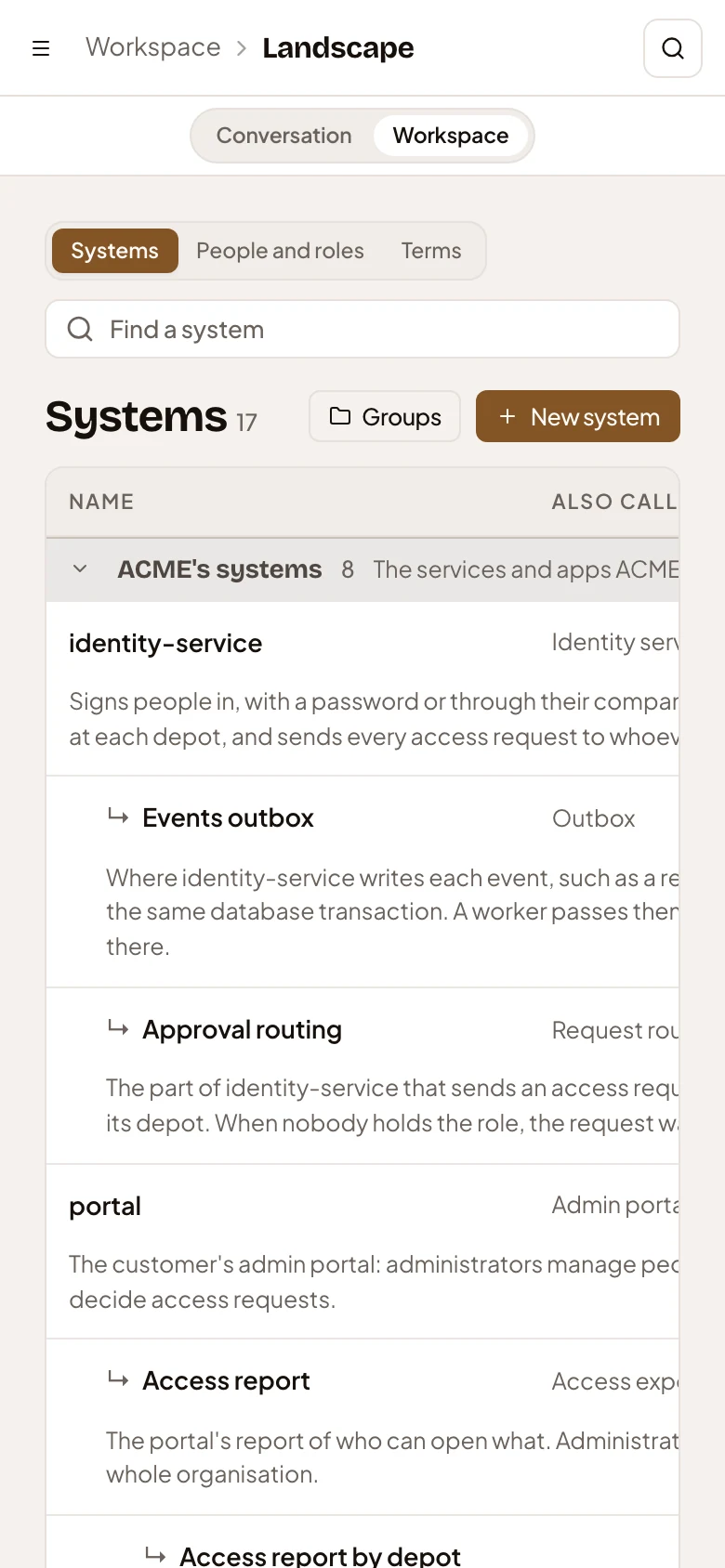
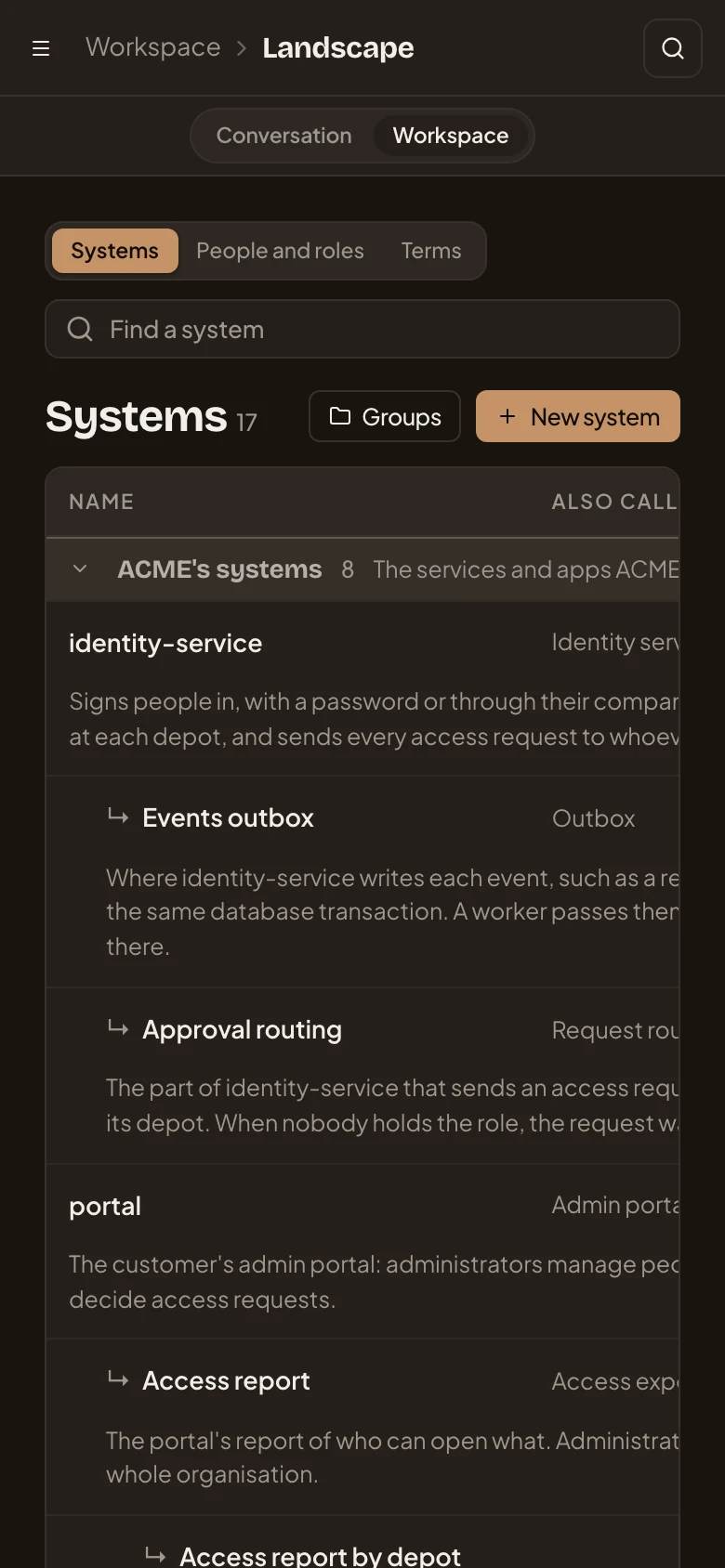
Section titled “On a phone”On a phone, Conversation and Workspace switch between the workspace agent and the Landscape.
Access
Section titled “Access”Everyone in the organisation reads the Landscape and proposes changes, with New system (or the other kinds’ New), Edit and Remove. Administrators, and others whose role lets them approve Landscape changes, change it directly and see Waiting for approval.