

InitiativesPage by page
The Kickoff
The Kickoff is where an initiative is published, and the page the person who approves it reads. Click Kickoff on the rail of an initiative’s page. See The Kickoff for the idea.
ACM-362, One-shift access for agency drivers, is still being shaped, as its owner sees it. Publish waits for three checks.
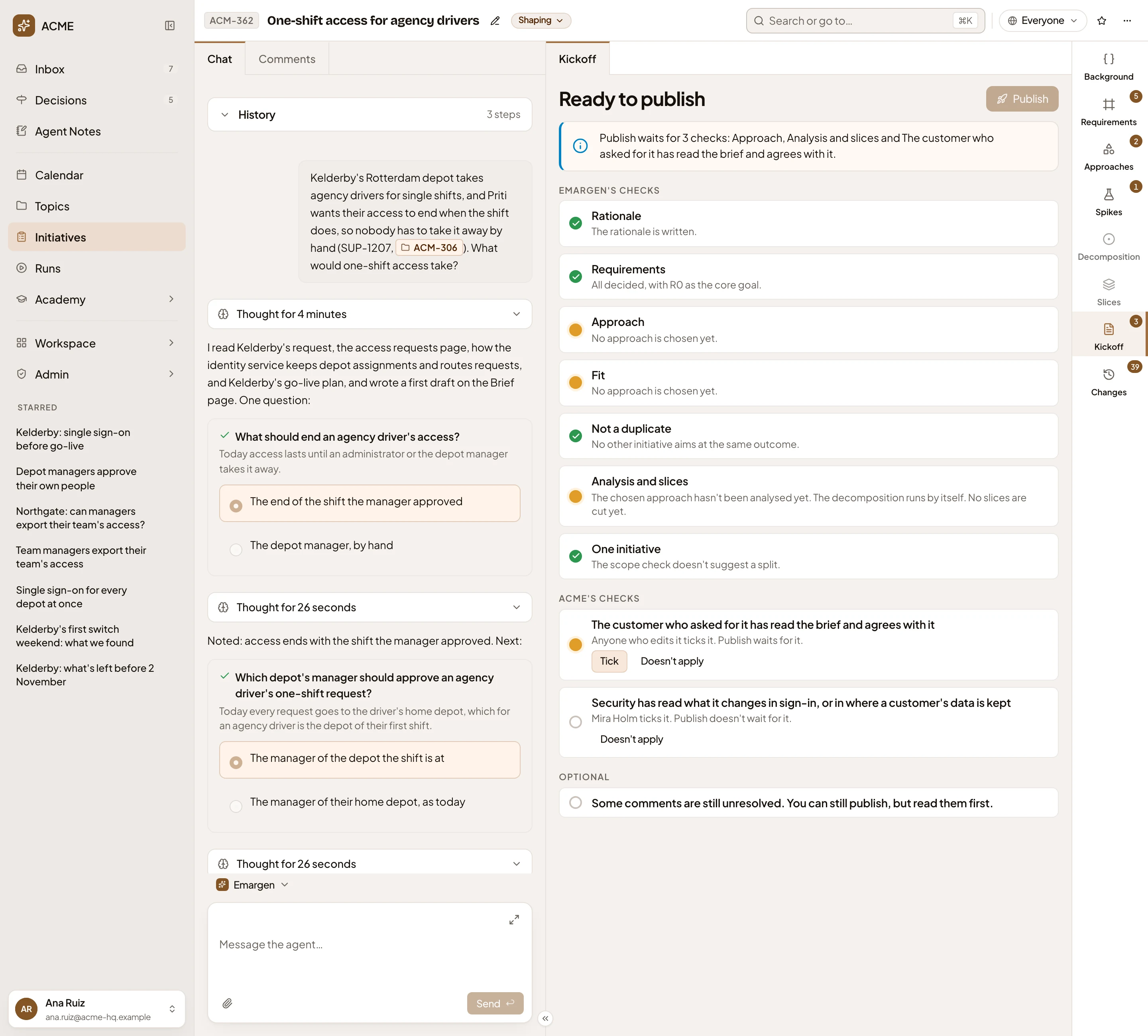
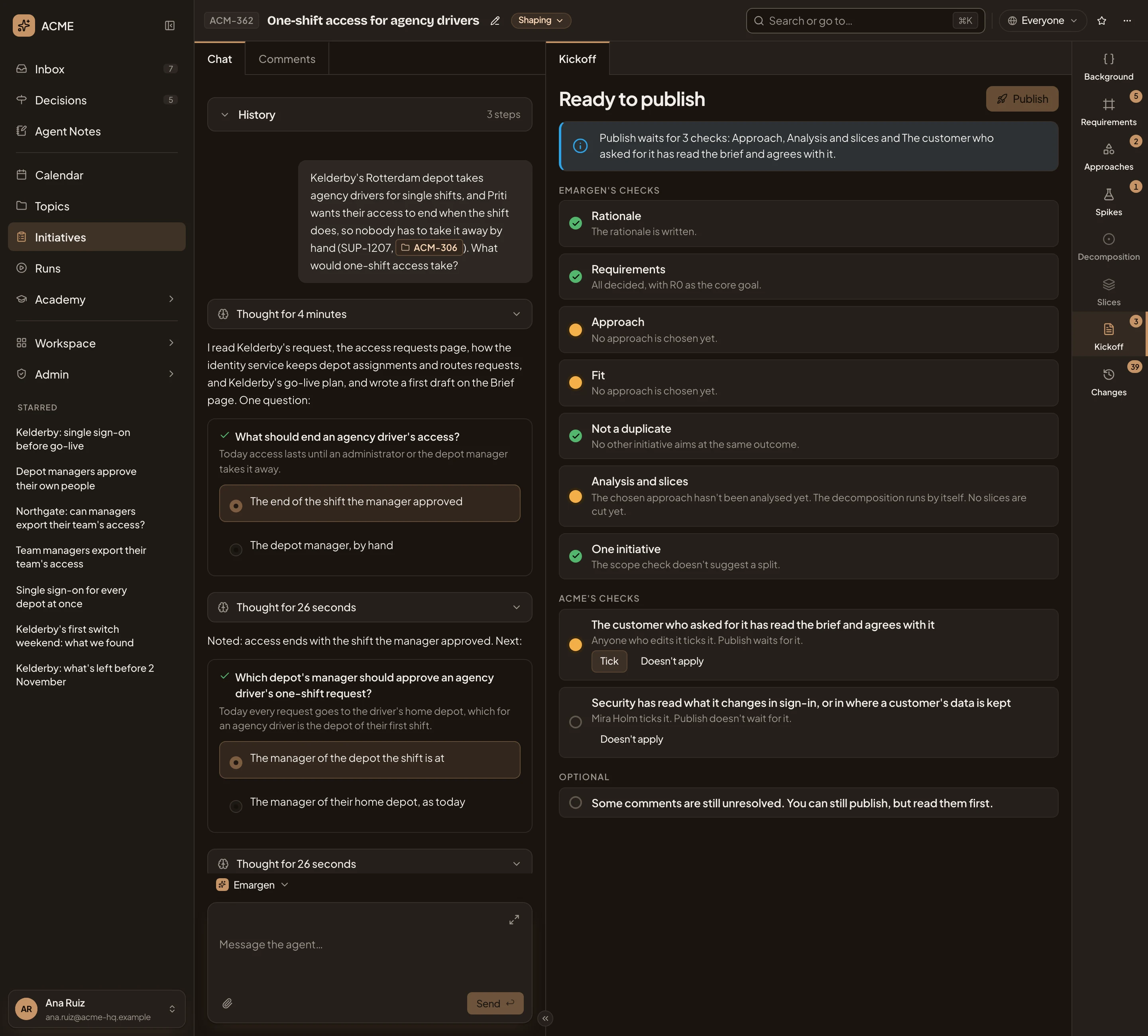
- Ready to publish. What Publish waits for before the initiative is published.
- Publish. Sends the initiative for approval. Greyed while a check holds it.
- Ready to publish. Which checks Publish waits for, or that everything it needs is in place.
- Emargen’s checks. What every initiative needs before it’s published, a row each.
- A check that waits, and why. Here, no approach is chosen yet.
- ACME’s checks. Your workspace’s own checks, set on Workspace › Checks.
- Tick. For the people a check names: here, anyone who edits the initiative.
- Doesn’t apply. Sets a check aside for this initiative, once you say why.
- Optional. What to look at, such as comments nobody resolved. Publish never waits for it.
Ready to publish
Section titled “Ready to publish”Each row says what’s done, or what’s missing and how to fix it. Emargen’s checks are the same on every initiative:
- Rationale: the rationale is written.
- Requirements: every requirement has a level, and one is the core goal.
- Approach: one is chosen, with at least two parts.
- Fit: every must-have fits the chosen approach. A must-have that only partly fits shows Partly, what’s missing and two choices. Adjust has the agent change the parts behind the requirement so it fits, or say why it can’t. Then the agent checks it again. Accept the gap asks you why, and then it no longer holds Publish. An accepted gap goes into In short.
- Not a duplicate: Emargen searches on its own for another open initiative with the same outcome. What it finds holds Publish until you answer it (see the picture below, and Merge and split).
- Analysis and slices: the decomposition is up to date with the chosen approach, and slices are cut.
- One initiative: the scope check doesn’t suggest a split. When it does, Publish asks you to split it, or to keep it as one and say why.
Open questions appear under the checks once you choose an approach. Publish never waits for those, or for anything under Optional.
For example, the duplicate check on ACM-377, Data retention settings per customer, found ACM-324, whose sign-in log is kept for twelve months:
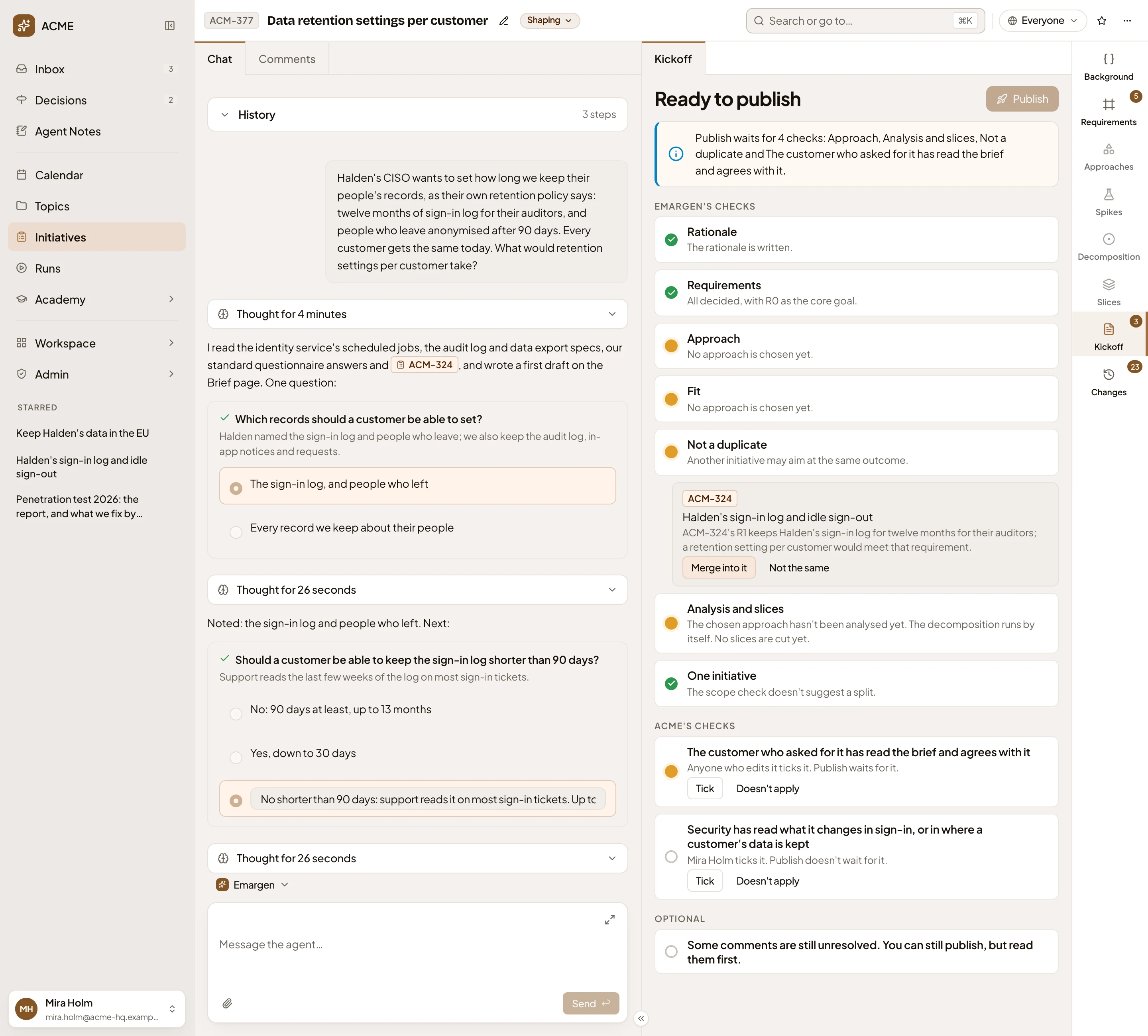
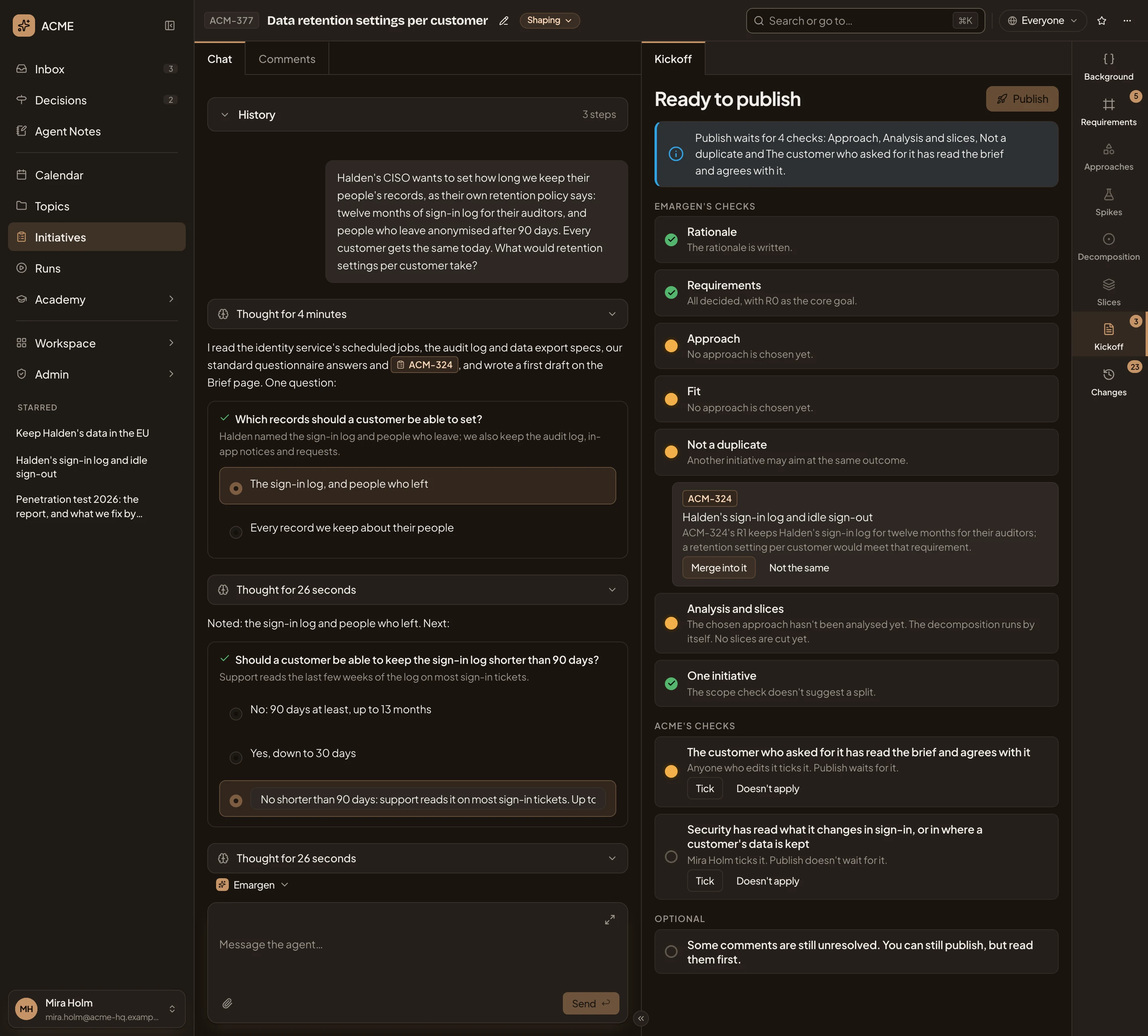
- Merge into it. Opens the merge page, with ACM-324 to merge into.
- Not the same. Asks what this one does that the other doesn’t. The answer is published with the initiative, and holds until the check finds another.
Your workspace’s checks come after, under its name. Each says who checks it, and whether Publish waits for it. The initiative’s editors, a role, or named people tick some. The agent reads the rest from the initiative, and says what it found. Take back undoes a tick, or a check someone marked as met. A check set aside has Bring back instead.
Publish moves the initiative to Decision, where it waits for approval. It saves the initiative as it stands now, its published version. The agent writes In short from that version. See Publish and get approval.
In short
Section titled “In short”Once an approach is chosen, the agent writes In short, and writes it again when the initiative has moved on. It gives the problem, what is built, and why this approach won. It says what is left out, what is still open, and how many slices there are. When you publish, the agent writes it from what is published, and it doesn’t change after that. If the writing fails, Try again runs it once more.
Approving
Section titled “Approving”Once published, the box at the top says the initiative waits for approval, when it was published and who may approve it. Below In short, Checks shows the same checks, with what each found and who ticked them. In the picture, ACM-290’s Kickoff as the product manager who may approve it:
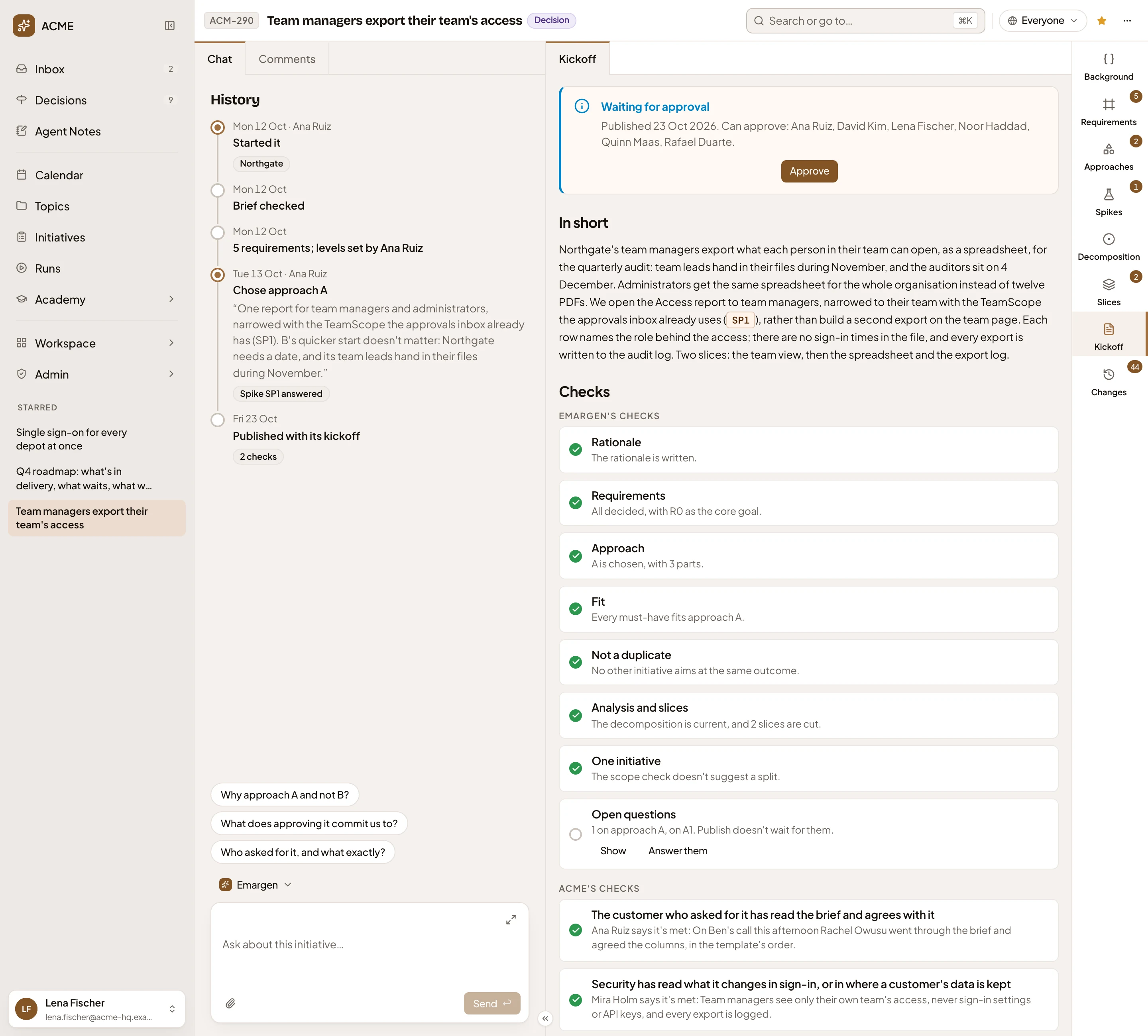
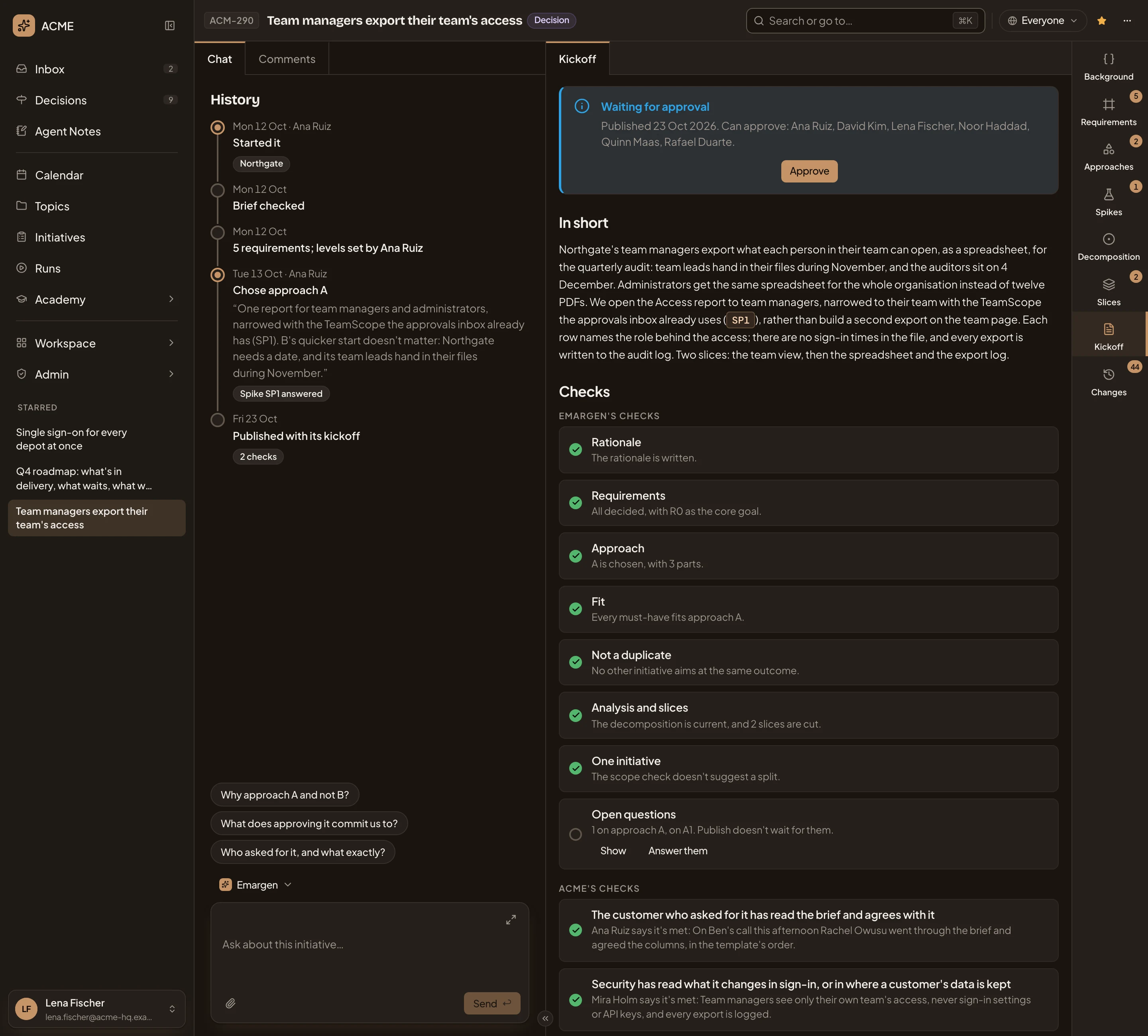
- Can approve. When it was published, and who may approve it.
- Approve. Records your approval at once. There is nothing to fill in.
- In short.
- Checks. Where each check stands now, with what it found.
- Open questions. Questions still open on the chosen approach. Show lists them.
Approve records that you agreed to what was published, and the status becomes Approved. The box then says who approved it and when, as on ACM-293:
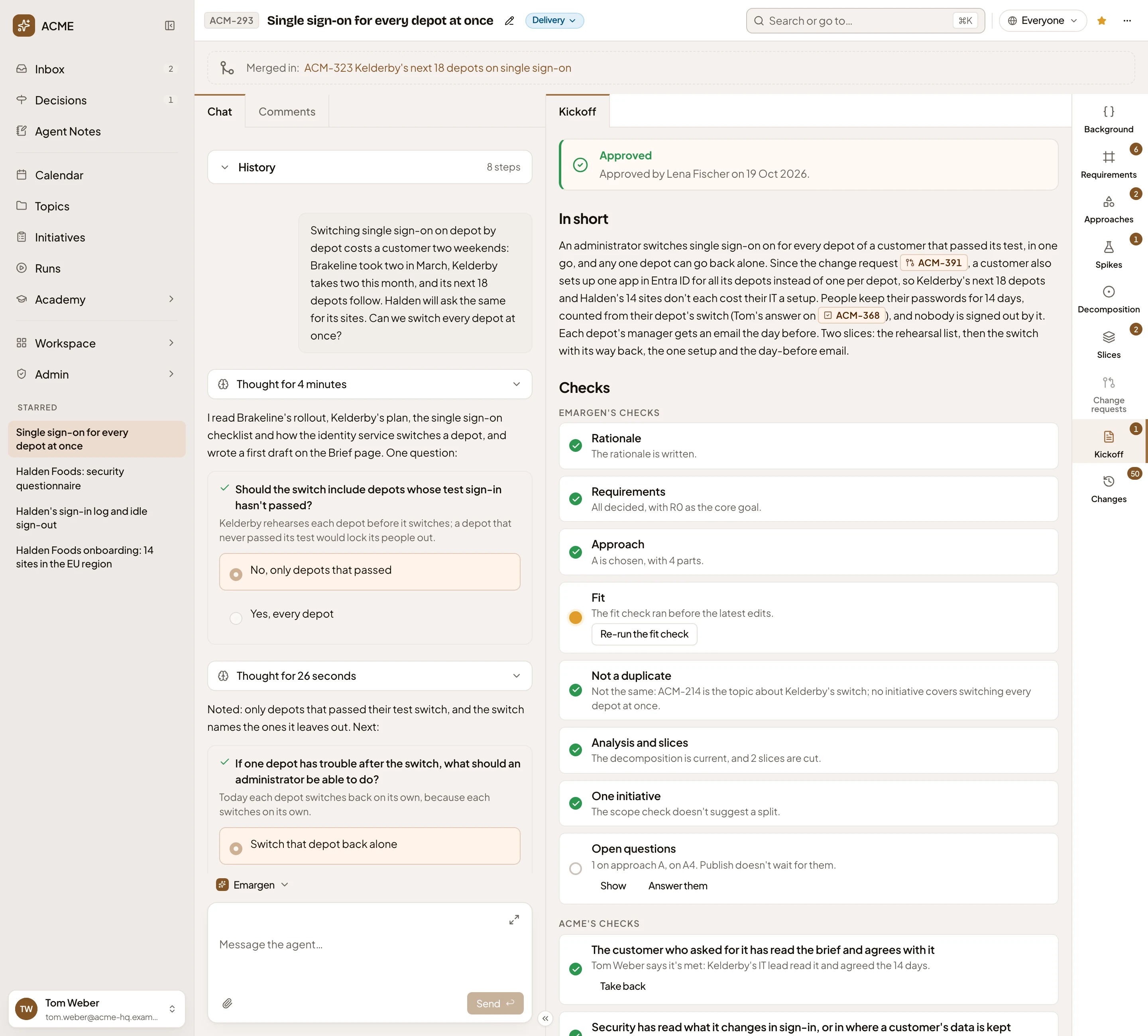
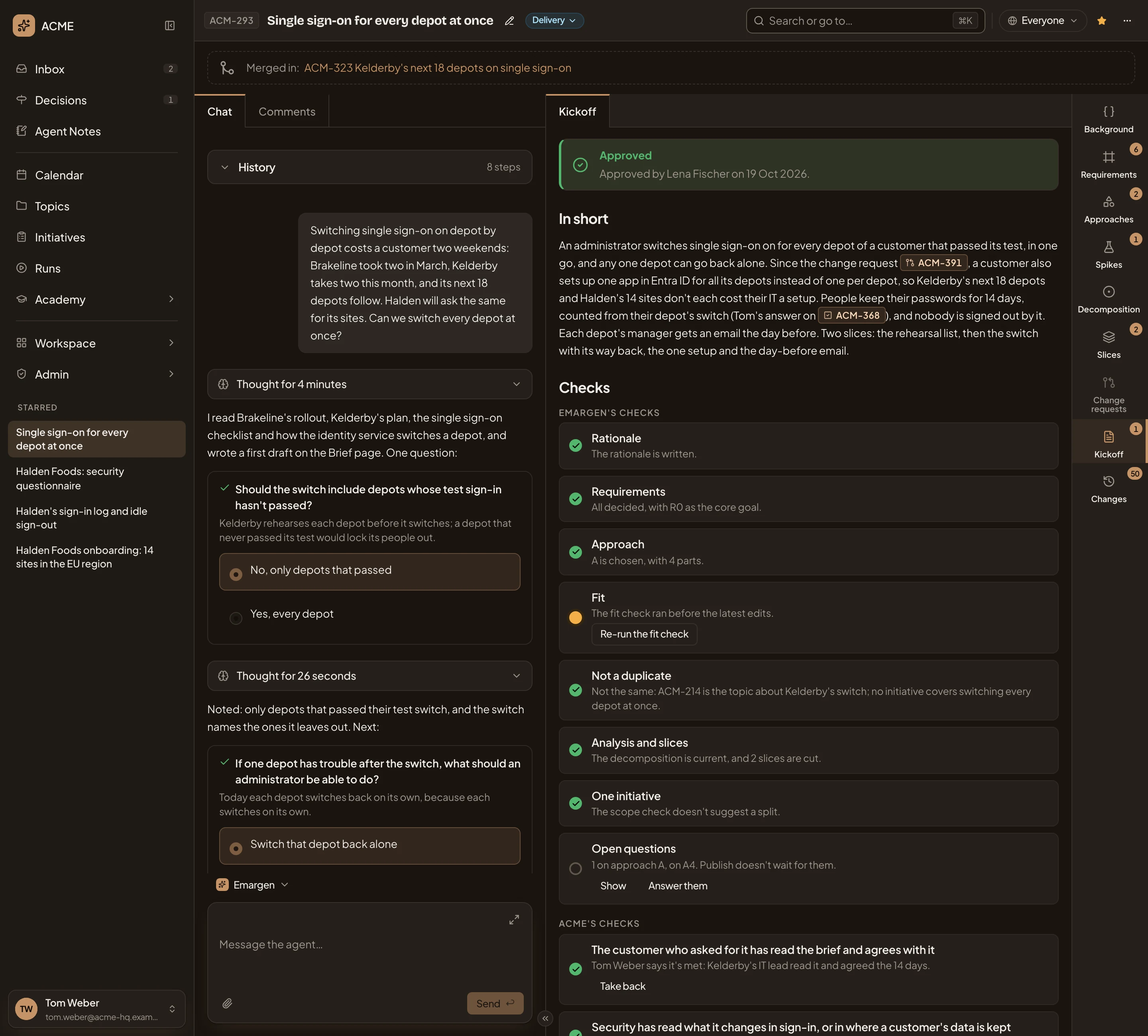
- Approved by Lena Fischer on 19 Oct 2026.
- Status: Delivery. After approval, someone who edits the initiative starts delivery from the status menu.
- Re-run the fit check. The fit check ran before the latest edits. Run it again to bring Fit up to date.
The owner may approve. So may someone whose role allows approving initiatives, if they can see it and don’t edit it. The Administrator role allows it, and an administrator can give Approve initiatives to other roles. Someone who edits an initiative without owning it never approves it. With the approval gate on, the owner can’t either. See Approval.
Before approving, ask your question in the Kickoff’s Comments. In the picture, the product manager says why she’ll approve ACM-290 later:
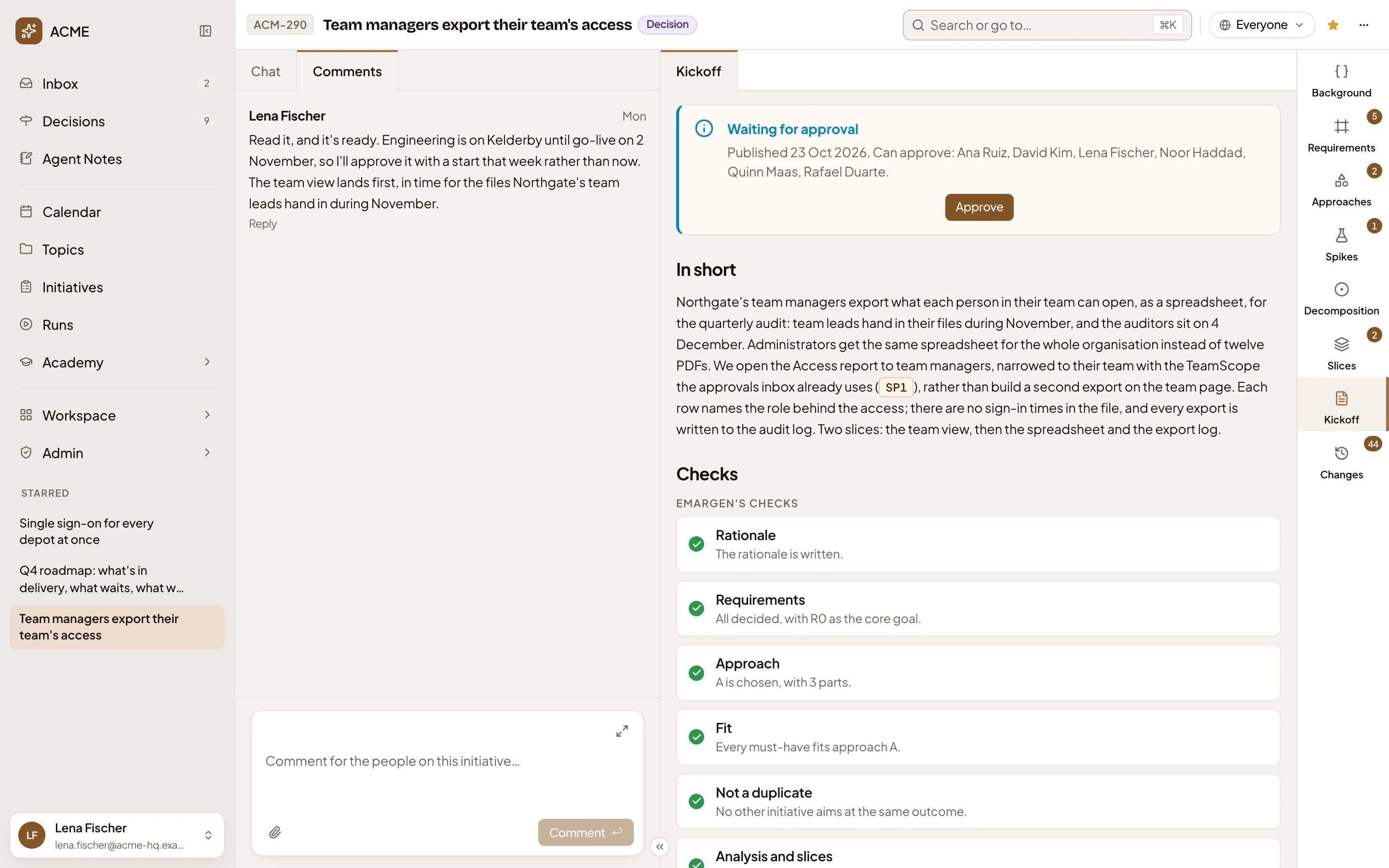
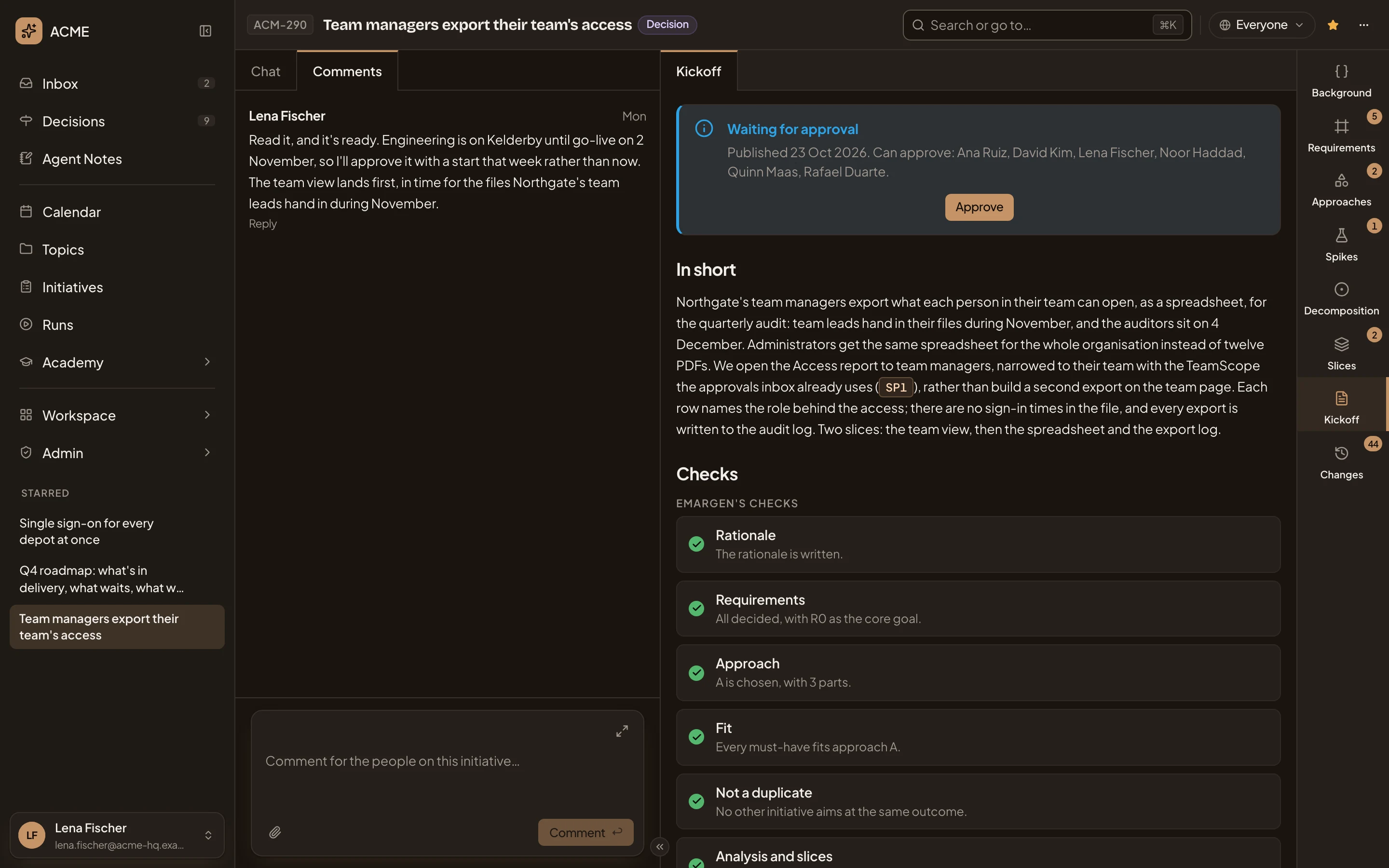
- Comments.
- A comment, with who wrote it and when.
- The comment box. Type @ to tag someone.
You can’t take an approval back from the Kickoff. Someone who edits the initiative can Reopen it from the status menu, which puts it back to waiting for its decision. While it waits, it is also under Initiative approvals in Decisions for the people who may approve it.
Until In short is written, the people who don’t edit the initiative find a short page instead. It says No kickoff yet, with the Kickoff steps, from a ready plan to everyone building from it.
Access
Section titled “Access”Everyone who can open the initiative reads In short once an approach is chosen, and the checks once it is published. Ready to publish, with its Tick buttons, is for the owner and the people who edit it. Approve is for the people who may approve, while the initiative waits.