

WorkspacePage by page
Fields
This page lists your organisation’s fields, the short facts every topic of a template carries, like the customer or where an answer stands. Open it from Fields under Workspace in the menu.
Open Fields (opens Emargen in a new tab)ACME’s fields, from Customer to Team, each with the templates that carry it.
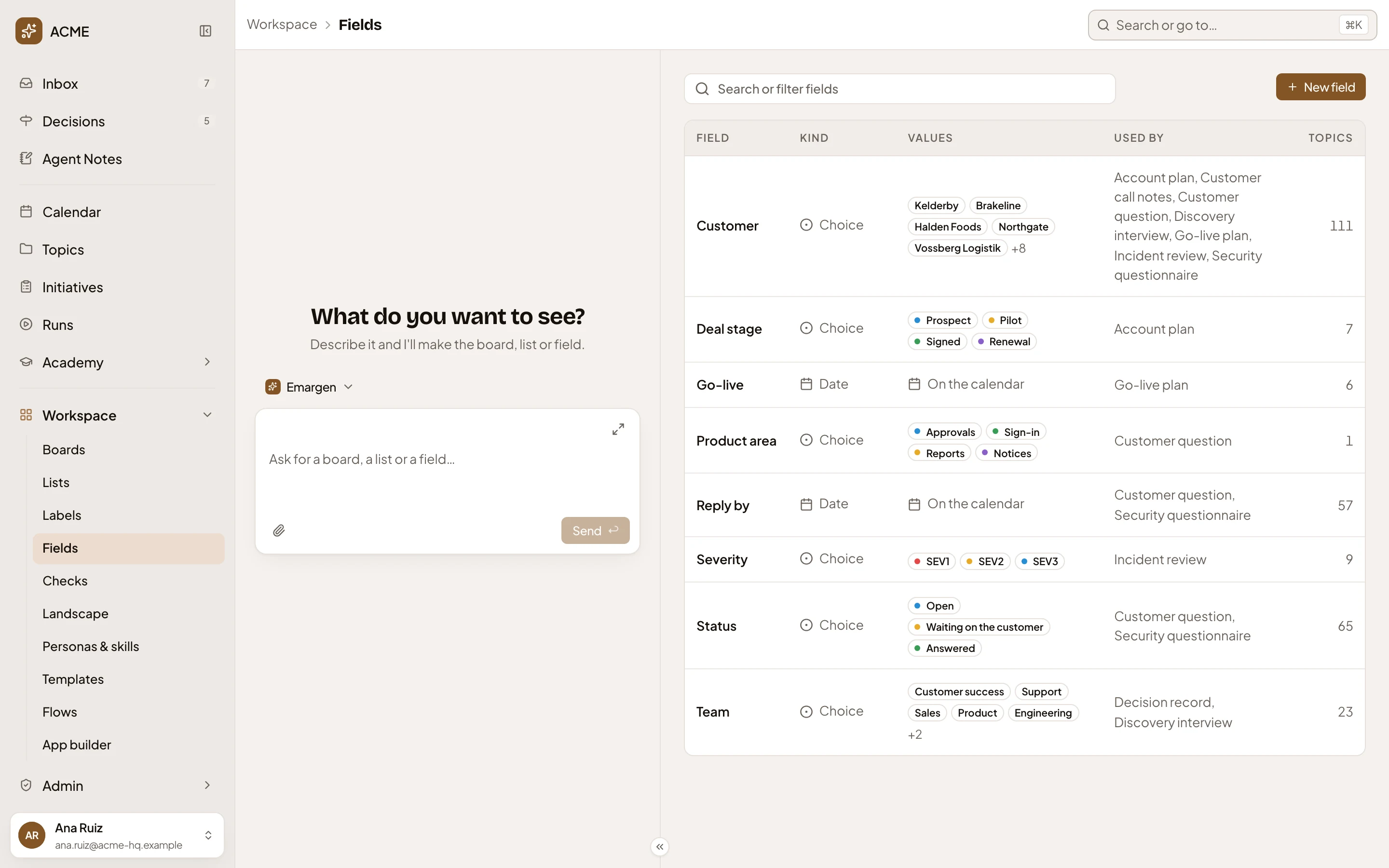
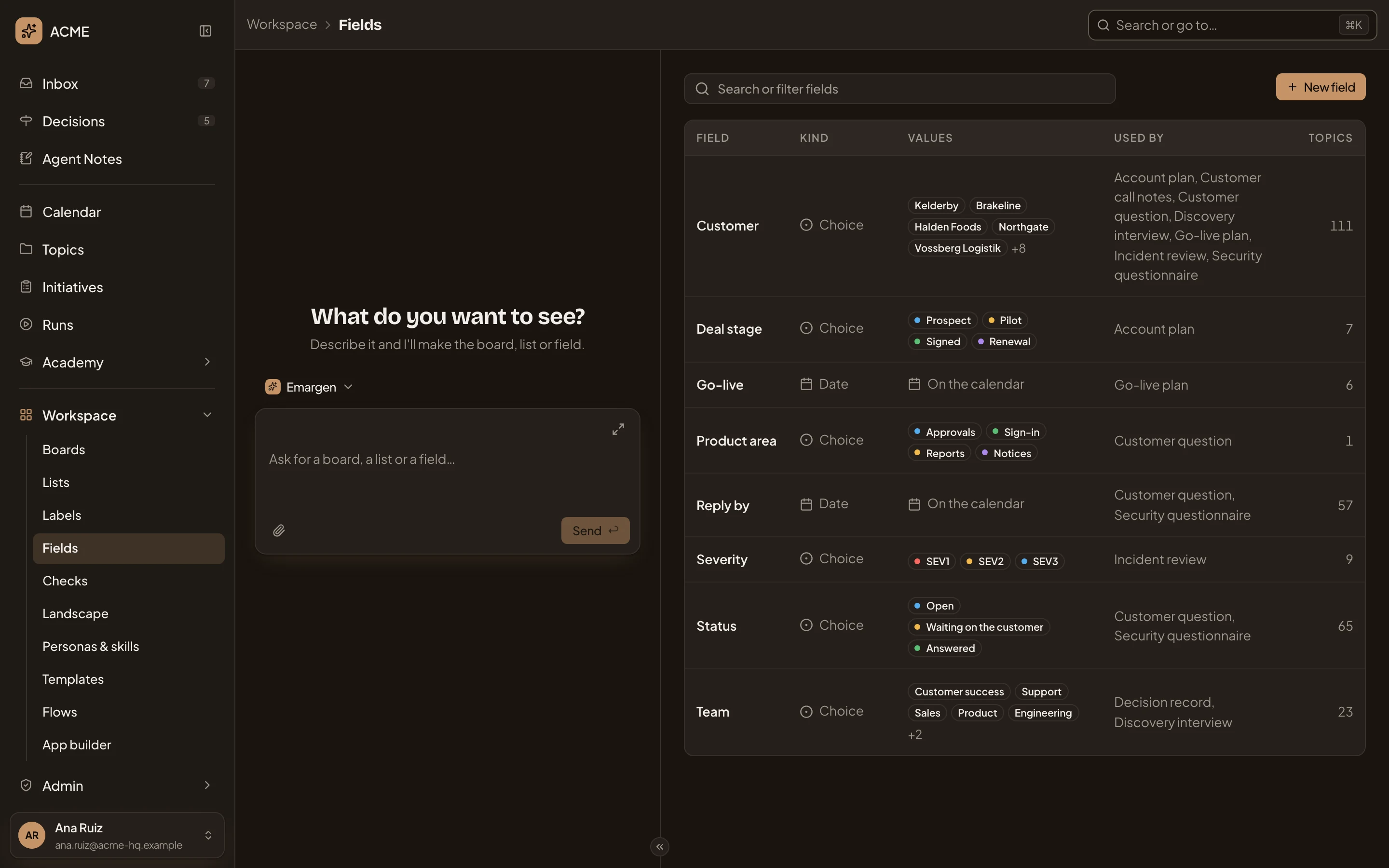
- Search or filter fields. Type words to narrow the table. It searches names, meanings, kinds, values and templates. “Northgate” finds Customer.
- New field. Opens a new field’s page (see A field).
- Customer. A field’s name. Click it, or its row, to open the field’s page.
- Kind. What the field holds, such as Choice or Date.
- Values. A choice field’s values, in their colours. For other kinds, it says what the field holds: Reply by shows On the calendar.
- Used by. The templates whose topics carry the field, or Not used yet.
- Topics. How many topics hold a value for it.
A field reaches topics through a template. Add it on a template’s page, and every topic of that template has it from then on.
With no fields yet, the page says “No fields yet” and “Fields hold details such as Severity, Assignee or Due date on every topic of a template. Make one here or on a template’s page.”. When nothing matches the words, it says “No field matches.”
Access
Section titled “Access”Everyone sees every field, and anyone can make one. You change a field you made. Administrators change any, and only they delete one.