

InitiativesHow to
Answer a question from the build
Answer a coding agent’s question when it asks you to decide something about a task. How long passwords keep working after a switch, say, or what a message should tell a customer. The agent keeps building meanwhile, and its task goes on without the answer until you give one. Delivery explains where these questions come from.
Before you start
Section titled “Before you start”- Who can
- The initiative’s owner answers the question, unless they hand it to someone else.
- You need
- A question waiting on you. It also shows in your Decisions, marked with the agent’s name, like “Claude Code is waiting for your answer”.
- The pictures
- ACM-293, Single sign-on for every depot at once, at ACME, the company in the docs’ pictures, as its owner sees it. The question waiting there was asked by a colleague, not a coding agent, and you answer both kinds the same way. The last picture shows one that a colleague’s Claude Code asked while building a task, already answered.
-
Open the initiative from the initiatives list. One being built opens on its Slices tab.
Open the initiatives list (opens Emargen in a new tab) -
Scroll down to To reply and to do. Questions waiting on you are under To reply. Each says how long it has waited and who asked. A question from the build also names its task, and what goes on meanwhile, like a task being built without the answer.


- The question, and how long it has waited.
- Who asked it.
-
Click the question. Answer and Reassign show under it.


- Answer, when you know.
- Reassign, to hand it to someone who knows better.
-
Click Answer. Answer the question opens, with the question at the top. Write Your answer, plainly enough for whoever asked to act on it. Answer stays greyed until you do.
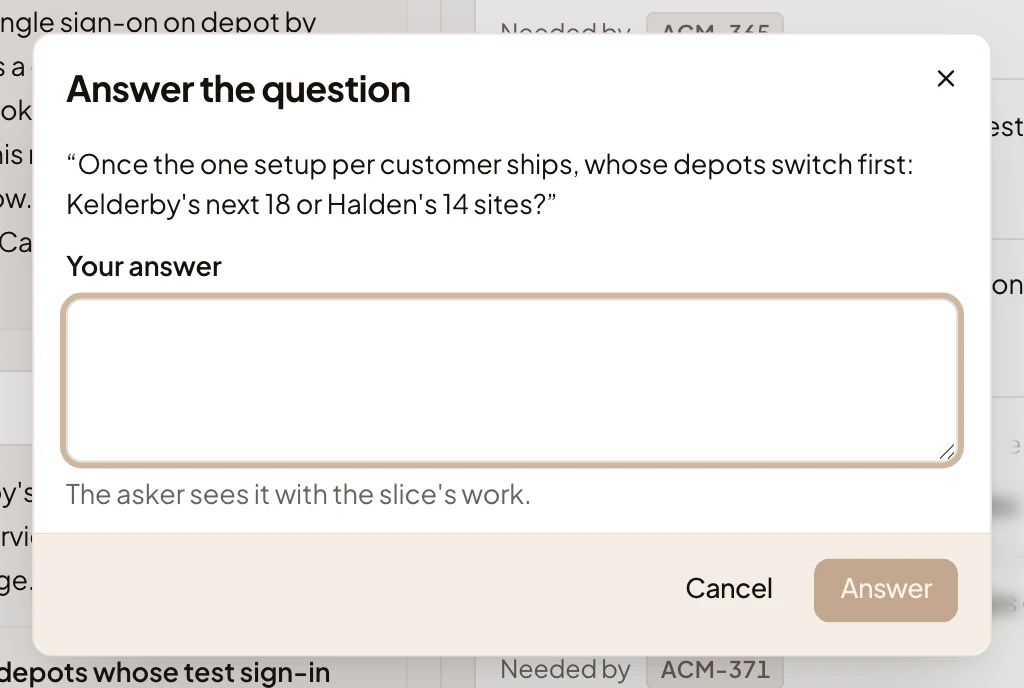
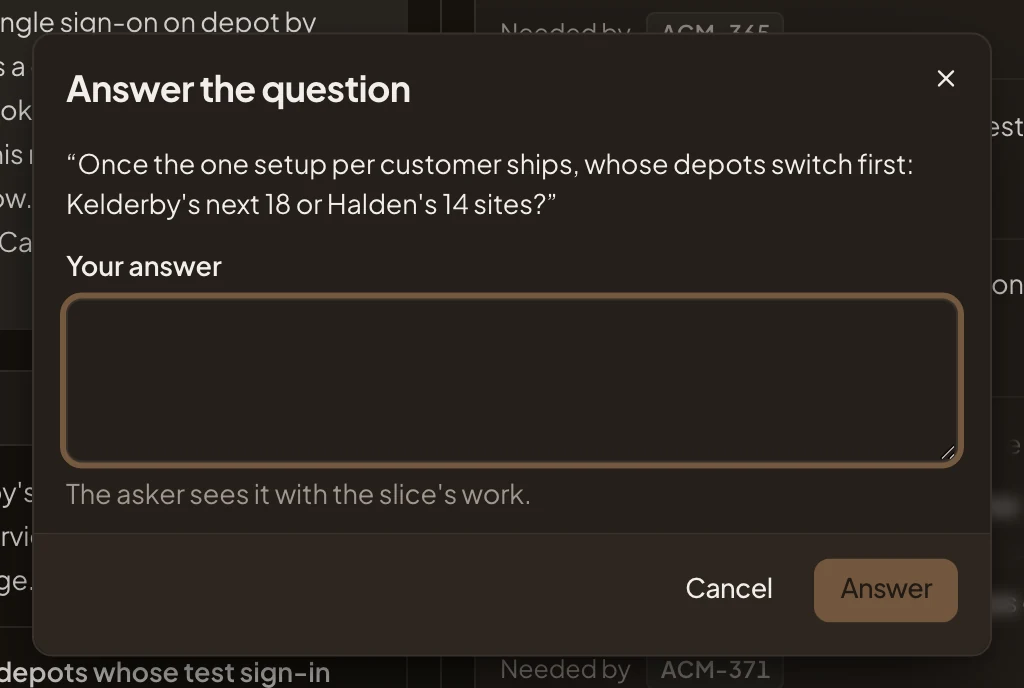
- Your answer.
- Answer. Sends it.
-
Click Answer. The box closes.
If someone else should answer, click Reassign instead. Reassign the question opens. Write their Email and click Reassign. They answer it in your place, and whoever asked sees who did.
-
To see the question again, click Settled. It’s under Answered, with your answer.
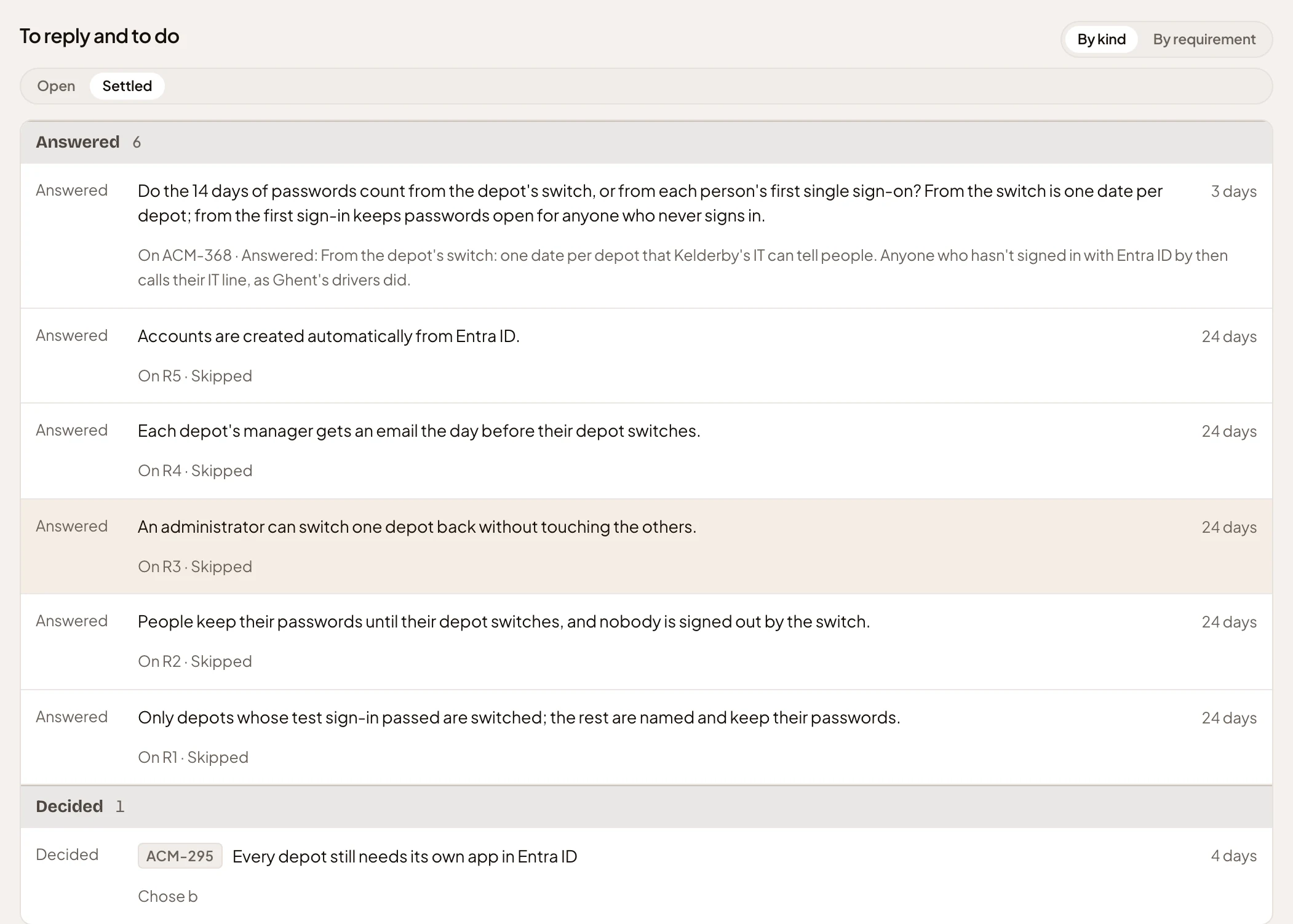
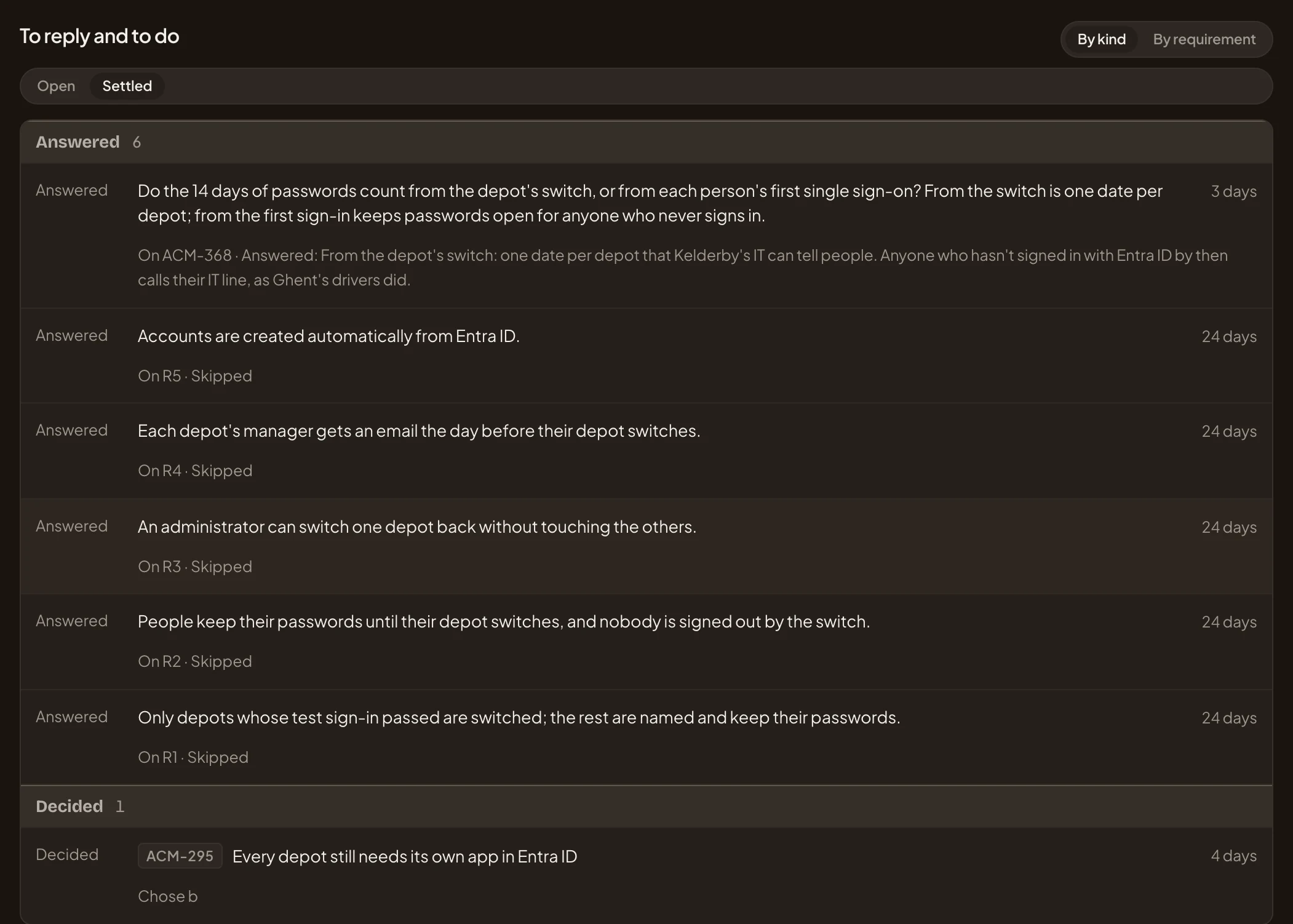
- Settled. What was answered or decided.
- The question, as the coding agent asked it.
- The task it was asked on, and the answer.
What you get
Section titled “What you get”- The question leaves To reply, and waits under Settled with your answer.
- The agent that asked reads your answer the next time it reads the slice’s work, and builds on it. Building slices has how.
- The first answer stands. If you need to say more, comment on the task.
- If the slice can’t go on until there’s an answer, the owner can block it: see Moving a slice.