

AgentsIdea
Personas and skills
A persona is a way of working you pick for the agent, one chat at a time. A support analyst persona checks the code before it answers and writes a reply a customer can read. A security reviewer challenges every claim about data before it goes out. Whoever makes a persona chooses the model it runs on and how long it thinks. Its instructions and skills say how it works.
A skill is know-how for one kind of job, written down once. How support writes a reply. How security answers a questionnaire. The agent loads it when the work calls for it.
Different work wants a different agent
Section titled “Different work wants a different agent”Without personas, everyone gets the same agent and types the same instructions into every chat. An organisation usually has several models, and some work deserves the stronger one. Anyone who picks the persona gets those choices.
Pick one above the message box, and it stays with that chat until you change it. A chat where you never picked one follows your default, which starts as the organisation’s. Each answer names the persona it ran as.
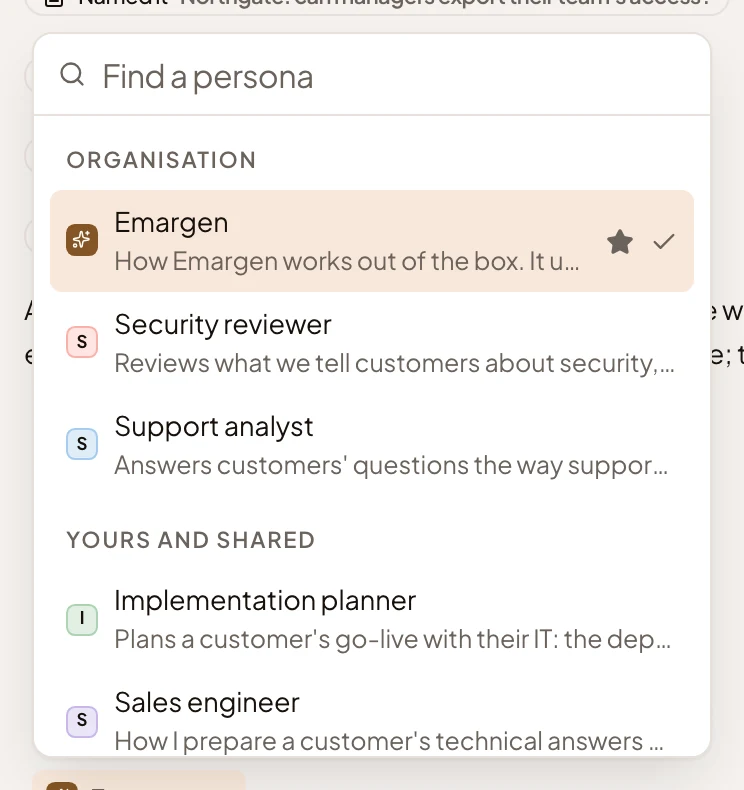
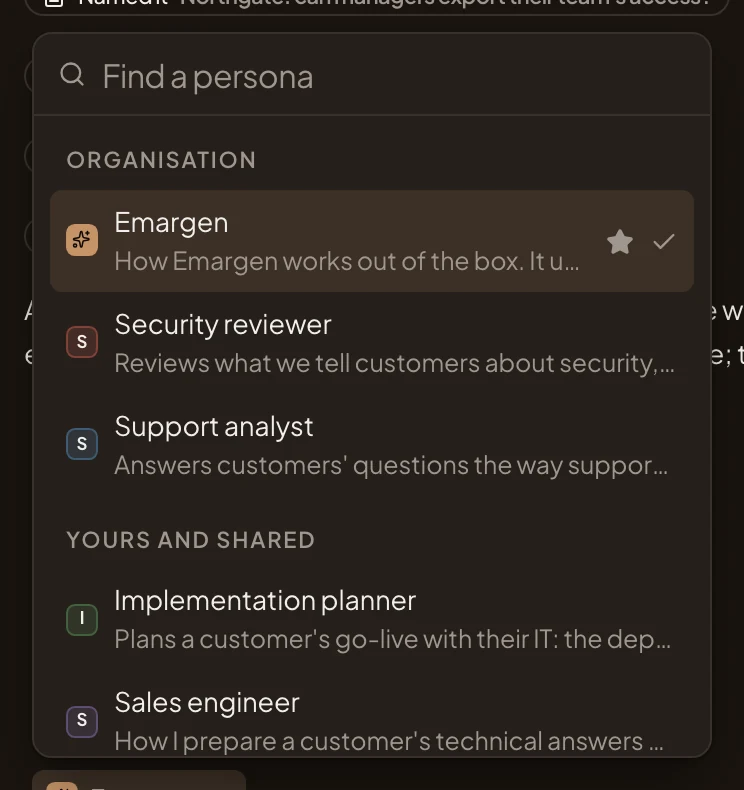
- Emargen, the persona every organisation starts with. The star marks your default, the tick the one this chat runs as.
- Security reviewer, one of the organisation’s own.
- Sales engineer, a colleague’s own persona, which they shared.
- Manage personas, where you make and change them.
A layer, not a different agent
Section titled “A layer, not a different agent”A persona changes how the agent works and talks. It can say what to check first, what to push back on and how long to answer. It never changes what the agent may do. Whatever persona you pick, the topic agent writes the topic, says where things came from, and asks before it changes your organisation’s setup.
A persona runs on one of your organisation’s chat models. When its model is taken out of Models, it stops answering until someone gives it another model or you pick another persona. There’s no fallback model, so it won’t answer on another one.
A second persona can check an answer before it reaches you. Type @ and its word, such as @security, and it reviews the answer on its own model, without seeing how the first one got there. The answer ends with what the review changed.
Skills, loaded when they fit
Section titled “Skills, loaded when they fit”A skill has a name, a line on when to use it, and its know-how. In a chat, the agent reads the line of each skill the persona uses, and loads the know-how only when the line fits the work. To use another skill for one message, type / and its word, like /reply.
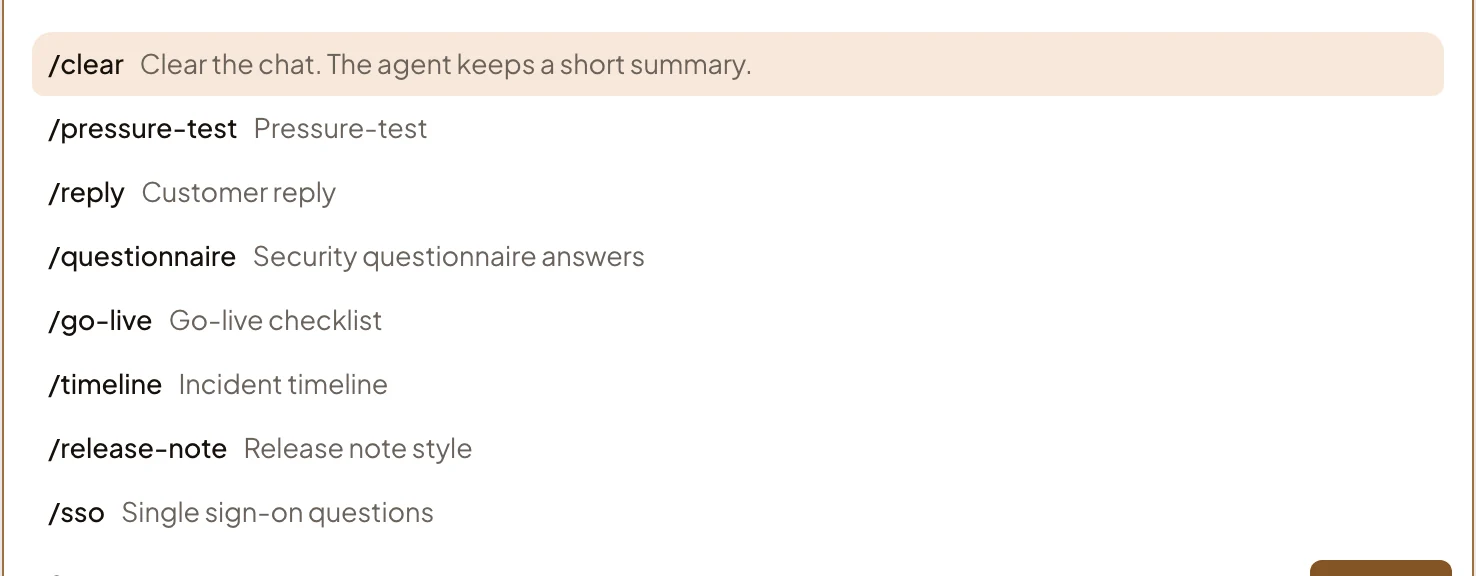
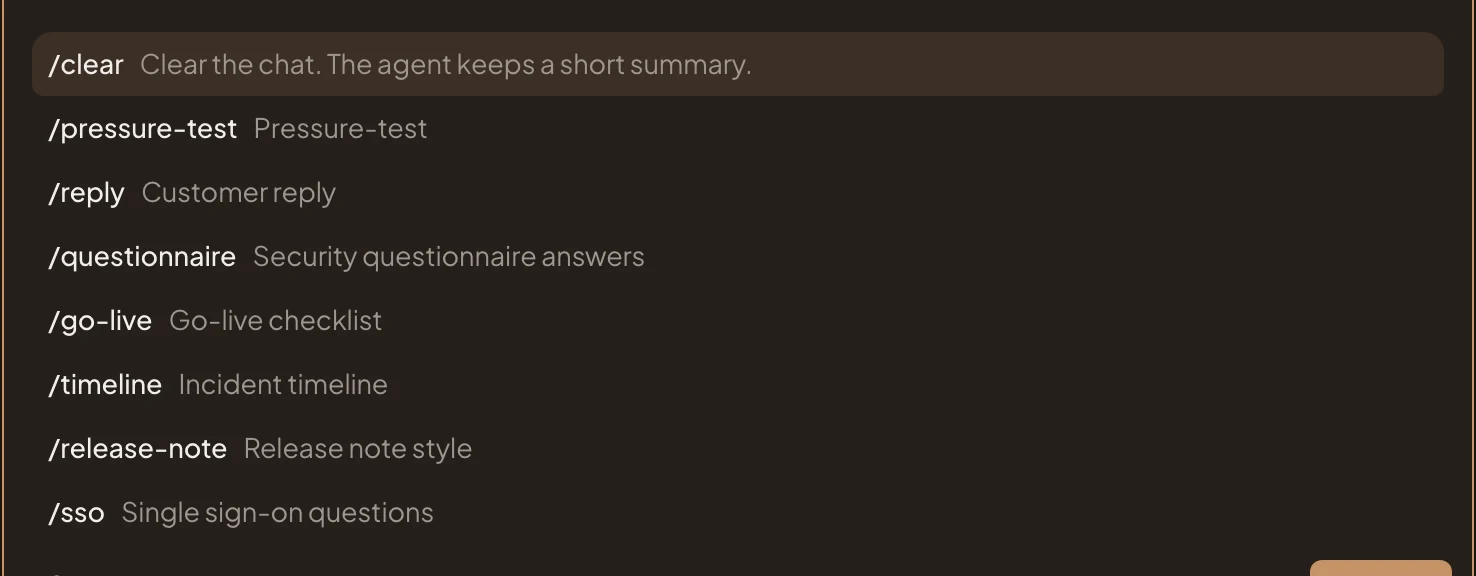
- Pressure-test, the skill Emargen comes with.
- Customer reply, how support writes a reply. Type /reply to use it for one message.
- Security questionnaire answers, how security answers a questionnaire.
You can put one skill on many personas. A Customer reply skill can be on in support’s persona and in a sales engineer’s own. When support changes how it replies, it changes the skill once. Emargen comes with Pressure-test, which finds the weakest assumption in an idea and says what would prove it wrong.
The organisation’s, or your own
Section titled “The organisation’s, or your own”The organisation’s personas and skills are there for everyone. Only people whose role permits managing personas and skills can make and change them, and they choose the persona new people start with. Your own are private until you share them. You give each person Uses, to pick it, or Edits, to change it with you.
You don’t have to fill in the form. Describe how you want the agent to work, and the personas agent beside the page writes the persona with you, then asks before it saves.