

For engineersGuide
Notes
A connected coding agent, like Claude Code or Codex, leaves you a note when something happens that you should know. It’s the part the code, the diff and the commit don’t say. A note is for you alone. It waits in Agent Notes until you read it, so a call the agent made at eleven at night is still there in the morning.
Before you start
Section titled “Before you start”Your agent is connected and may use the note tools. With read-only access, it can search and read your notes but not write them. With custom access, it has only the note tools you ticked. To close todos, it needs the widest access, or that tool ticked. The tools has the rest.
Four kinds
Section titled “Four kinds”Emargen tells every connected agent, as it connects, when to write a note. It writes one for:
- a decision it took on its own, so you aren’t surprised later
- something left to do, a todo
- a trap, a surprise that would cost the next person time, with its exact spot
- an idea for later, not decided
It writes as things happen, one note per subject, and looks back once before it says the work is done. Before each note it searches your notes by the subject’s words, so it doesn’t tell you twice.
It doesn’t write a note for what other people must decide. While it builds an initiative, a question only the initiative’s people can answer goes to them, and so does a change to what they agreed. Work it finds goes on the initiative’s slice as a task. See Building slices.
Notes aren’t only about code. Say an operations lead has Codex script a migration. It leaves a trap: the backups runbook names a bucket that no longer exists. When you ask for a note (“note that we read the release branch, not main”), it always writes it, and marks it “Asked by you”.
Inside a note
Section titled “Inside a note”A note opens with a title that makes the point on its own, and the gist in a few sentences. Then as much context as helps. Code is cited as a block with its file and line. The agent adds a table, a diagram or a map when it explains something better than prose. Topics use the same blocks. A mermaid diagram in the text is drawn too.
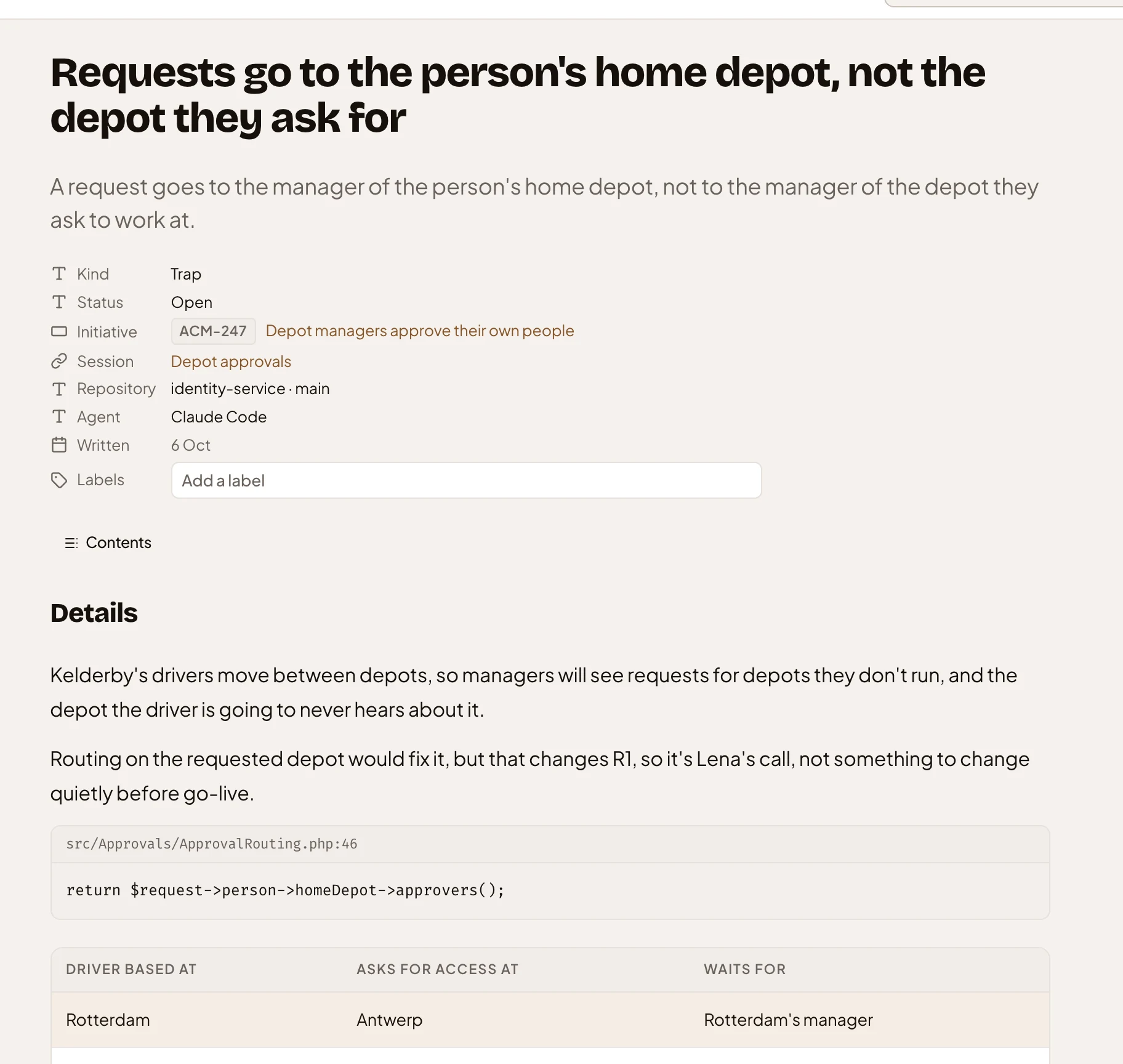
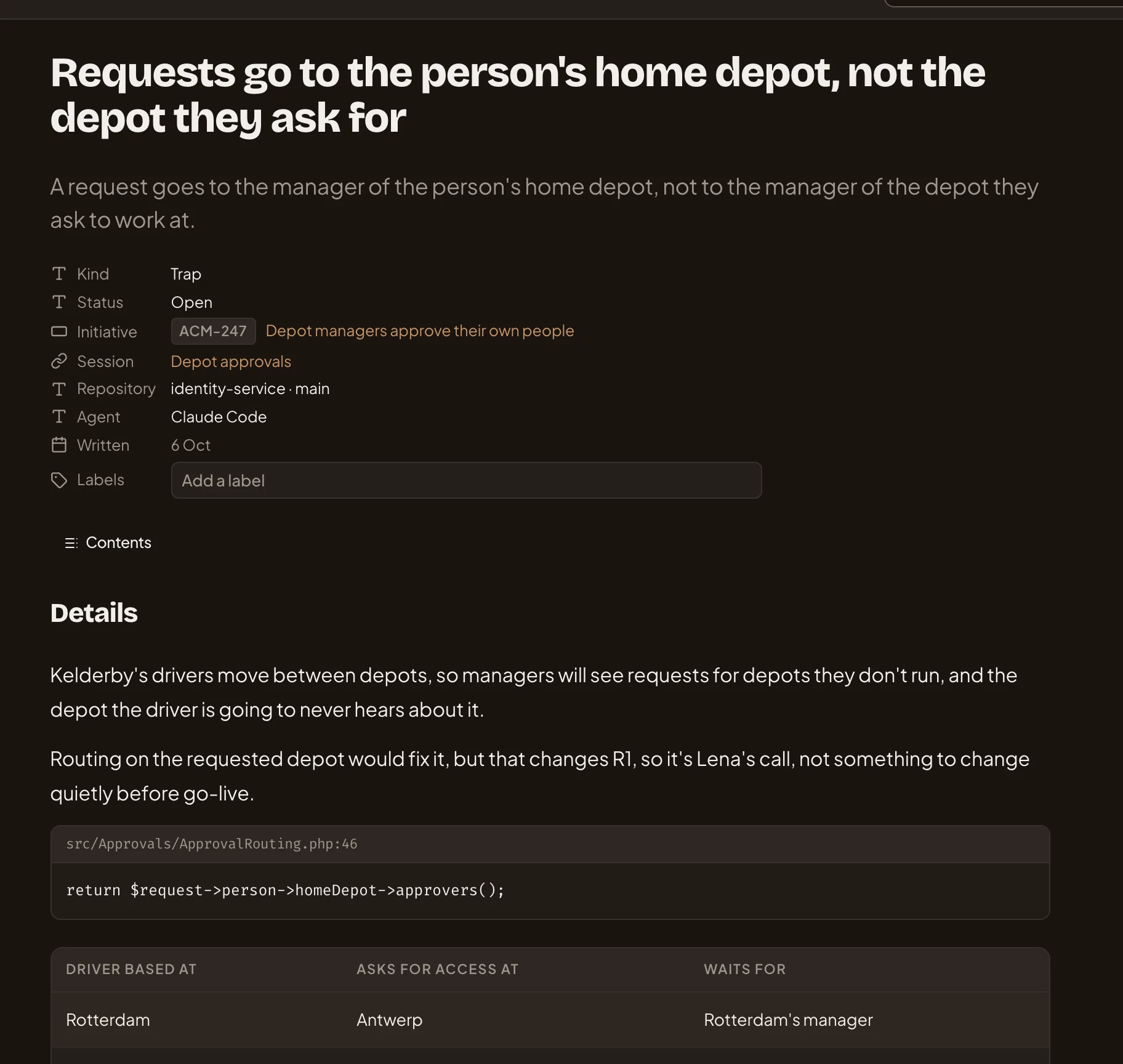
- A title that makes the point on its own, and the gist under it.
- Initiative. What the note is about, when Emargen can tell.
- Session. The words the agent named its session with.
- Labels. The only part of a note you can change.
- The code it cites, with its file and line.
- A table, where it says more than prose would.
Under the details, a note lists its references, like the file and line at the commit the agent was on, and the topic or initiative it’s about. Labels help you find a note, and they’re the only part you can change. A note doesn’t change once written. To correct one, the agent writes a new note that supersedes it, and both link to each other.
Its session, and what it’s about
Section titled “Its session, and what it’s about”The agent names its session in a few words, the same on every note of that session, like “Depot approvals”. The same words in the same repository are one session. It also gives the repository’s address and the branch, and Emargen matches the address to your organisation’s repositories, so the note shows the repository’s name.
A note is about an initiative, a slice, a task or a topic when Emargen can tell which. It goes by the key the agent names, such as ACM-247. Next it checks the branch’s name, in any case, so a branch named acm-301-region-step is about ACM-301. Then the topic the session last wrote. Otherwise it uses the one initiative whose open tasks in that repository were claimed for you. A key you can’t see counts as none.
Your limit
Section titled “Your limit”A coding agent may leave you ten notes in a session, unless you choose another number under Notes per coding session in your preferences.
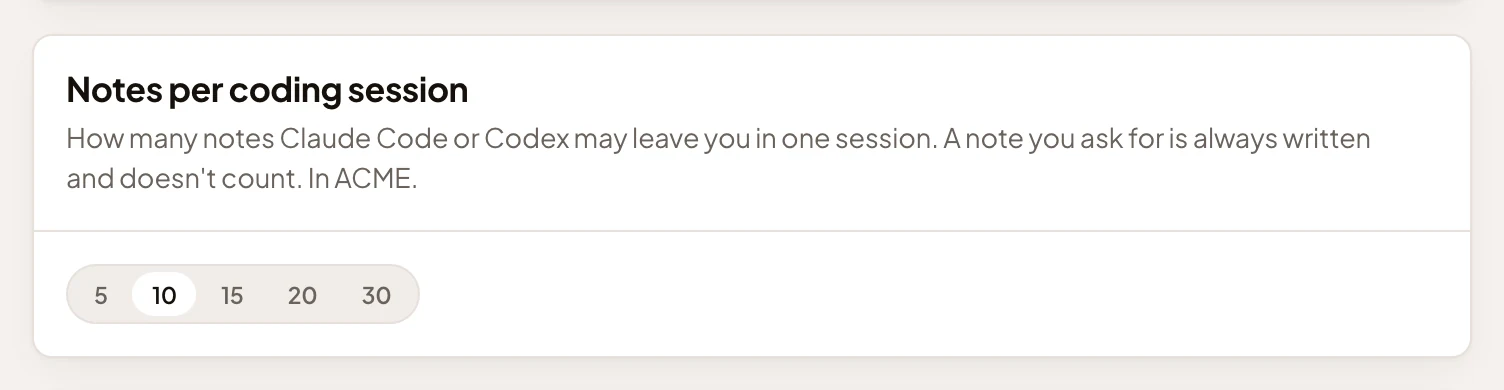
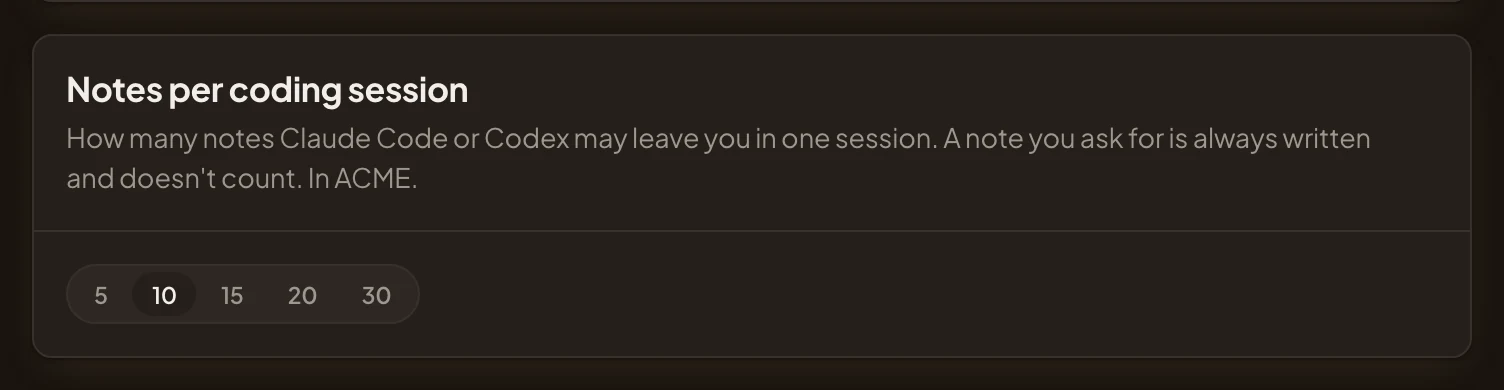
- A note you ask for doesn’t count, and the number holds in this organisation.
- From 5 to 30. Ten is chosen.
Each note tells the agent how many are left. Once a session has used them all, Emargen refuses every further note the agent chooses to write, a superseding one too. A note you ask for is always written and never counts.
Todos the agent does
Section titled “Todos the agent does”When the agent does one of your open todos, it closes it, with a line on how, and the commit or merge request. It closes only a todo, and only one it did. You decide which notes to drop or turn into something.


- Follow-up. What happened to the todo.
- Which agent did it, how, and the pull request.
Wrapping up, and looking back
Section titled “Wrapping up, and looking back”Ask the agent to wrap up at the end of a session. In Claude Code, the wrap-up prompt is among the slash commands, under the connection’s name. With Codex, ask in words. The agent searches your notes for the repository, writes what it hasn’t noted yet, closes any todo it did, and tells you in two lines what it wrote.
You can also ask it to look back over your earlier sessions in a repository, with the look-back prompt or in words. Emargen tells it where its own transcripts are on your computer, and where to start. It starts at your last look-back there, or 30 days ago, and you can ask for up to 90 days. The transcripts stay on your computer. What reaches Emargen is the notes it writes from them, under one session, and they count towards your limit. It never copies a secret into a note.
Start each session with your notes
Section titled “Start each session with your notes”When you make a token, the dialog offers a short script that runs as each Claude Code or Codex session starts. Before your first word, it hands the agent:
- whom it works for, and that it should leave you notes
- what the branch names, such as a task of an initiative
- up to ten of your open notes in that repository, one line each, those you asked for first
- how many notes it may write in this session
- an id for the session, so two sessions with the same words stay apart
The script reads the token from EMARGEN_TOKEN. Connect Claude Code or Codex has how to set it up.
Reading them
Section titled “Reading them”Your notes are in Agent Notes, in the menu, and under Your notes at the end of a topic’s document, for the notes about that topic. Even administrators can’t read them. Every agent that connects as you can search and read them, if you let it use the note tools.
Open Agent Notes (opens Emargen in a new tab)