

AdminHow to
Set up the models
Do this when you set up a new organisation. It’s the Models step of setup. Do it again whenever you want Emargen to run on another provider or a newer model. Models explains the idea behind it.
Before you start
Section titled “Before you start”- You need a role that may manage models. Administrators have it.
- You need an account with an AI provider, such as OpenAI or Anthropic, and its API key. For Azure OpenAI or an OpenAI-compatible endpoint, you also need its address. An OpenAI-compatible endpoint may need no key.
- For agents, you need models Claude Code or Codex can run. Claude Code runs Anthropic’s, and Codex runs OpenAI’s, among others. The dialog in step 10 shows only the harnesses your providers’ models can run.
- The pictures show ACME, the company these docs use, as its administrator sees it. She adds OpenAI’s cheaper gpt-6-luna and checks the defaults.
-
Click Admin in the menu. It opens on Models. During setup, click Models in the steps along the top instead.
Open Models (opens Emargen in a new tab) -
Under Providers, look for your provider. If it’s there, click its name and go to step 6. In the pictures, OpenAI is there already.
-
If it isn’t, find it under Available providers and click Add beside it.
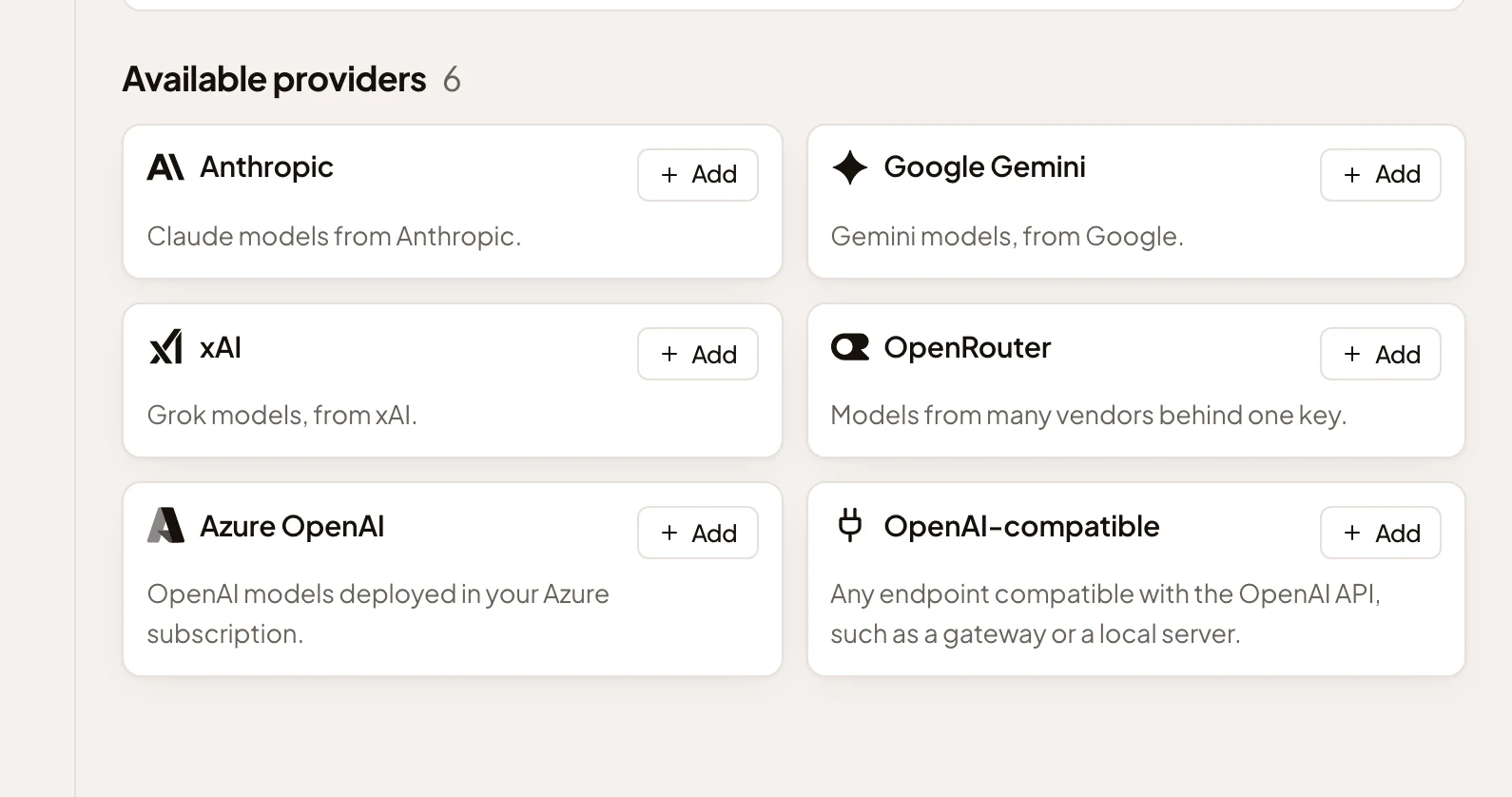
- Add, here for Anthropic.
-
Paste the key into API key. For Azure OpenAI or an OpenAI-compatible endpoint, also fill in Endpoint (and API version for Azure).
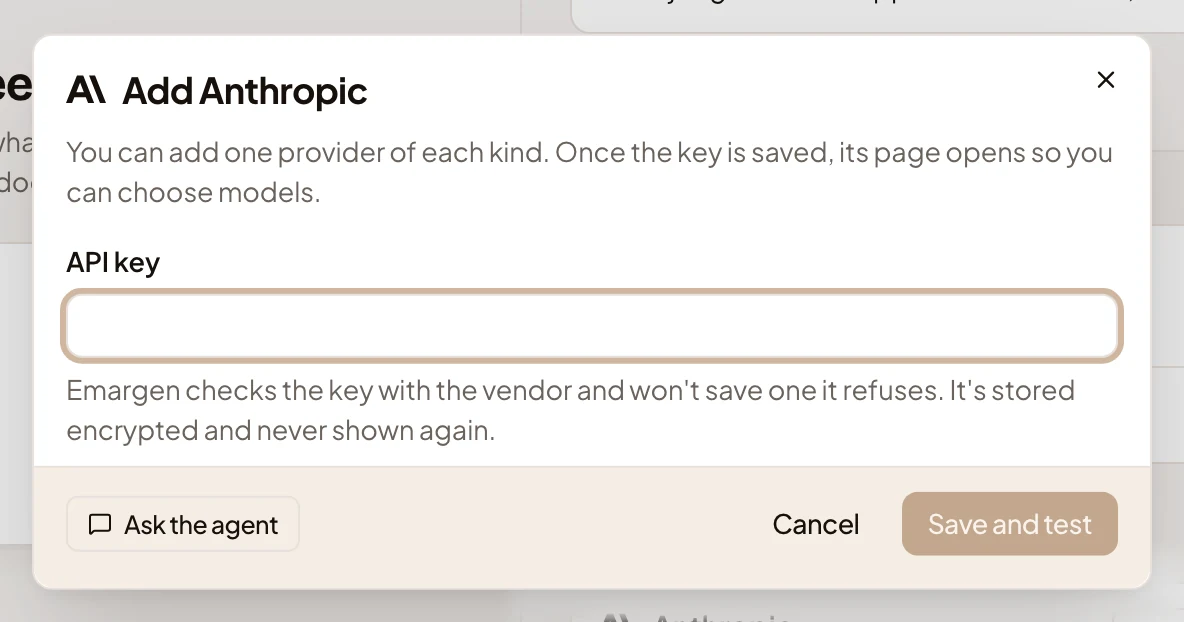
- API key.
- Save and test.
-
Click Save and test. It stays greyed until you fill in the fields the provider needs. The provider checks the key first. If it refuses the key, nothing is saved and the dialog says so. Once the key is saved, the provider’s page opens. An Azure OpenAI key is tested later, when you add its first deployment.
-
On the provider’s page, look under Available models. They’re the models the provider offers that your organisation doesn’t use yet, newest first. Type part of a name into Find a model to narrow them.
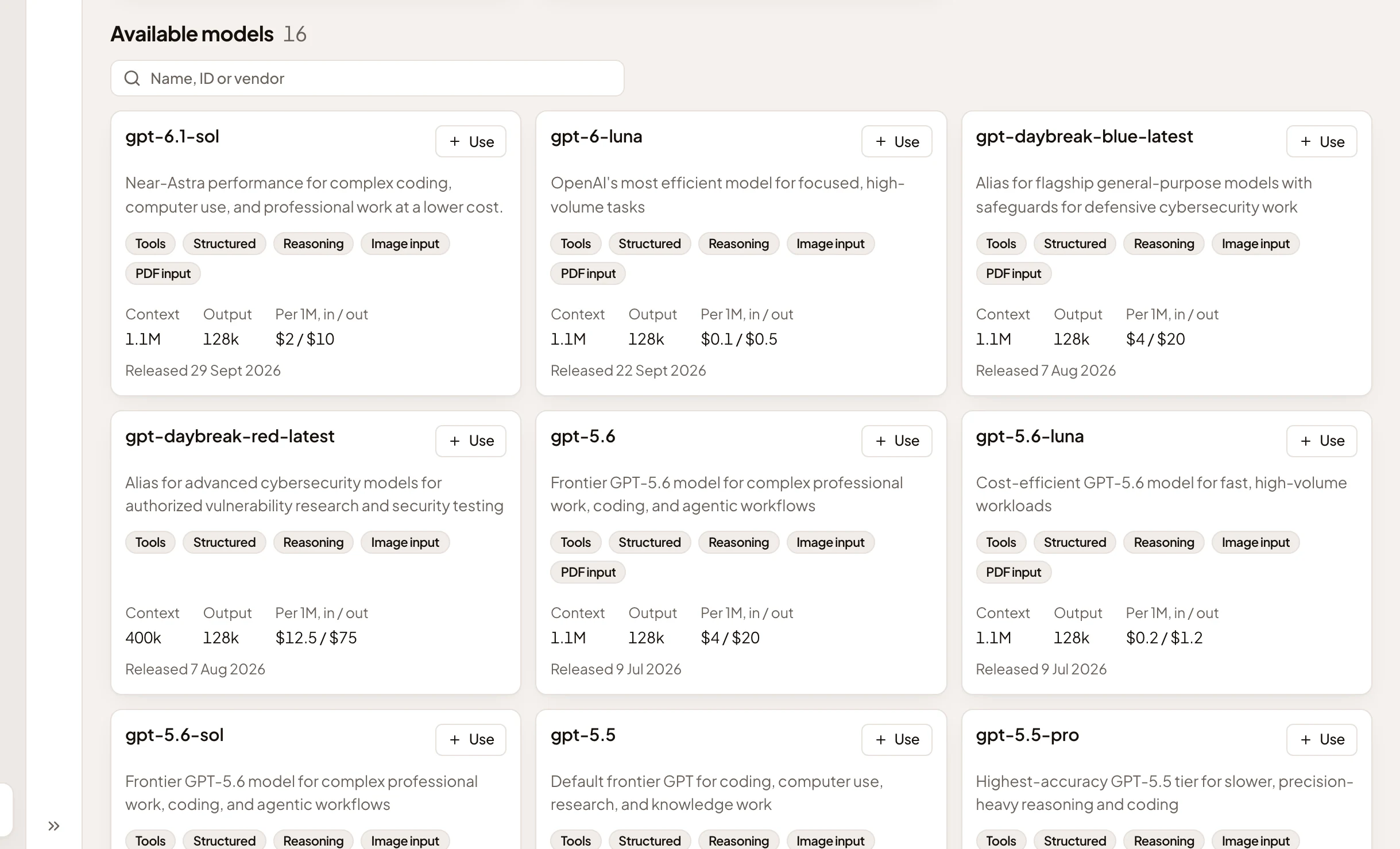
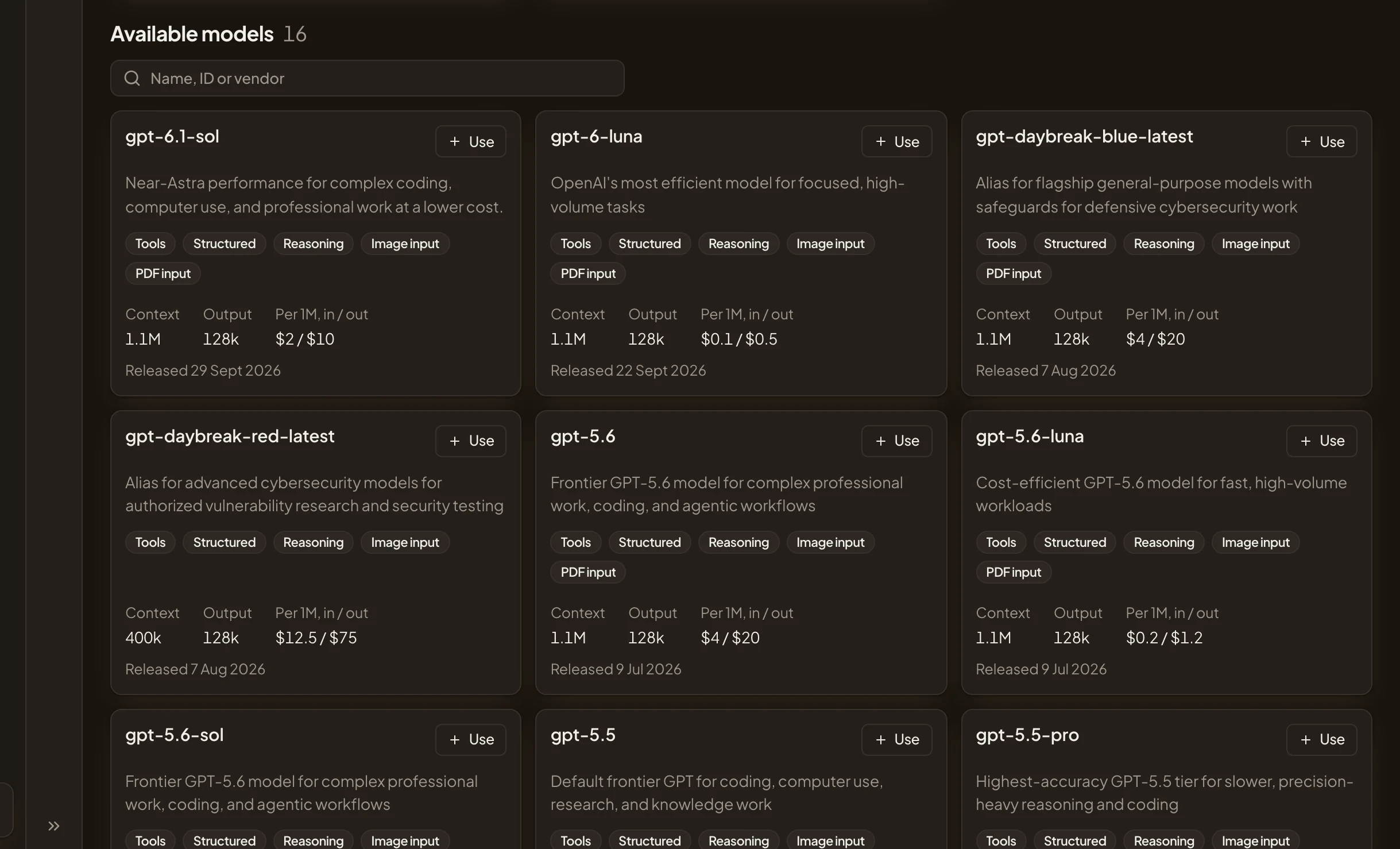
- Find a model.
- Use, here on gpt-6-luna.
-
Click Use on each model you want. Emargen tries the model with a one-word question. When it answers, the dialog says the model is active, and it joins Active models. Click Done. If it doesn’t answer, it isn’t kept, and the dialog says why.
Add a model that isn’t listed, like an older one, with Add by ID. An Azure OpenAI provider lists nothing, so you add each deployment by its name.
-
Click Models at the top of the page to go back to Models. Under Defaults, click Change beside Chat. On a new organisation the button says Set.
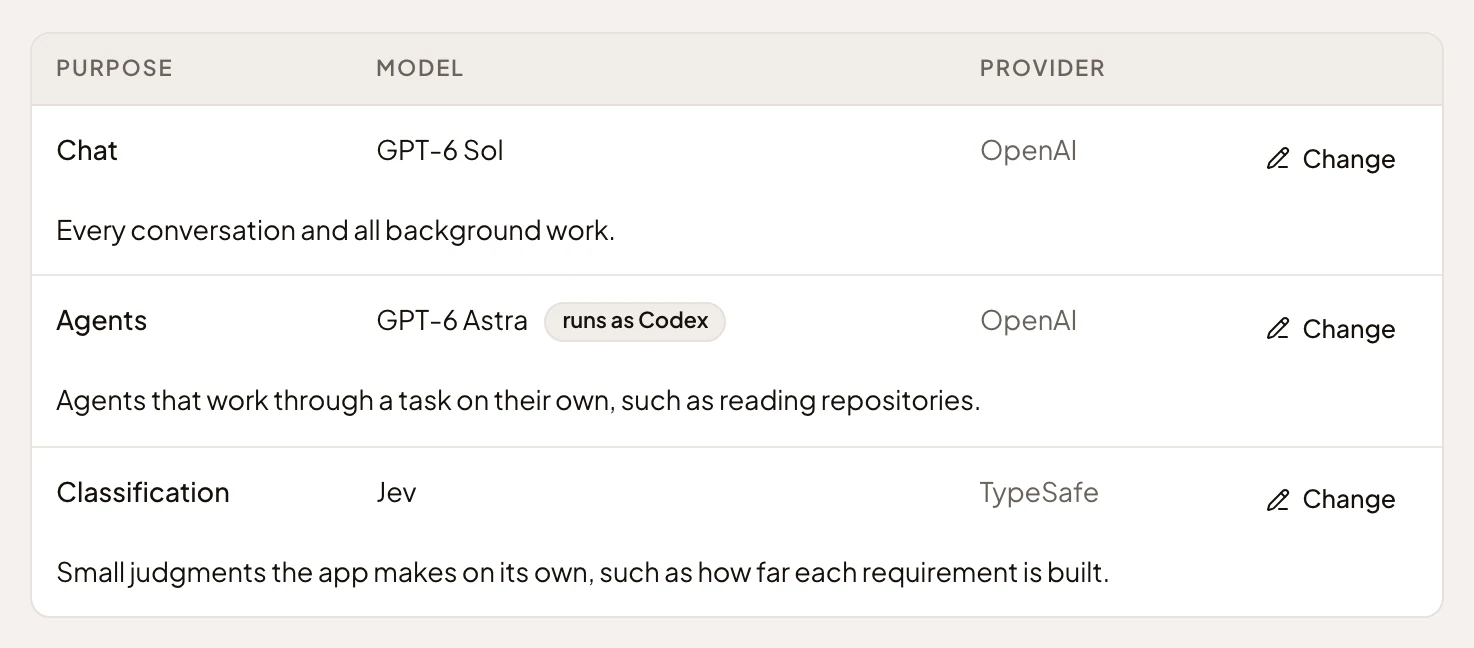
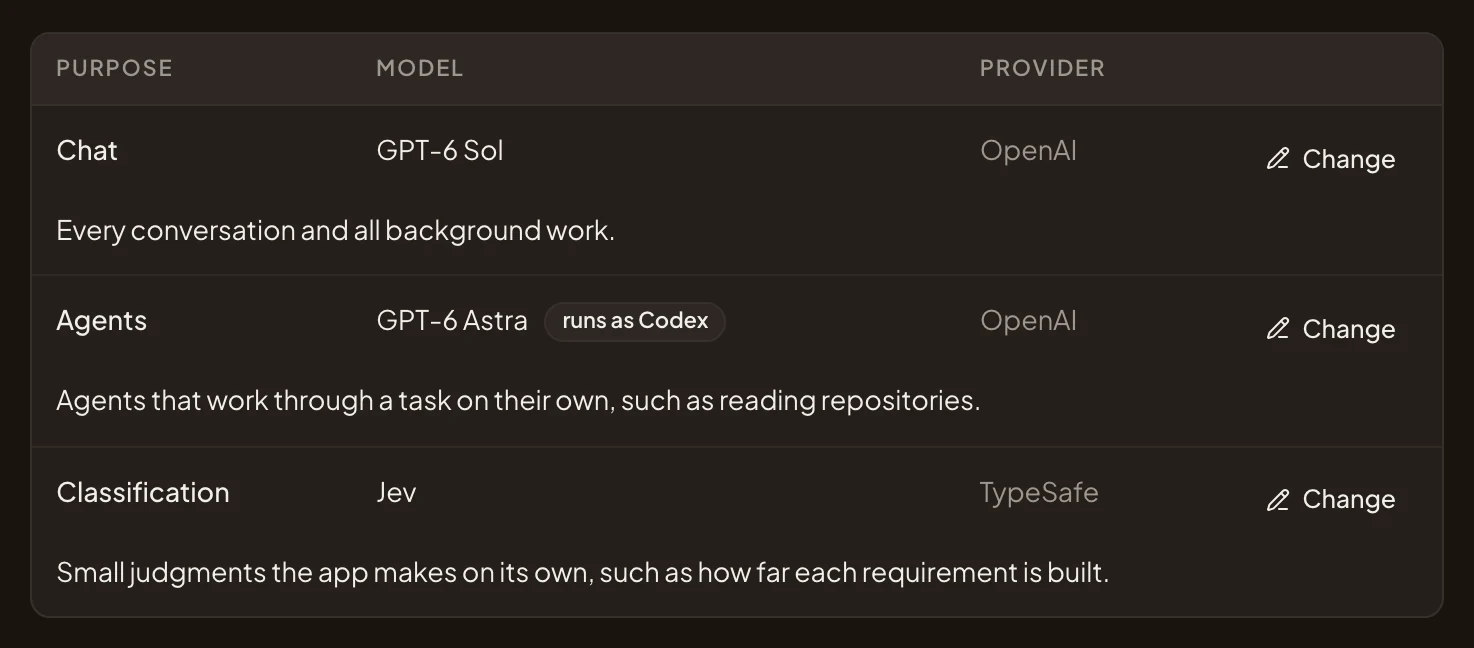
- Change beside Chat.
- Change beside Agents.
- Change beside Classification.
-
Choose the model for chat, and click Save. If the model hasn’t been checked yet, Emargen first tests that it can handle chat. That takes a few seconds. In the picture, GPT-6 Sol stays.
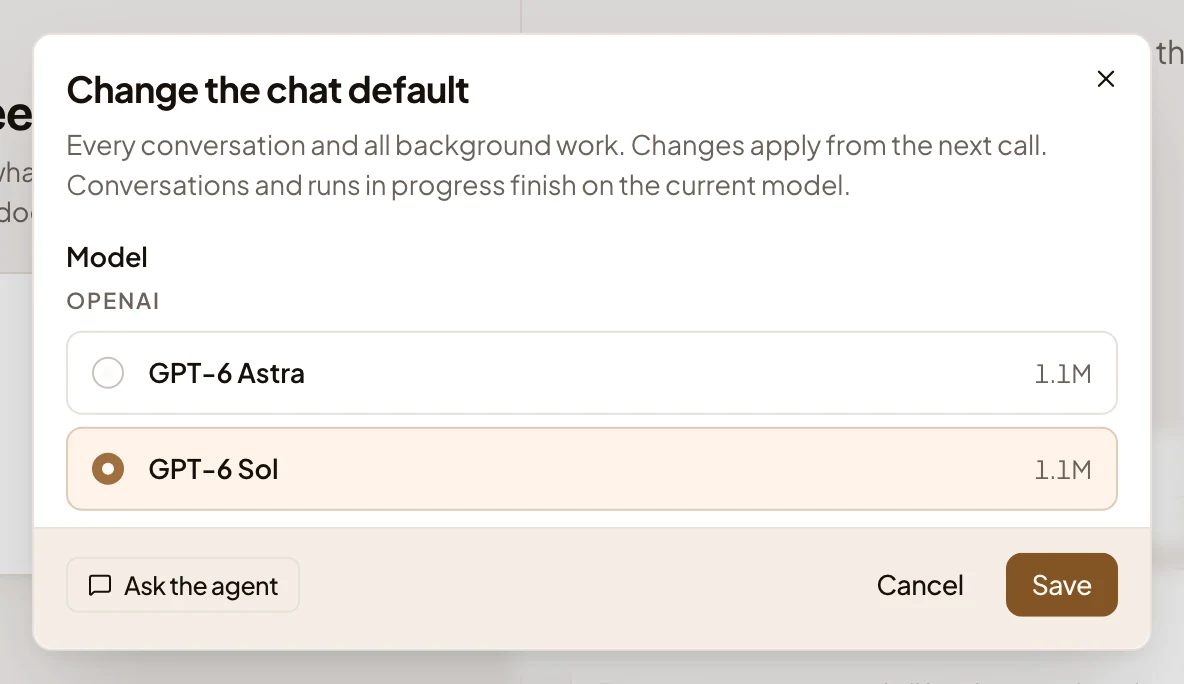
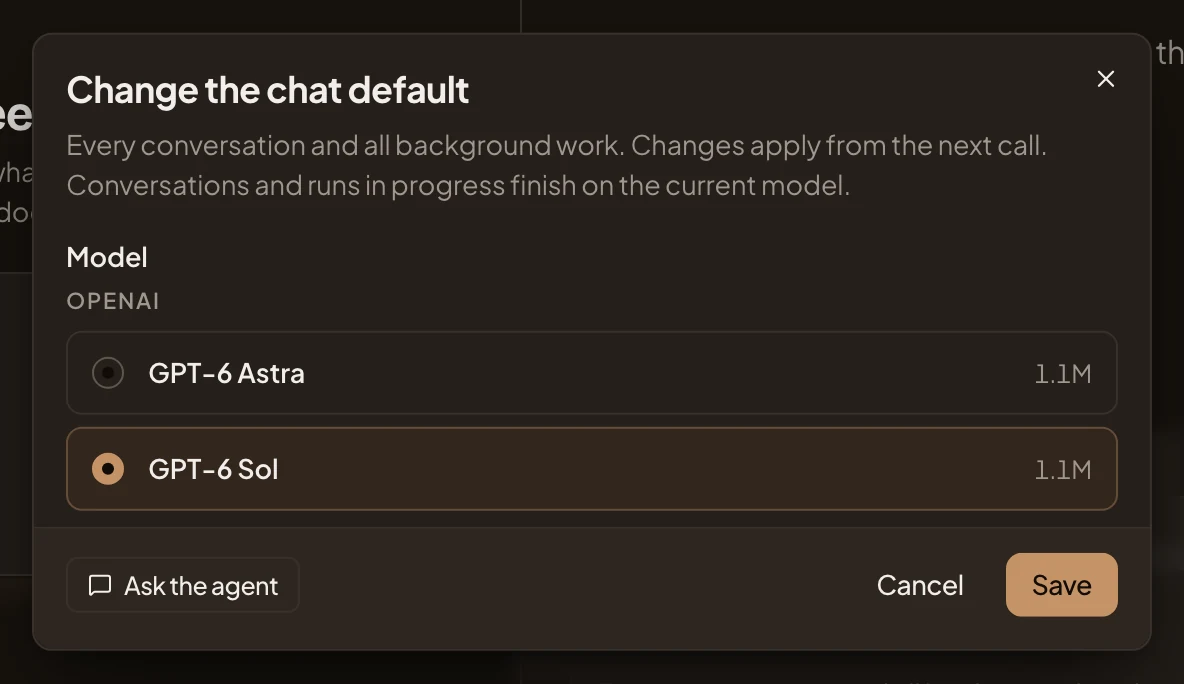
- GPT-6 Sol, the model chosen now.
- Save.
-
Click Change beside Agents. Choose the Agent harness first, then a model it can run, and click Save. With only OpenAI’s models, as in the picture, the dialog offers Codex alone.
Emargen tries a new choice with a real run before it changes the default. The dialog says it’s checking, which can take a few minutes. If the run fails, the dialog says why and keeps the old default.
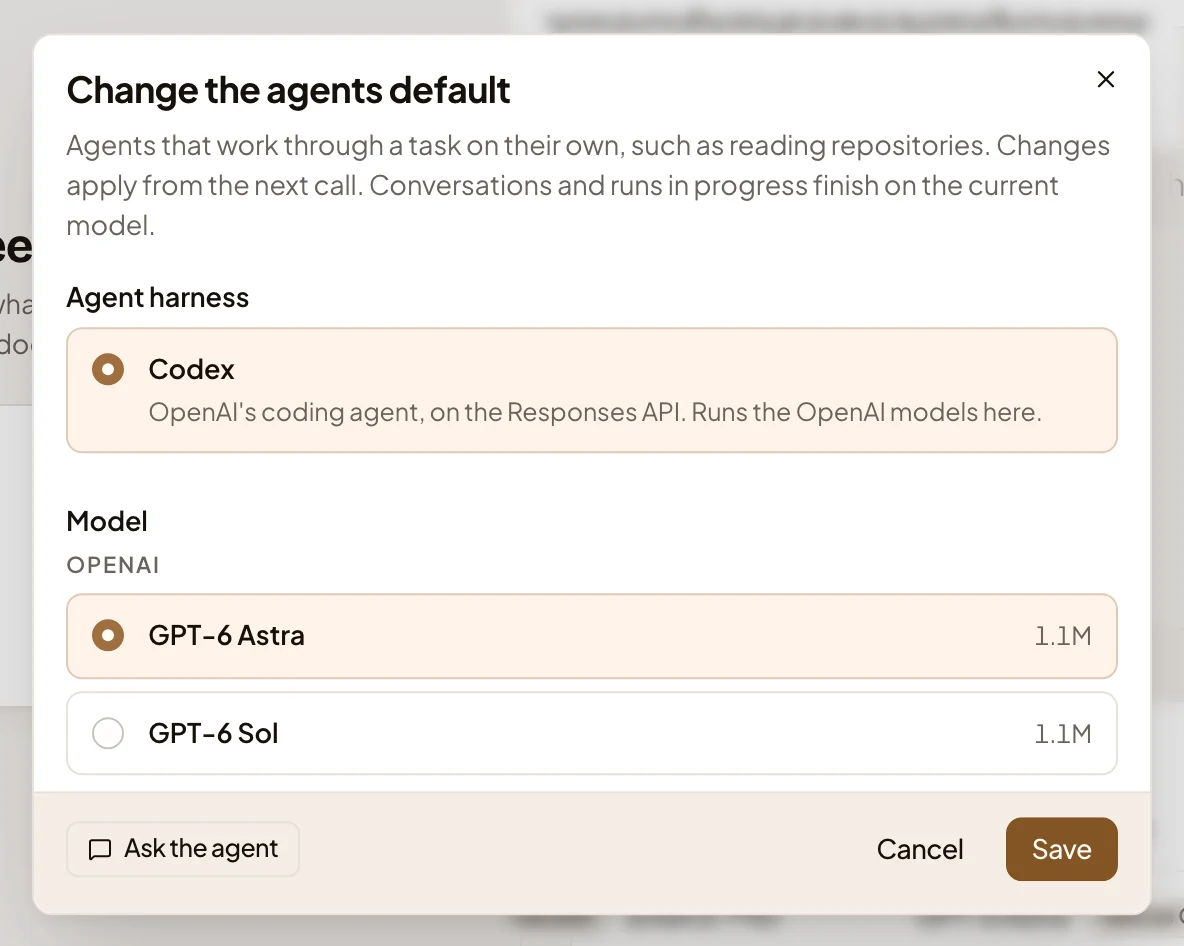
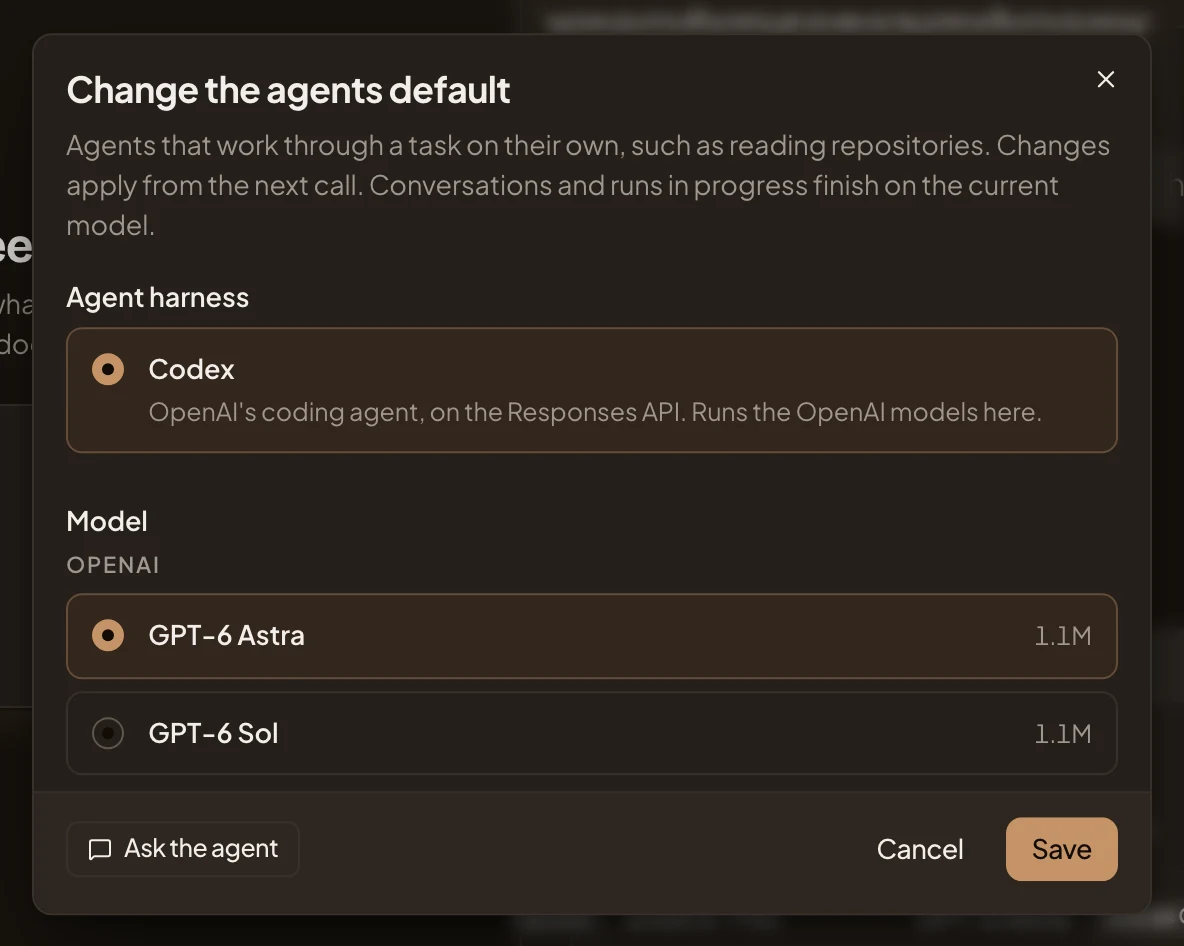
- Codex, the harness.
- GPT-6 Astra, a model Codex can run.
- Save.
-
If you have a classifying model, such as TypeSafe’s Jev, click Change (or Set) beside Classification, choose it and click Save. This one is optional.
What you get
Section titled “What you get”- Defaults shows the model for each purpose. The next chat reply, and the app’s writing in the background, use the new chat model, unless a persona names a model of its own. An answer being written finishes on the old one.
- Agents can run. Repository analyses, spikes and an initiative’s brief run on the agents model, with the harness you chose. Until there’s an agents default, a banner says “No agent model is set” wherever that work would start.
- During setup, the Models step’s mark turns to a tick, and Launch shows Models as Done.
- The models you added count towards Usage at their list prices from the first call.
You can do every step in the admin agent’s chat instead. Ask it to add your provider, and it gives you a card for the key, which goes straight to Emargen. It then proposes the models and the defaults on cards you press.