AdminPage by page
Plan
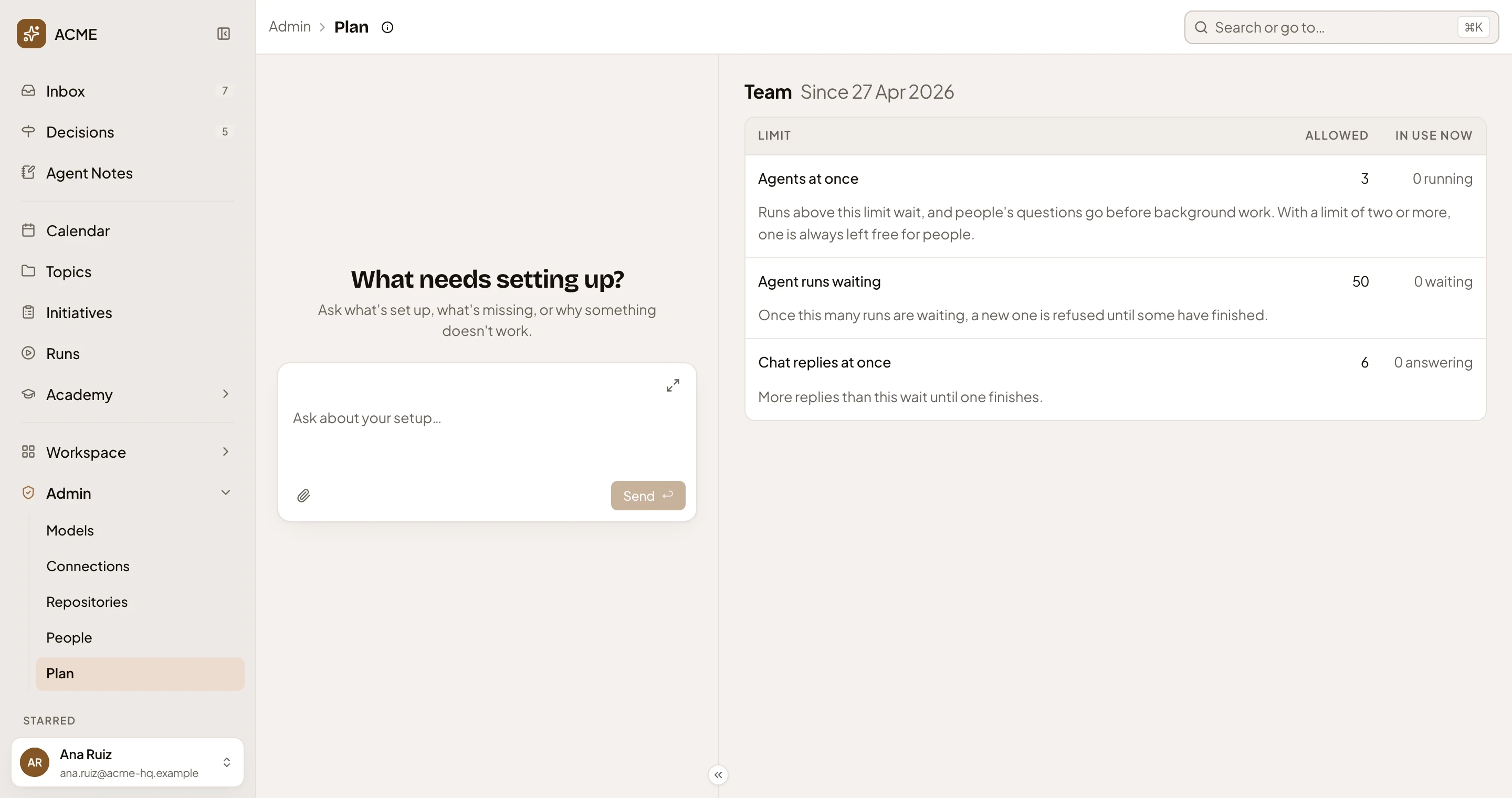
Plan shows how much Emargen may run for your organisation at once, and how much is running now. Open it from Plan under Admin in the menu. See Plans and limits for what each limit does to your people’s work.
Open Plan (opens Emargen in a new tab)ACME’s plan, with nothing running.
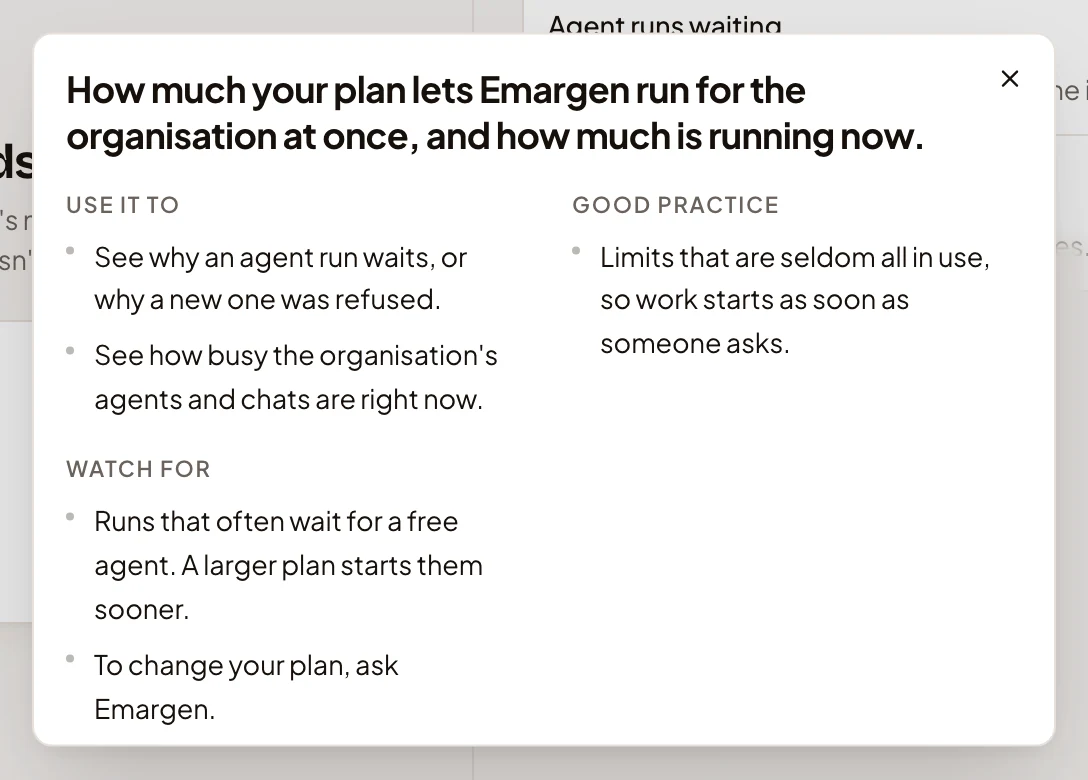
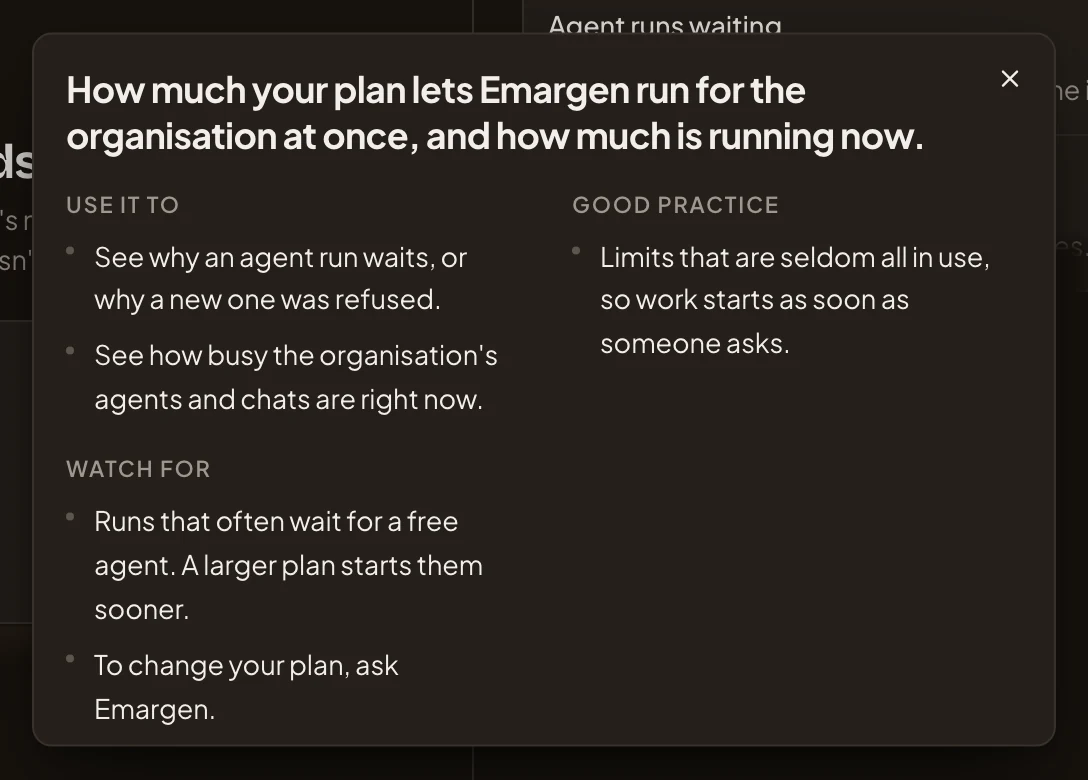
- Plan guide. What the page is for, and what to watch for.
- The plan’s name, and the day your organisation moved to it.
- Allowed. The number your plan sets, or No limit.
- In use now. What’s running, waiting or answering now. It refreshes every half minute.
- The line under each limit says what happens when it’s reached.
The chat on the left is the admin agent’s. See Admin.
The three limits
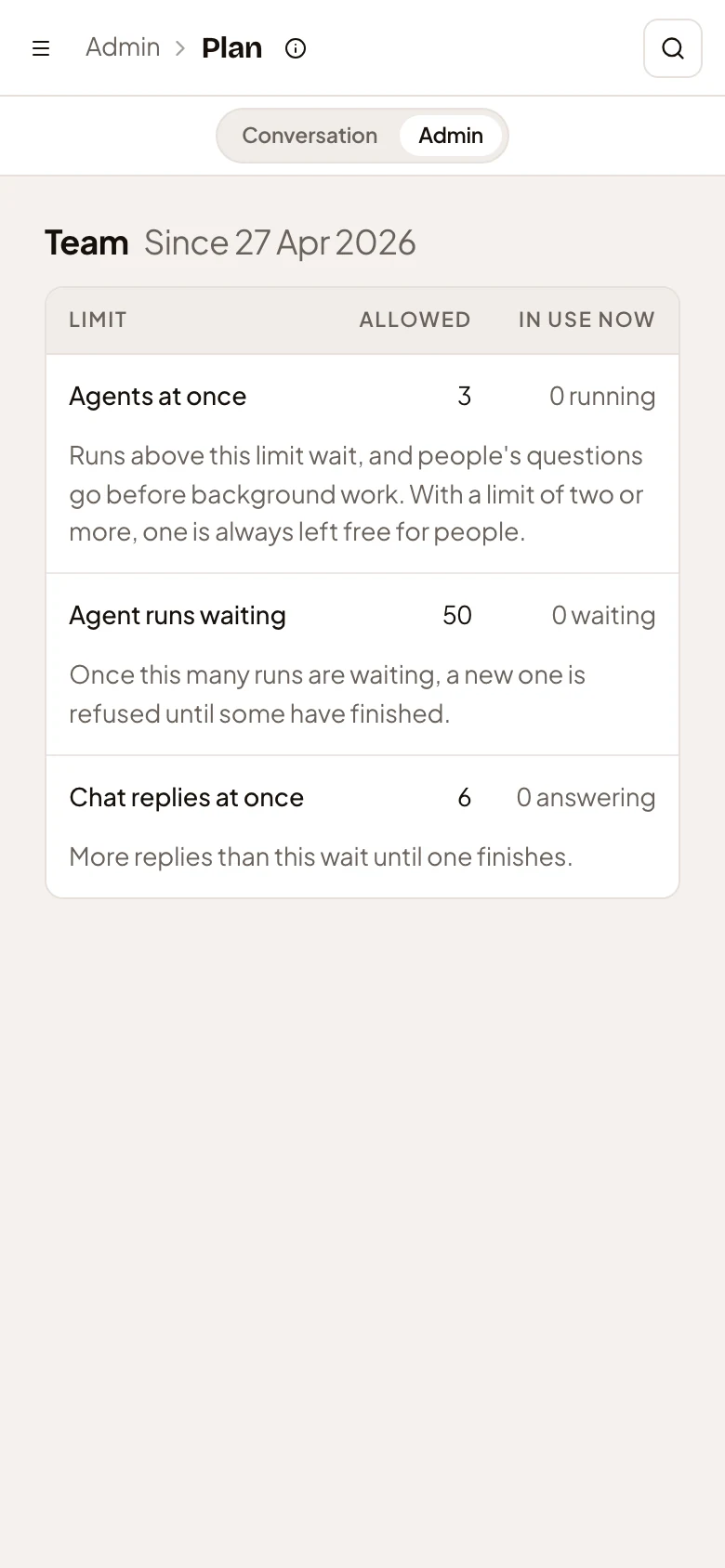
Section titled “The three limits”- Agents at once. Agent runs working at the same time, such as a repository’s analysis, a spike, or a topic’s check against the code. More runs wait, and a person’s question goes before background work. If your plan allows two agents or more, background work always leaves one free for a person. When runs wait, the row reads like “3 running · 2 waiting”.
- Agent runs waiting. How many runs may wait for a free agent. Once that many are waiting, Emargen refuses a new run until some have finished.
- Chat replies at once. Answers the agent writes in chats at the same moment. More replies wait until one finishes.
The guide
Section titled “The guide”Plan guide is the small circle beside the title.
Nothing on the page changes the plan. To move to another plan, ask Emargen.
On a phone
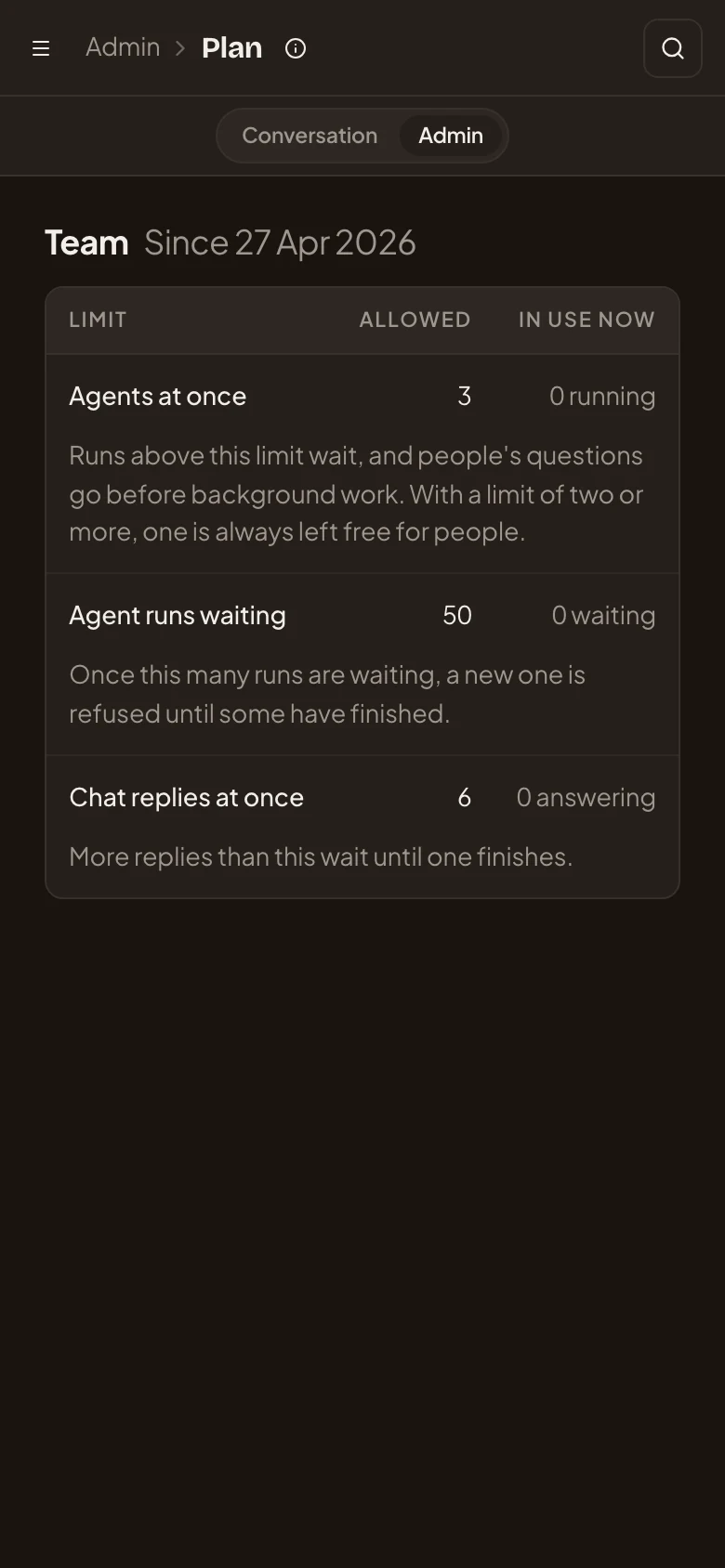
Section titled “On a phone”The page and the admin agent’s chat take turns on the screen, as on every Admin page. Conversation and Admin at the top switch between them. The table keeps its three columns.
Access
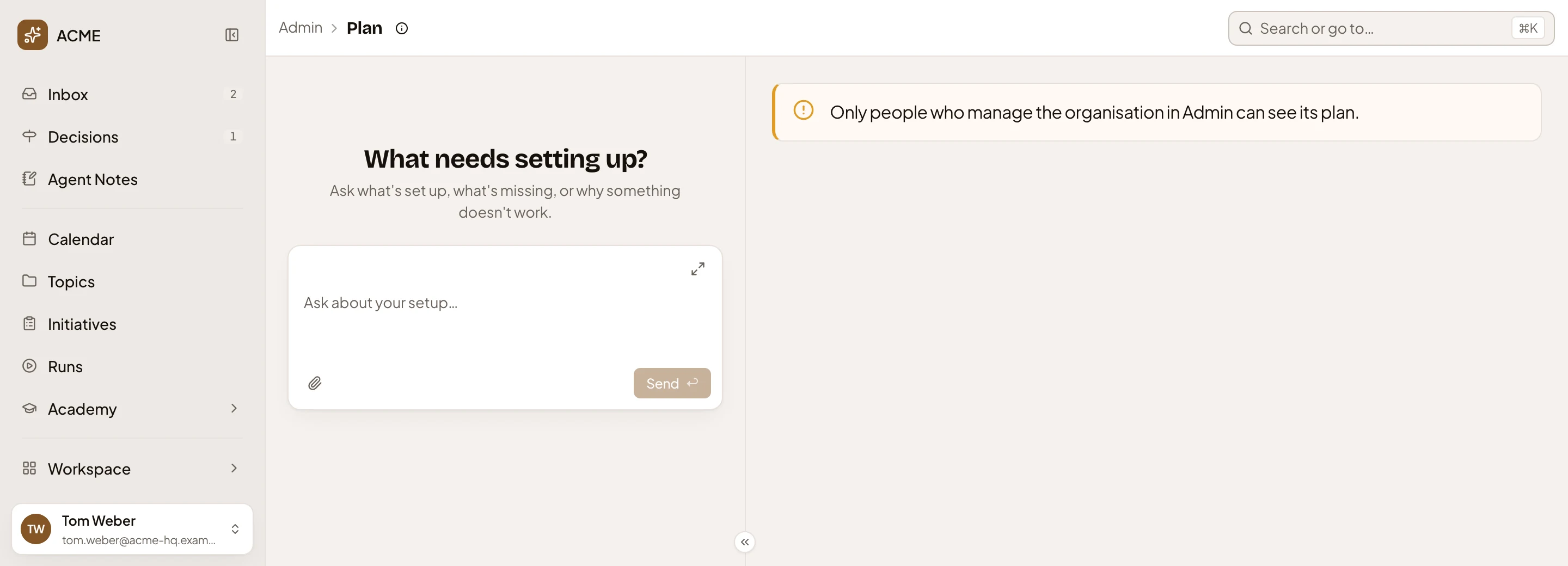
Section titled “Access”Anyone with an Admin permission, such as managing models or inviting people, sees the plan. Everyone sees Plan in the menu. Without one, the page says you can’t see the plan.