

TopicsHow to
Make a plan
Make a plan in a topic when there’s a date to meet and several people to get there, like a customer’s go-live or a move to a new system. The agent reads what you already have on it, lays out the steps, and marks what nobody has decided yet.
Before you start
Section titled “Before you start”- Who can
- Anyone in the organisation can start a topic. It’s yours alone until you share it.
- You need
- The date, what has to happen by then, and anything you already know is open.
- The pictures
- ACM-319 at ACME, the company in the docs’ pictures, as its owner in customer success sees it. It plans a customer’s move to single sign-on, depot by depot, before their go-live.
-
Open New topic.
Open New topic (opens Emargen in a new tab) -
Say what the plan is for, the date, and what you need from others. In the pictures, the message gives the go-live date and asks for the rollout depot by depot, with what’s still needed from the customer. If an earlier topic has part of it, name its key, and the agent reads that topic too.
-
Click Send. The agent names the topic and starts its sections, a Started line for each. The agent can arrange long plans into tabs, saying Changed the outline.
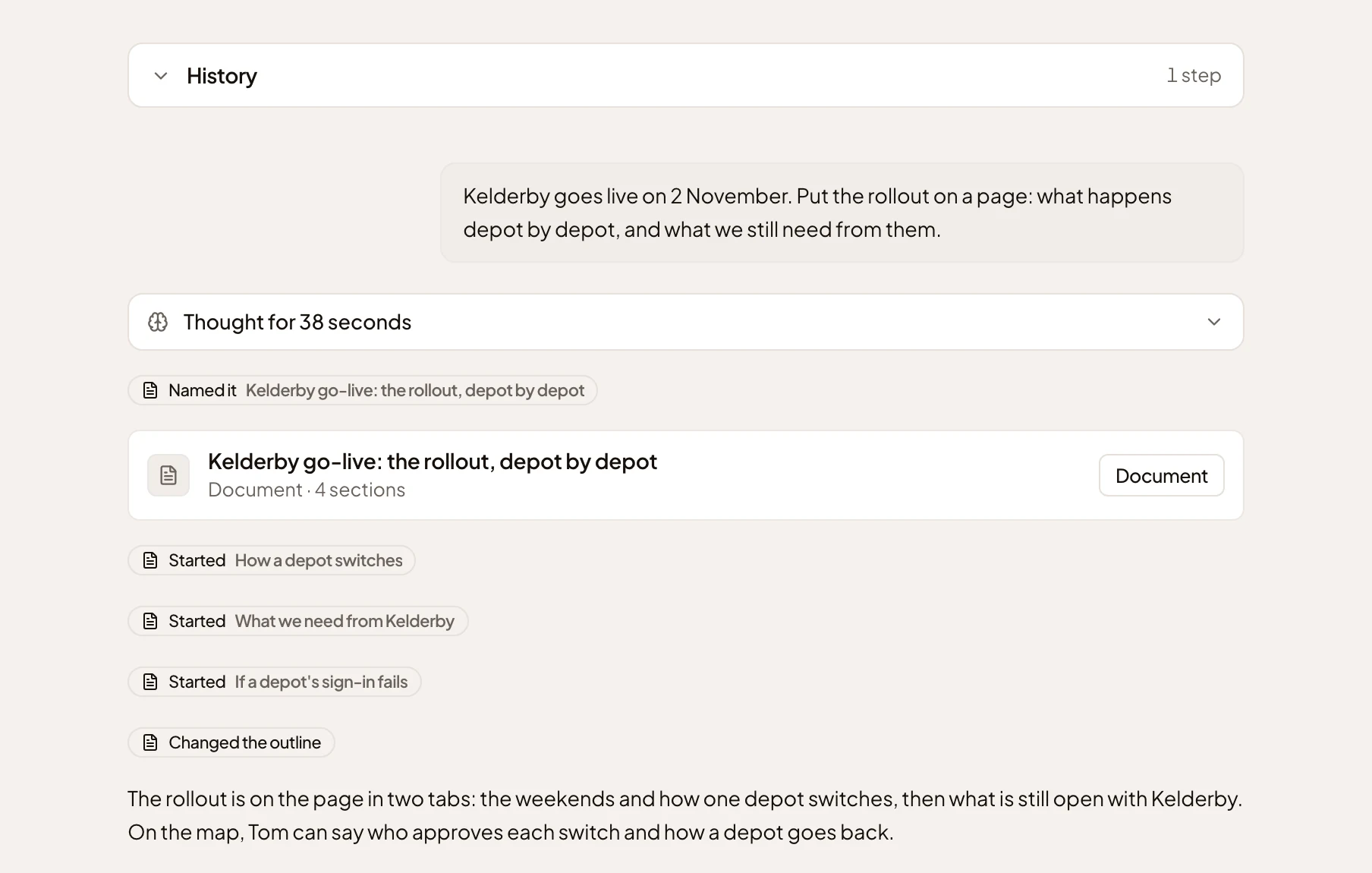
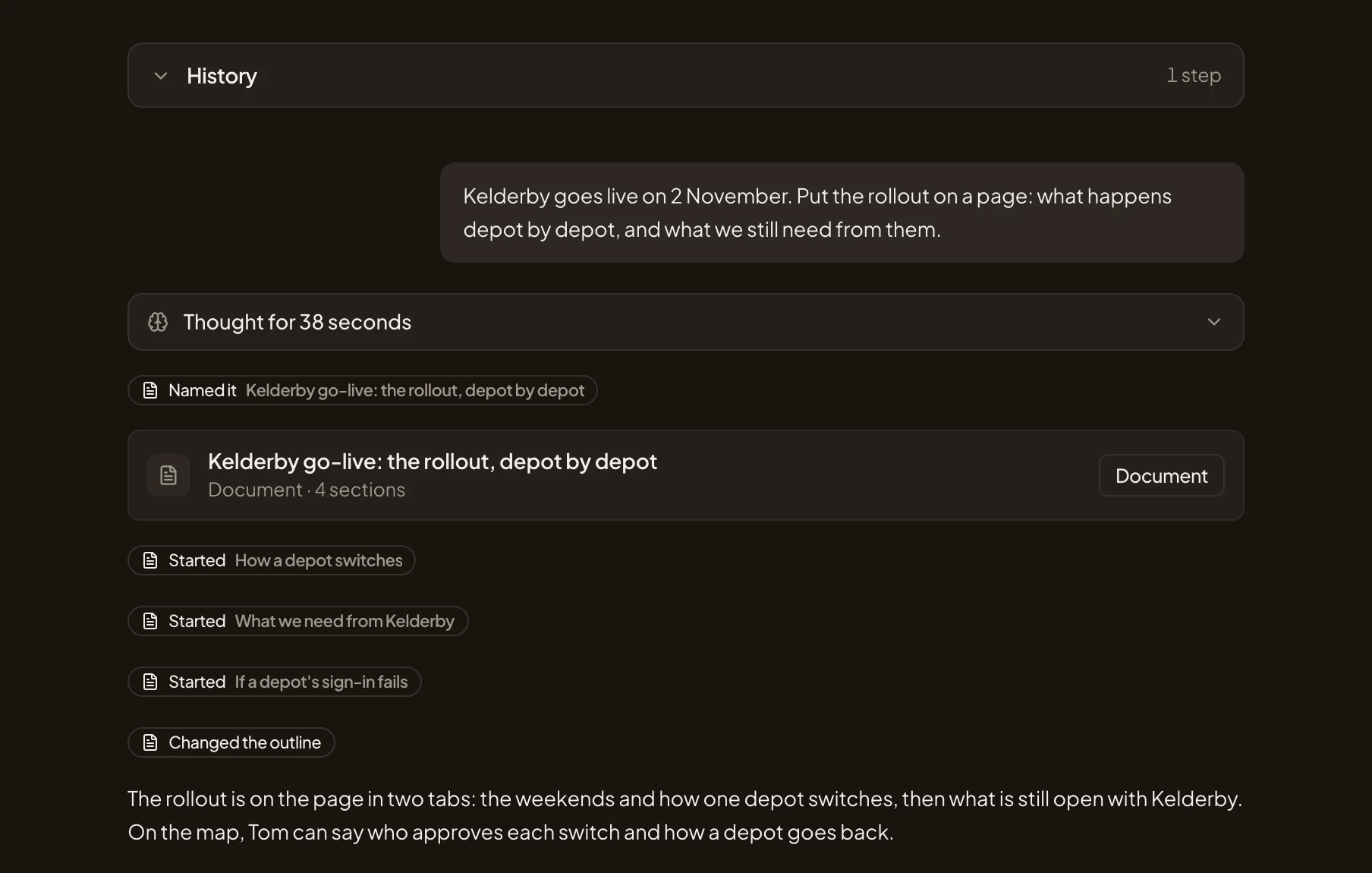
- The sections the agent started.
- Here, the agent put the sections into two tabs, and said Changed the outline.
- What it put where.
-
Open the document (the small document’s Open button). Click a tab to read its sections. Dates usually come as a timeline. Click the button at its top right to see it on the whole screen.
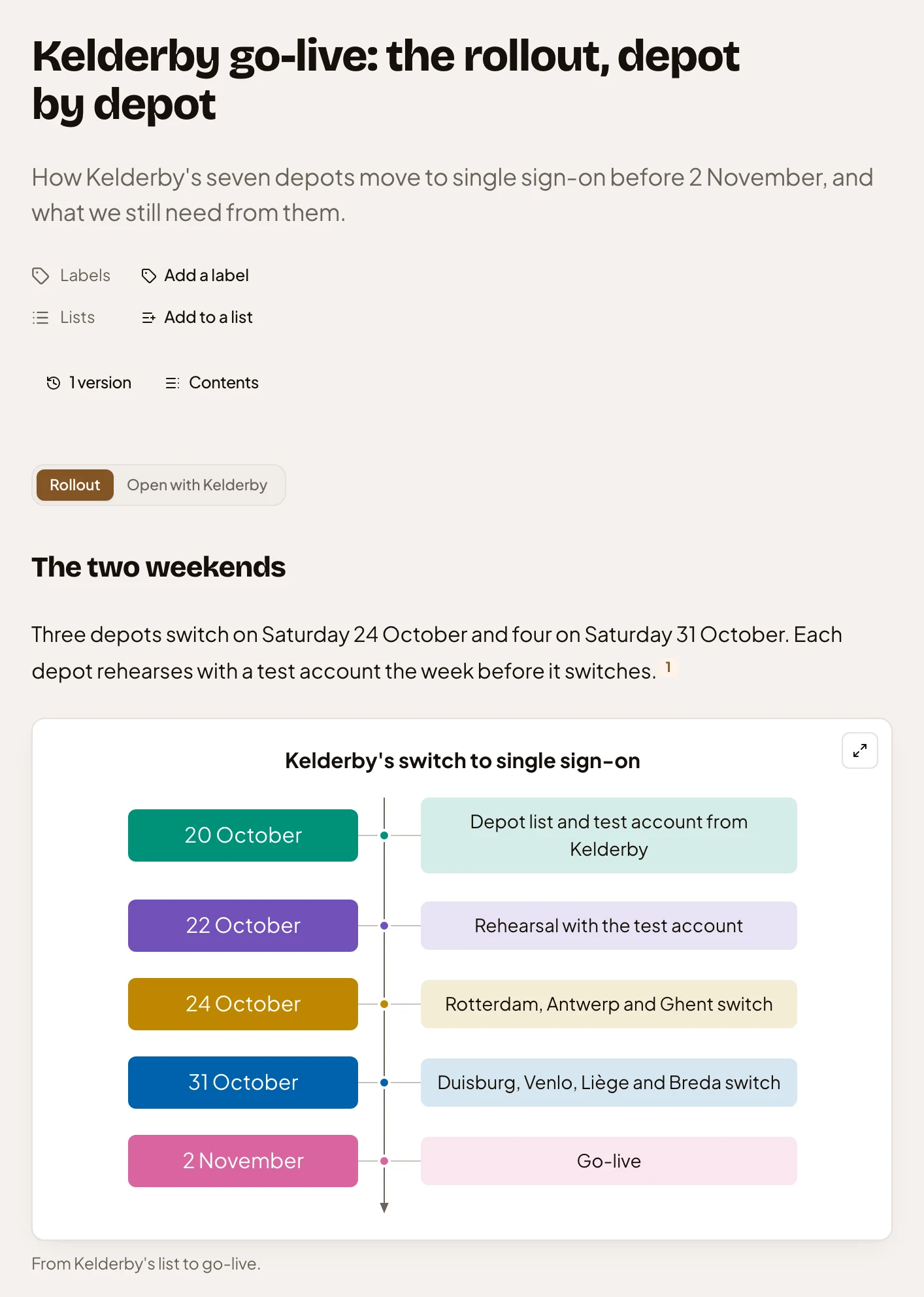
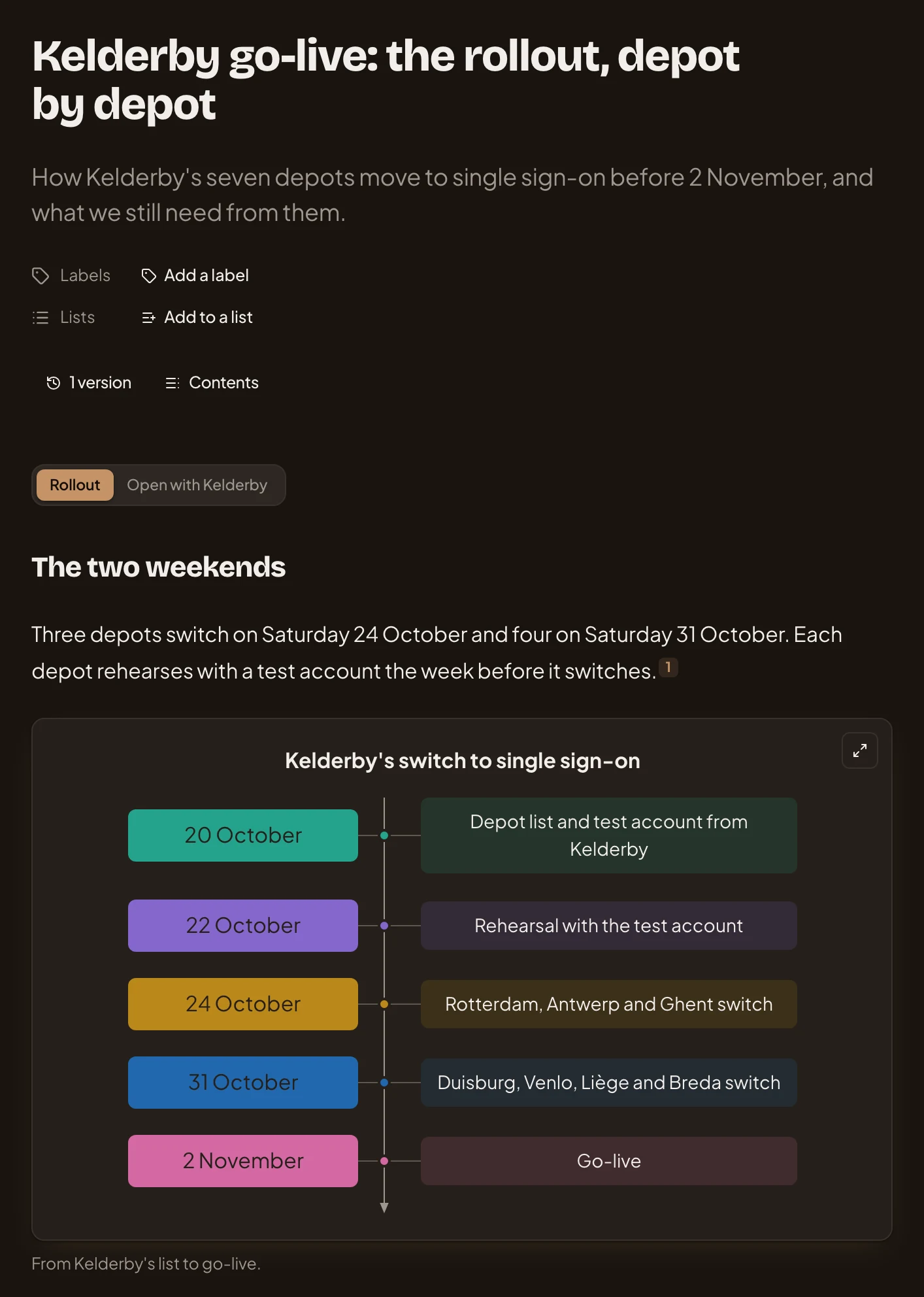
- The tabs.
- The timeline’s button for the whole screen.
-
Scroll to the map, if the agent drew one. It shows who does what, in lanes. Click a shape marked “Unknown”. It says who might know, and lists the next questions to ask.
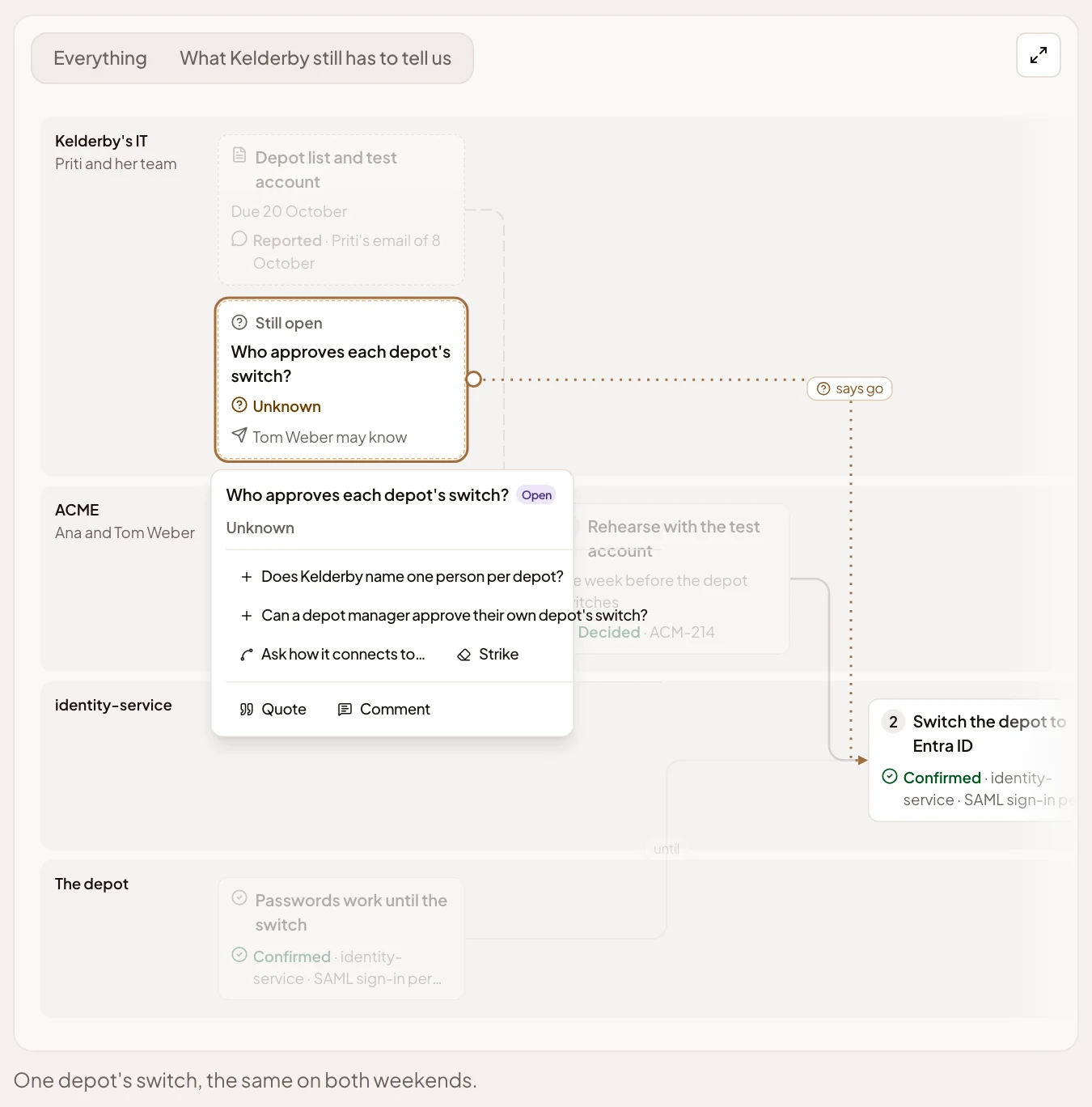
- An open question, with who might know.
- A next question to ask the agent.
- “Comment”, to ask a person.
-
Share the plan with the people who work on it: see Share a topic. Each of them works with the agent in a chat of their own.
-
Ask what’s open. Click a next question. The agent looks through your organisation’s sources and draws what it found on the map. Where it finds nothing, it adds a question. When only a person knows, click “Comment” and tag them with @. They need to see the topic, so share it with them first. Their reply shows in the topic’s comments.
What you get
Section titled “What you get”- A plan with its dates, its steps and who does what. Long plans may have tabs.
- What’s still open, marked on the map with who might know.
- Your own chat with the agent on the topic. Nobody else reads it.