

InitiativesPage by page
Approaches
Approaches is where you compare the ways to build the initiative against its requirements, and choose one. Click Approaches on the rail of an initiative’s page. Approaches and spikes holds the thinking behind them.
ACM-362 has two approaches and none chosen yet. A gives agency drivers access that ends with their shift. B gives them a day pass that lapses at midnight.
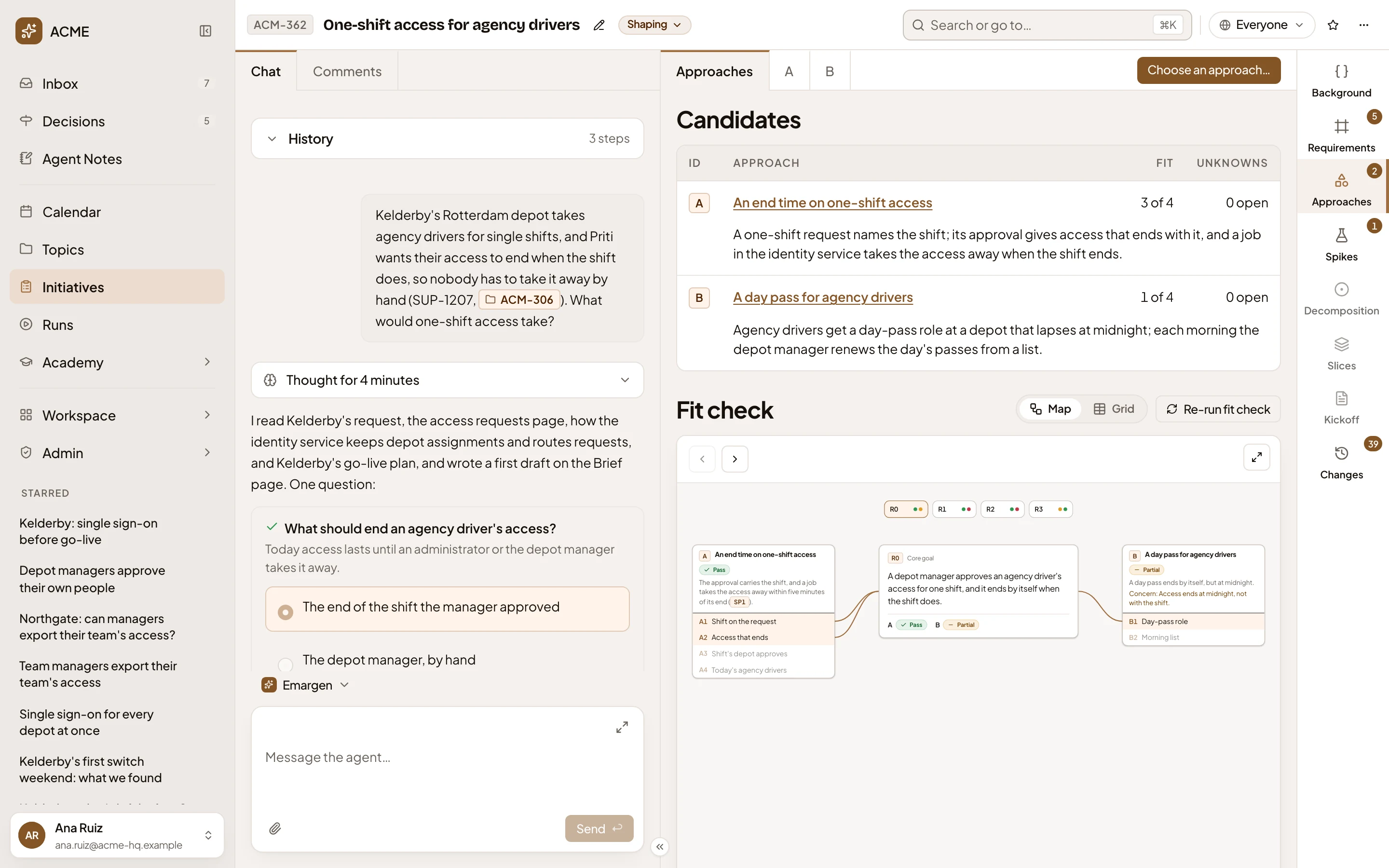
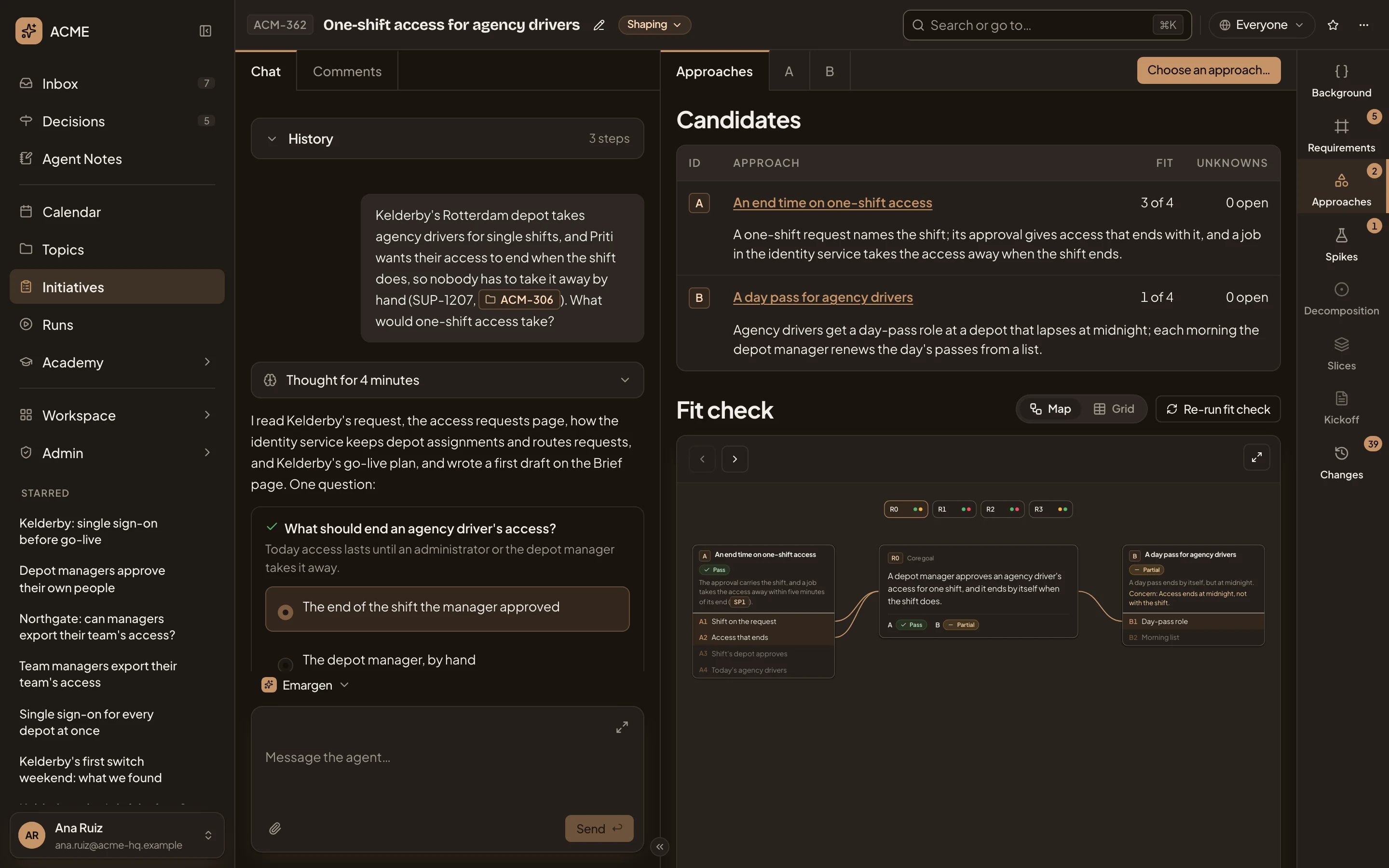
- Approaches is this overview. A tab follows for each approach, A and B.
- Choose an approach…. Pick the one to build (see Choosing an approach).
- An approach, by its letter and title, with one sentence on how it works. Click the title to open the approach.
- Fit. How many requirements it passes, of those it has been checked against so far. A passes 3 of 4.
- Unknowns. What it rests on that nobody knows yet. An open one links to the approach’s unknowns.
- Map and Grid. Two ways to show the fit check.
- Re-run fit check. Puts a message in your message box asking the agent to check every approach against every requirement again. Press Send, or change it first.
- The requirements, a dot per approach in its verdict’s colour. Click one to put it in focus.
The fit check
Section titled “The fit check”The fit check sets every requirement in scope against every approach. A verdict is Pass, Partial, Fail or Not addressed, and says why. A pair nobody has checked yet doesn’t count against the approach. When something changed after the check, a line above it says so and suggests running it again.
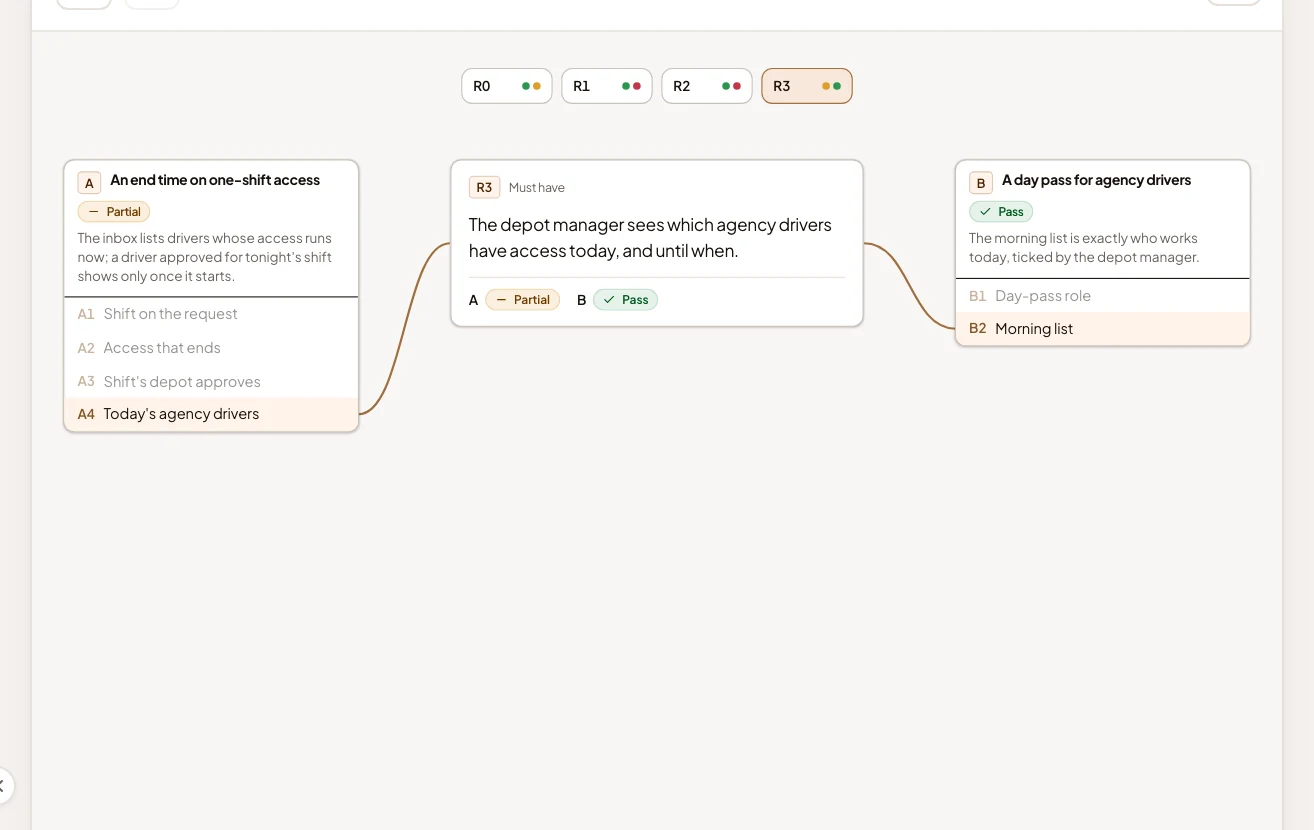
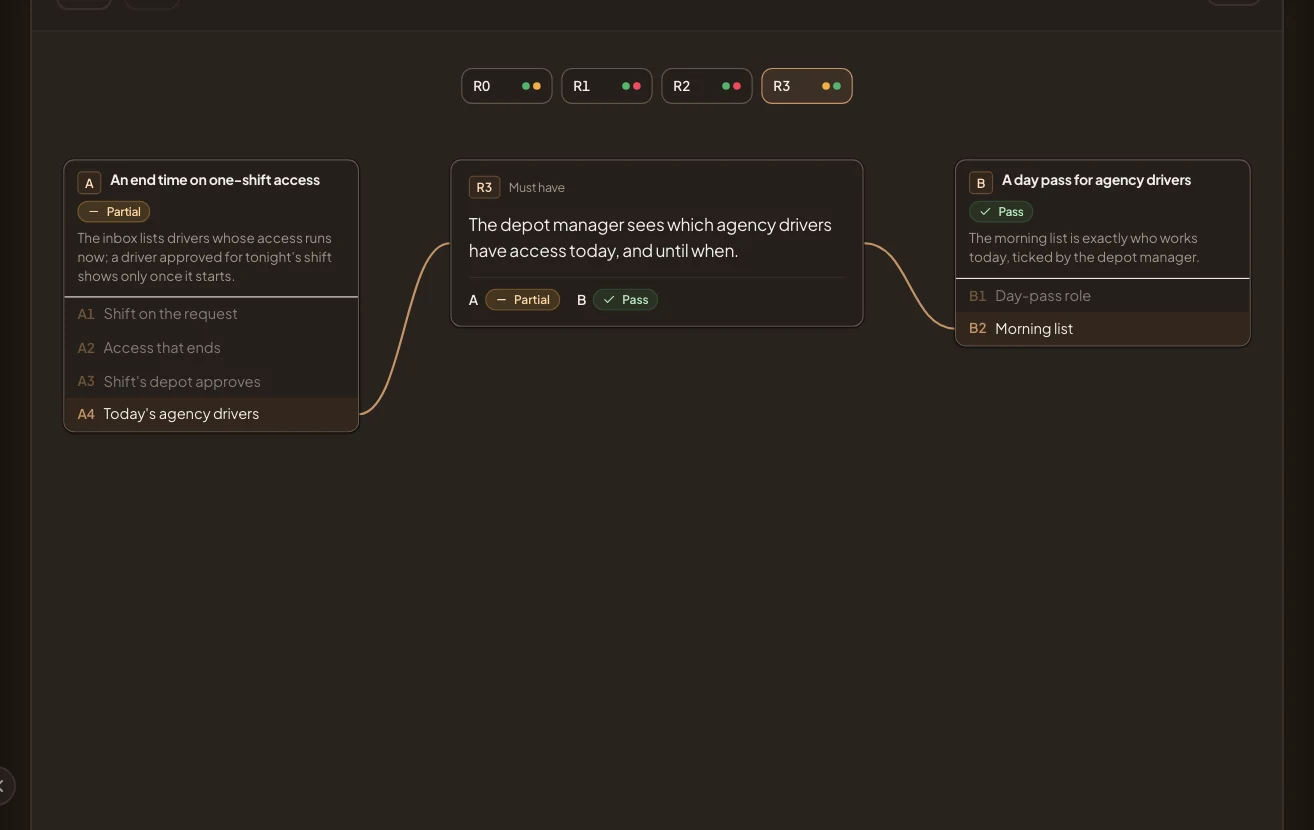
Map puts one requirement at a time in the middle, with its level, its words and a verdict per approach. A sits on the left, B on the right and C below. Each shows its verdict, the reason and its parts. A line runs to each part that carries the requirement, and the other parts fade. The arrows at the top step through the requirements, and the corner opens the map full screen. R3 in focus:
Grid shows them all at once, a row per requirement and a column per approach, with a verdict in each cell. A dash is a pair not checked yet. Click a verdict to see why:
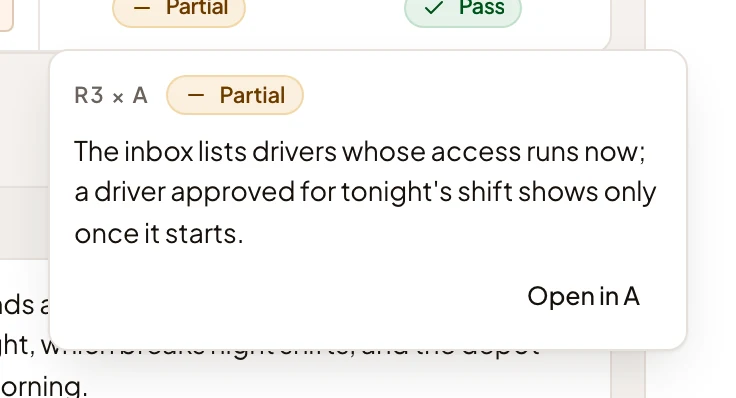
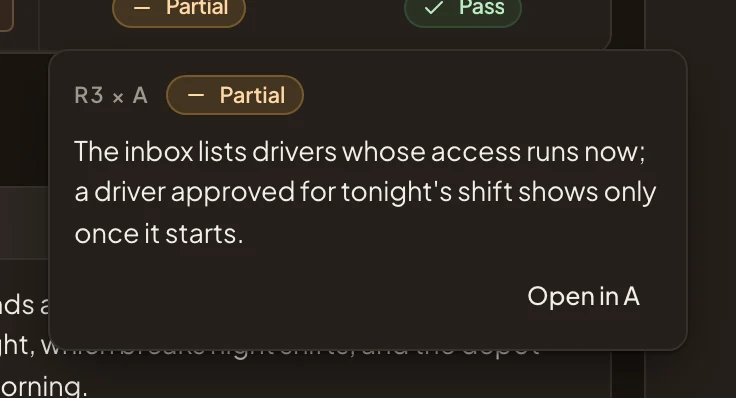
- Open in A. Opens approach A at that requirement in its own fit check.
A verdict that waits on a spike names it under Blocked by. One that falls short can name the parts that leave the gap.
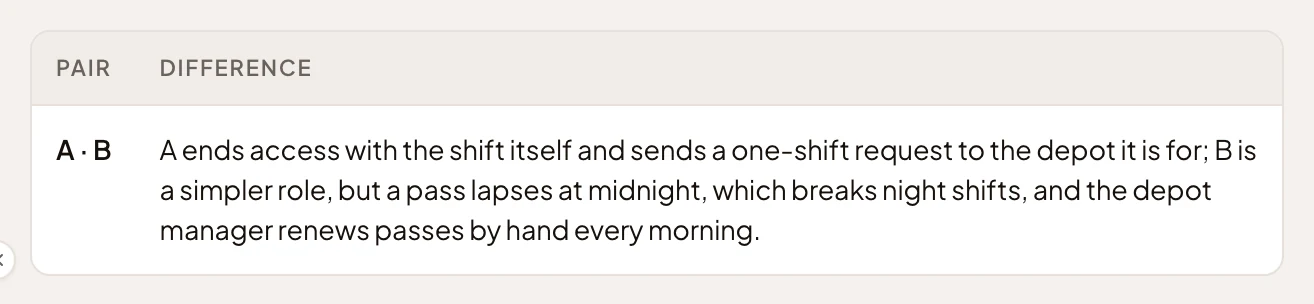
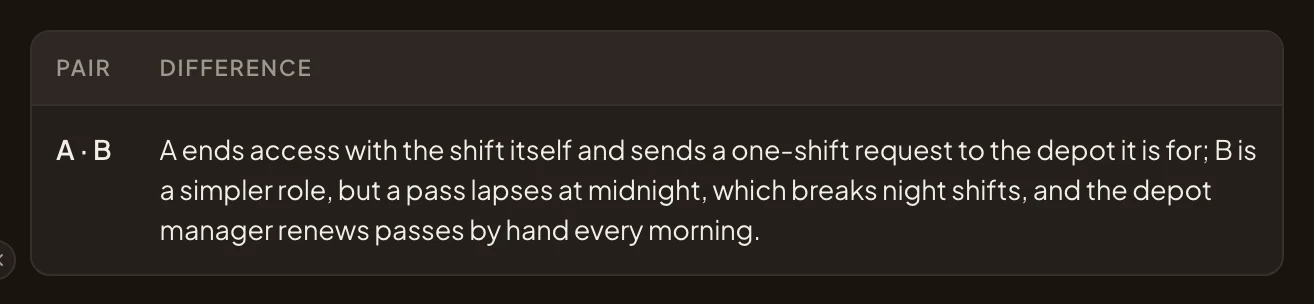
Under the fit check, Differences compares the approaches a pair at a time, with what each costs and rests on.
Choosing an approach
Section titled “Choosing an approach”The owner, or someone who edits the initiative, chooses once the fit check and the spikes are in. Choose an approach… opens the choice:
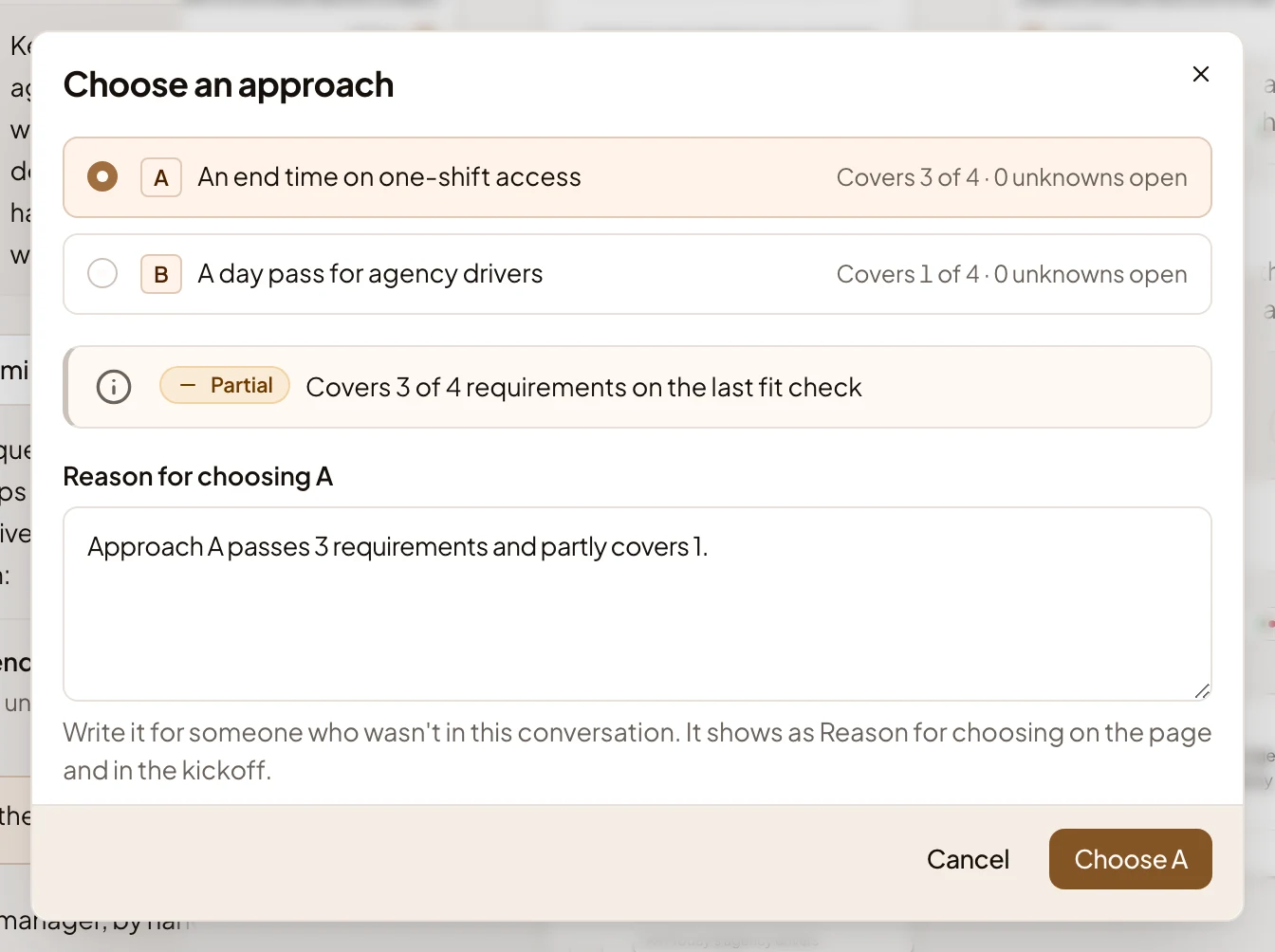
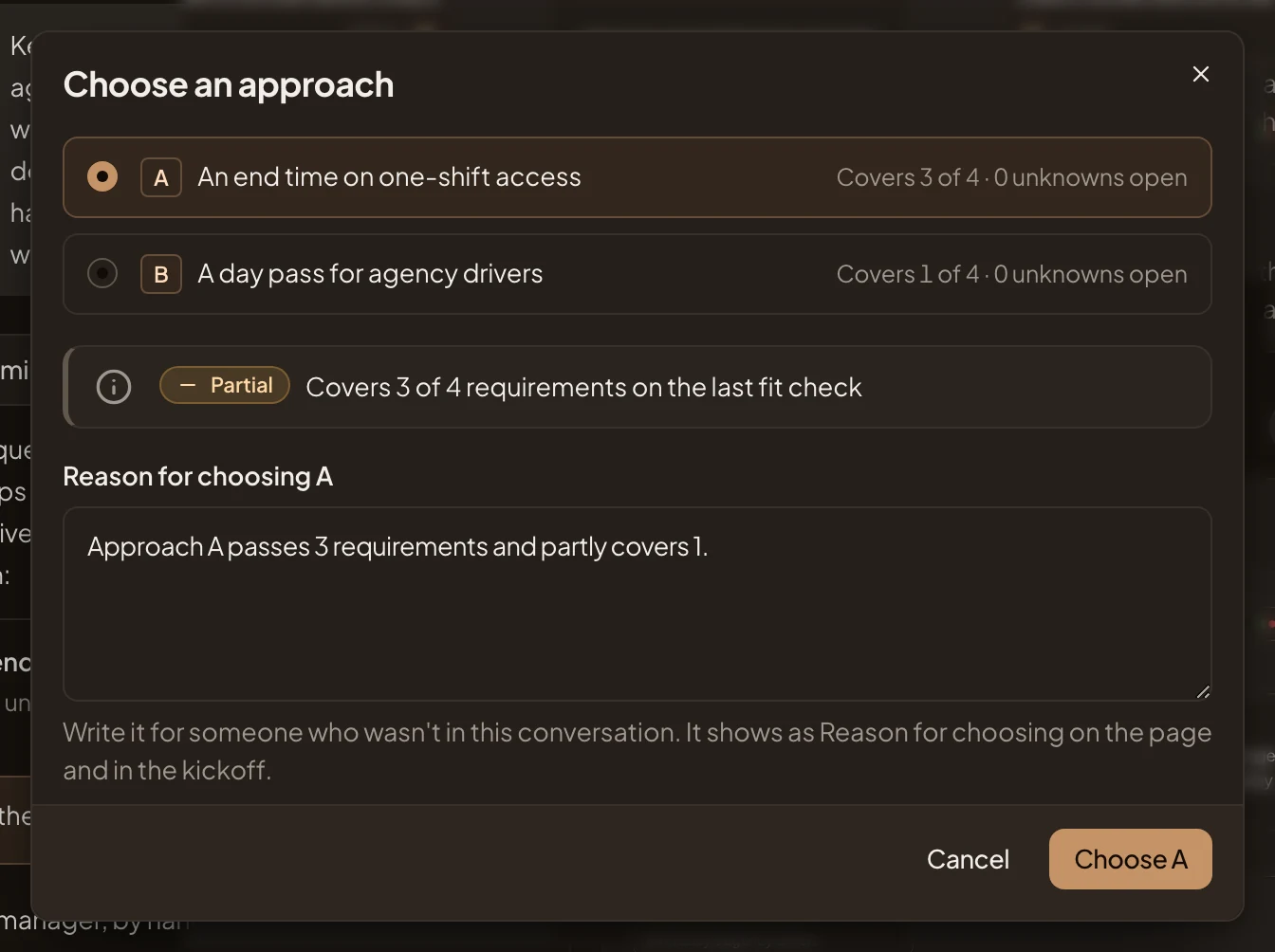
- Pick one of the approaches, each showing how much it covers and what is still open on it.
- Each shows the approach’s fit and any open unknowns and risks.
- Reason for choosing A. Why this one, for someone who wasn’t in your chat. It starts with a line from the fit check. Make it your own. It shows on the approach and in the Kickoff.
- Choose A. Saves it.
Choosing saves at once. The approach is marked Chosen, and the button becomes Change approach. Within a minute the agent starts working out what the approach changes in your code. The chat shows it at work, and after several minutes it lands as the Decomposition.
Changing the choice later works the same way. If work was already built on the old choice (the decomposition, slices), the dialog lists it. It stays visible, marked as built on an earlier choice. Your message box fills with a message asking the agent to redo it, and you send it when you’re ready.
Until there are approaches, the section says No approaches yet and shows how they come together, in four steps, with no buttons. Ask the agent in the chat, for instance: “What are the ways to build it?”
Access
Section titled “Access”Everyone who can open the initiative reads its approaches and the fit check. Only the owner and the people who edit the initiative choose an approach or run the fit check again.