

InitiativesPage by page
An approach
An approach’s page shows one way to build the initiative, in parts, and what could get in its way. Click an approach’s title on Approaches, or its letter in the tabs at the top. Its address ends in its letter (/approaches/A).
The first pictures show approach A of ACM-362, An end time on one-shift access, before anyone picks between them.
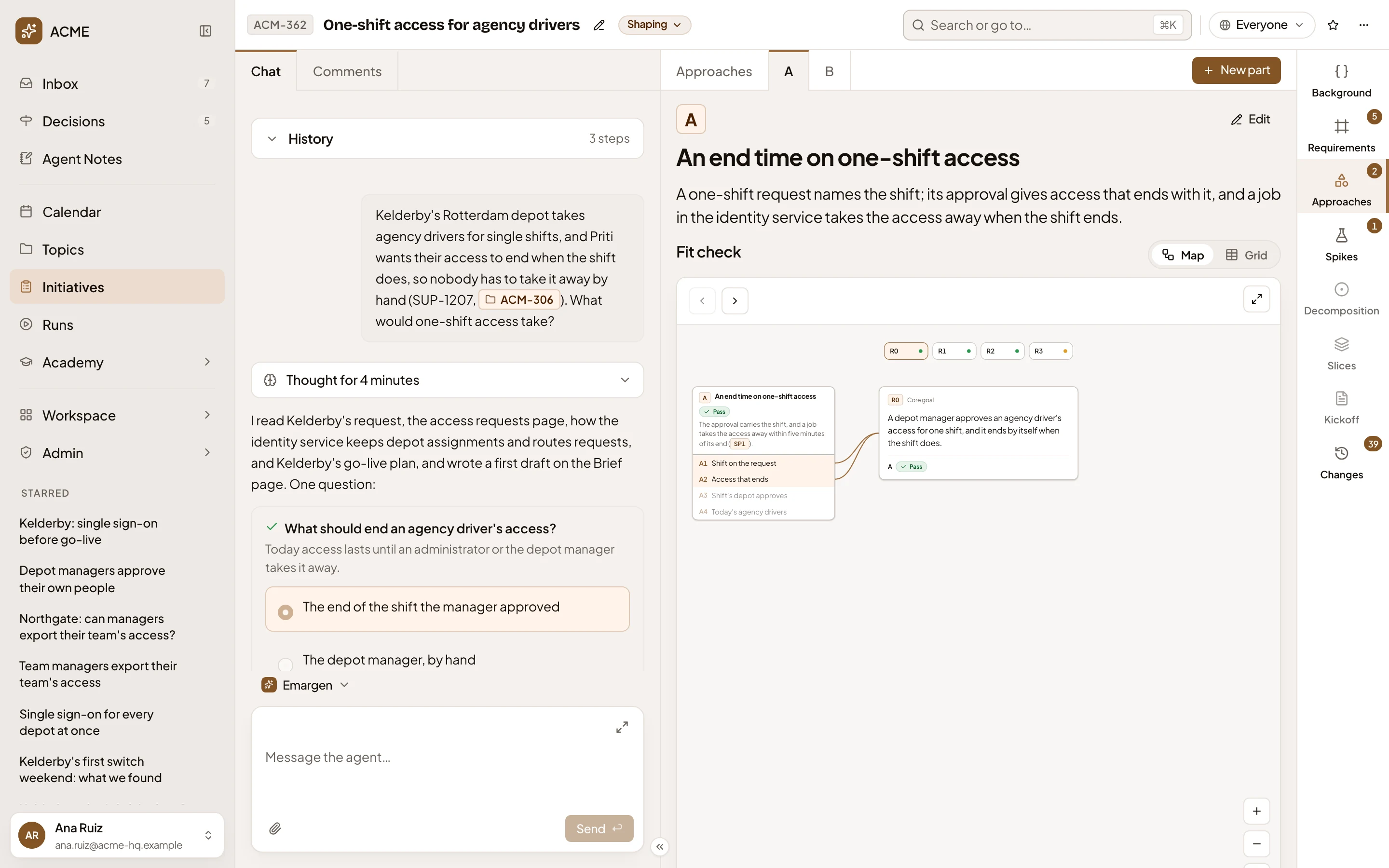
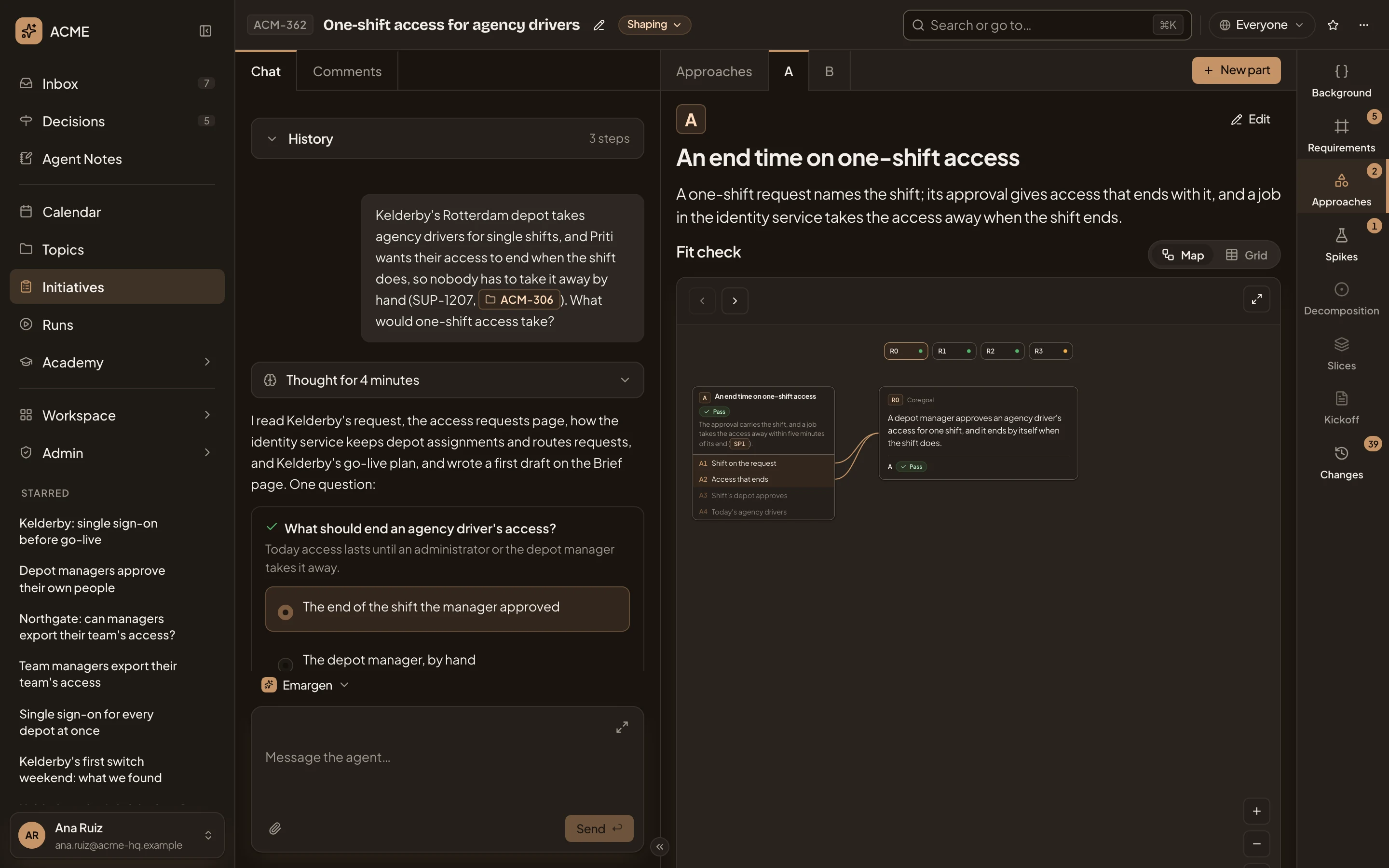
- A. The approach’s tab.
- New part. Propose a part to the agent.
- Edit the wording of A. Propose a change to its title and sentence.
- Map and Grid. The approach’s own fit check. The map puts one requirement in focus with the parts of A that carry it. The grid lists every requirement with its verdict and why.
- The map. Use the arrows to step through the requirements, as on Approaches.
Further down are its parts, its unknowns and its risks:
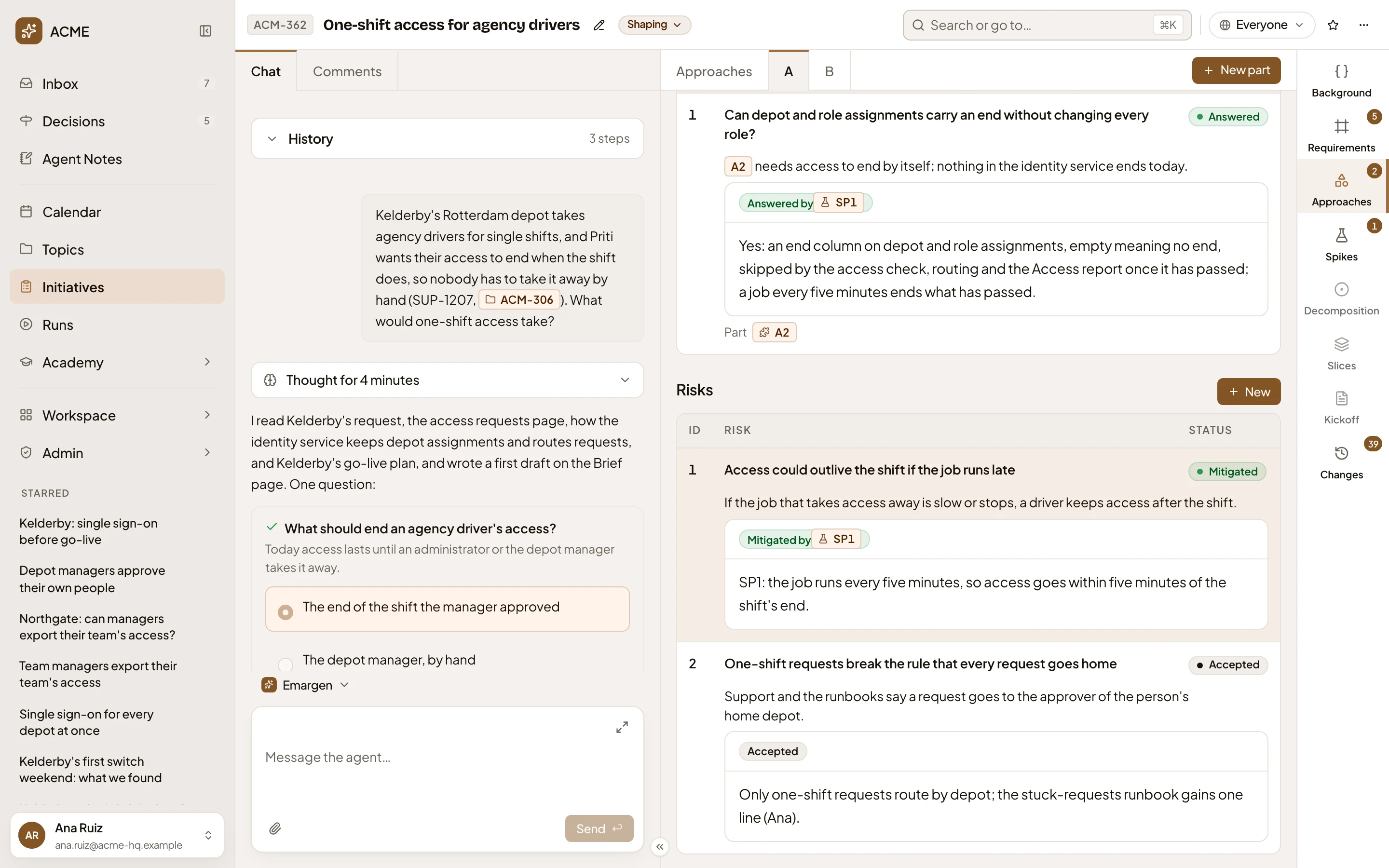
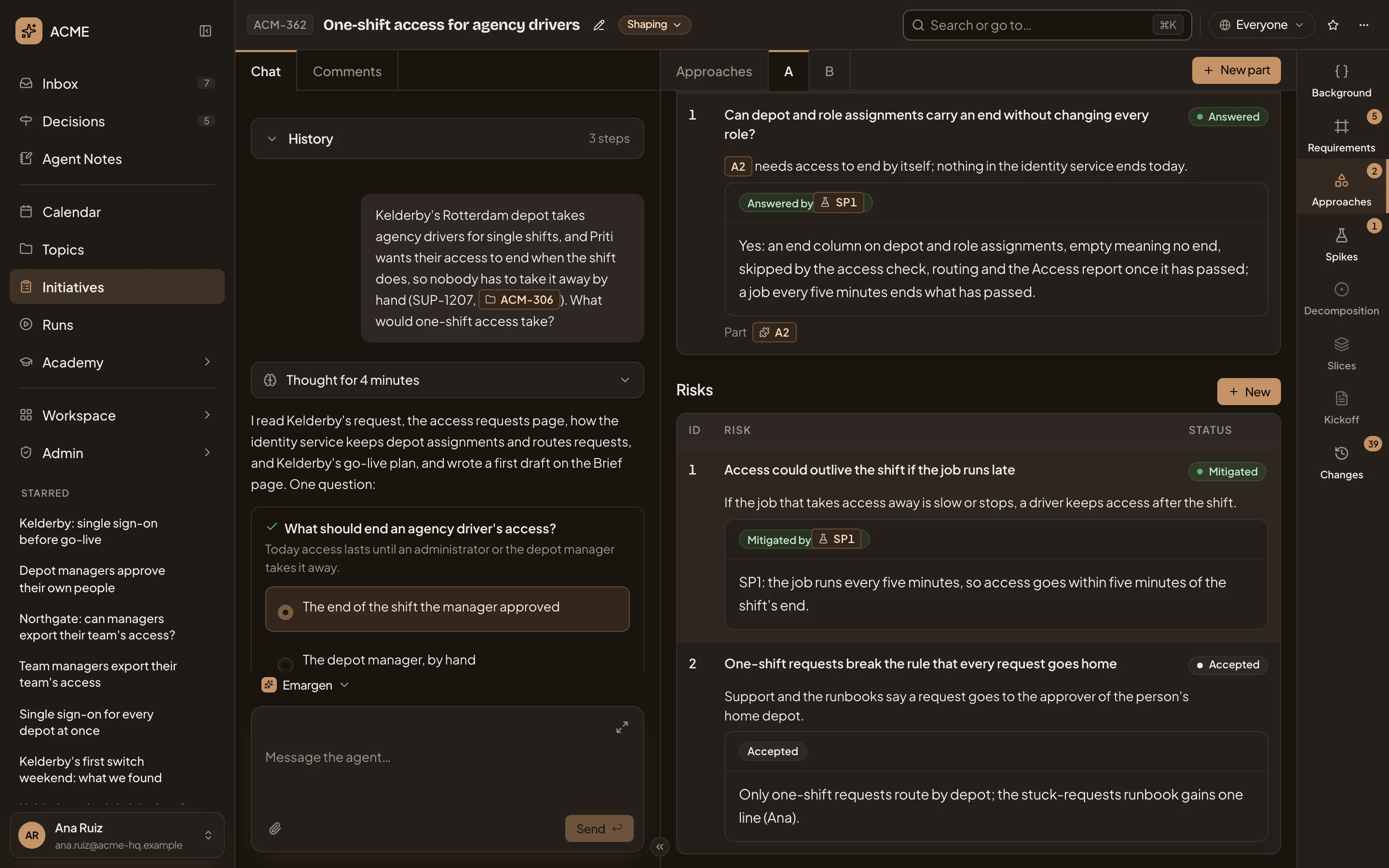
- Parts. What the approach is made of, each with a key (A1, A2…), a name and how it works.
- Unknowns. What it depends on that nobody knows yet, each Open or Answered, with the part it’s about and what answered it.
- New unknown. Propose one.
- Risks. What could go wrong, Open, Mitigated or Accepted, with how and why.
- New risk. Propose one.
Unknowns, risks and parts
Section titled “Unknowns, risks and parts”Click a row to select it. The picture shows an open unknown on ACM-290’s approach A and the decomposition’s suggested answer:
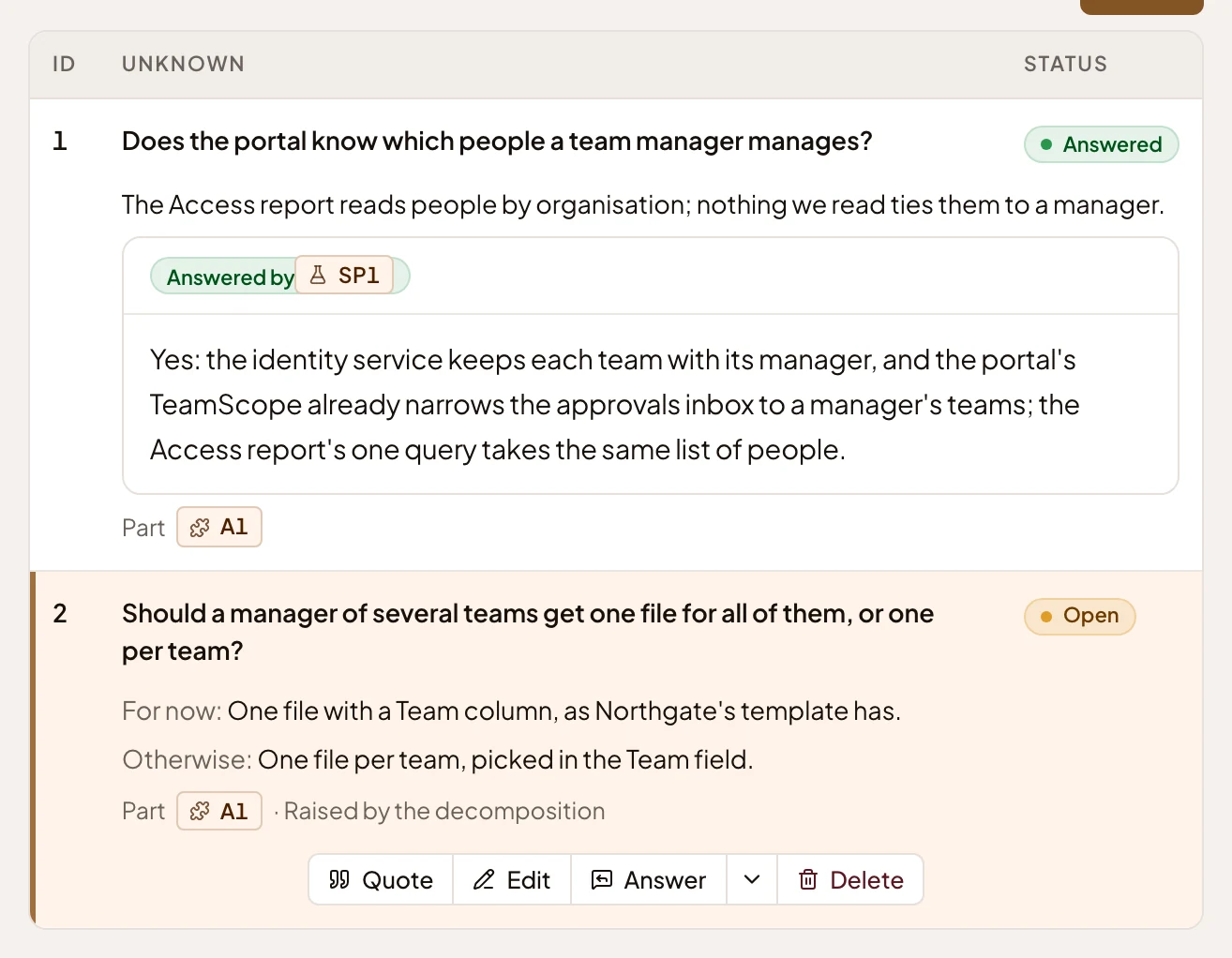
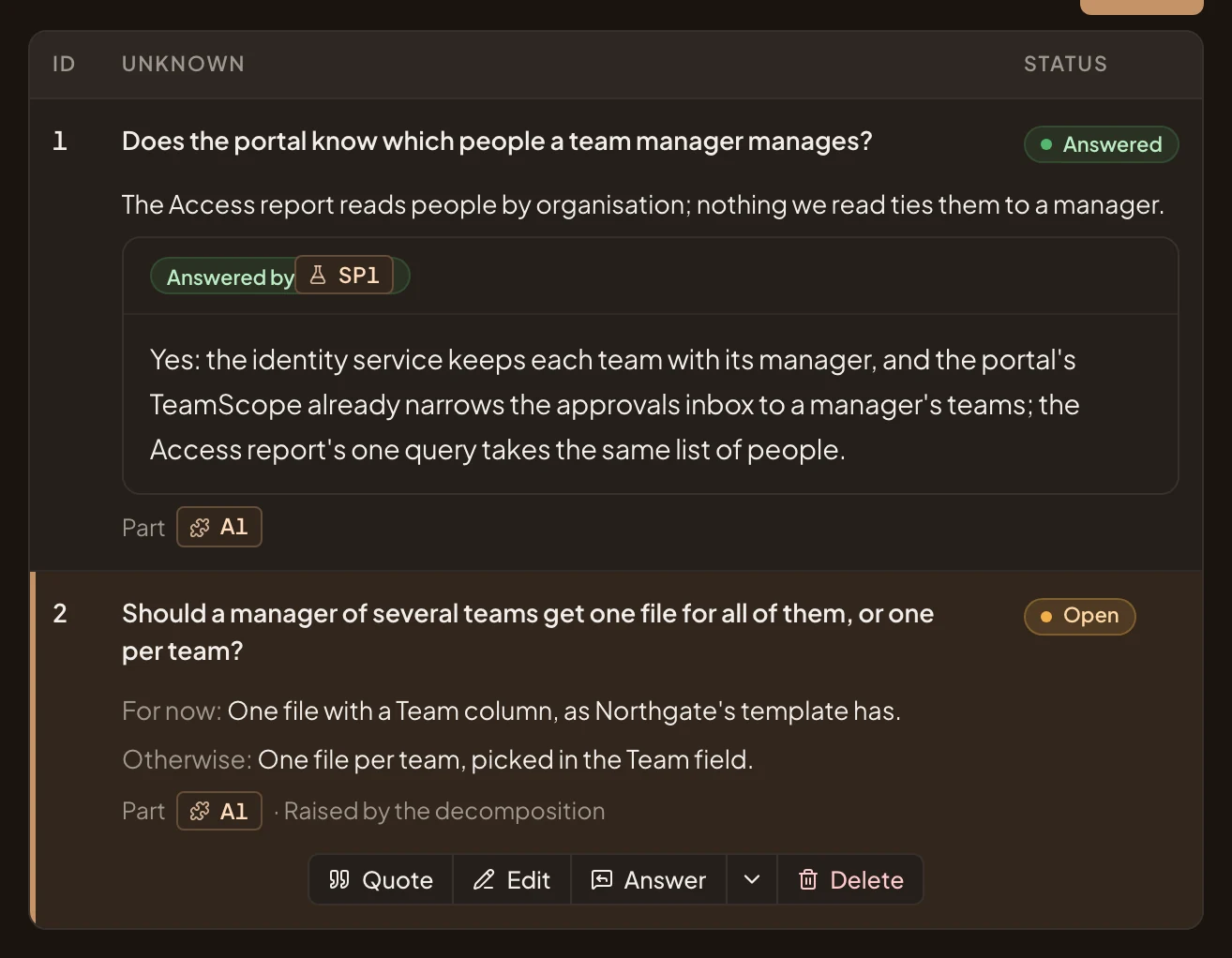
- Quote. Puts the unknown in your message box, to ask the agent about it.
- Edit. Propose new wording.
- Answer. Answer it yourself when you know: write the answer, and the agent records it.
- Answer options. Go with this takes what the decomposition suggested for now as the answer. Open a spike… drafts a message in your message box asking the agent to open a spike. Send it when you’re ready.
- Delete. Removes the unknown, once you confirm.
An answered unknown says what answered it: a spike, research or a decision. You can reopen it.
A risk has the same buttons, with Mitigate in place of Answer: say how the risk is handled. Its arrow offers Accept: say why the initiative lives with it. A part’s buttons are Quote, Comment and Edit. You can also propose an alternative to it, or a new unknown about it. When a part has alternatives, they show in a table of their own, where you can select one.
New part, New unknown and New risk open the same kind of dialog. Say it in your words, and the agent writes it.
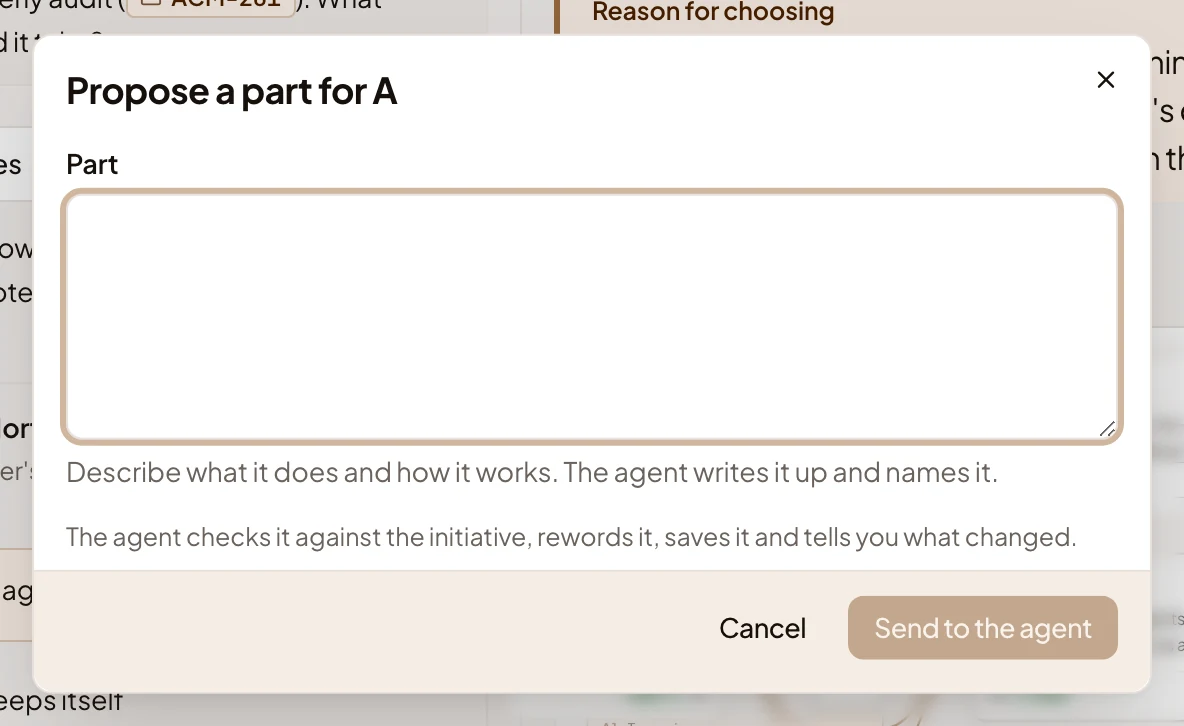
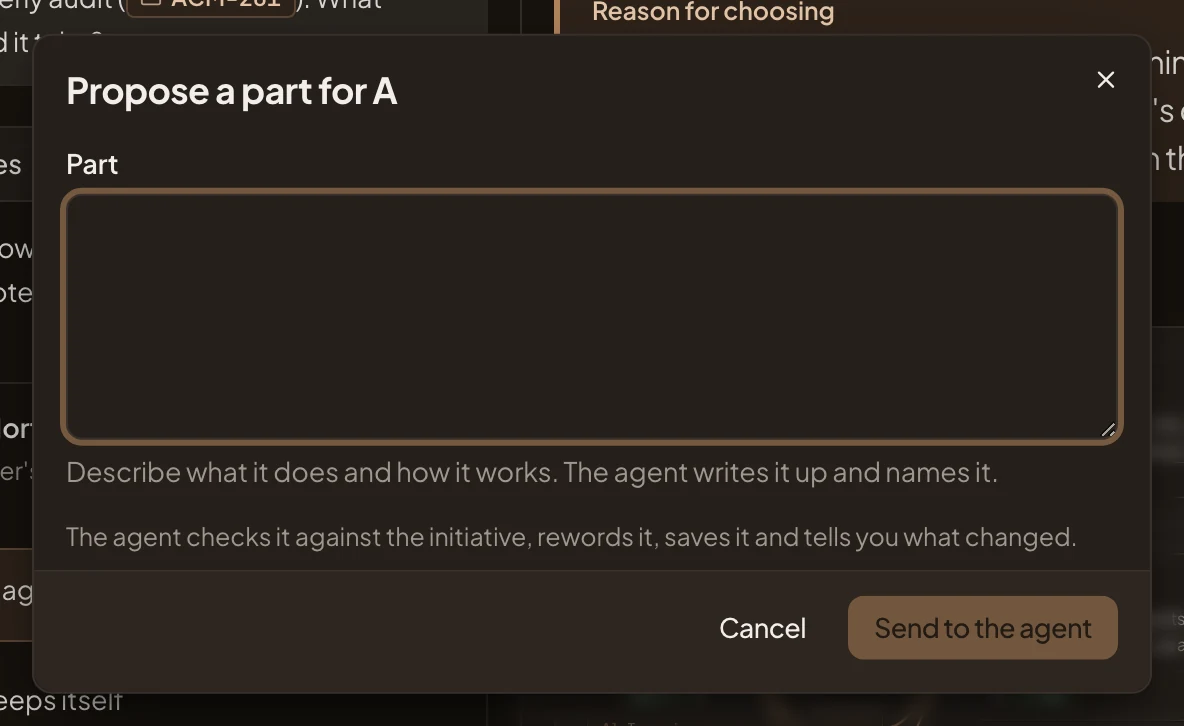
Press Send to the agent. Your words go into your chat as a proposal. The agent checks them, writes the part, unknown or risk, saves it and says what changed.
A chosen approach
Section titled “A chosen approach”Once an approach is chosen, its page says so, and why. In the picture, ACM-290’s chosen approach A, Team view of the Access report:
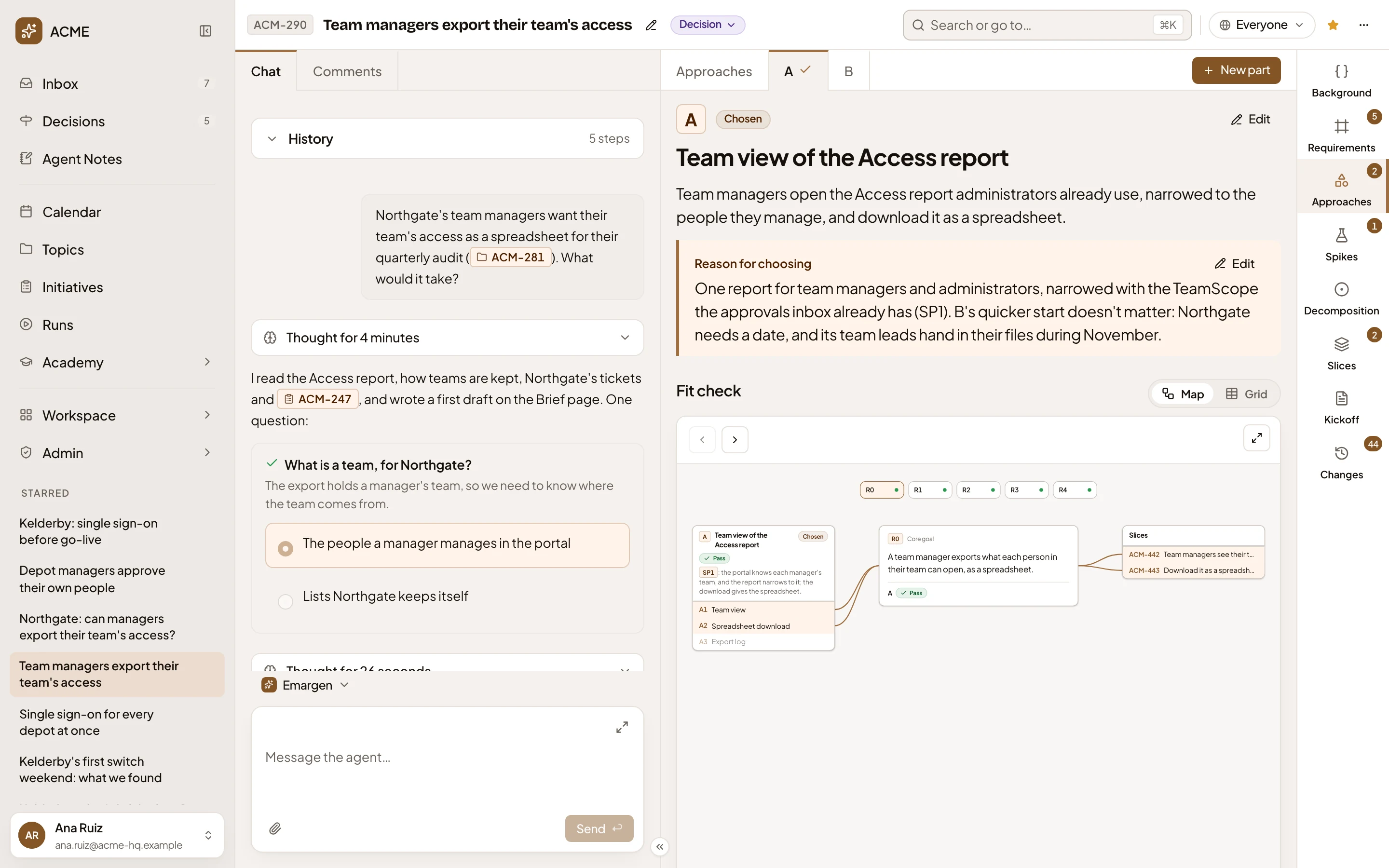
- Chosen. This is the approach being built.
- Edit the reason for A. The reason given when it was chosen. Edit proposes a change to it.
- The slices. On a chosen approach, the map shows its slices on the right, lit when they build a part the requirement in focus rests on.
On a chosen approach, each part in Parts names the slices that build it, or No slice. Once the agent has worked out the code changes, Code changes counts the affordances that are new, changed or reused. See them by part on Affordances opens them on the Decomposition. If the approach changes after that, the page marks the decomposition out of date.
Access
Section titled “Access”Everyone who can open the initiative reads its approaches. Only the owner and the people who edit the initiative have the buttons that change an approach. Anyone else sees the tables without them, and no empty Parts, Unknowns or Risks. Once the initiative is approved, a change goes through a change request.