

InitiativesPage by page
Decomposition
The Decomposition tab shows how an initiative’s chosen approach would be built, piece by piece, read from your organisation’s code. Open an initiative and click Decomposition in the bar on the right. Decomposition explains the idea.
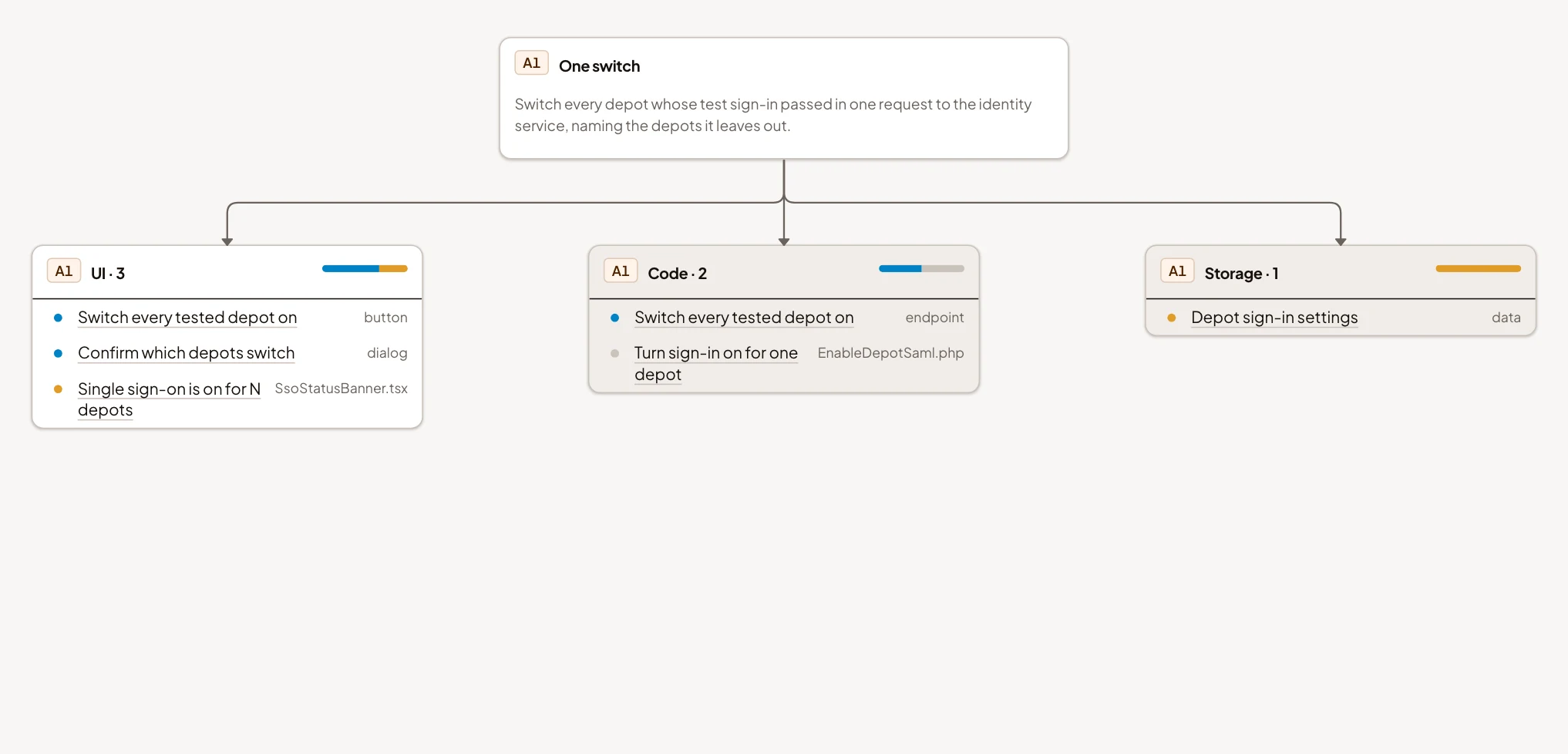
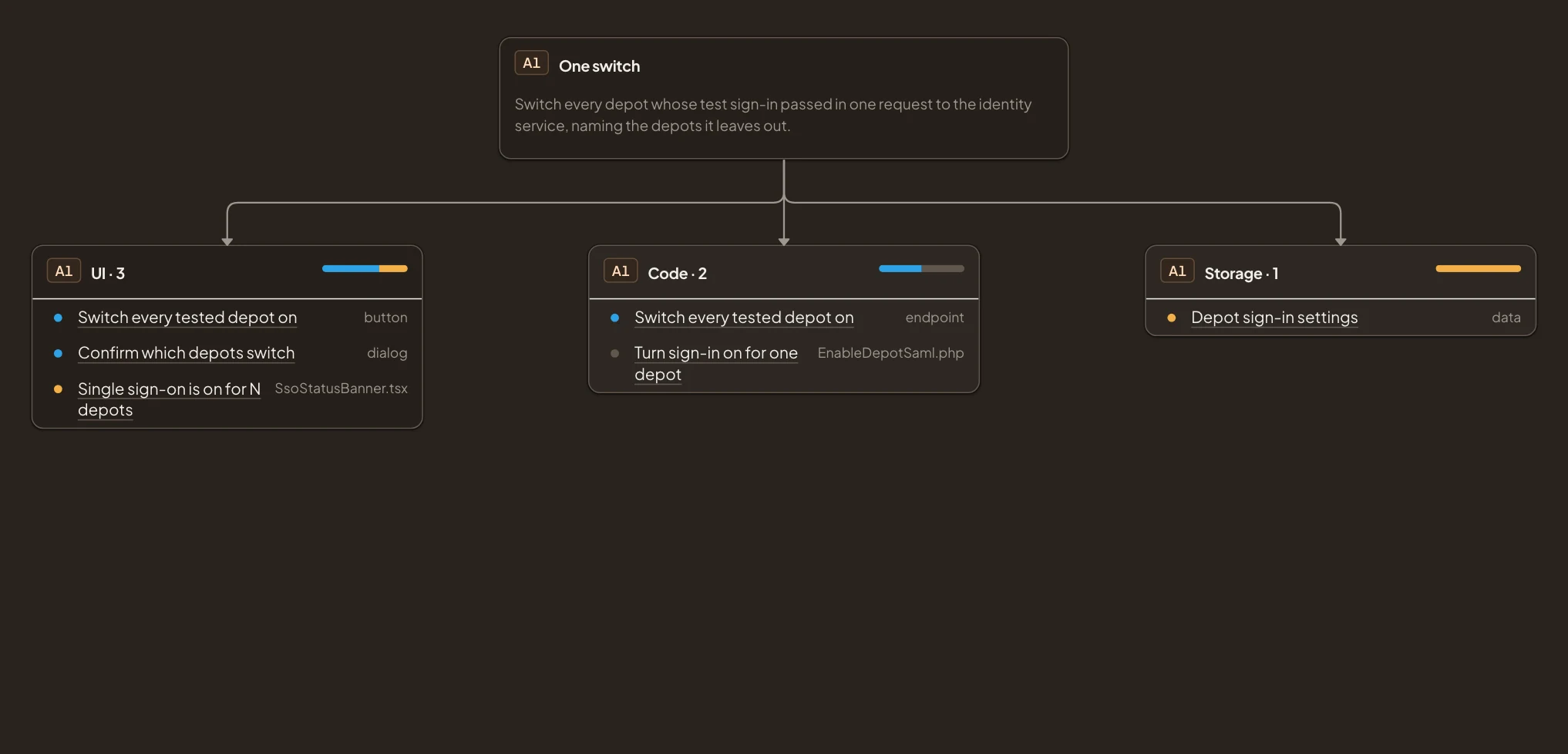
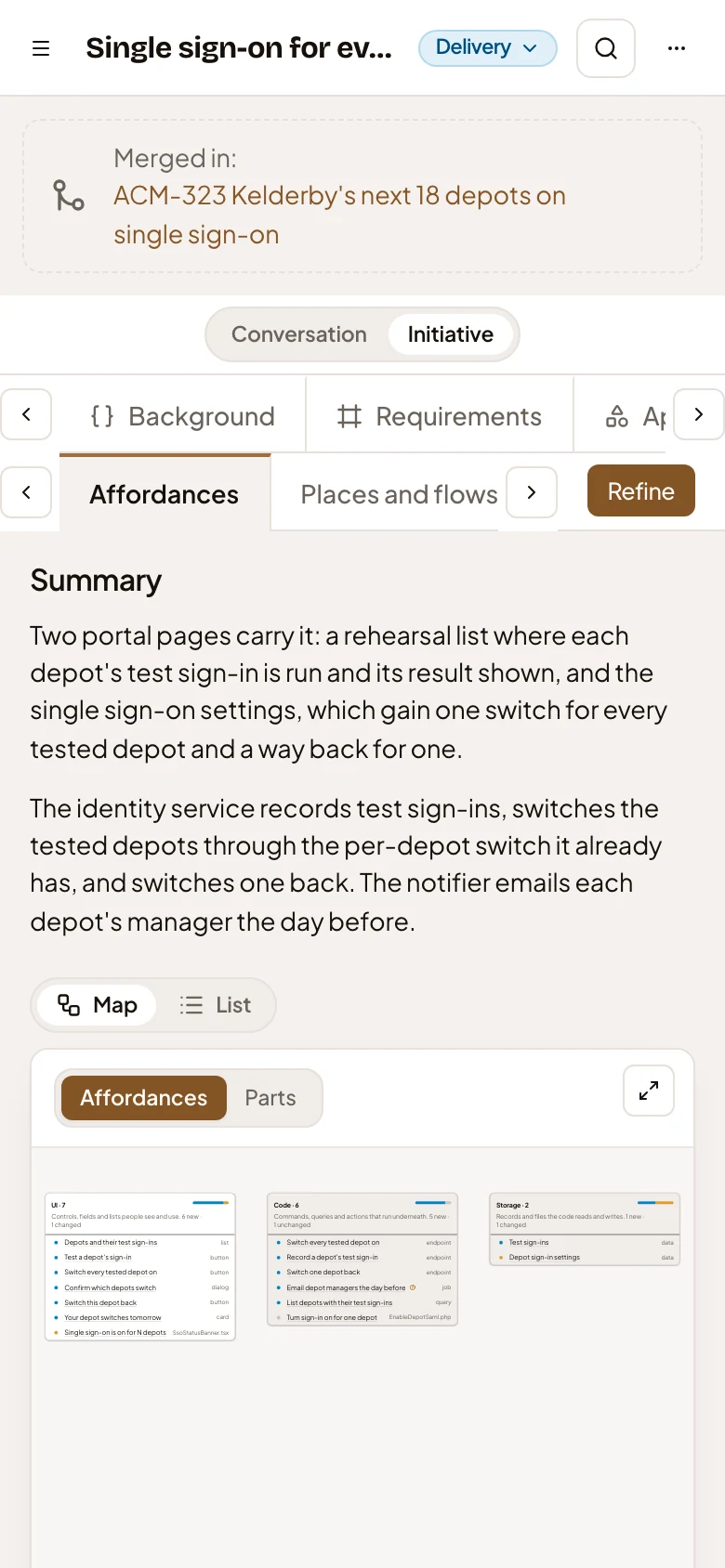
The pictures show ACM-293, Single sign-on for every depot at once, as its owner sees it, with the chat hidden.
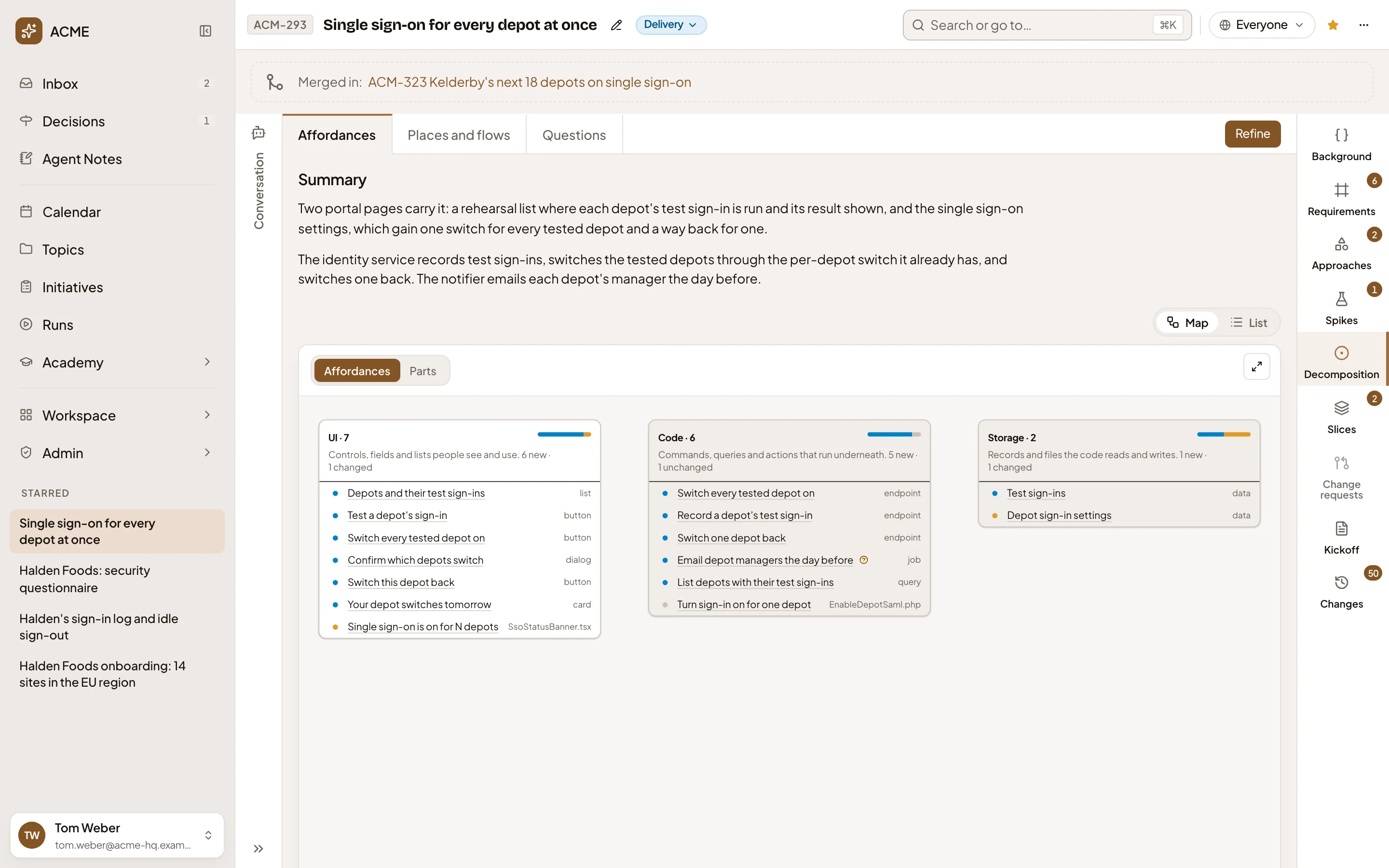
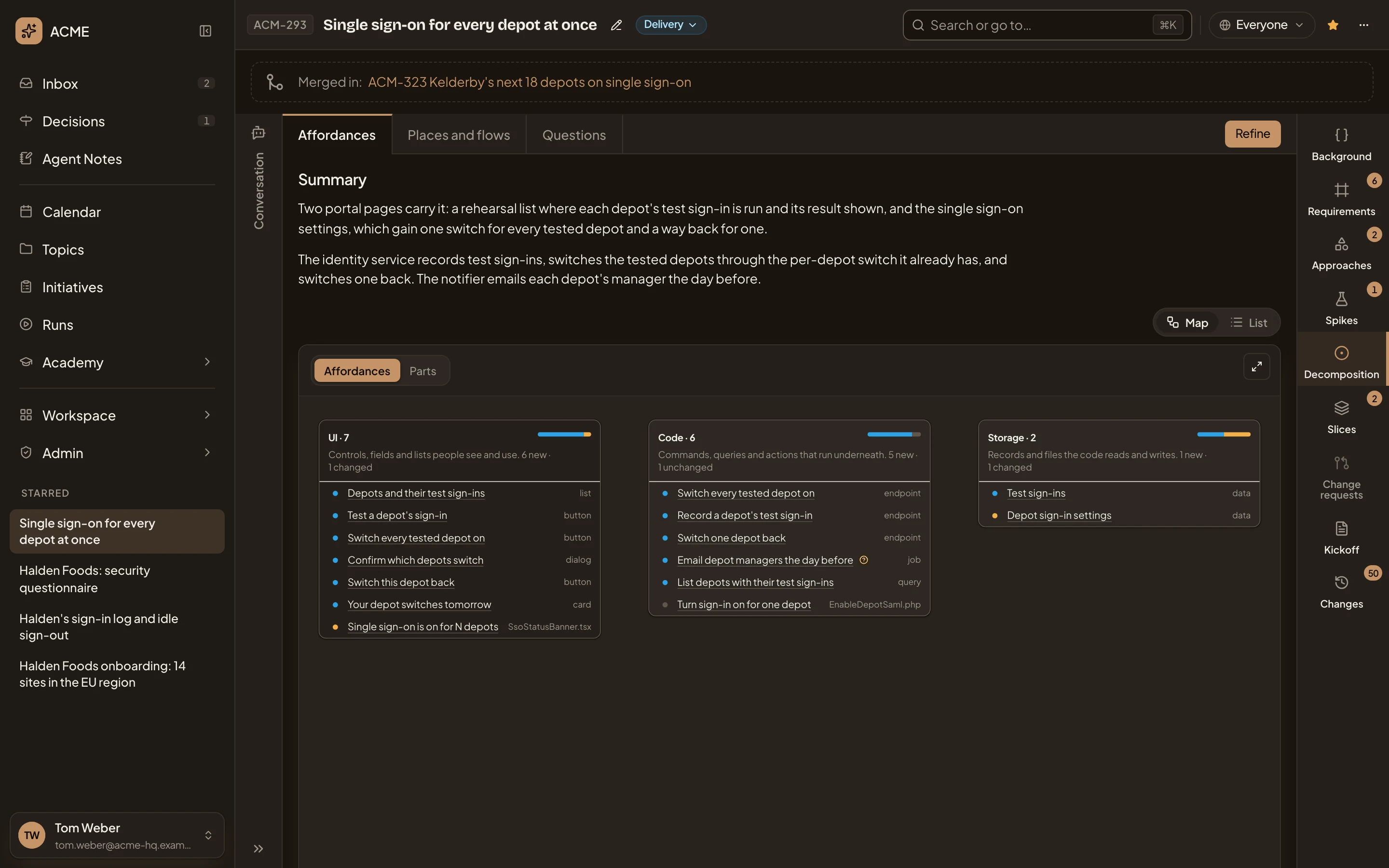
- Affordances, Places and flows and Questions. The decomposition’s three pages, each at its own address. It opens on Affordances.
- Refine. Has the agent analyse the code again, with a note from you (see Refine).
- Summary. What the agent found, in a few sentences.
- Map and List. Show the pieces on a map, or in tables.
- Affordances and Parts. Read the map piece by piece, or one part of the approach at a time.
- UI holds what a person sees and does, Code what runs underneath, and Storage what’s kept. Those are the map’s three columns. Its bar shows the share of new, changed and as-is pieces.
- A piece. Its dot is blue when it’s new, orange when it changes, and grey when it’s unchanged. The type, or the file the agent found it in, sits at the end.
- Open the map. Shows the map on the whole screen. Close it with × or the Escape key.
- Zoom in, zoom out, and fit the map to its frame. Drag to move around it.
An icon beside a piece means a question about it is still open on Questions.
Affordances
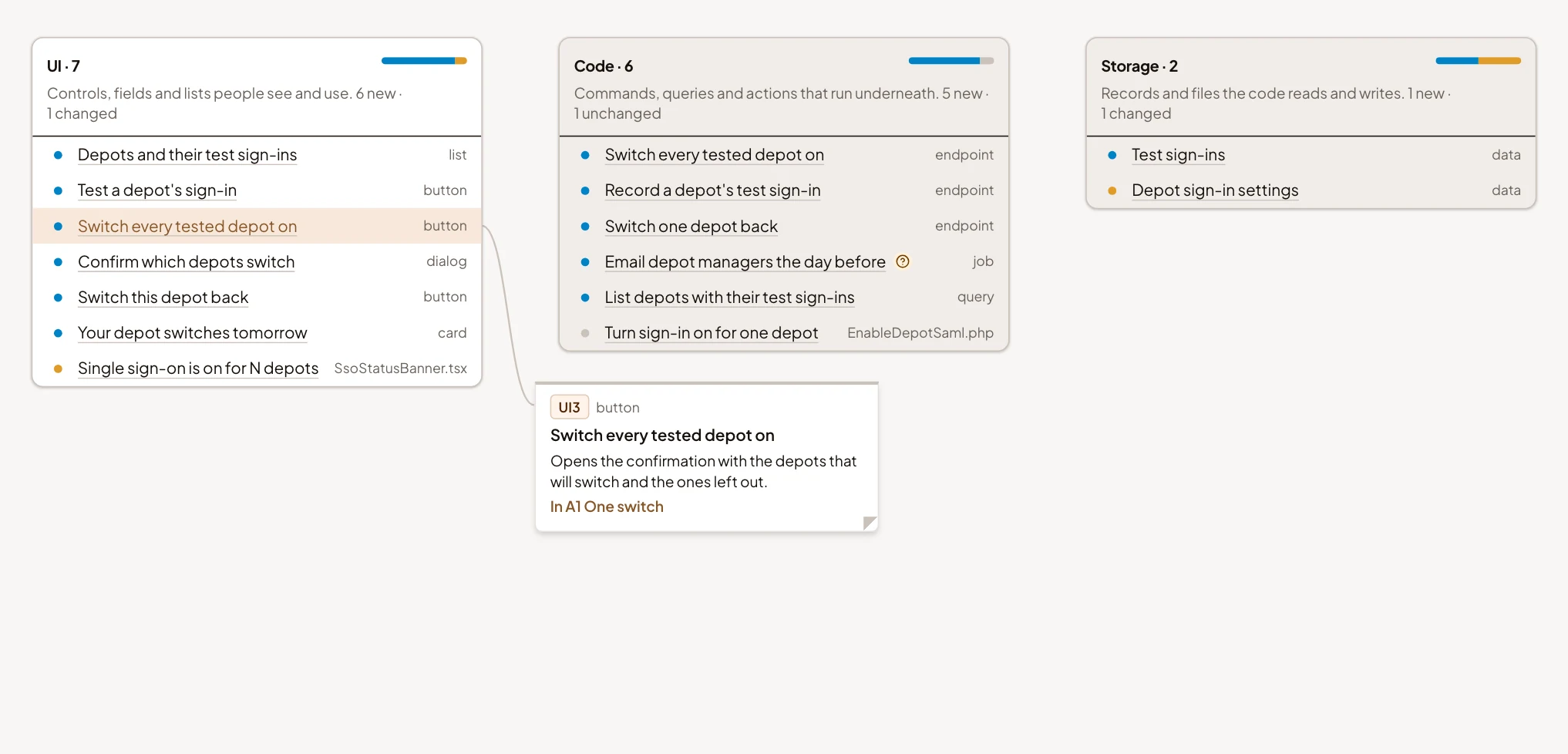
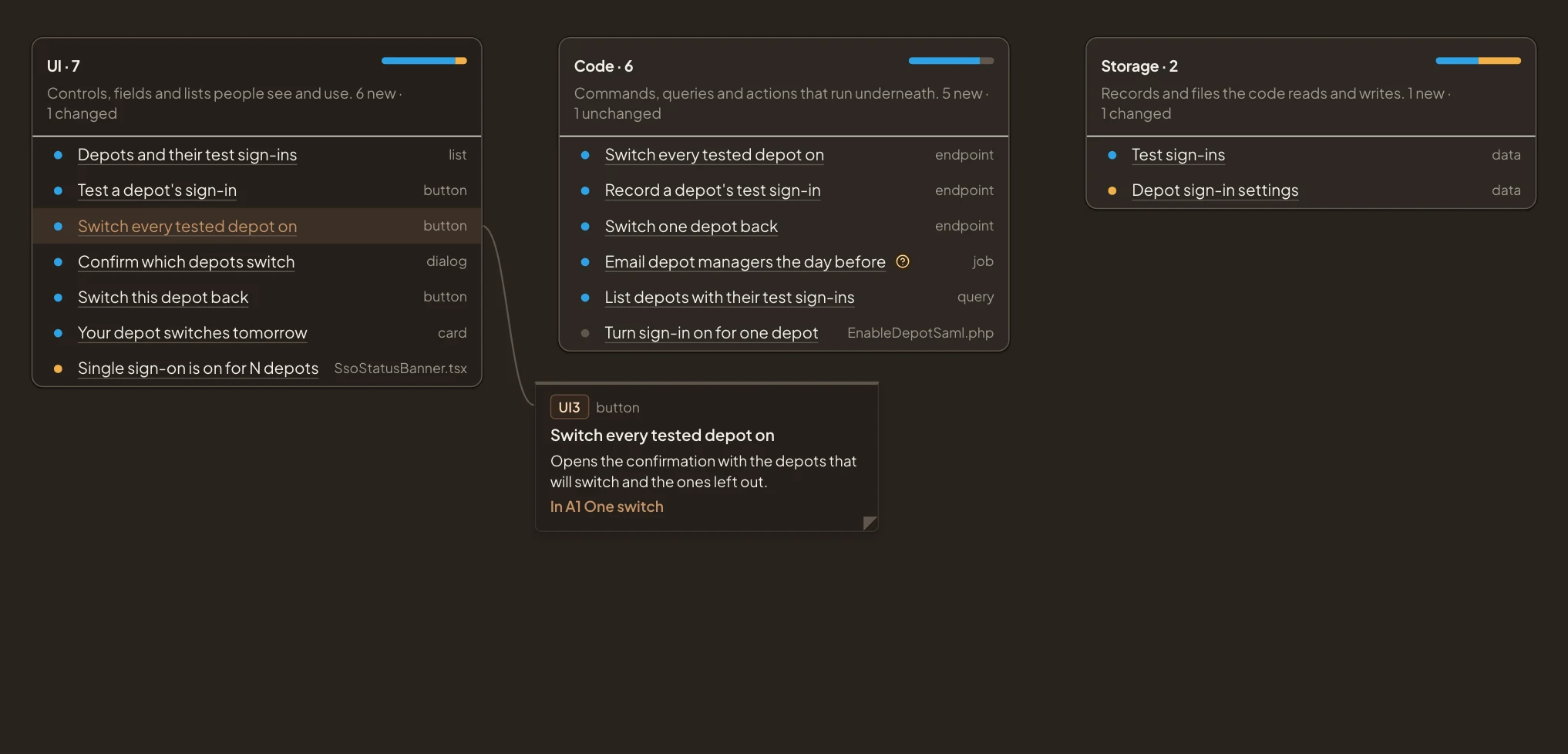
Section titled “Affordances”Click a piece to open a note beside it with its id, what it does and the parts of the approach it’s in. Click it again to close the note.
Parts puts one part of the approach on top, with its pieces in the three columns under it. Pick the part from Part, or step through them with Previous and Next.
The list
Section titled “The list”List shows the pieces in three tables. Switch between them with UI 7, Code 6 and Data 2. Each says how many pieces it holds. A row shows an id, a title, a type and a line on what the piece does. The id starts UI for what people see, CO for code and ST for data. The title is marked New, Changes or Unchanged. In Data, each store also names the system that keeps it and the pieces of code that write it.
Click a row to show its buttons. Click it again to hide them.
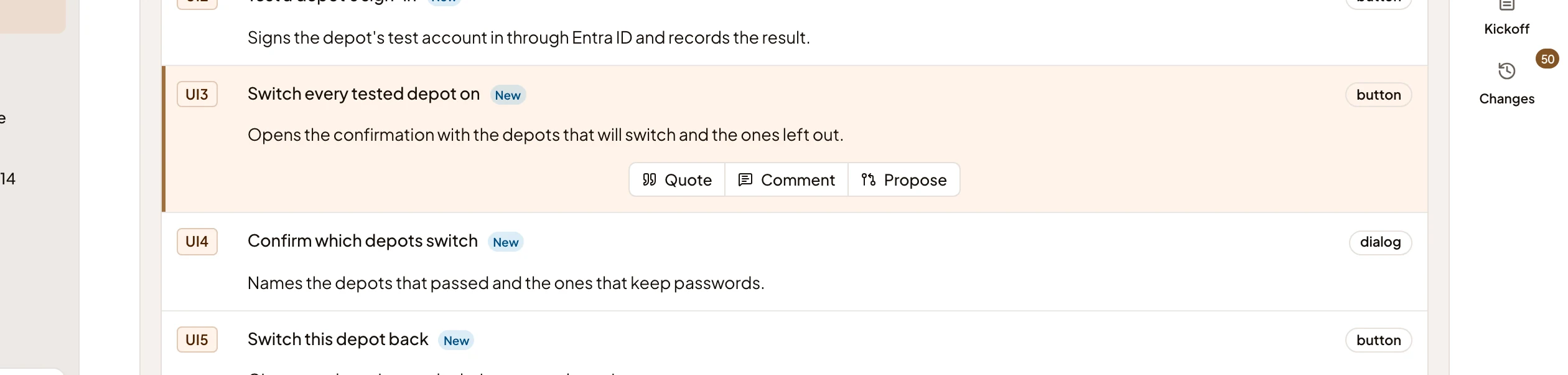
- Quote. Puts the piece in your message box, to ask the agent about it.
- Comment. Opens the comments, with a comment about this piece.
Once the initiative is approved, the row also offers Propose, to propose a change to the piece. A piece that an open change request touches carries the request’s key. Click the key to open the request.
Places and flows
Section titled “Places and flows”Places and flows shows the screens and modes the pieces live in. Each place is a card with what a person can do there, marked New, Changes or Unchanged. A line joins a control to the place it opens.
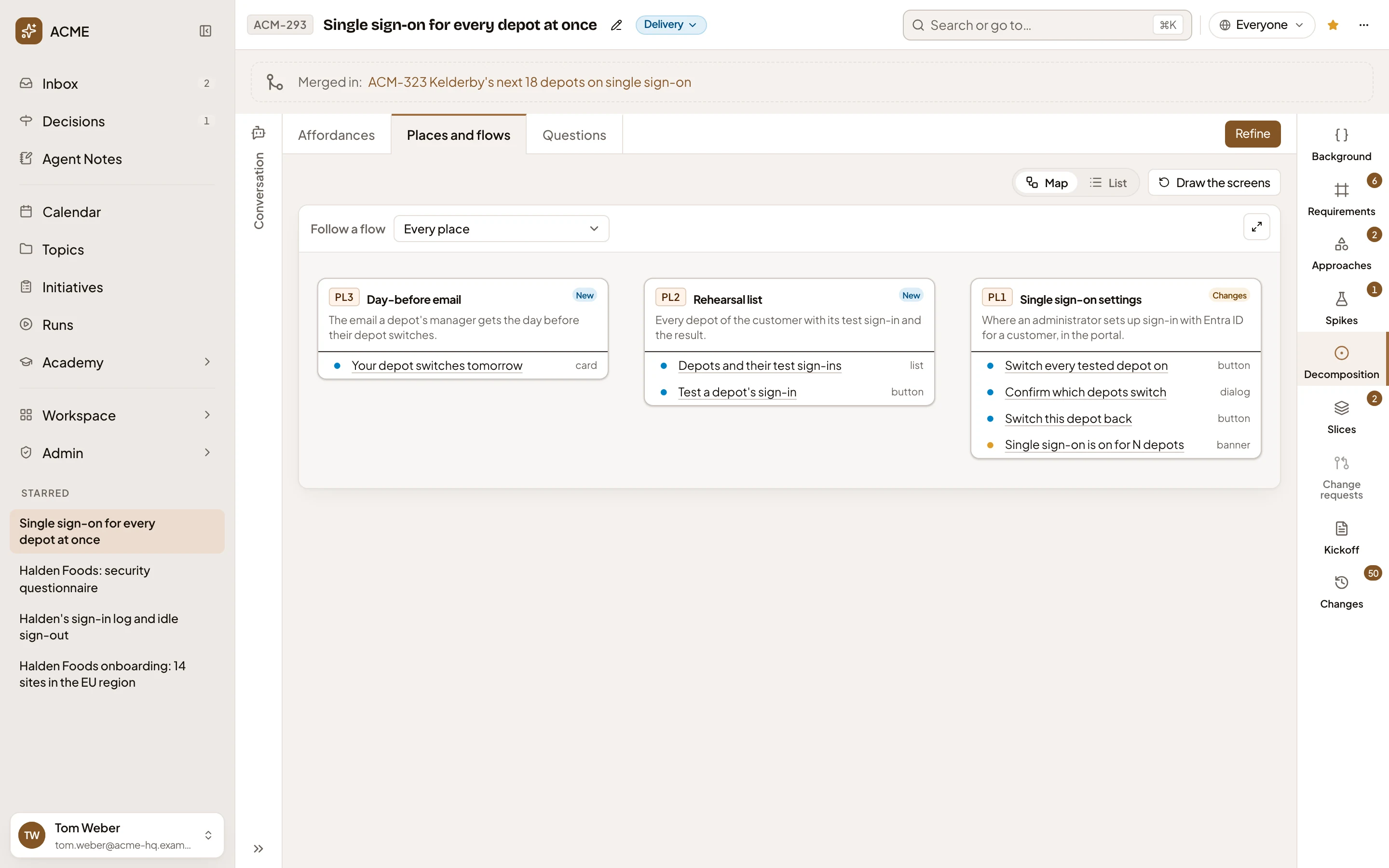
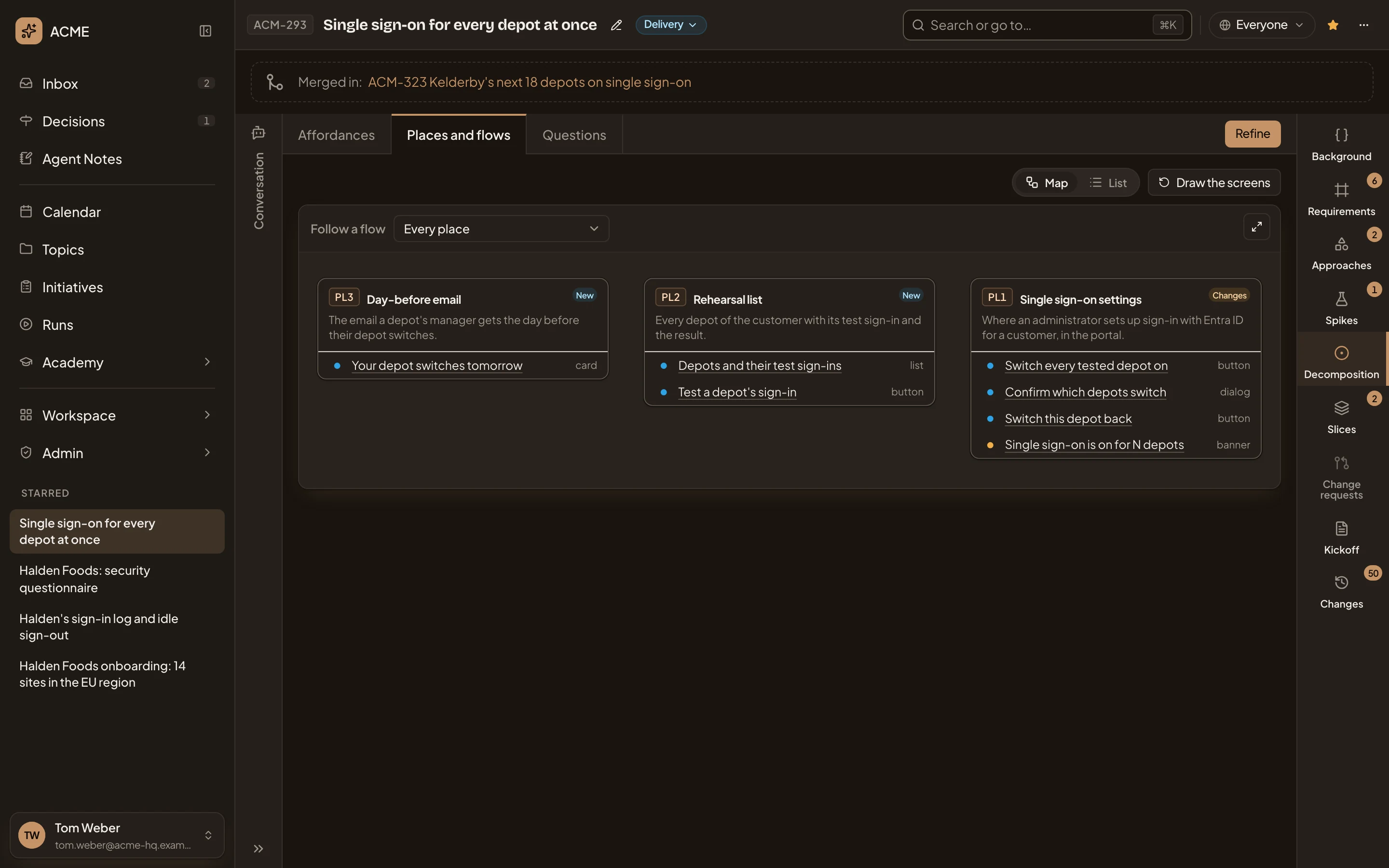
- Map and List. The list is a table of every place and what a person can do there.
- Draw the screens. Has the agent draw a rough screen of each place.
- Follow a flow. Walks one flow across the map.
- A place, with its id, its mark and what it holds.
Click a control for a note on what it does. Choose a flow in Follow a flow to walk through it. The map then shows only the places the flow visits, from Start to End, with a card for each system that does work behind the scenes. The steps are listed under the map, each naming where it happens. Previous and Next move a step at a time.
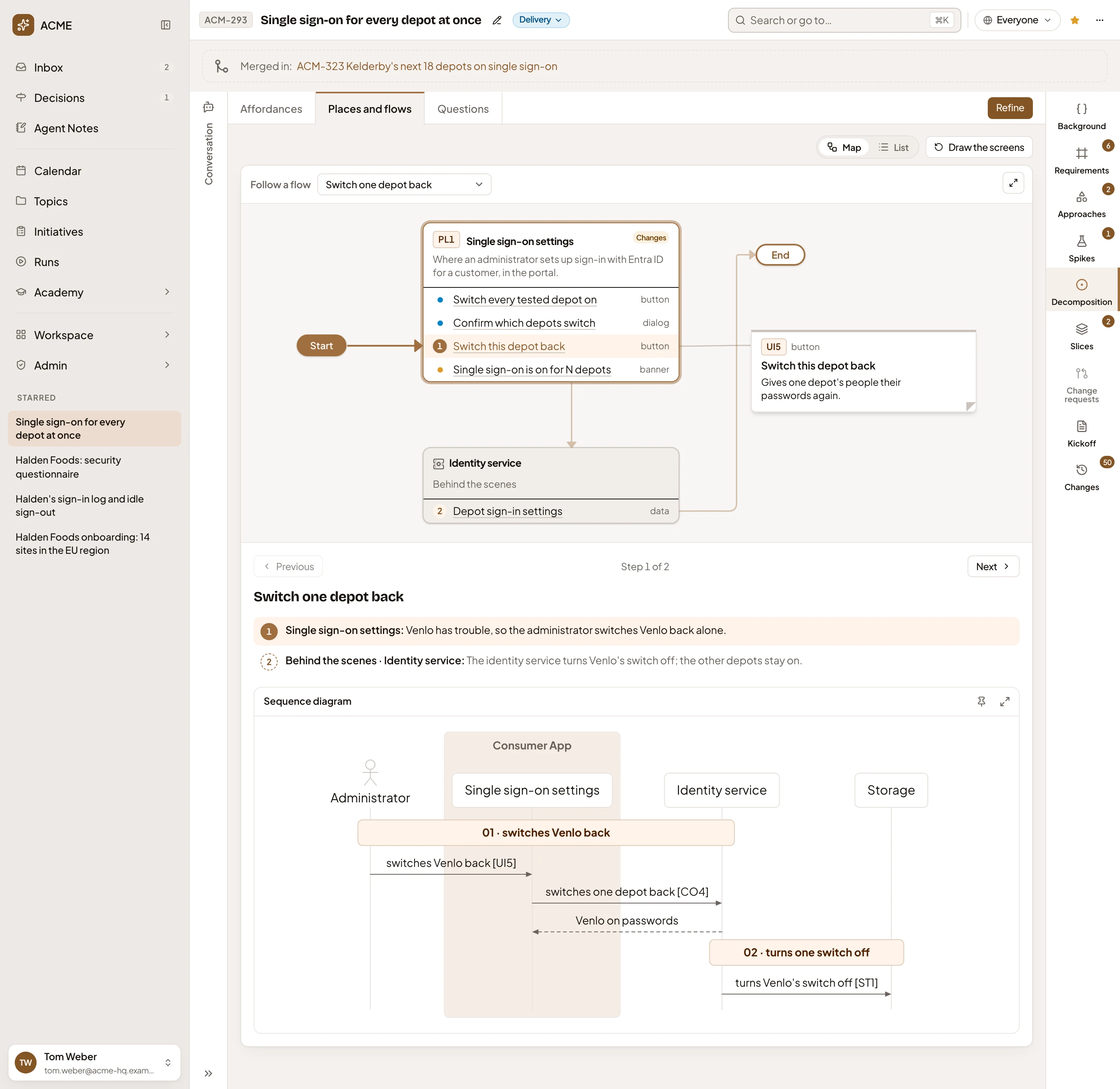
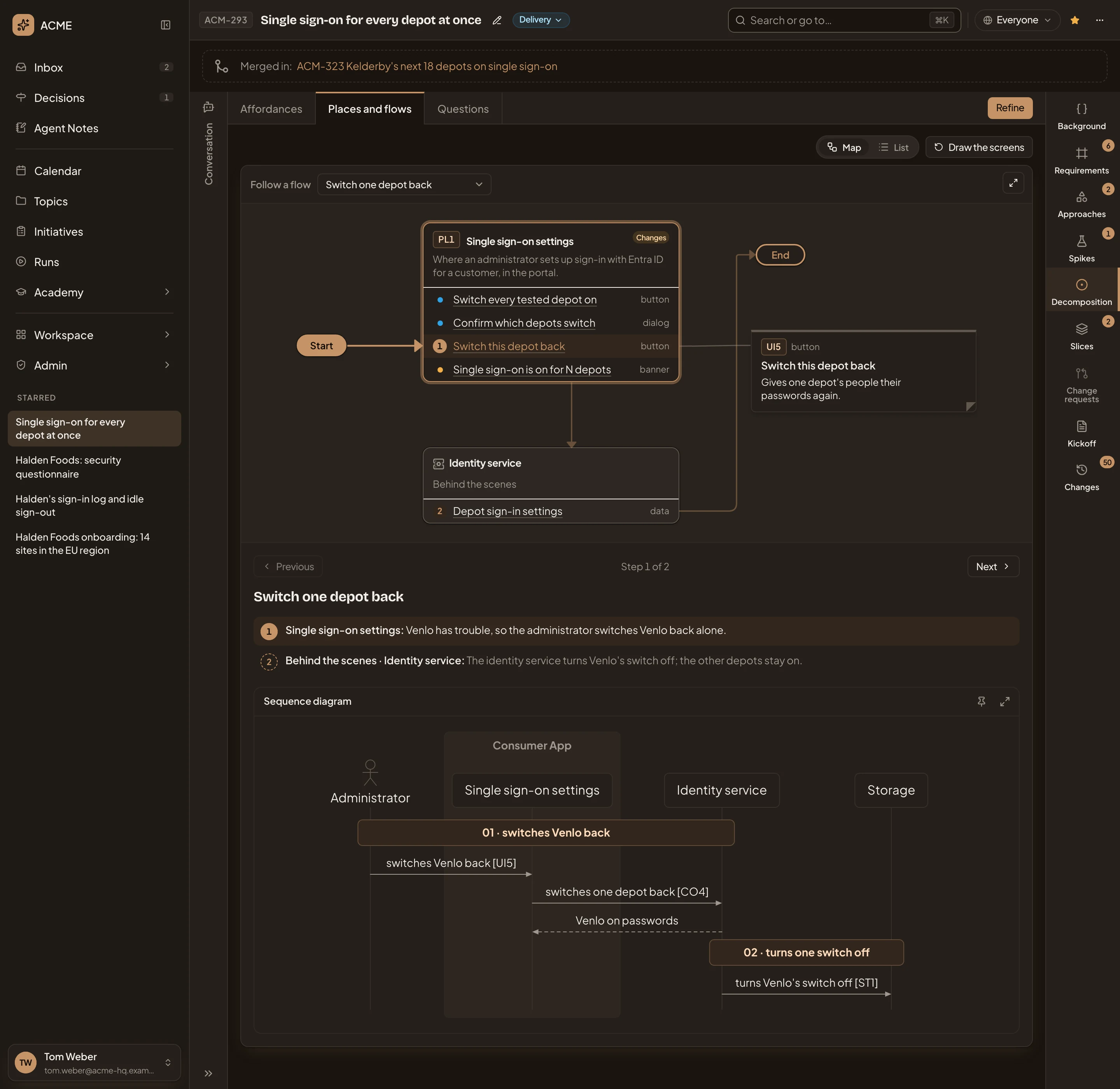
- The flow, on the map.
- Previous, the step you’re on, and Next.
- The steps. Click one to go to it.
- The flow’s sequence diagram. Its pin keeps the diagram as it is when the flows are written again. The button beside it opens it full screen.
Draw the screens gives each place with controls a rough screen, drawn from the decomposition. It isn’t a design. Each screen sits above its place’s card. A control that opens another place links to that place’s screen. Click a screen to see it full size. A Screens switch folds them away again.
Questions
Section titled “Questions”Questions holds what only a person can answer. Under Open questions, each question is a card.
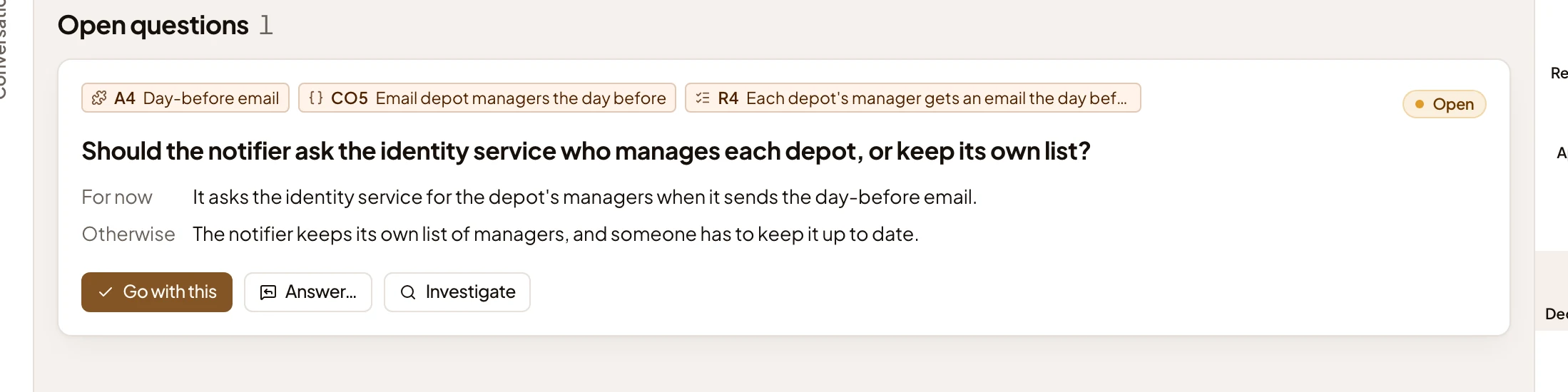
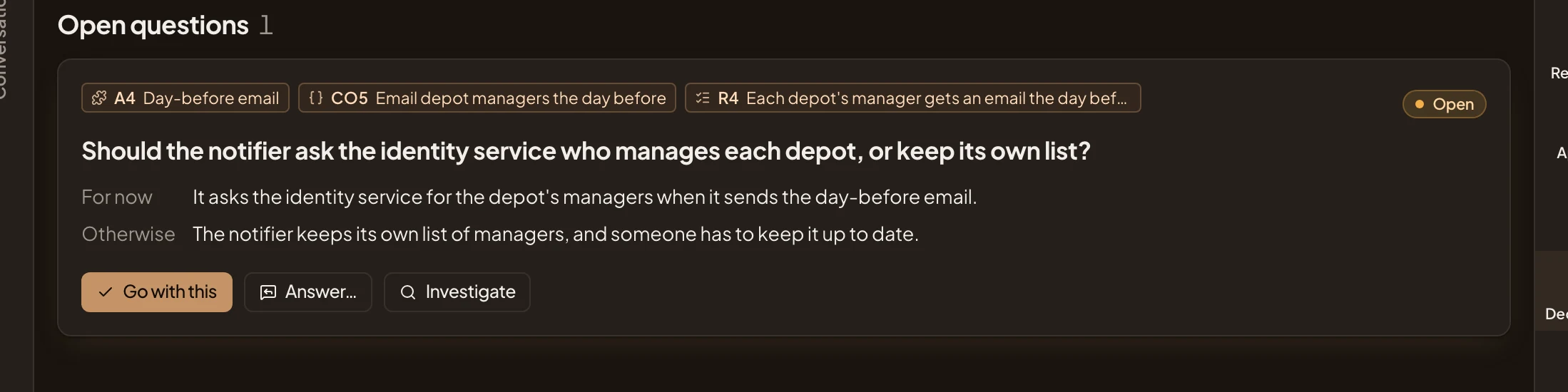
- What it’s about: the part of the approach, the piece and the requirement. Click a chip to see it.
- For now. What the plan assumes until someone answers.
- Otherwise. What changes if the answer goes the other way.
- Go with this. Answers it with the For now line, in one click.
- Answer… Opens a box for another answer.
- Investigate. Opens a spike on it.
Answer… opens Answer the question. Write your Answer and click Answer. Nothing changes right away. The agent uses your answer in its next analysis. An answered question leaves Open questions. One the analysis raised moves to a section of its own, Answered.
“Waits on” names other initiatives the analysis builds on, and for what. “Some code could not be read” names a repository the analysis couldn’t open, with Open Repositories. A decomposition analysed before questions existed keeps its old rows under “From the earlier analysis” until the next analysis.
Refine
Section titled “Refine”The agent analyses the code on its own when an approach is chosen, and again when the approach changes. Refine has it analyse again now, with your note.
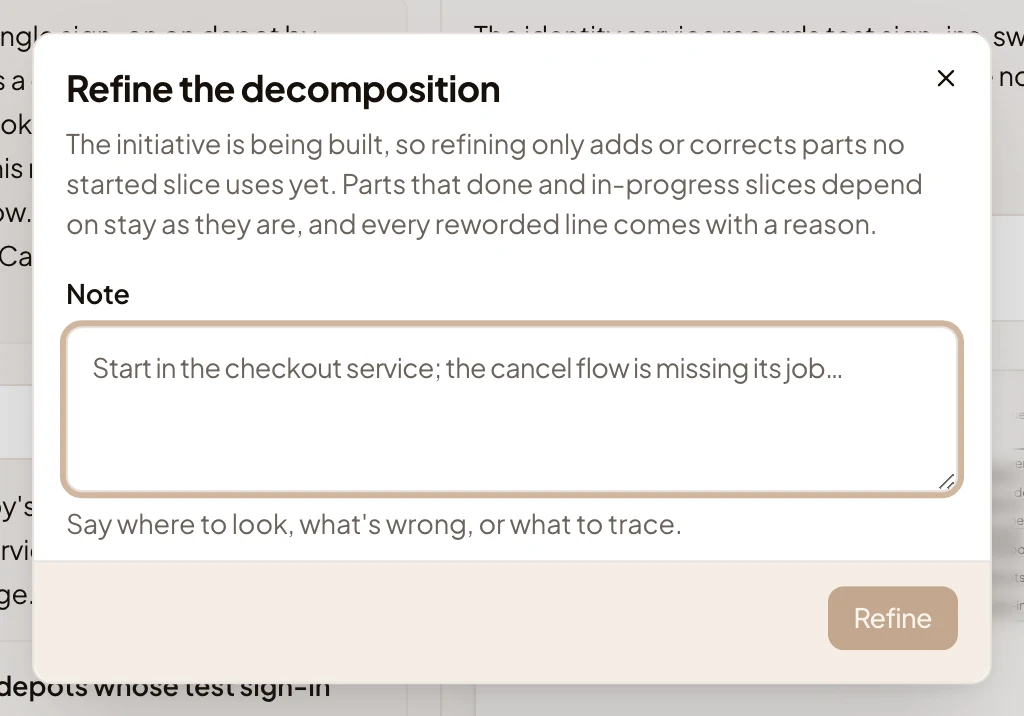
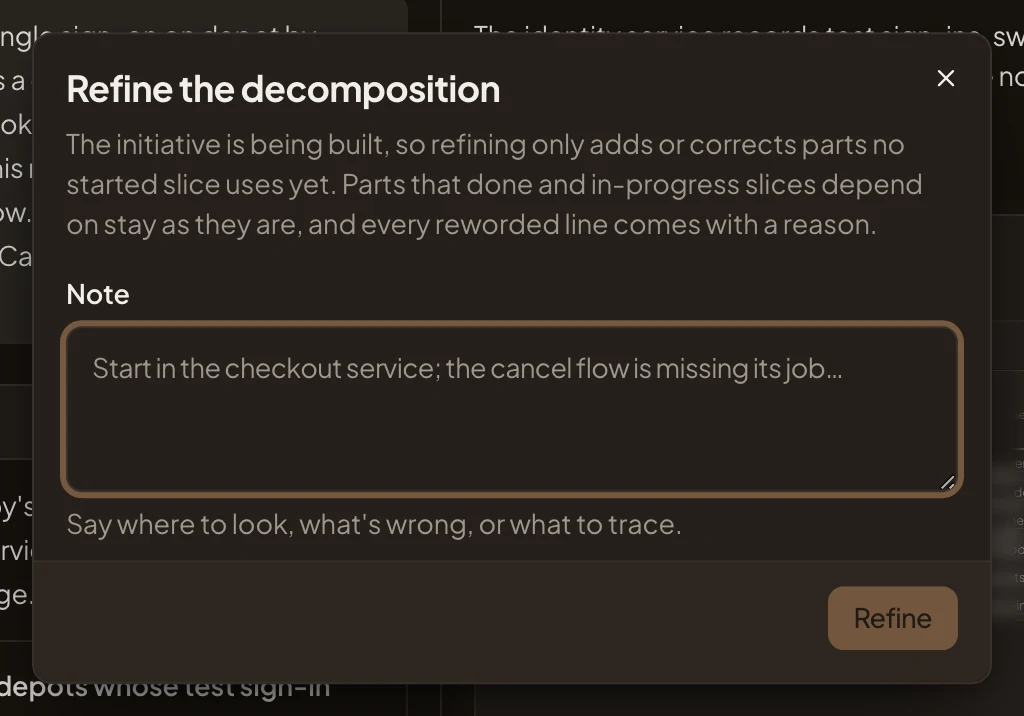
Under Note, say where to look, what the picture got wrong, or which part to trace, and click Refine. Pieces the code confirms keep their ids, so slices that name them still find them. Once the initiative is being built, a refinement only adds or corrects what no started slice uses yet, and the box says so.
States
Section titled “States”A line above the pages gives the analysis’s state:
- “Analysis pending”: the approach was chosen and the first decomposition hasn’t landed yet.
- Analysing, with what the agent is reading now. The last decomposition stays under it until the new one lands.
- “The approach changed since this analysis. Refine to analyse it again.”
- “The decomposition analysis didn’t finish.”, with the reason, and “Try again” to run it again.
Until an approach is chosen, the tab says “No decomposition yet.” and “It’s analysed from the chosen approach, on its own.” Under that, a short guide shows how the decomposition comes together.
On a phone
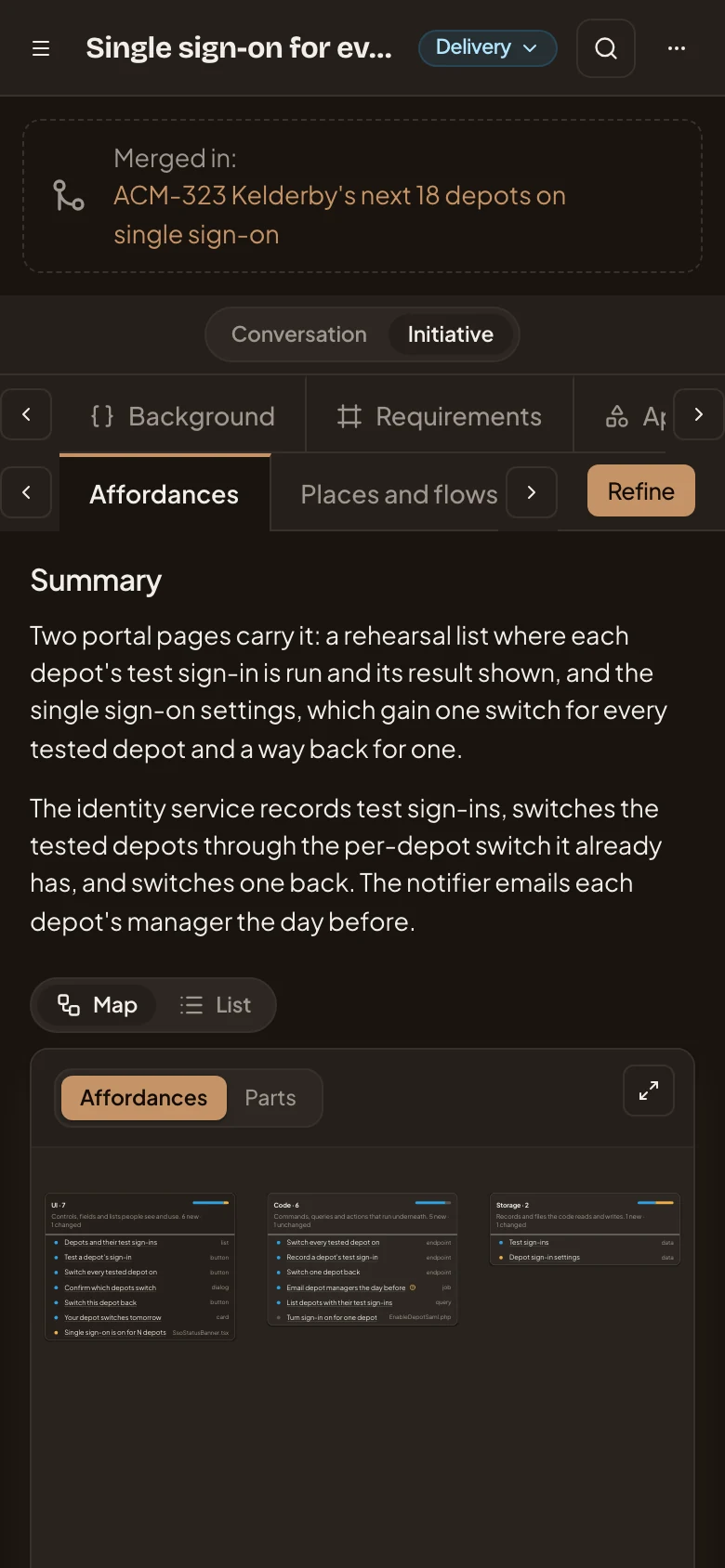
Section titled “On a phone”On a phone, switch to Initiative at the top. The decomposition’s three pages sit in a row of tabs, and each page shows the same sections, one under the other.
Access
Section titled “Access”Everyone who can open the initiative reads its decomposition, follows its flows, quotes a piece into their own chat and comments on it. The owner, and anyone who edits the initiative, can also refine it, draw the screens, answer questions and pin diagrams. Once the initiative is approved, anyone who can open it can propose a change to a piece.